It is the 1st of the month and you know what that means; a huge, exciting newsletter!
♥ New Buffet: Many Valentine’s Day and other kits to get make great layouts.
♥ New Monthly Mix: Get the perfect mix for your scrapping needs!
♥ New Free-With-Purchase Collab: Your freebie awaits with every qualifying purchase.
♥ New Challenge Reward: Complete challenges and snag this month’s reward!
♥ New Daily Download: Stop by the blog every day for pieces of this month’s free kits.
Don’t forget to check out the Buffet Bundles. One easy click to add bundles of Buffet goodies to your cart.
These colors definitely say “Valentine”, but I love how some of the designers have used the colors in a different way.
Remember any $10 spent in the store gets you this great collab.
Celebrate the warmth of romance with the “Happy In Love” collaboration kit by The GingerBread Ladies. This heartfelt collection combines rich browns, soft tans, and delicate pinks to create a cozy and romantic atmosphere.
Featuring charming elements like hearts, love notes, and sweet accents, “Happy In Love” is perfect for preserving memories of your sweetheart, anniversaries, or heartfelt moments. Whether you’re crafting layouts for Valentine’s Day or celebrating love year-round, this kit brings a touch of sweetness to every project!
This collab includes: 1 Alpha {Uppercase, Lowercase, Numbers & Punctuation}, 57 Papers, and 101 Elements.
This Free With Purchase was created by Aprilisa Designs, Jumpstart Designs, Neia Scraps, and Wetfish Designs.
Share the love with the “Love Letters” collaborations kit by The GingerBread Ladies. This charming collection is perfect for celebrating Valentine’s Day, romantic memories, and heartfelt moments. With a sweet palette of reds, pinks, and yellows, “Love Letters” is brimming with adorable elements like hearts, envelopes, love notes, and romantic accents. Whether you’re documenting love stories, friendship, or special Valentine’s events, this kit is your go-to for creating layouts full of affection and warmth!
This kit includes: 2 Alphas {Uppercase, Numbers & Punctuation}, 71 Papers, 94 Elements, and 4 12×12 Template {page, png, psd, tif file formats}.
This Monthly Mix was created by Angelle Designs, J. Conlon and Sons, JB Studio, Lisa Rosa Designs, Miss Fish Templates, and WM[squared] Designs.
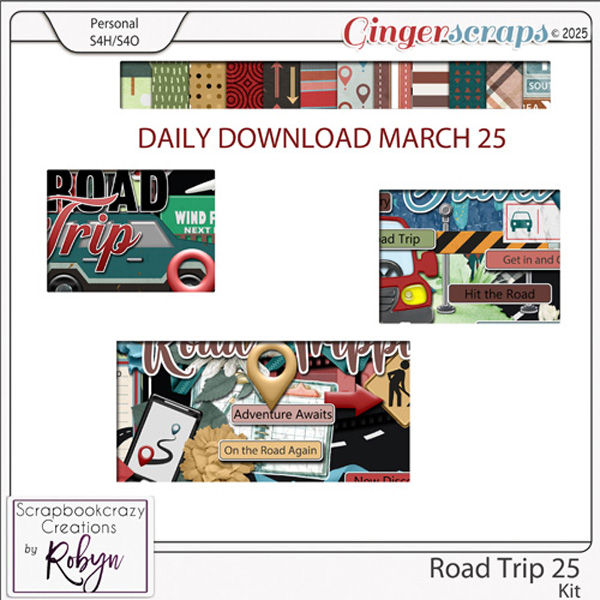
For the February Daily Download Sneak Peek we have something new. Starting in February, most months will have TWO kits for you to download. Each zipped file will contain two folders, one for each designer. This month’s kits are from JB Studio and Cindy Ritter Designs.
Take a look at the new challenge reward kit. If you complete any 10 challenges this month, you get this gorgeous collab as a reward! (Or a variety of other choices, visit the forum for all the details).
Make every celebration unforgettable with the “Birthday Wishes” Kit by The GingerBread Ladies. This vibrant and versatile collection features a cheerful palette of bright primary colors, perfect for capturing the excitement of birthdays for all ages.
Packed with classic birthday elements like balloons, cakes, presents, and confetti, “Birthday Wishes” is your go-to kit for creating festive layouts. Whether you’re documenting party moments, milestones, or joyful surprises, this kit brings the fun and energy of a perfect birthday bash to your designs!
This kit includes: 1 Alpha {Uppercase, Lowercase, Numbers & Punctuation}, 68 Papers, and 94 Elements.
This Challenge Reward was created by CathyK Designs, Just So Scrappy, Kristmess, Scrappin’ Serenity, and Twin Mom Scraps.
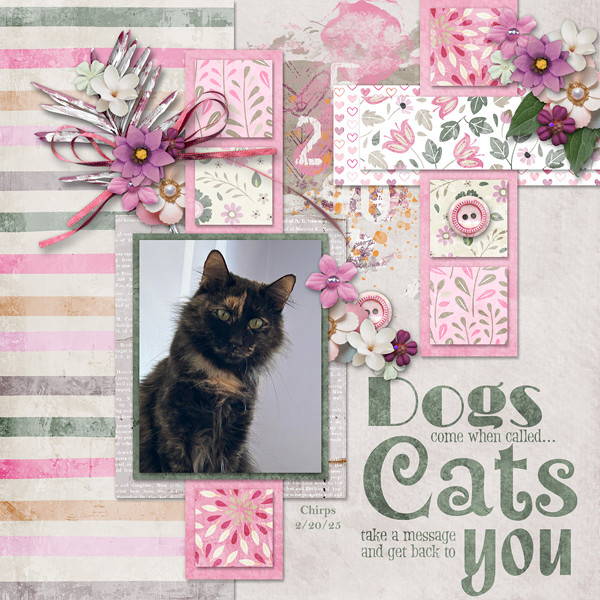
Here are a few layouts from our talented store Creative Team. These were made using kits from the February Buffet.


Just below the Color Picker setting is Step Back/Fwd. This allows you to decide the keyboard shortcuts used to Undo or Redo. I like the most basic, CTRL>Z and CTRL>Y – fewer movements and fewer keys to remember!
In the screenshot below, I want to Erase part of the bow. But when I try to do it, I get a pop-up as shown. And if you look at the layers in the Layers Panel, each of the embellishments I’ve got on my canvas has a little box in the lower right corner of the thumbnail. That tells me the layer CANNOT be modified other than to resize and rotate.


Crop Tool Shield lets you see exactly what part of your photo or image will be included when you crop it. I find that Black and 75% lets me see enough of the image to know if I’m keeping the parts I want. You do you!


This combo might be useful for some activities but I really can’t think of one. 😉


Guides and Grids are helpful tools. Guides are single straight lines that can be pulled from the top or the left of the workspace and allow for precise placement of objects and type on your layout. Grids give you graph paper, essentially. I use both regularly for my layouts. For them to be most useful, you need to be able to see them without them obscuring your work. These tools can be solid lines or dashed lines for Guides, solid, dashed or dotted lines for Grids. I have old eyes so my settings are what will work best for me. By all means, experiment until you get what you need.

Here’s an image with two perpendicular Guide lines on it.
If you want to make it so your Guides and Grids don’t move when you accidentally mouse over them, you want to Snap To. To have them remain on your workspace regardless of what image you’re working on, Lock Guides.


When you look at the Layers Panel, in the upper right corner of the screen there is an icon that looks like 4 horizontal lines with a tiny blue triangle just to the left of it. When you click on that, the dropdown menu has an item at the very bottom called Panel Options. Click on that and you can set the size of your Layer Thumbnails.