Lisa Minor and ScrapChat Designs


Ladies, we’re in luck! This month we have a dynamic duo in the Spotlight!! I’d like to introduce you to Lisa Minor and Jill (aka ScrapChat Designs). I’ve put the coffee on… won’t you join us?
O: It’s so nice to meet you both, We might as well just jump in and get the basics out of the way. How long have each of you been designing?
J: I’ve been designing just a little over a year.
L: It’s been a little over 20 years.
O: Lisa, I had no idea it had been that long already! That’s dedication. Jill, what made you decide to start designing?
J: My decision to design was an impulse. I sat down at my computer and designed a template. It blossomed from there.
O: You’re still at it, so it must have been a good impulse! Can you tell us a bit more about what you use to do your design work, and where you create?
J: Ah those are good questions. I use Photoshop. I also use my handy dandy notebook. I sketch templates all the time. As for the where… We moved to our house late last fall. Between supply chain issues and installations, my office is still not complete. I currently sit at the end of my kitchen table with my laptop with a pretty view of our backyard.
O: How disappointing, Jill! Hopefully the work gets done soon and you can have a dedicated space. Lisa, I haven’t forgotten you. Where do you do your designing?
L: My office is in my kitchen. We actually have 2 home offices, but they don’t have the view that my kitchen does. Our pool has a waterfall, so it’s just great to open the window and hear the flowing water and the birds singing. Our oldest recently built me a custom 10 foot desk for my birthday. I have 2 monitors and all of the office goodies you can think of.
O: Do you have a favourite kit in the store? What makes it your fave?
L: Laugh Once Daily. I love bright and bold colors and I love the versatility of it as well.

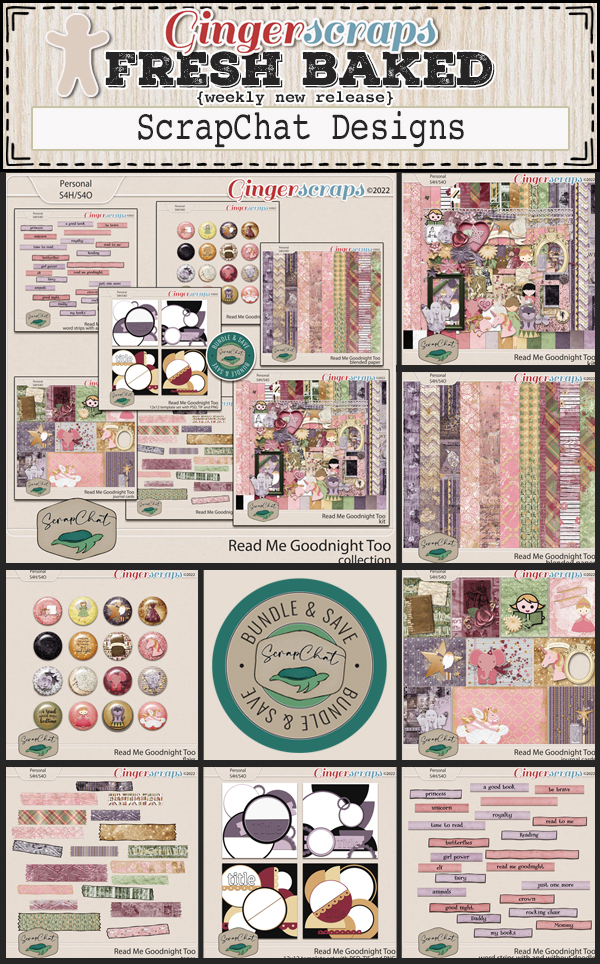
J: Mine is Read Me Goodnight. I love it because I designed it for my grandson using all his favorites.

O: Those are both great choices. Are you into sports?
L: Men’s soccer. The view is fabulous.
O: HAHAHAHAHA! Tight buns in shorts. You’re not wrong! But seriously. Aside from necessities, what one thing could you not survive a day without?
J: Before I started designing, I would have said my phone. Now that I’m designing it would be my computer. You cannot do Photoshop on a phone.
L: Coffee!
O: I can relate to all of those. 100%. Tell me Jill, if you could only eat one meal for the rest of your life, what would it be?
J: Super weird! I would eat pepper jack cheese, pepperoni and honey nut cheerios.
O: That’s an… interesting… combo. Lisa, what one word would your friends and family use to describe you?
L: Foodie. I love showing gratitude and togetherness through food.
O: But probably not pepper jack cheese, pepperoni and honey nut cheerios, am I right? 😉 So. If you could have one super power, which one would you want?
L: Teleportation of course. Just think of the travel possibilities!
O: I used to wish for that ALL the time when I was walking back to my car after a long shift in the ICU. Blink and I’d be home and getting ready for bed, not driving 10 miles through a blizzard. We know where that got me. Jill, please tell us about your dream vacation, since we’re talking about travel.
J: My perfect vacation would be to Disney World in Florida. I dream about taking my granddaughter, grandson, two sons, their two wives, my youngest daughter and her boyfriend along with my boyfriend. Utrup Party of 10!!
O: That would be an amazing vacation! I’ve been to Disneyland, but when I was in Florida, my group decided to go to Universal on our day off. It was a lot of fun. Lisa, what would you do if you won the lottery?
L: I would by land in the Texas Hill Country and build a giant ranch with side bungalows for all my kids! Then I would take my entire family on a month long vacation to Europe.
O: That would be fantastic too. Has either of you ever met anyone who’s famous?
L: Yes, Dwayne “The Rock” Johnson, former President George W. Bush, Boomer Esiason, and Chris Collinsworth. My husband’s list is longer, and I’m jealous, he travels a lot.
O: Oh my! You’ve met some interesting people! Jill, if you had a warning label, what would yours say?
J: Warning: This person is fueled by ADHD and coffee!
O: Should we add coffee to your list of essential survival items, then? What did you want to be when you grew up?
J: I wanted to be a teacher. I went back to college at 42 and got my associates. Life had other plans for me before I got to the bachelors degree. Instead, I taught paper scrapbooking for almost 10 years. It was fun and rewarding. It helps me with my designing now.
O: Ah, we were both “mature students”. I started nursing school at 34. Now, last question… since May is pretty much full-on spring in North America and my plan for this week involves all the garden centres – do you have a green thumb? What do you grow?
J: No, but fortunately, I married a man who does.
O: Lucky you! Mine thinks watering my plants means dumping the last of his ice on them. Thank you so much for taking the time to chat with me!
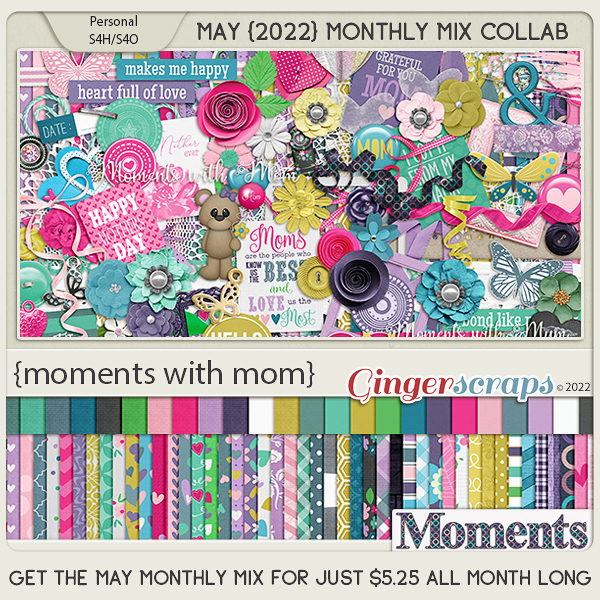
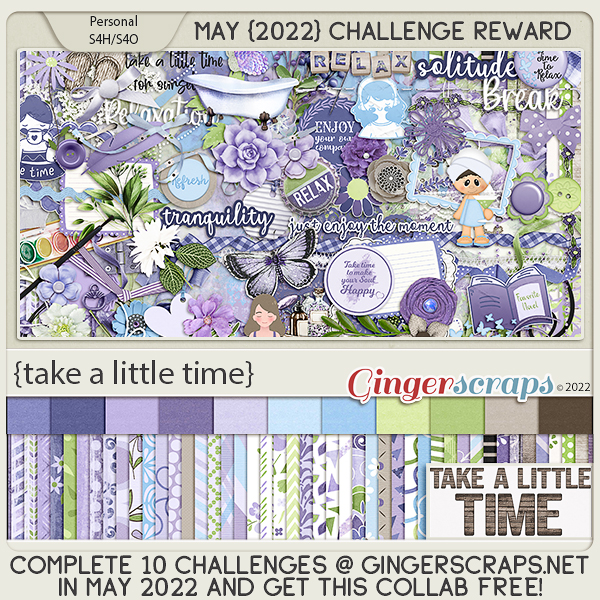
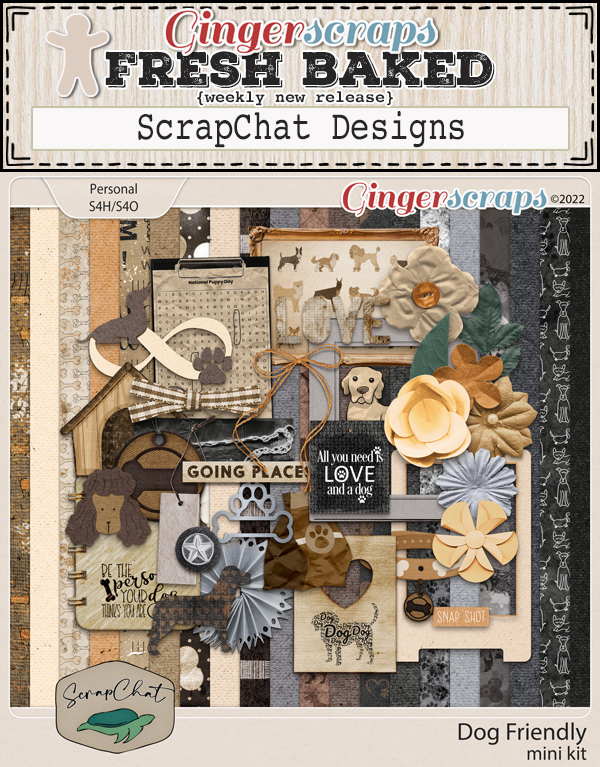
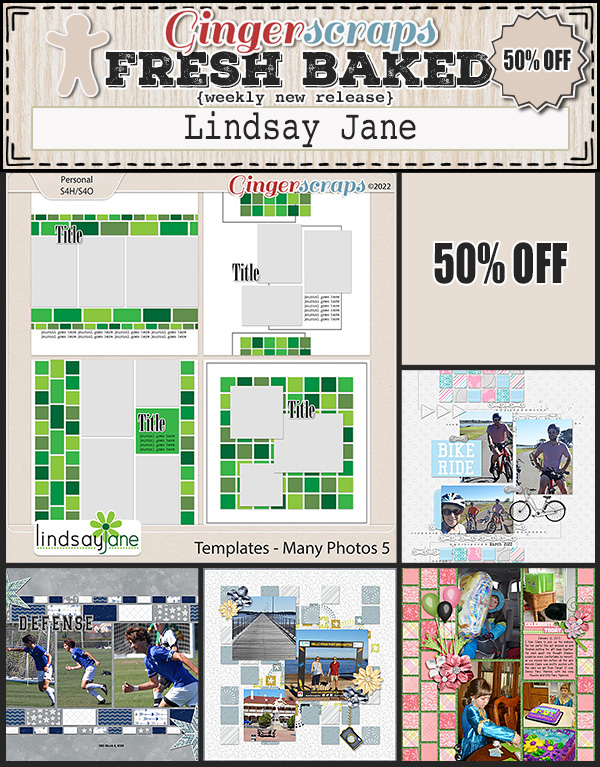
Before I forget, Lisa has created a beautiful collection that will be the May Daily Download and Jill has provided a free template in the Spotlight thread in the Challenge Forum. You can collect the parts of the Daily Download each day by checking the Blog for the links. They’re also hosting the Designer Spotlight Challenge this month, so check that out in the Forum. Jill‘s store is 25% off for the month and Lisa has a coupon too!
Code: LM_May22
Good for 25% off, one use per customer
Expires: 05/30/2022
Don’t miss out on any of the fun!