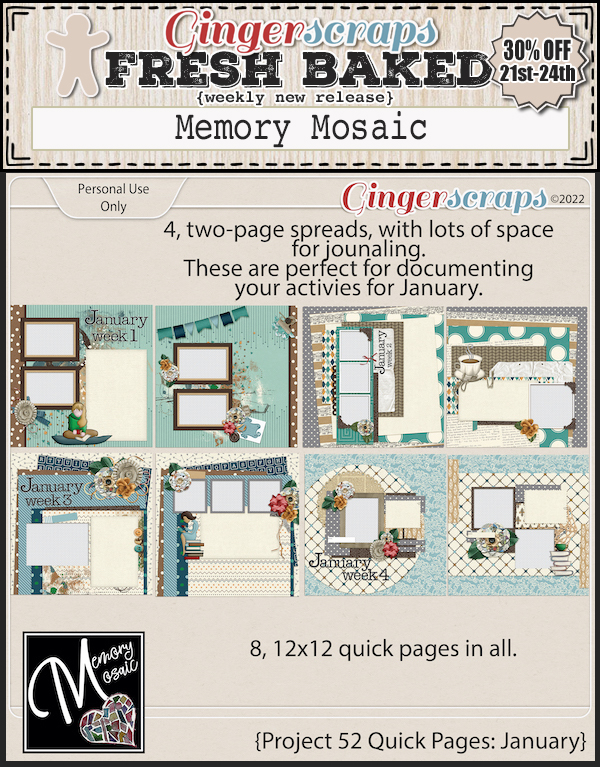
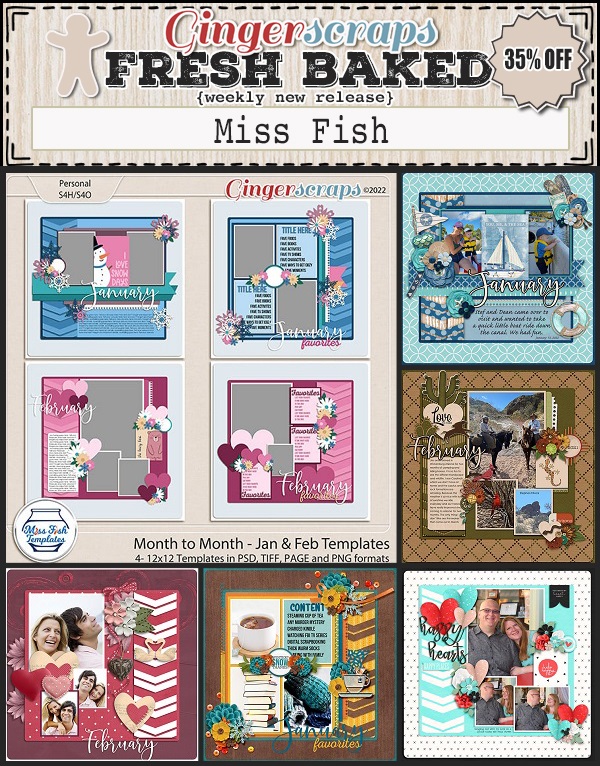
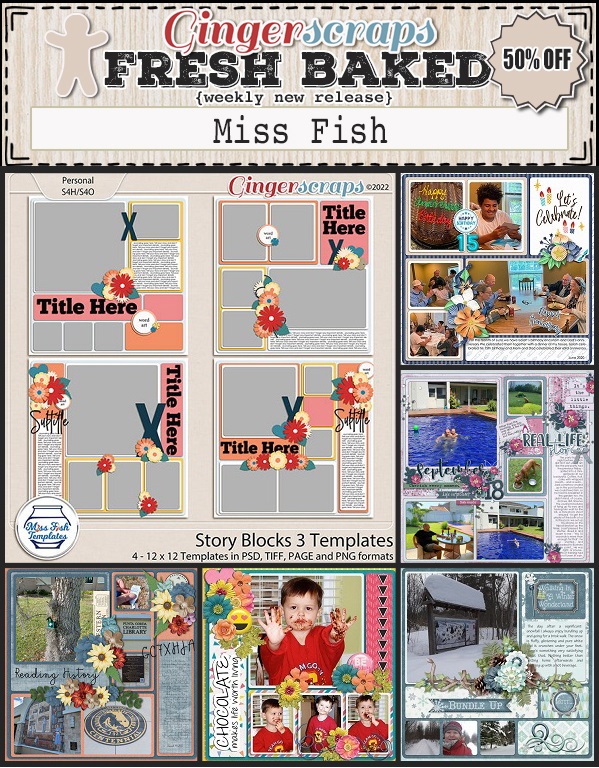
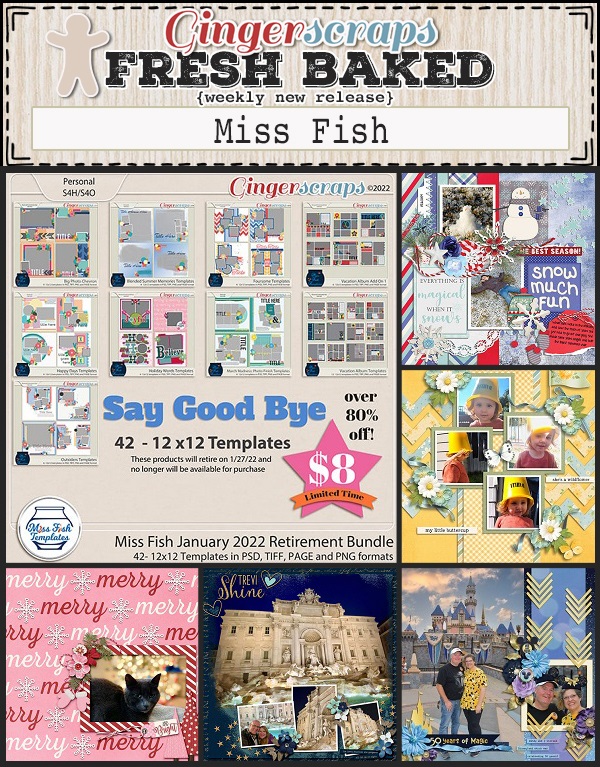
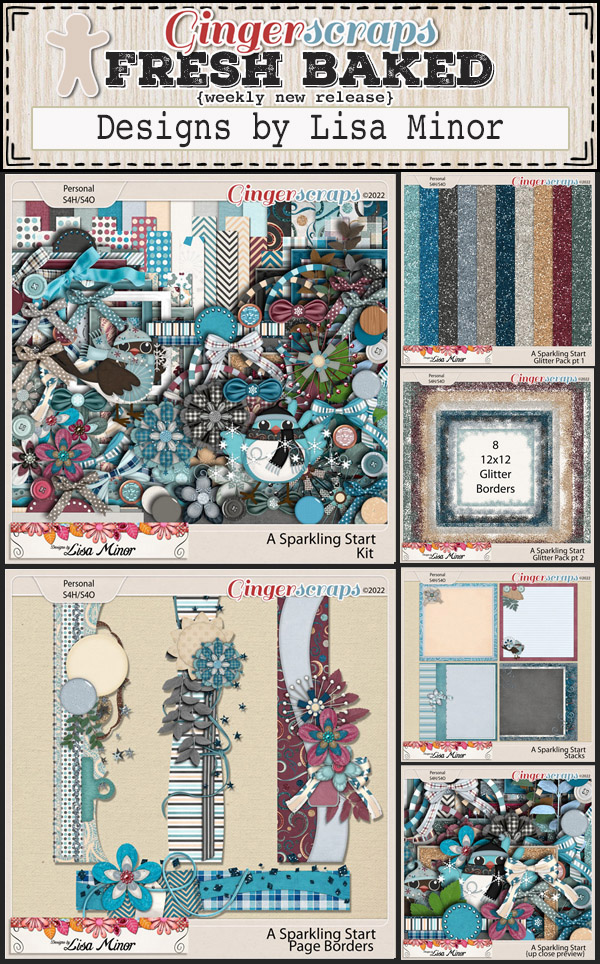
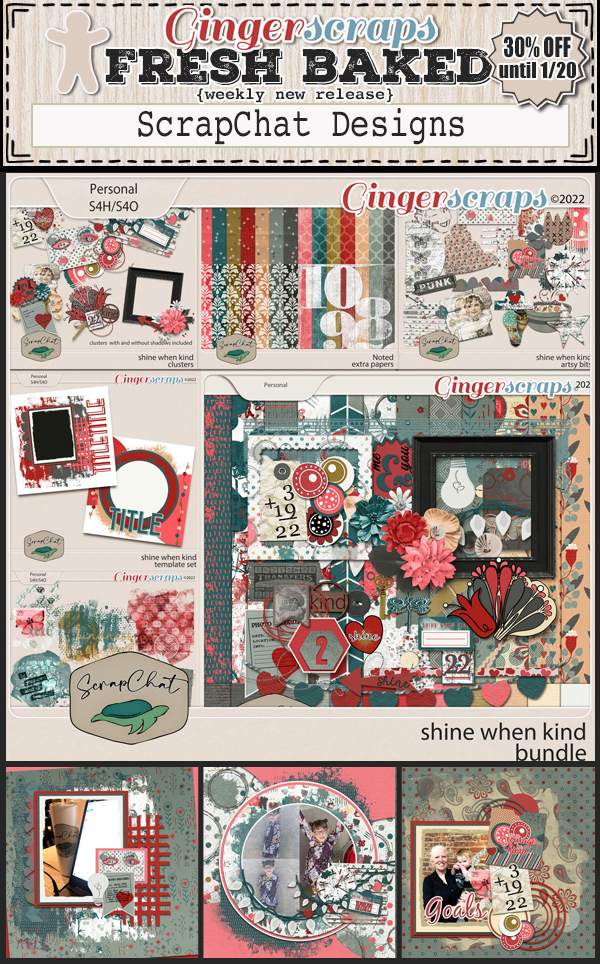
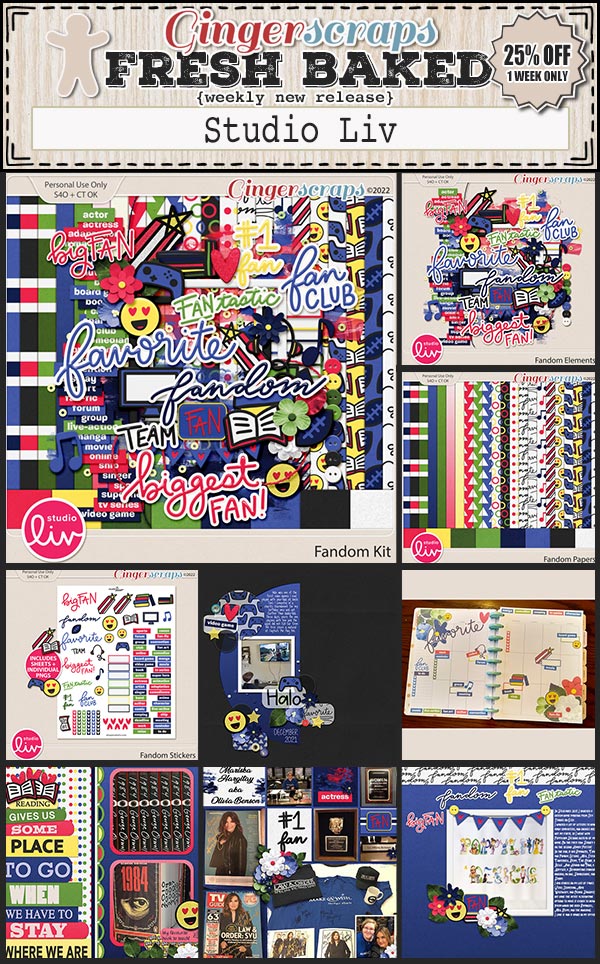
Fresh Baked: January 21, 2022

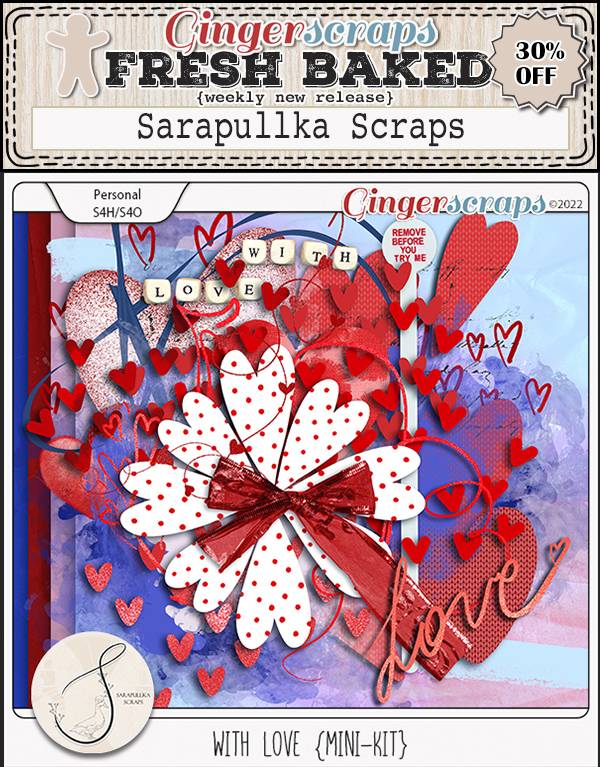
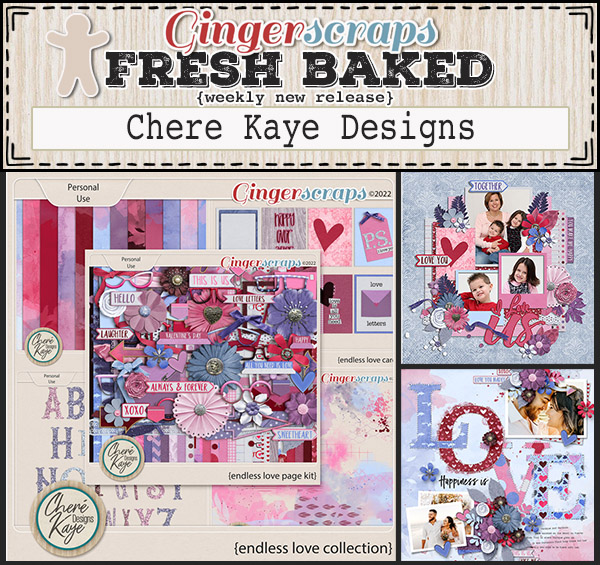
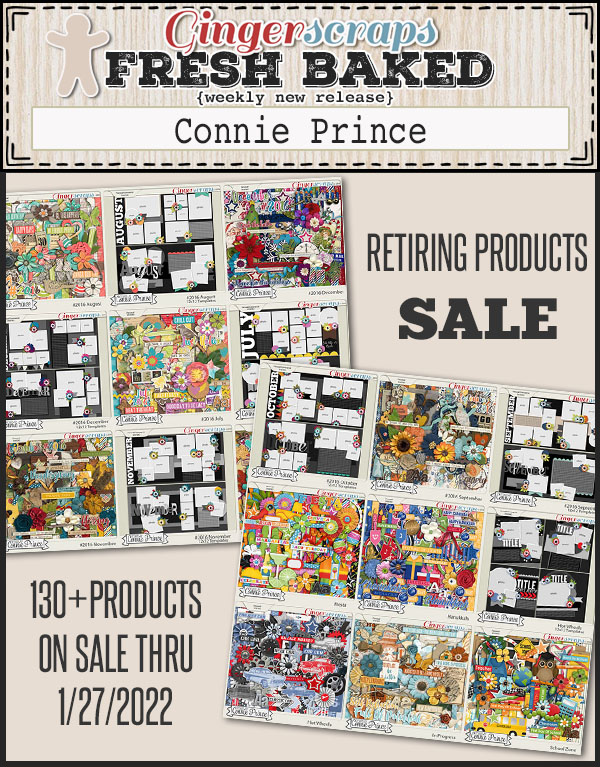
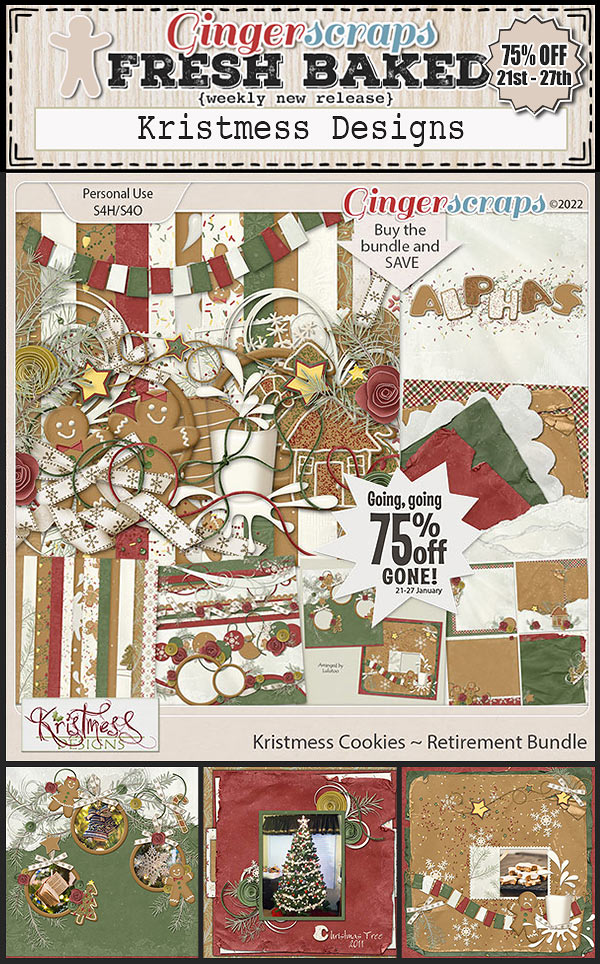
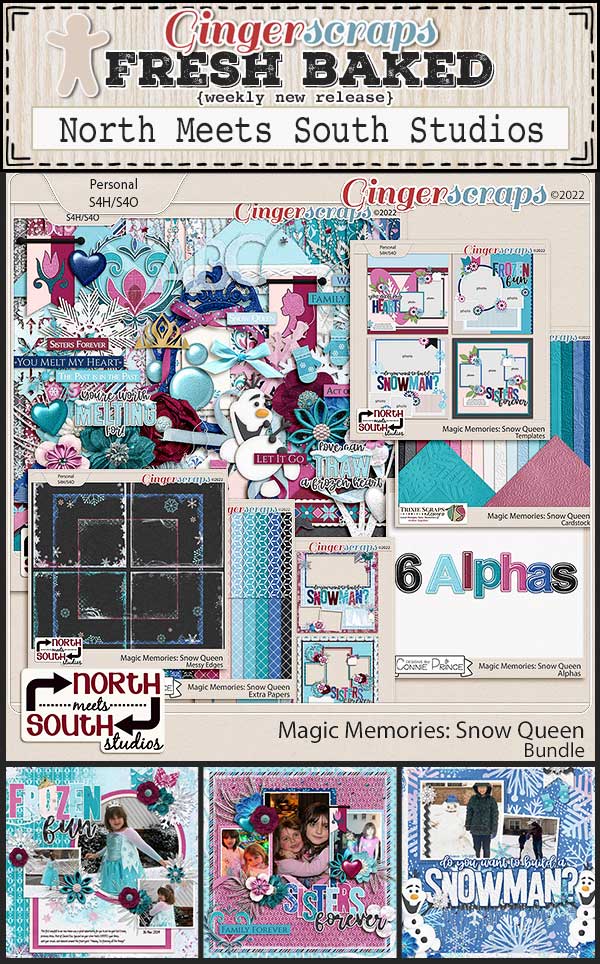
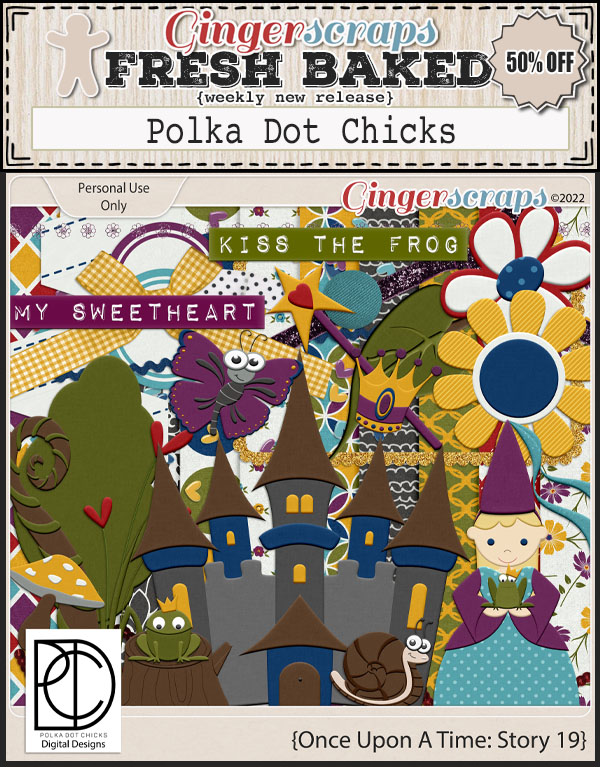
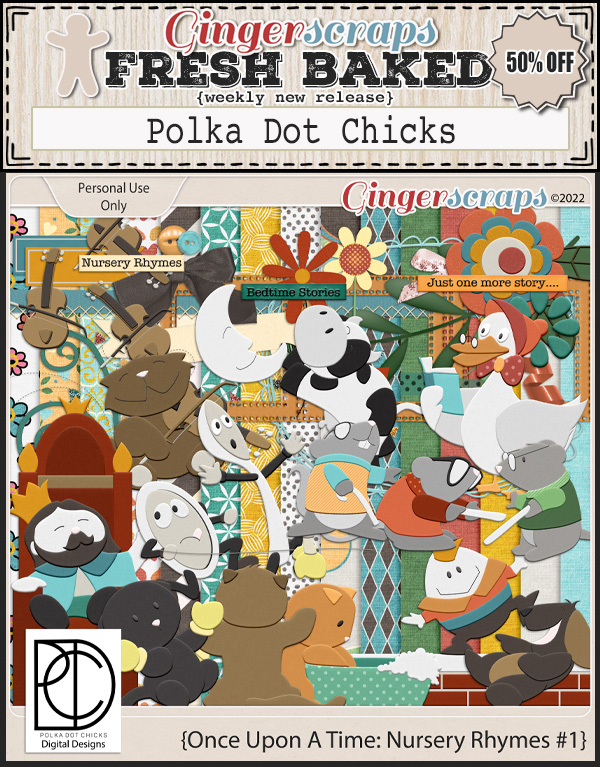
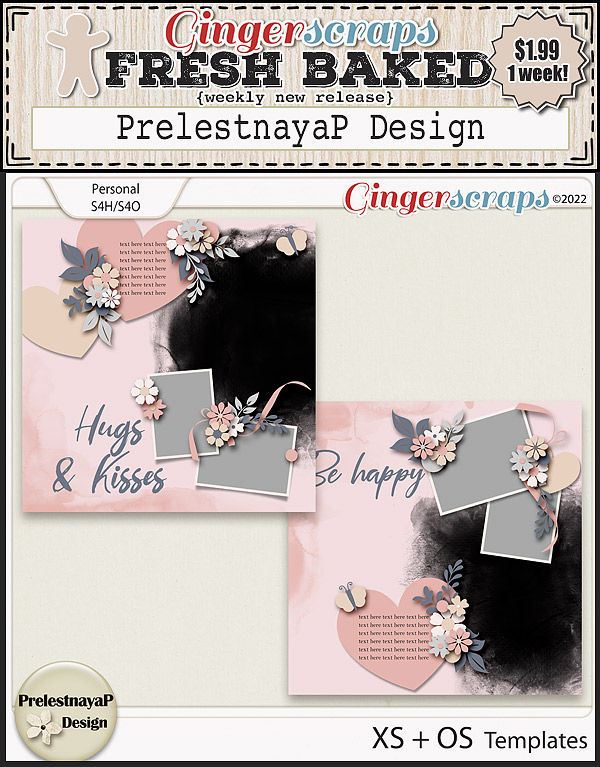
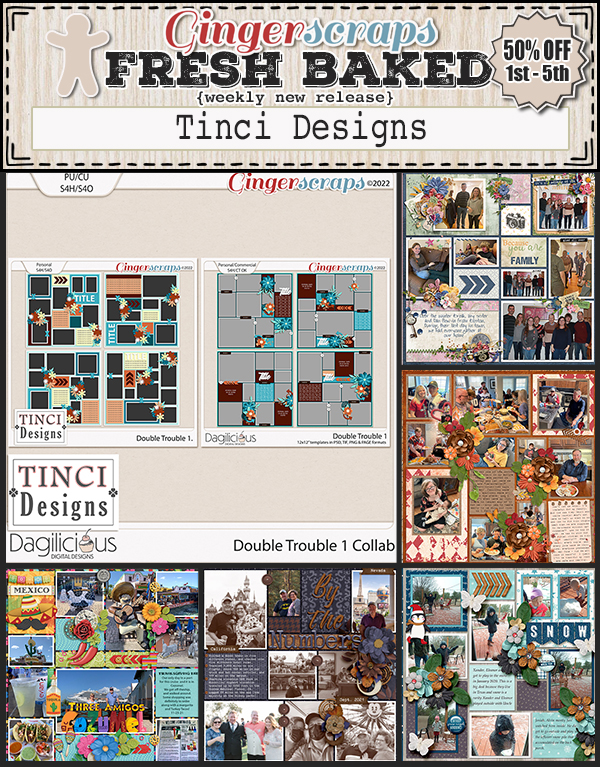
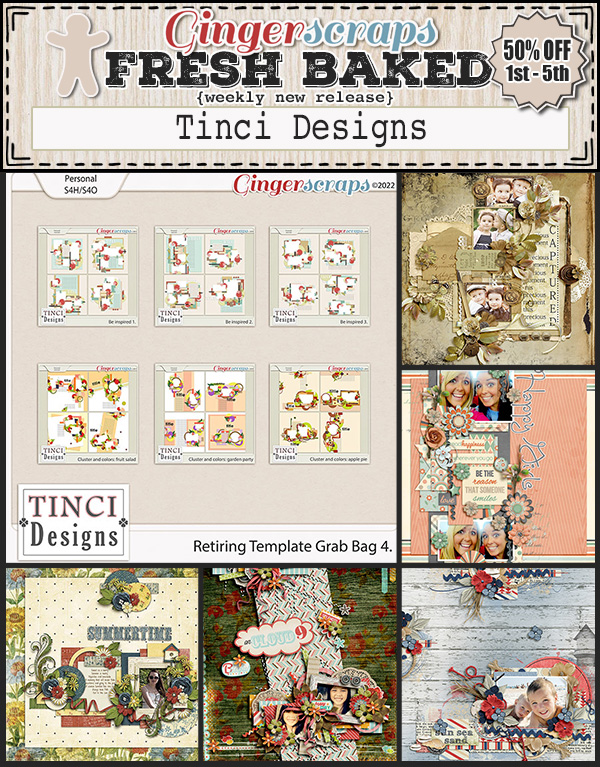
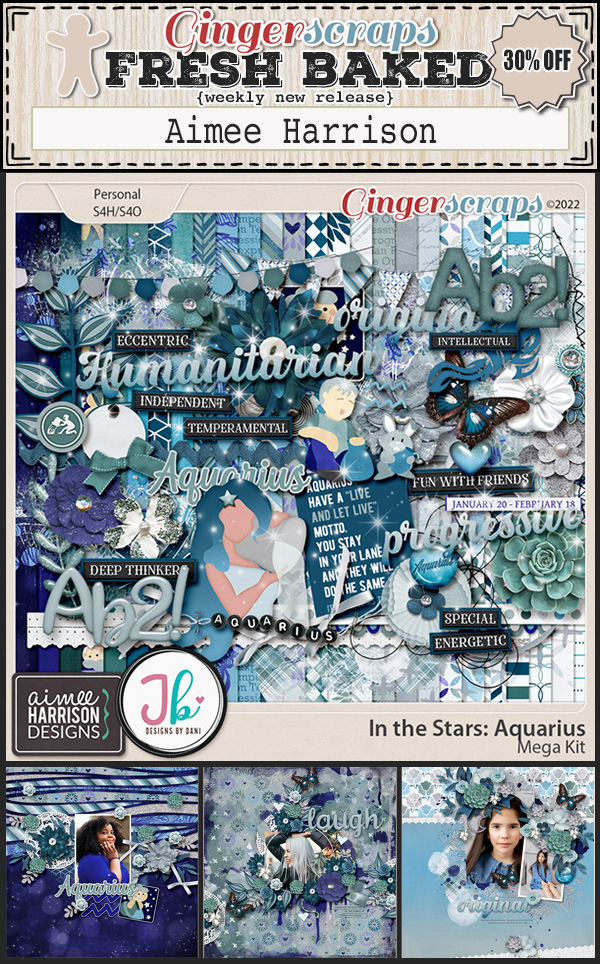
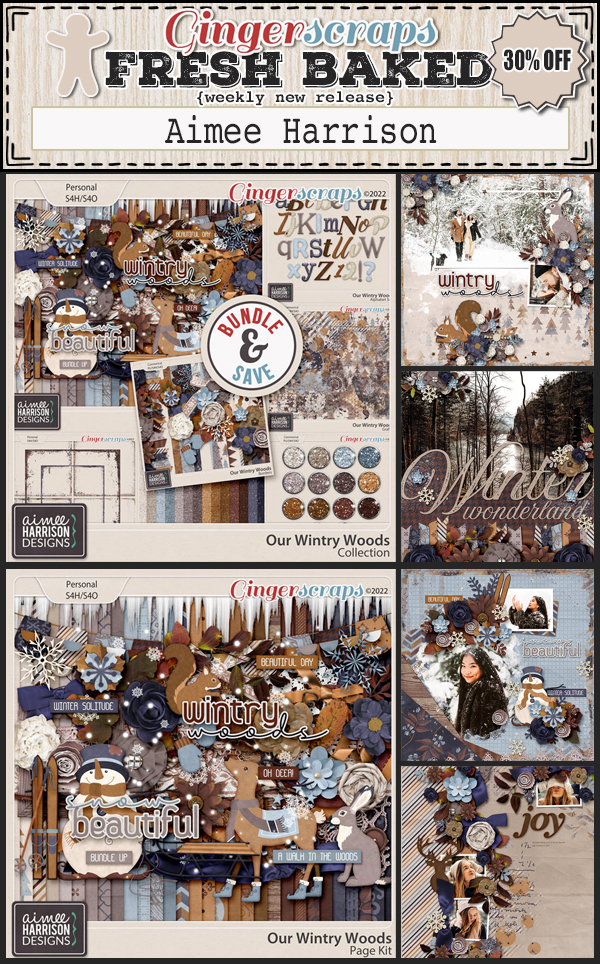
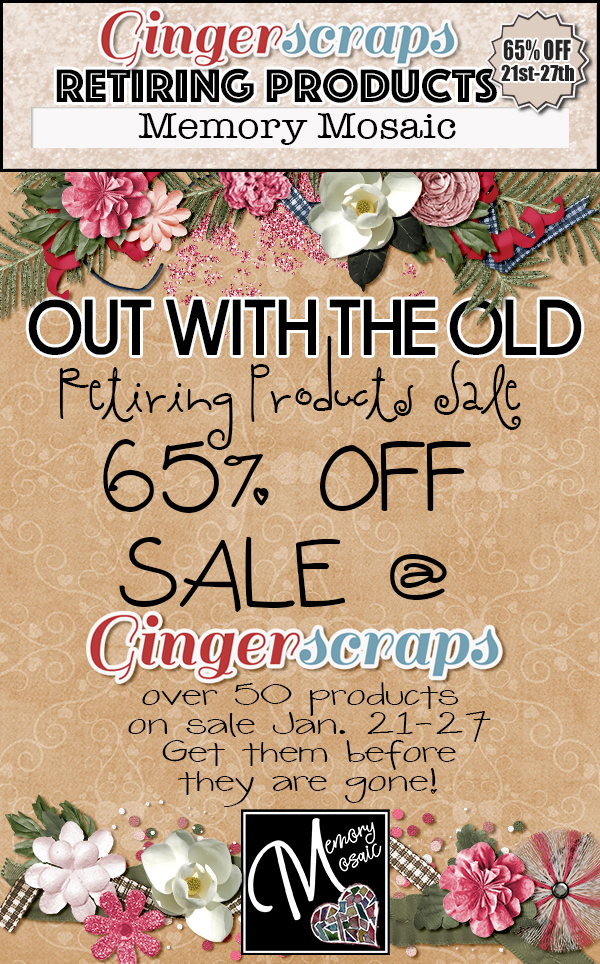
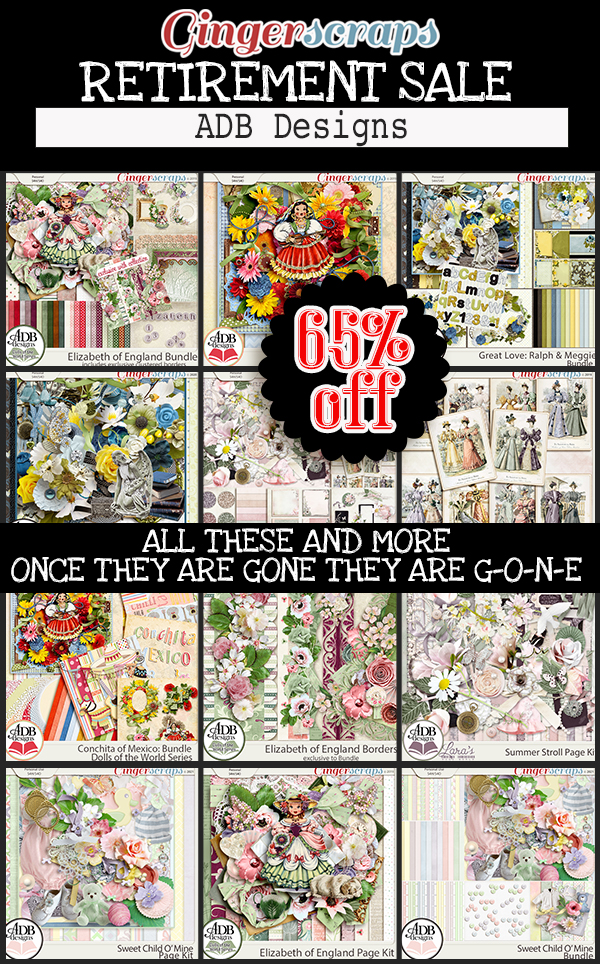
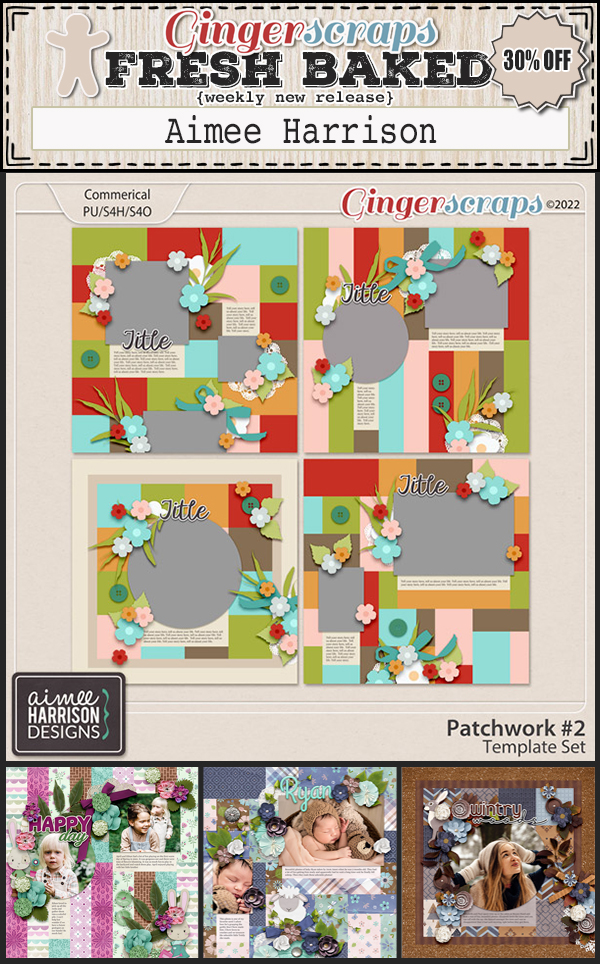
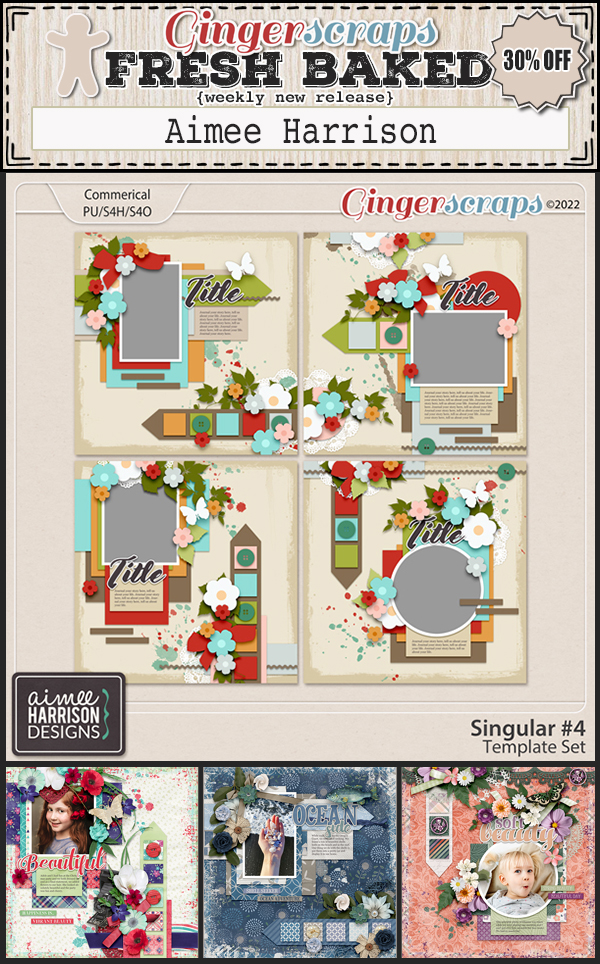
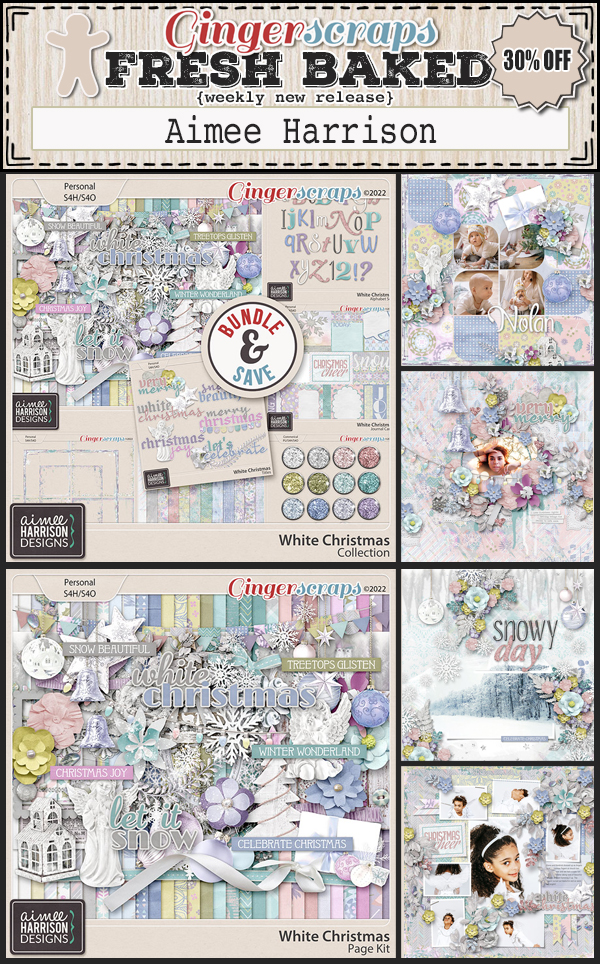
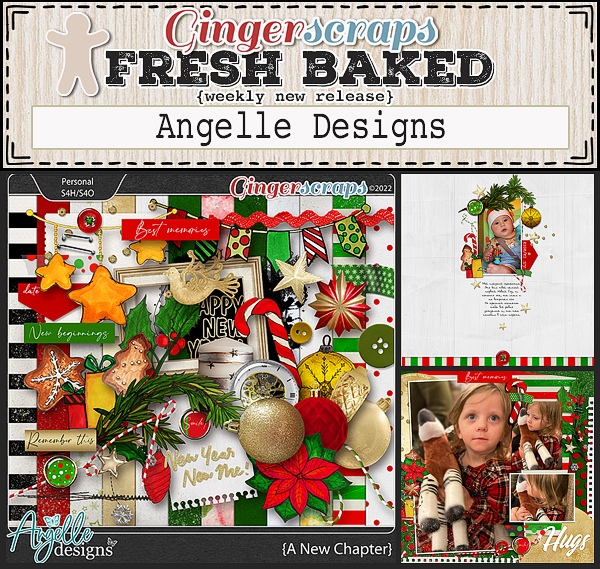
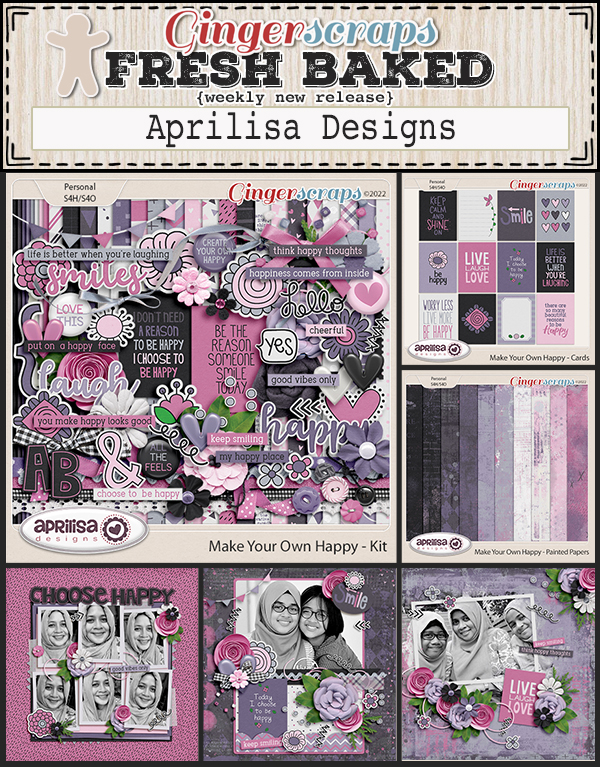
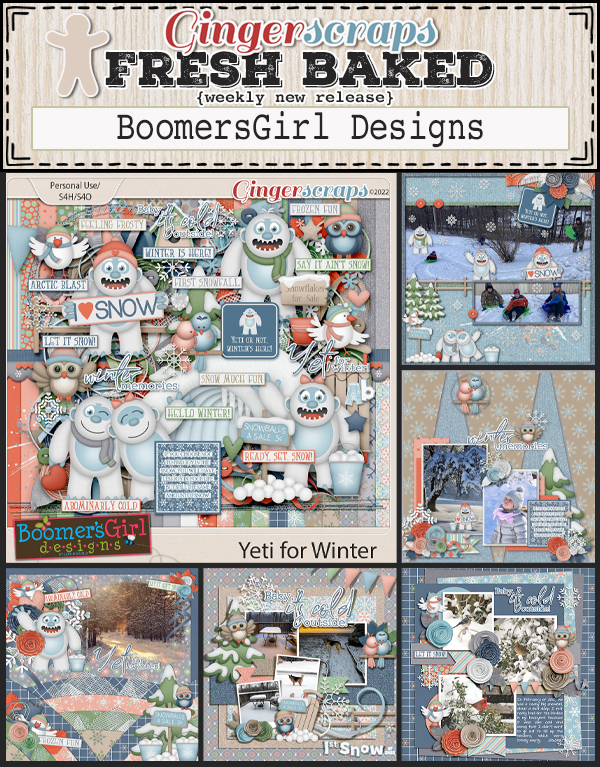
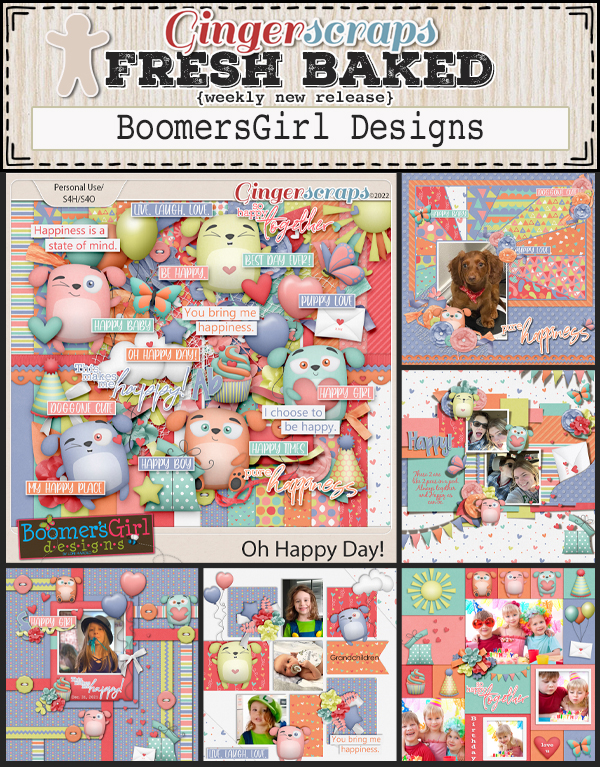
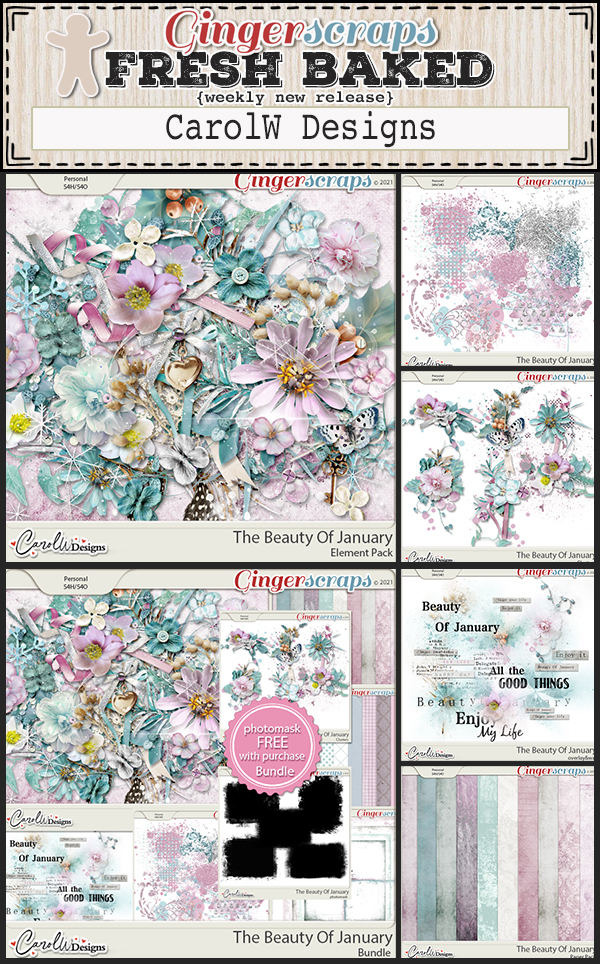
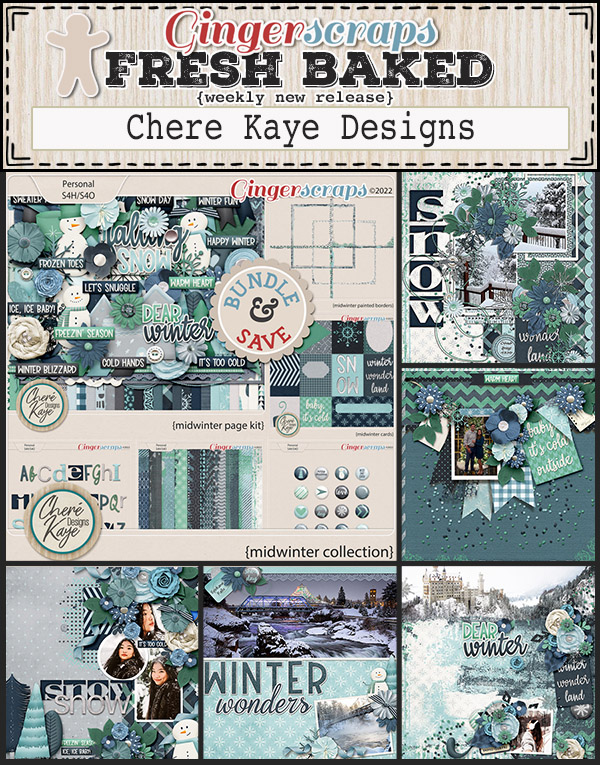
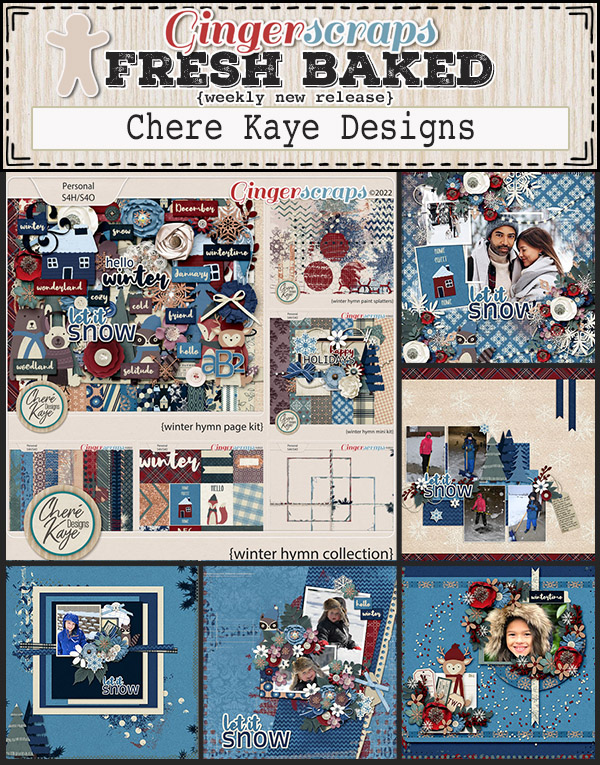
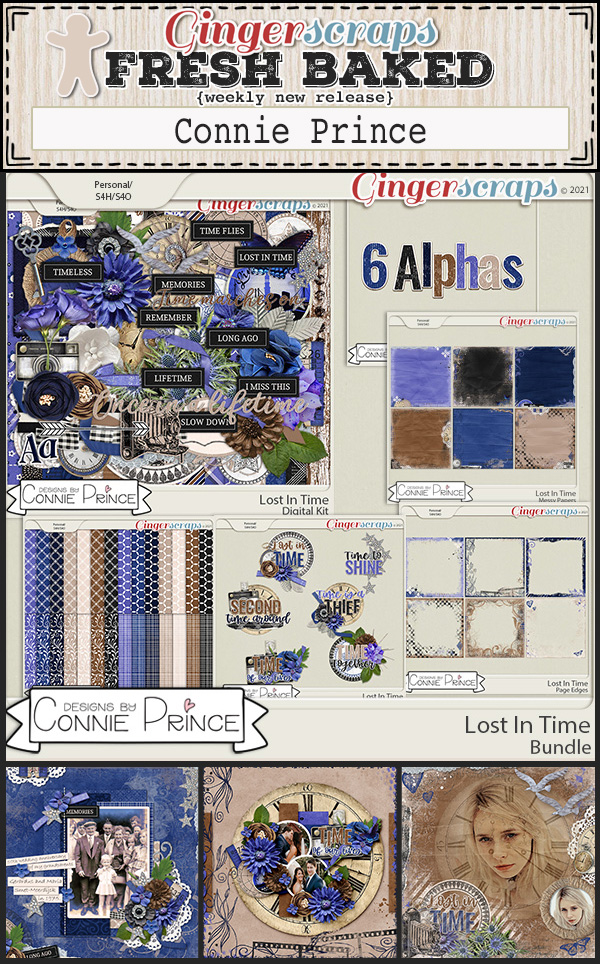
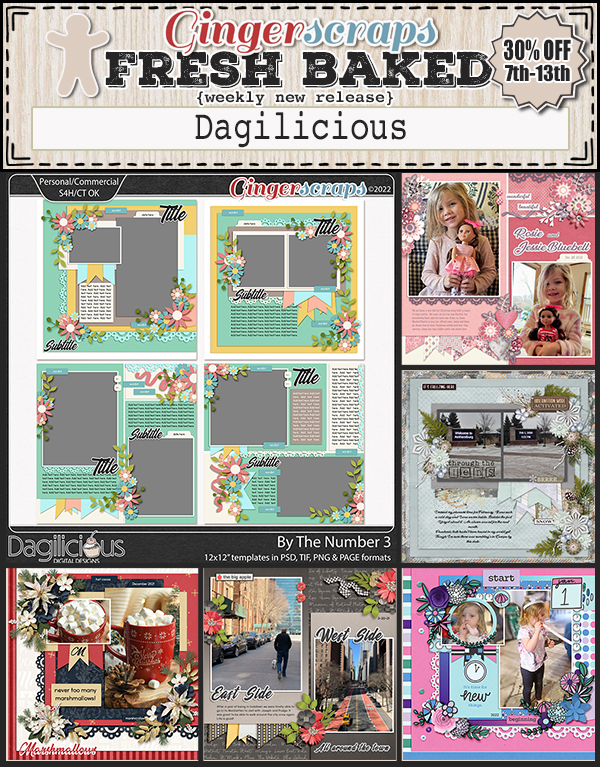
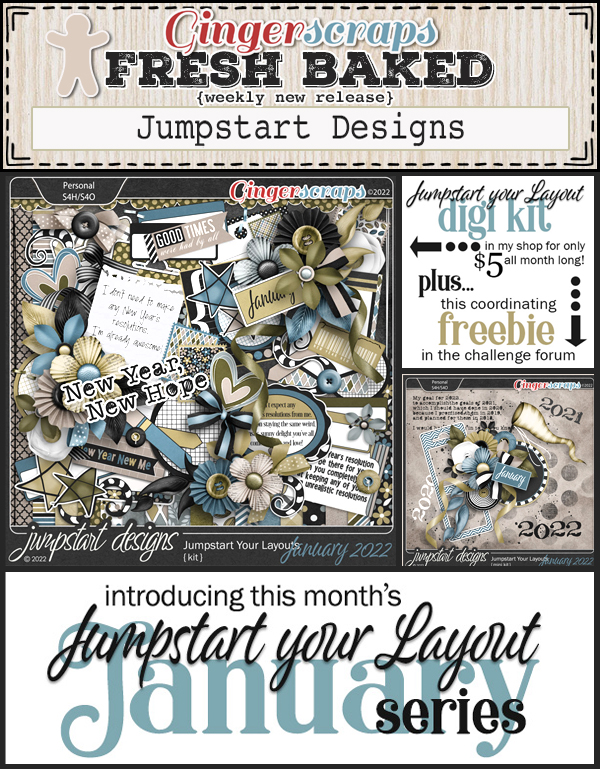
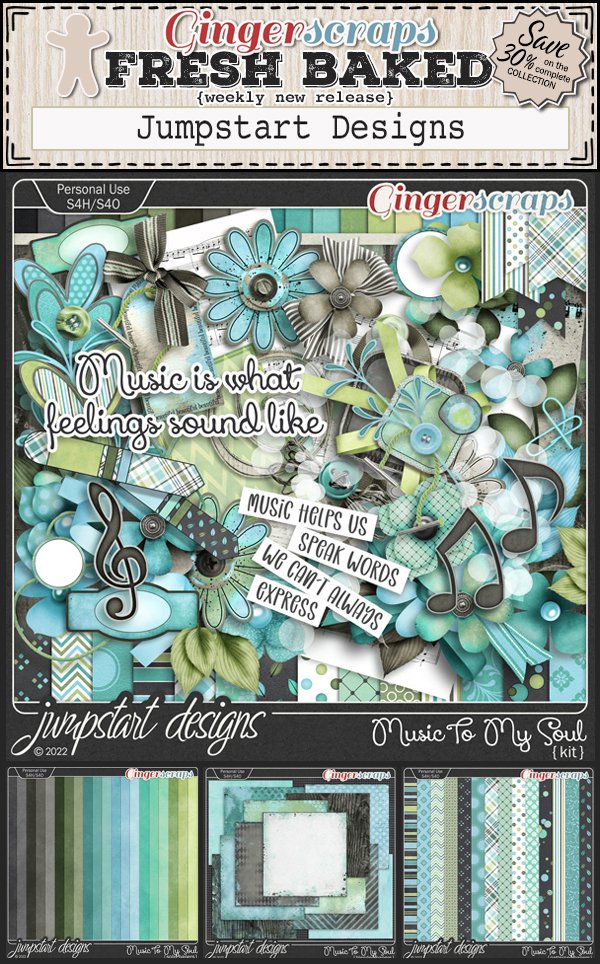
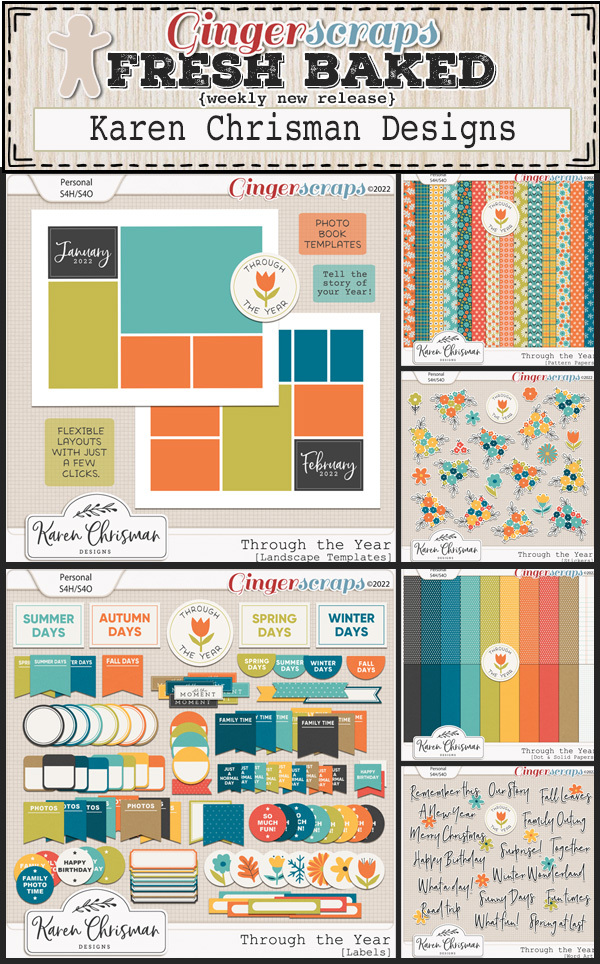
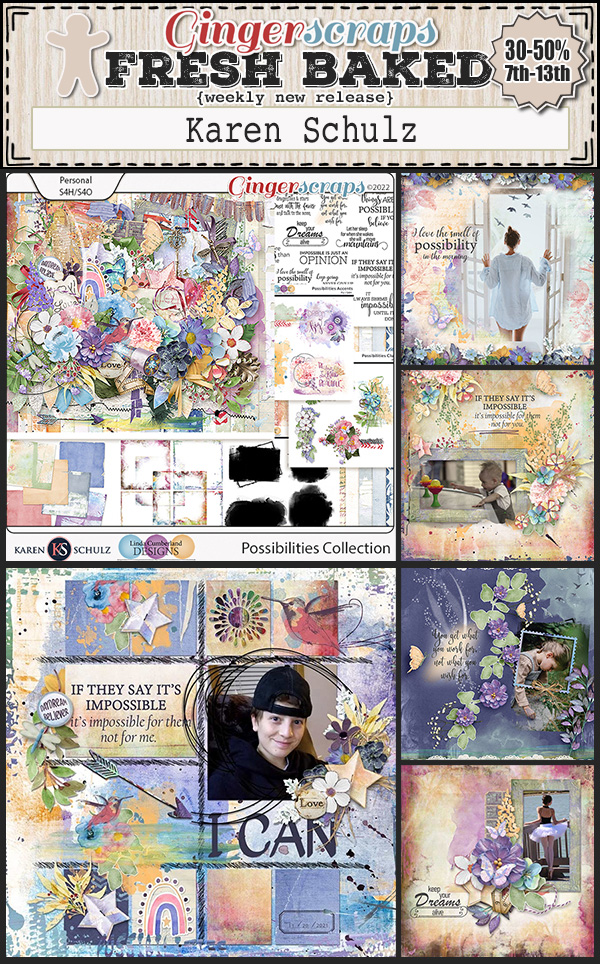
Happy Friday! Hope you have a great week. We’re starting off with a bang this week. Make sure to head over to the store to check out the huge “Out with the Old” retiring products sale. Select items are 65% from January 21 to January 27. 

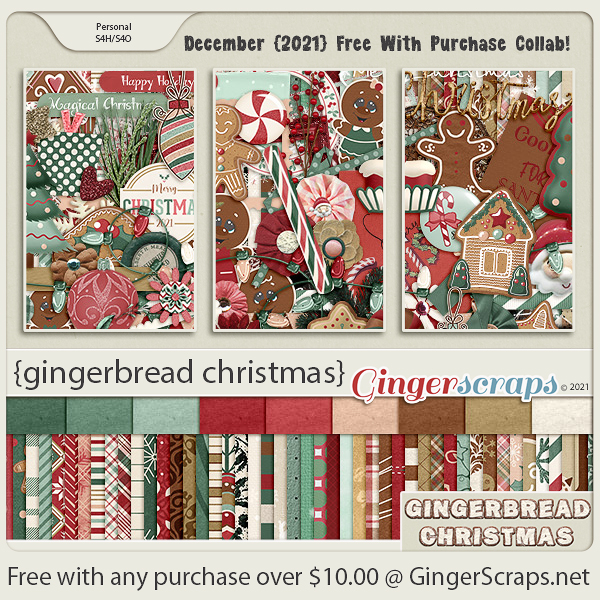
And remember, spend $10 in the store and get this full collab for free.

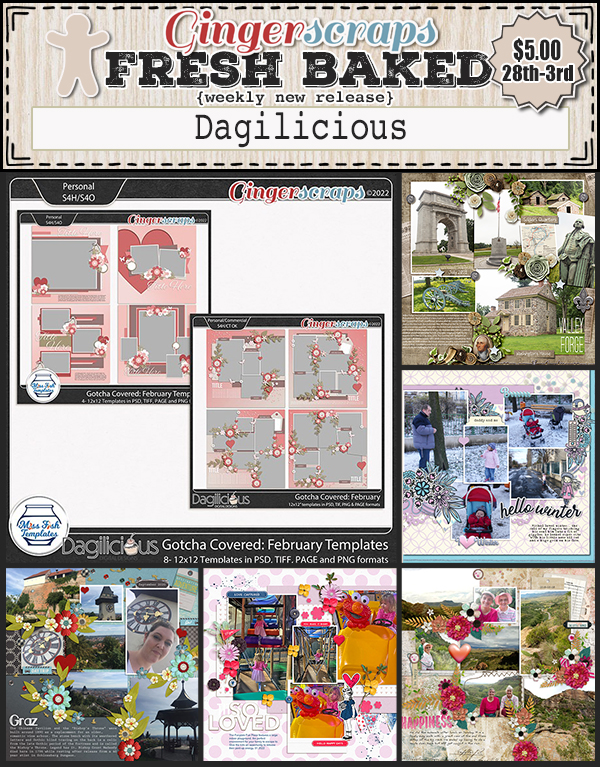
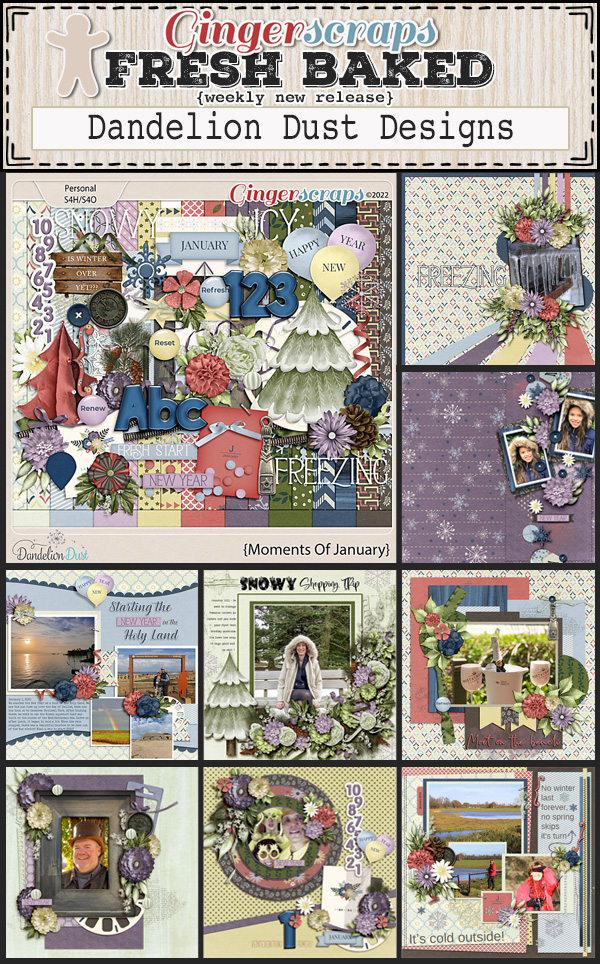
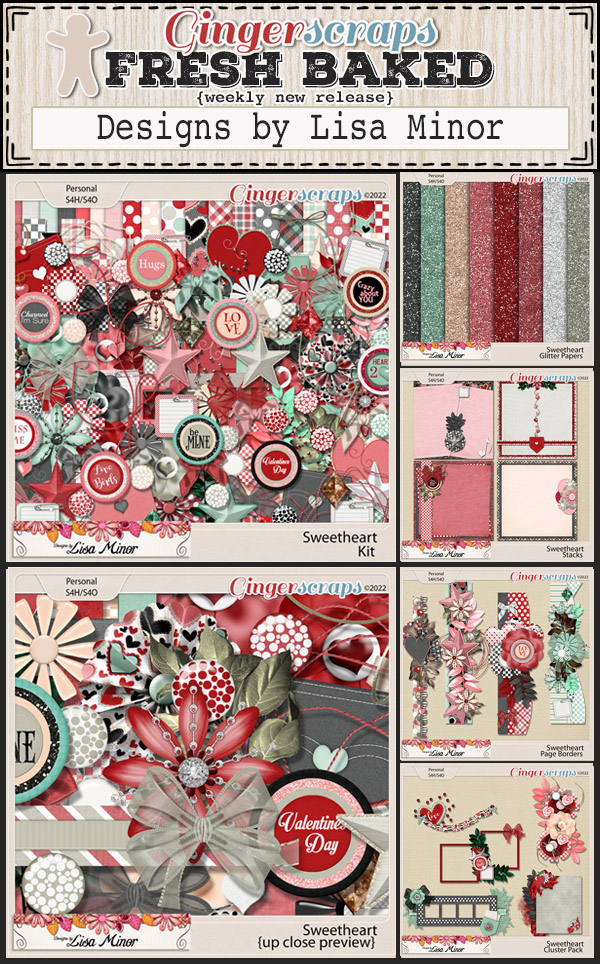
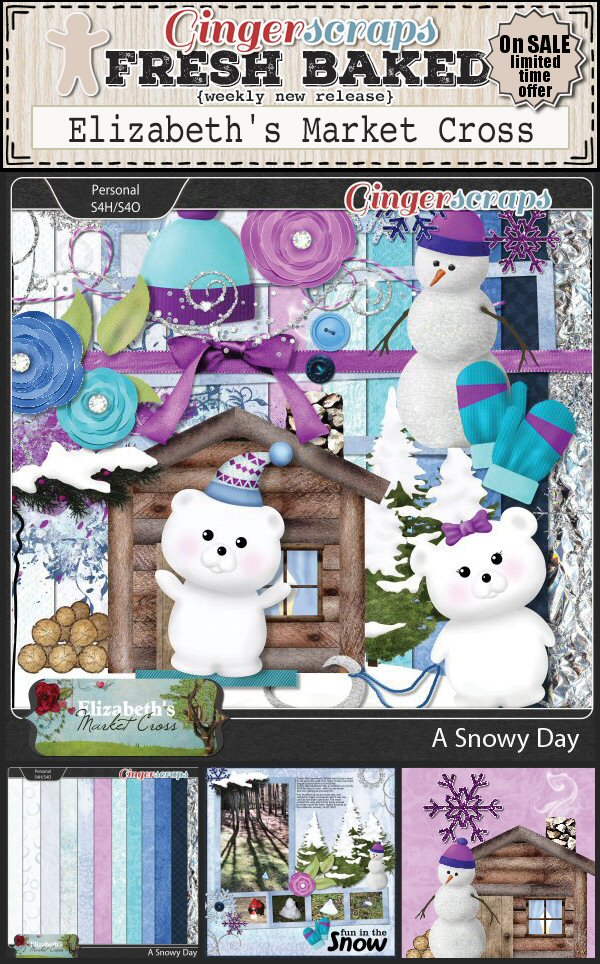
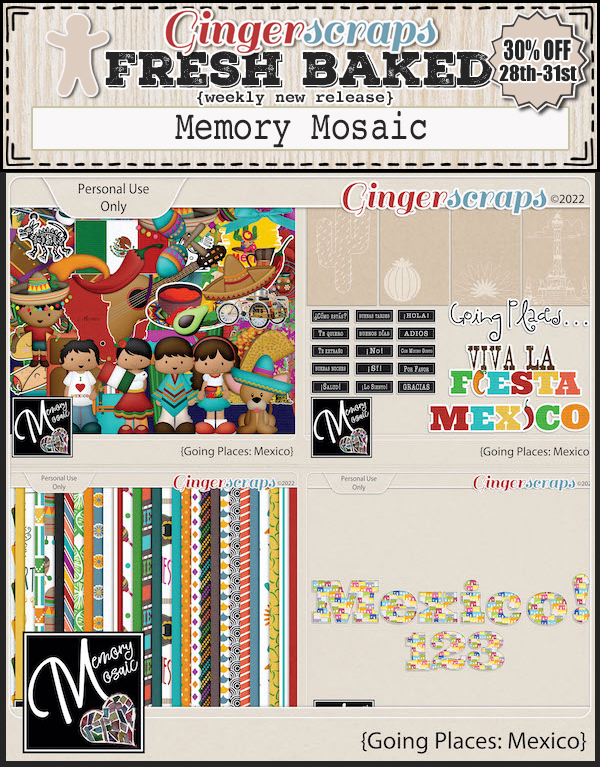
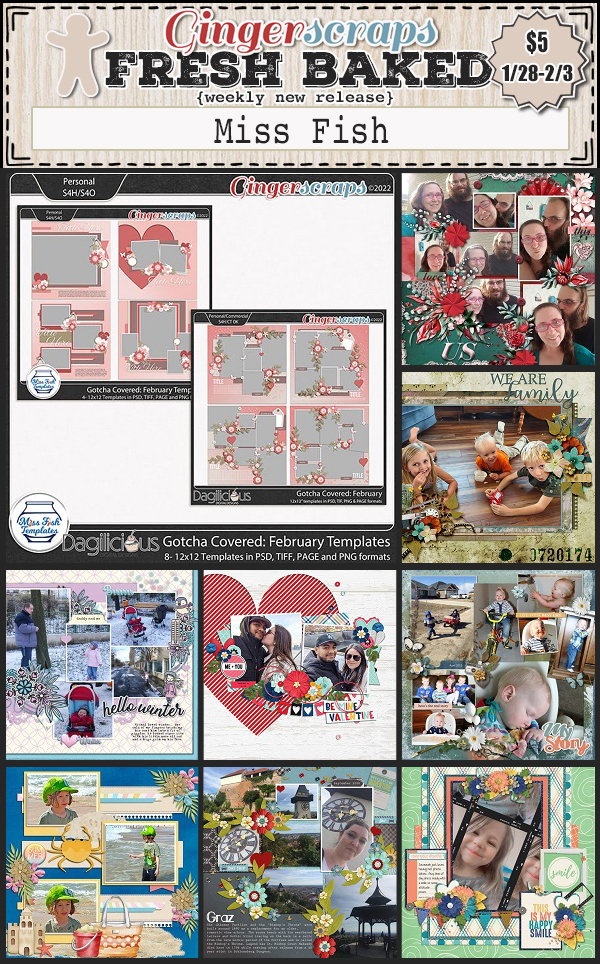
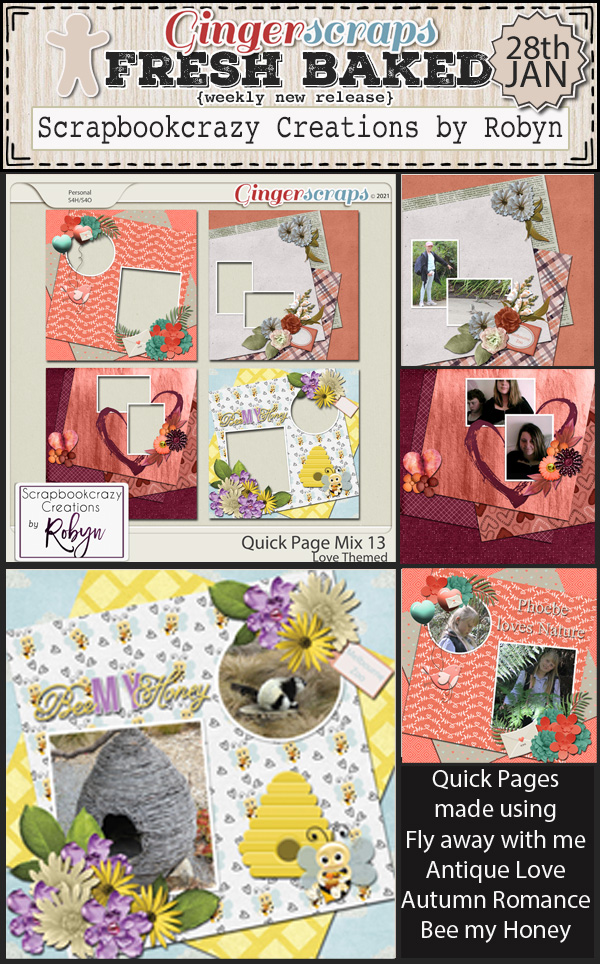
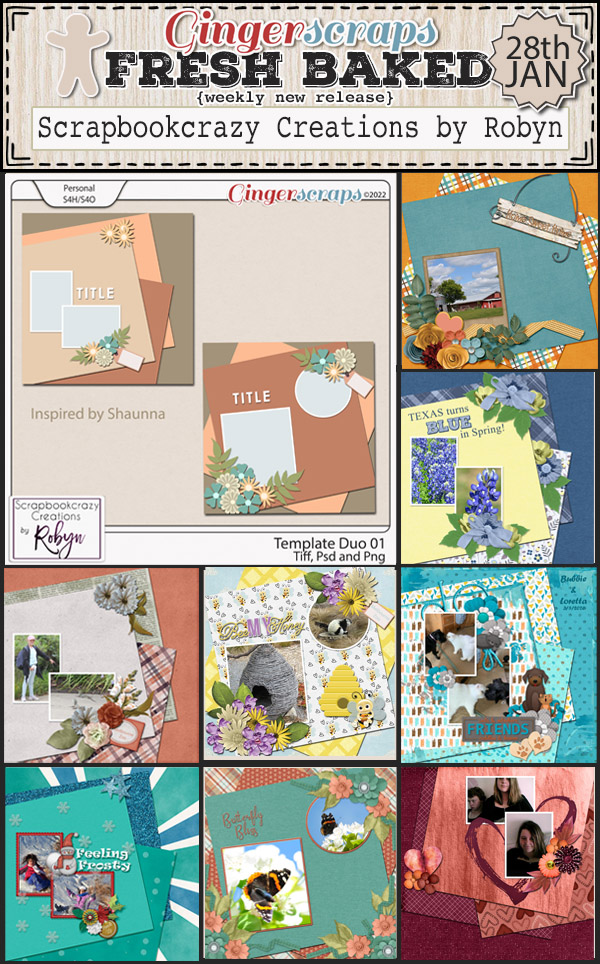
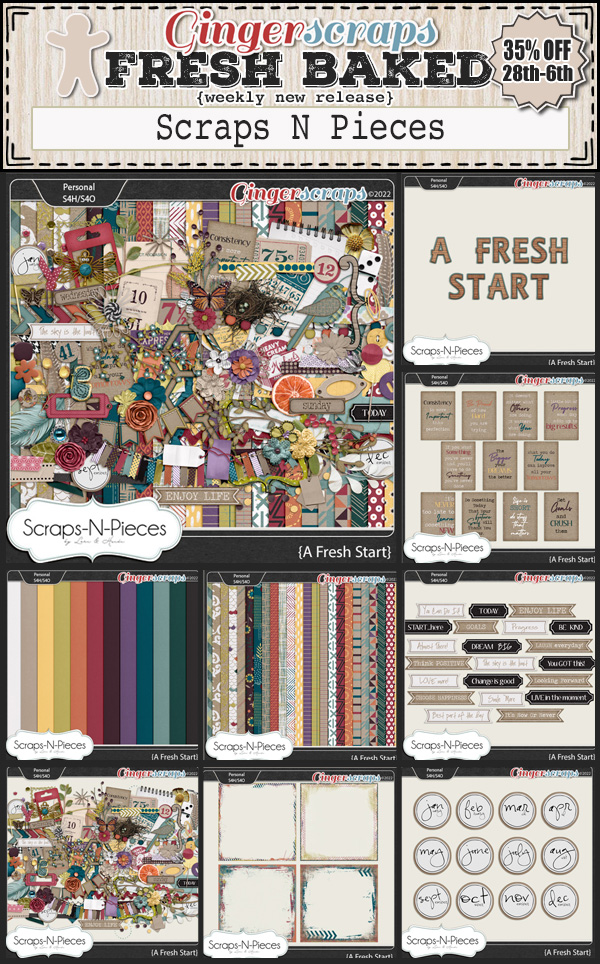
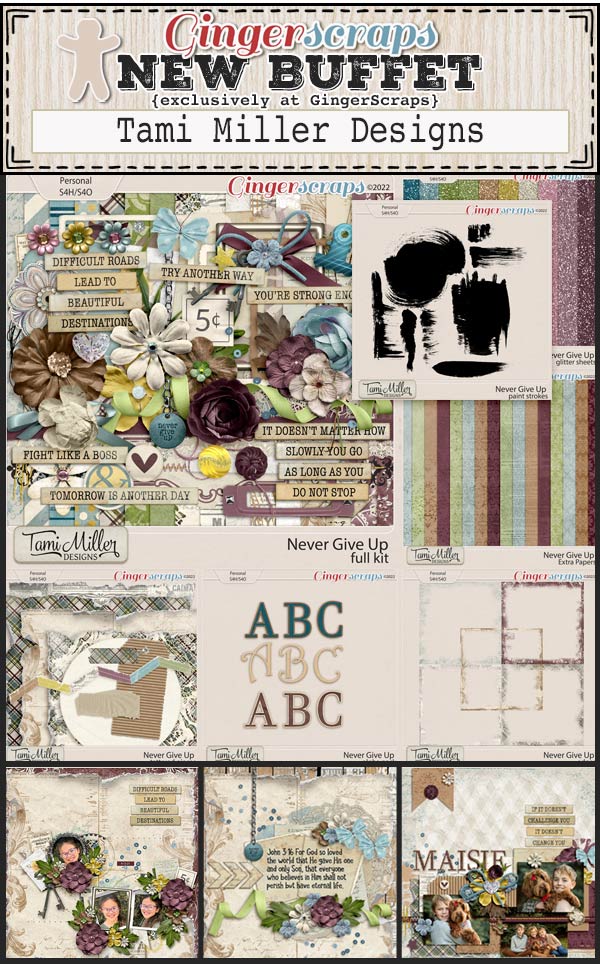
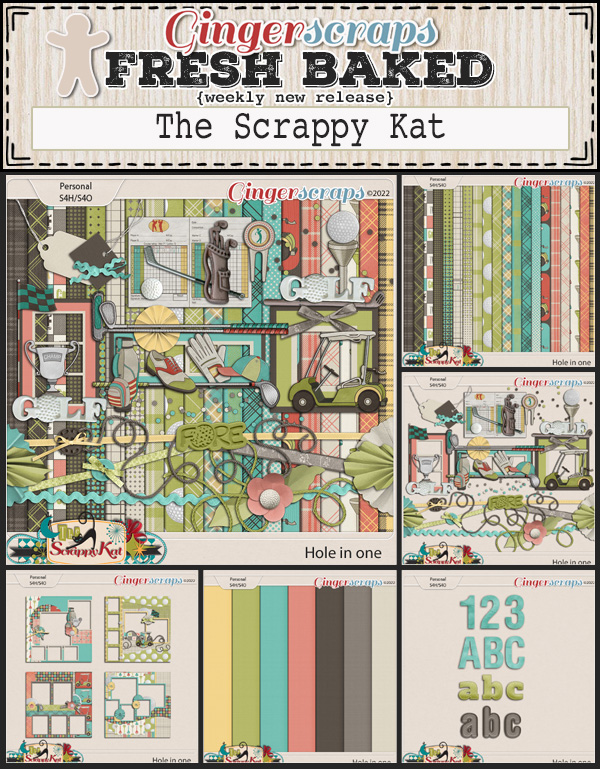
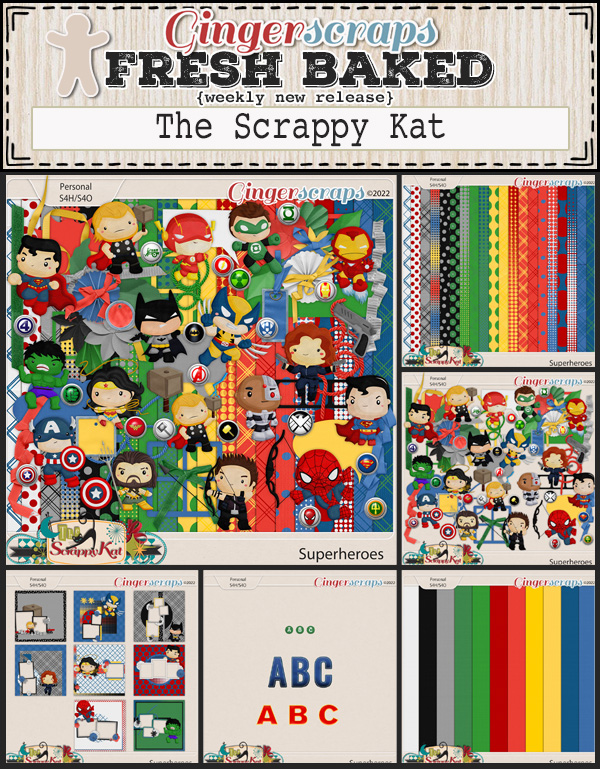
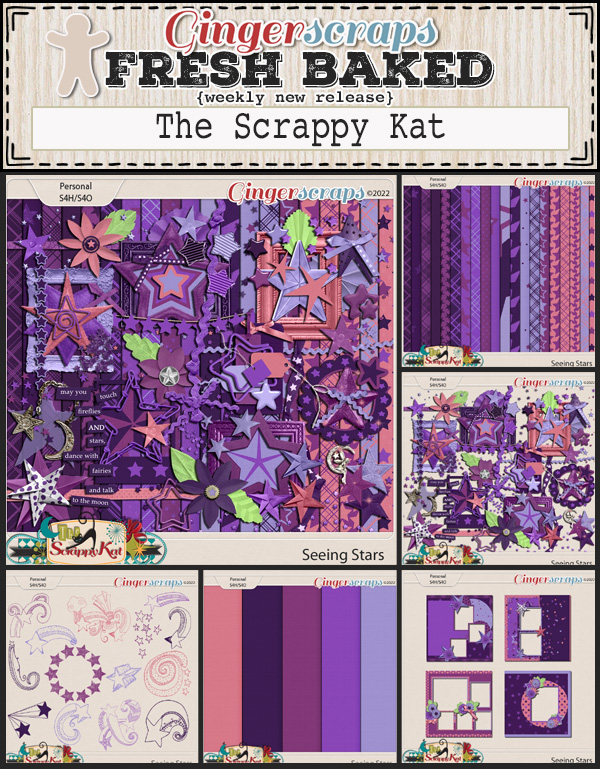
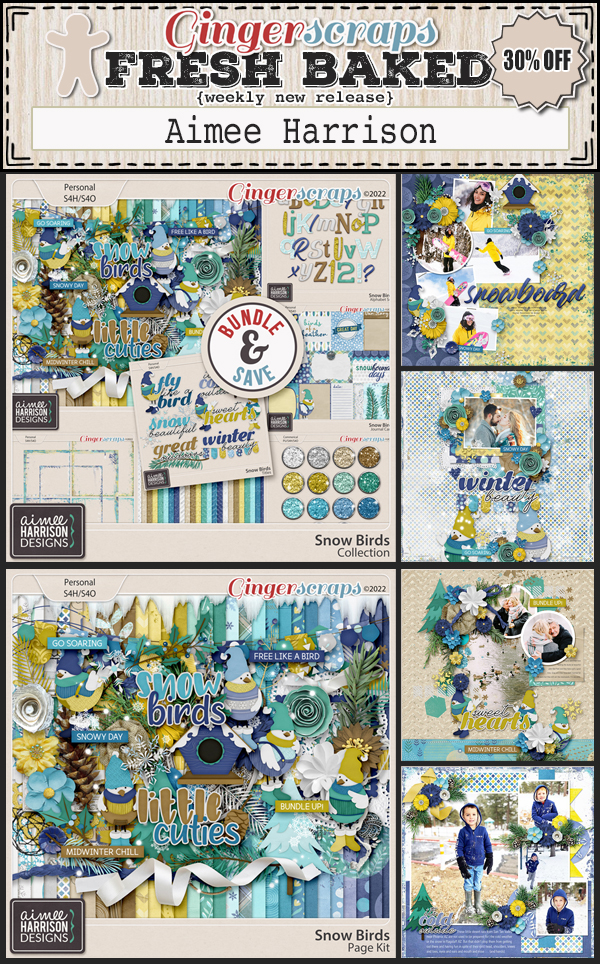
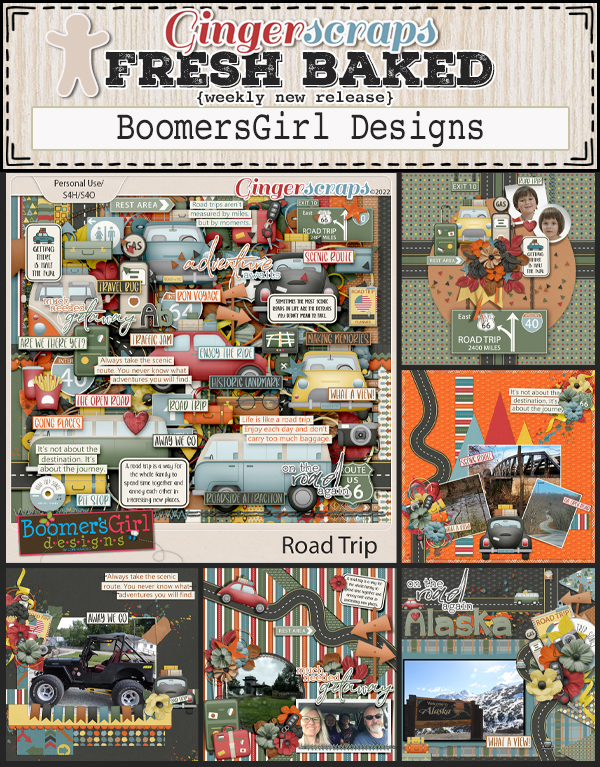
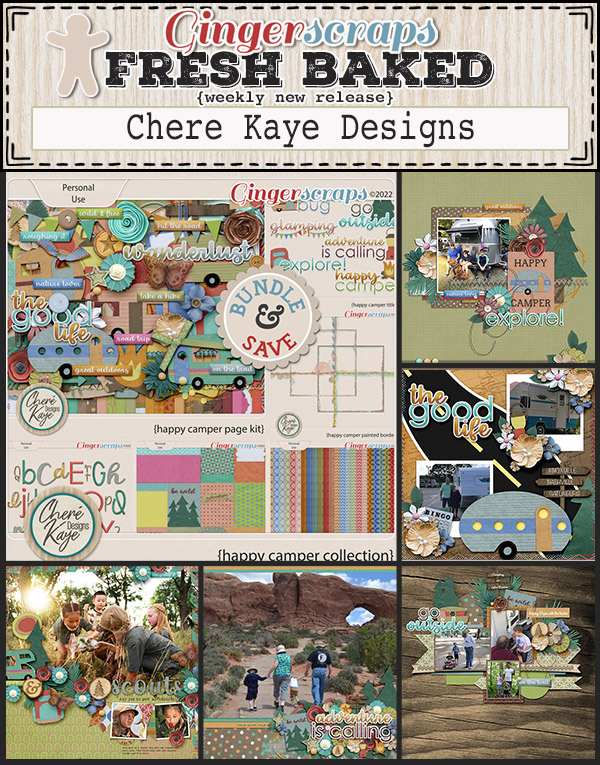
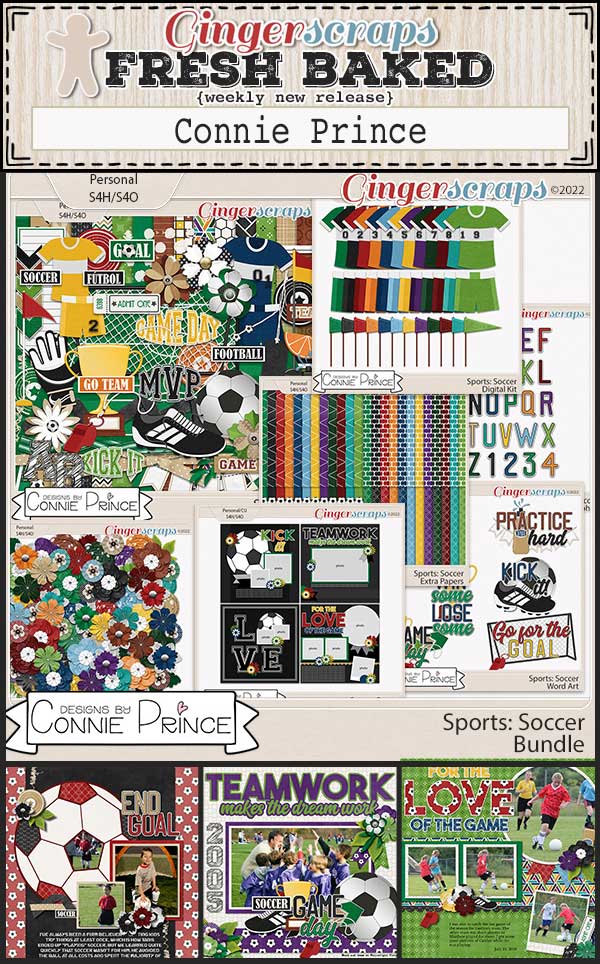
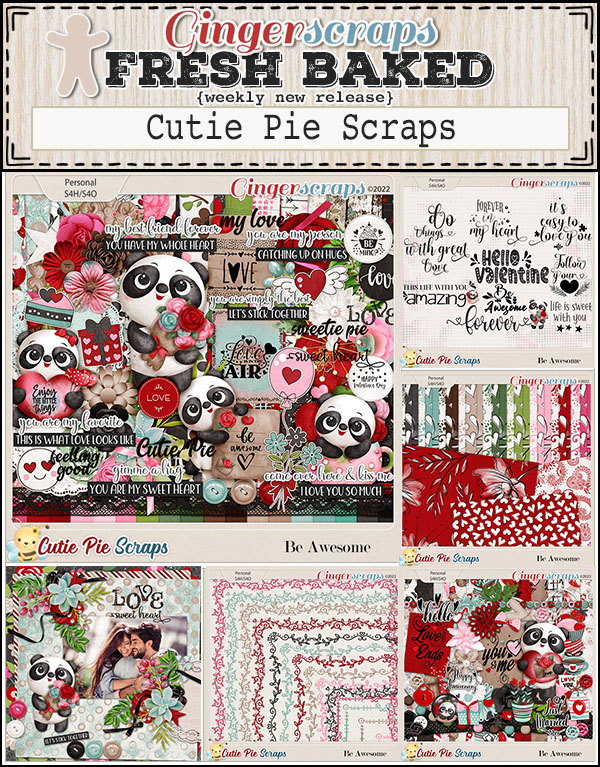
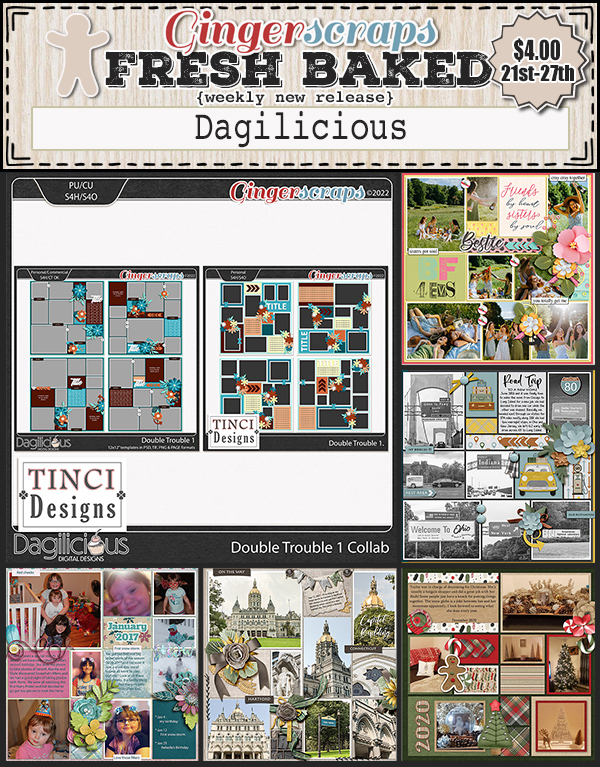
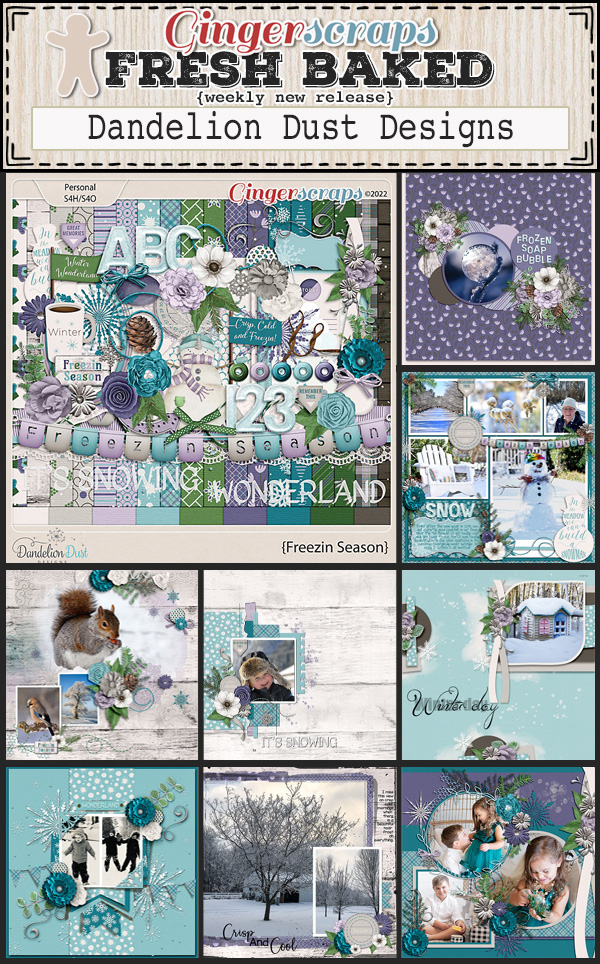
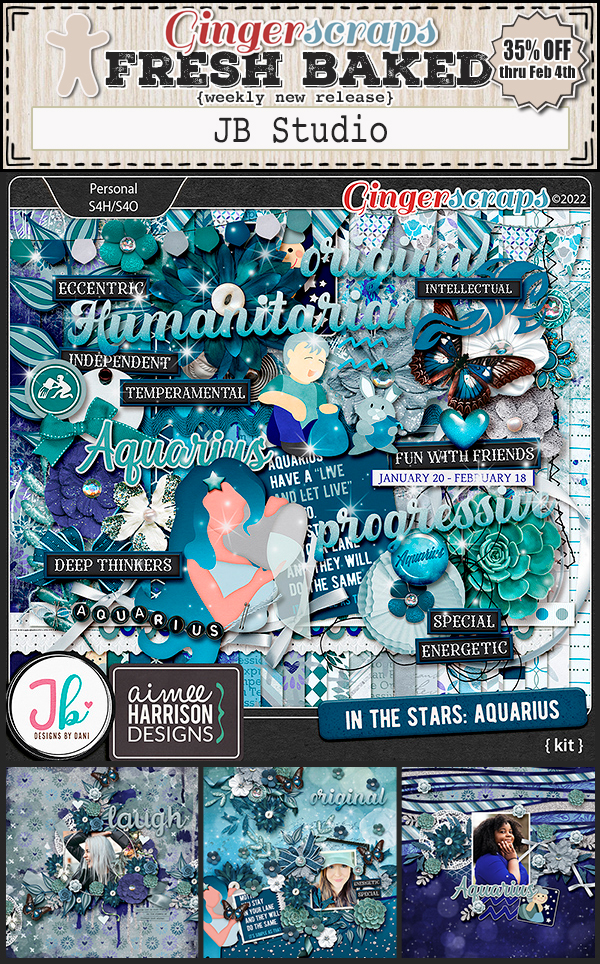
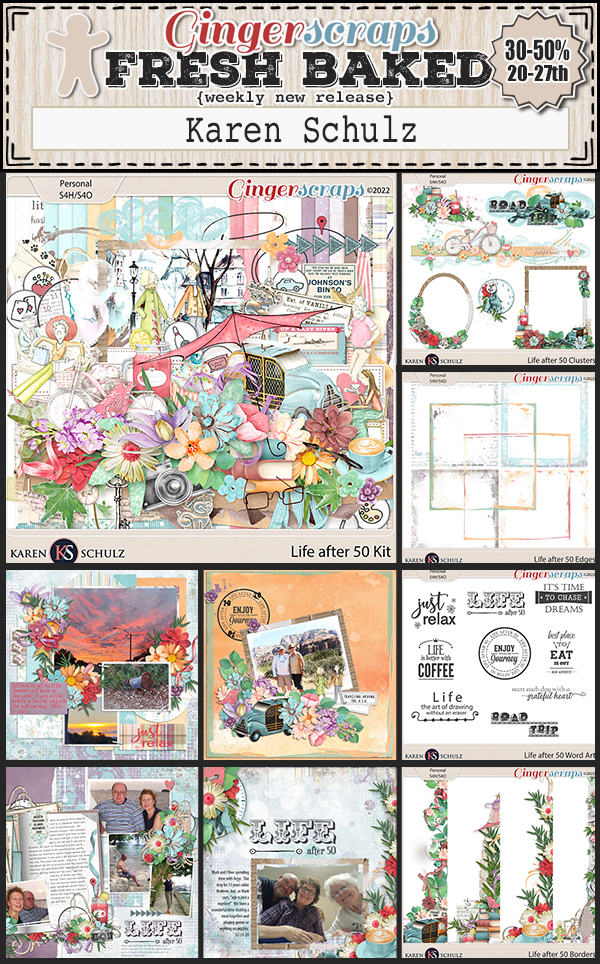
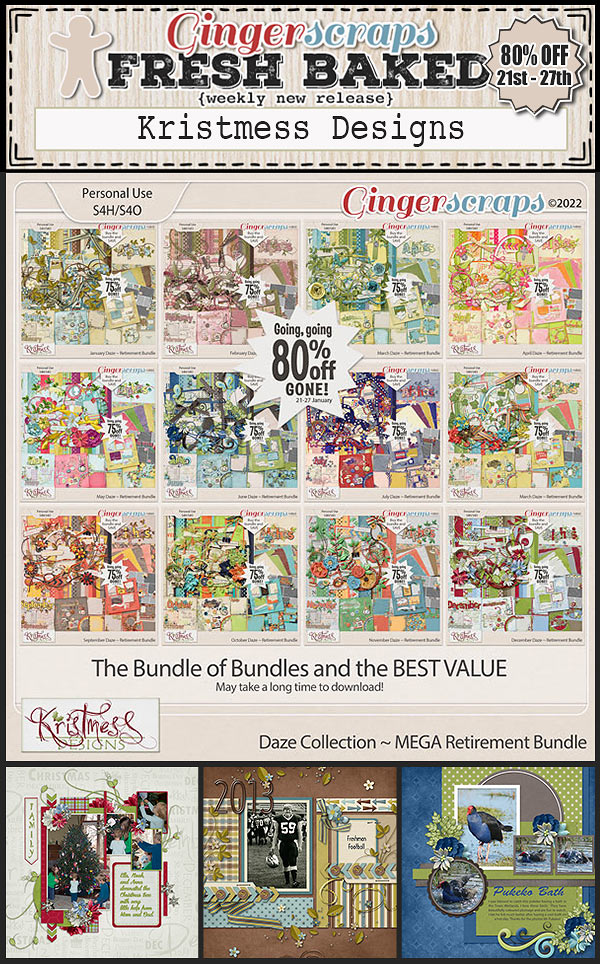
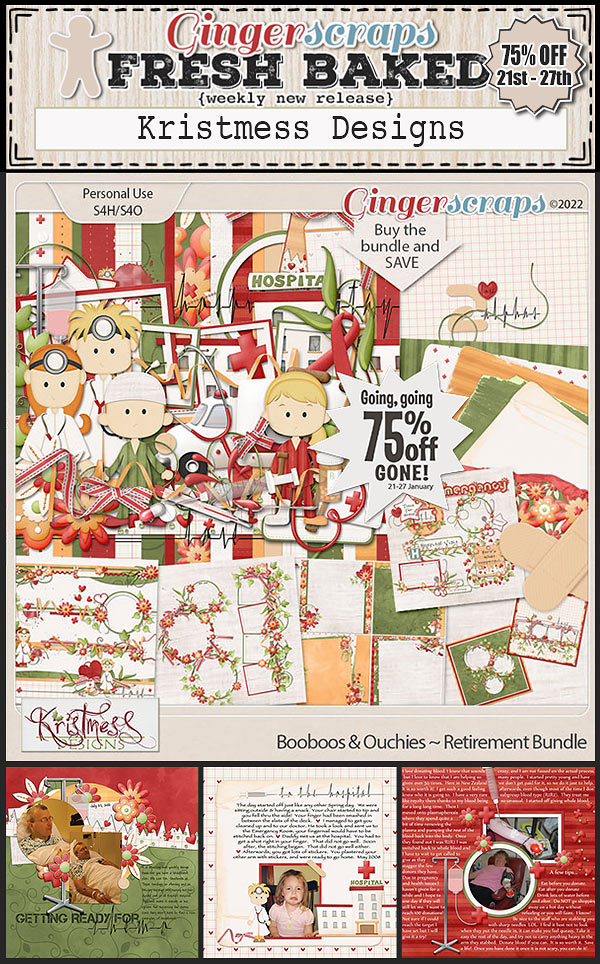
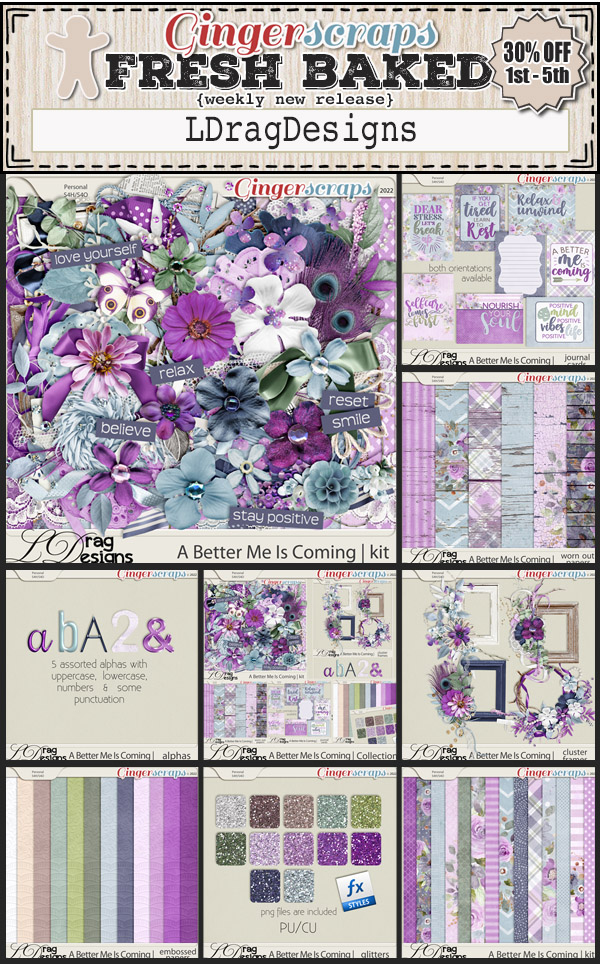
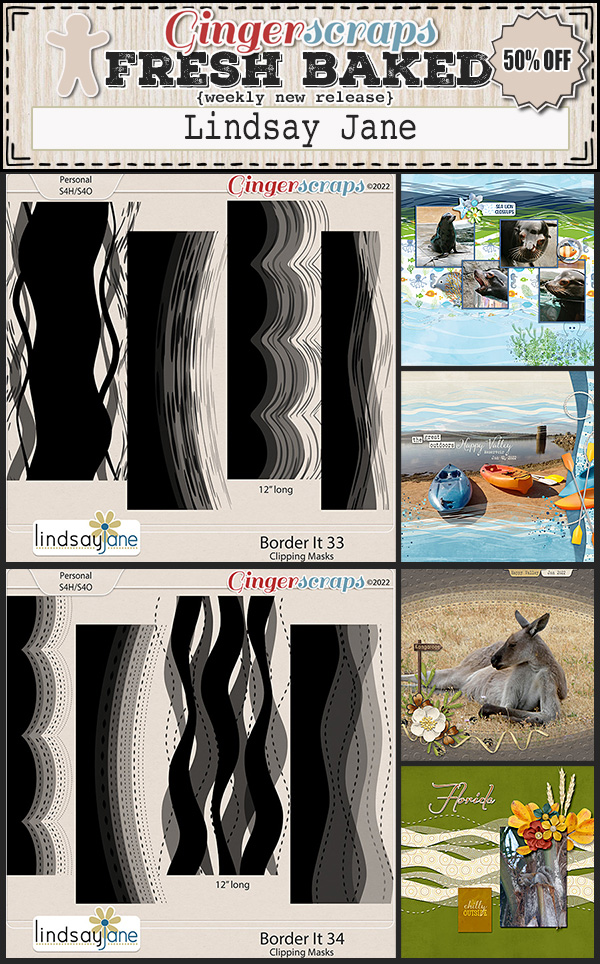
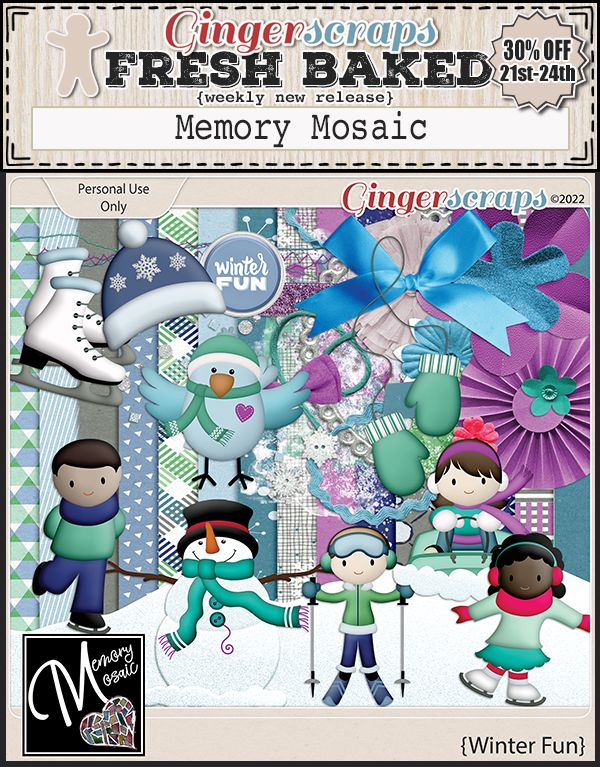
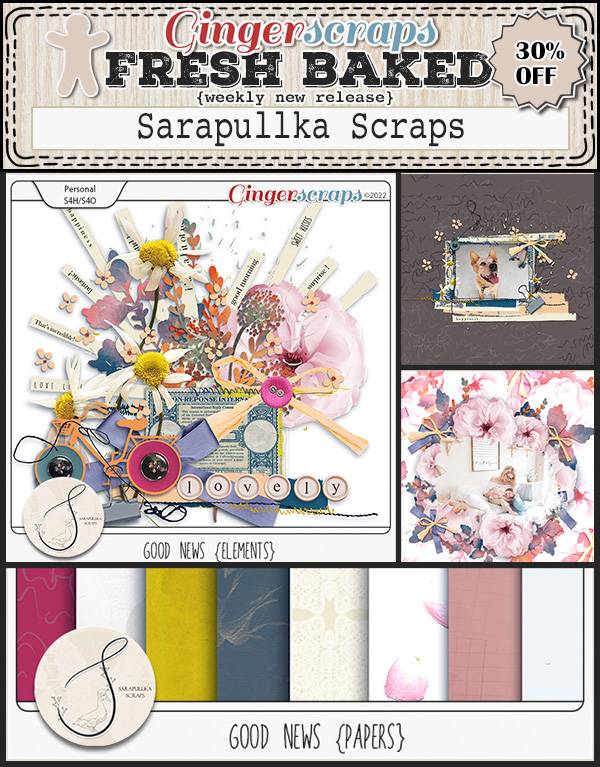
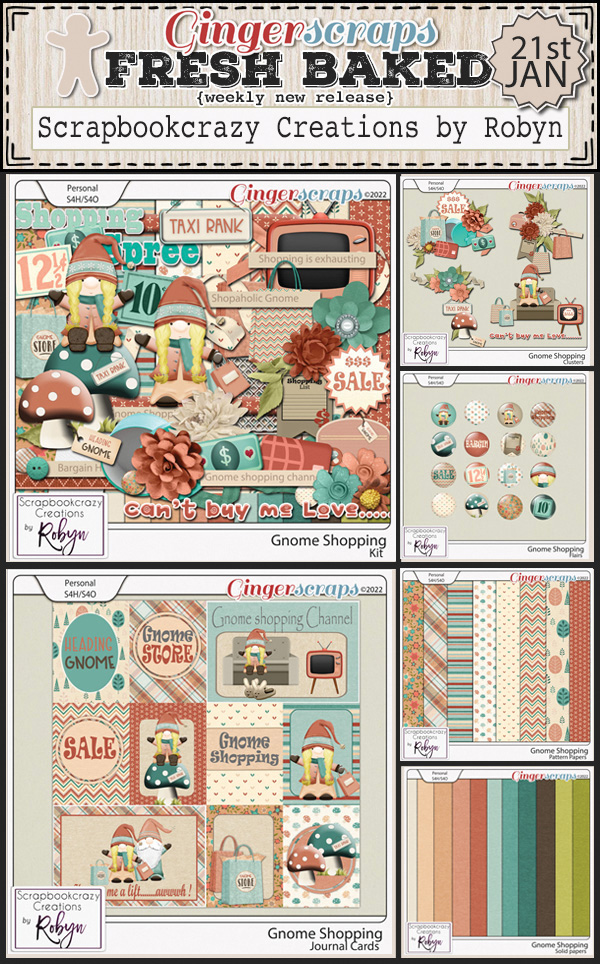
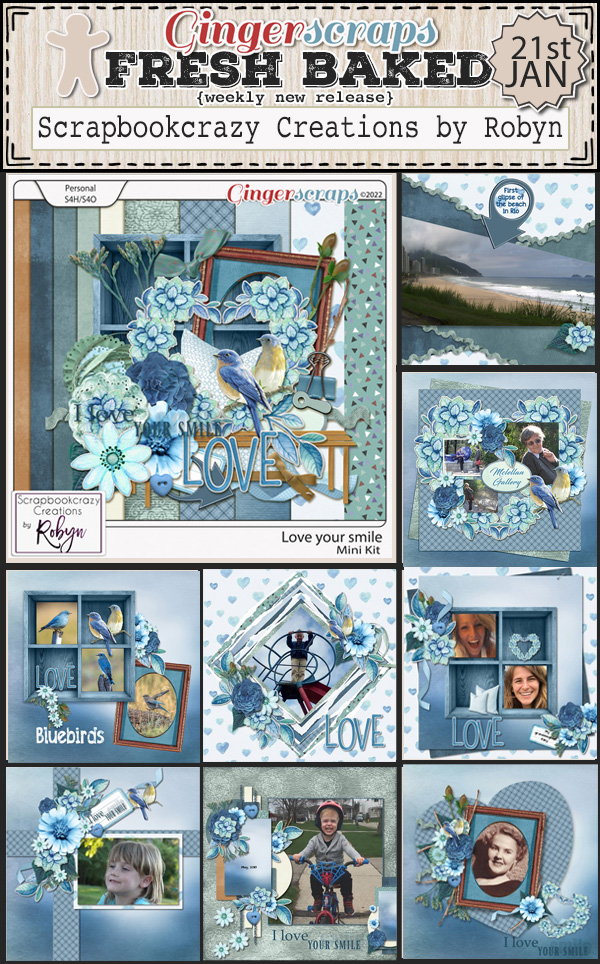
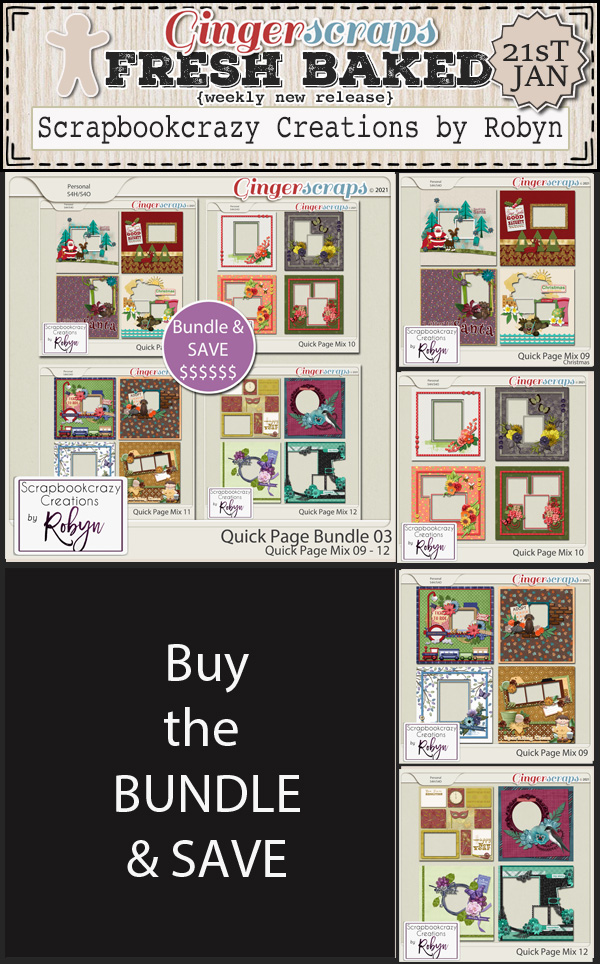
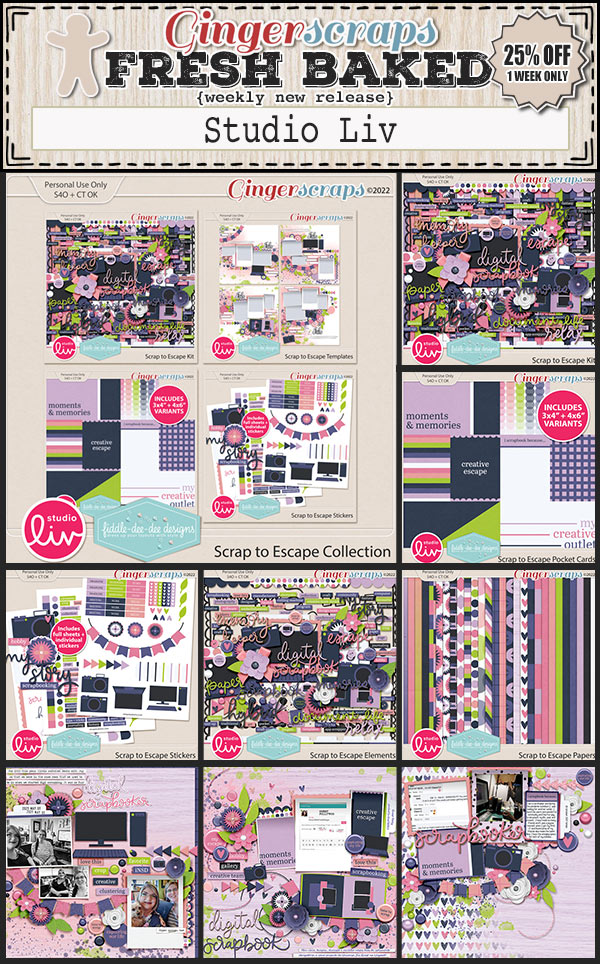
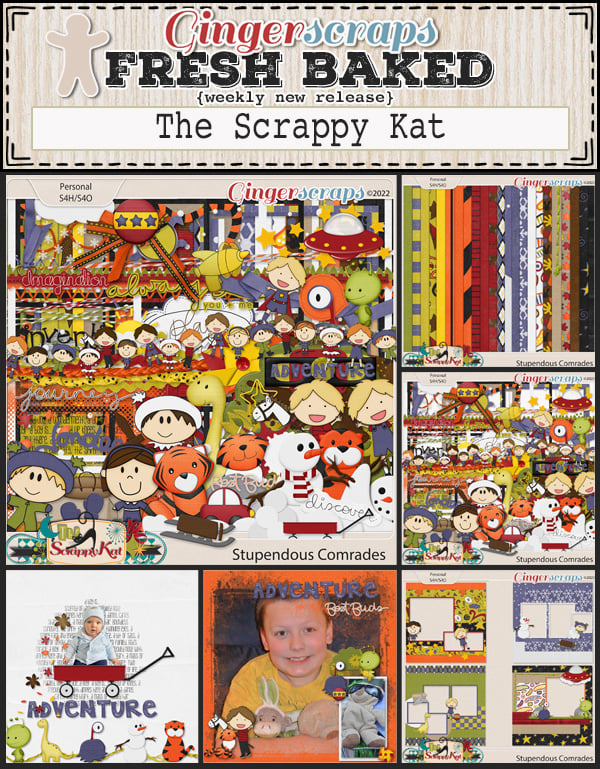
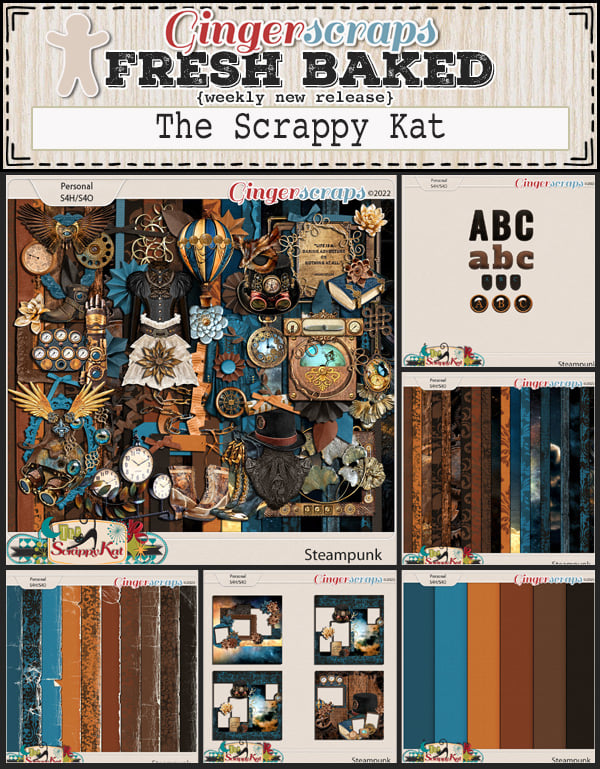
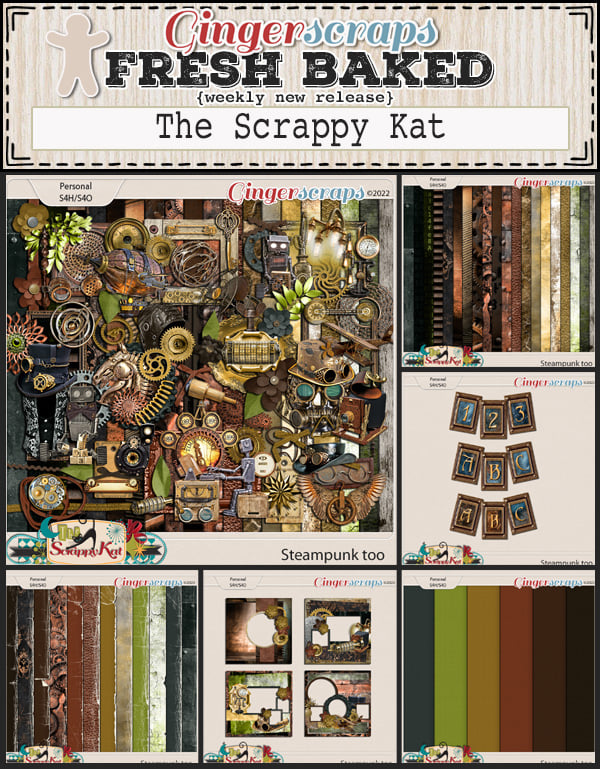
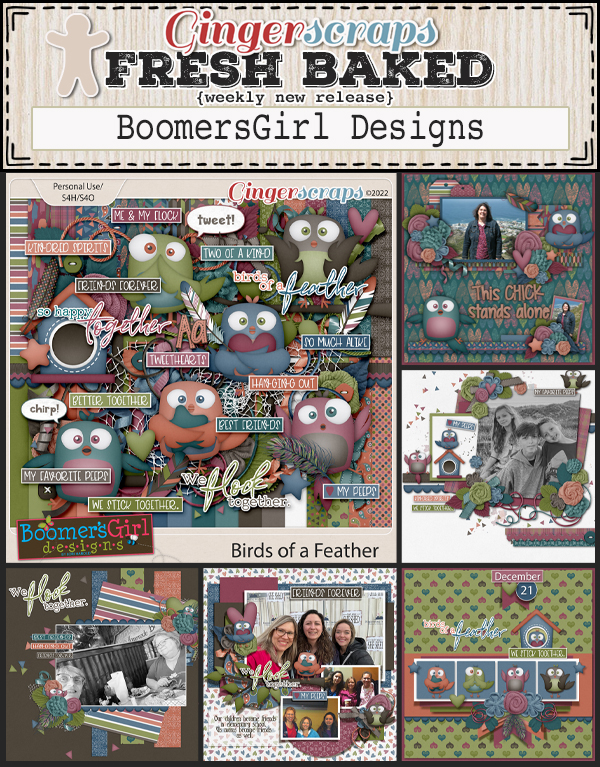
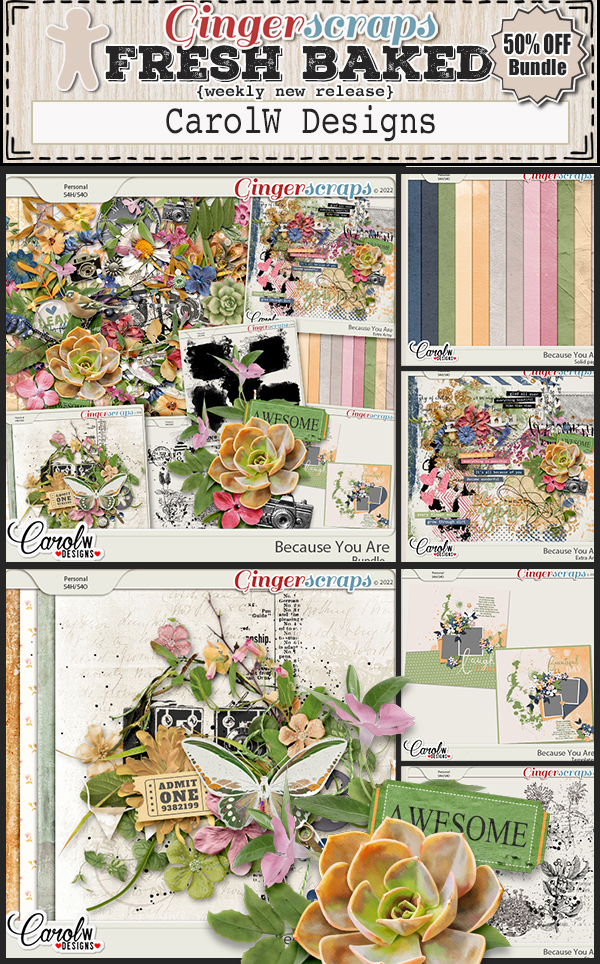
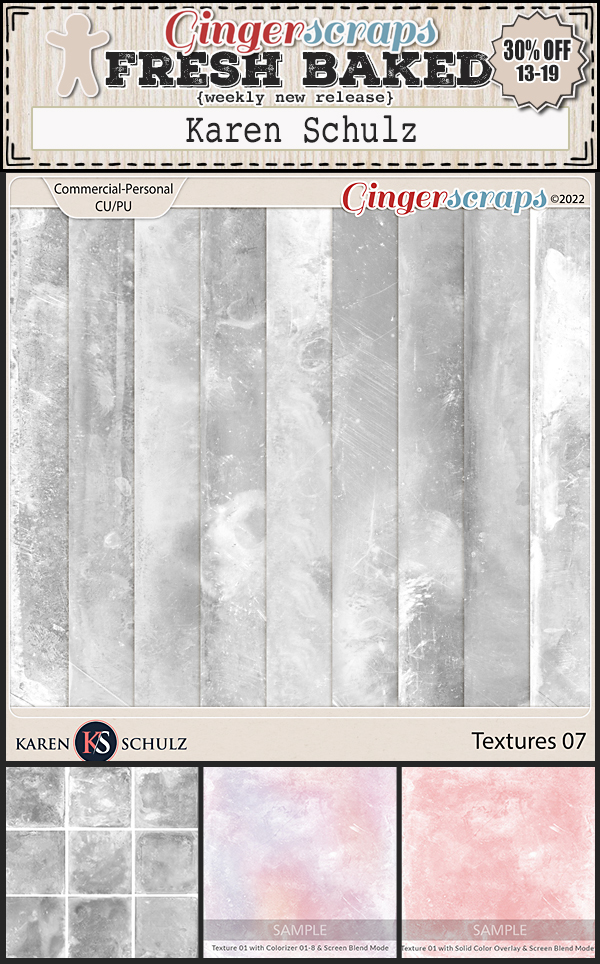
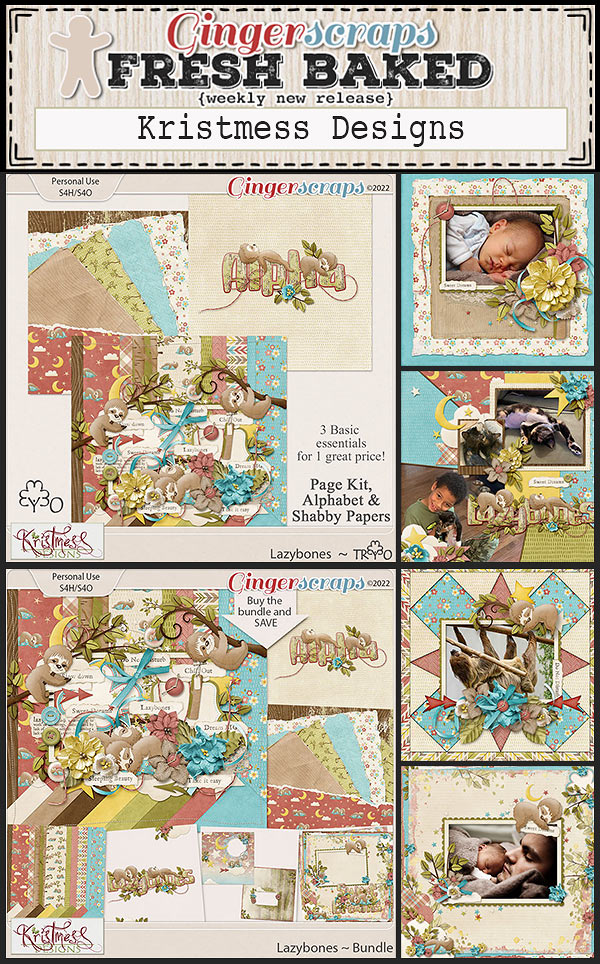
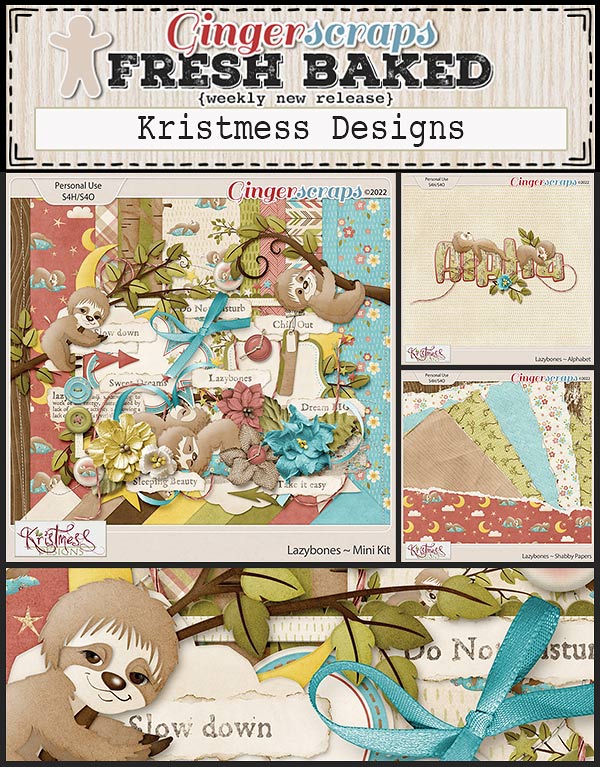
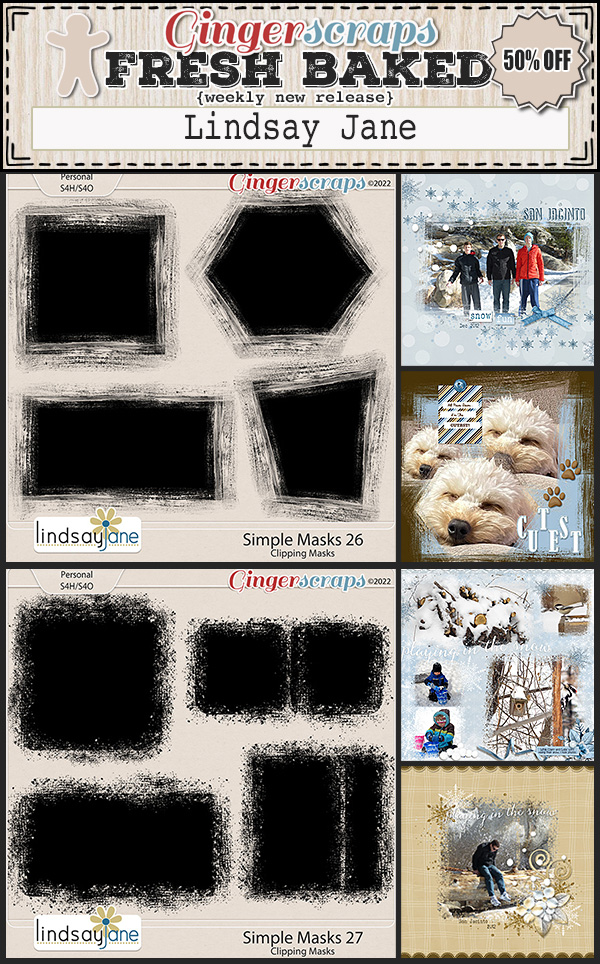
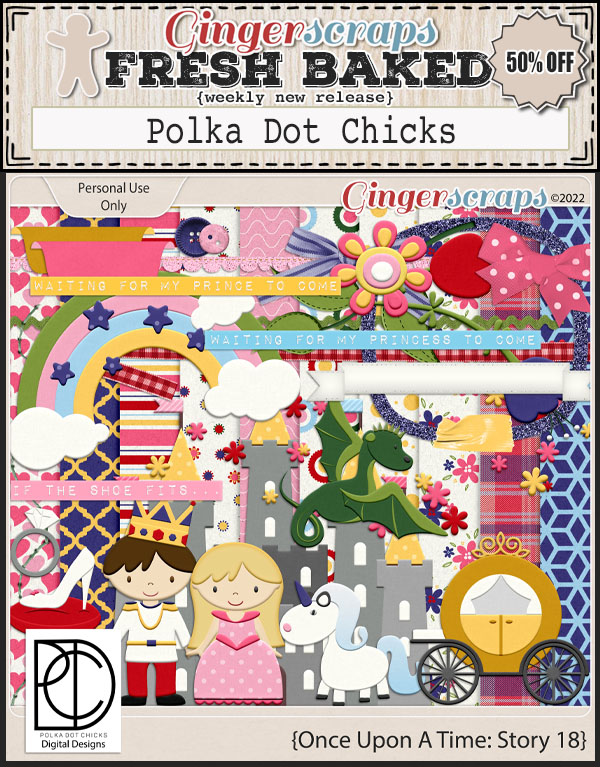
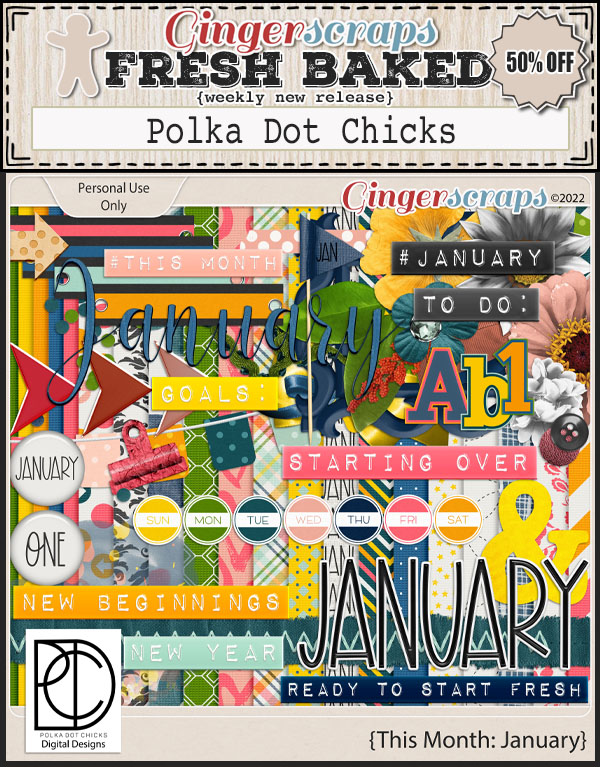
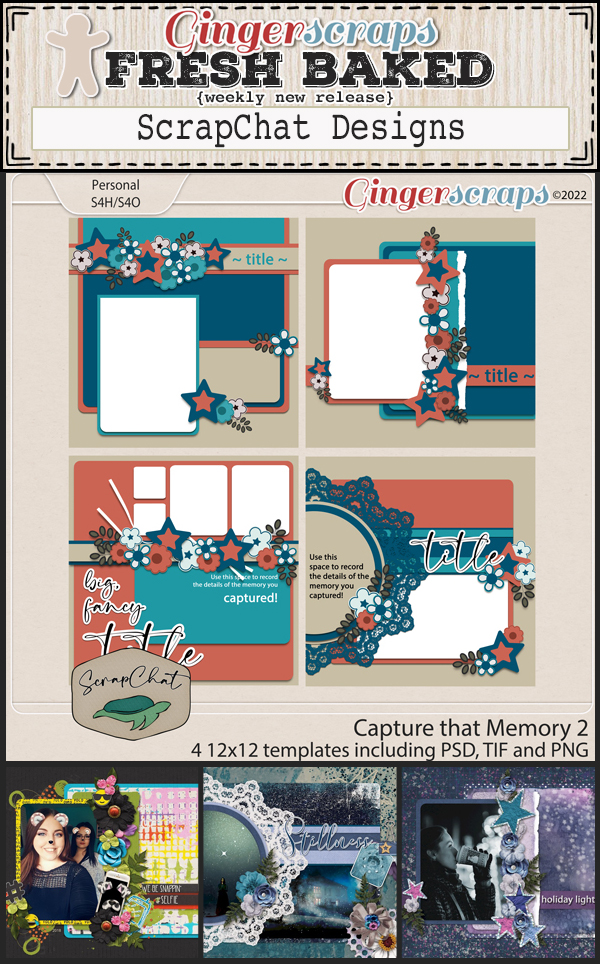
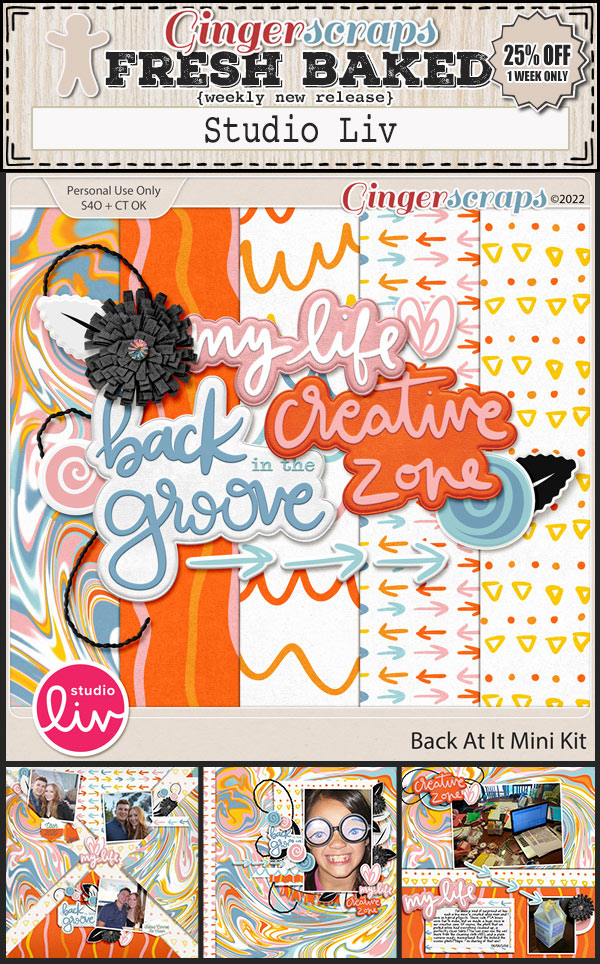
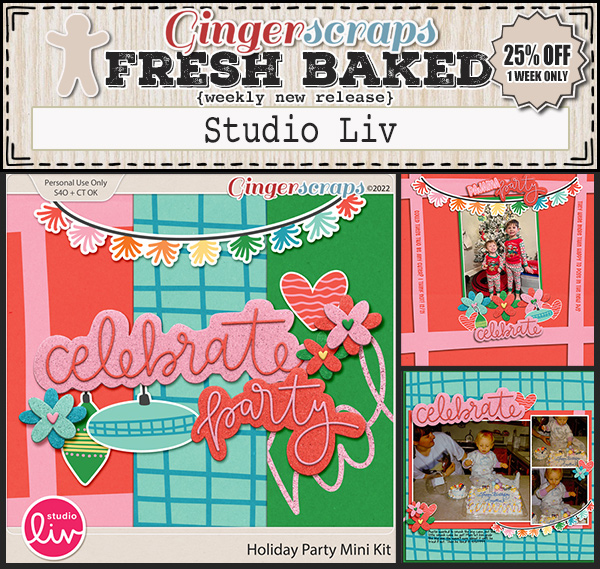
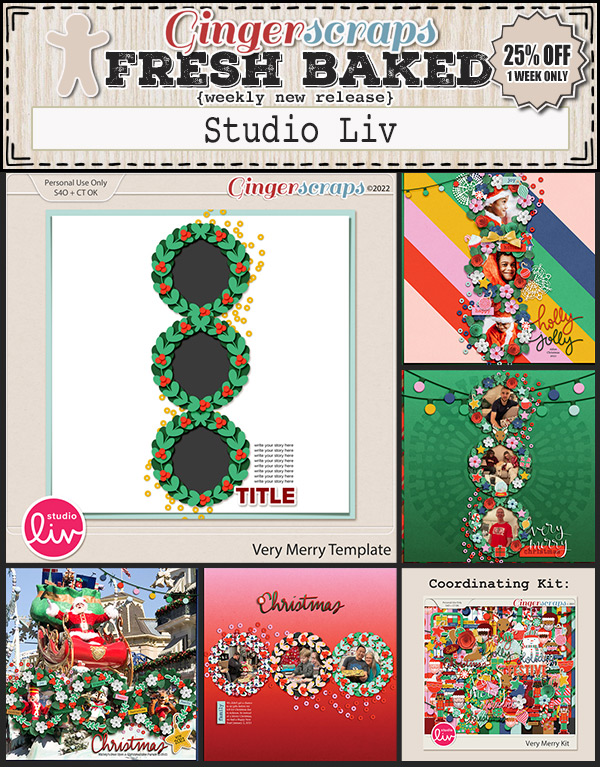
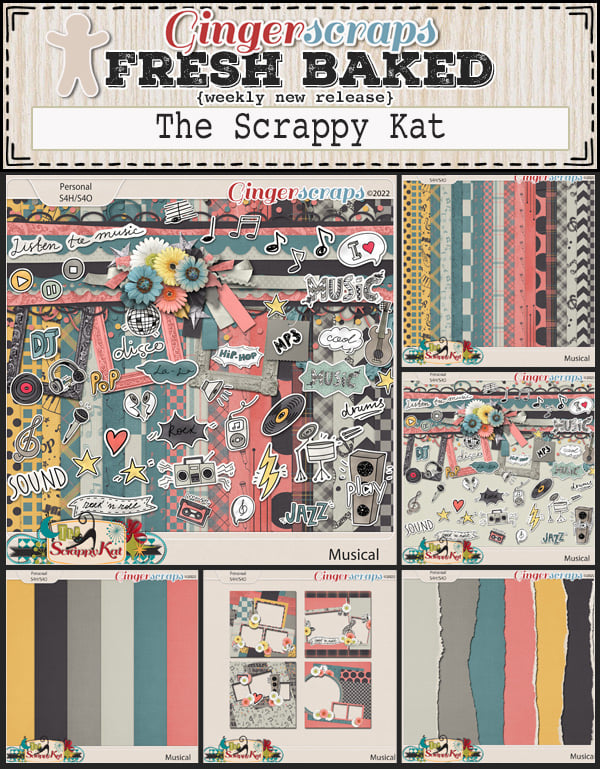
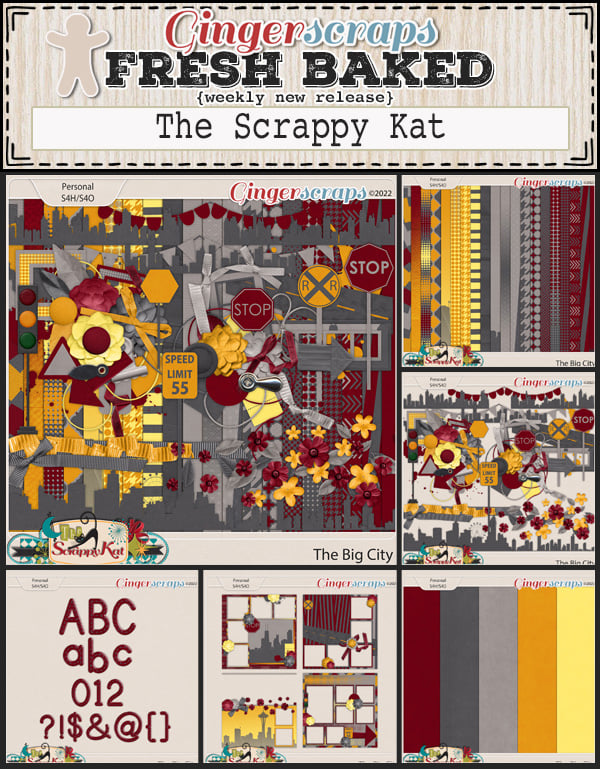
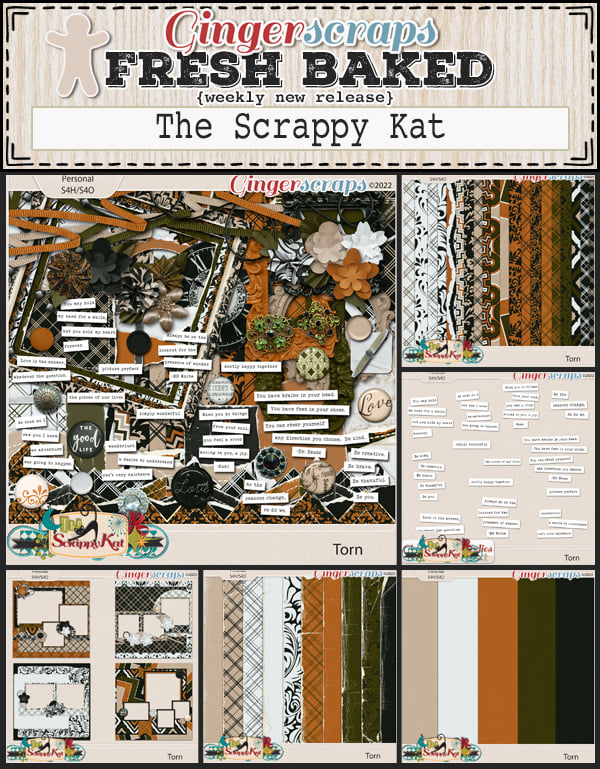
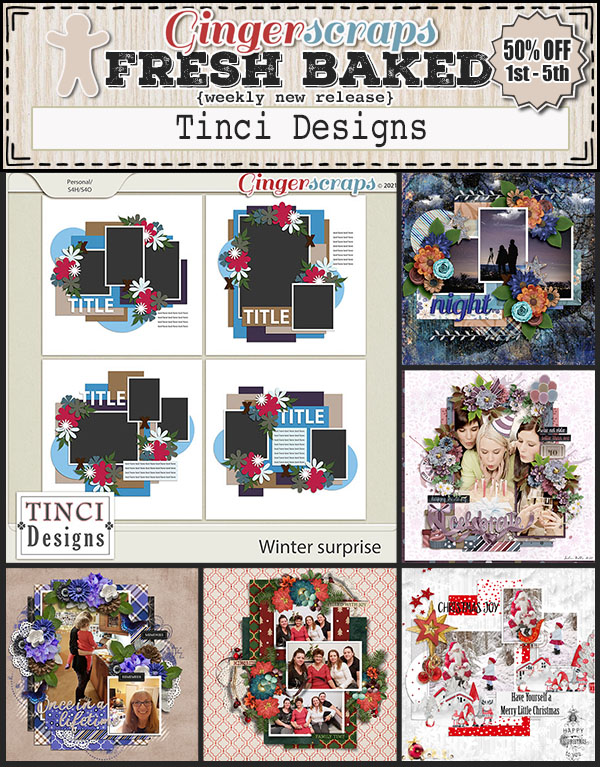
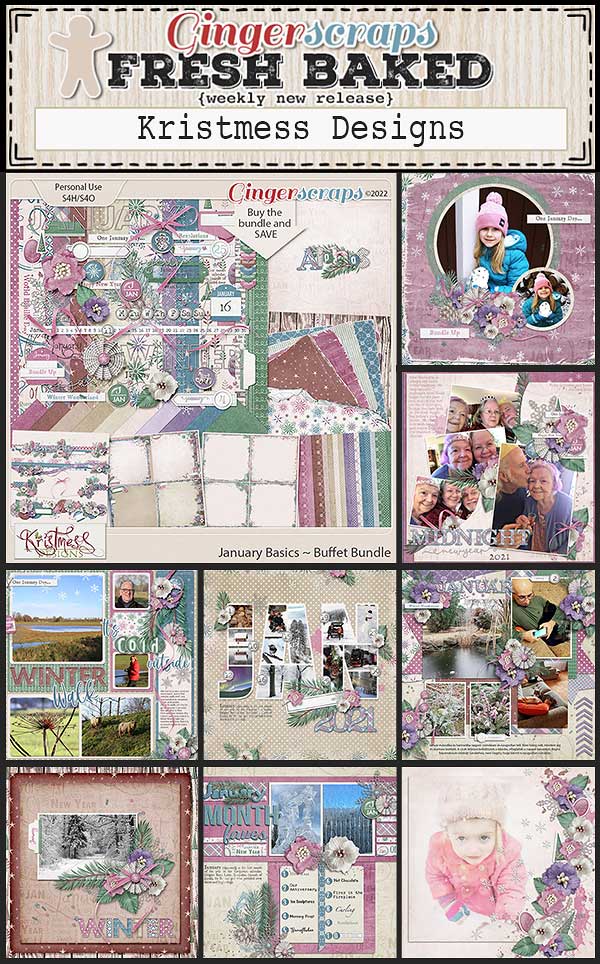
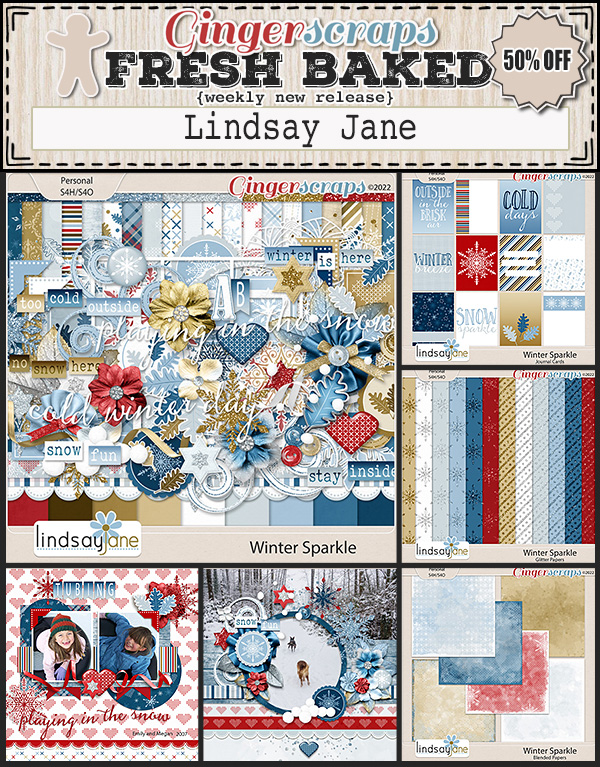
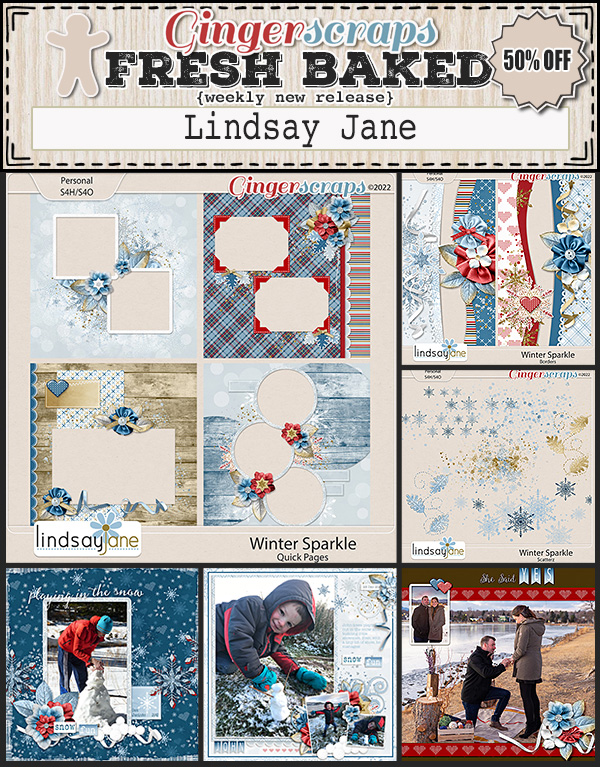
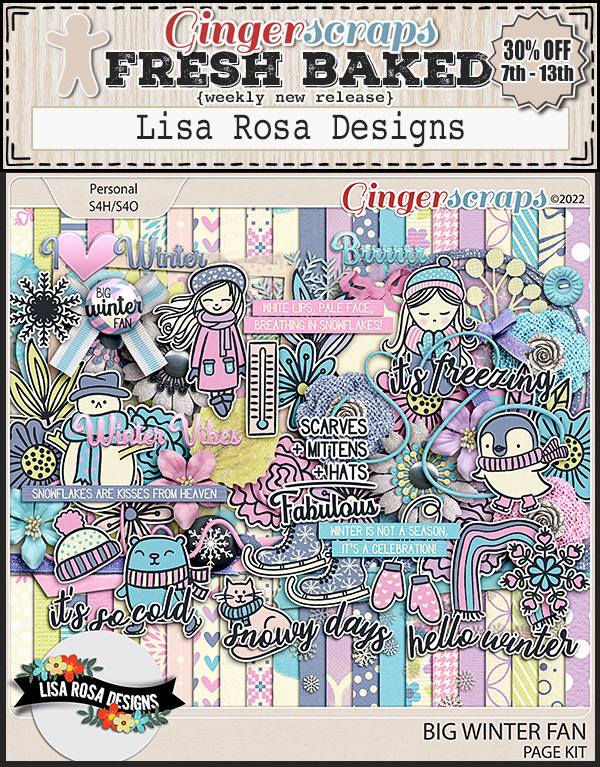
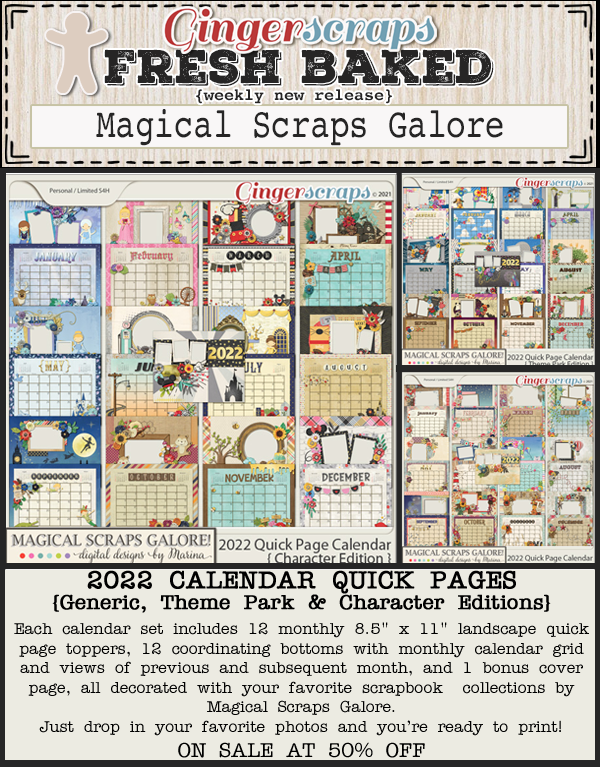
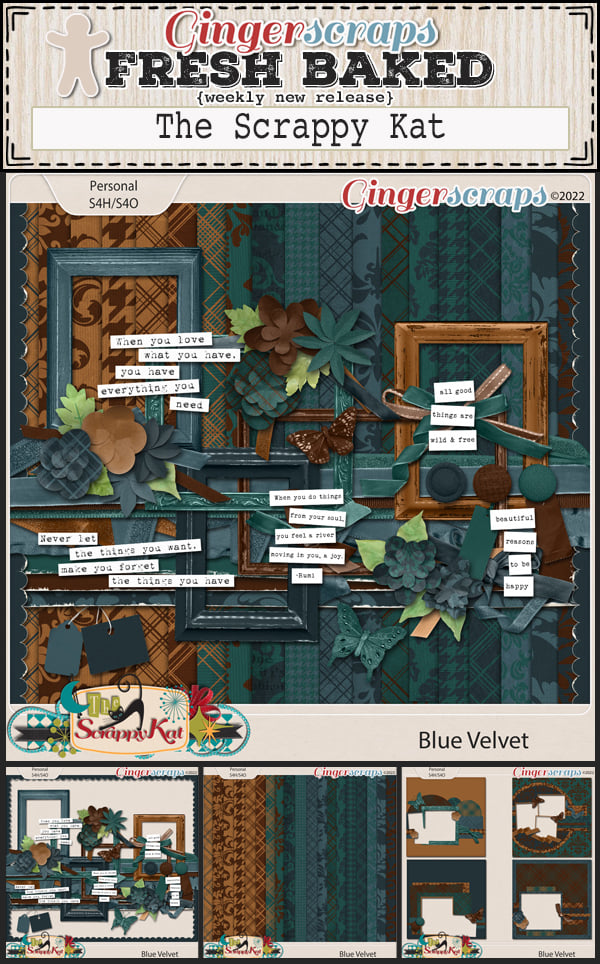
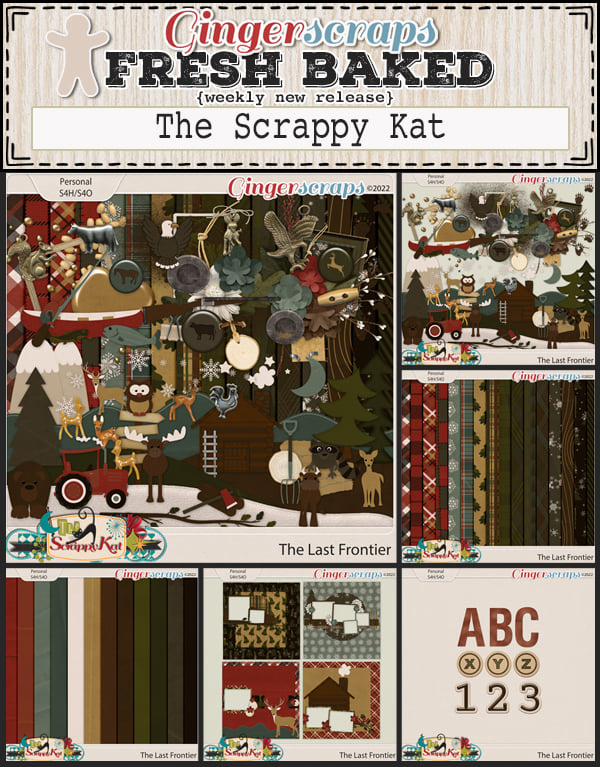
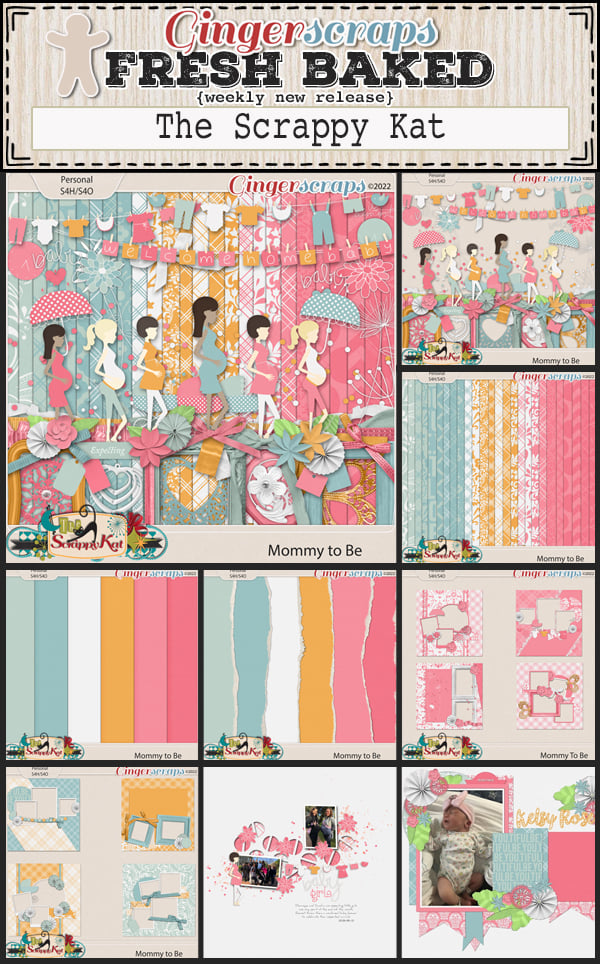
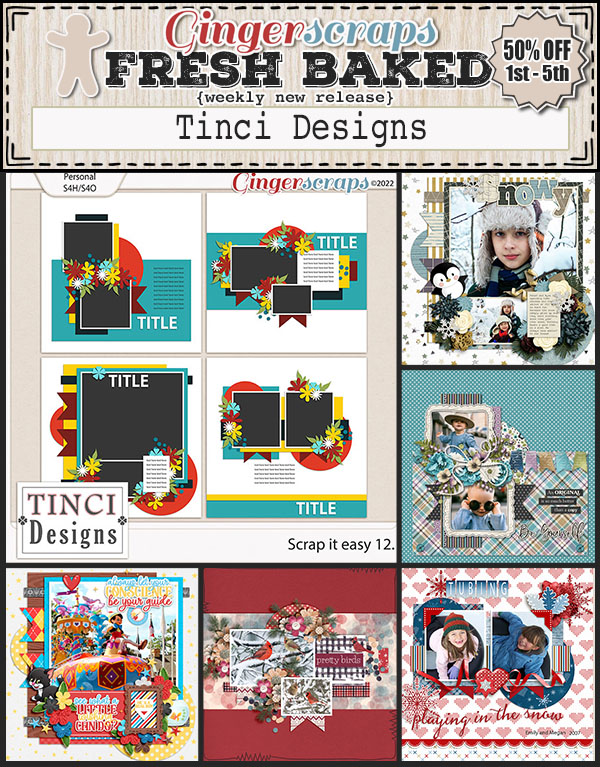
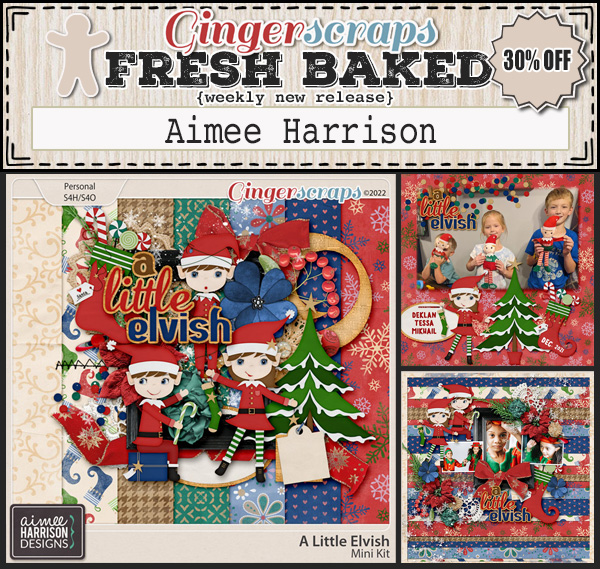
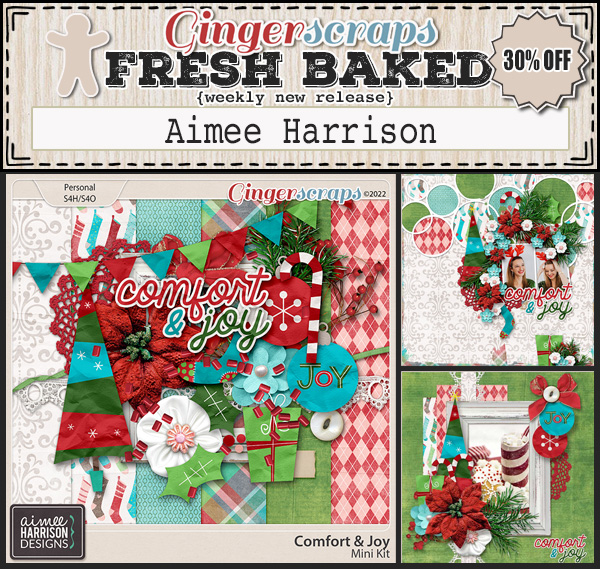
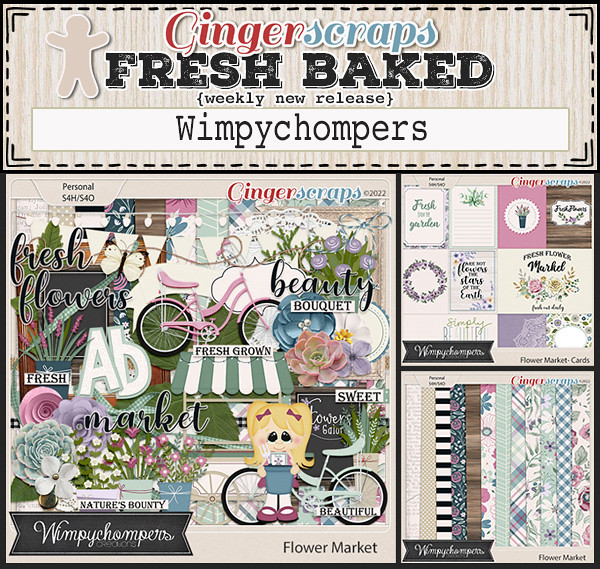
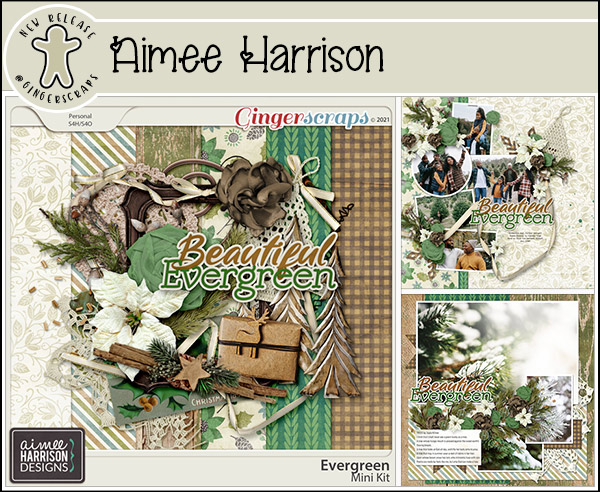
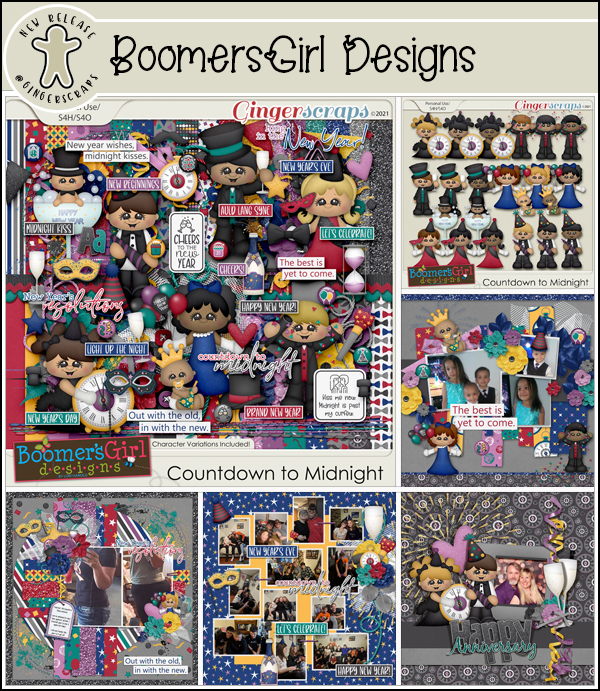
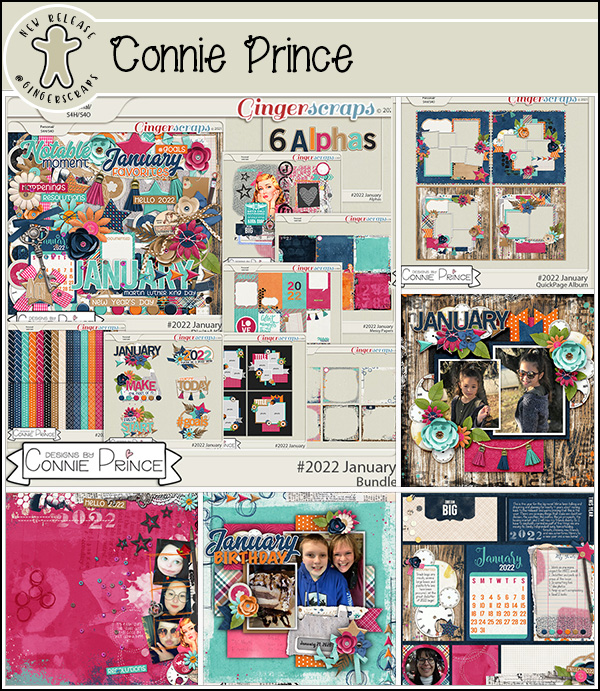
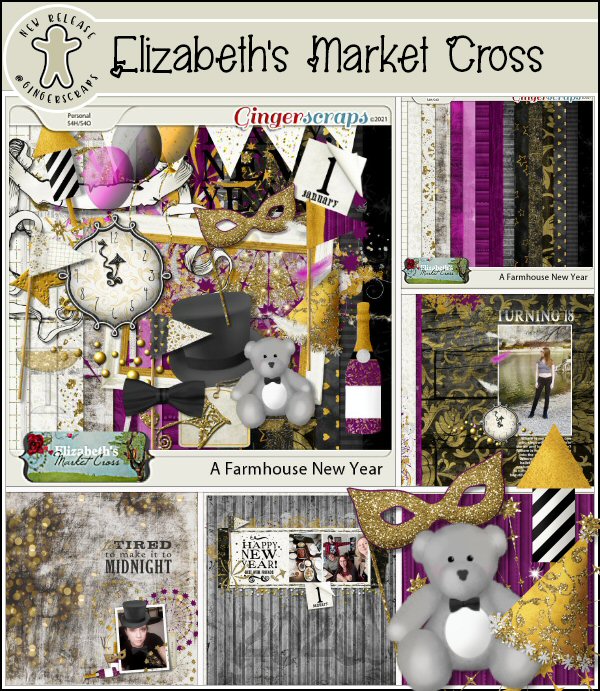
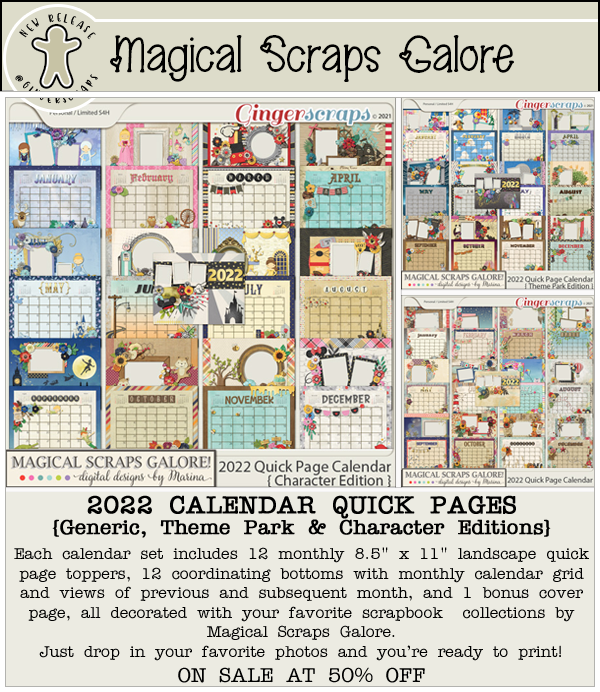
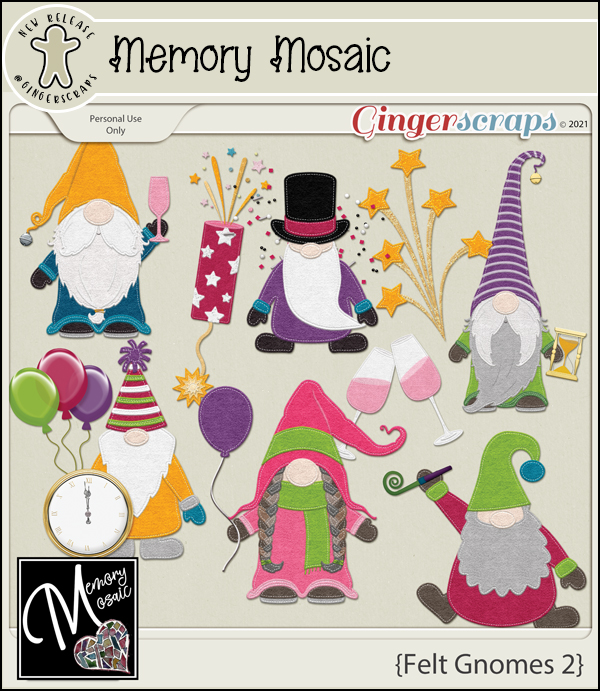
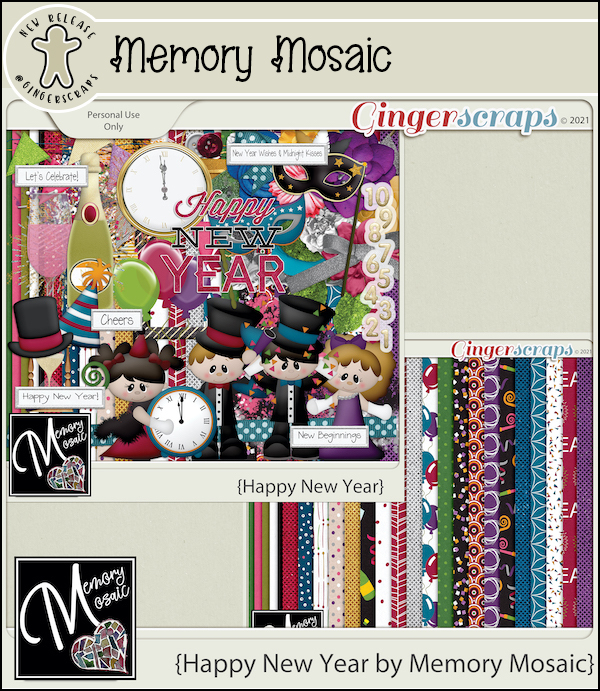
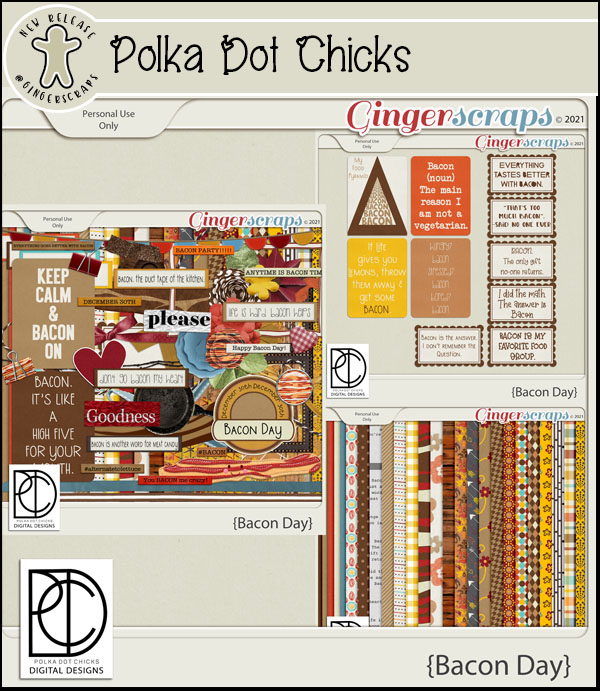
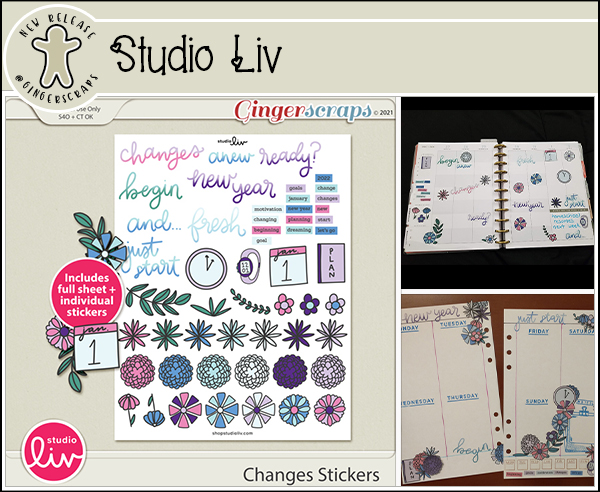
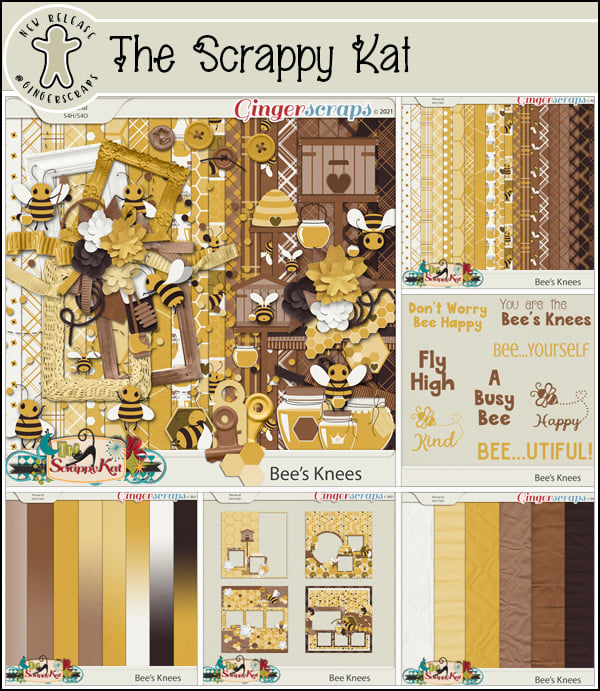
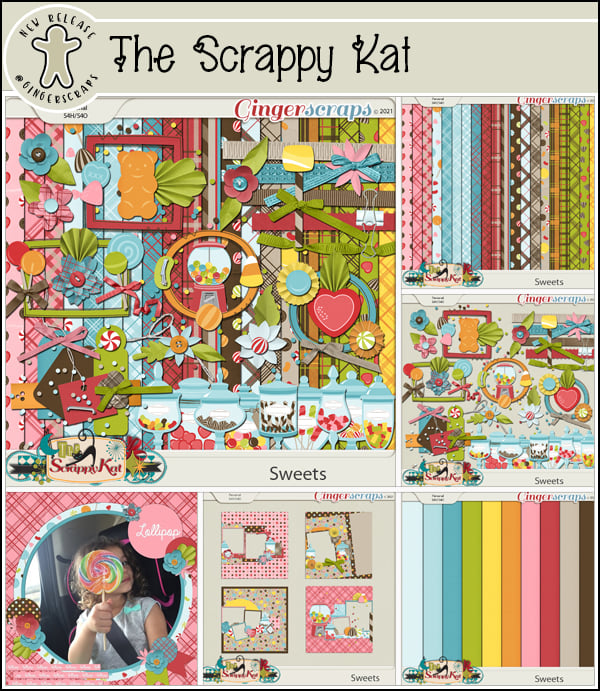
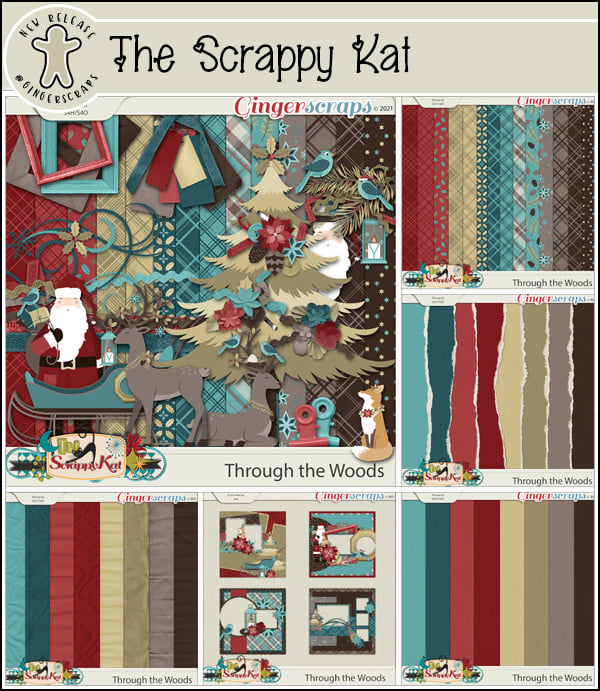
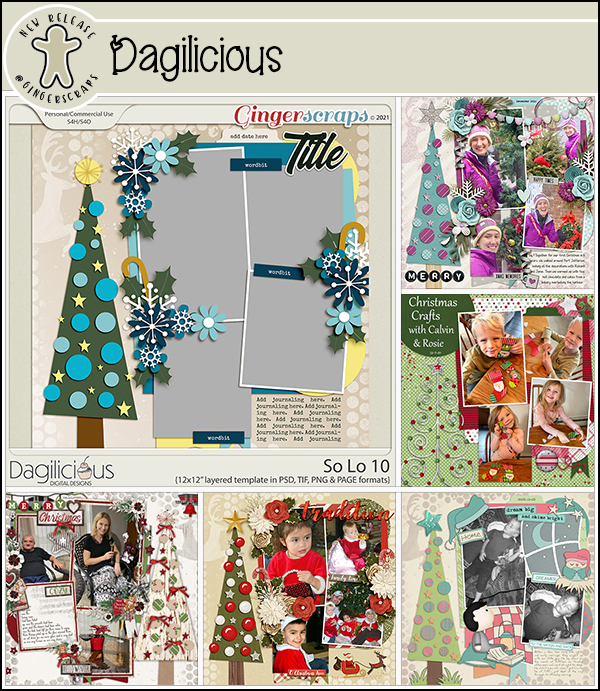
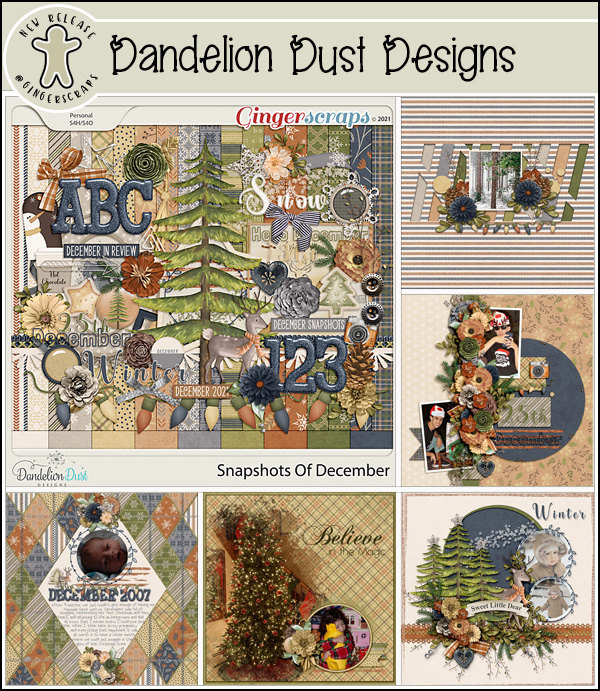
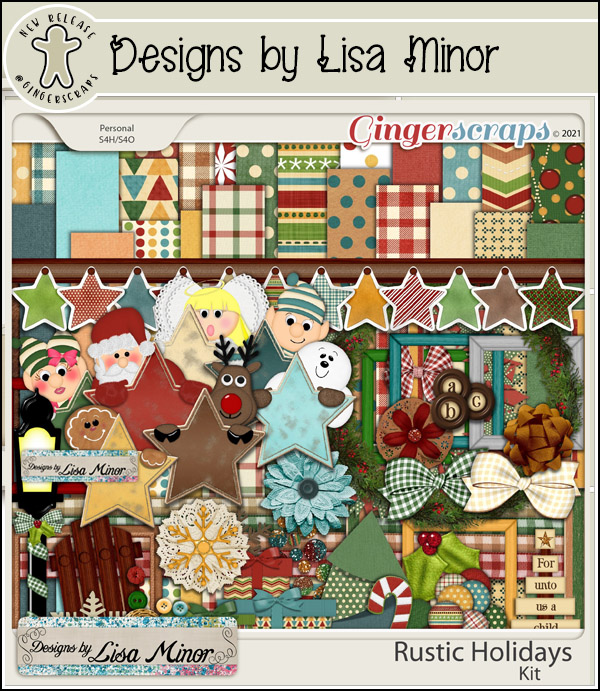
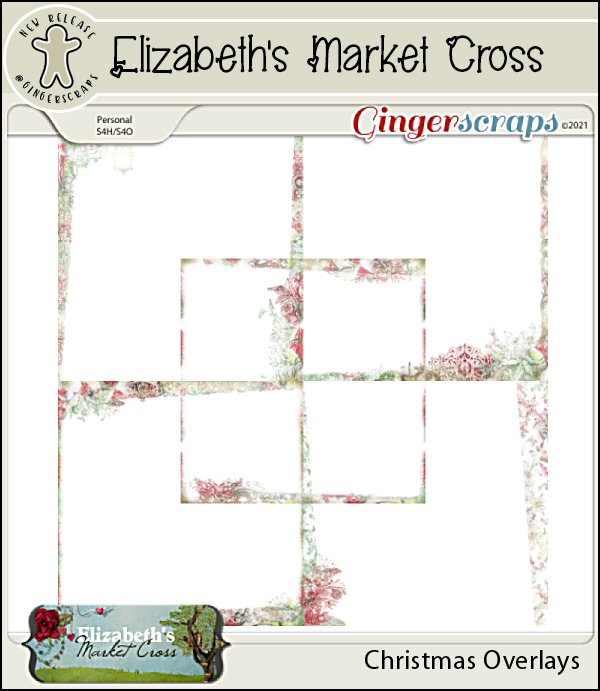
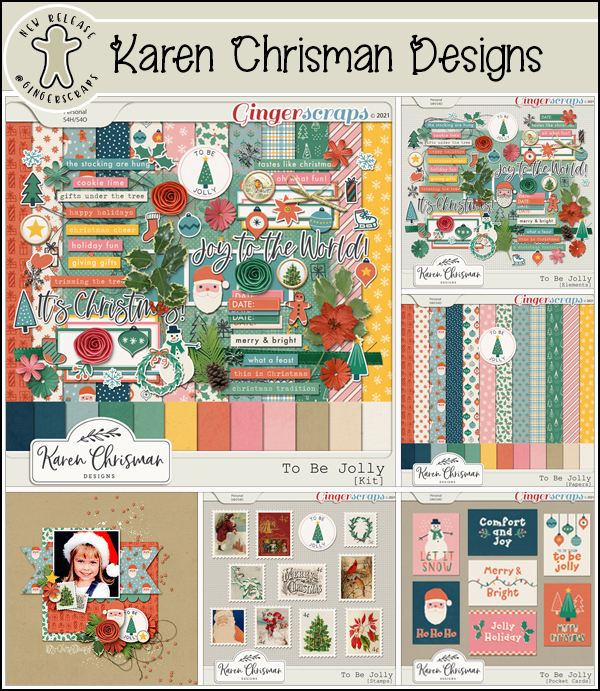
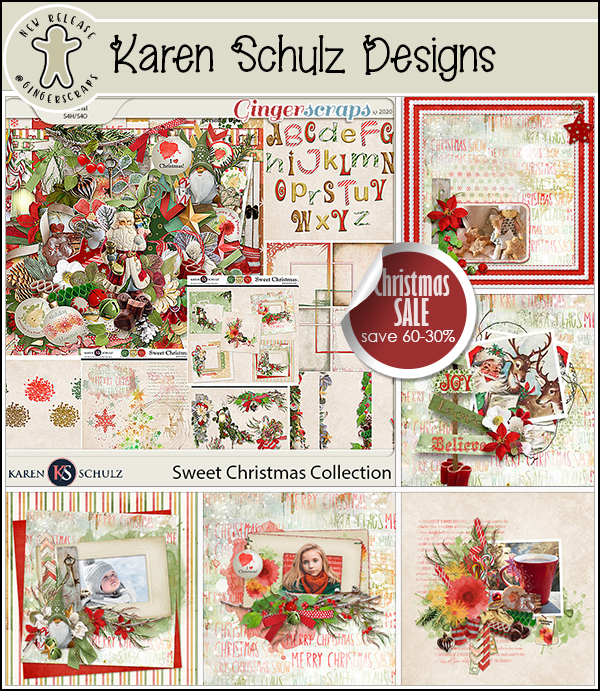
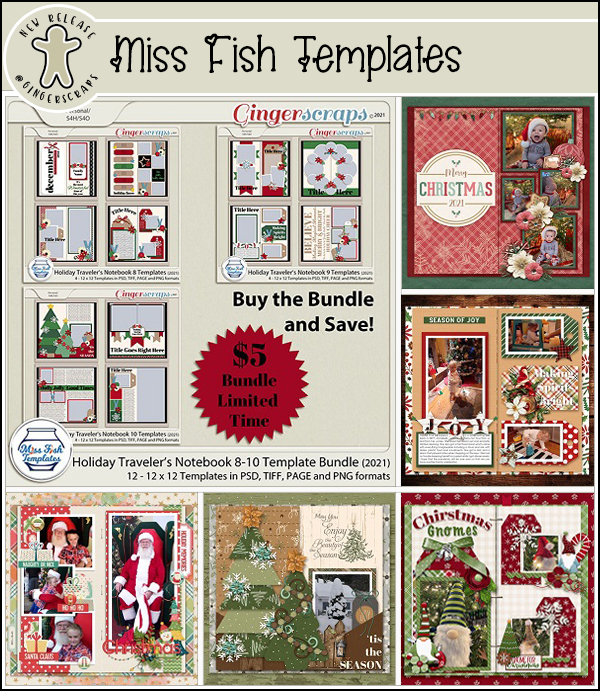
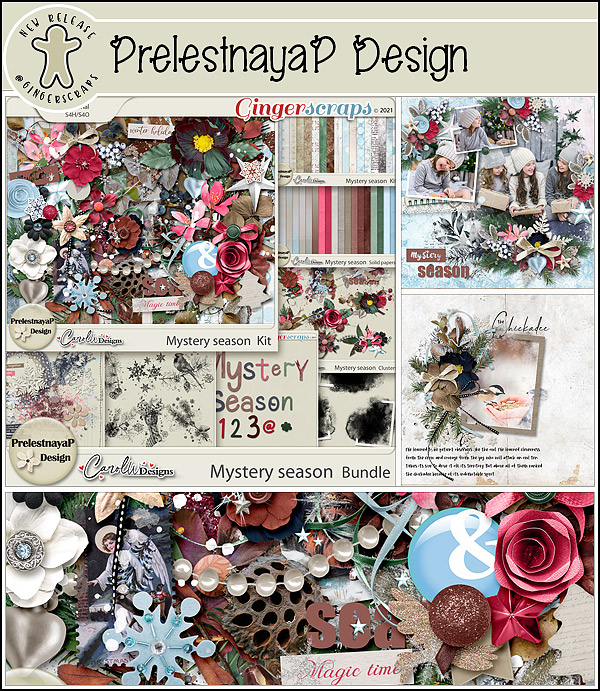
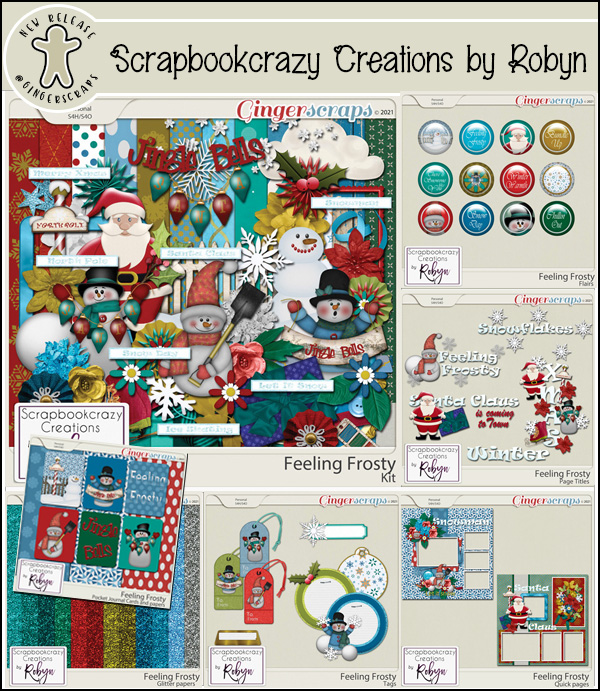
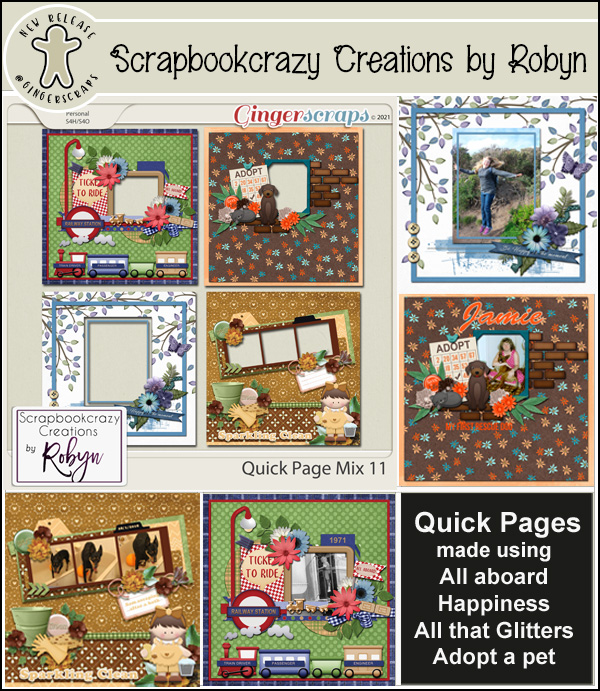
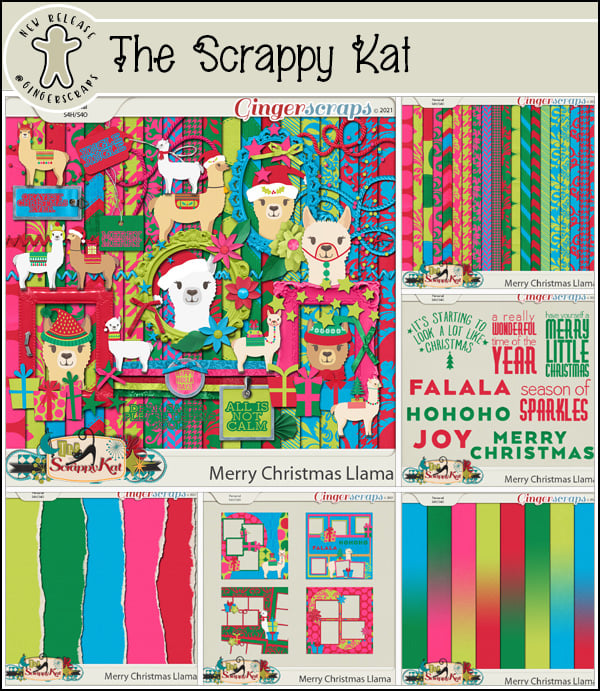
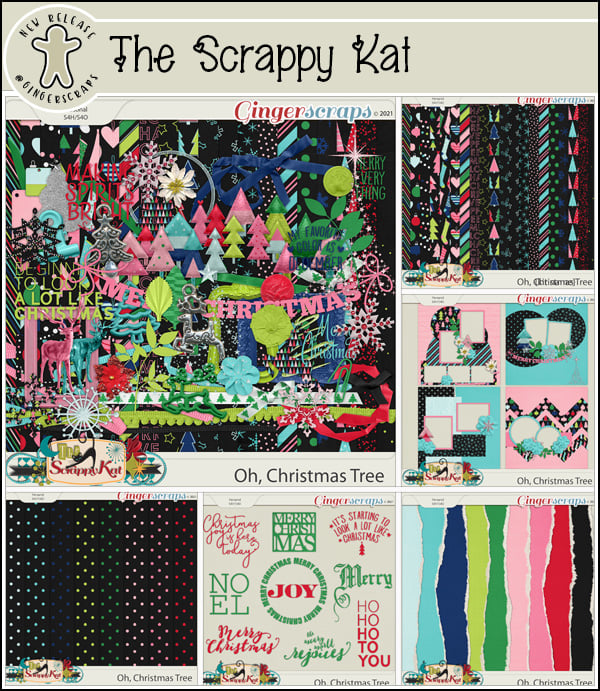
Let’s see what our designers have new in their stores this week.

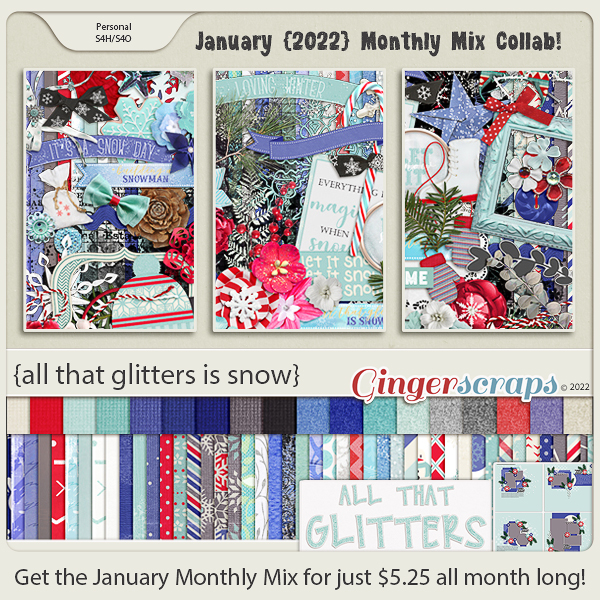
Have you grabbed the January Monthly Mix? I really love the colors in this collab.

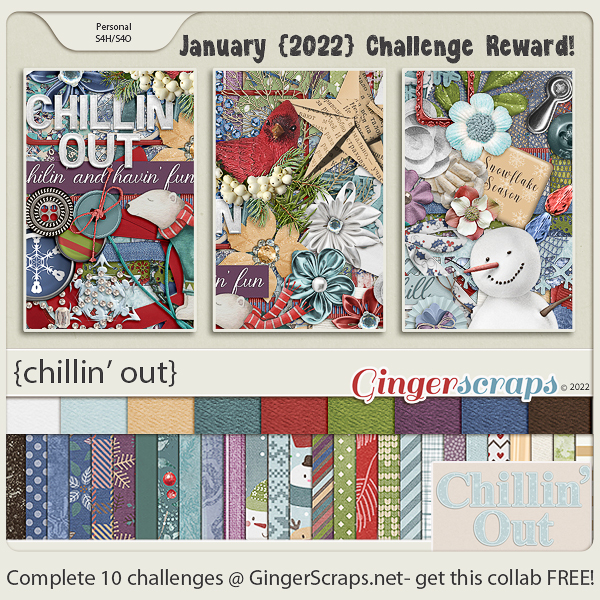
Don’t forget to participate in the challenges in the forum. Complete any 10 challenges and get this GingerBread Ladies collab as a reward.

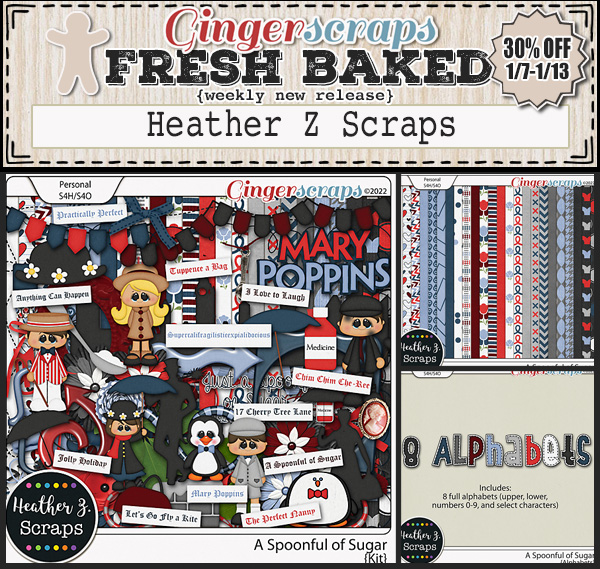
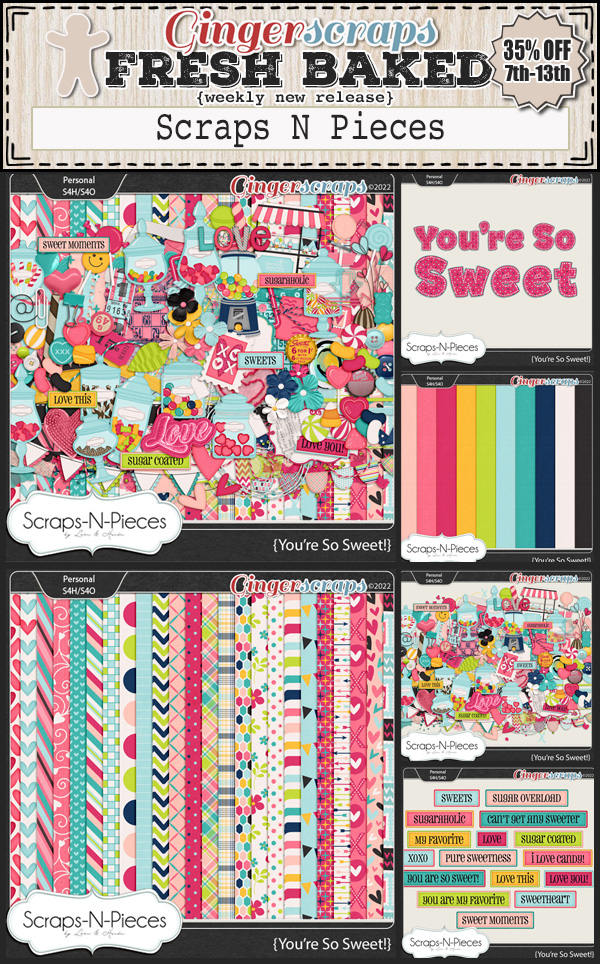
Fresh Baked: January 14, 2022

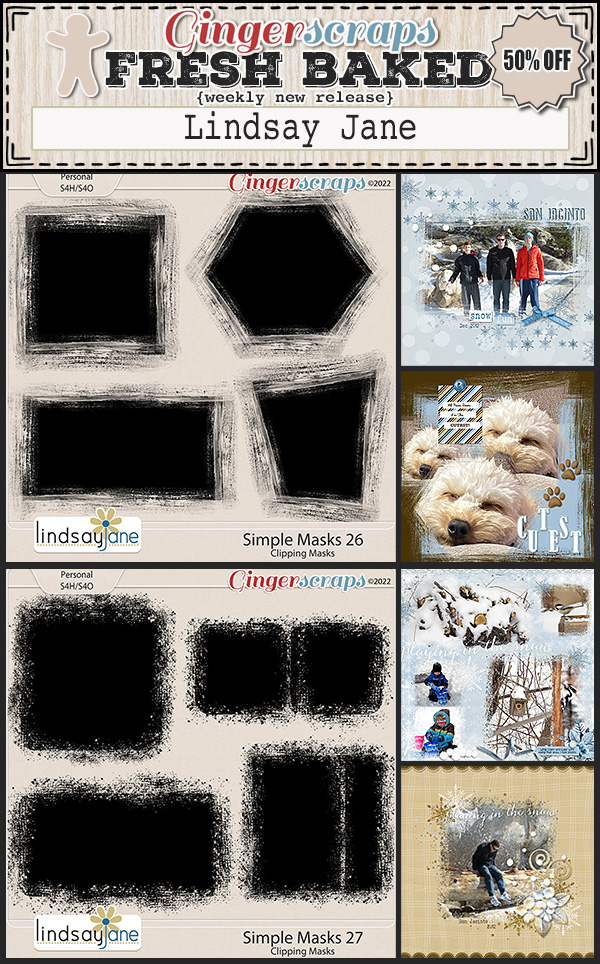
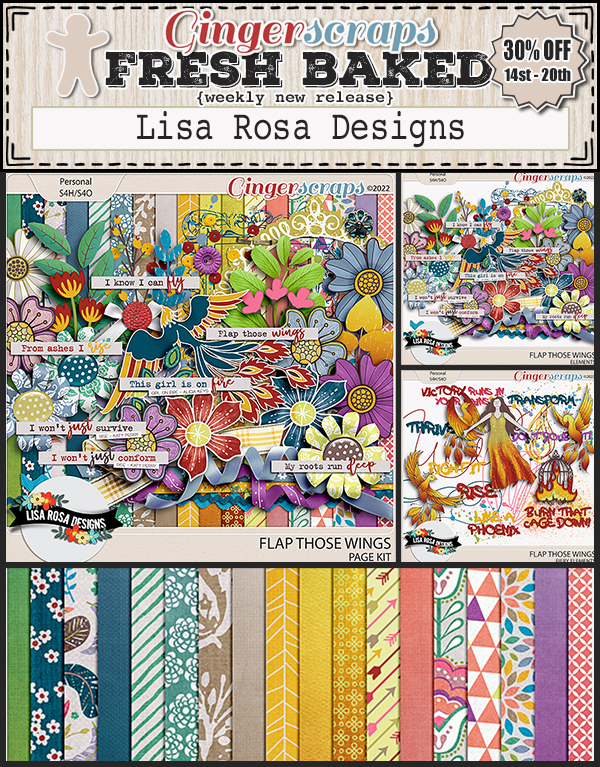
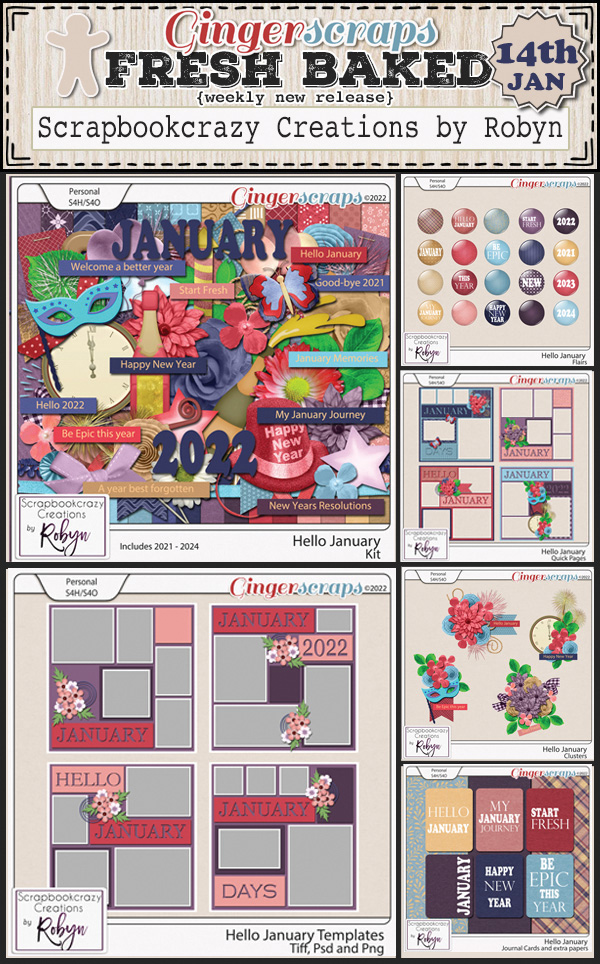
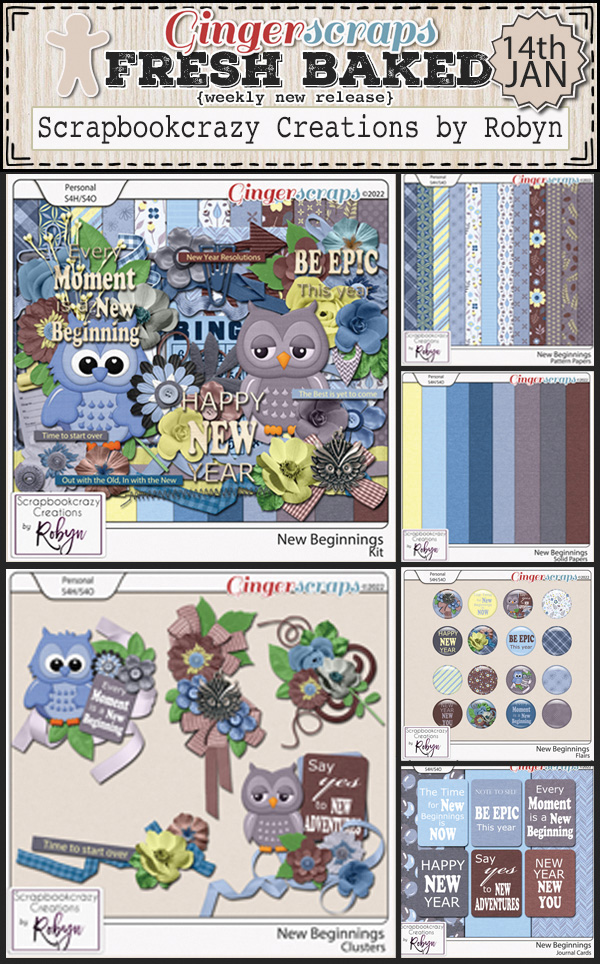
Happy Friday!! I hope you have had an enjoyable week. I’ve been trudging through work and now preparing for a winter storm. We don’t do snow and ice well where  I am. 

Remember, any $10 spent in the store gets you this wonderful kit!

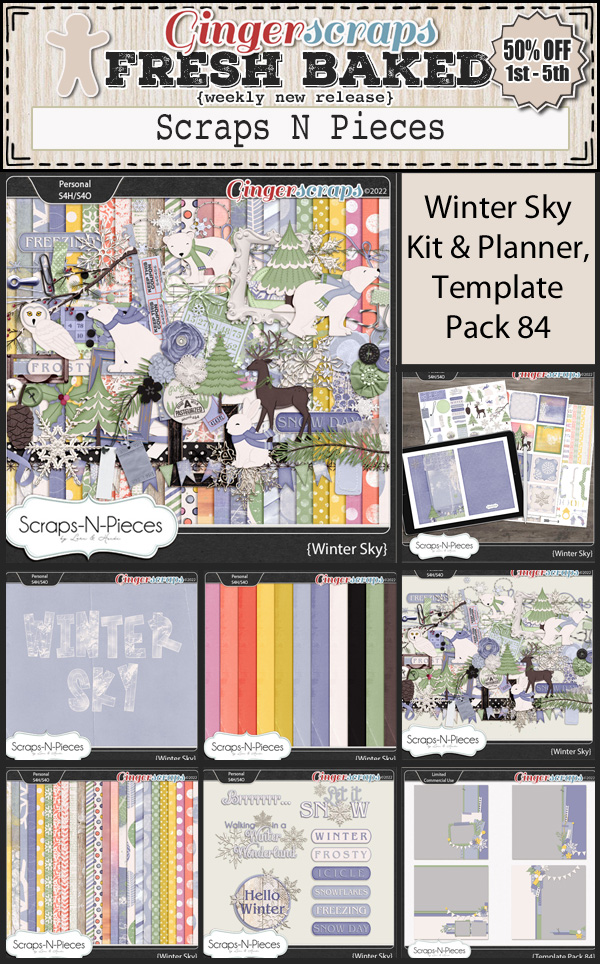
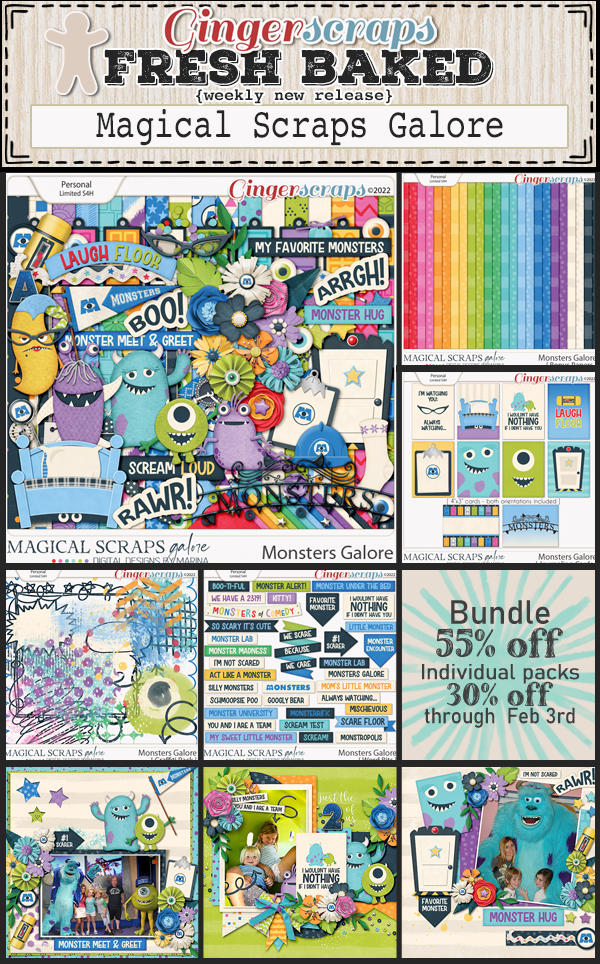
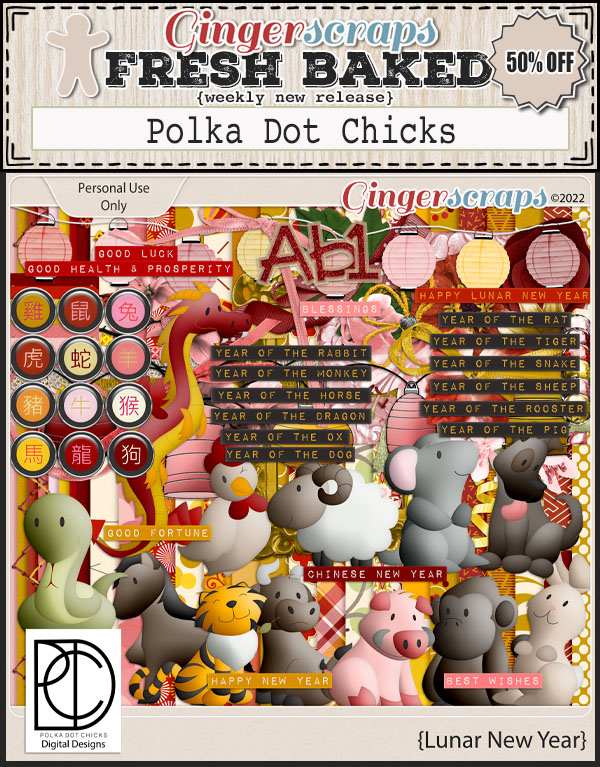
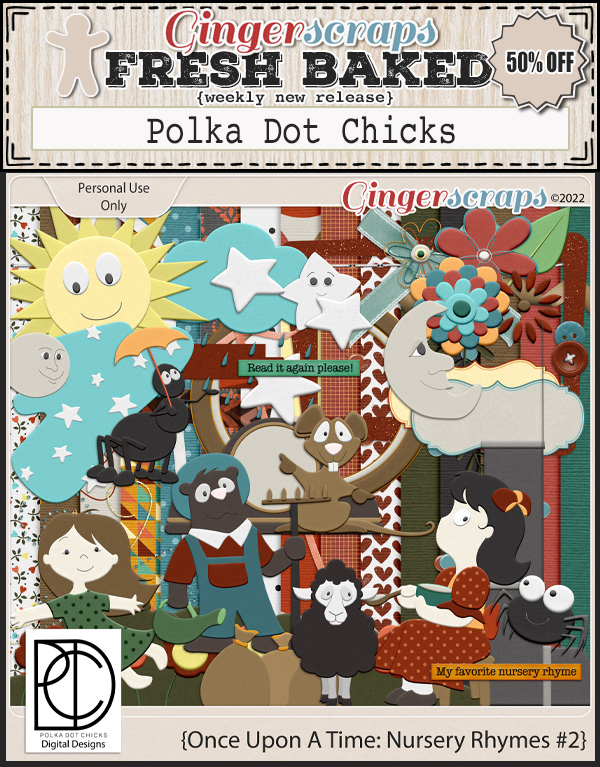
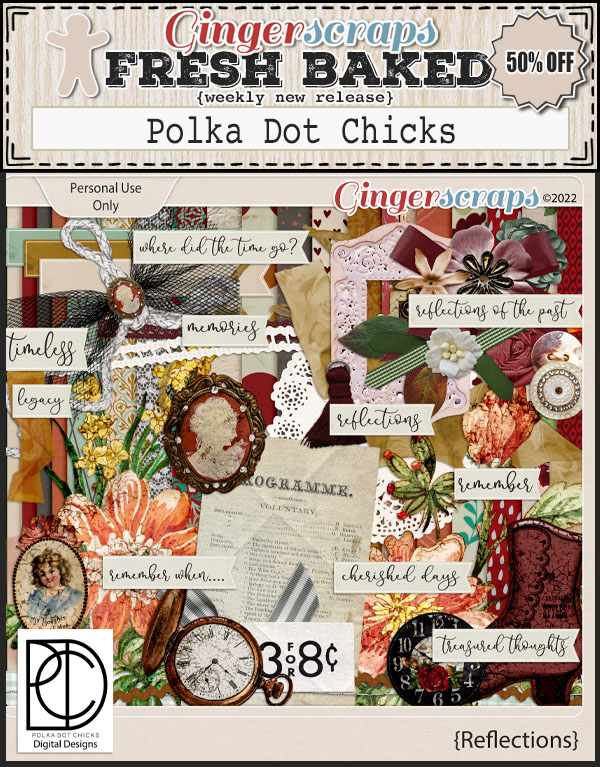
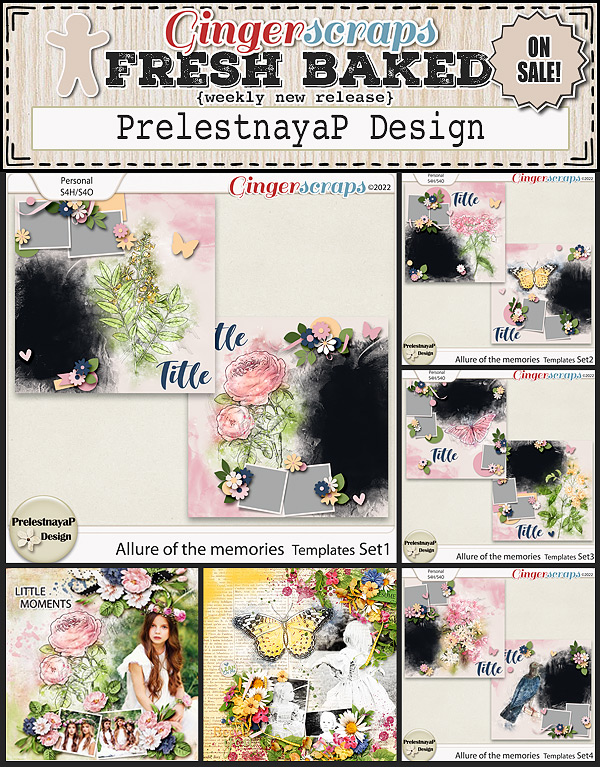
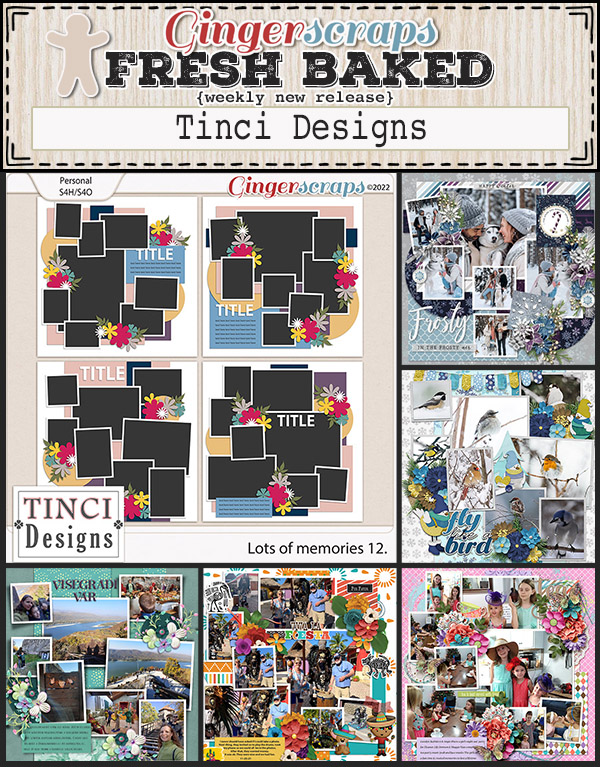
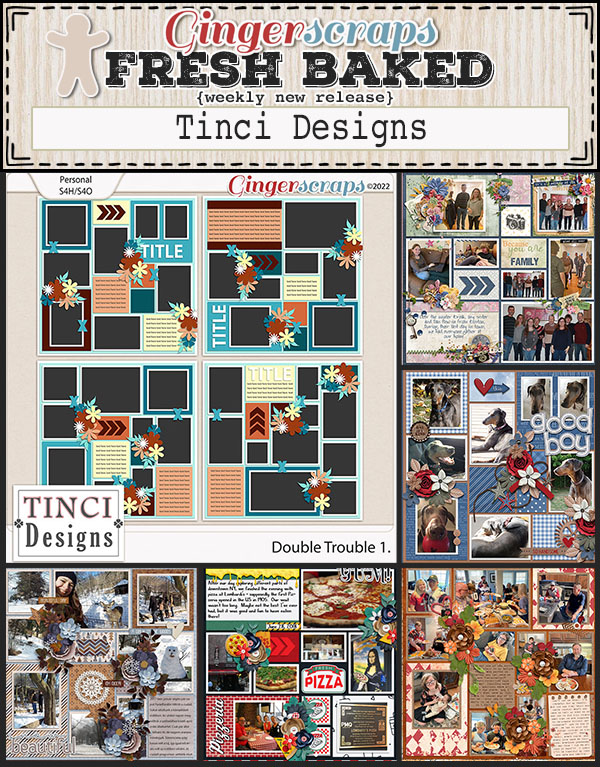
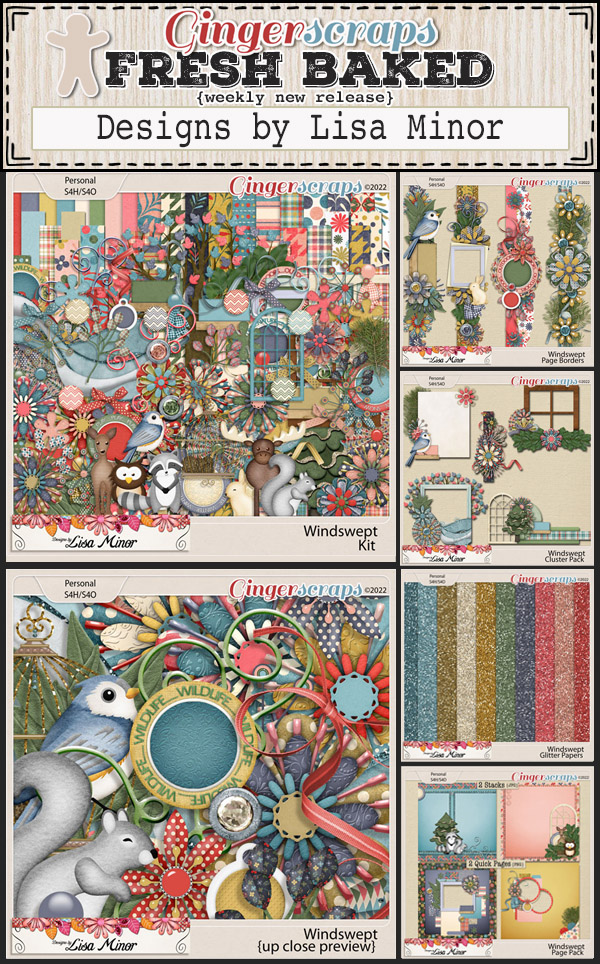
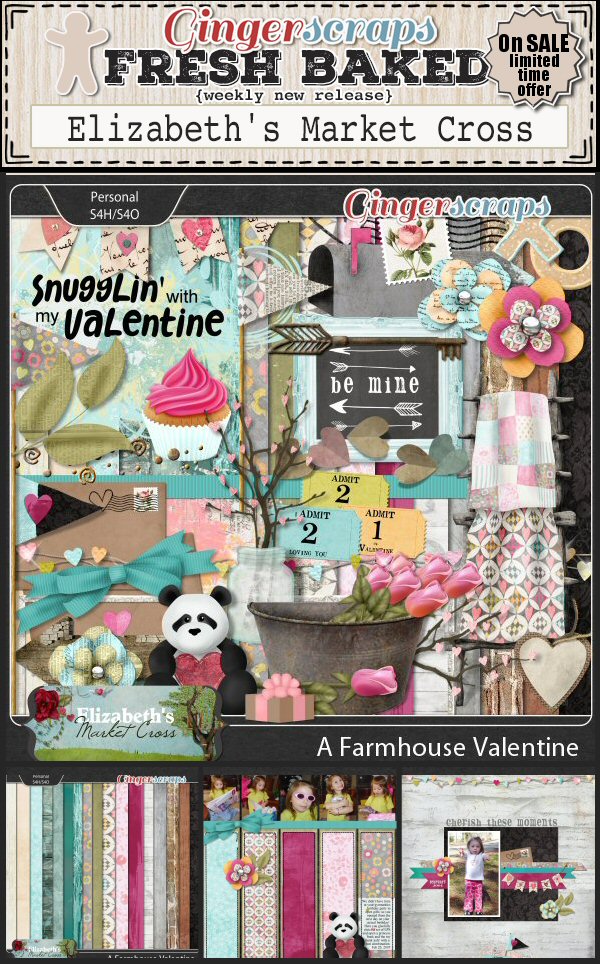
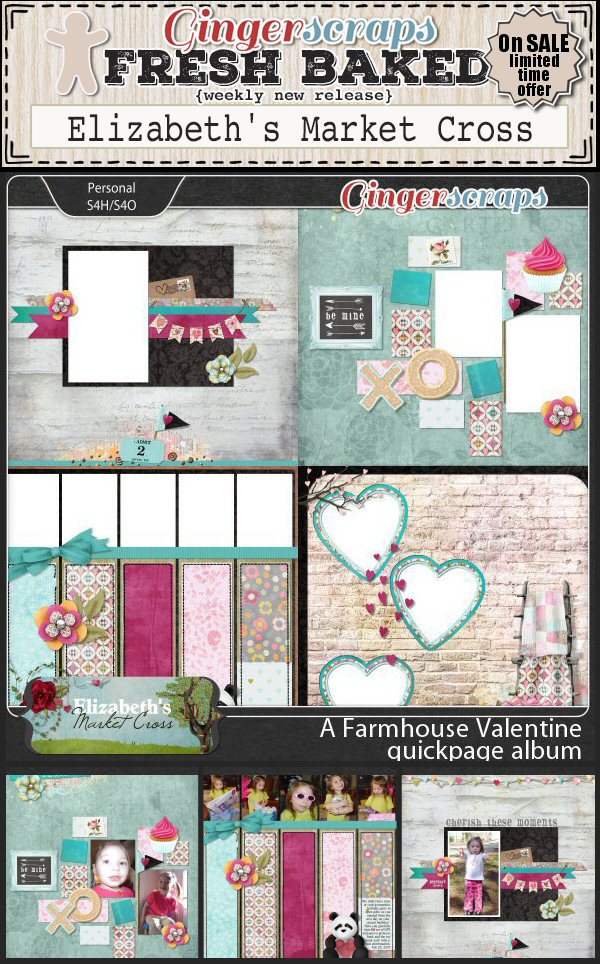
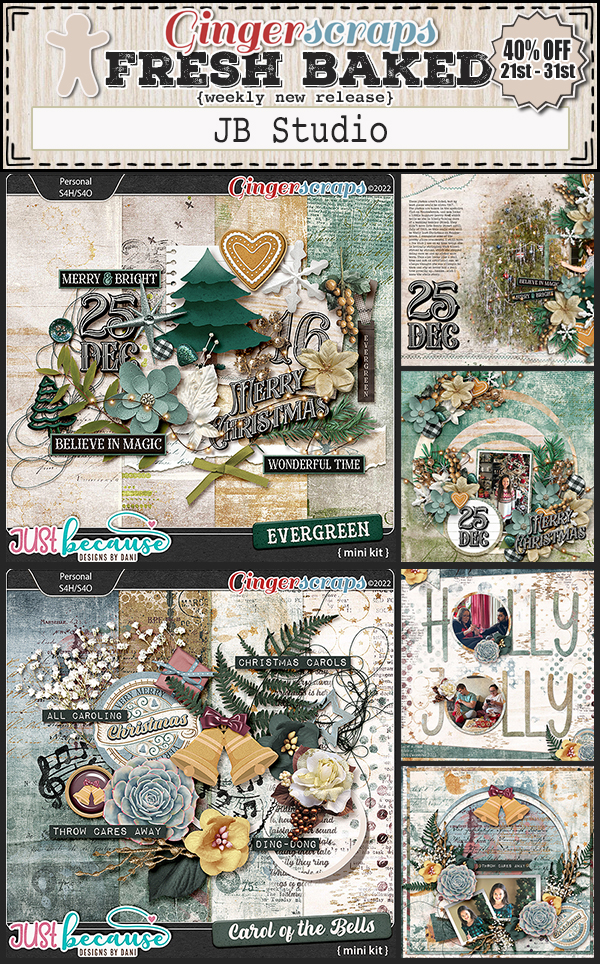
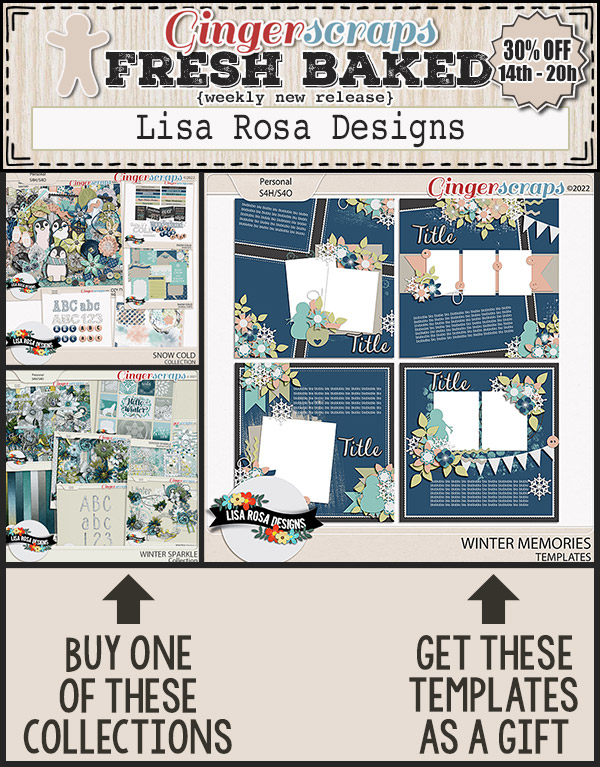
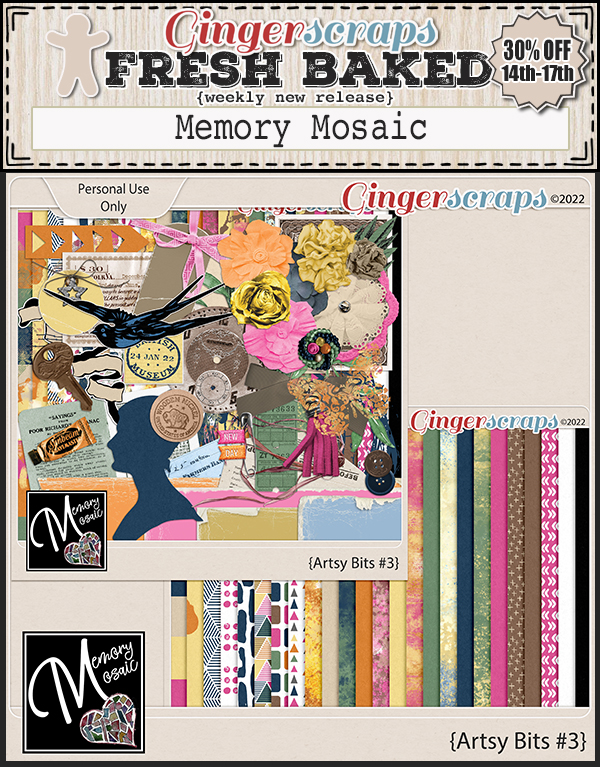
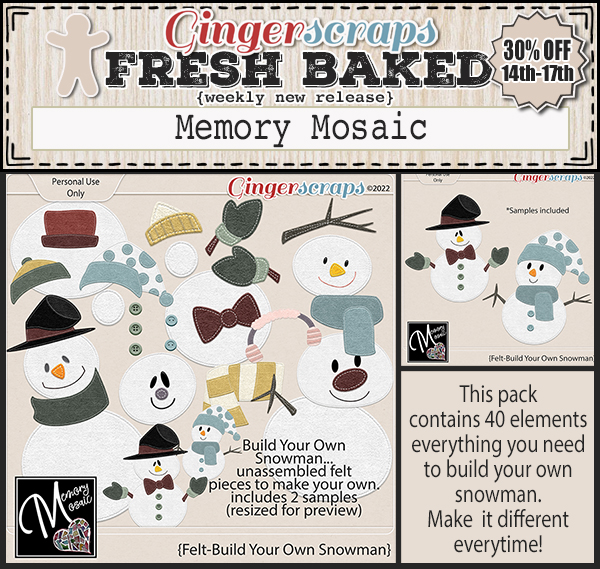
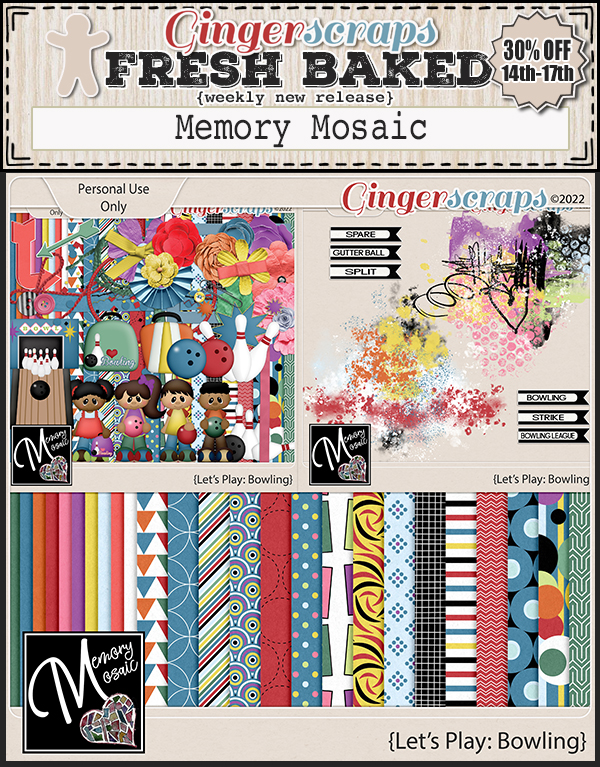
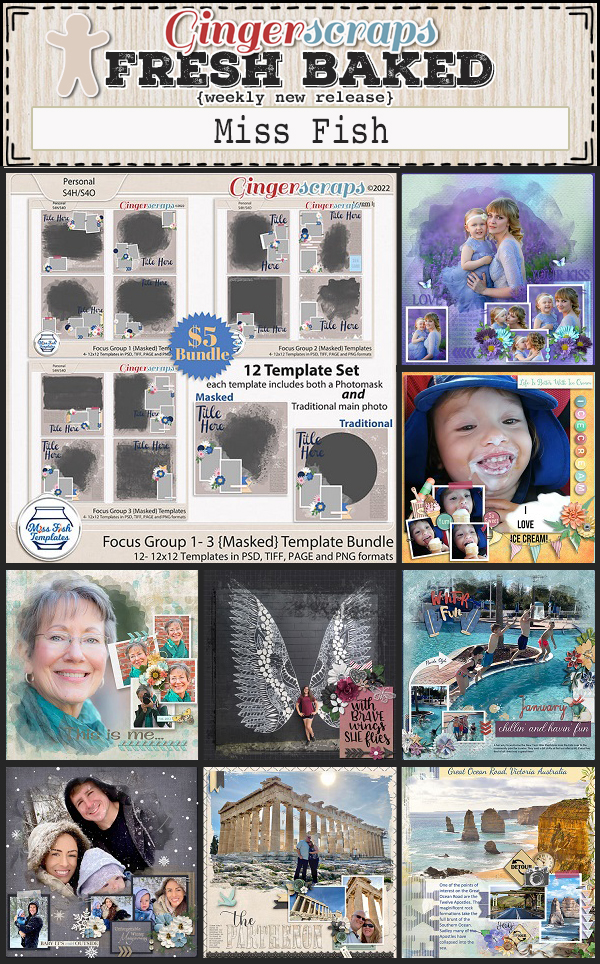
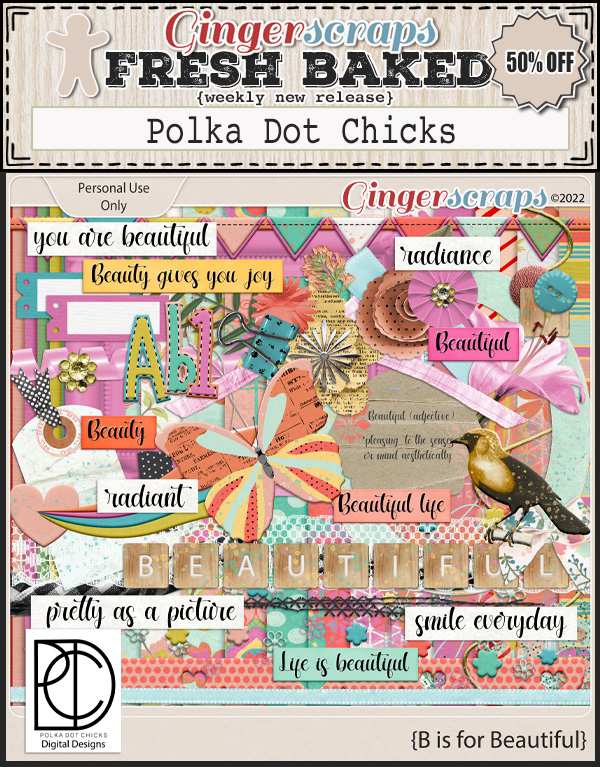
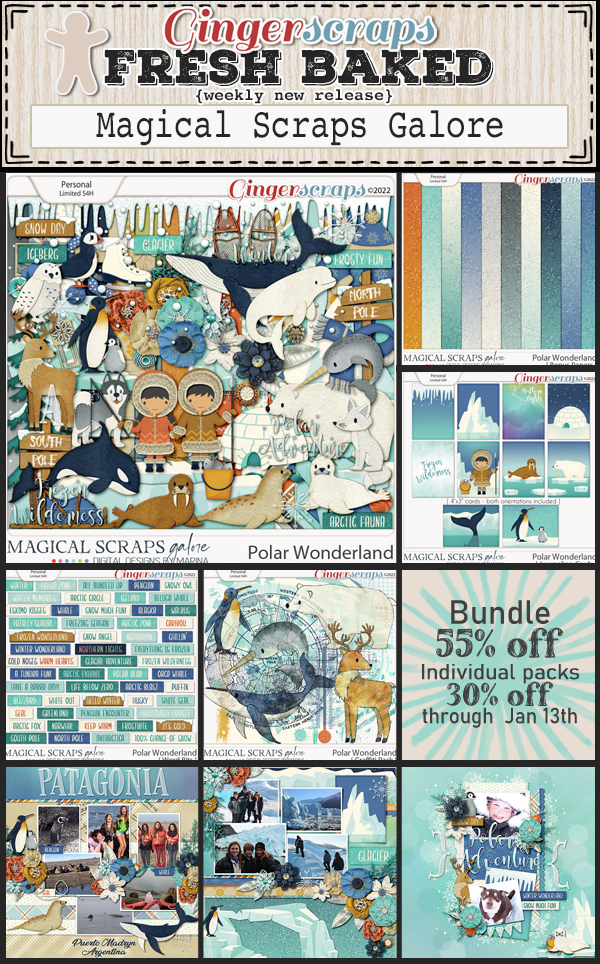
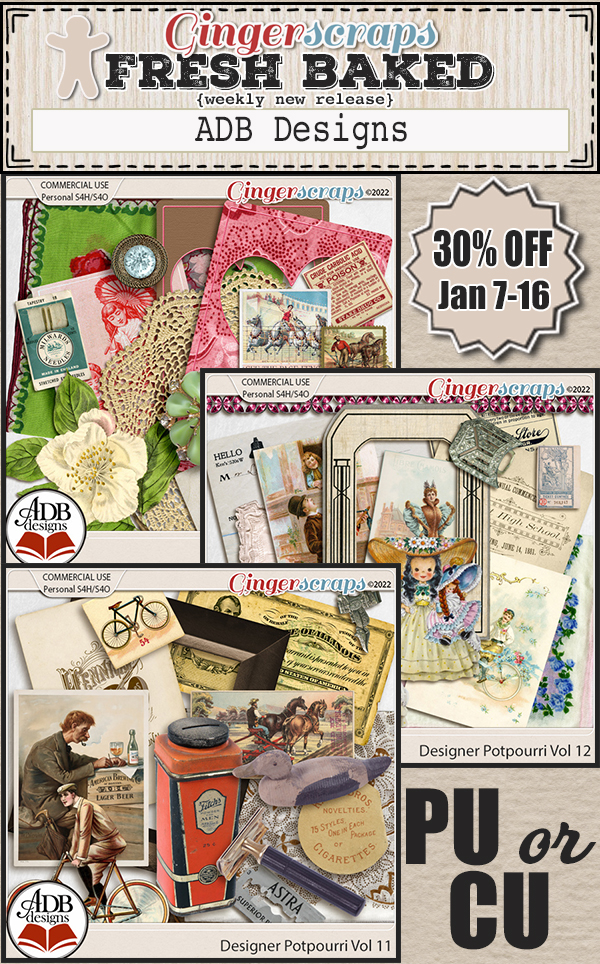
Let’s look at a sampling of the new items in the store this week.

How are your challenges going this month? Any 10 challenges completed gets you this kit as a reward!

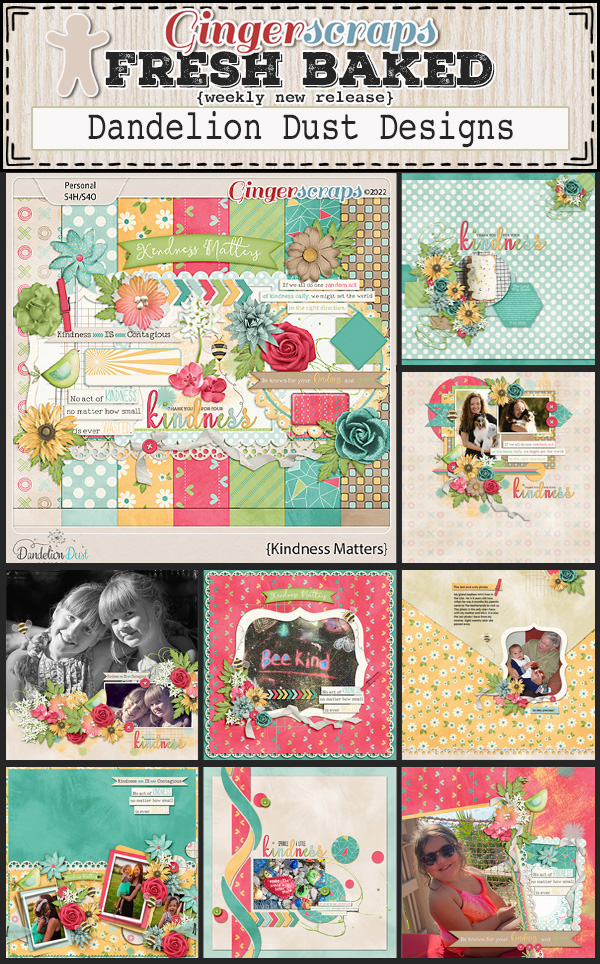
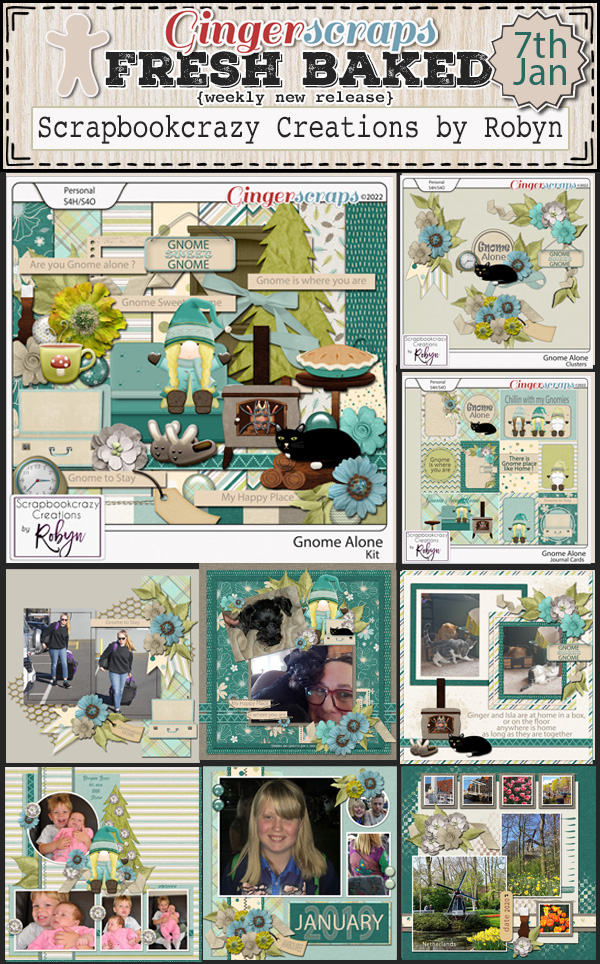
January 7, 2022: Fresh Baked

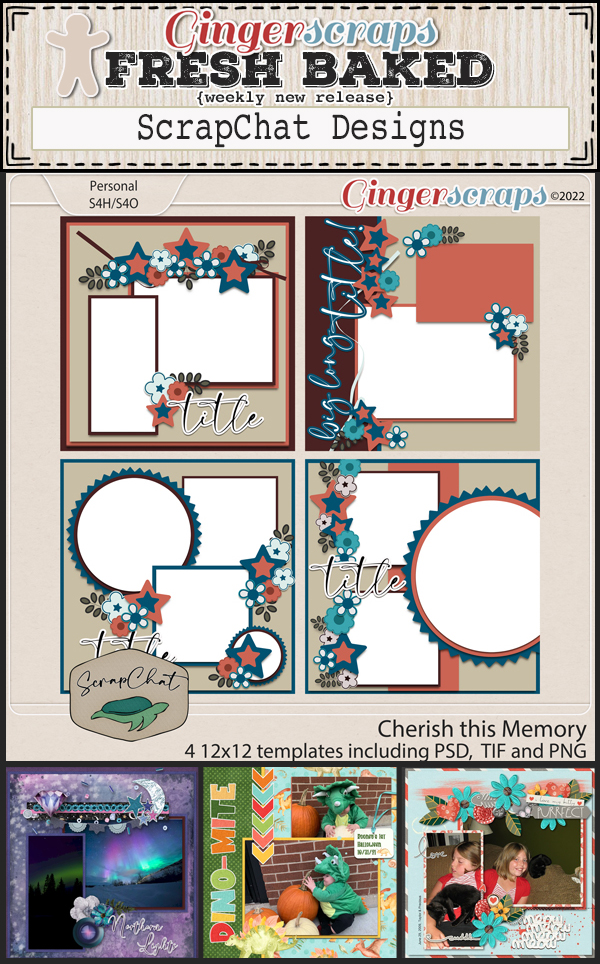
Happy first Friday in January! I hope your 2022 is starting off well and that you are finding time to use all those new kits you bought for Christmas. 

Remember, any $10 spent will get you this collab for free. Love these colors.

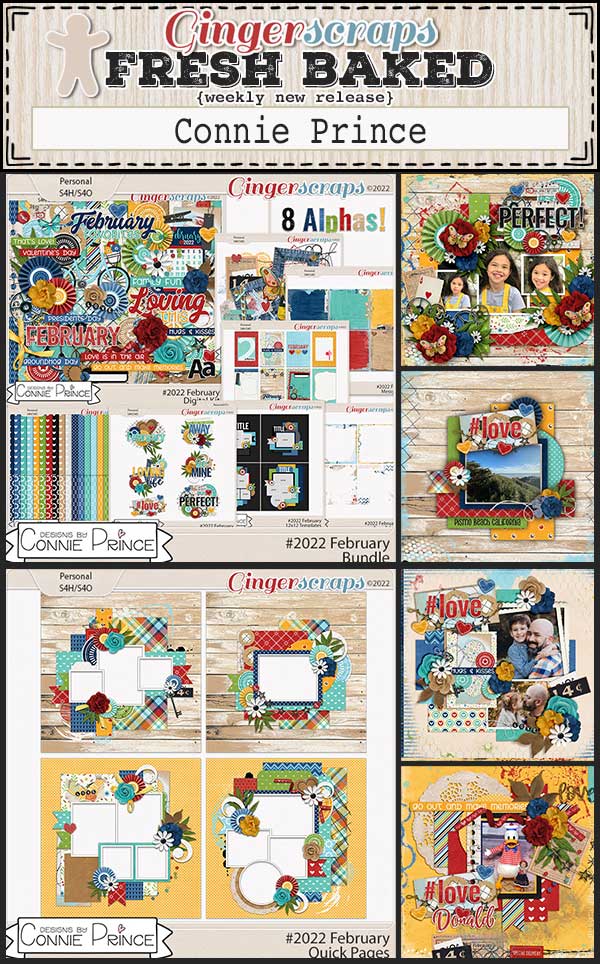
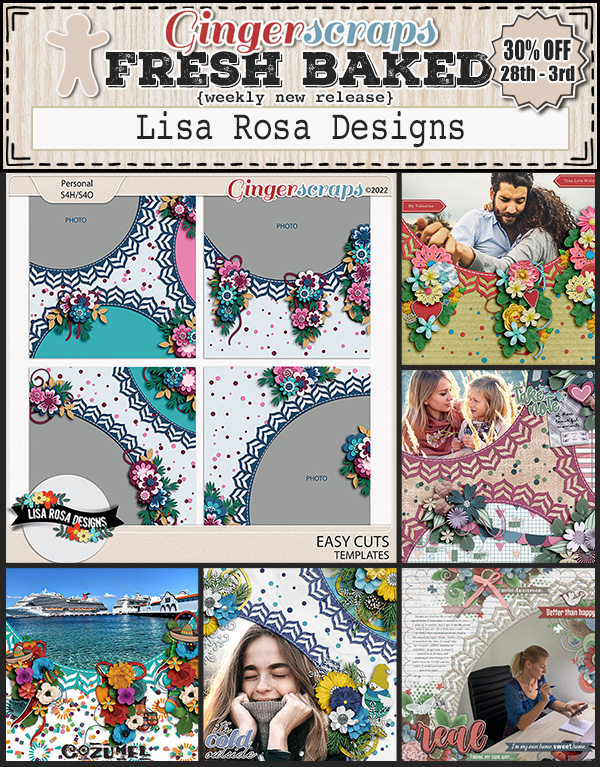
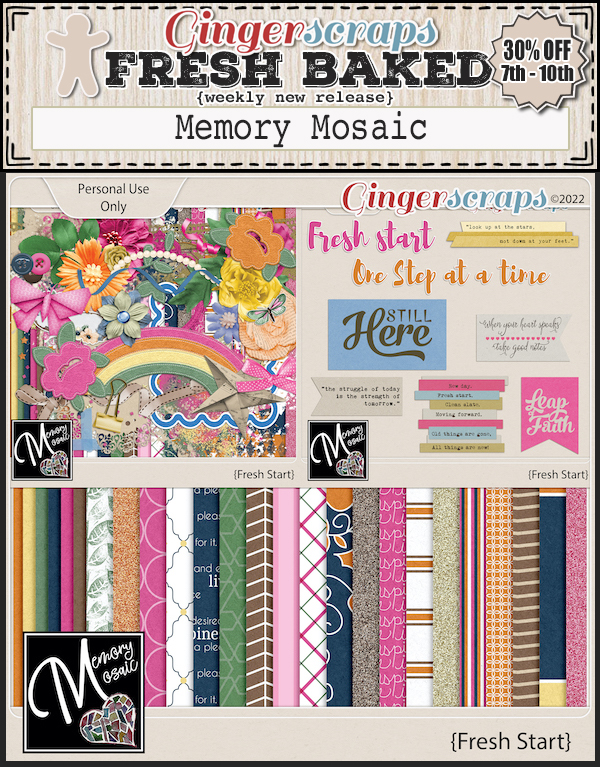
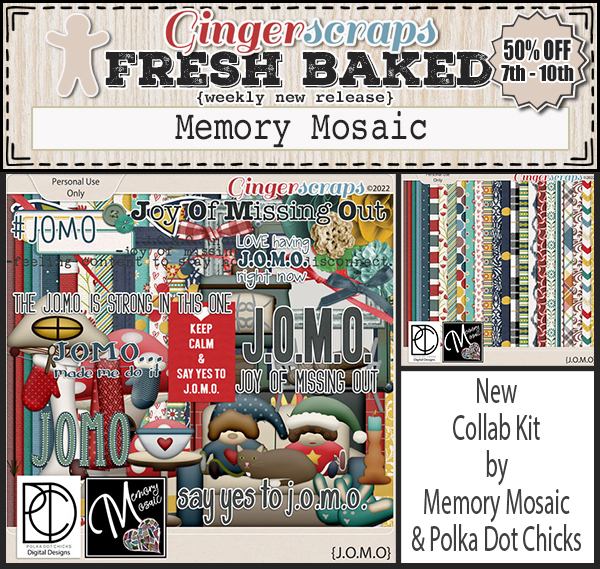
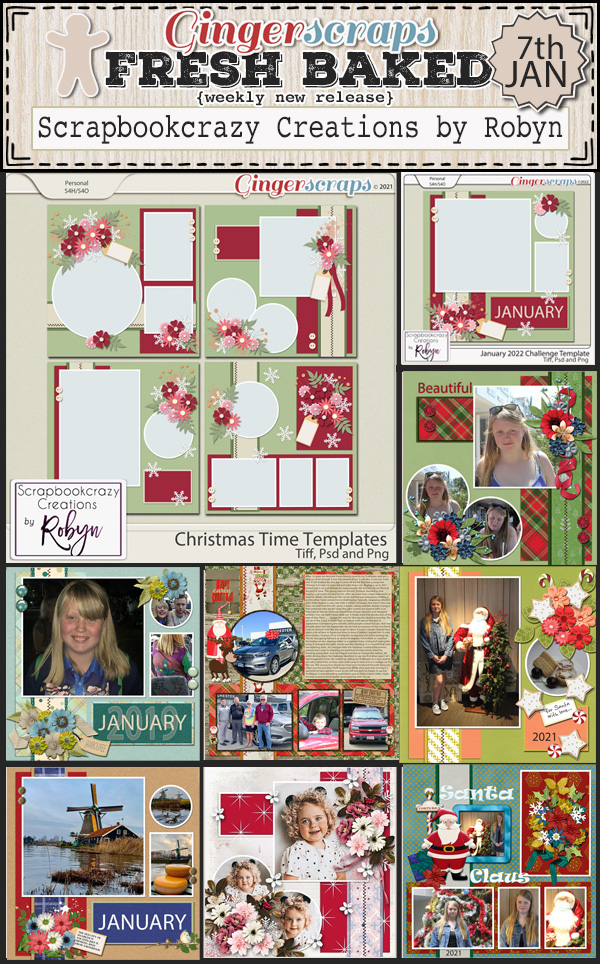
Let’s see what our designers have for us this week.

Have you gotten started on your January challenges? Only 10 completed challenges gets you this great kit as a reward.

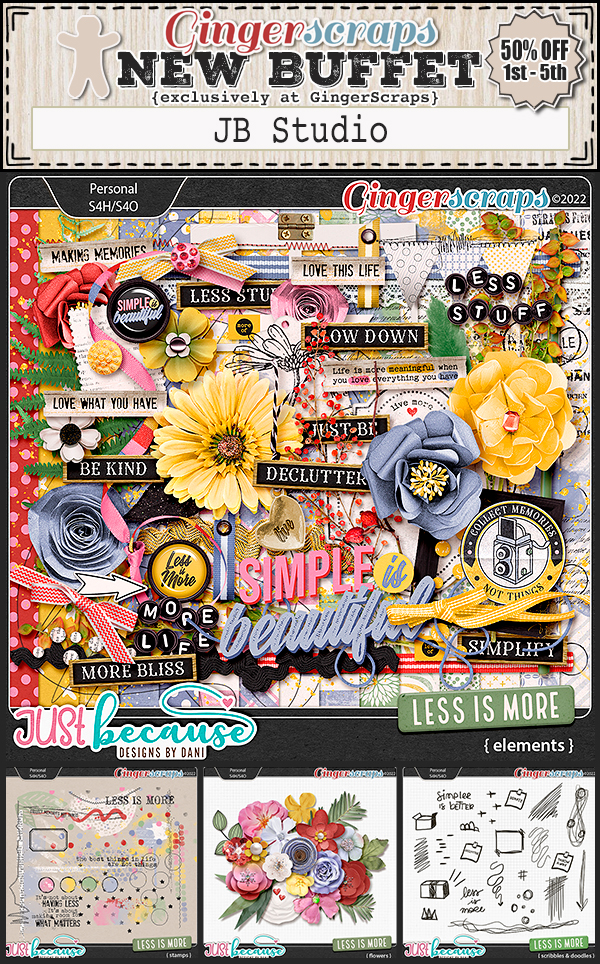
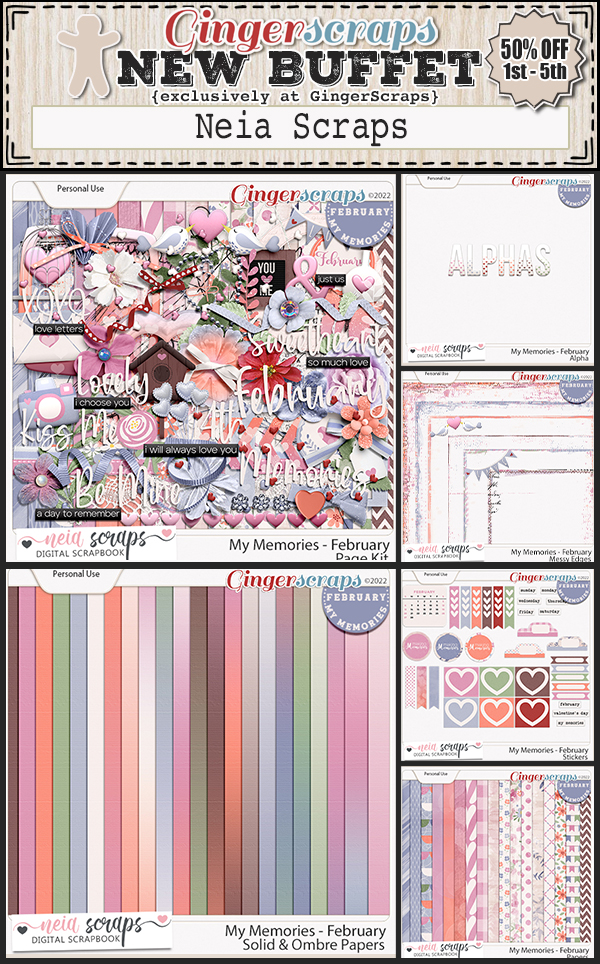
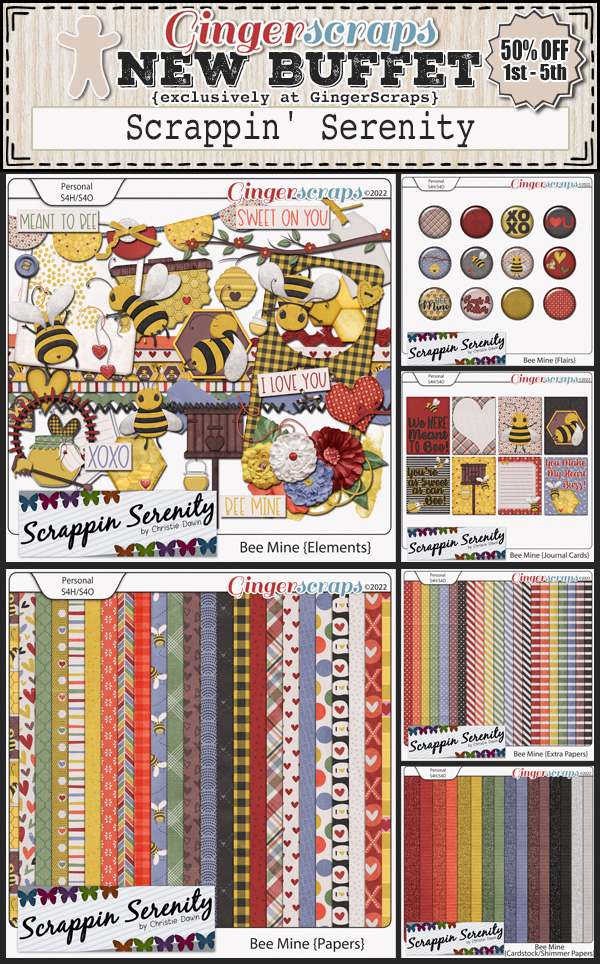
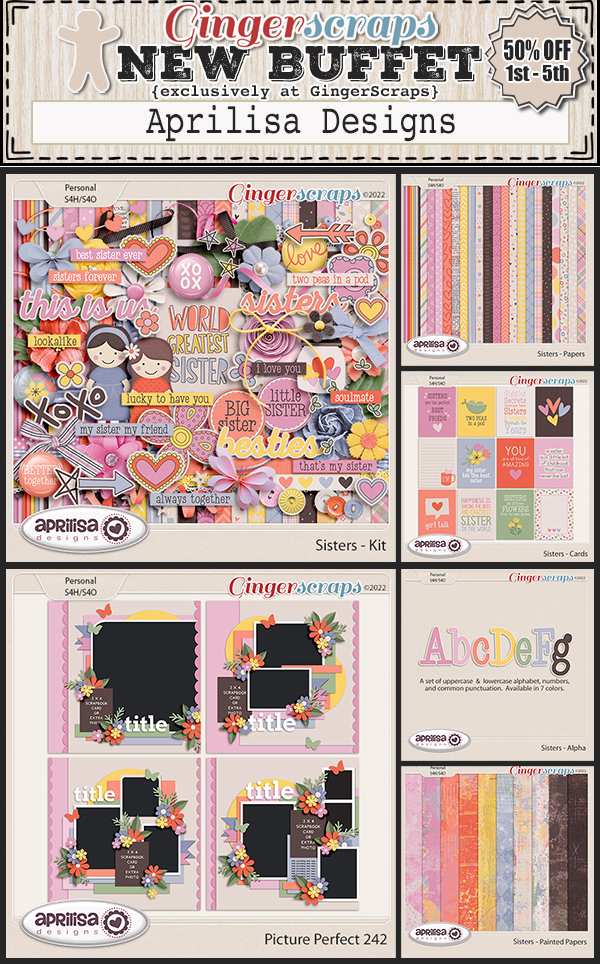
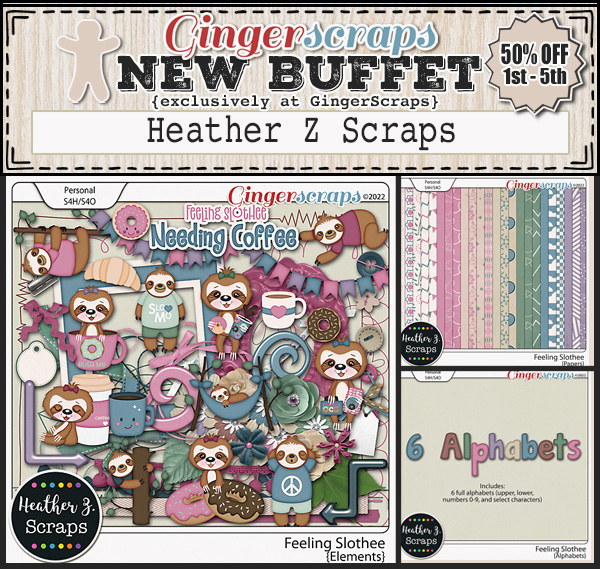
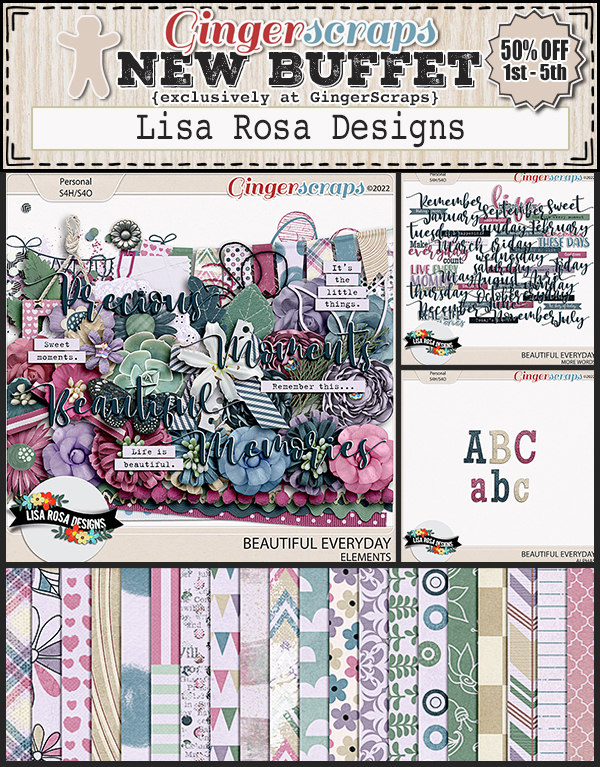
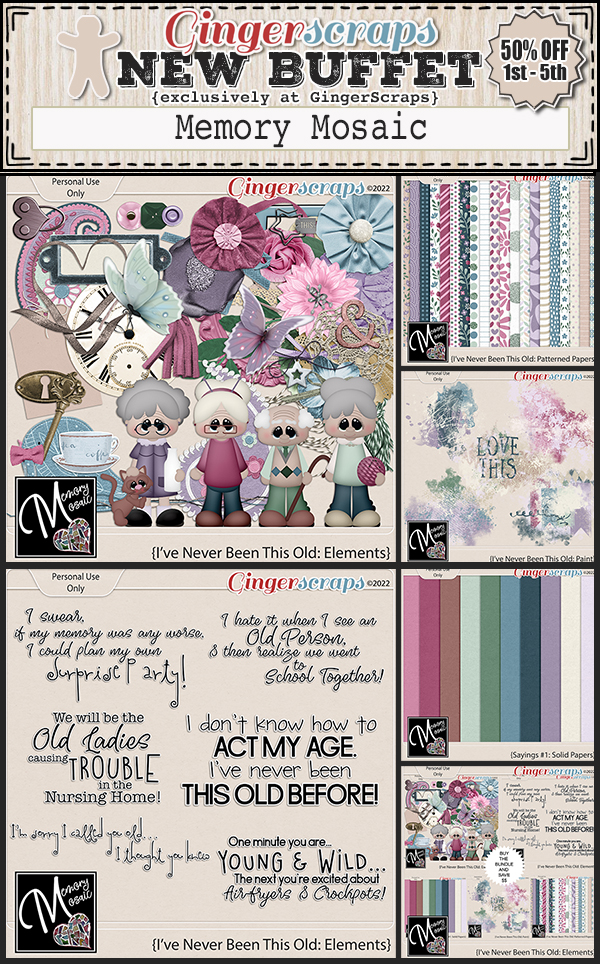
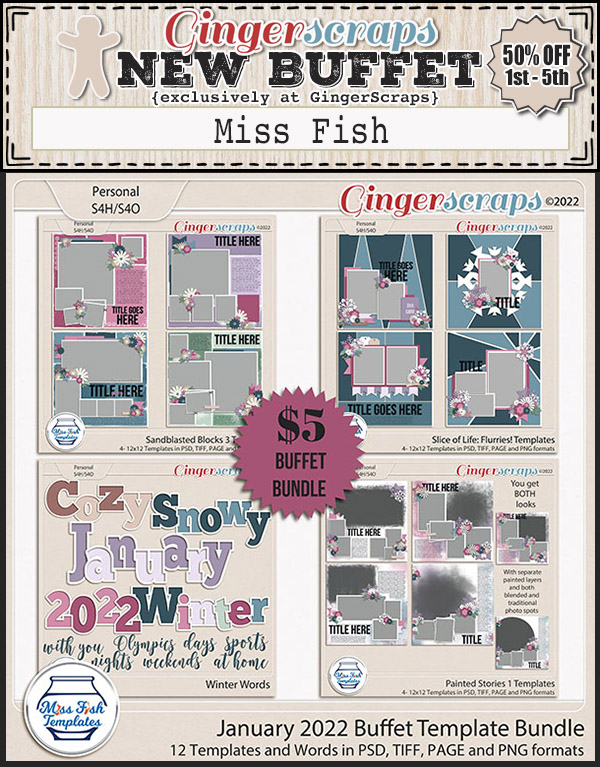
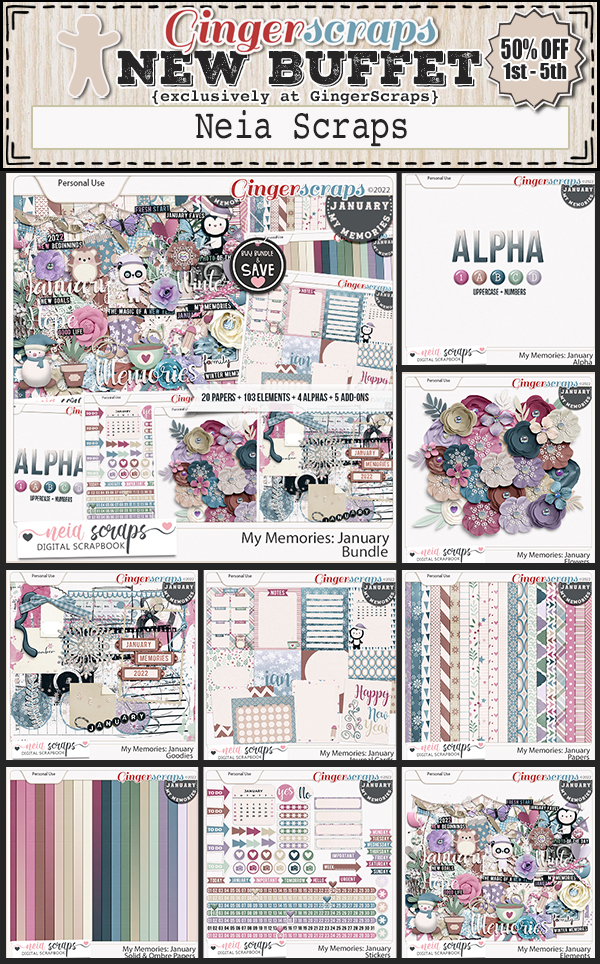
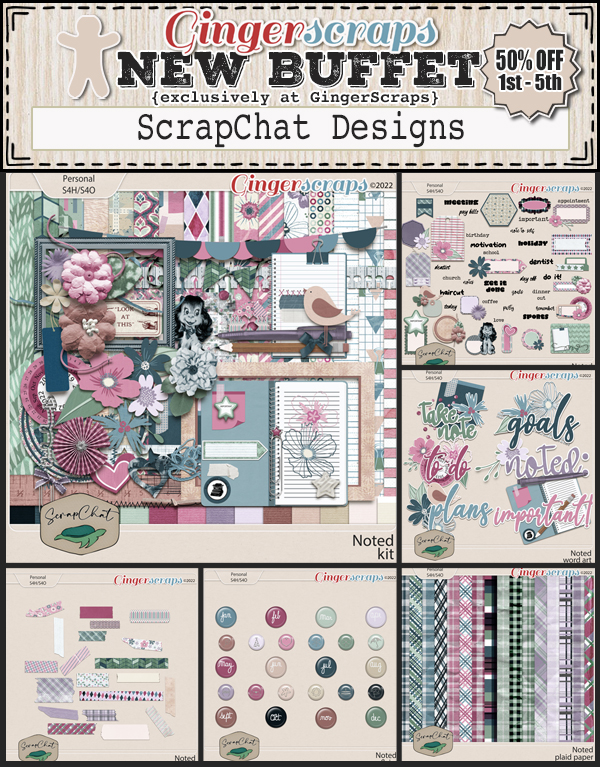
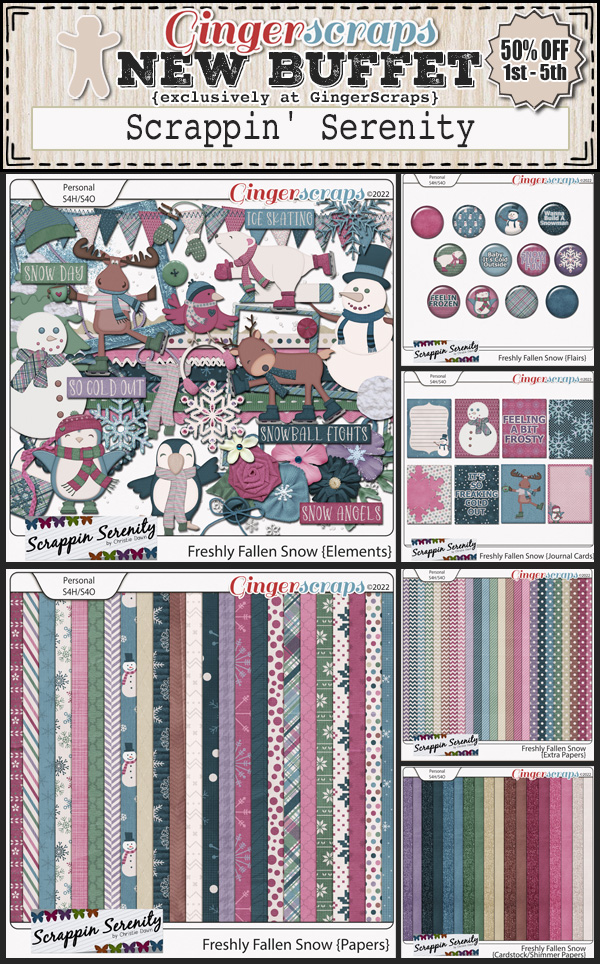
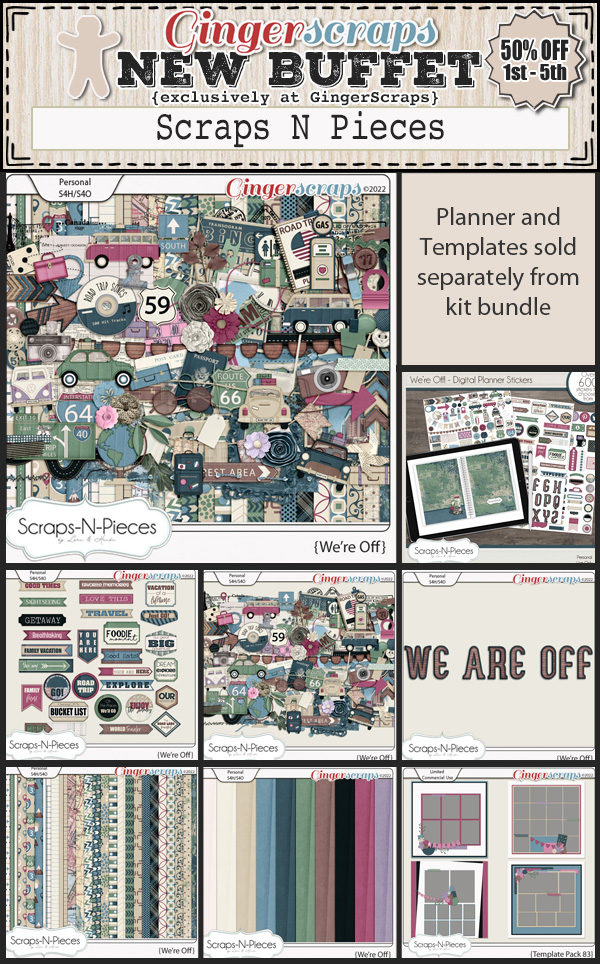
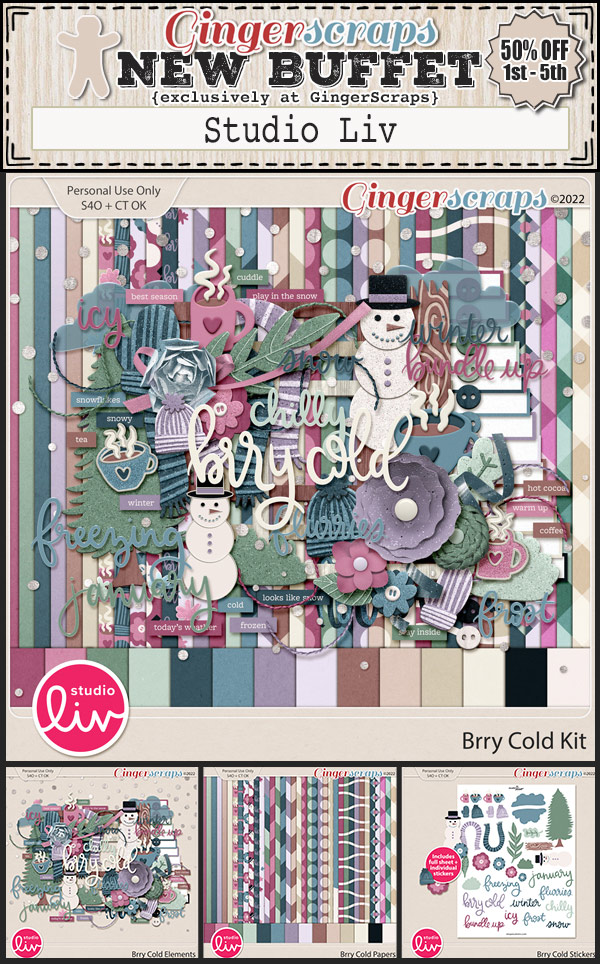
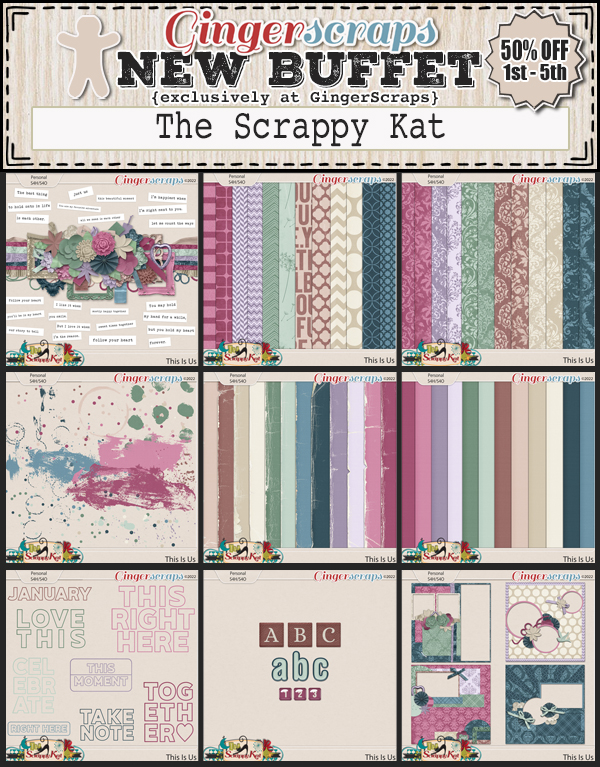
GingerScraps: NEW Buffet, New FREE collab, New Designers & MUCH MORE!

HAPPY NEW YEAR!! We hope that 2022 brings you great health and happiness. And of course, lots of time for scrapping.

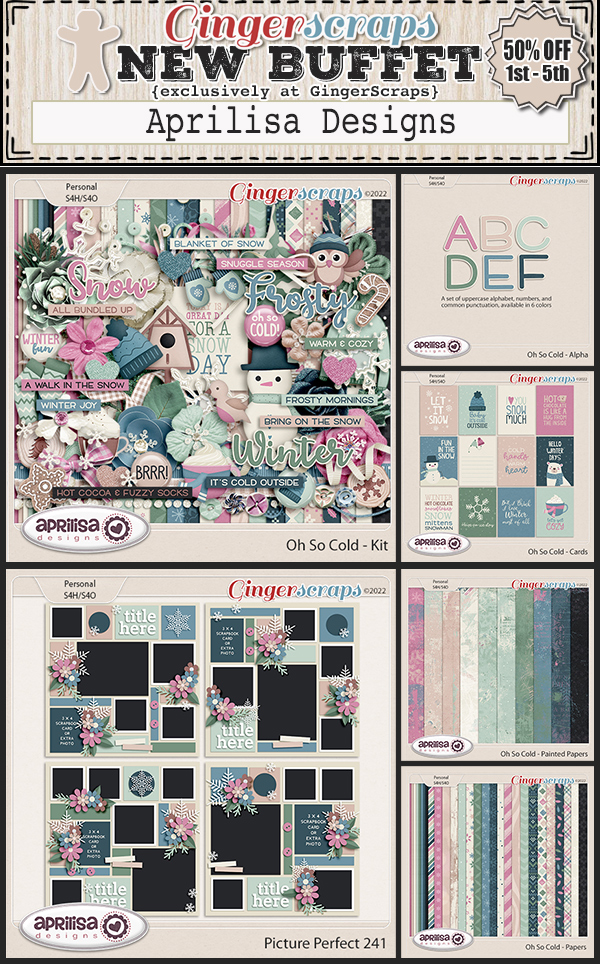
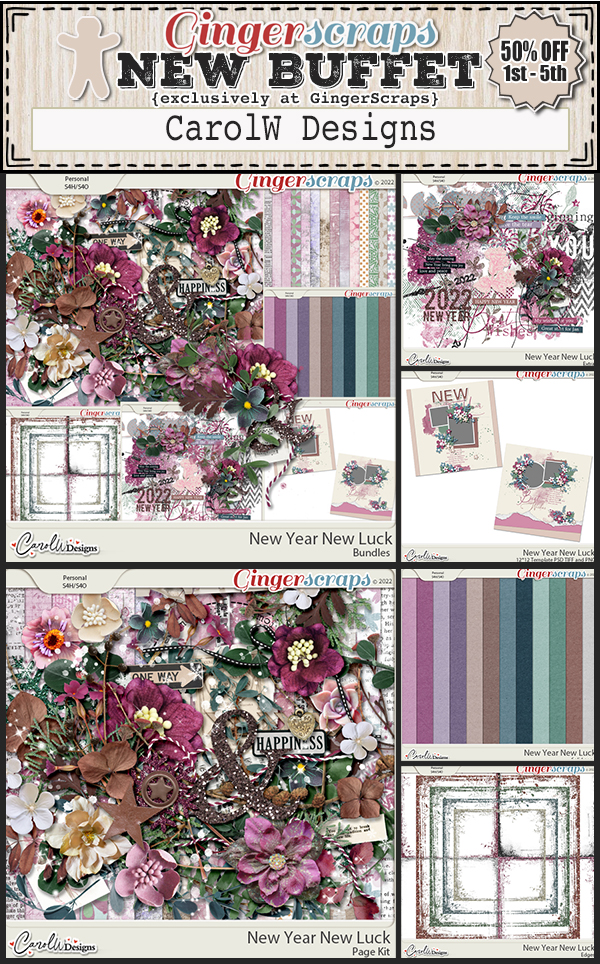
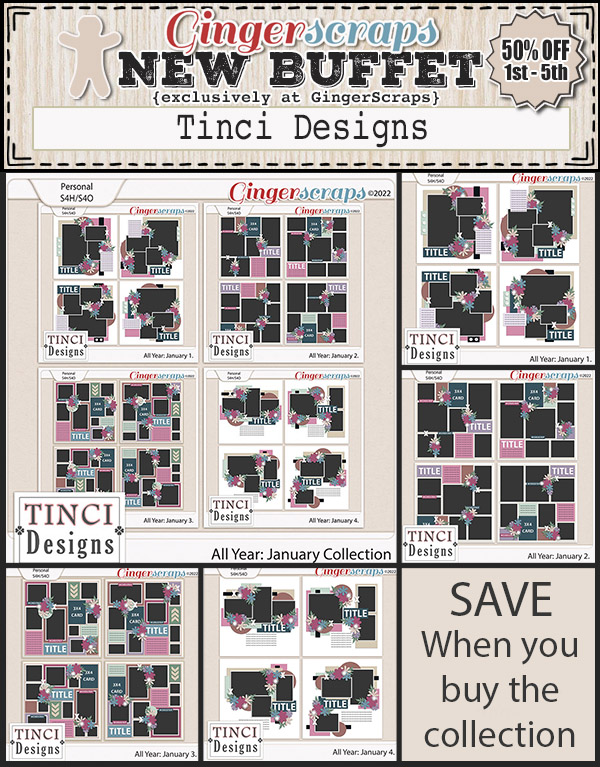
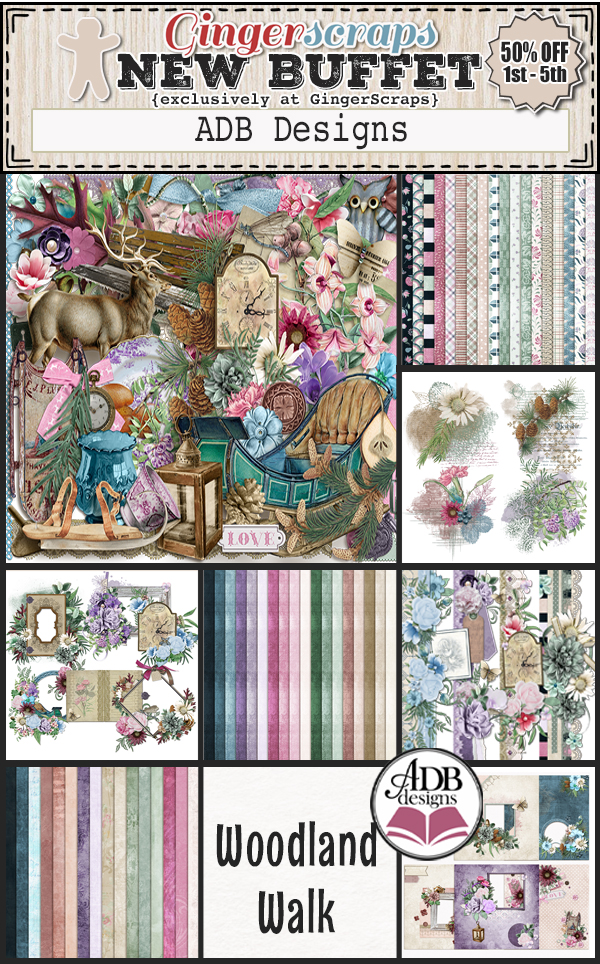
It is the 1st of the month and you know what that means, a huge, exciting newsletter! We have a New Buffet, New Monthly Mix, New Free With Purchase Collab, New Challenge Reward, New Daily Download on the GingerScraps Blog & TWO New Designers! 

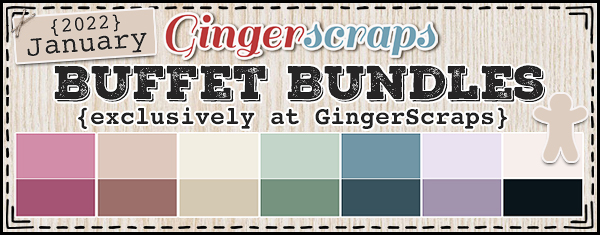
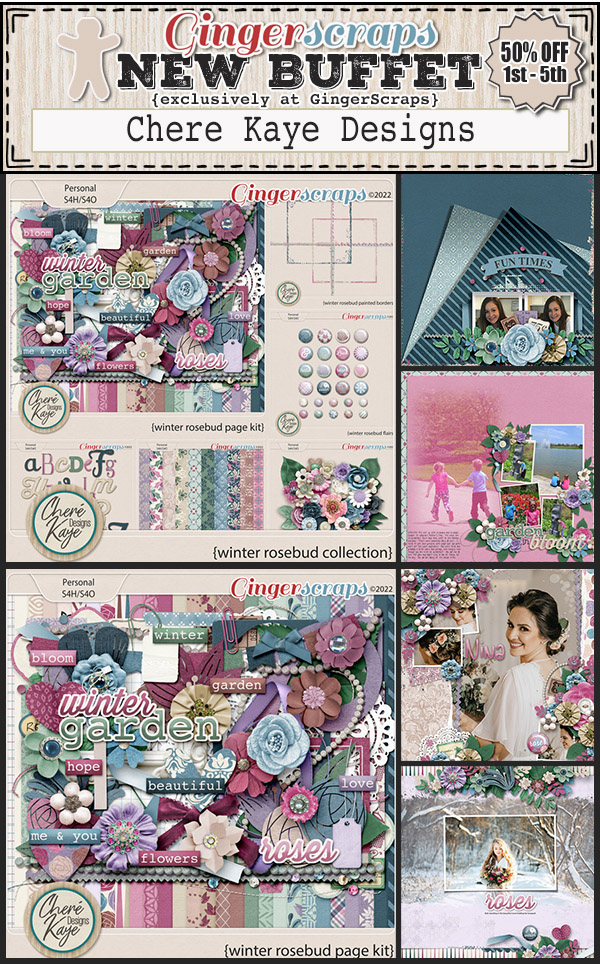
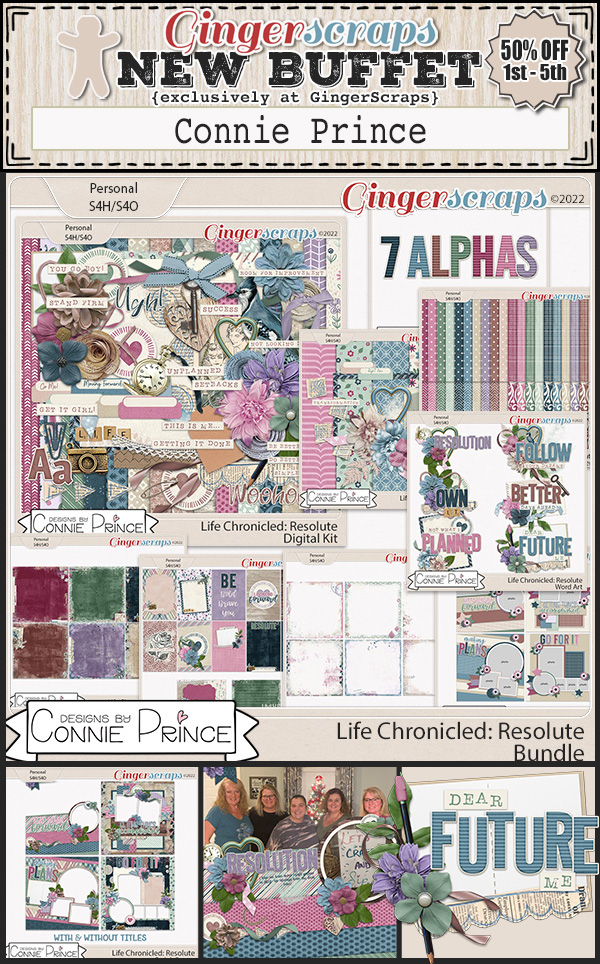
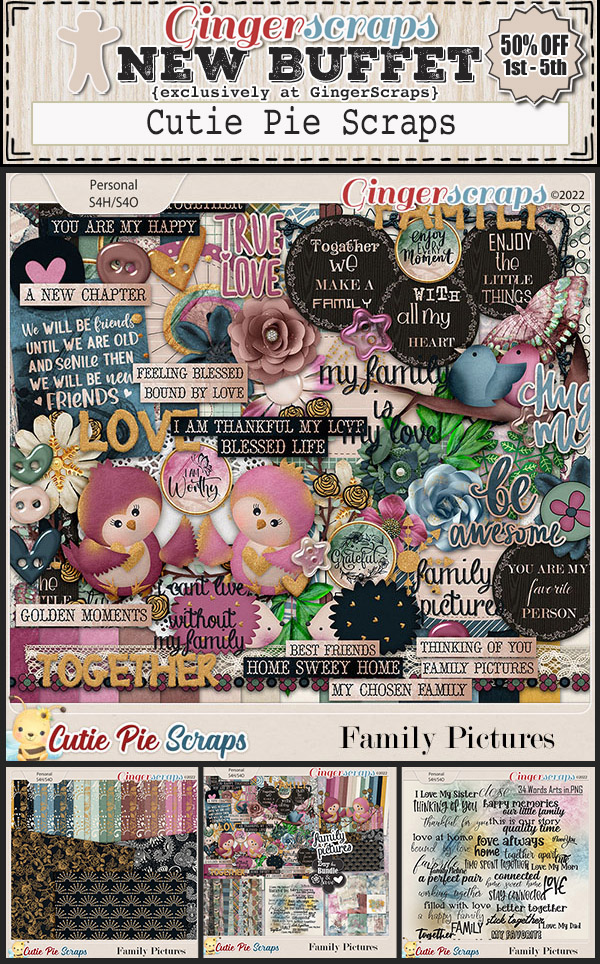
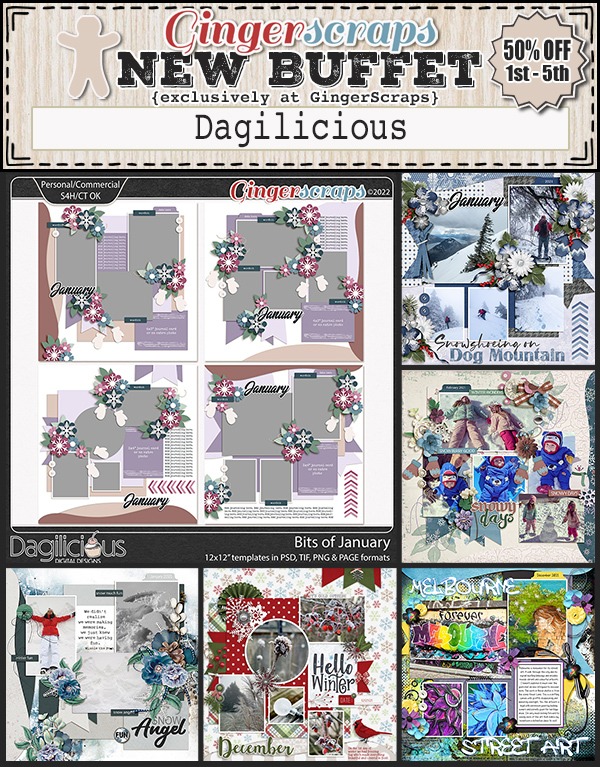
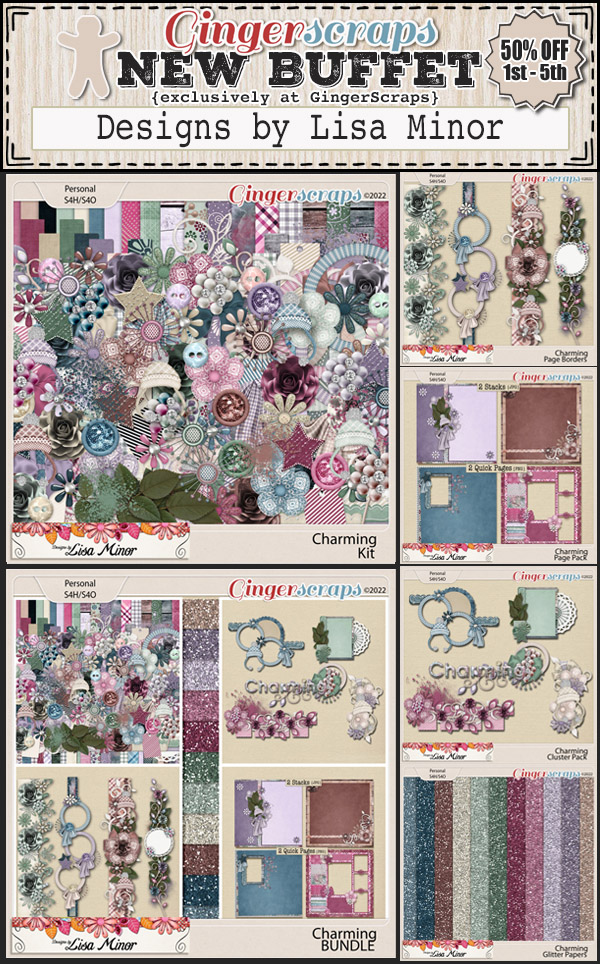
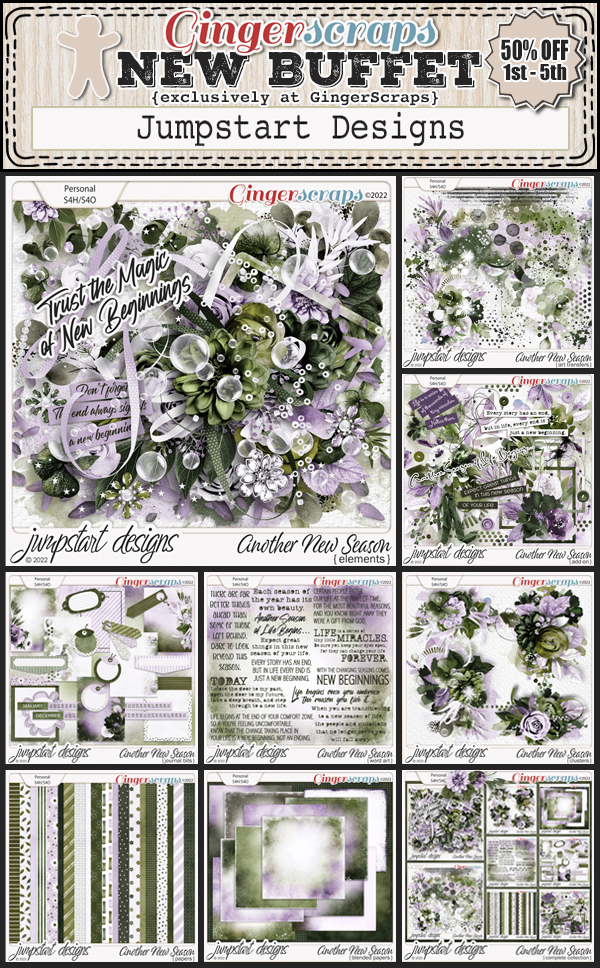
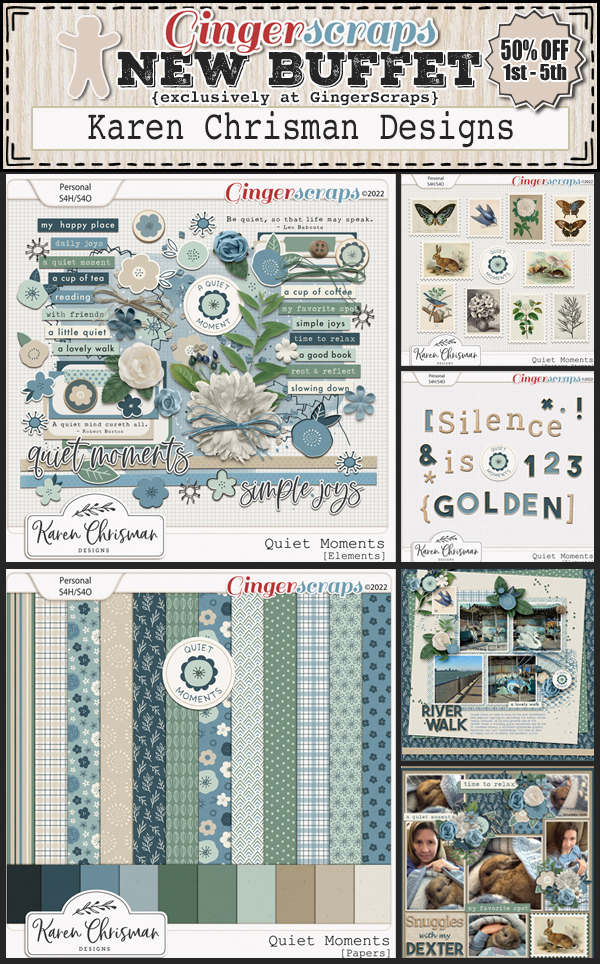
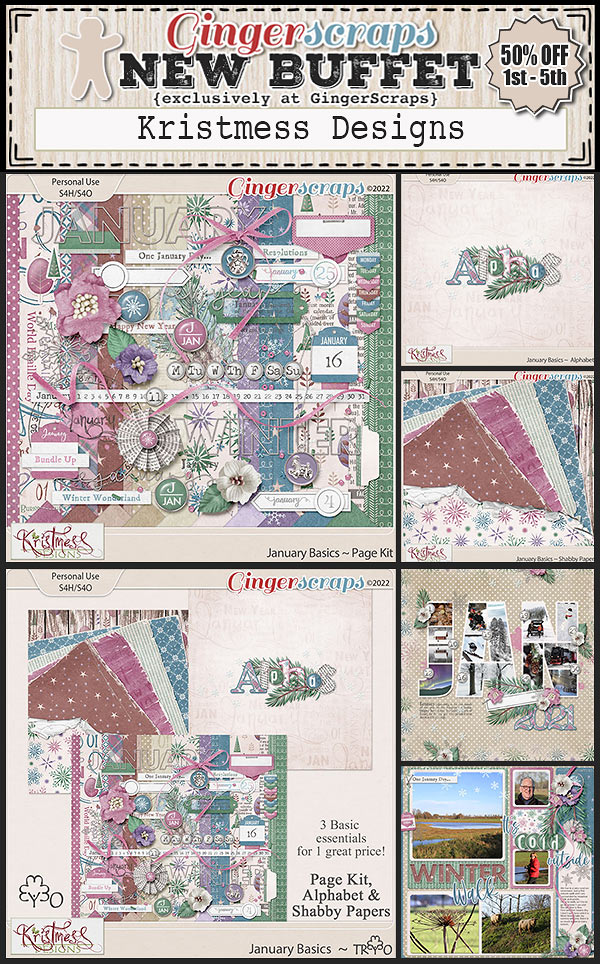
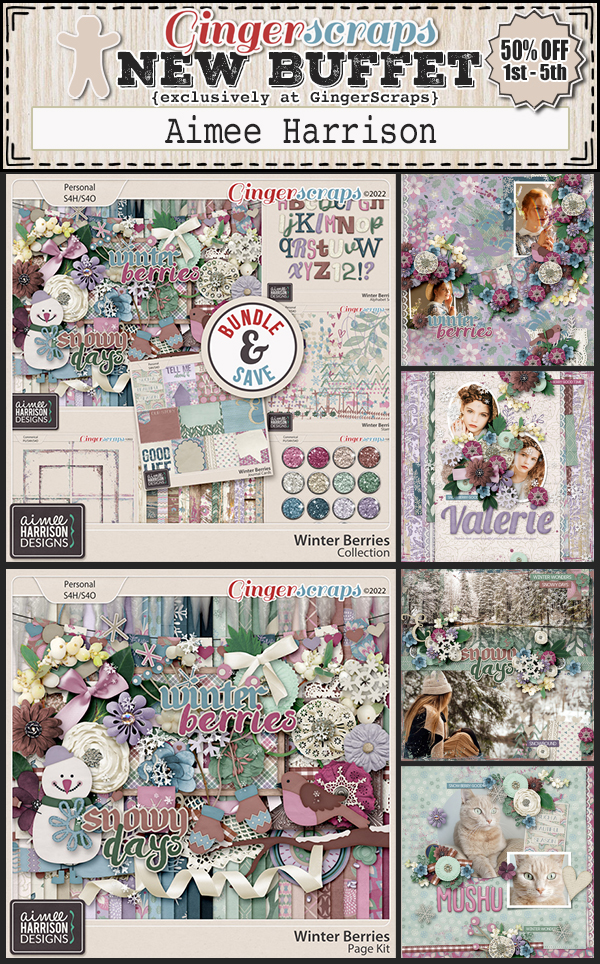
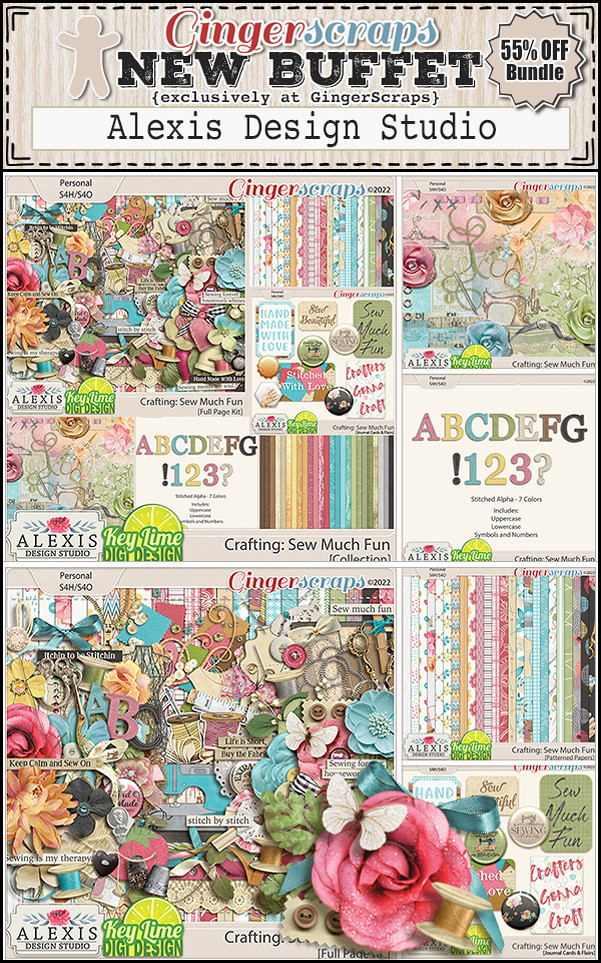
Let’s start out with the December Buffet. Don’t forget to check out the Buffet Bundles. One easy click to add bundles of Buffet goodies to your cart.

I love these colors. Bold but muted at the same time.

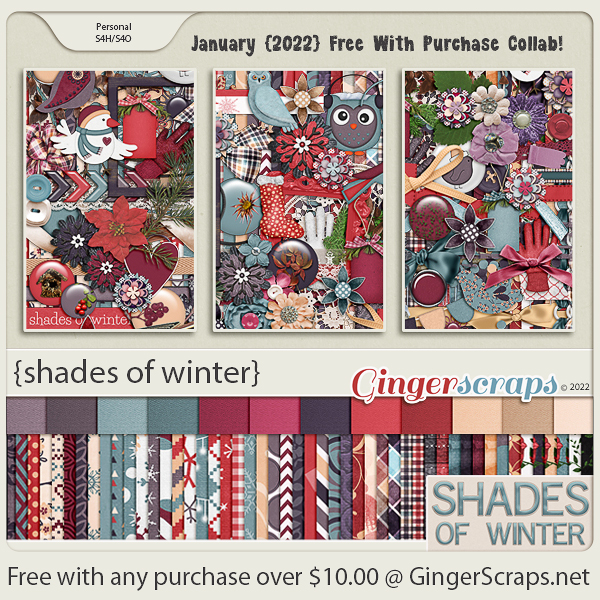
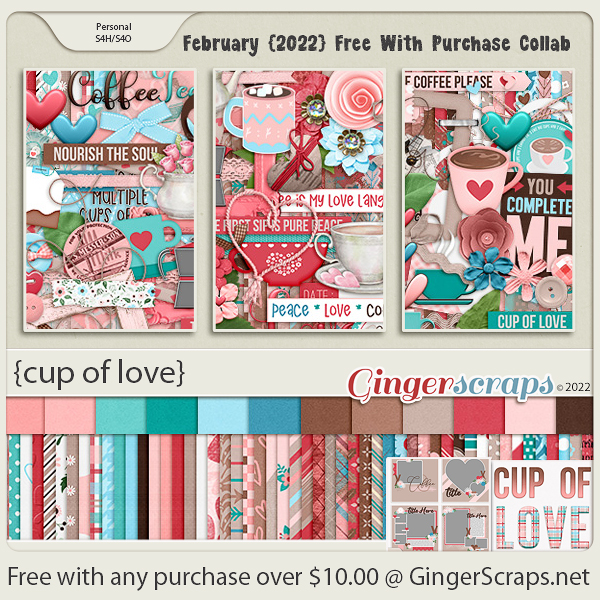
Remember any $10 spent in the store gets you this great collab. 
This new Monthly Mix kit is perfect for the the upcoming snowy season (for those that get snow).

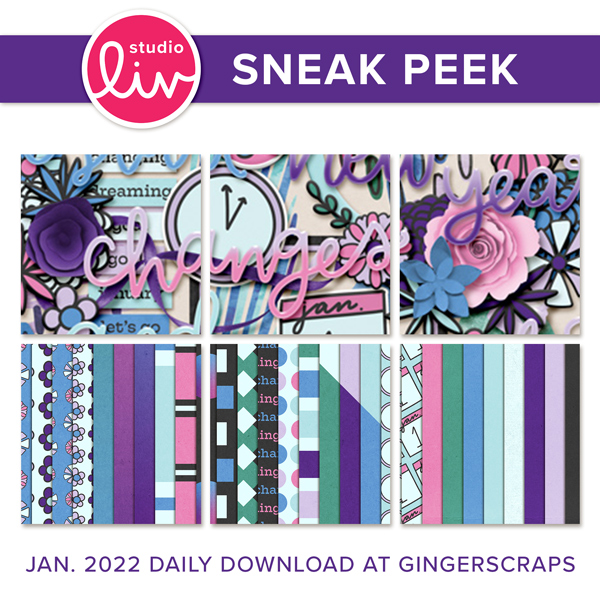
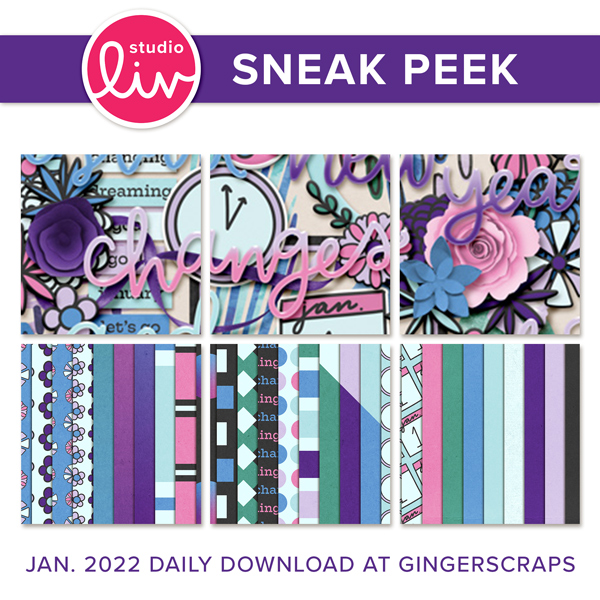
Now to the December Daily Download Sneak Peek. This month’s Daily Download is from Studio Liv.


We don’t have any guest designers this month but we do have TWO permanent designers to announce!!

So happy to announce that Lisa Rosa Designs and The Scrappy Kat will both be staying on at GingerScraps permanently!

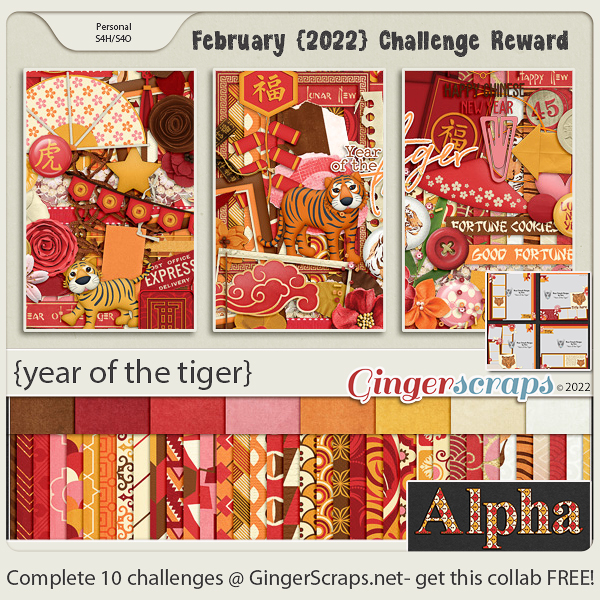
Take a look at the new challenge reward kit. If you complete any 10 challenges this month, you get this gorgeous collab as a reward!
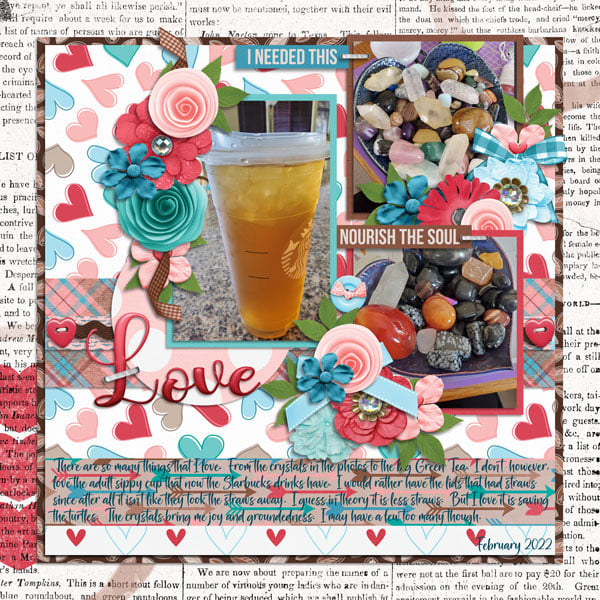
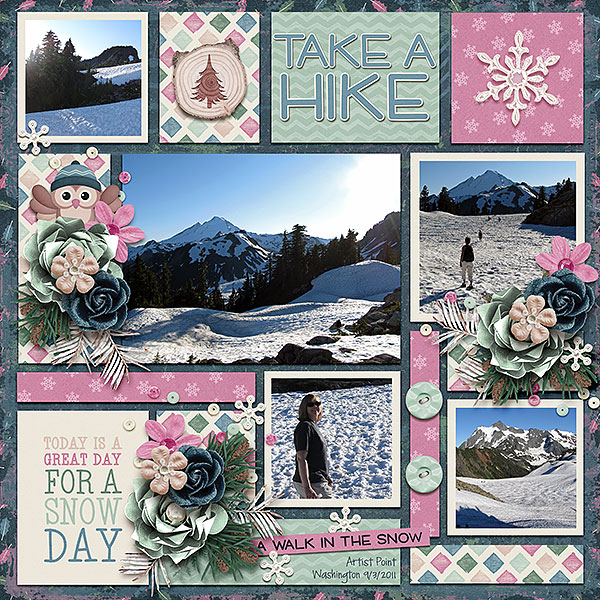
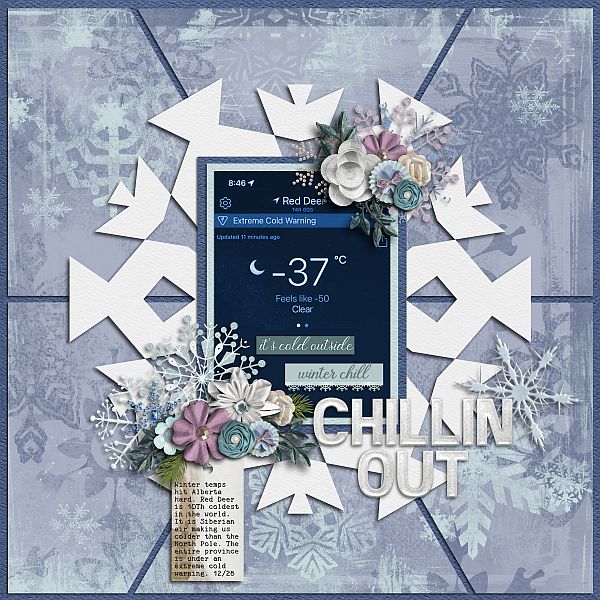
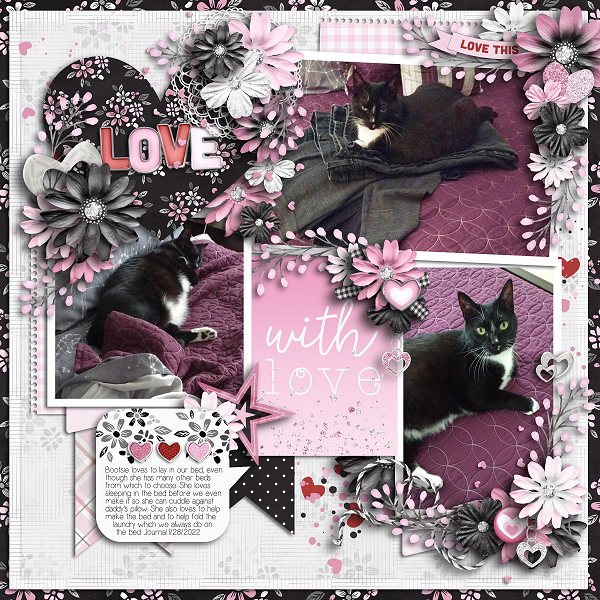
Let’s see some of the sample layouts provided by our amazing store Creative Team.


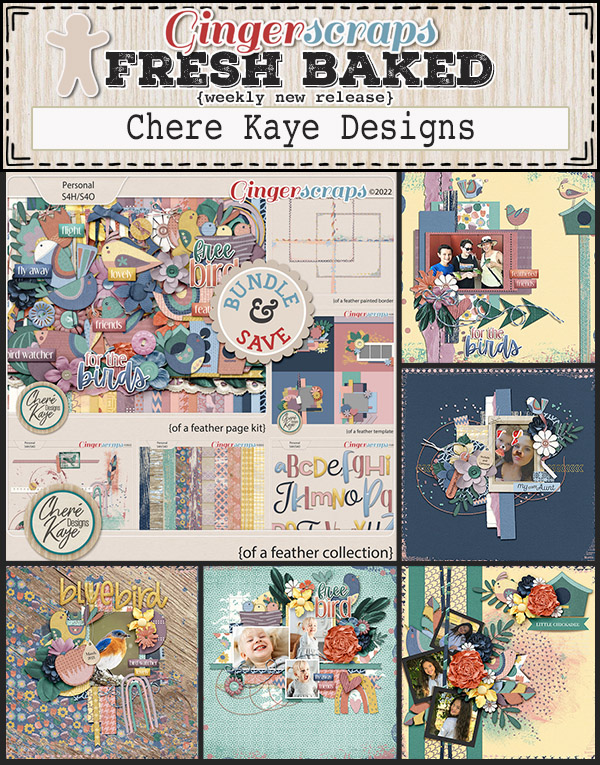
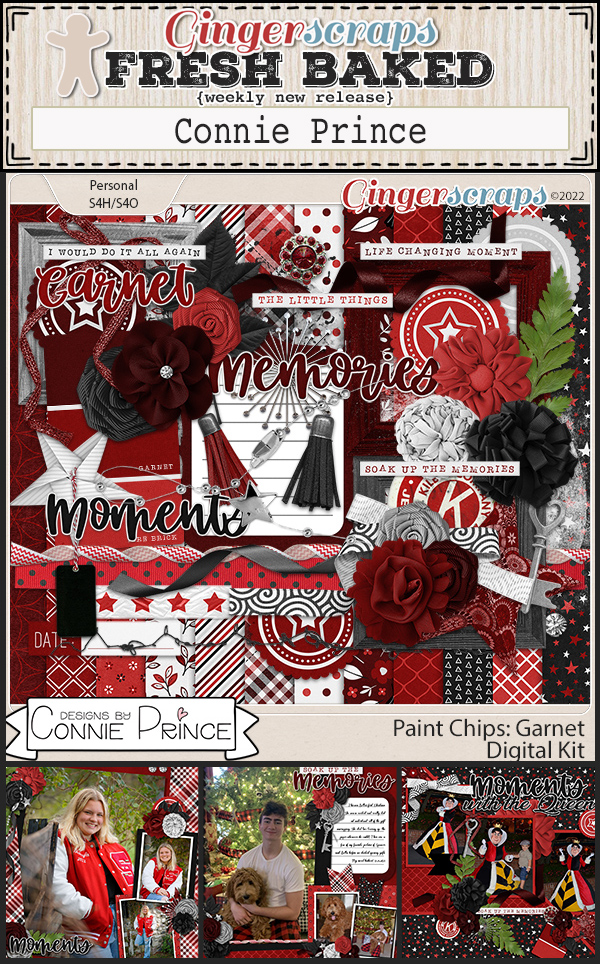
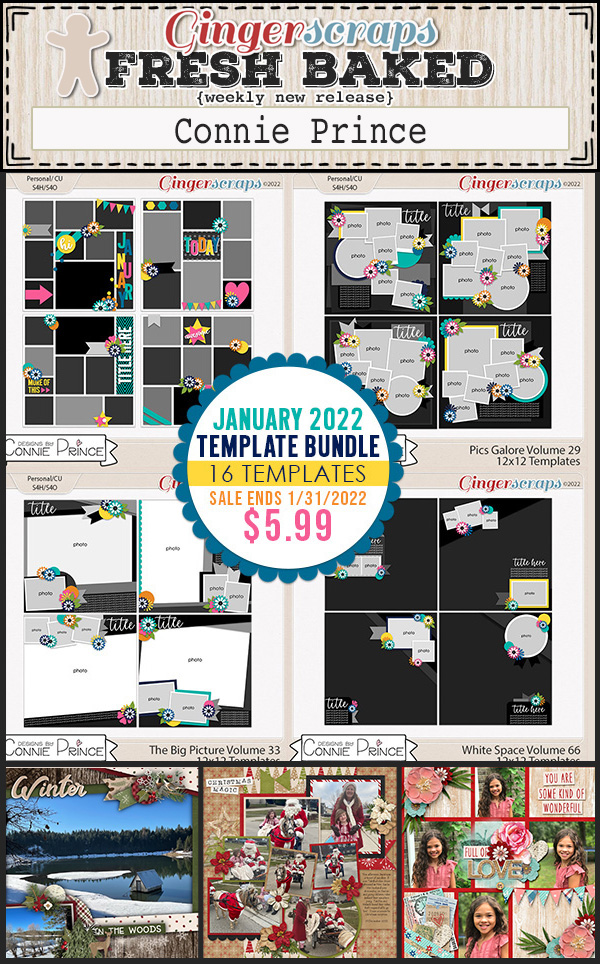
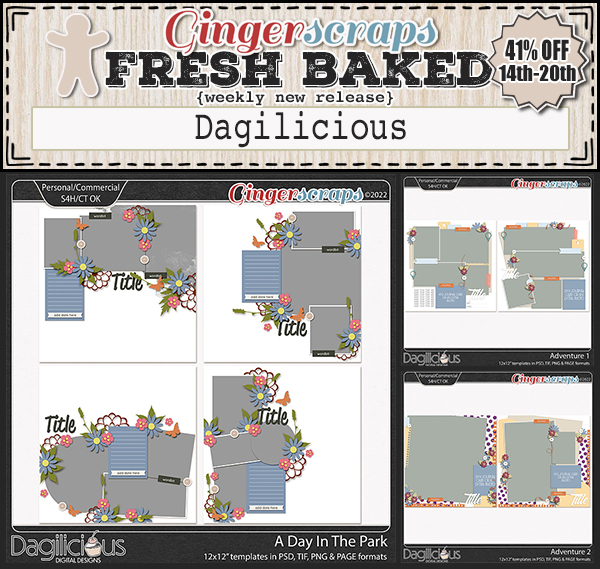
December 31, 2021: Fresh Baked

Happy Friday. We made it to the end of 2021. Can you believe it? We are so excited about the fun things coming to GingerScraps in 2022. Make sure you are reading the blog posts on Fridays and the first of each month. You never know what fun things you will find.

Remember, any $10 spent in the store gets you this great collab for free.

Let’s see what our designers have for the last Fresh Baked of the year.

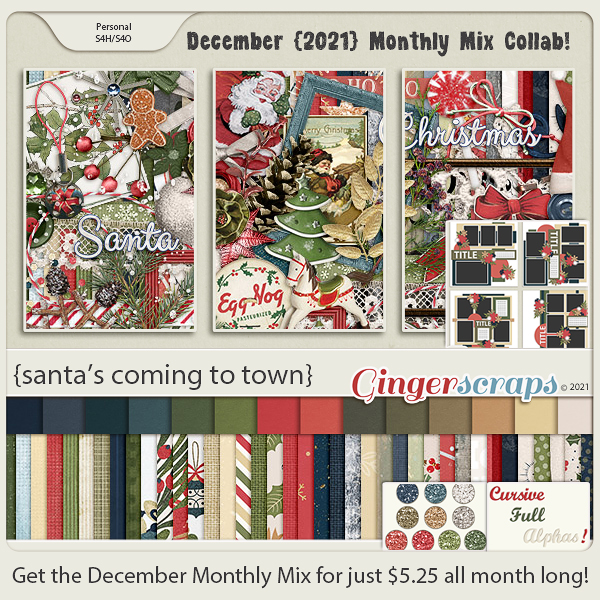
Have you grabbed the December Monthly Mix? Last chance to get it at this price.

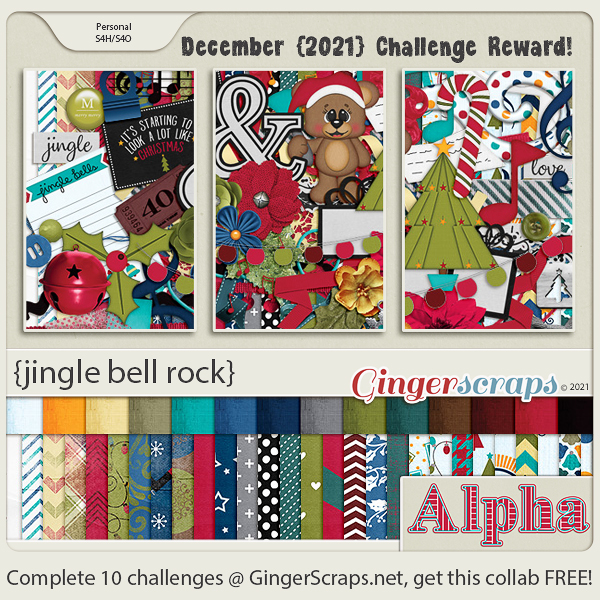
Did you get those challenges done? Make sure you get your thread updated in the forum to get credit. Any 10 challenges gets you this great kit as a reward.

December 24, 2021: Fresh Baked and Happy Holidays Sale!
Merry Christmas Eve! Are you ready for Santa? All of us at GingerScraps want to wish you and your family a Very, Merry Christmas!! 
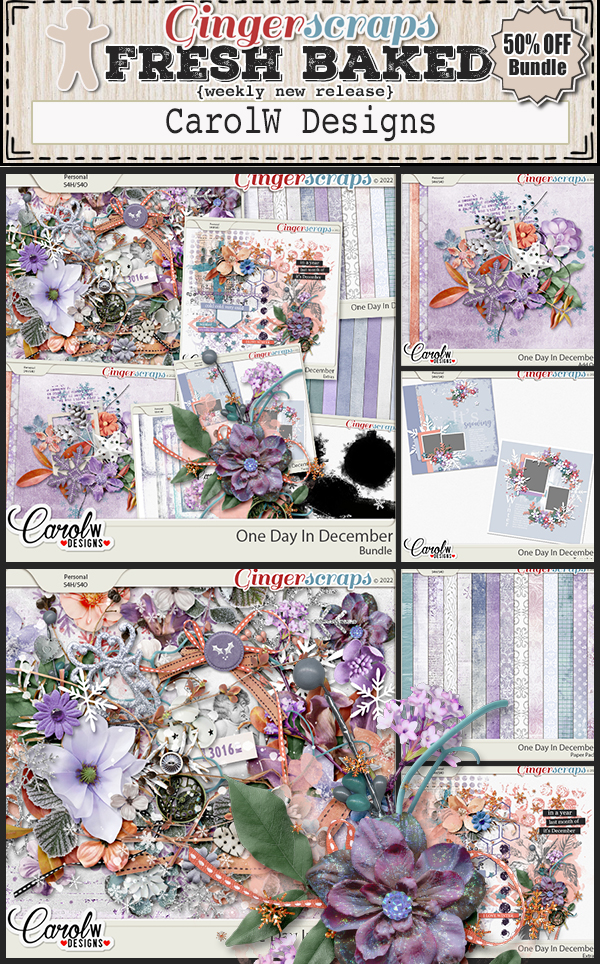
Everything in the Shop by: CHRISTMAS & Shop by: HANUKKAH categories will be 50% off this week!

Remember, $10 spent in the store gets you this wonderful kit for free!
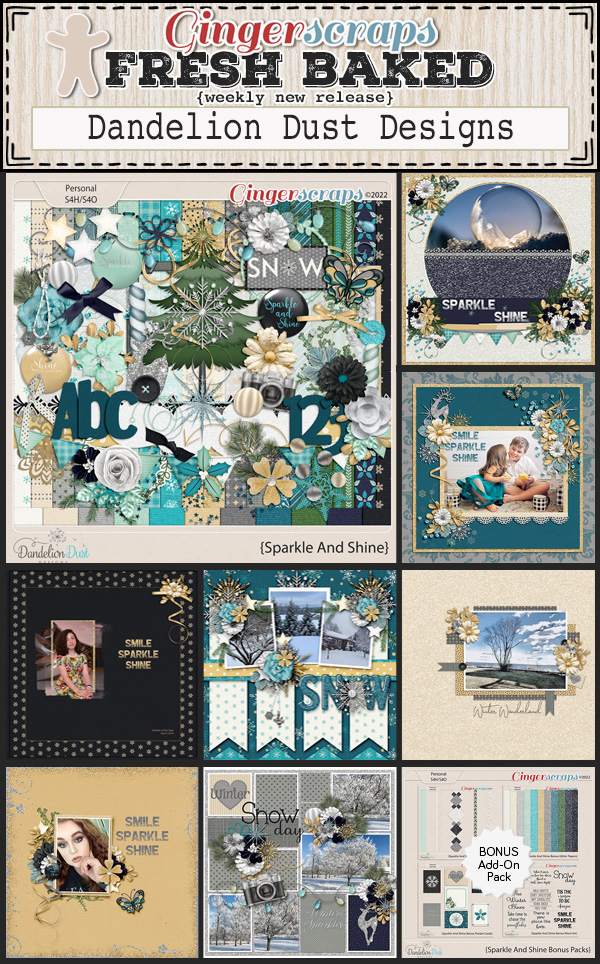
Our designers have some great holiday kits for you this week!
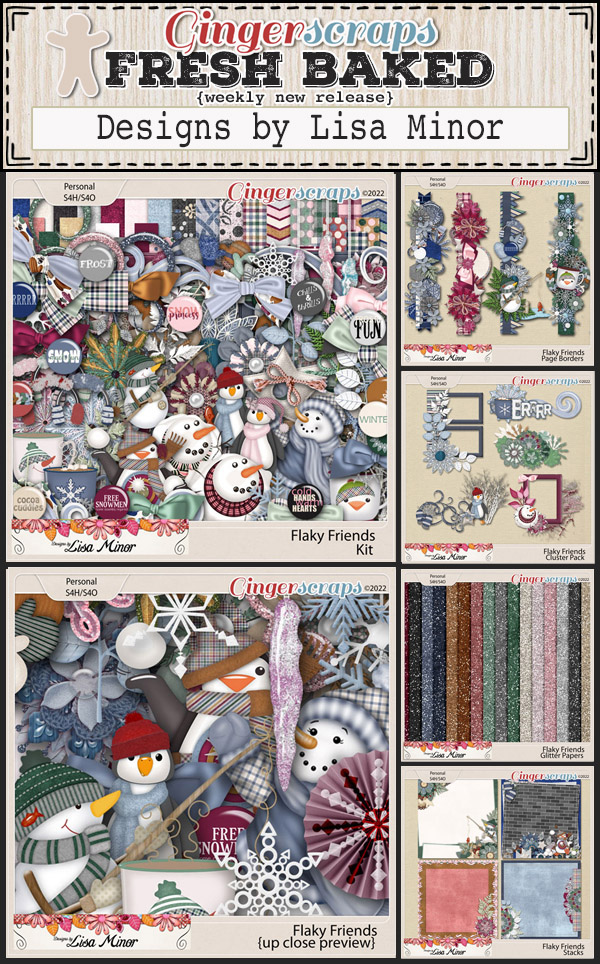
You have one more week to get those challenges done. Any 10 completed challenges gets you this great kit as a reward!

Tutorial Tuesday (Individual Style)

Challenge Spotlight: Miss Fish Memory Mix Up Challenge

Here’s the fourth installment of Challenge Spotlight. This month we’re going to dive into Miss Fish’s Memory Mix It Challenge. Every month, Juli (aka Miss Fish) presents us with a different Challenge focusing on preserving our memories. For December, she said, “This month’s challenge is a Recipe Challenge. No, not the kind where I give you different “ingredients” to put on your page. The kind where you scrap your favorite recipe. It can be one for the holidays, a family hand me down recipe or a new favorite. Your choice!” I thought it was the perfect topic for this month and also for this Blog post! I’m going to share a baker’s dozen (plus one – see what I did there? 🙂 ) of YOUR recipe layouts. Some of them sound pretty tasty! [Each layout is hyperlinked to its location in the Gallery in case you’d like a closer look or to leave some love.] Let’s have a look at how this Challenge shakes out!

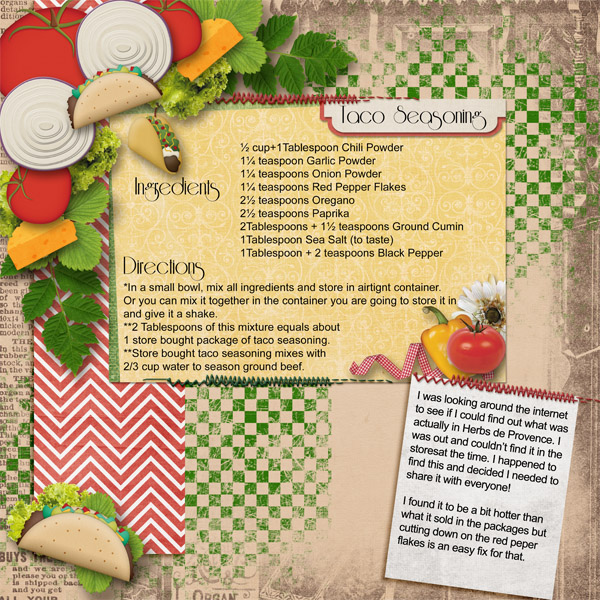
First up, gmae shares her taco seasoning with us. It’s pretty similar to the one I make, and her “recipe card” is packed with taco-related embellishments.

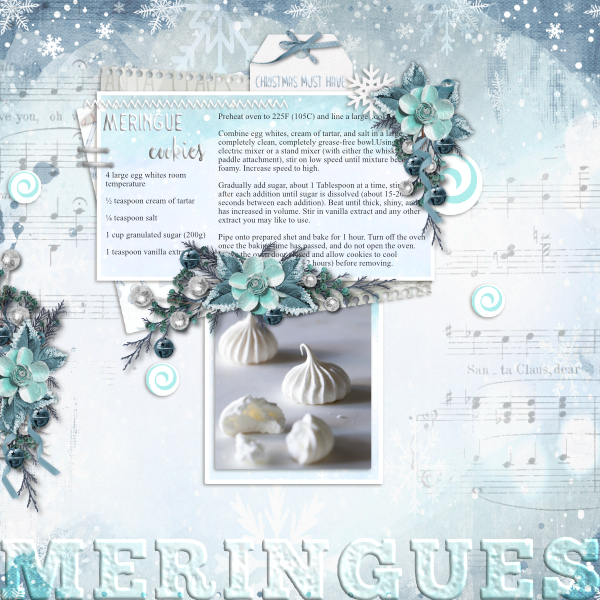
I LOVE this one from jam-on-toast! The colour palette is so wintery, and that photo makes my mouth water. The tag tucked behind the recipe is telling the truth. And can we talk about the way she created her title – it looks like meringue!!

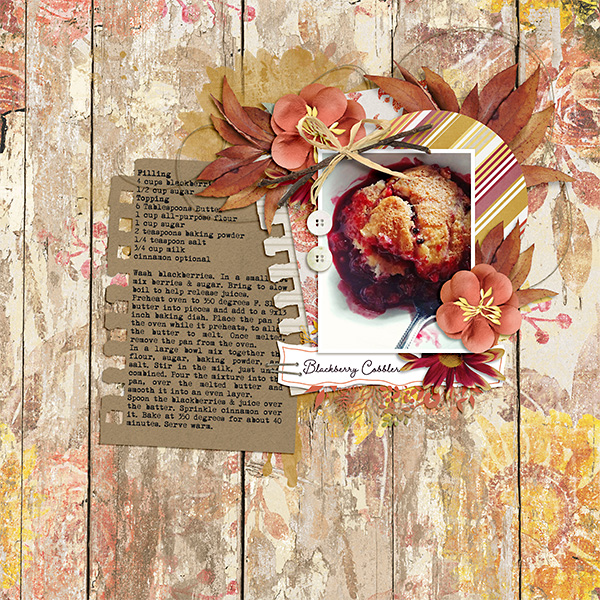
What caught my attention with curio‘s recipe is the rustic look it has. It’s a brilliant choice for a cobbler recipe, right? But that photo… yummmmmmmmmm!

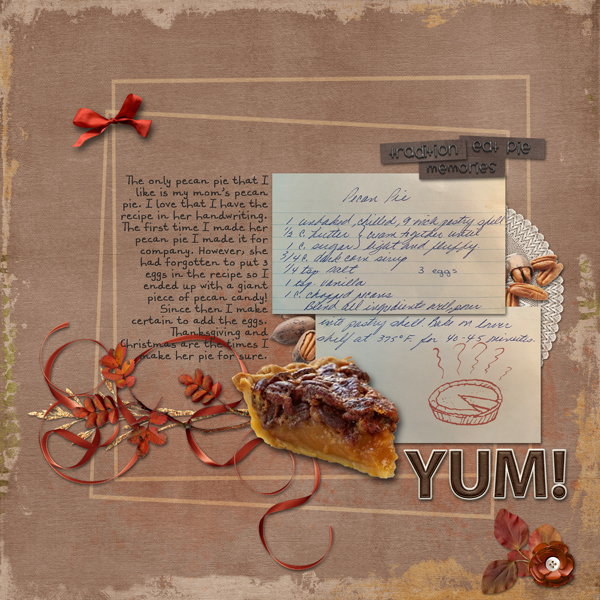
How amazing is it that linweb has this recipe in her mother’s handwriting? (With one small addition. 😉 ) She has a lovely memory of the first time she made the pie and has embellished her layout with some pecans.

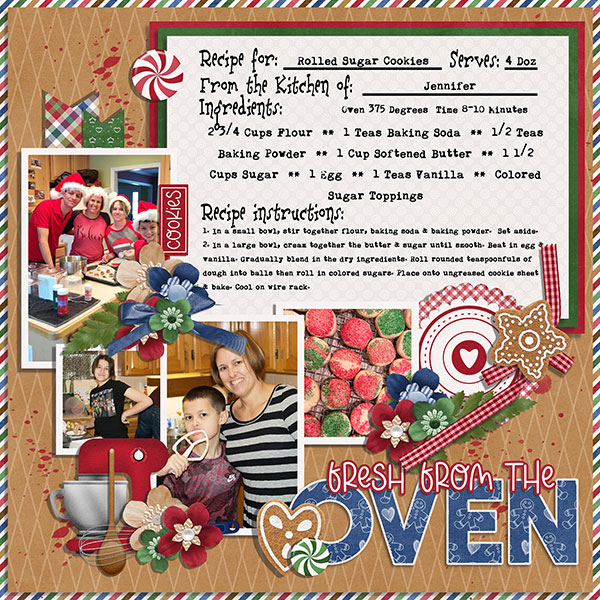
I think most of us have made sugar cookies as children or with children at least once. chigirl has photos to prove it for her family. The kit she chose for this layout is particularly appropriate, and let’s talk for a second about using a striped paper border to pick up on the striped sweater!

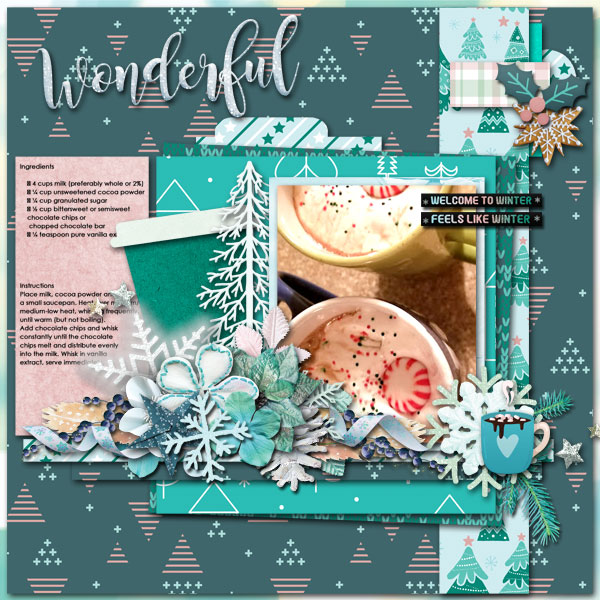
Everybody has their own favourite hot chocolate recipe (and some of us make it from a tin) but how many of us has a beautiful winter layout with ours printed on it? I’ll have to try hichchei‘s method one of these days.

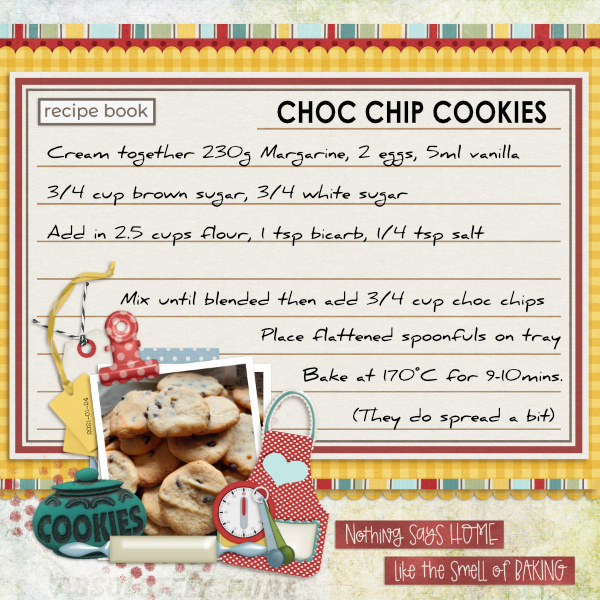
CathyS has cleverly provided us with a bakery-worthy recipe for chocolate chip cookies. I love how she’s surrounded her photo with all those baking-related elements.

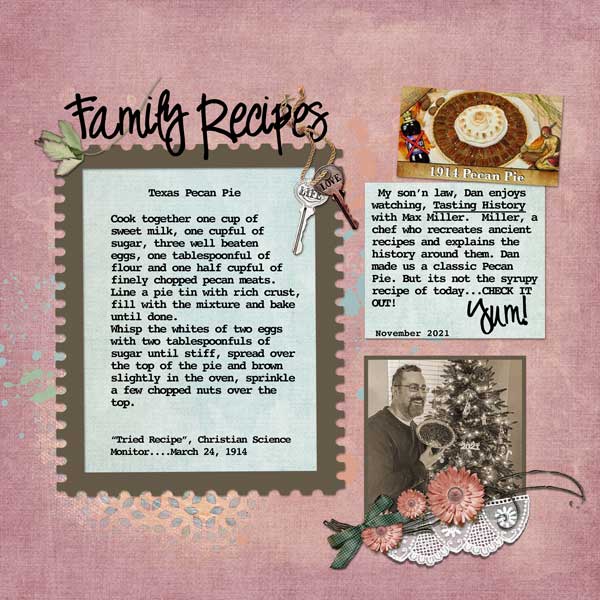
This one is a historical recipe dating back to 1914! The original pecan pie wasn’t the syrupy custard packed with nuts that we know today, and it had meringue. The way fontaine presents the recipe has a heritage look to it.

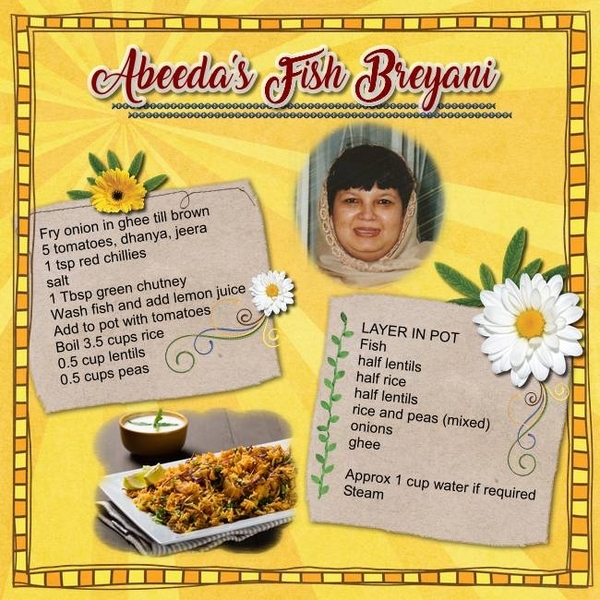
<record scratch> Time to move away from the sugar for a second. Daydreamer‘s recipe is a savoury one, set in eye-catching yellow.

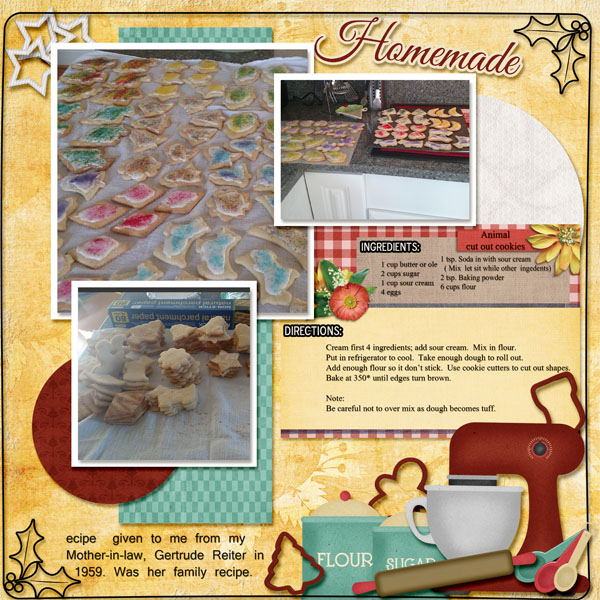
Okay, back to sweet! Flighty-188 makes her own animal cookies using a 60+ year-old recipe from her mother-in-law. I love how she found a baking-themed kit to match the cookie colours.

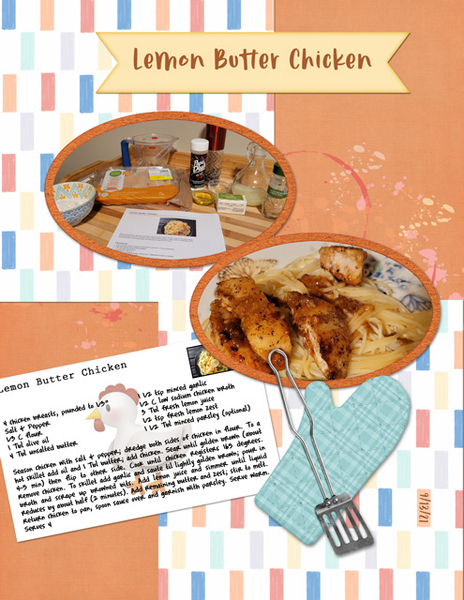
Pups-r-Paps has a savoury recipe for some luscious lemon chicken; it sounds similar to a scampi recipe I’ve made and loved. She kept her layout simple so the photos could be the focus.

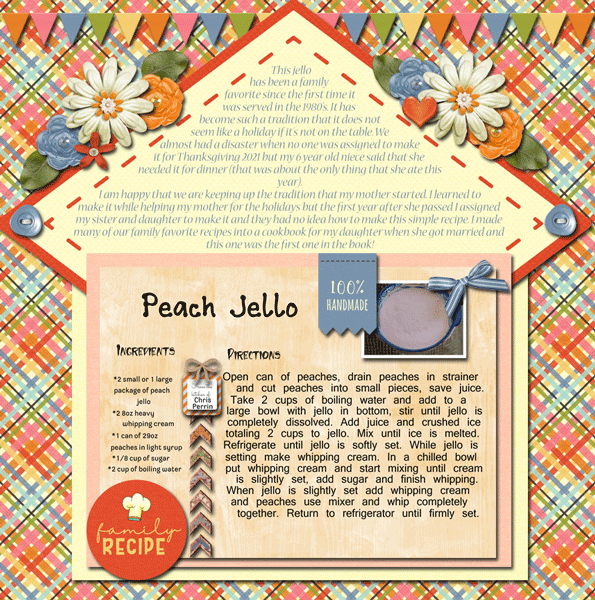
Family traditions are what connect us to both the past and the future. Reading alexandergirl68‘s journaling brings that message home pretty clearly! On special occasions when I was a child my mom used to make lime Jell-o salad with apples and celery in it. None of us liked it and it eventually faded into memory to be replaced by peanut brittle, of all things! I found a fool-proof microwave recipe and became the maker-of-peanut-brittle-for-all. I could make it in my sleep.

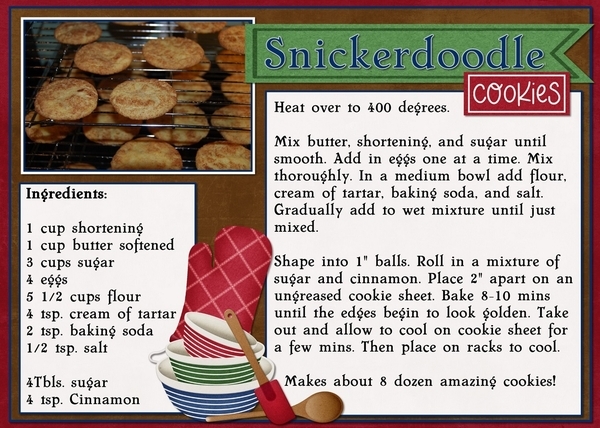
What could be more “holidays” than snickerdoodles? This is basketladyaudrey‘s version. I notice she doesn’t put nutmeg in them, so I might have to try them! [But I’d halve the recipe, since I should NOT eat 8 dozen cookies before they go stale…]

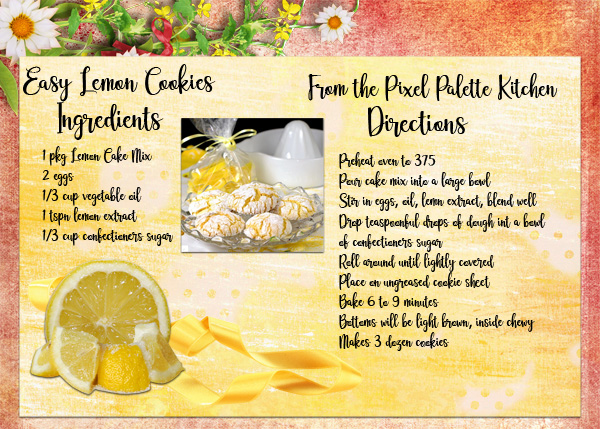
And lastly, Pixel Palette brings us a recipe for lemon cookies that sound am-AZING!

The Studio Recipe Card II template

I didn’t have lunch and now I’m STARVING!! What family favourite recipe do you know off by heart? Which of these will find their way into your collection?

PDF Version : https://bit.ly/3EVLYXL


December 17, 2021: Fresh Baked

Goodness. Can you believe it’s ONE WEEK UNTIL CHRISTMAS. Seriously, where has the time gone? I am happy to say that I have finally started shopping for gifts. Only a couple of things so far, but I’ve started. That counts for something, right?

Remember, any $10 spent in the GingerScraps store gets you this great kit for free. This is a great kit for those gingerbread house pictures!

Now let’s check out some of the new goodies in the store this week. As expected, there is a lot of Christmas kits here.

Have you grabbed the December Monthly Mix? {santa’s coming to town} (are you ready?)

We’re halfway through the month. How are those challenges going? This kit is just so cute.

Tutorial Tuesday (Photoshop Elements)

DIY Worn Wood

Last week I asked for some tutorial suggestions and you came through for me. There are some interesting topics coming up, ladies! This week, I went for a quick trick, since I’m super-busy with other things right now. (I bet I’m not the only one, either!!)

Before we get going, I want to thank Lee for the idea of creating custom worn wood papers. I played around and was shocked at how easy it can be. A few tips though… 1. Choose your woodgrain paper carefully. It should have some visible texture and its underlying colour family should work well with the paper you want to rough up. 2. Choose your second paper carefully too. It’ll look best when it’s got a highly-contrasting pattern or when it’s a solid. Some of my examples will show you why. 3. Practice using Undo! (CTRL/CMD>Z) If you pay attention to where the marching ants are you shouldn’t need it a lot, but there will be times when you just have to back up. Let’s get started!

This wood paper came from the GingerBread Ladies‘ collab Pizza Party. I recoloured it because the original is really yellow and it looked AWFUL with the buffalo check paper on it. But it has some good texture and the planks are well-defined. The buffalo check paper is from GingerBread LadiesCrafty Christmas.

So go ahead and drop the patterned paper on top of the wood paper. The following steps may not ALL be required, so take a good look at the result after each Cut stage to see if you’re satisfied with the outcome and stop when you are!

You want the patterned paper on top of the stack, but you don’t want to see it for this part. So turn Visibility off. Make sure the active layer is the wood paper layer. Then click on the Magic Wand Tool. Select the mode that looks like a sparkler. The default for this tool is New Selection, but if you’ve used the tool recently, it may be on the last setting you used, so make sure you’ve got New Selection on. Set the Tolerance slider to 75 and only tick the Anti-Aliasing box.

On the wood paper, click your Magic Wand on an area where there’s visible texture. The marching ants will appear.

Click on the Refine Edge button and when this menu appears, choose these settings: Edge Detection to Smart Radius, Shift Edge to 25% and Output to Selection.

Now turn the patterned paper layer back on and make it the active layer.

To rough up the red paper, Edit>Cut or CTRL/CMD>X will remove the red paper where the marching ants are.

I found that there was still too much red paper visible, so I went back to the first step, turned the red paper off and activated the wood paper layer again. With the Magic Wand Tool, I chose Subtract and set the Tolerance to 50. Then I clicked the Wand on one of the gaps between the planks.

This time, in the Refine Edge menu, I unticked the Smart Radius then adjusted the Contrast slider and the Shift Edge slider to 25%. Output to Selection.

Then I repeated the Edit>Cut (CTRL/CMD>X) step.

I still wasn’t happy. In this situation there’s no substitute for trial and error, so I went back to the Magic Wand Tool, Subtract, Tolerance 100. This time I see a lot of marching ants, so it might be the ticket.

But I still decided to Refine Edge with these settings: Contrast 5%, Shift Edge -20% and Output to Selection.

And then I Cut the selection away from the patterned paper again.

It isn’t all I’d been hoping for, although it is very rustic-looking.

Because I’m always trying to “get it right” I thought I’d see what happened if I played with the Eraser Tool to enhance the worn look. I tried a LOT of brushes before I found one that worked the way I wanted it to. I used a (PSE default) Dry Media Brush, the one inside the box (sorry for the cell phone photo but it was the only way I could capture the menu).

Then I randomly followed the contours of the exposed wooden areas to tidy it up a bit. I do think it looks a bit more worn.

But did I really need to do that Eraser step? I tried a few more papers to see if just the Magic Wand steps would be good enough. Interestingly, I got different results each time. For this example and the next I’ve used papers from GingerBread LadiesA Holiday in the Baking.

This sample gave me a headache. It just wouldn’t cooperate! I had to CTRL/CMD>Z so many times!!

In one of my OOPS moments, I forgot to switch between patterned paper and wood when I used the Magic Wand, and had this happy accident when I used the Wand on the patterned paper instead.

I changed up the wooden paper for this one from GingerBread LadiesSweater Weather. It has some roughed-up paint on it and oodles of texture.

It looks really insipid, but I think with a brighter paper it could be amazing!

Let’s see what happens when I use a plaid paper from Sweater Weather.

Or… If I Invert the selection? Magic Wand>[click on the rough part]>Select>Inverse (CTRL/CMD>SHIFT>I)>[activate patterned paper]>Edit>Cut (CTRL/CMD>X) and I’m in love!!

Who knew it could be so easy to get such interesting results?

Next Tuesday is the third Tuesday of December so I’ll be dissecting one of the monthly Challenges. It’ll be a little light reading just a few days before Christmas. Stay tuned!

[PS… remember, the coloured bold text contains embedded links that will take you right to the shop!]

PDF Version: https://bit.ly/33vL9rE

December 10, 2021: Fresh Baked and Buffet Blowout!

Happy Friday my fellow scrappers! Can I just say, it’s been a very long week. My husband was out of town for most of the week and I didn’t realize how much he does for me when he’s here. Mostly cook – and I missed that. I’m glad to have him back home. 

{2021} Buffet Blowout {December 10-16}

Remember, any $10 spent gets you this great kit for free! Doesn’t this look like it will be so much fun to use. 

Let’s see what new items our designers have this week.

Hope your challenges are going well. Any 10 completed challenges gets this fun kit as a reward!