4 Ways to Add Color Pop

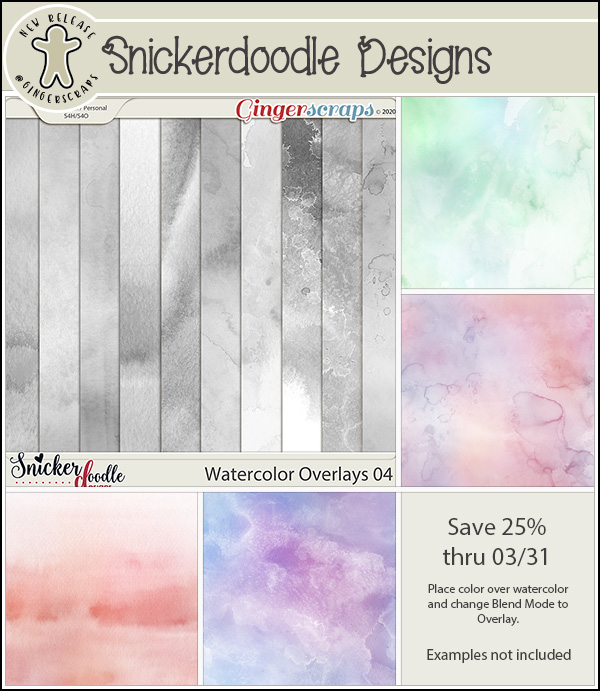
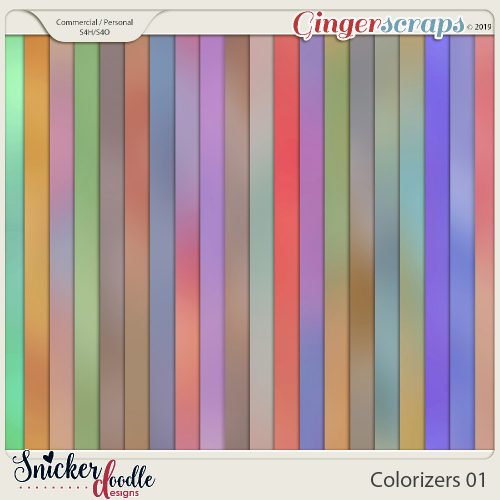
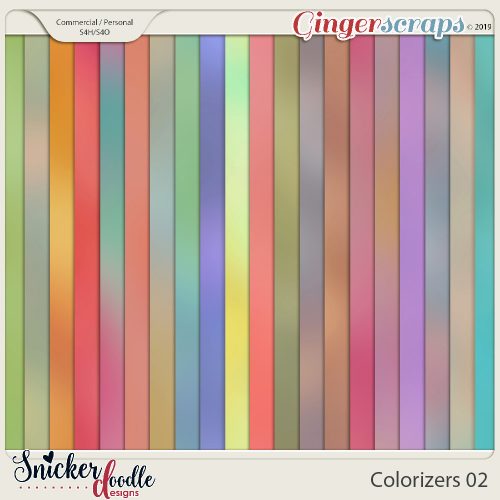
Colorizers, by Snickerdoodle Designs, are a new product here at Ginger Scraps. But what are they and what do you do with them?

Colorizers by Snickerdoodle Designs

Colorizers by Snickerdoodle Designs

Hi! I’m Karen, of Snickerdoodle Designs; and I’m here today to show you how to use my Colorizers to easily add color to your digital scrapbook papers, text, elements, and shapes.

I’ve prepared a 2-minute video to show you how easy Colorizers are to work with. Take a look at the video, and then scroll down for 4 additional ways to add color to your digital scrapbooking projects.

4 ways to add color pop to your digital scrapbook pages Snickerdoodle Designs

1. Changing the Color of an Element

Many designers include graffiti, doodles, or other graphic elements in their digital scrapbooking kits.   They are usually provided in papers or colors that coordinate with the designers kit, which makes them super easy to use. But if you love a specific graphic and want to use it with a kit of a different color palette, using a Colorizer is a fast and easy way to achieve that goal.

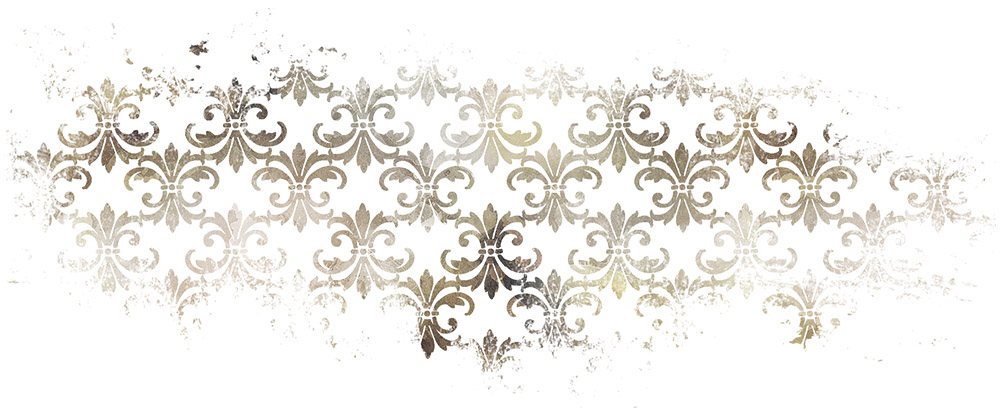
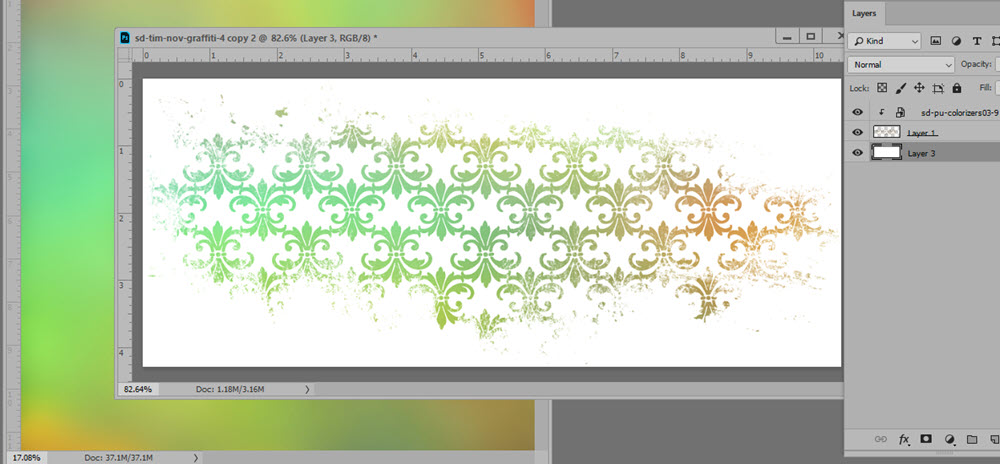
Here is a piece of graffiti from This is Me November Graffiti. While it coordinates beautifully with the kit, it is also a piece that could easily be used on any scrapbook page with a simple recolor.

snickerdoodle-4-ways-to-use-colorizers-tutorial-1

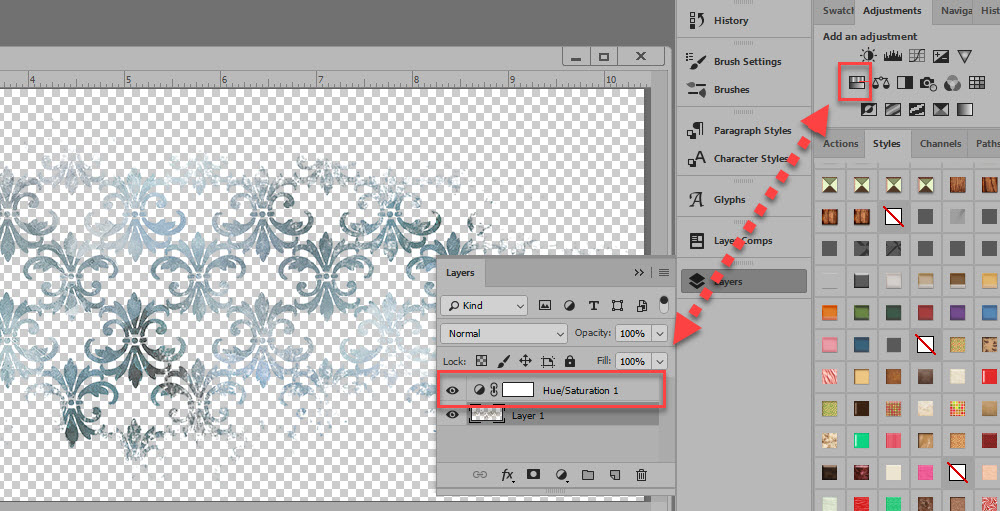
We could add a Hue/Saturation Adjustment Layer, to change the color, from brown to blue in this example.

snickerdoodle-4-ways-to-use-colorizers-tutorial-2

But if we wanted to add multiple colors to the design element, using a Colorizer is a quick method. Place a Colorizer above the graffiti and clip the Colorizer to the mask, and you’re done! The variegated color adds a unique flavor to this piece.

snickerdoodle-4-ways-to-use-colorizers-tutorial-3

2. Coloring Black Stamps

Stamps can add great interest to our pages. Most often they are black or gray in color. We can blend them into our backgrounds, colorize them, and apply Styles to them. Another quick way to color black elements in with Colorizers.

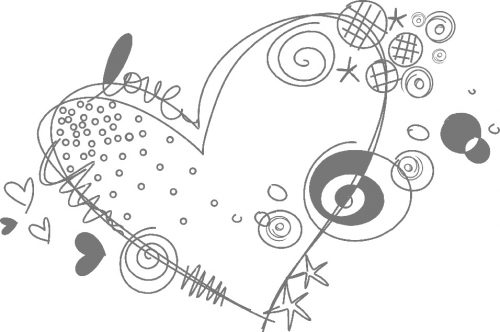
This is an element from You Color my World.” In the kit, it is colored, but I have made it Grayscale for this tutorial. I am going to use Colorizer #8 from Pack 1 to quickly color this Stamp.

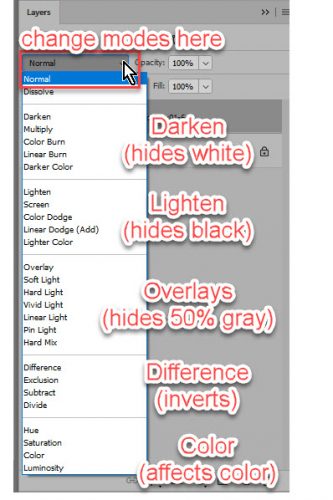
I clipped the Colorizer to the stamp and experimented with Blend Modes. We can get a variety of different effects, based on the color of the stamp and the color of the Colorizer that we are using. In this example, Hard Light gives the best result. Sometimes just clipping a Colorizing to an image adds enough color, so you don’t need to do anything else. How easy is that?

snickerdoodle-4-ways-to-use-colorizers-tutorial-16

If you really want to play and experiment try adding a Levels or Curves Adjustment, or a Brightness / Contrast Adjustment. Or use 2 Colorizers – one Colorizer for half the stamp and a second Colorizer for the other half of the stamp.

3. Coloring Grayscale Backgrounds, Basic

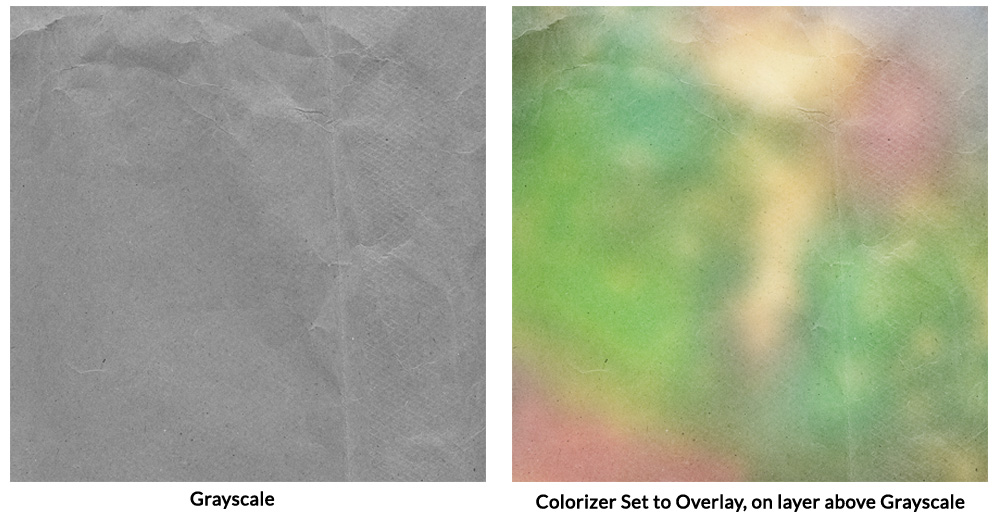
No matter what type of grayscale background you have handy, whether it is plain or patterned, using a Colorizer is a quick way to create a lovely background paper.  Place a Colorizer on the layer above your grayscale background and experiment with Blend Modes of the Colorizer. (Grayscale paper from Crumpled Textures 01).

4. Coloring Grayscale Backgrounds, Advanced

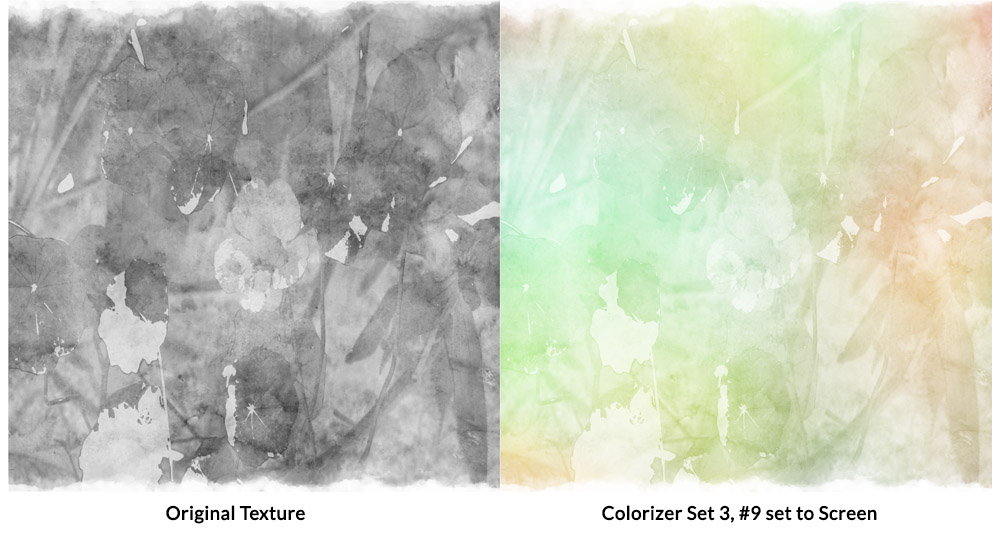
If you want a little more fun with the Colorizers, start with an artsy, mixed media background. The texture I am using for this example is from my Artsy Textures 01, #6. I placed the Colorizer on a layer above the grayscale texture and changed the Blend Mode of the Colorizer to Screen.

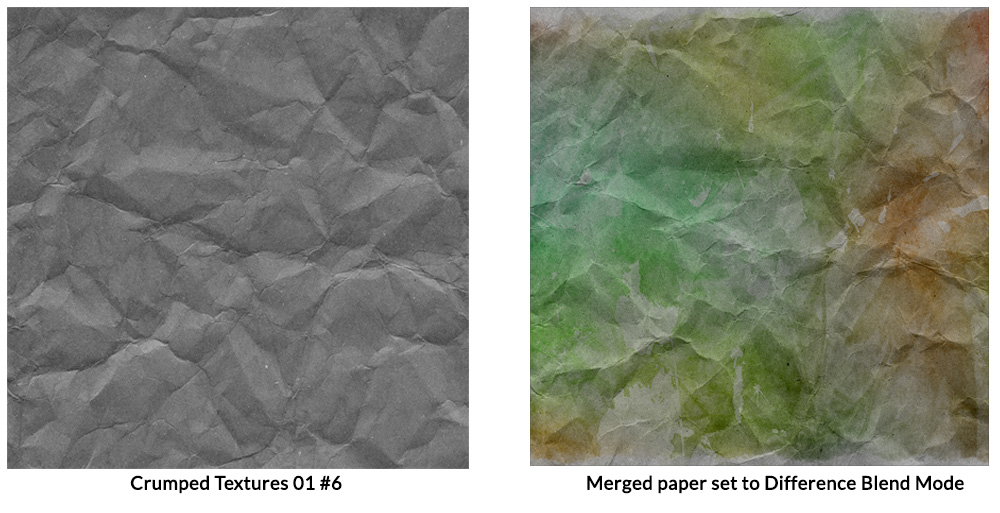
Next, I merged the grayscale texture and the Colorizer to create one layer.  I placed the merged layer above a Crumpled Texture and changed the Blend Mode of the merged paper to Difference.

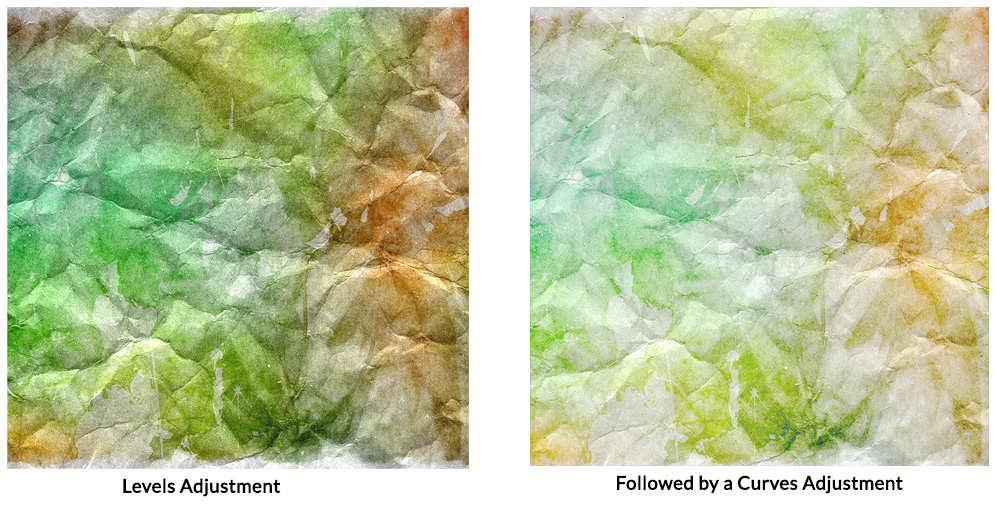
It was way too dark for my taste, so I added a Levels Adjustment, followed that with a slight Curves Adjustment. I was happy with that result.

Colorizers were designed to give you a multitude of options. You can get fabulous results by just using one Blend Mode, or you can use multiple techniques to get the effect you want. The key to using Colorizers is to play, experiment, and just have fun!

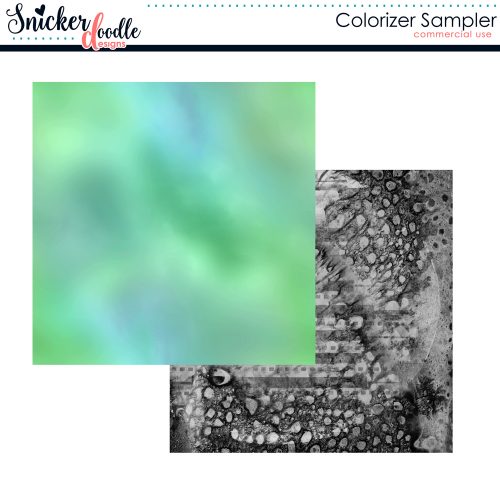
Go ahead! Give it a try!  Here’s a sample for you to experiment with. Just click on the image to download.

If you would like to download a PDF of this tutorial, you may do so here:  4 Ways to Add Color Pop.

Using the Drag and Drop Feature in Photoshop Elements

With the release of Photoshop Elements 2015, Adobe introduced a new Drag and Drop feature. This component of Elements is activated when using templates that were created specifically with this feature.

The Drag and Drop feature does work in Photoshop Elements versions 10-14, with limited editing capability. It also works in versions released after Version 15.

The Drag and Drop feature does not work in the full version of Photoshop. Those users can use Drag and Drop templates; however, will need to use traditional clipping masks, just as they would with any template.

You’ve got to see how easy the Drag and Drop feature is to use in order to fully appreciate it! I’ve created a 10-minute video  so you can see for yourself how fun these templates are to use.

If you are inspired to use these templates,  you will find them in my shop.

Karen Schulz/Snickerdoodle Designs

How to Use Drag and Drop Pocket Scrapping Templates


~~November Bake Sale!!~~

Good morning. Today is the start of the November Bake Sale. November!!! This month is flying by. Looks like our designers have thrown in a lot of Fall and Thankful kits into the Bake Sale this month. All kits and template packs are only $1.00 each through November 2oth. I know I see several things I need to grab for my stash.

Head over to the store and grab these before the Bake Sale ends!!

~~September Bake Sale!!~~

Checking in with you from the outer bands of (now) Tropical Storm Florence. We’re getting some wind here and have had a little rain, but we have a lot more rain coming. What a great day to stay in and shop in the Bake Sale. As always, each of these kits and template sets are just $1 each from today through the 20th. Let’s see what we can fill our cart with.

Time to head over to the GingerScraps store and go shopping!!!

~~August Bake Sale!!~~

It’s August Bake Sale time!! All these kits are available from today until August 20th for just $1 each. What a great variety of kits – from Summer to Back to School.

Let’s see what our amazing designers have put in for the Bake Sale this month.

Looks like it’s time to go shopping!! Head over to the Bake Sale page in the GS store and fill your cart!!

~~July Bake Sale!!~~

I can’t believe it’s already Bake Sale time. Goodness 2018 is flying by. Let’s see what our designers are offering up this month. Remember these kits or template packs are $1 each through July 20.

Head over to the store and grab these goodies.

~~May Bake Sale!!~~

It’s time for the May Bake Sale. Wow – the year is just flying by. Each of these kits or template sets are on sale for $1 only from today (May 15) to May 20. Let’s see what goodies we have available this month!

Can’t wait to see what you all create with the goodies.

~~April Bake Sale!!~~

Good morning GingerScrappers!! It’s time for the April Bake Sale. This month (and year) is flying along.

Remember each of these kits or template packs are available for $1 each from today until April 20.

Look at all those goodies. Time to head to the GingerScraps store and do some shopping.

~~Bake Sale – March~~

Wow. Can you believe it’s already time for the March Bake Sale? Where is the time going? I’m hoping that Spring makes an appearance to stay very soon for those of us in the northern hemisphere. Let’s see what the designers have for us this month. Remember, all of these kits are available from today (the 15th) until the 20th for just $1 each.

Time to do a little shopping!!

Have a great Thursday!

~~FEBRUARY BAKE SALE~~

Wow – it’s already the middle of February. You all know what that means. It’s time for the Bake Sale. As always, the Bake Sale includes goodies that our designers want to share with you for just $1. This sale runs from today through the 20th.

Let’s see what they have for us this month.

There are some great kits and template packs included this month. Time to head over to the Bake Sale section of the GingerScraps store and full up your cart!!