Challenge Spotlight: Quote

Did anybody get the license of the truck that ran me over? I got both flu and Covid shots yesterday – as I’ve done for several years – and was literally shook by my immune response. I had chills to the point I needed socks under my electric blanket and the poor dog couldn’t stay on the bed with me. My teeth chattered hard enough I was worried I’d break some. I still have a headache and my arm is sore, but hope to be right as rain tomorrow. So today’s Challenge Spotlight will be a quickie.
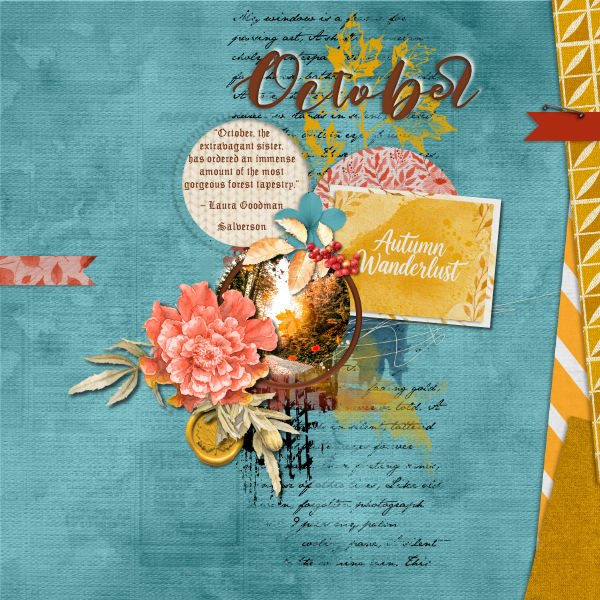
I chose the Quote Challenge partly because I really love October, partly because I have enough energy to make it work. The Challenge is hosted by CathyK, and the main requirement is to use the provided quote as the inspiration for a layout. Participants don’t HAVE to use the actual quote on their layout, but if they don’t they must explain how the quote inspired them. For October, Cathy chose “October, the extravagant sister, has ordered an immense amount of the most gorgeous forest tapestry.” – Laura Goodman Salverson
Up first is this layout by dhariana. She’s put the quote inside a cutout in her background paper. By including an autumnal photo and using golds, russets, oranges and sky blue, she’s pulled the quote’s meaning into her layout. To get a closer look, click on the Scrapper’s name – it’s a hyperlink.
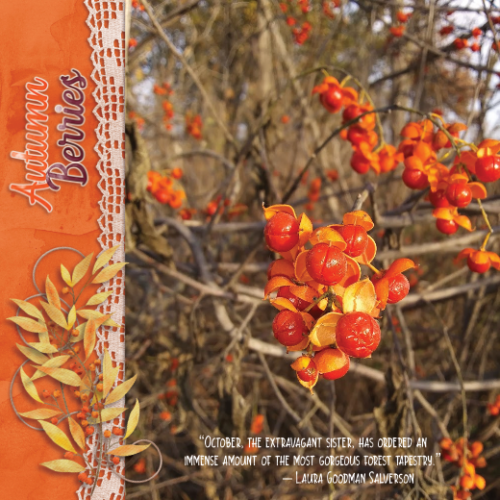
Now, THIS screams October to me. These berries, this orange… pbhill knew she didn’t need to add much more to the layout. She kept the embellishments on the neutral side to let the colour resonate. It speaks to the quote in every way,
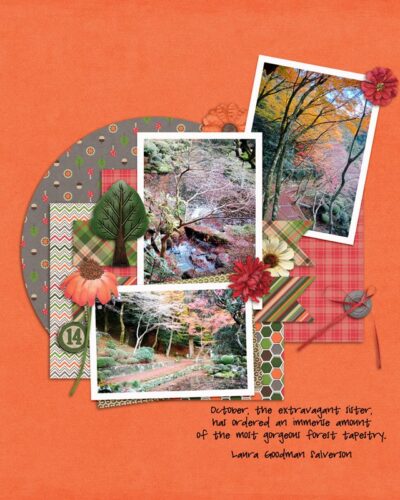
Here, lawyerlyn has the colours of October and a little literary nod to “tapestry” with the plaid paper.
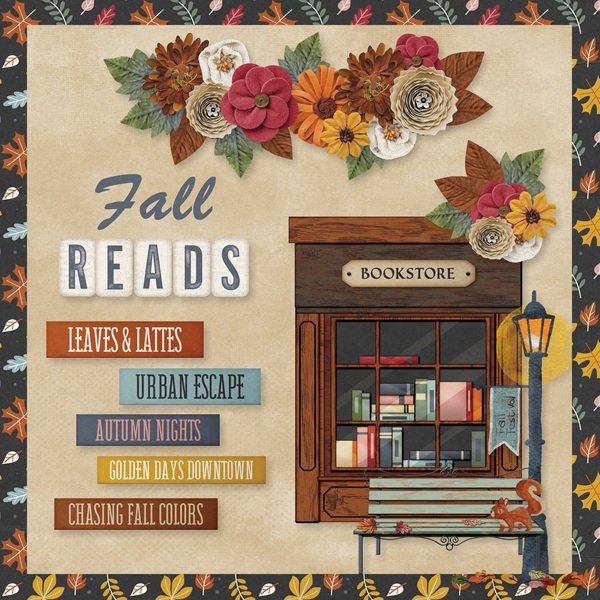
And last, Route66 said, “I was inspired by the quote with the fall colors and slowing down to enjoy reading in the autumn.” for her layout.
Now, while it’s still Tuesday in British Columbia, I’ll get this posted and go in search of some more acetaminophen. 😉