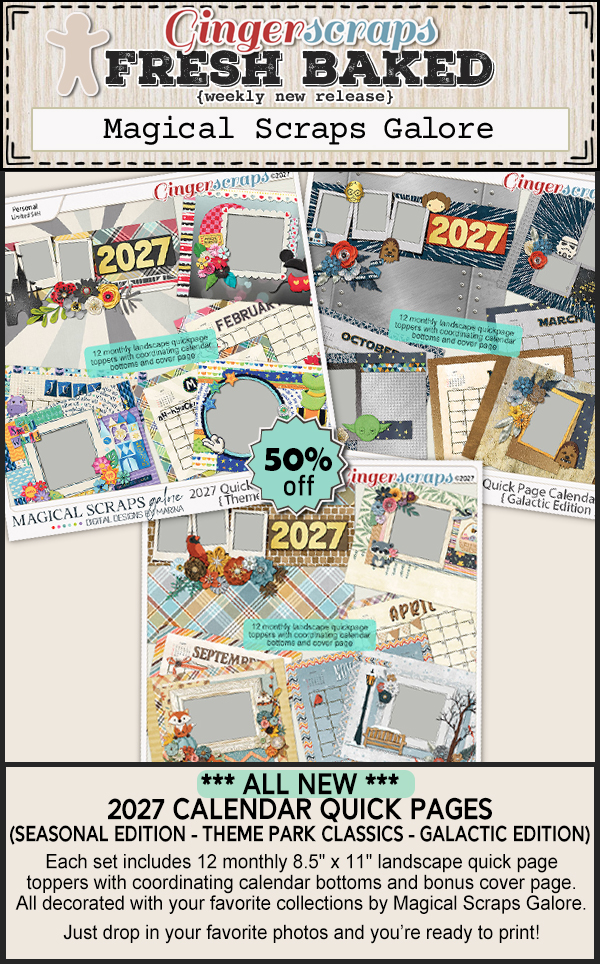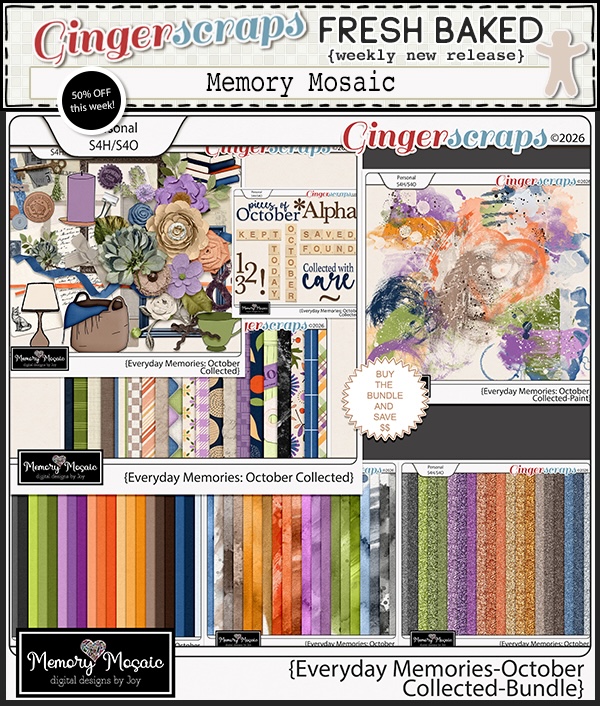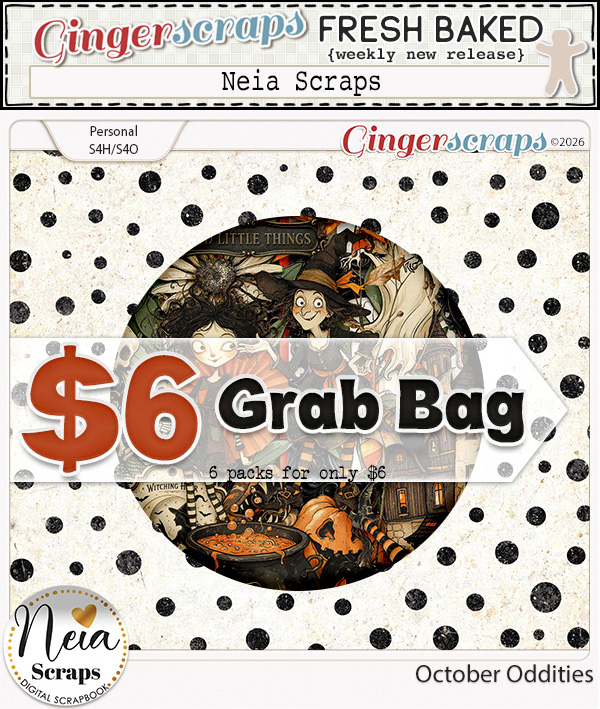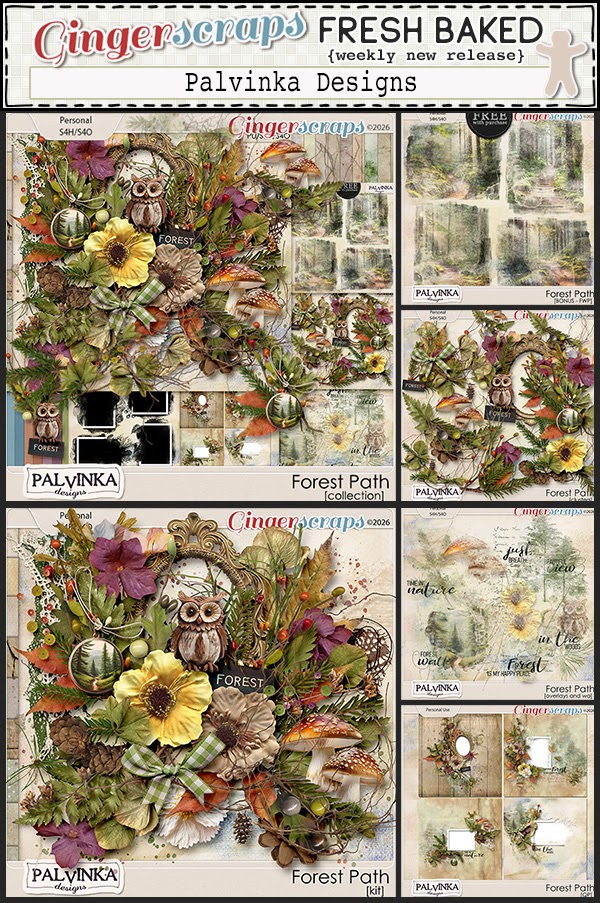
Fresh Baked Friday at Gingerscraps: 4/10/26

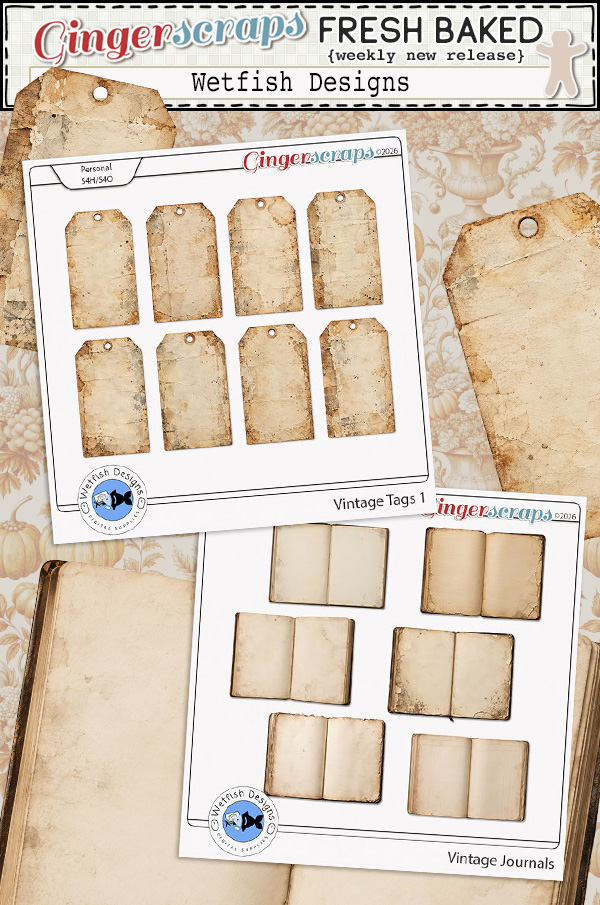
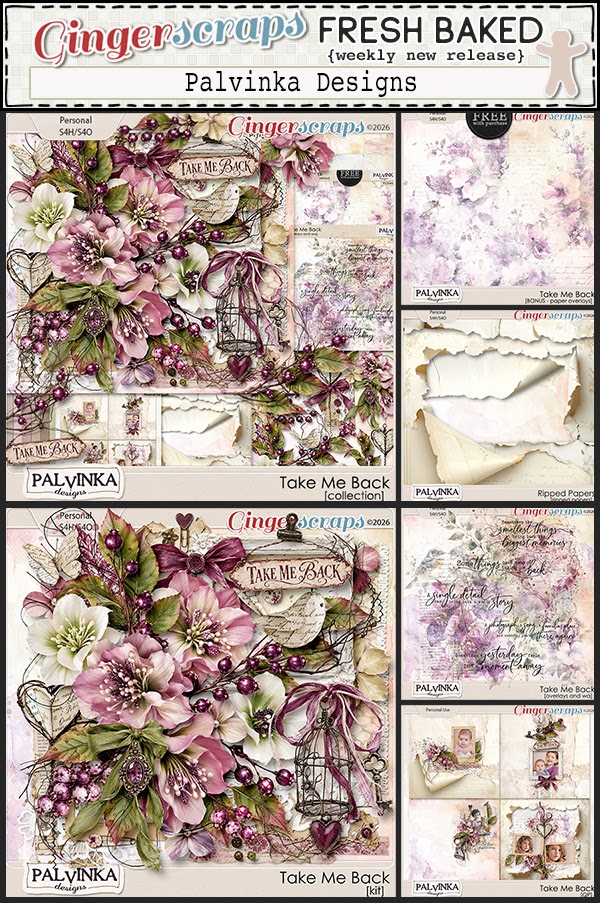
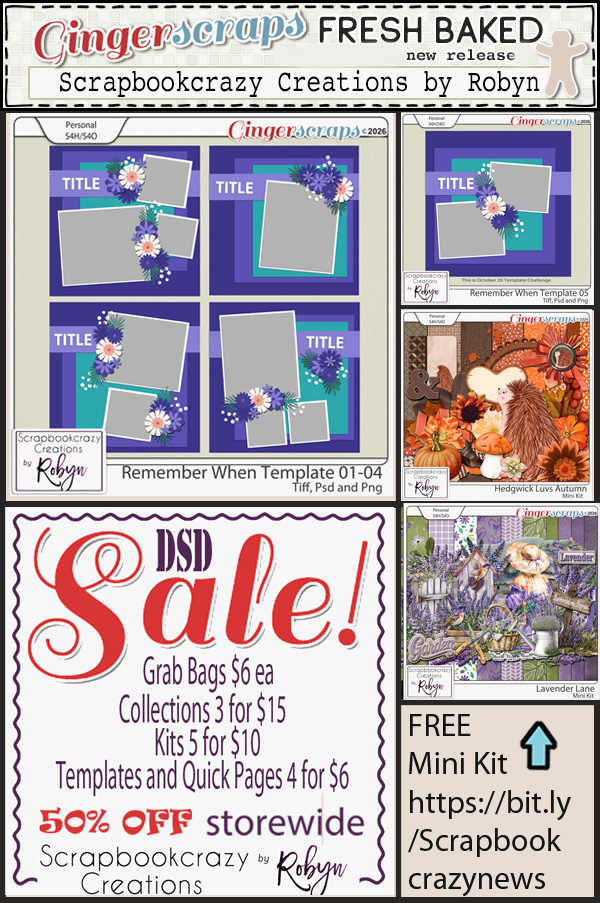
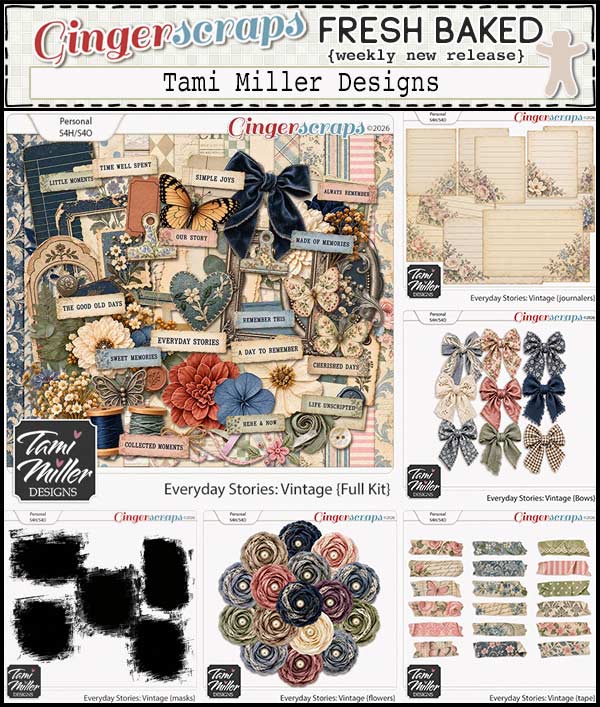
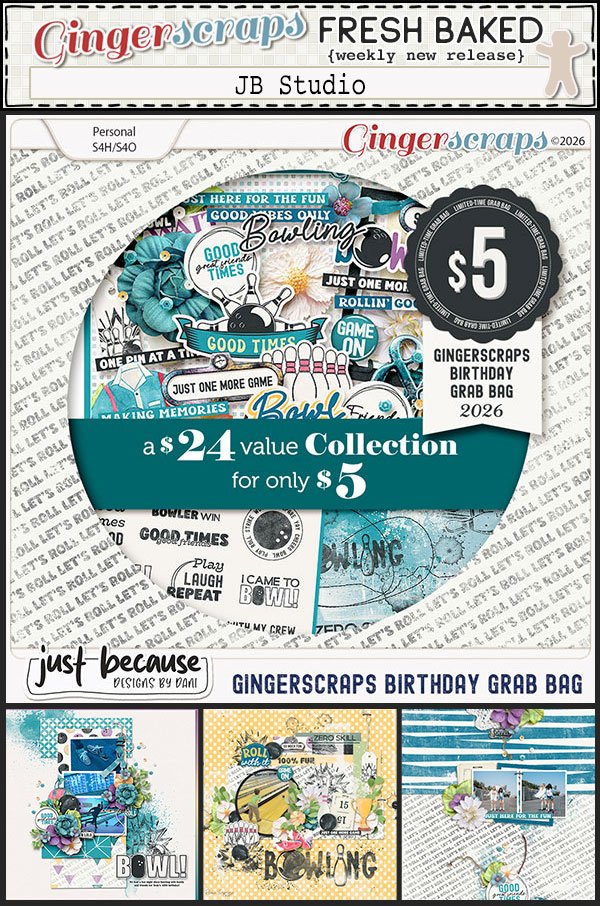
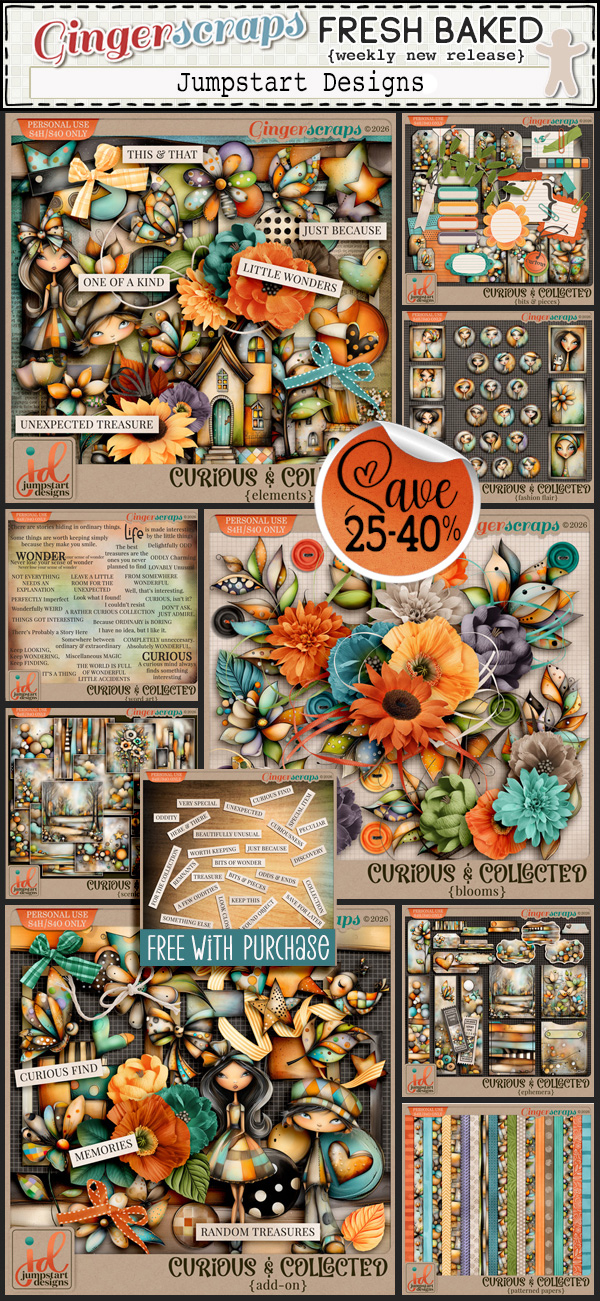
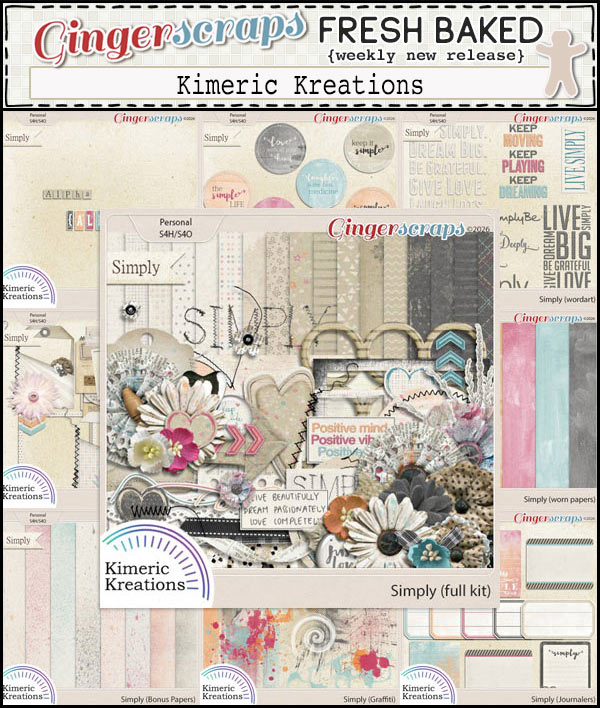
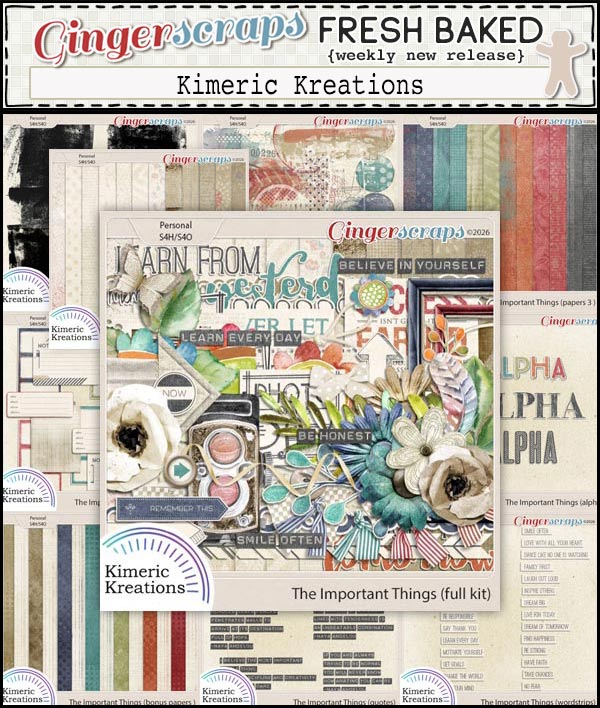
Happy Friday my scrapping friends. I hope you have been enjoying your week and taking a lot of photos to scrap. Our designers have great new releases this week.

Remember if you spend $10 in the store you’ll get this great collab.

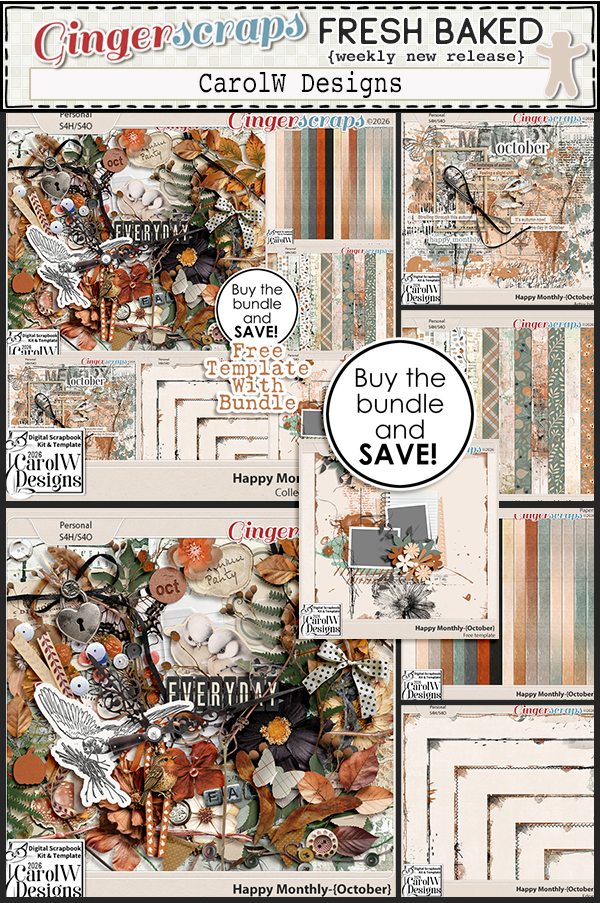
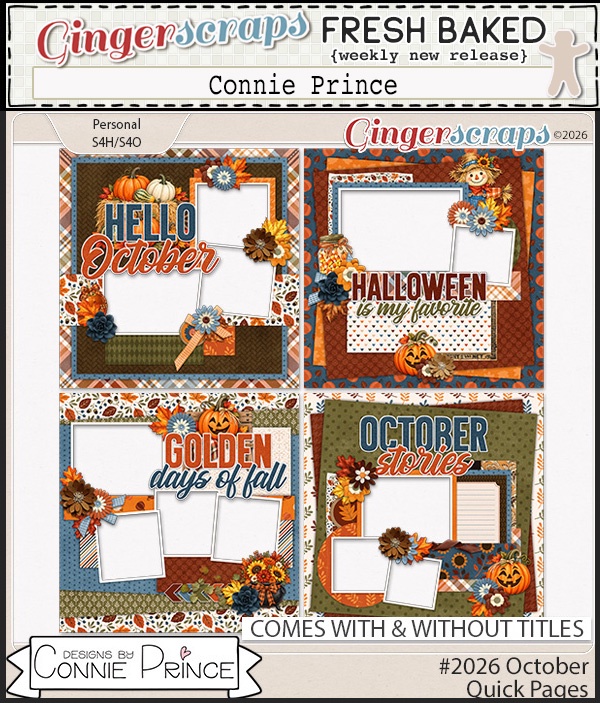
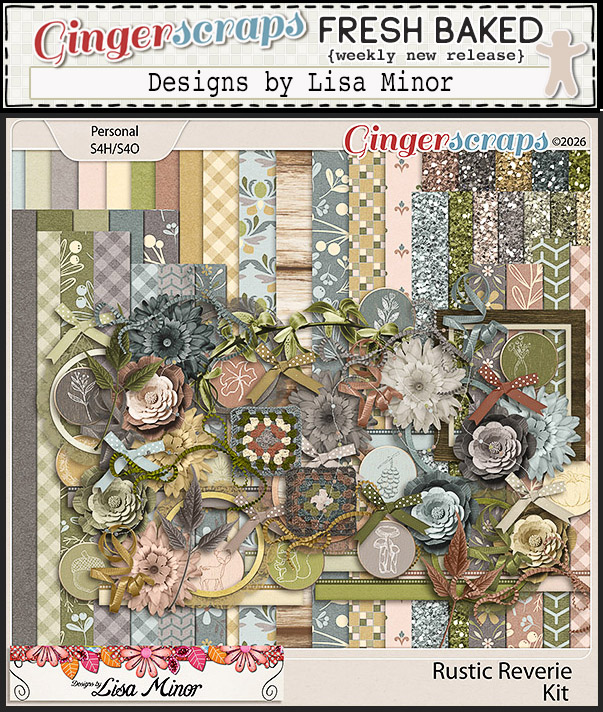
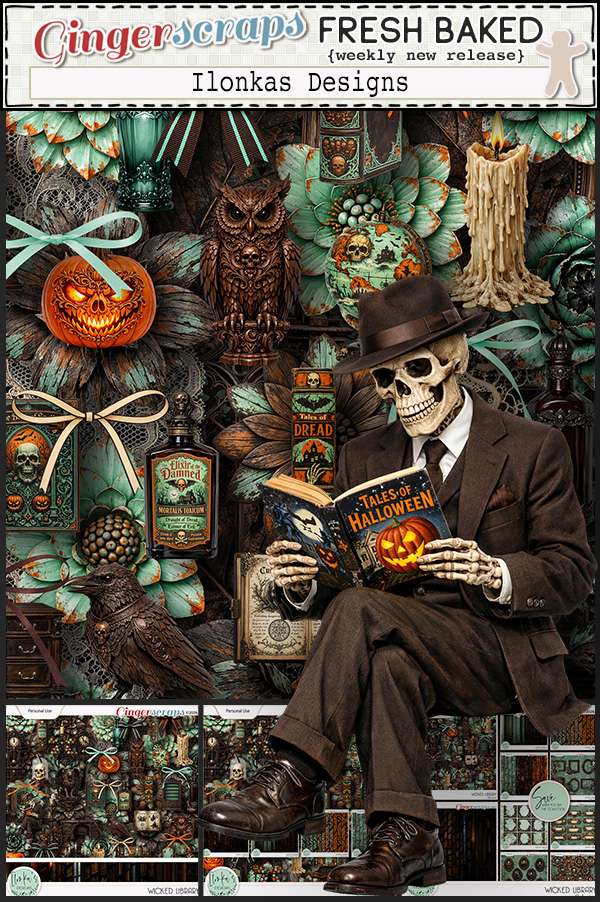
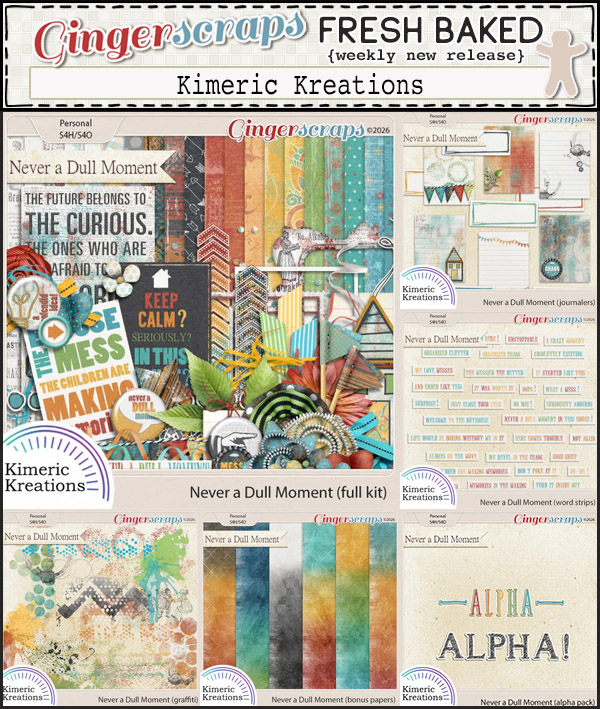
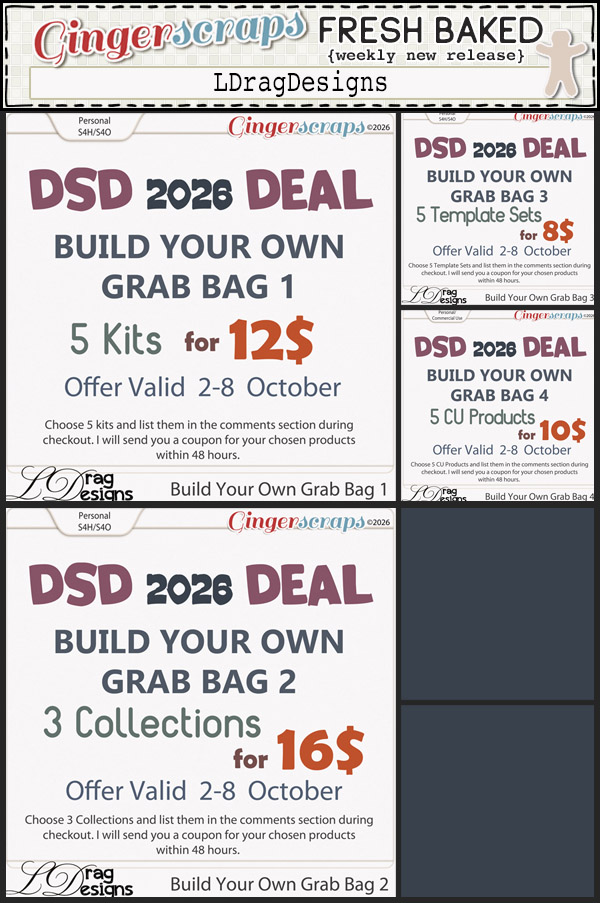
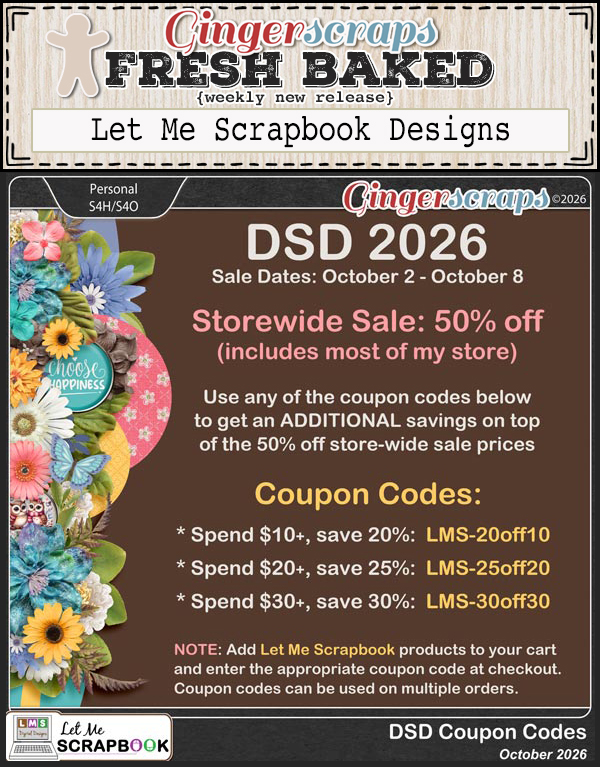
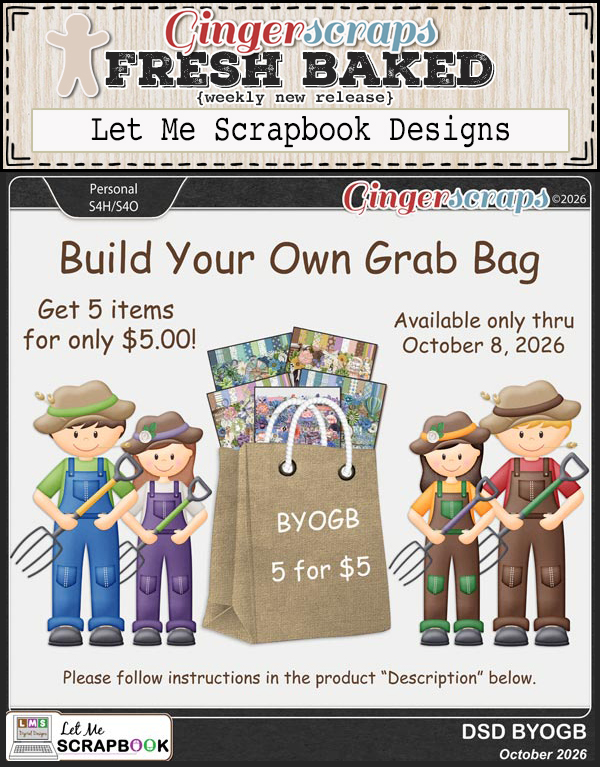
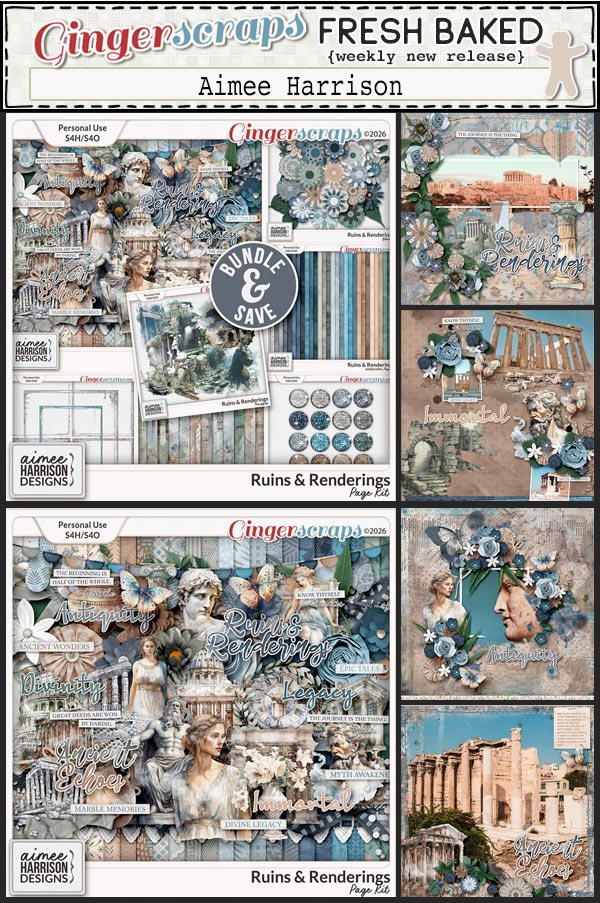
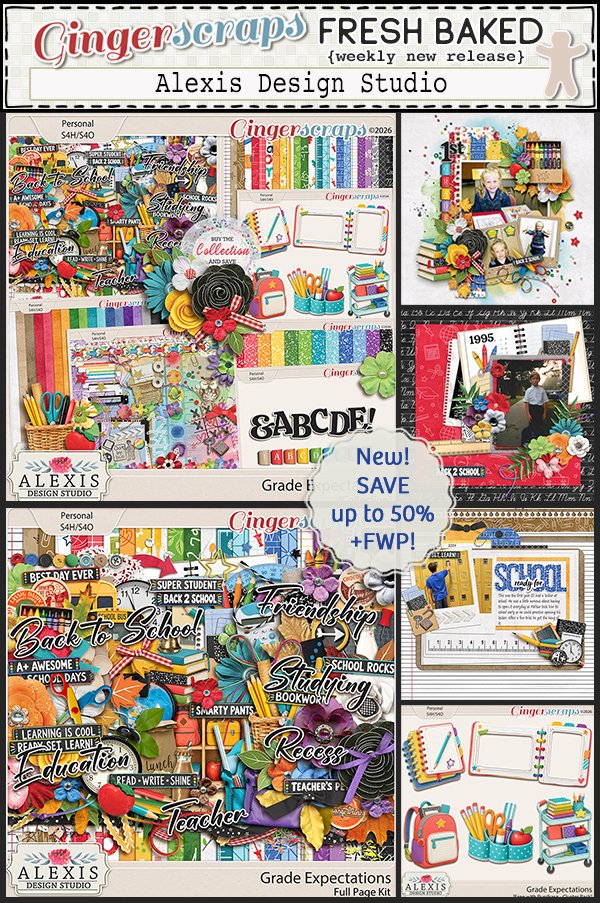
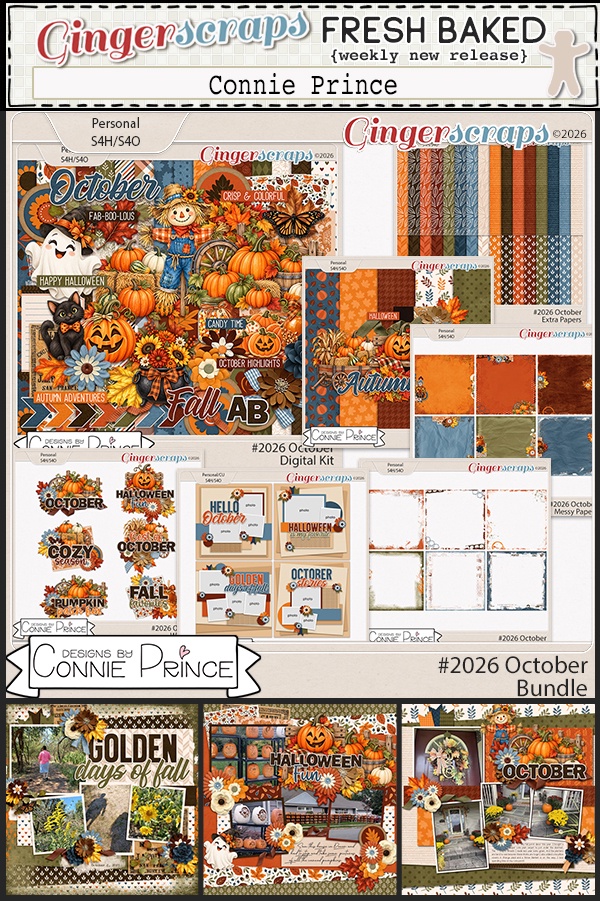
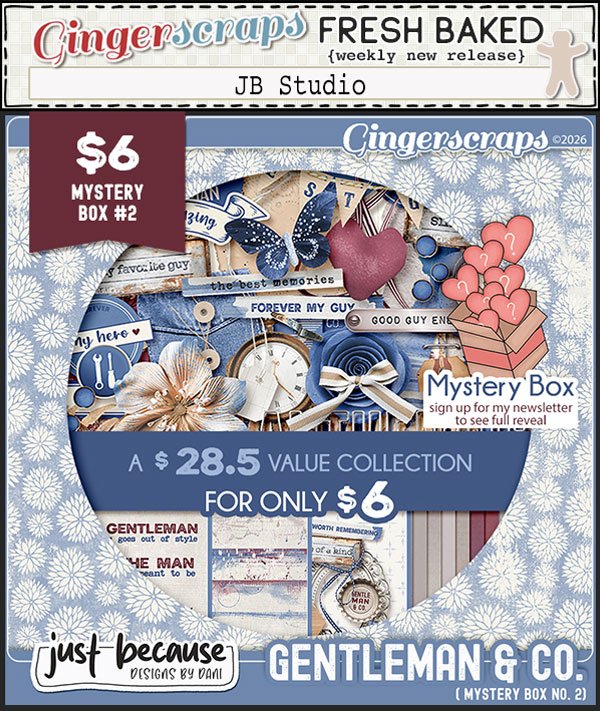
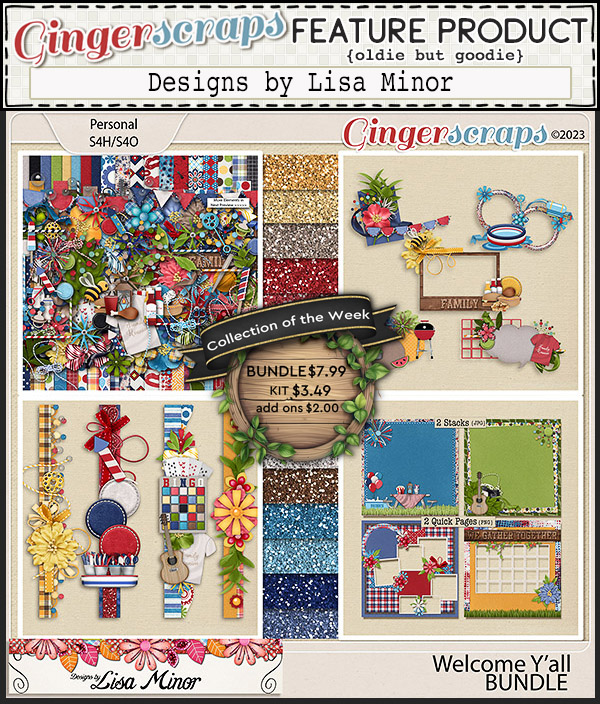
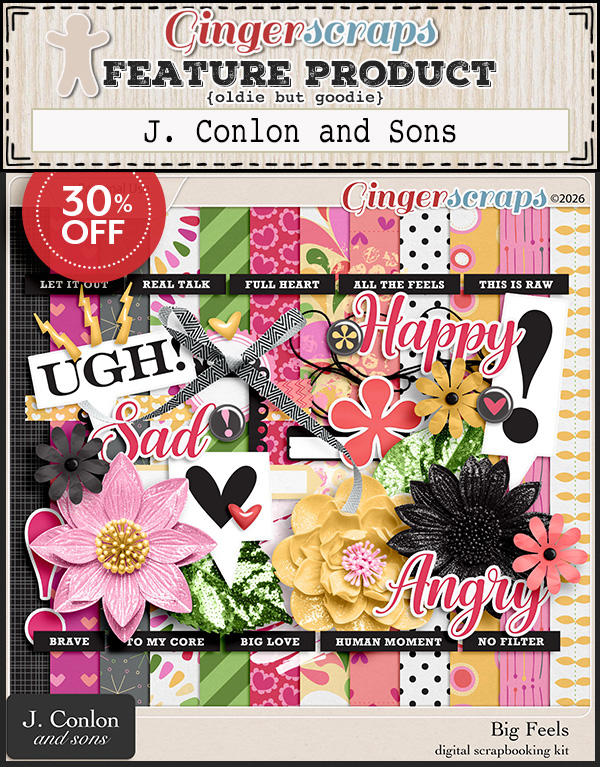
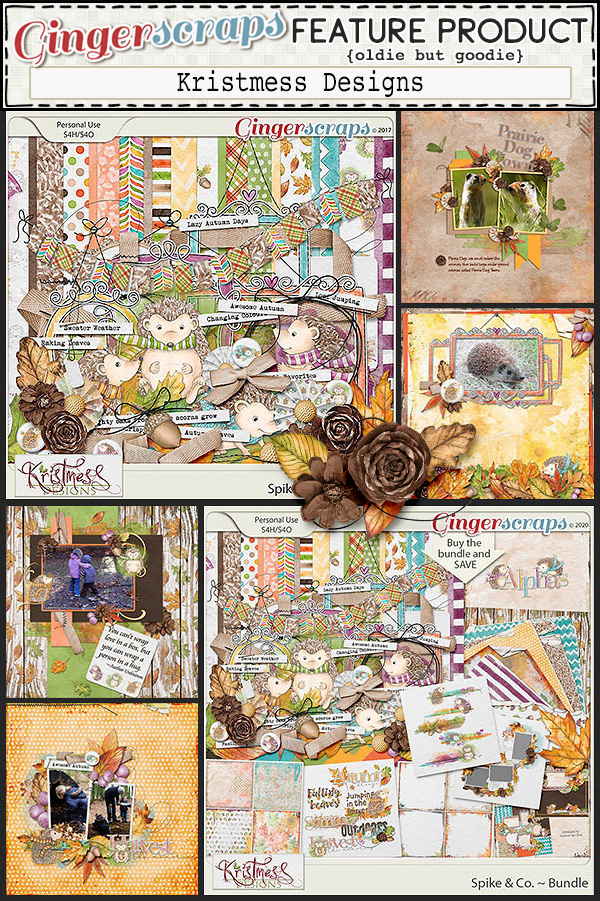
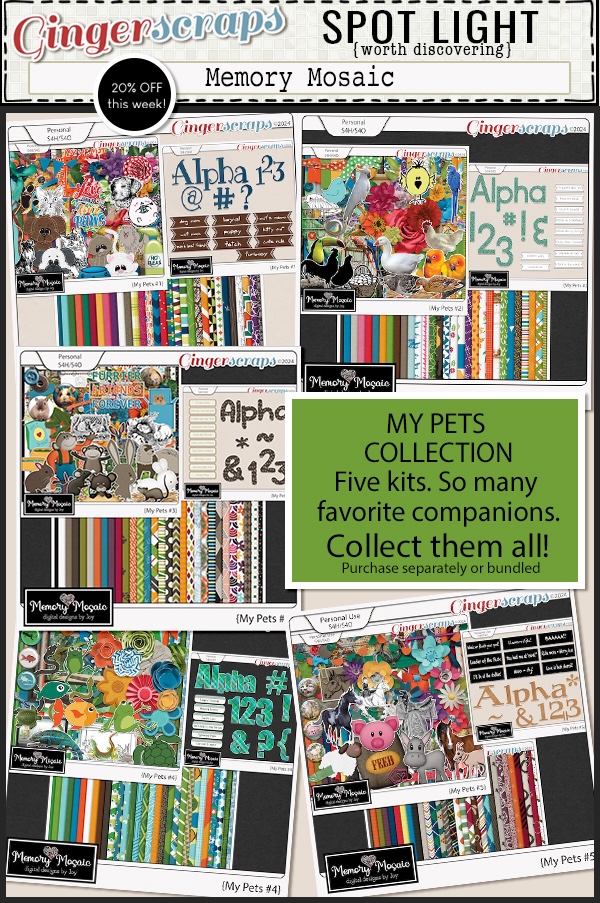
I really like the kits we have in this week’s new releases.

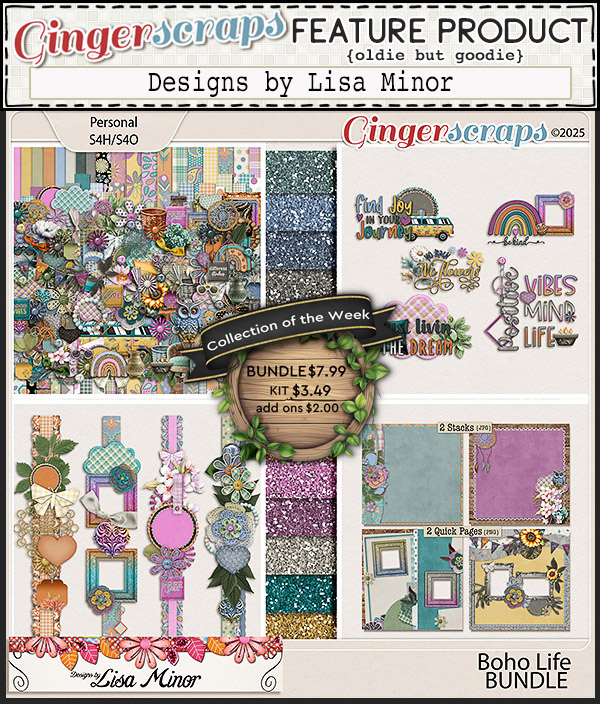
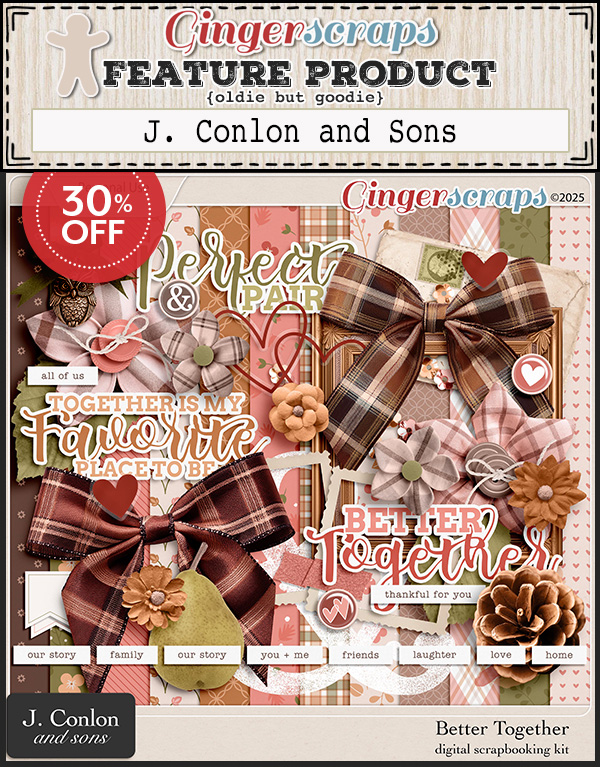
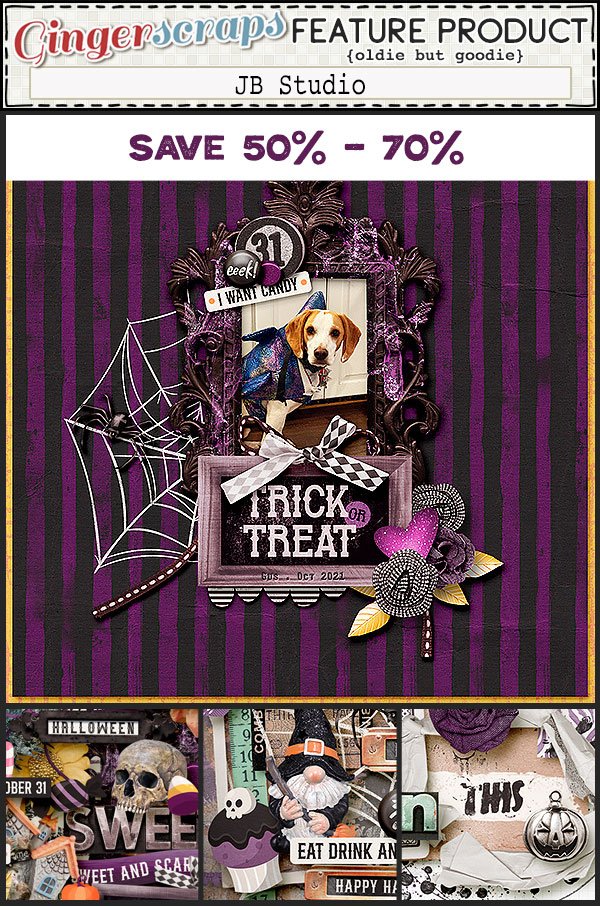
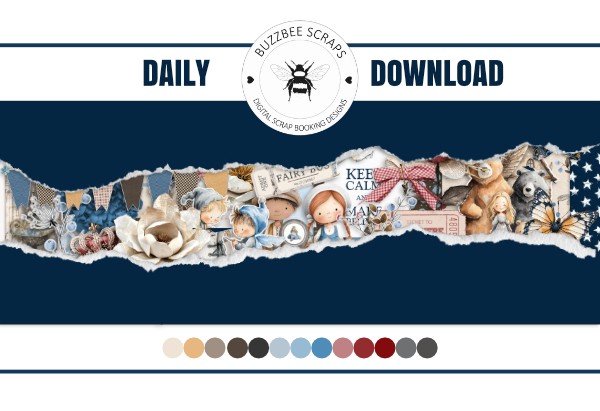
Our Featured Designers for the Daily Download both have sales in their stores for the entire month of April.

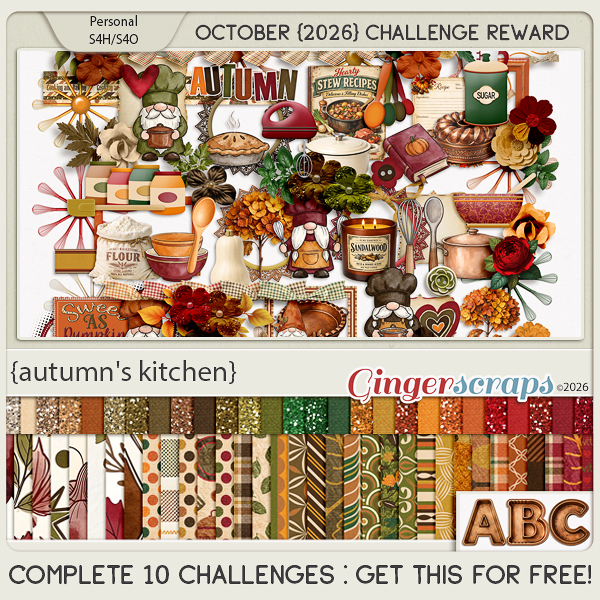
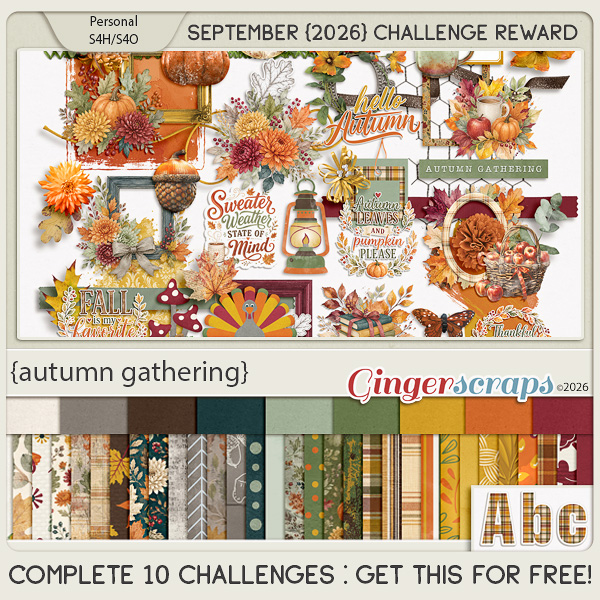
Have you started your challenges? If you complete any 10 challenges this month, you get this gorgeous collab (or a variety of other choices from previous challenge collabs) as a reward!

Designer Spotlight: April 2026

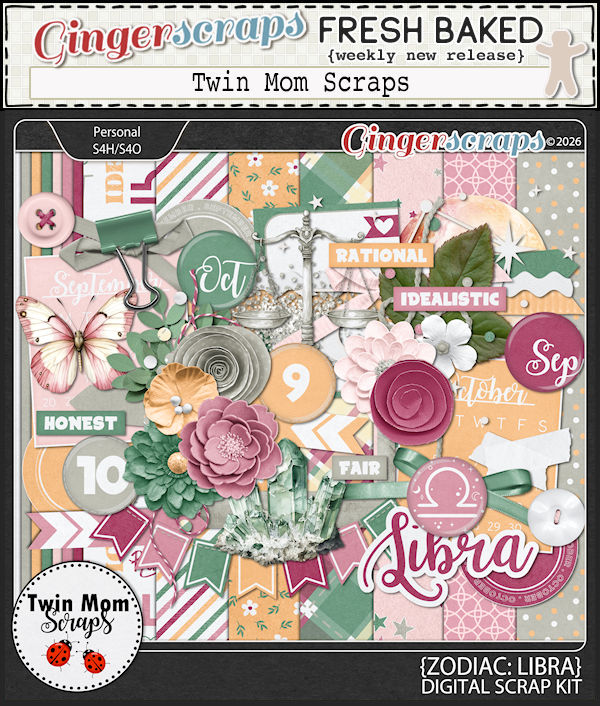
Twin Mom Scraps!

Before I get started I’d like to apologize to Rebecca (Twin Mom Scraps) for the great delay in getting this port written. It’s been rather chaotic chez Jan et al the last week or so; every time I sat down to compose my thoughts, somebody or something interrupted me. And my new glasses are… not right. I have another appointment tomorrow to get that sorted out. 🙁 Anyway…

If Rebecca seems familiar, it’s because she’s a Spotlight frequent flier! Here’s something you might not know about her: her mom Lydia was the lead Sugar Cookie for a long time before her health led her to step down. She was also my friend. Lydia left this world 2 1/2 years ago and she’d dearly missed. Now, onward!

J: Rebecca, how nice to see you again! What wonderful little snippets do you have to share with us this time? Given that I’m way behind with this conversation, tell me how you keep track of all the things, between designing, personal life, and other commitments?

R: Lists! And more lists! I use a google calendar which keeps track of all my recurring responsibilities, upcoming deadlines, etc. It has really helped keep me organized.

J: I use lists too, but for some reason, my process has fallen apart. Good for you staying on top of it all! So, tell us about your favourite part of seeing our GingerScrappers using your designs?

R: I love seeing the versatility of my designs in layouts. It’s flattering to see a really beautiful page!

J: I like thinking outside the box with my scrapping, (not that I’ve done much of that lately!) and using kits for layouts that are really off-theme. It’s fun! When you’ve finished a big collection, do you have a ritual celebration?

R: Nope! I start the next one!

J: I’ll have to start calling you Queen of Hustle! 😉 What do you do to unwind from all that busyness?

R: Some eyeball reading on my beloved Kindle!

J: Me too! My Paperwhite is starting to show ghosts of books past on the screen behind books present, but I don’t want to replace it yet. I like it because it fits in my purse. Do you have anything… unusual in your purse or pocket?

R: A painted rock – I found it the morning after my Dad passed away, and have carried it with me ever since.

J: That must bring you a lot of comfort. I remember when your dad passed. I don’t have anything sentimental like that in mine, but I do have a screwdriver and a multitool. 😀 I like to be prepared. My dad loved pizza, so whenever we eat it, I think of him. That’s my painted rock. 😉 Do you have a specific comfort food for those moments when you really need to feel better?

R: Really, anything sweet!

J: A gal after my own heart! But I’m trying to keep my hemoglobin A1C in the green zone, so I’m cutting back. I think it’s working, because I’ve lost 17 pounds. What would you choose if you could only eat one food for the rest of your life?

R: Probably pasta

J: I love pasta too, but I don’t think I could eat it every day. Did you know that if you chill pasta before you eat it, then reheat it, the carbs aren’t as readily converted to sugar? PSA for the day, <snicker> I need some new clothes; do you have an outfit or item of clothing that you’d be happy to wear every day?

R: I’m happy as long as I’m wearing flip flops.

J: SAME! We had a really mild winter and I’ve been wearing mine for a couple of weeks already. It messes with my brain to be outside with bare feet this early in the year, but I’ll cope. It’s been a lot of fun taking note of all the early migratory bird arrivals. I’ve been a birdwatcher for my entire adult life, and I’m learning to identify bird sounds too, using the Merlin app on my phone. Is there a hobby that you’ve always wanted to try but just haven’t yet?

R: I would love to learn how to make pretty soaps…I get stuck watching videos on Tik Tok and it’s so relaxing

J: I watch card-making videos on You Tube while I’m brushing my wheaten terror (not a typo) and the two together really relax me.

R: I would definitely switch places with one of our dogs…they are living their best life, like they pay rent

J: Right?? Well, I’m not going to keep you yakking because I know you’ve got irons in the fire. I’m going to fill our readers in on all the big plans for your Spotlight month (what’s left of it) but first, I want to wish you an early Happy Birthday! Now, back to business…

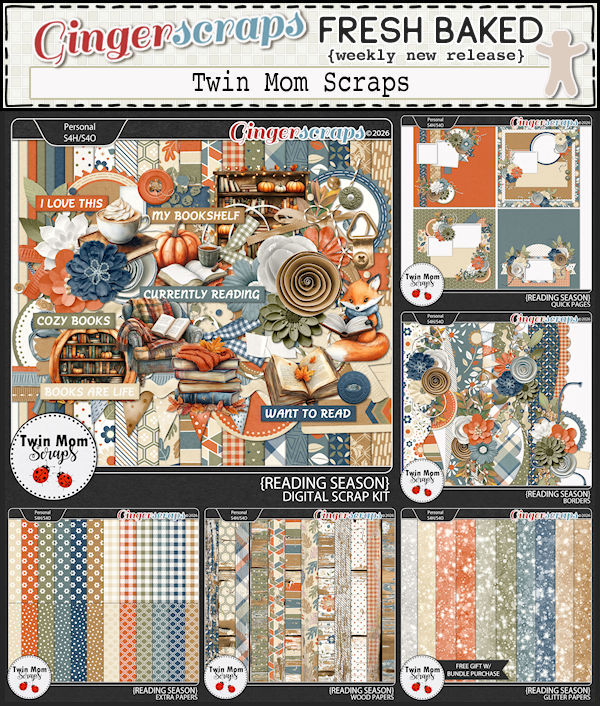
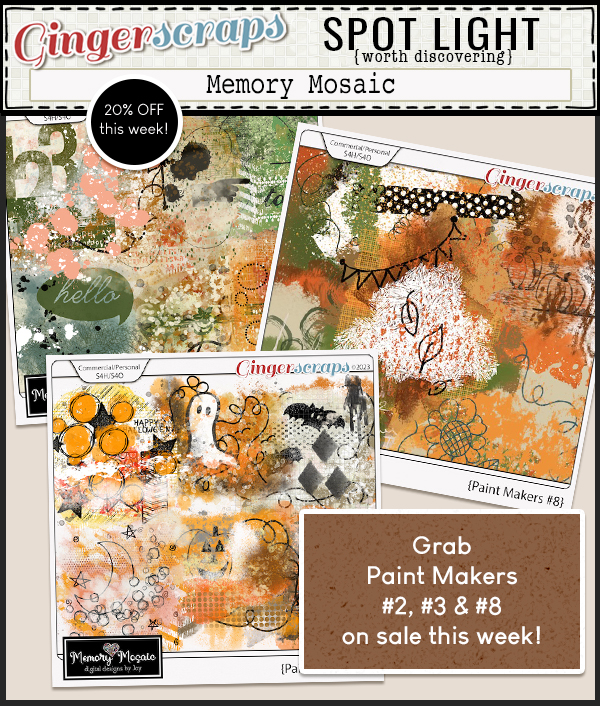
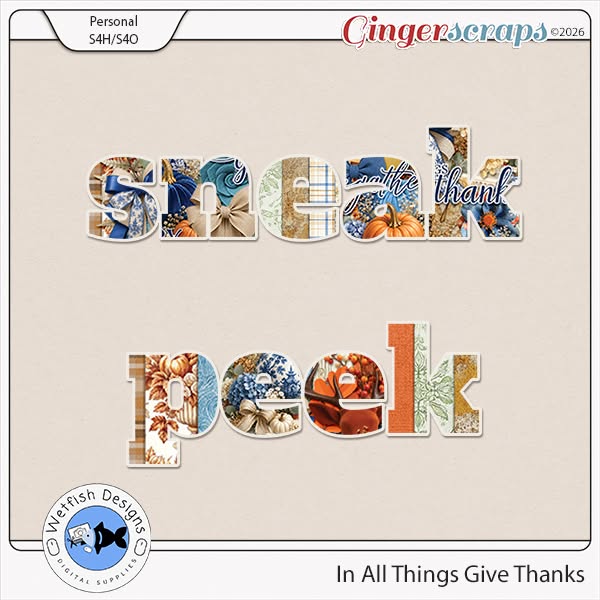
Rebecca is, of course, the provider of this month’s Daily Download. Here’s a sneak peek.

She’s so generous, she also has a Fan Club Freebie on Facebook! Click on the link!!

But wait!! There’s more! Because in addition to her regular Memory Mix Up Challenge, she’s also hosting this month’s Designer Spotlight Challenge. And if all of that isn’t enough…

ANDDDDDDDDDDDDDDD!

Sp what are you waiting for?? Go shopping, get scrapping!!


GingerScraps: April Buffet and 4/3 Fresh Baked

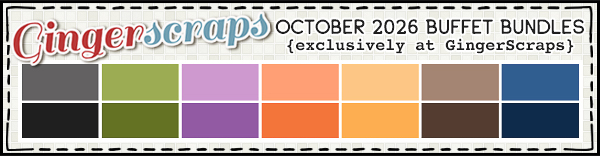
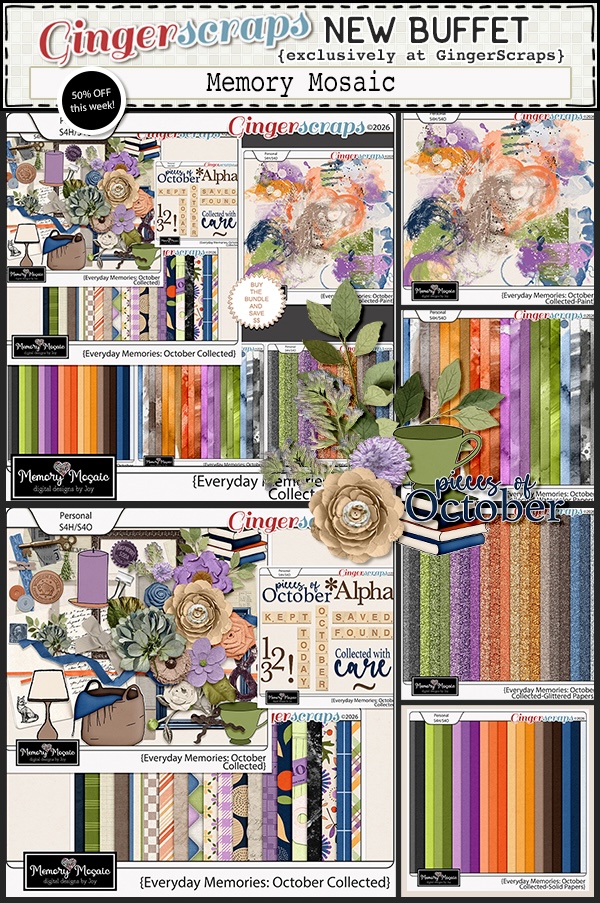
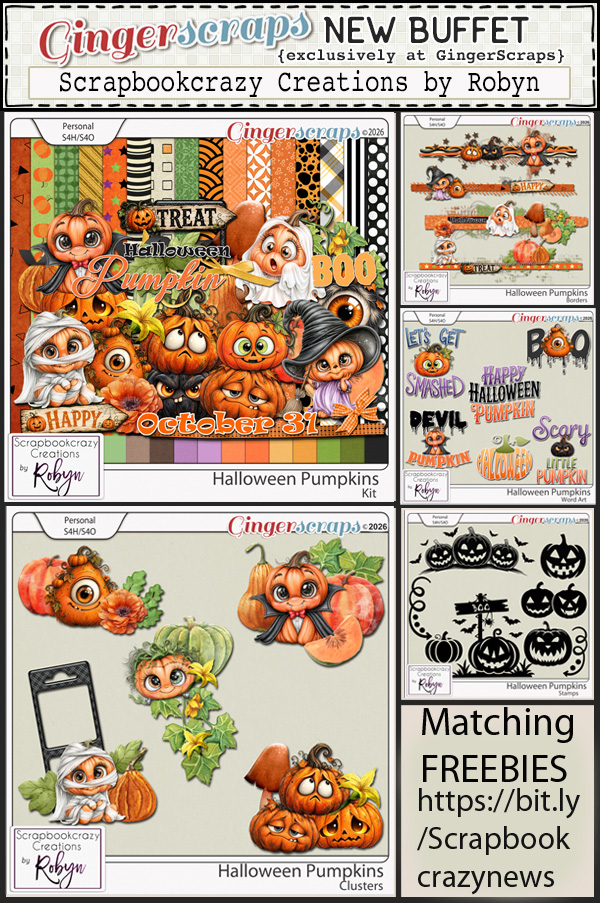
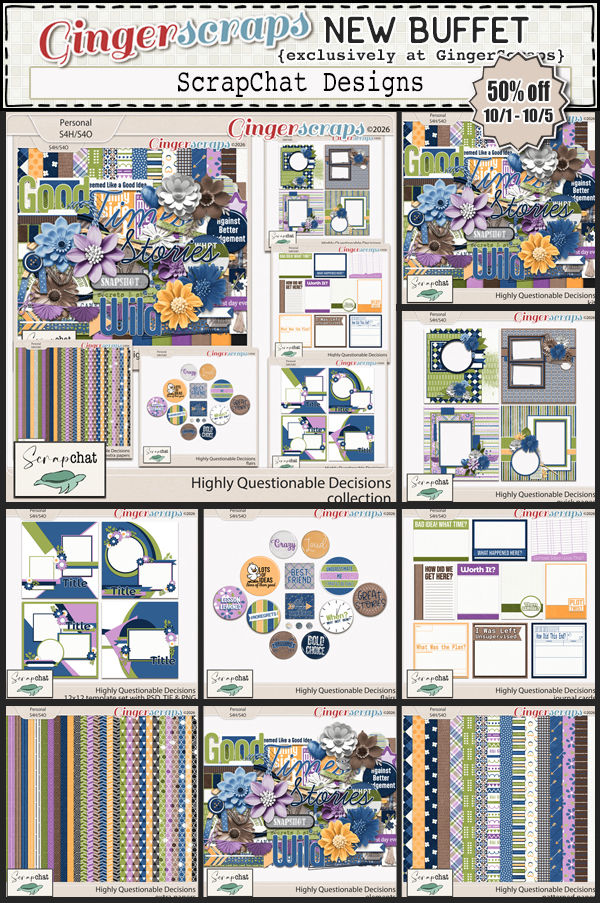
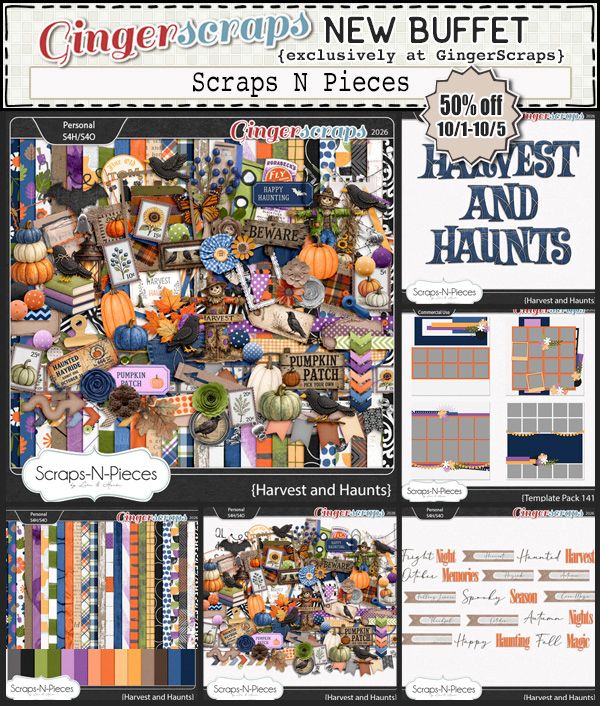
Welcome to the April Buffet and the first Fresh Baked release of the month. Did you have fun with the No Joke sale? This months buffet will run from April 3-7.

Remember if you spend $10 in the store you’ll get this great collab.

Don’t forget to check out the Buffet Bundles. One easy click to add bundles of Buffet goodies to your cart.

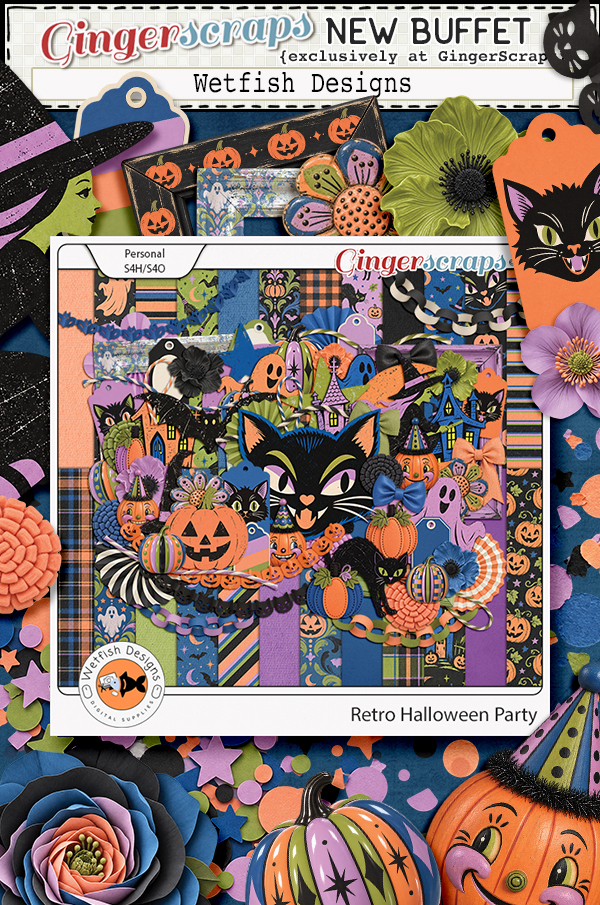
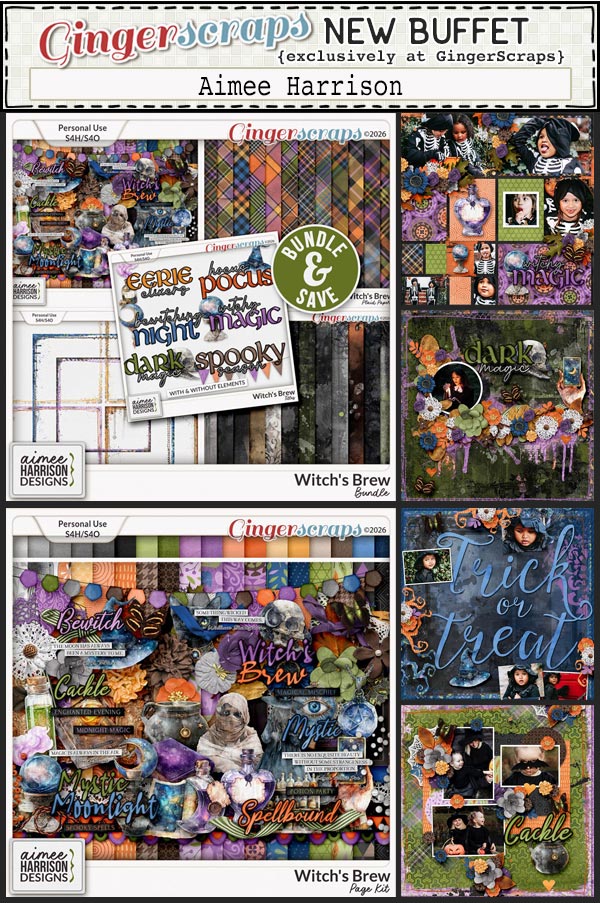
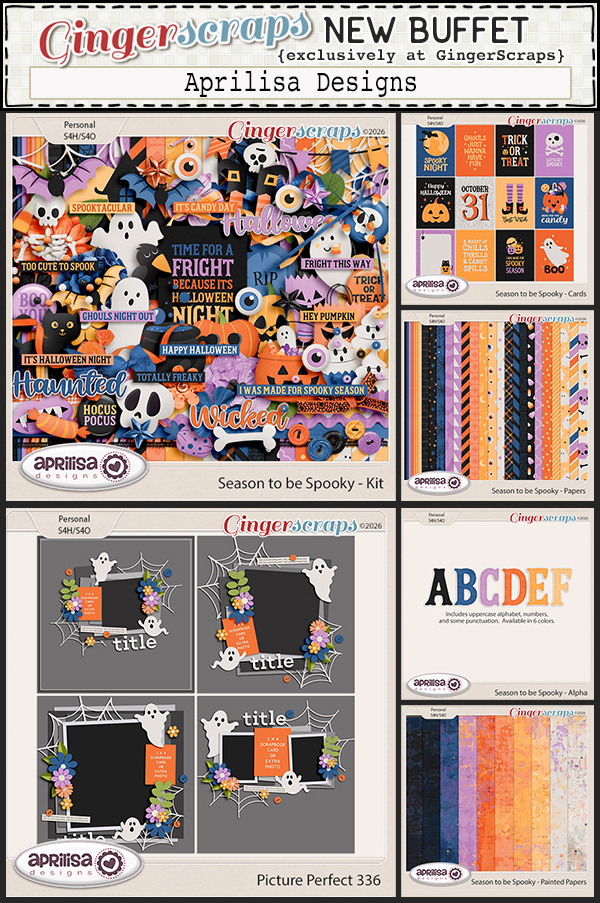
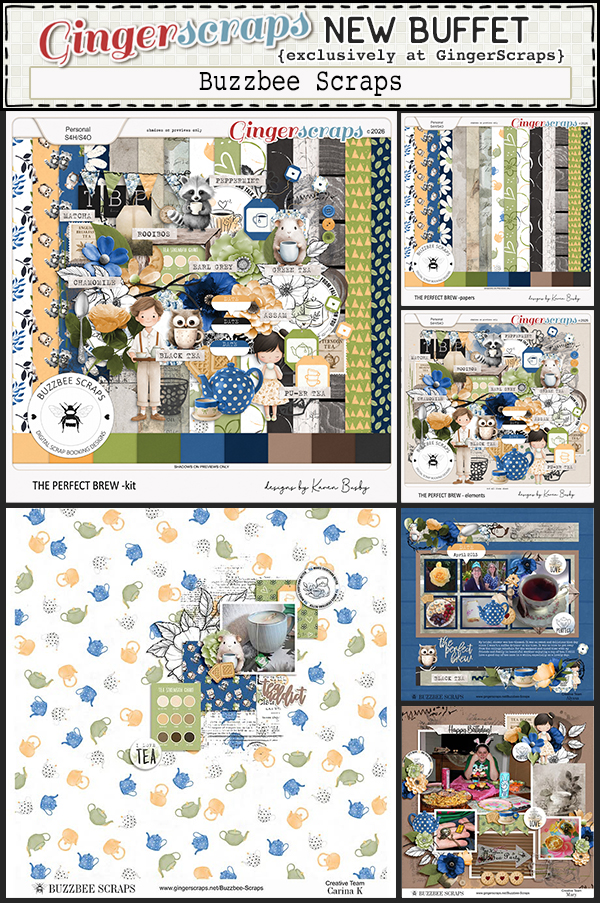
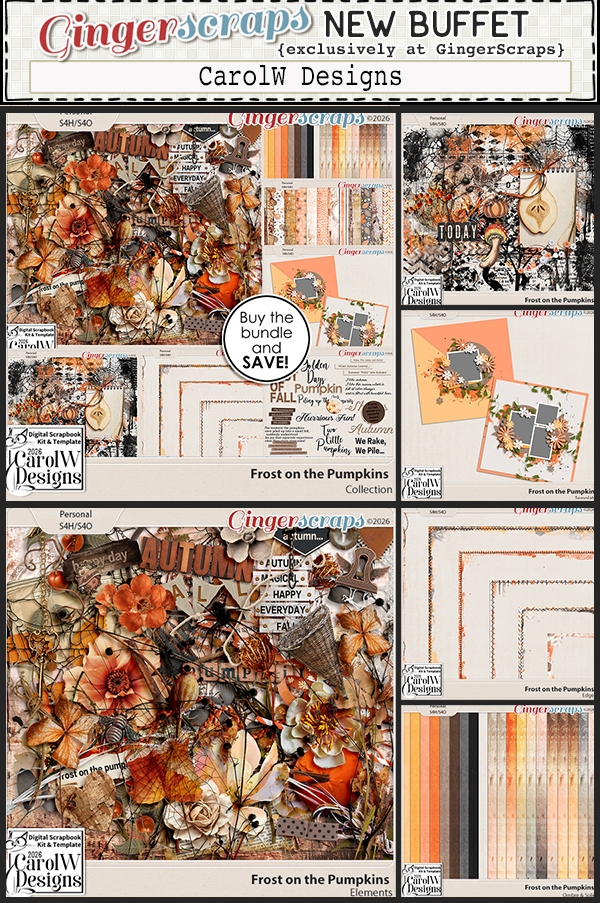
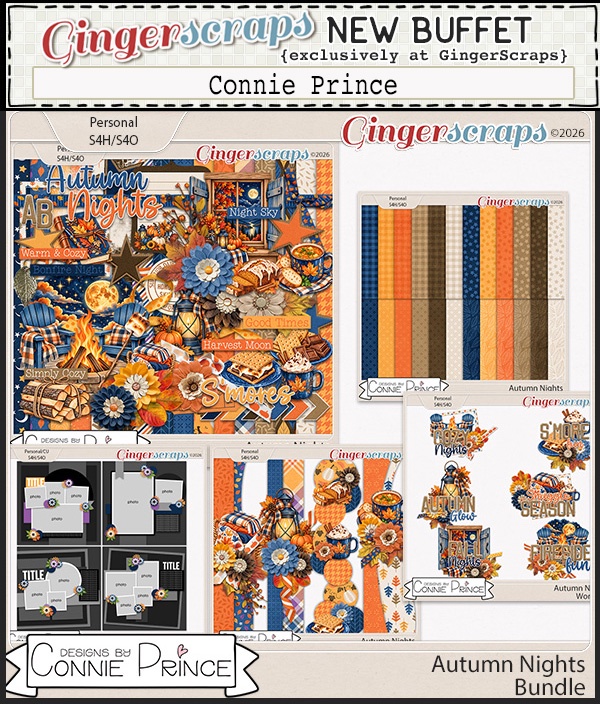
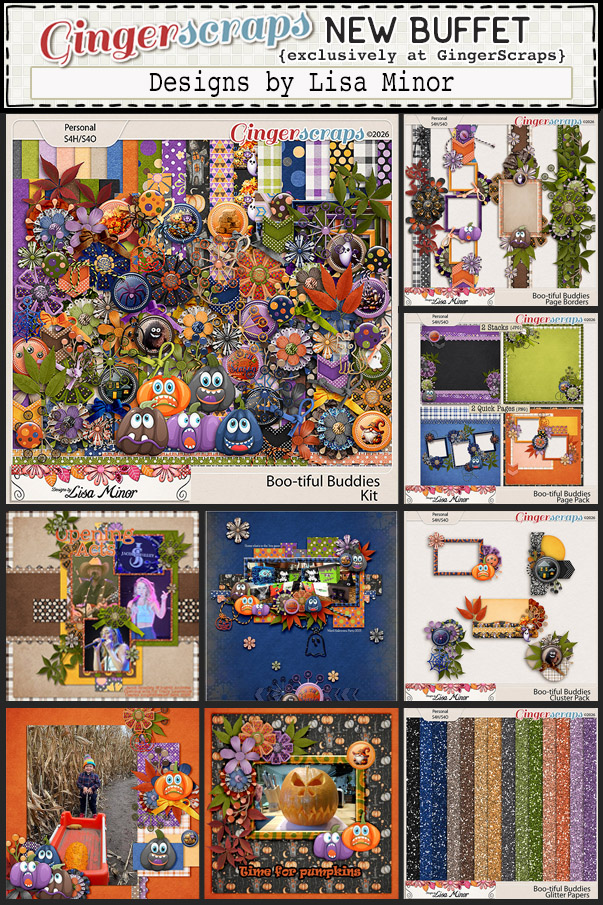
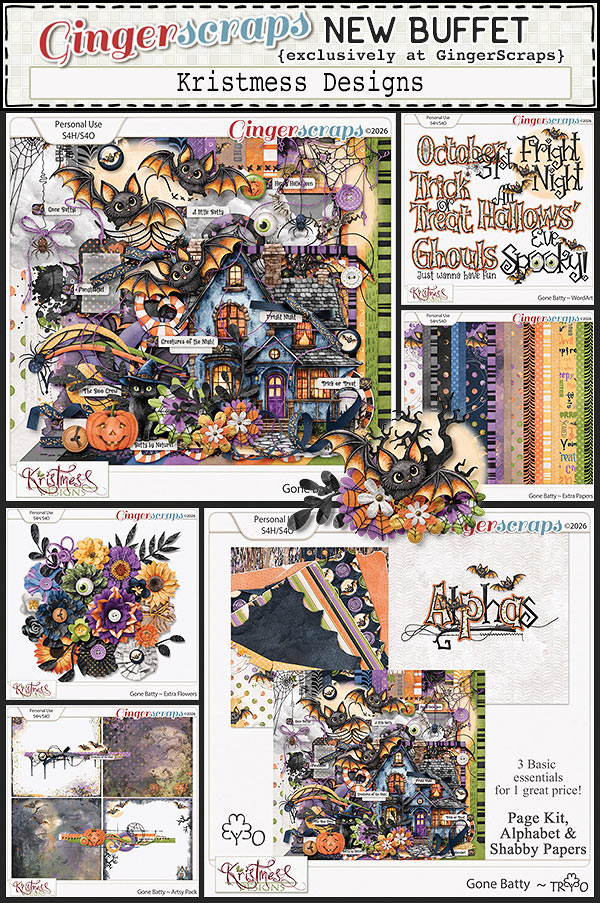
Let’s see what is in the buffet this month. Remember that you can combine any of the buffet kits to make your own collection.

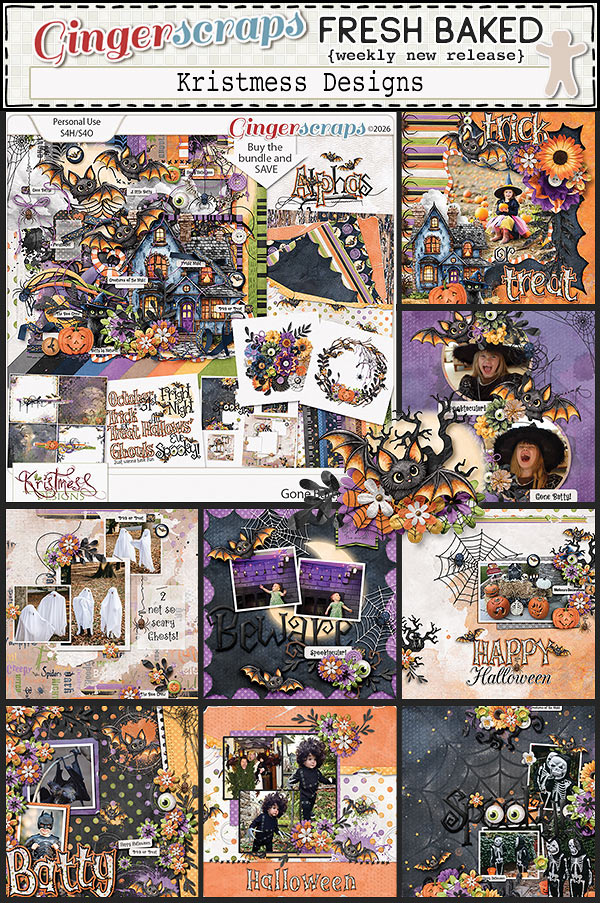
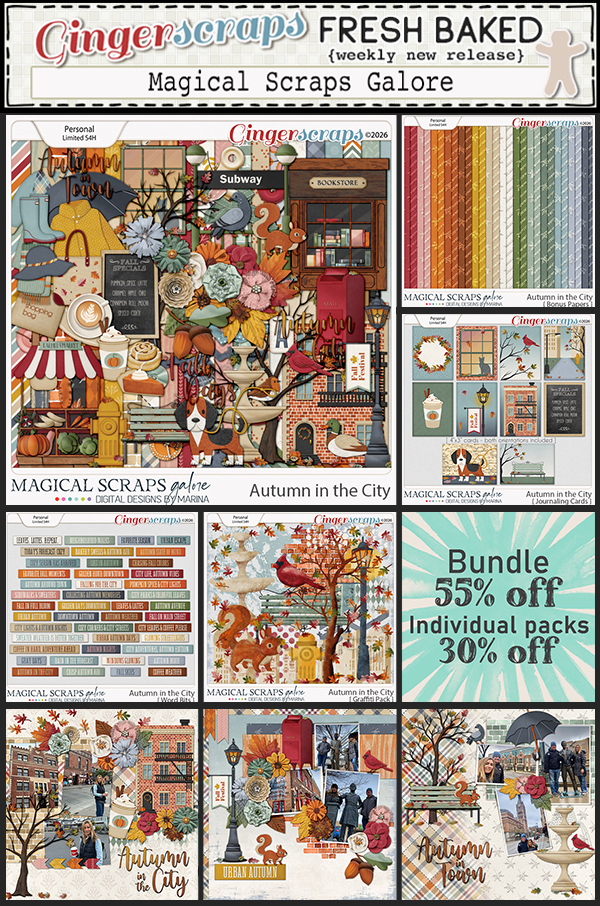
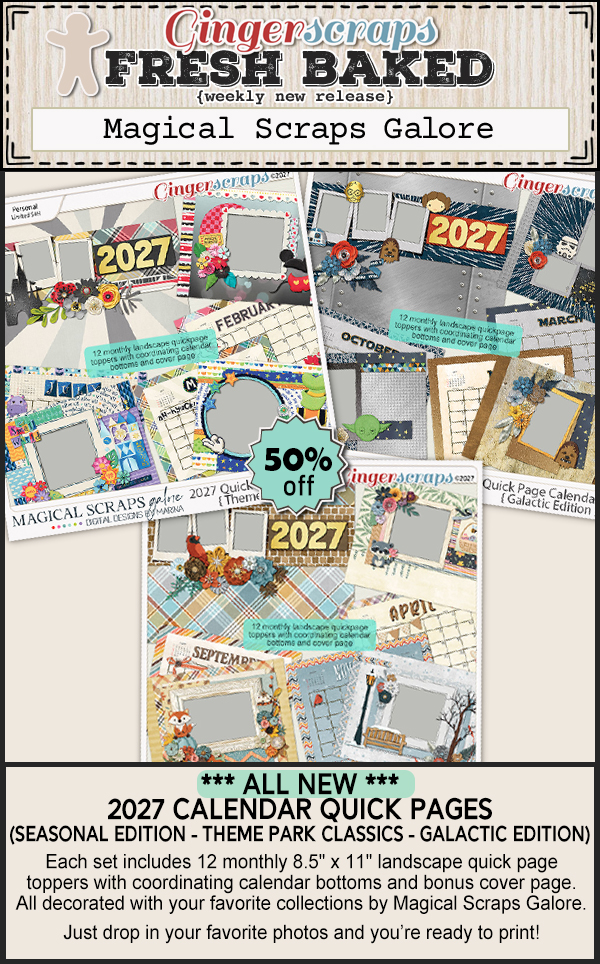
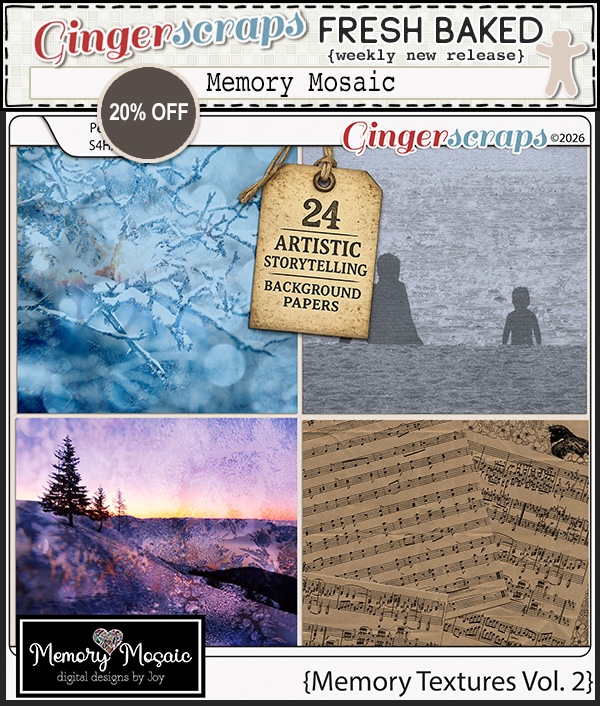
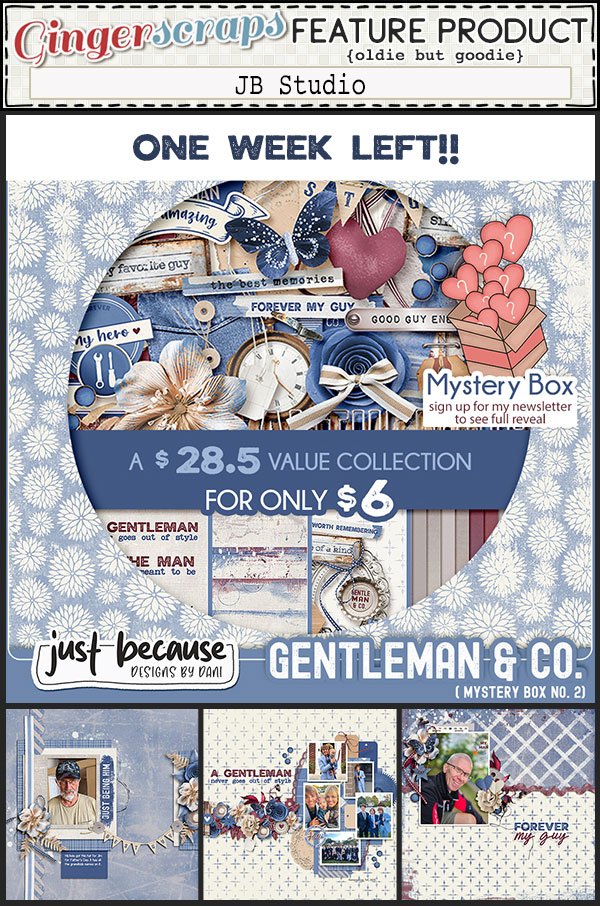
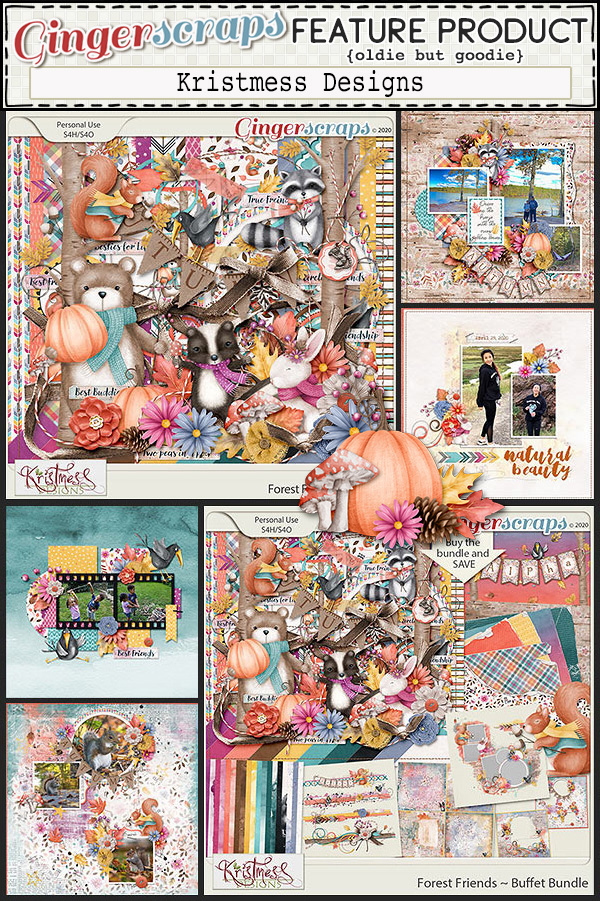
Today is also Friday, which means it’s all the Fresh Baked Releases

Take a look at the new challenge reward kit. If you complete any 10 challenges this month, you get this gorgeous collab (or a variety of other choices from previous challenge collabs) as a reward!

GingerScraps: NO JOKE Sale & More!!

We love a good April Fools’ joke, but this deal is 100% real!
For April 1 & 2 only, enjoy a jaw-dropping NO JOKE 60% off sitewide at GingerScraps! (Some restrictions apply).
Don’t miss out—this sale vanishes at 11:59 PM Eastern on April 2!
Reminder: The April Buffet arrives on April 3, and it will be 50% off from April 3-7.
No prank—just pure savings! Snag your favorites before they’re gone!
And don’t forget—grab the New April Free With Purchase collab when you spend over $10. Plus, get started on those April Challenges in the forum, and collect the April Feature Designers Daily Downloads—FREE each day on the blog!
Now hurry and head to the shop—these deals won’t last!
Remember any $10 spent in the store gets you this great collab.

Spirit of Spring captures the joyful beauty of the season when nature bursts back to life. This vibrant collaboration is filled with birds, butterflies, blooming flowers, lush greenery, and charming birdhouses that bring a sense of wonder to your pages. Designed in a cheerful palette of pink, yellow, teal, and purple, this collection is perfect for documenting springtime walks, garden blooms, and bright sunny days. Spirit of Spring celebrates the color, life, and happiness that arrives with the changing season.

This Free With Purchase was created by Aimee Harrison, Let Me Scrapbook, Moore Blessings Digital Design, and Scrapbookcrazy Creations by Robyn.

This collab includes: 4 Alphas {Uppercase, Lowercase, Numbers & Punctuation}, 56 Papers, 95 Elements.

Garden Party is a delightful collaboration inspired by the beauty of gardening and the joy of springtime outdoors. Whether you picture an elegant garden gathering or peaceful hours spent tending flowers and plants, this collection captures the charm of the season. Filled with blooming florals, fresh greenery, garden inspired details, and outdoor accents, Garden Party is perfect for scrapping spring days in the garden, backyard celebrations, and nature filled adventures. With a vibrant spring palette and plenty of creative possibilities, this collab brings sunshine and fresh air to every layout.

This Monthly Mix was created by Cutie Pie Scraps, Designs by Lisa Minor, Ilonkas Designs, and LDragDesigns.

This kit includes: 1 Alpha {Uppercase & Lowercase}, 85 Papers, 85 Elements.

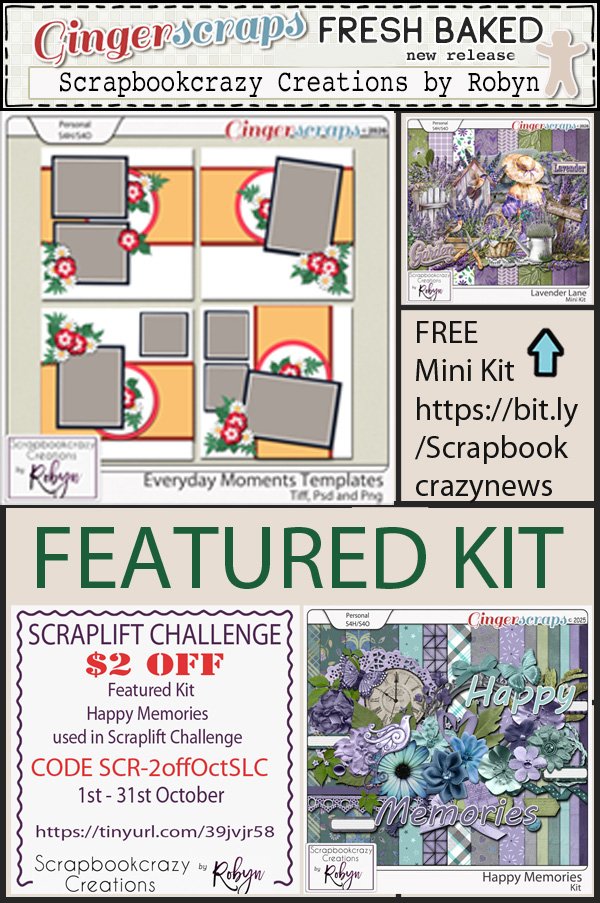
April’s Daily Downloads are provided by Scrapbookcrazy Creations by Robyn and Twin Mom Scraps. Each zipped file will contain two folders, one for each designer.

Take a look at the new challenge reward kit. If you complete any 10 challenges this month, you get this gorgeous collab (or a variety of other choices from previous challenge collabs) as a reward!

A Time to Grow is a joyful celebration of spring, fresh starts, and personal growth. Inspired by the beauty of gardening and the promise of new beginnings, this kit is filled with blooming flowers, cheerful floral prints, garden tools, and seasonal spring elements. The bright and playful color palette brings energy and warmth to every page, making it perfect for documenting garden days, outdoor moments, and the little changes that help us grow. Whether you are scrapping spring adventures, time spent planting in the garden, or reflecting on personal growth, A Time to Grow helps your memories blossom.

This Challenge Reward was created by CarolW Designs, Cindy Ritter Designs, Connie Prince, and Craft-tastrophic.

This kit includes: 2 Alphas {Uppercase, Lowercase, Numbers & Punctuation}, 64 Papers, 88 Elements, and 4 12×12 Template {png & psd formats}.

Take a look at these samples from our talented store CT using the April Monthly Mix.

Tutorial Tuesday (Photoshop Elements)

Digital Zen Doodling (Part One of ??)

When I embarked on this endeavour, I had no idea how quickly it would run away with me! I looked at the screenshots I’ve compiled so far and knew immediately this would have to be a multi-part tutorial. It’s really not that complicated, and once you get the steps down in your mind, it goes fairly quickly, but there is a learning curve. I’d call this an intermediate-to-skilled technique, but I do think with some experimentation, it’s achievable by all. So let’s get into it.

It’s been awhile since I posted a new, detailed tutorial so I’ll just make some pre-departure announcements. I make no assumptions regarding the level of expertise my tutorial readers may have. They’re written in deep detail so that even a beginner can follow along. If you’re a rockstar digi person and already know how to accomplish something, I’m not going to know if you skip that part! For keyboard shortcuts, I will always include both Windows and Mac commands; I use Windows so it always goes first. Any time you see coloured, bold, underlined text, that’s your signal that there’s a hyperlink there. And finally, any conversion to PDF format is a Ginger job. I don’t want to use any app or software that could create problems for her business, so that’s the work-around we came up with. Now, back to creating!

What better place to start a Zen doodle project than with a mandala? I found a set of free mandala Brushes at Brusheezy and downloaded them. You can get them here. I chose this particular one for its large areas just crying out to be filled. These Brushes are 2500×2500 pixels at their largest, so I put the Brush on its own layer so I can make it fill my page. One thing to know about Brushes: they aren’t “vector” images so they have some jaggedy edges when you Zoom in, but don’t worry, I’ll show you how to hack that.

I realized I’d need a solid background to make the actual doodling part easy to see. So I Filled the background layer with white.

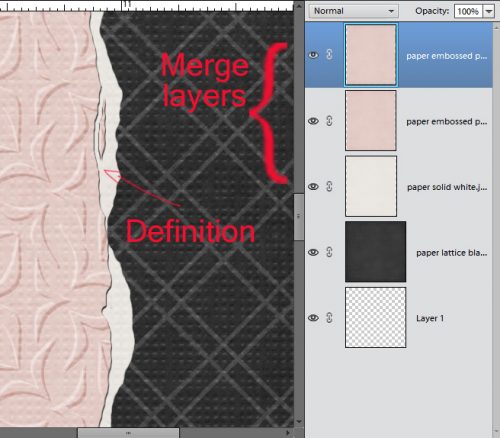
I wanted to isolate the various shapes to make doodling in them easier, so with the white background layer active, I CRTL/CMD>clicked on the brush layer to Select the outline of the mandala. Then I just Cut the mandala outline out of the background: Edit>Cut or CTRL/CMD>X.

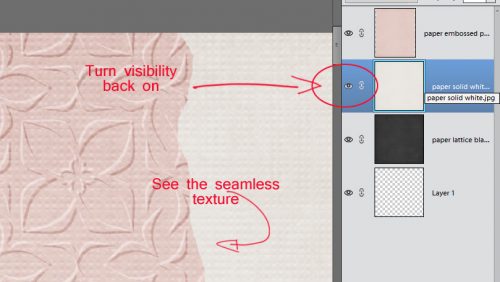
I turned visibility for the outline off and this will form the basis for all the doodle-y layers. I can use the Magic Wand to isolate any of the cells in the mandala from the rest, jaggedy edges notwithstanding.

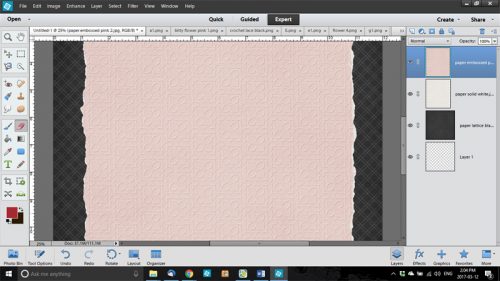
Zen doodling usually involves lots of dots of various size and colour. So the first thing we’ll do is create a 3D dot! Things like colour choice and image size are completely within your control – my stuff is simply for guidance. That said, I used a pretty magenta colour as my base. The hex code for it is ab0d93 if you’re a fan. I chose a hard round Brush from the integrated Basic Brush set in my version of PSE, sized it to 80 pixels and clicked it on its own layer. We want to be able to Duplicate these little elements so they need to be built up then Merged. You’ll see what I mean.

I wanted my dots to have a domed look, so I played around until I figured out the easiest way to do it. I went back into the Color Picker and lightened up the magenta a bit. Then I enlarged the Brush to 110 pixels and clicked it on its own layer at an offset so that it overlaps the darker dot with only a sliver of the darker dot visible.

Your eyes are going to start glazing over when I talk about Selecting edges, and once you know how to do it, you can skip ahead. 😉 With the lighter coloured layer active, I CTRL/CMD>clicked on the darker coloured dot layer to Select the edges of that smaller dot. Then I Inverted the Selection: Select>Inverse or CTRL/CMD>Shift>I

To remove the part of the larger, lighter dot from where it extends past the edge of the darker, smaller dot, Edit>Cut or CTRL/CMD>X

It looks a little harsh, so I’ll soften up the lighter area using a Blur. Filter>Blur>Gaussian Blur

It’s cool that as the Filter is applied, the result is visible in real time. After some dithering, I decided that 4.0 pixels was the right amount. But now the lighter magenta blur sticks out…

So I Selected the edge of the darker, smaller dot AGAIN, and Inverted it AGAIN with the lighter layer active so I could cut away that overflow.

Now it needs a highlight! I added a new layer to put a 25 pixel white dot onto, positioned at the same angle as the middle layer.

It’s too harsh, so I’ll use that Gaussian Blur again. Here’s a Pro Tip™: as long as you haven’t made any setting changes since the last time you used a Filter, you can just click the F key and it’ll apply the identical Filter to the new layer. Very helpful for custom shadowing!

This is a review……….

It really felt a little too bright to me, so I decreased the Opacity  of the white dot layer to 75% and liked it a lot better. Gives a bit of a pearlescent look!

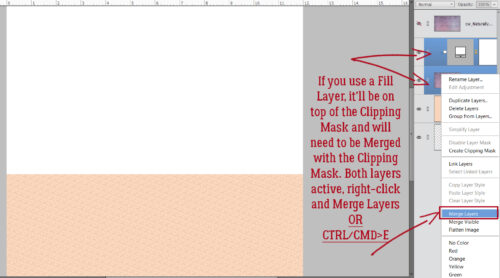
I want to be able to Duplicate this 3D dot, so I activated all 3 layers (click>shift>click on each) then Merged them: right-click and choose Merge Layers or CTRL/CMD>E

As you can see, I Filled one of the petal-shaped segments of the mandala with the Paint Bucket and black. Then I made another dot, this time  a bit bigger and with blue shades, Copied (CTRL/CMD>J) them all a few times, then distributed them inside the black petal. Don’t be too concerned with perfection here! Zen doodling done with ink, marker or paint is never going to be exact. Eyeballing is all good!!

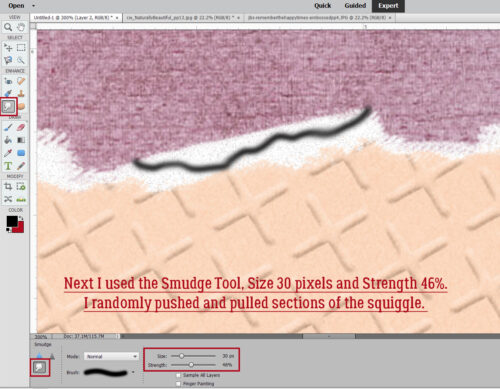
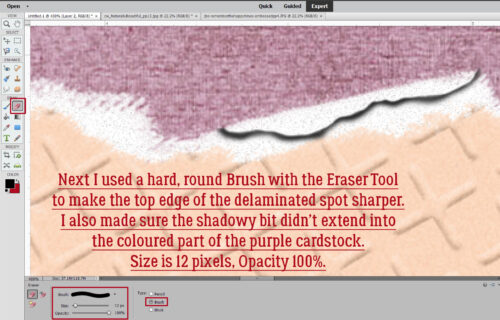
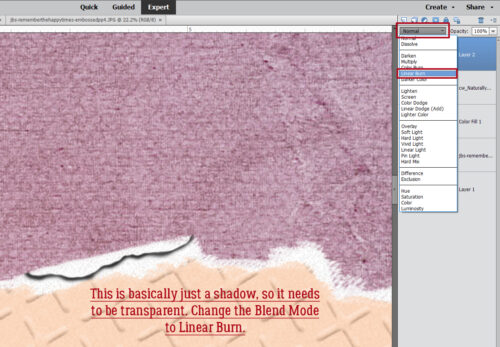
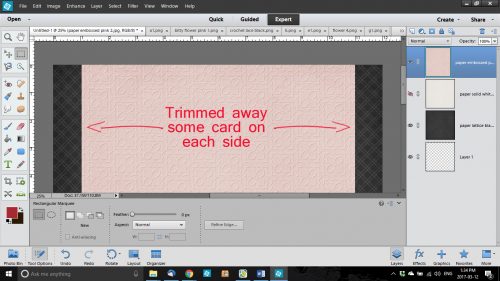
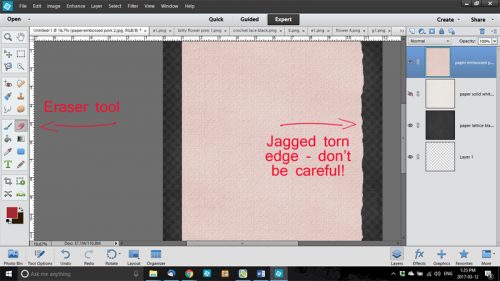
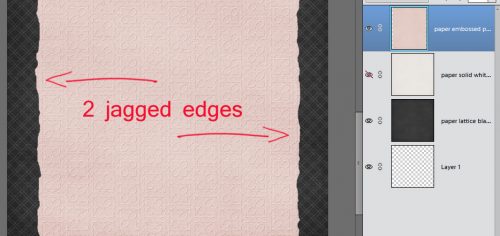
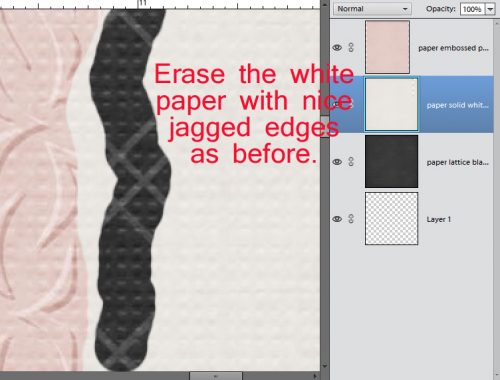
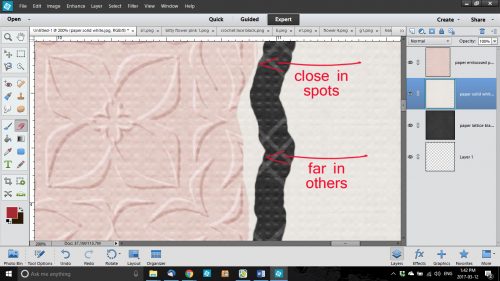
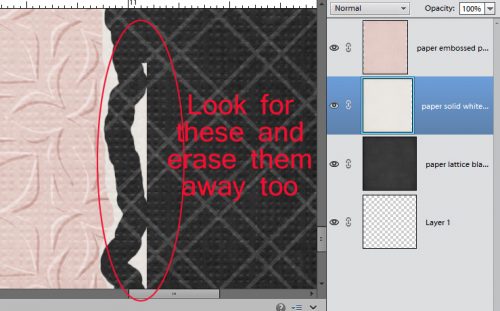
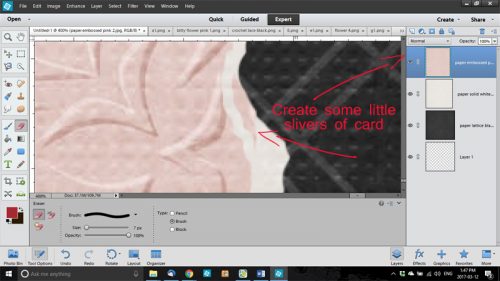
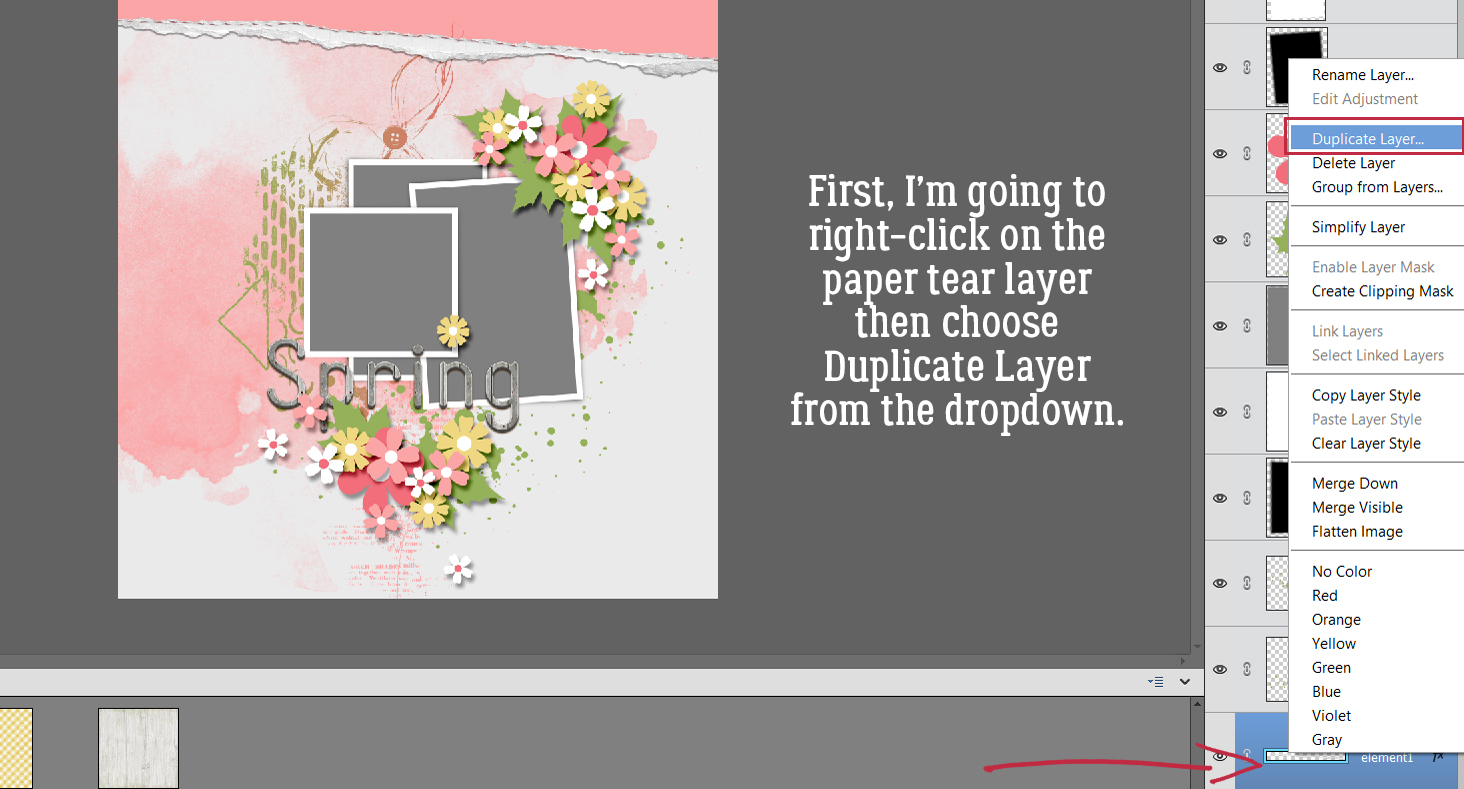
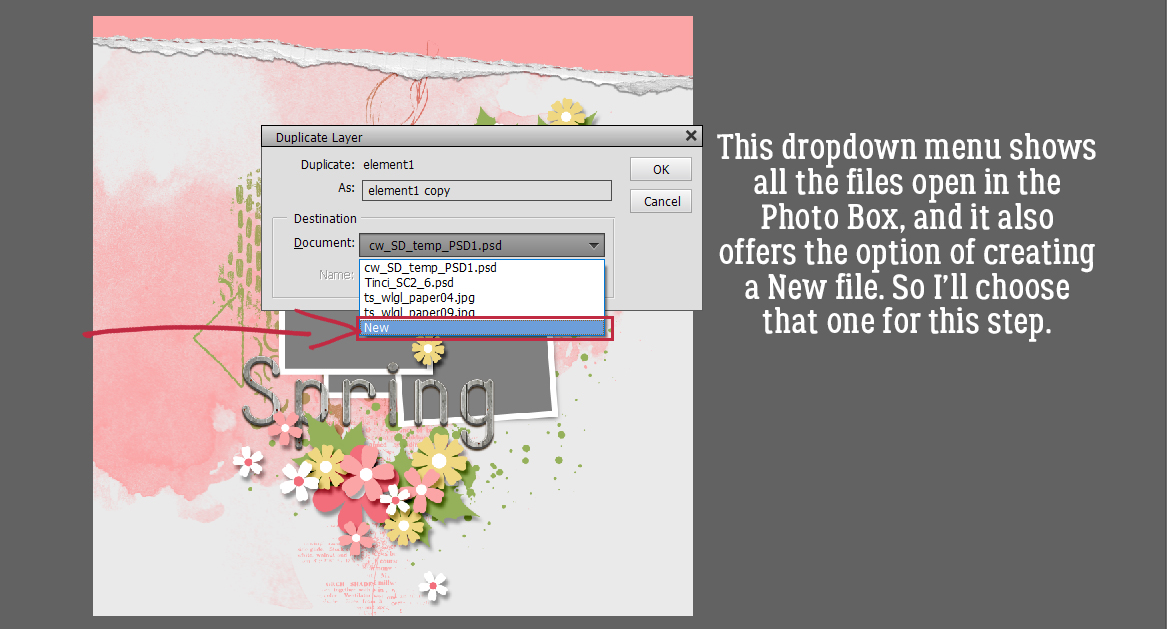
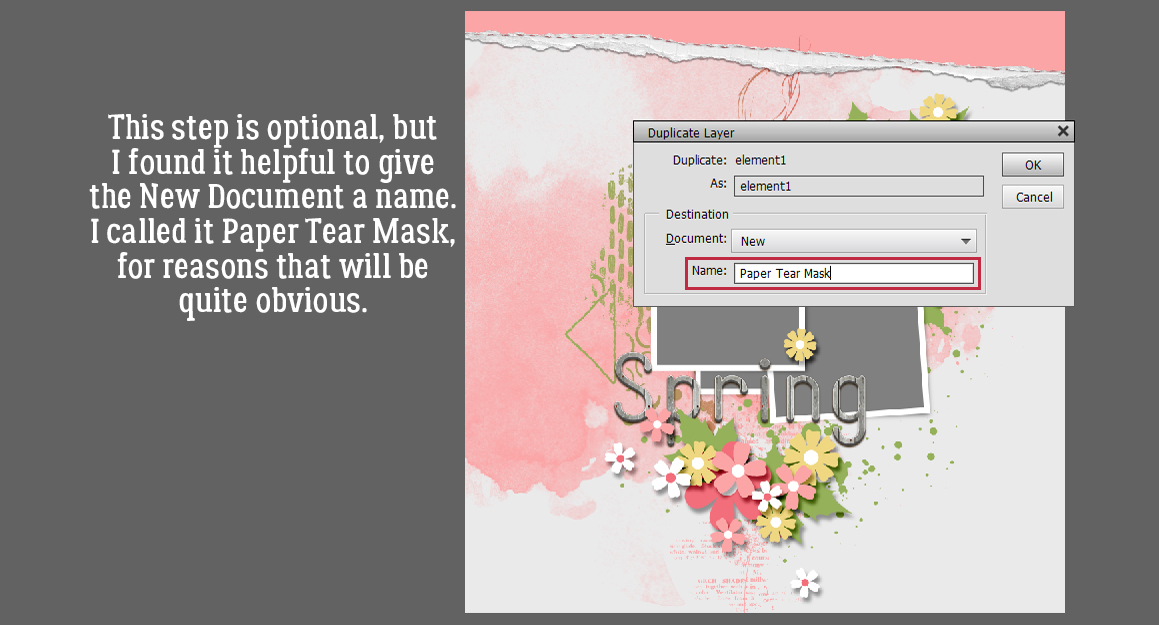
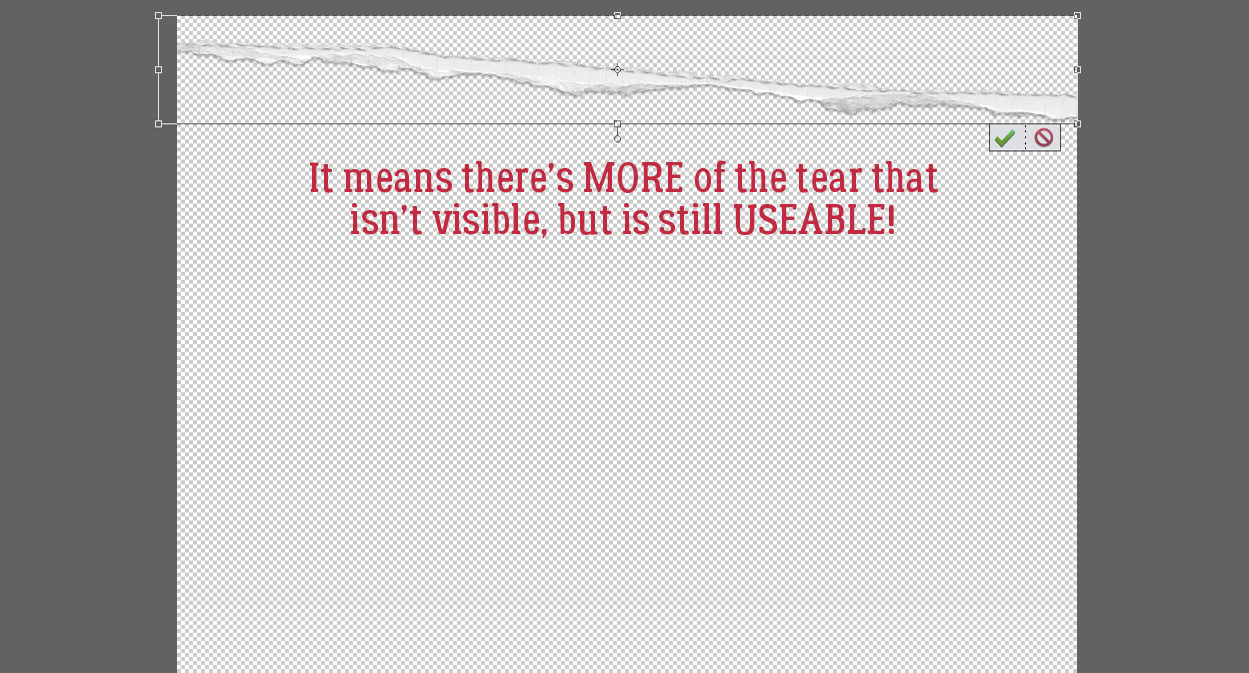
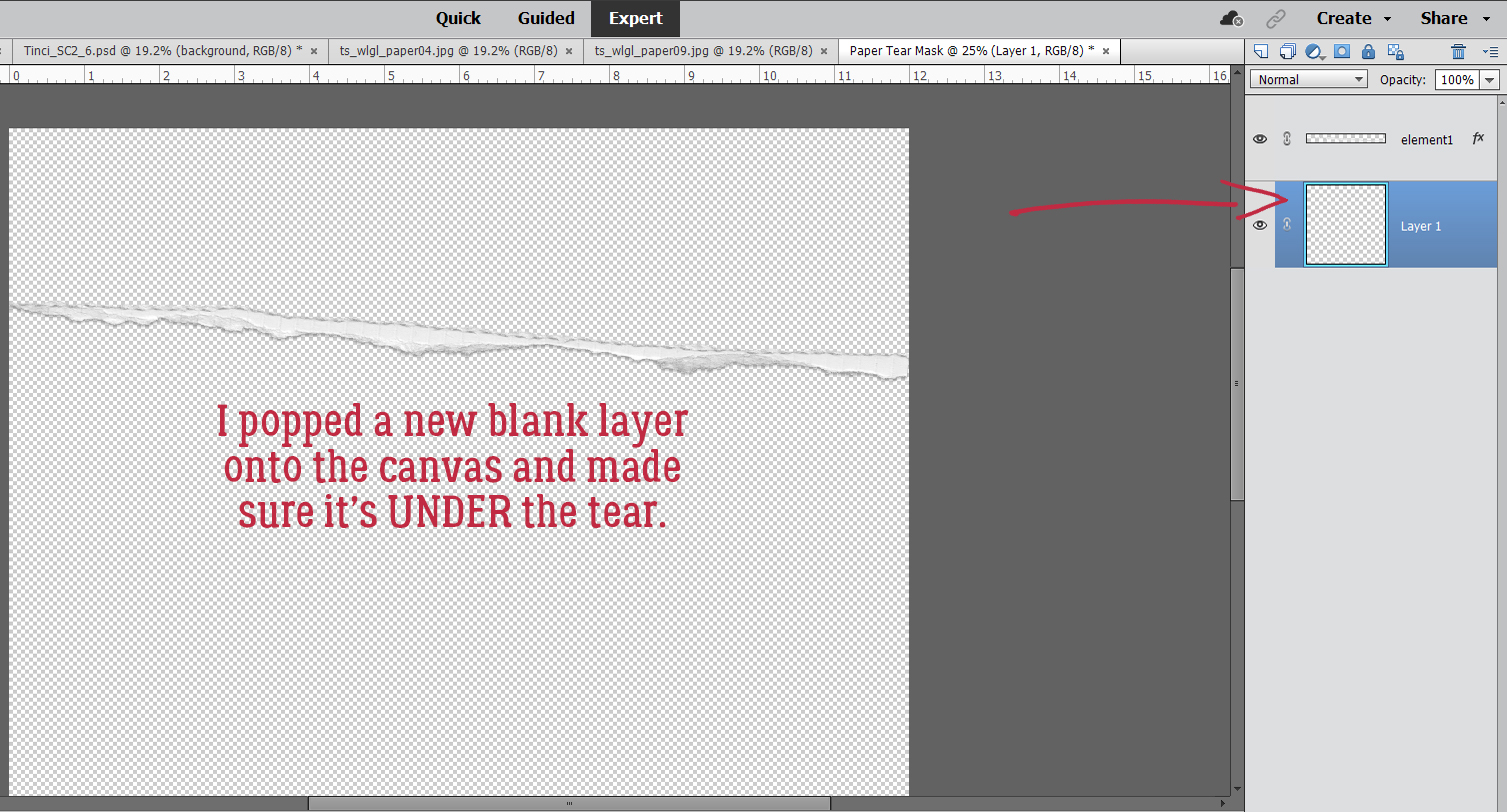
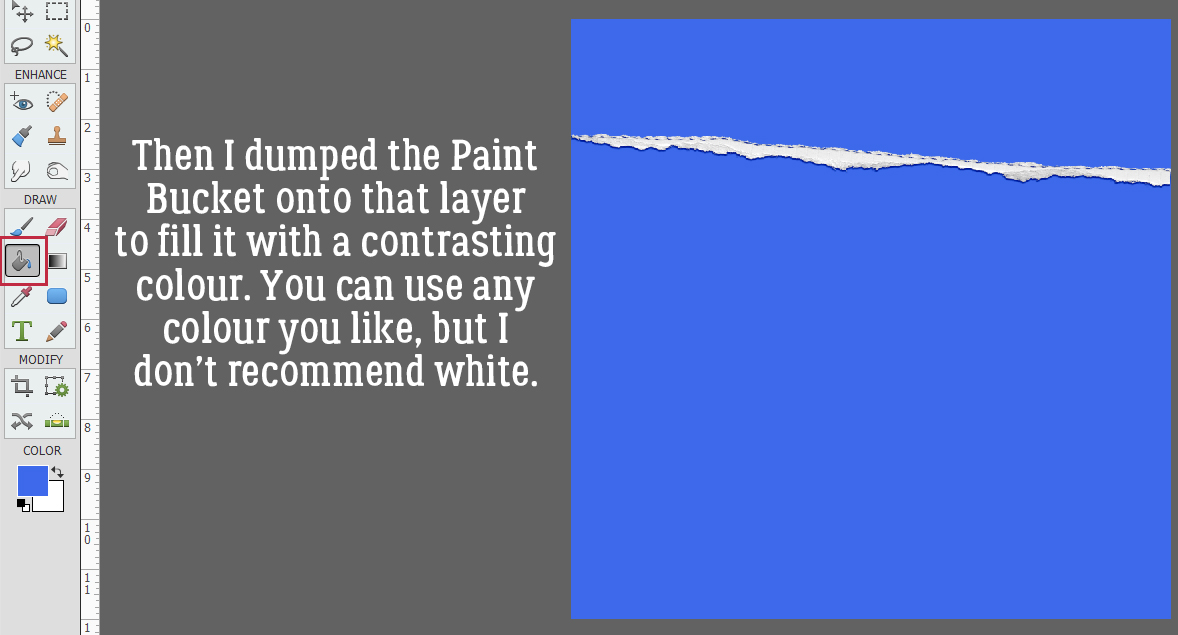
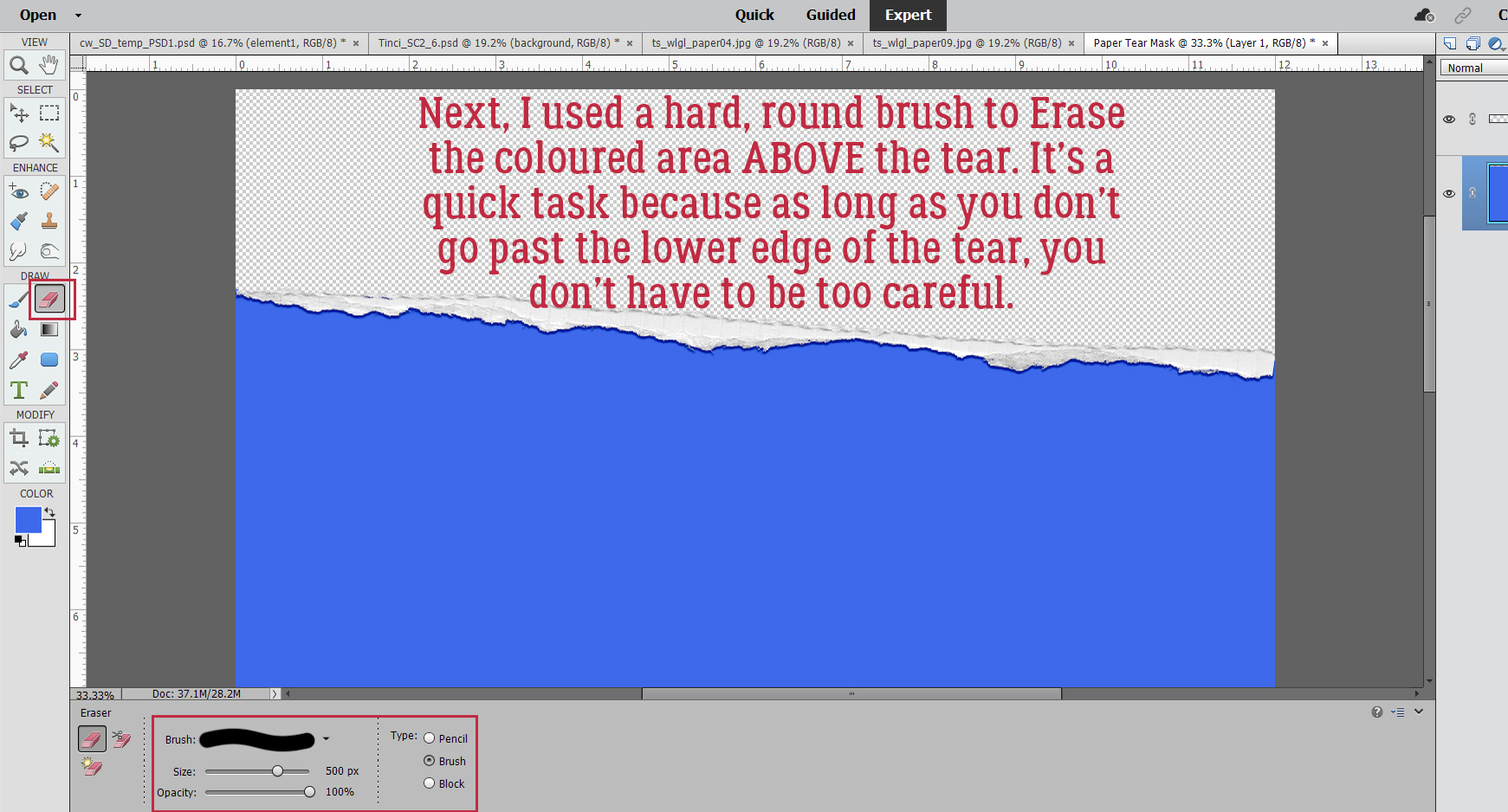
Remember those jaggedy edges on the mandala Brush? Let’s deal with that now before we move on to the next phase. Select the edges of the black petal: CTRL/CMD>click on the layer, then go up to the tabs. Select>Refine Edge. The screenshot below shows that the black segment is on the main, background layer and each of the coloured dots are above that in the Layers Panel.

This menu pops open. Some of the settings you see are defaults, and as you adjust the sliders, you can see the effect in real time.

Edge Detection: Smart Radius>0.0 pixels

Adjust Edge: Smooth>17   Feather>0.4 pixels   Contrast>3   Shift Edge> -1

Decontaminate Colors: Amount>50%

Output to: New Layer with Mask

Remember Settings

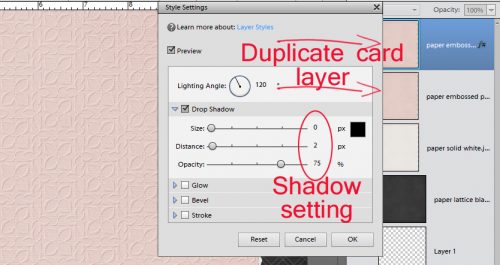
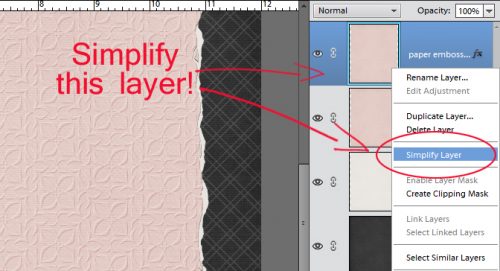
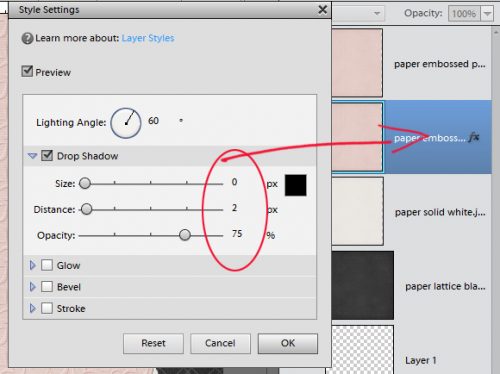
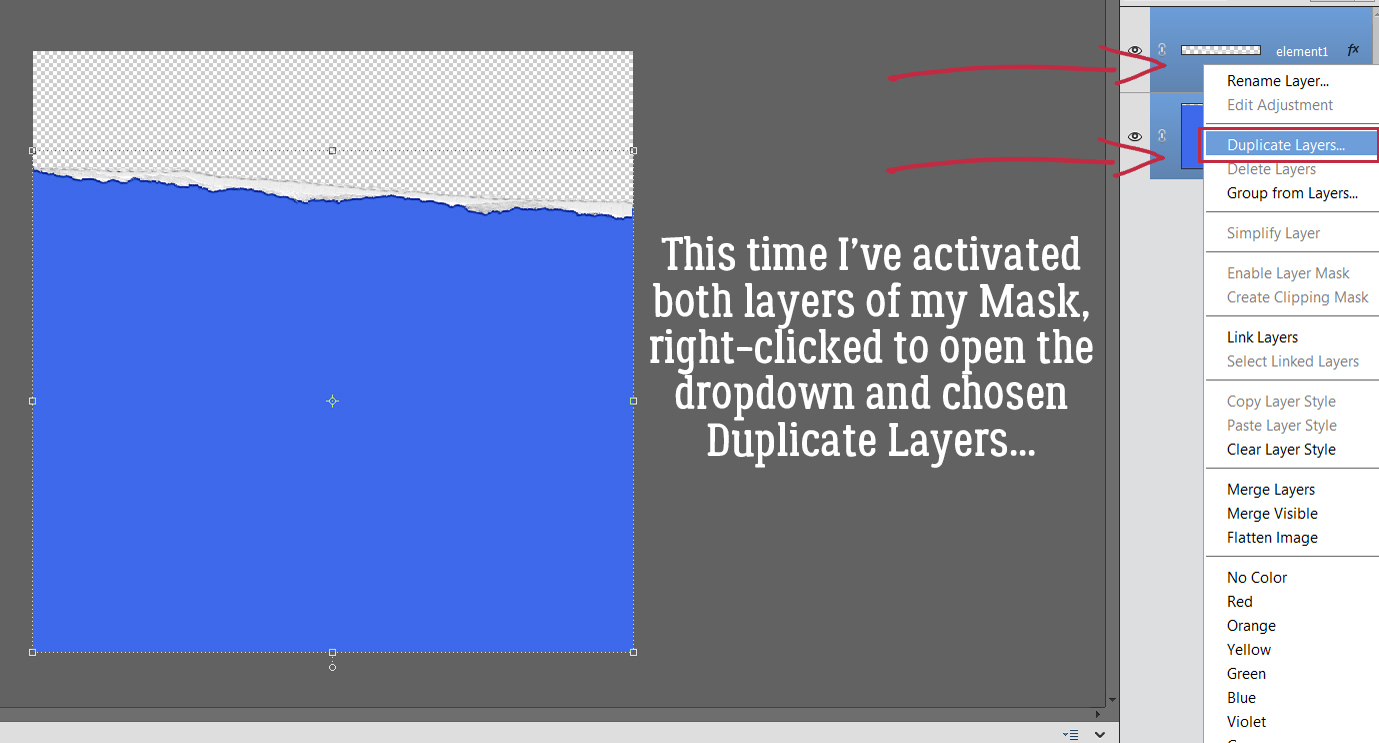
Make sure to Simplify the new layer so it can be Duplicated! Right-click on the layer then choose Simplify Layer.

That’s where we’re going to stop for today. I want to keep the screenshot load to a manageable number; 20 (plus the starter) is good for today. I’ll pick this back up next week as we create a Zen doodle trademark ring of white dots around each 3D dot!


Fresh Baked Friday – March 27, 2026
Happy Friday scrapping friends. We’re almost at the end of March. You still have a few days to work on those layouts for the Spring Scrap-a-thon. In addition, we have a new batch of Fresh Baked releases. There is also just a few more days to grab the March Monthly Mix at the discount price.

Remember any $10 spent in the store gets you this great collab.

There are several Easter kits in this week’s releases for you to use to scrap those great Easter pics.

There is just a few more days in the SPRING Scrap-A-Thon! This is a relaxed and inspiring scrapping event with no pressure, no sign-ups, and no voting. Just scrap at your own pace, encourage one another, and have fun together in the forum. The whole event is built around our beloved Monthly Challenges throughout March, making it the perfect way to stay motivated and creative all month long.

Be sure to scroll down for all the exciting details and a peek at the AMAZING Mega Collab created by our talented GingerBread Ladies that you can earn during the month of March. Trust us, it is absolutely gorgeous! There are tons of rewards and prizes, and it is a super fun event you will not want to miss. We cannot wait to scrap along with you!
Here is a peek at the MEGA Collab you can earn during the Scrap-A-Thon in March

You also will get the March Challenge Reward. If you are not participating in the Scrap-a-thon, but you complete any 10 challenges this month, you get this gorgeous collab (or a variety of other choices from previous challenge collabs) as a reward!

$2 Tuesday + Final Week of the Scrap-A-Thon!

$2 Tuesday + Final Week of the Scrap-A-Thon!

Happy $2 Tuesday, scrappy friends! Time to do a little happy dance because the $2 Tuesday & Wednesday sale is live at GingerScraps. This is the perfect excuse to grab a few scrappy goodies, try something new, and add a little extra sparkle to your stash!

And scrappers… the clock is ticking! We are down to just one week left in the Spring Scrap-A-Thon, so now is the time to finish up those layouts and get them posted. Be sure to hop over to the gallery to share your creations and spread a little love for your fellow scrappers while you are there. A kind comment or two can make someone’s whole day, and that encouragement is what makes this community so special.

Fresh Baked Friday – March 20, 2026
Welcome to Friday. We have some great things in the newsletter this week.

March Bake Sale

New Fresh Baked releases

Spring Scrap-a-thon

March Challenges

Have you shopped the March Bake Sale? Today is the last day for these great deals.

Remember any $10 spent in the store gets you this great collab.

Are you participating in the SPRING Scrap-A-Thon! This is a relaxed and inspiring scrapping event with no pressure, no sign-ups, and no voting. Just scrap at your own pace, encourage one another, and have fun together in the forum. The whole event is built around our beloved Monthly Challenges throughout March, making it the perfect way to stay motivated and creative all month long.

Be sure to scroll down for all the exciting details and a peek at the AMAZING Mega Collab created by our talented GingerBread Ladies that you can earn during the month of March. Trust us, it is absolutely gorgeous! There are tons of rewards and prizes, and it is a super fun event you will not want to miss. We cannot wait to scrap along with you!
Here is a peek at the MEGA Collab you can earn during the Scrap-A-Thon in March

You also will get the March Challenge Reward. If you are not participating in the Scrap-a-thon, but you complete any 10 challenges this month, you get this gorgeous collab (or a variety of other choices from previous challenge collabs) as a reward!

Tutorial Tuesday (Individual Style)

Challenge Spotlight: Favourite Winter Olympic Moment

So, hosting my very first Challenge went pretty well! There were six layouts submitted (including my own) and they’re all different. If you missed the Challenge I issued. I asked GingerScrappers to create a layout about their favourite moment from the 2026 Winter Olympics. And there were so many to choose from!! (I spent a ridiculous number of hours glued to my TV, very thankful to have the CBC’s commentary on all the competitors.) I’ll share the layouts with you momentarily, but first I want to reiterate my Challenge Spotlight post flow. I look at each layout to assess how it meets the Challenge‘s criteria and identify how it reflects the Scrapper‘s individual style. Each is linked to its spot in the Gallery so you can get a closer look, and maybe leave a comment for the Scrapper. Simply click on the Scrapper‘s name and you’ll be whisked off for a better view. (Any time you see text that is bold, in colour and underlined, that tells you the word or phrase is a hyperlink.)
Several options occurred to me as to how others might approach the Challenge. Would the Scrapper choose to focus on a team sport, or an individual one? Or maybe the moment WASN’T sport-specific? Would a national flag become the colour palette? Would there be a lot of themed elements to the layout? Would there be a lot of journaling? Let’s take a look!

First out of the gate (see what I did there? :D) is this layout from KatL. First impression? She’s a hockey fan. Reading her journaling tells me she’s a Colorado Avalanche fan (the team formerly known as the Québec Nordiques p)) but her favourite moment came from Team Sweden, and her colour choices reflect that. I like how she anchored her title with the sticks, and dangled the (black and yellow) skates from her photo.

Yvonne55 chose nation first for her layout. The Netherlands’ team colours are predominantly orange with touches of blue and white. The Dutch team had a really successful Games this year, as she notes in her journaling. For embellishments, she has the Olympic Rings and the flag of the Netherlands, but no sporty ones. Anybody remember reading Hans Brinker and the Silver Skates?

Somehow I knew glee would choose Nazgûl, the wolf dog, who “medaled” in cross country skiing. This was one of so many truly touching moments of the Games, and was on replay everywhere. Why did I know? Because she’s got a really quirky personality, and she lives in a place where winter sports are only ever on TV. Her layout focuses on photos, with some wintery coloured elements.

Grace. chose to focus on a sport and kept her layout elegant, which is the definition of figure skating. (The required strength, skill and determination are always secondary, although without them, there can’t be that elegance, but I digress.) Her palette is pulled from her photos, and she’s got a pair of skates and a tuque in there.

It looks like photocrazy viewed the Games through her kiddos’ eyes. She has a bunch of winter-sports related elements here, and that penguin is killing me! We who live where the air tries to kill us know about walking like a penguin. 😉 I like how that scatter behind her photos looks like snow spray.

And last, here’s what I did. One of my grandsons is a speed skater so I have a special interest in it. Canada has long been near the top of the speed-skating heap and this year was no exception. What drew me to the team pursuit? Speed! But not just that… It takes a high degree of teamwork to skate at such speeds without crashing, finely-tuned balance, strength and spatial awareness. I swear I watched that race a dozen times. For my layout, I chose colours that represent Canada – red and white – plus the dark brown the designers at LuLuLemon decided should be part of our national Olympic uniforms. (yuk) The dark background was chosen to make my photos pop and to highlight the paint splatters that ground them. The speed skate element is a clip art piece I downloaded. The Mountie moose is a nod to my son-in-law. 😉 And I just want to mention, Valérie Maltais is my new favourite skater.

That was fun! Should I host another Challenge in the future? I’m working on that zen-doodle tutorial I mentioned last week and it’s coming along. I thin it’ll go better when I get my new spectacles and can see everything more clearly… it should help a lot! I’ll be picking them up today, once I get this posted. Happy St Patrick’s Day!


A Pot of Scrappy Gold!

 A Pot of Scrappy Gold!  $2 Tuesday + $1.50 Bake Sale @ GingerScraps!

Top o’ the morning to you, scrappy friends! The leprechauns must have visited GingerScraps because the deals are pure gold today. Our $2 Tuesday & Wednesday sale is live, which means loads of scrappy treasures are waiting for you for just two little dollars each. And if that was not lucky enough, the $1.50 Bake Sale is also open now through March 20. That is right – beautiful digital scrapbooking goodies for just $1.50. Your stash is about to feel very blessed!
Speaking of luck, we have officially crowned the winner of our Are You Feeling Lucky? Win Your Wishlist contest! One very lucky scrapper just struck the jackpot. Be sure to hop over to the forum to see who won and celebrate with the community. We love this event every year and it is always so fun to see those wishlists come true!
And while you are feeling lucky, don’t forget our Spring Scrap-A-Thon is rolling right along and we have reached the halfway point of the month. If you have been working on your challenge layouts, now is the perfect time to get them posted. Pop into the gallery, share your pages, and sprinkle a little shamrock cheer by leaving some love for your fellow scrappers in the gallery and forum.

So grab your lucky deals, fill your cart with scrappy gold, and let’s keep those memories turning into beautiful pages. May your photos be plentiful, your creativity be magical, and your scrapbook stash overflow like a leprechaun’s treasure chest!

$2 Tuesday

Bake Sale