Archives for February 2026

DD: FEB 25

DD_Feb_2026_Day_25_fqoqclqq.zip

Join Sheri in her Facebook Group.

Follow Jen on her Facebook Fan Page and join her Facebook Group.

Remember, the download is kept up for 5 days, and then it is taken down. If you miss pieces, the kit will be available for purchase on the first day of the following month.

Post expires at 10:00am on Tuesday March 3rd, 2026

Tutorial Tuesday (Potpourri)

Greatest Hits: Templates with a Twist

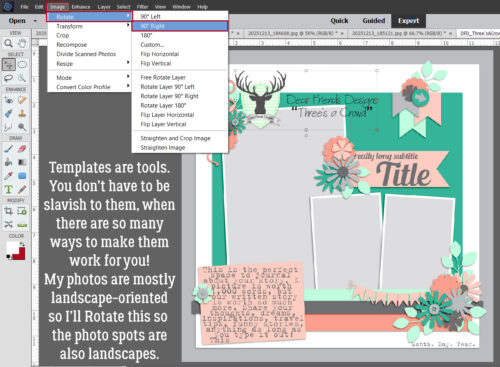
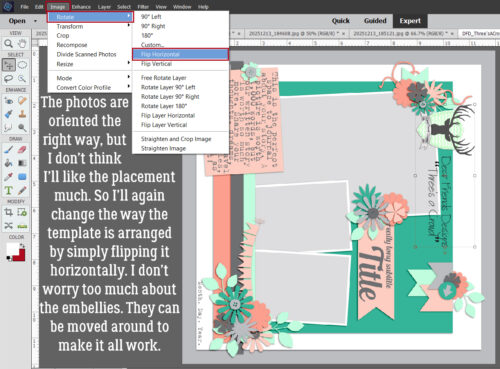
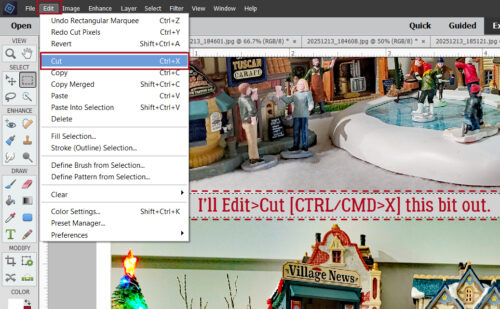
In addition to my Olympics hangover, I haven’t slept properly in nearly a week, so my head is pretty fuzzy. Since we were recently talking about how to add photo spots to templates, I thought maybe I’d replay this one:

Did you know that you can combine two (or more) templates into a single layout? Are you shocked? Remember, templates are amazingly versatile tools. You don’t have to slavishly follow the design for them to help you create fabulous layouts. They’re intended as inspirational guides, with symbols as placeholders. With templates, your creativity is only limited by your imagination. I’m going to show you how to do a template mashup right here, right now. Let me begin by saying I probably wouldn’t have chosen this bundle for this technique, but the opportunity presented itself and I ran with it. To have the best results with your template mashup, you should choose two templates with clusters, photo spots, masks or combinations of those that you really like, with a good amount of white space, so you’ll have lots of options.

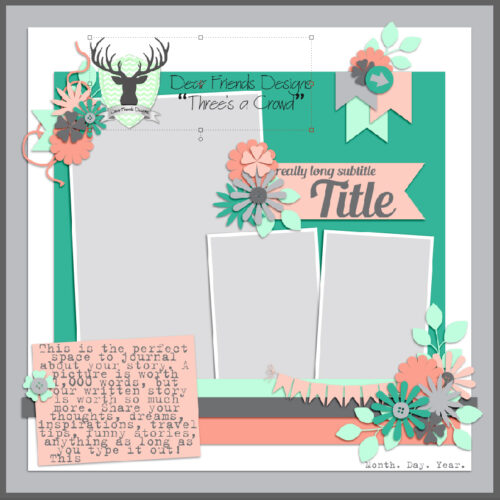
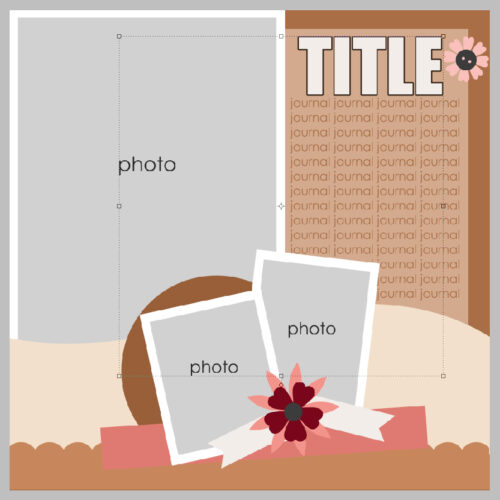
I used a JB Studios template shown below as my base template. I like the row of circles with the small cluster, and I really like the little word strip cluster in the corner. I made a mental note of what the file was named so I could find it later…

Then I chose this Tinci Designs template (SO sad to see her retire!) for my second one. I had 2 photos I wanted to use. Now, I could have resized the centre cluster, which would have actually worked beautifully, but I wanted my photos to be really visible.

I had to make room for the section of Tinci’s template that I was going to move onto the JBS template so I selected all the layers but the background and the little wordstrip cluster then moved them up almost to the top of the canvas.

See how that gave me a lot of room?

The next step is to go to my second template and select all the layers I want to add to the first one. If you don’t have the Bounding Box turned on, you might want to do that. It will help you move only the layers you want by including the shapes you’ve selected inside it. You can see my Bounding Box in the screenshot below.

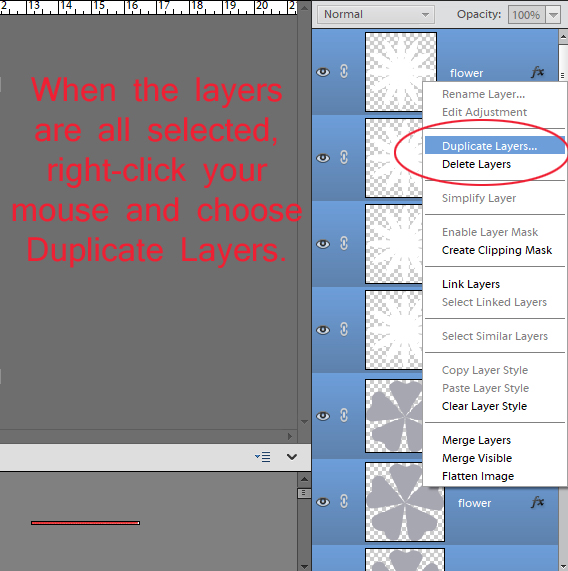
Once you’ve selected only the layers you want to copy onto your other template, right click on the Layers panel to open the Layers menu. Then click on Duplicate Layers…

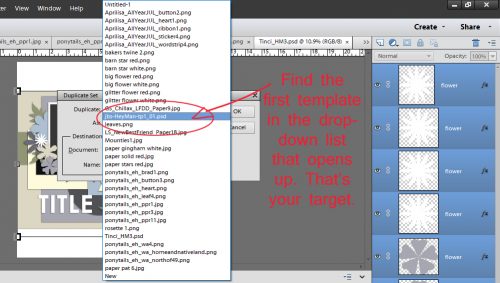
A new menu opens with everything you have in your Photo Bin included. Look down the list until you find your first template. If you can’t remember the file name, look for the .psd suffix. When you’ve found it, click on it.

Your dialog box will look like this. You can rename the group of layers if you want, but you don’t have to. When you’ve got the correct file selected, click OK.

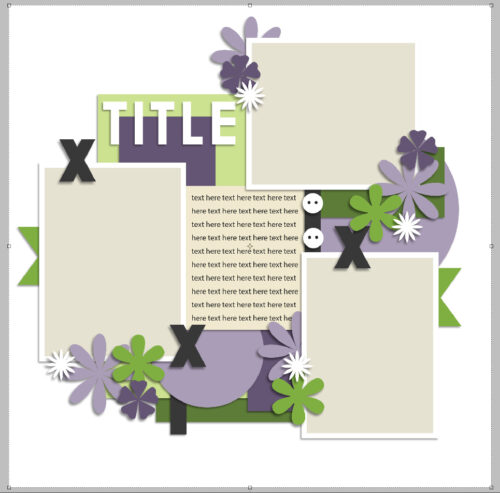
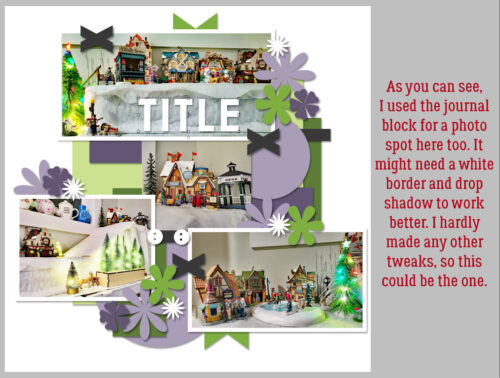
PSE automatically centres everything on the canvas, so this is what the new mashed-up template looked like right after I added the Tinci pieces to the JBS base template. Time to fine-tune!

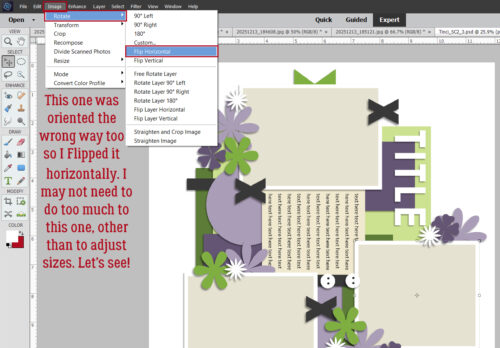
I moved all the Tinci pieces down so the JBS pieces peeked out above them.  Then I had to figure out what to do with that little word strip cluster that HAD to be in there.

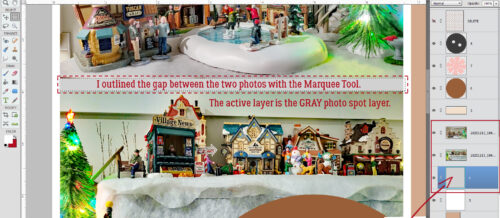
Once I was happy with how it all looked, I could get my layout rolling. There were some layers from the original template that were completely concealed, so when I came to them in the Layers panel, I just deleted them. (I always work with copies of everything, never the original. That way I don’t have to worry about losing something I might want again later!)

If you decide to try this out, remember that you don’t HAVE to copy everything from one template onto the other. Choose the parts you LOVE. Forget about the rest. I could have copied just one of the photo clusters. I could have only copied the word strip cluster. It’s all about what you like most! Have fun!

DD: FEB 24

DD_Feb_2026_Day_24_qkhrmtdv.zip

Join Sheri in her Facebook Group.

Follow Jen on her Facebook Fan Page and join her Facebook Group.

Remember, the download is kept up for 5 days, and then it is taken down. If you miss pieces, the kit will be available for purchase on the first day of the following month.

Post expires at 10:00am on Monday March 2nd, 2026

$2 Tuesday Is LIVE + Big Event Coming Soon! 

$2 Tuesday Is LIVE + Big Event Coming Soon!

Happy Tuesday, scrappy friends! It is time to dive into another round of amazing deals at GingerScraps because our $2 Tuesday & Wednesday sale is officially ON. This is the perfect chance to grab beautiful goodies for your stash, try something new, and stock up on all those little pieces that make your pages shine.

And we have something exciting to look forward to… it is time to save the date for our SPRING Scrap-A-Thon starting March 1st! This is a relaxed and inspiring scrapping event with no pressure, no sign-ups, and no voting. Just scrap at your own pace, encourage one another, and have fun together in the forum. The whole event is built around our beloved Monthly Challenges throughout March, making it the perfect way to stay motivated and creative all month long.
Be sure to scroll down for all the exciting details and a peek at the AMAZING Mega Collab created by our talented GingerBread Ladies that you can earn during the month of March. Trust us, it is absolutely gorgeous! There are tons of rewards and prizes, and it is a super fun event you will not want to miss. We cannot wait to scrap along with you!

Are you ready to see this week’s $2 deals!! 

Here is a peek at the MEGA Collab you can earn during the Scrap-A-Thon in March

DD: FEB 23

February/DD_Feb_2026_Day_23_fblnfqpd.zip

Join Sheri in her Facebook Group.

Follow Jen on her Facebook Fan Page and join her Facebook Group.

Remember, the download is kept up for 5 days, and then it is taken down. If you miss pieces, the kit will be available for purchase on the first day of the following month.

Post expires at 10:00am on Sunday March 1st, 2026

DD: FEB 22

February/DD_Feb_2026_Day_22_tefwqiuh.zip

Join Sheri in her Facebook Group.

Follow Jen on her Facebook Fan Page and join her Facebook Group.

Remember, the download is kept up for 5 days, and then it is taken down. If you miss pieces, the kit will be available for purchase on the first day of the following month.

Post expires at 10:00am on Saturday February 28th, 2026

DD: FEB 21

February/DD_Feb_2026_Day_21_kifcmltm.zip

Join Sheri in her Facebook Group.

Follow Jen on her Facebook Fan Page and join her Facebook Group.

Remember, the download is kept up for 5 days, and then it is taken down. If you miss pieces, the kit will be available for purchase on the first day of the following month.

Post expires at 10:00am on Friday February 27th, 2026

February 20, 2026 – Fresh Baked Friday at GingerScraps!

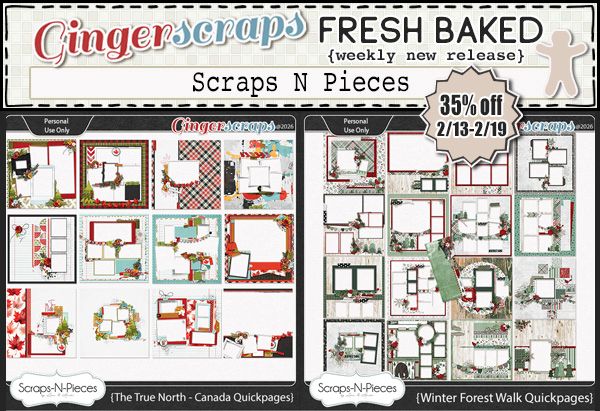
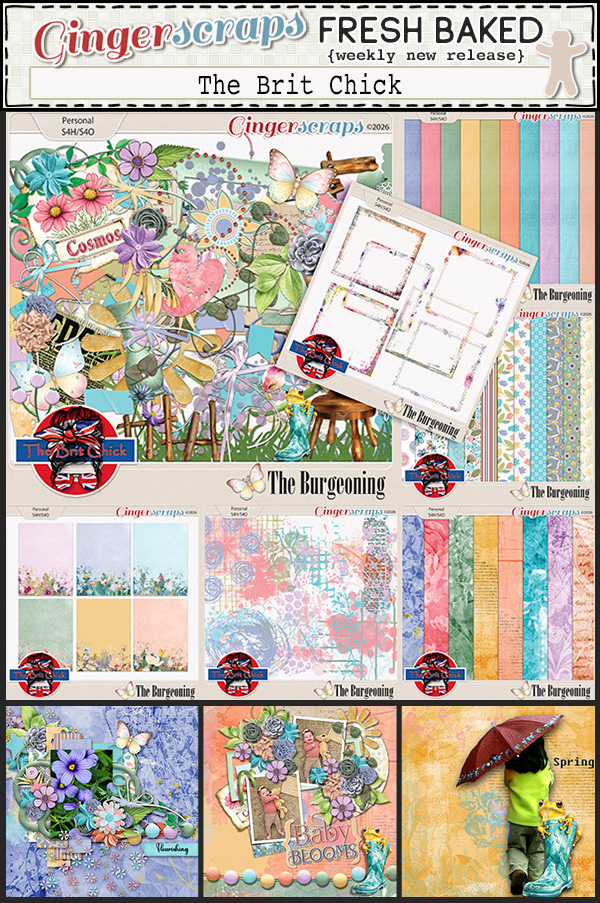
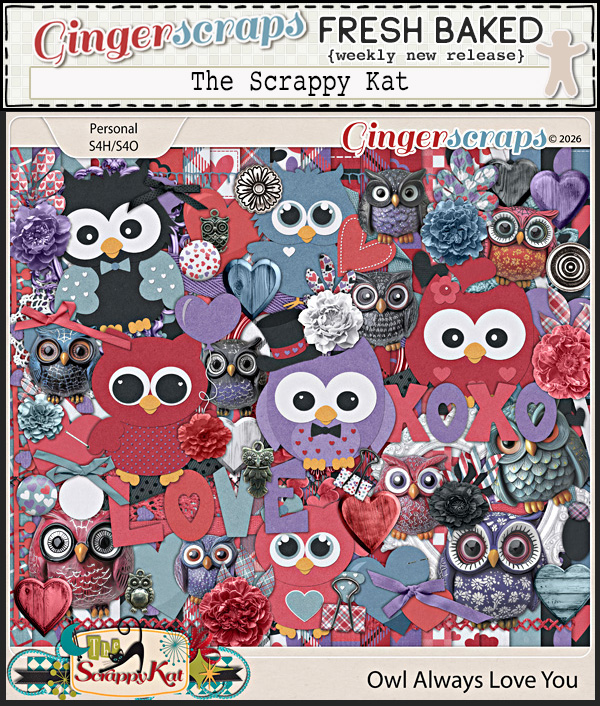
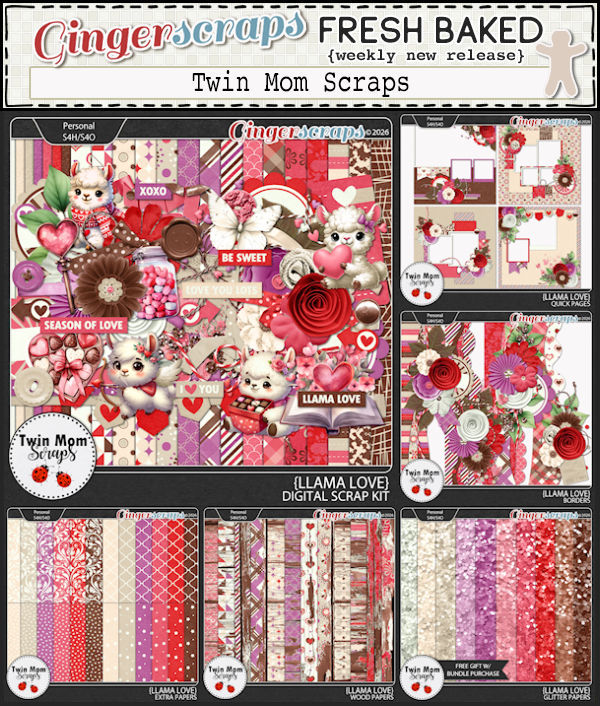
Hello fellow scrapbookers and welcome to another Friday. We have some fun things in the newsletter this week. We have:

•the Free with Purchase collab. It’s beautiful this month. Spend $10 in the store and you get this kit as a gift;

•this week’s Fresh Baked kits cover many topics and colors;

•the Welcome Wagon area of the forum has been restocked with wonderful gifts from our designers. More details are located below;

•and, our Challenge Reward collab for finising any 10 challenges.
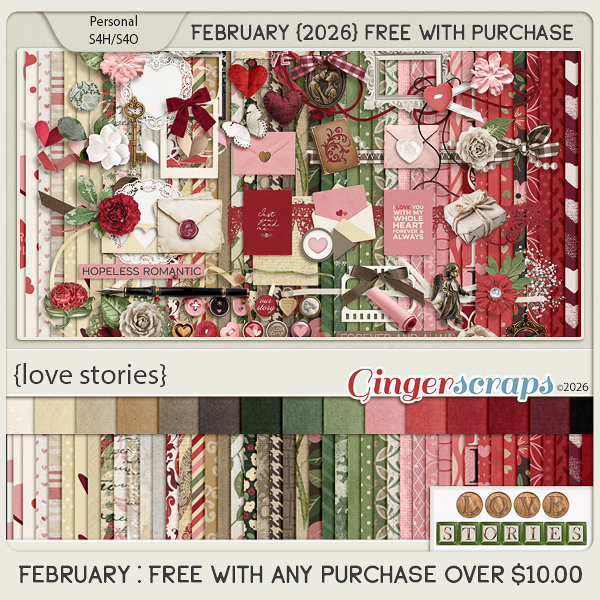
Let’s get a look at the some of the beautiful new kits in the store this week.

Did you see the extra newsletter on Valentine’s Day?

We are sharing the love in a BIG way with a very special event – Love Blooms in the Welcome Wagon! Starting February 14th, our incredible GingerBread Ladies are bringing you a HUGE collection of ALL NEW exclusive freebies available in the private Welcome Wagon area of the forum.
You must be a registered member and logged into your account to access this private section, but once you’re in, you’ll discover a wonderful surprise waiting for you!
This is our way of saying THANK YOU for being part of our community. We hope these heartfelt creations inspire you to create, share, and celebrate the moments that matter most.
Head over to the forum, log in, and let the love bloom!
With love and gratitude,
The GingerScraps Team

Are you working on your challenges? If you complete any 10 challenges this month, you get this gorgeous collab (or a variety of other choices from previous challenge collabs) as a reward!
DD: FEB 20

DD_Feb_2026_Day_20_ahustxqf.zip

Join Sheri in her Facebook Group.

Follow Jen on her Facebook Fan Page and join her Facebook Group.

Remember, the download is kept up for 5 days, and then it is taken down. If you miss pieces, the kit will be available for purchase on the first day of the following month.

Post expires at 10:00am on Thursday February 26th, 2026

Tutorial Tuesday (Individual Style)

Challenge Spotlight: SURPRISE!
I’m not sure how many of you are like me, totally disoriented and not sure what day it is because you’ve been watching 18 hours of Olympics coverage daily… Yep, that’s me. Wait. It’s TUESDAY?? Well, have I got a surprise for you!
Ginger has given me permission to issue you all a Challenge. I want to know what moment(s) stand out for you about this year’s Winter Olympics, put together in layout form. You can find the details of this Challenge HERE.

Of course, next month YOUR layouts will be the focus of the Challenge Spotlight. Can’t wait to see your special moments!!