Archives for September 2026

Tutorial Tuesday (Individual Style)

Challenge Spotlight: Initial Inspiration

I must say, September arrived and our weather flipped a switch. It’s chillier than usual and we’re actually getting some rain. We’re so happy!

This month’s Challenge Spotlight is focused on a new Challenge hosted by Alexis Designs. It’s called Initial Inspiration and it looks like a LOT of fun! I’m going to let Alexis explain how the Challenge works:

“Each month, I will choose a letter of the alphabet to use as the starting point for your page. Your challenge is to incorporate words, colors, themes, supplies, techniques, or other creative details that begin with that month’s featured letter.
This month, we will use the letter “S“.
Create a layout inspired by the letter S. You may interpret the challenge in your own creative way, but the featured letter should be clearly represented throughout your page.
Theme: (thought starter)
School, September, Solstice, Students, Scarecrows, Sunsets for a few thought starters.
Background:
Sienna, Sapphire, Scarlet, Sepia, Straw, Saffron or other colors beginning with S
Embellishments:
Stars, sweaters, squash, squirrels, soup or anything else beginning with S
Flowers of September:
Asters, Morning Glories, Sunflowers, Snapdragons, Salvia, Wildflowers and other flowers that align with September. It could be anything really.
Journaling:
Write about back-to-school, late summer days, early autumn, farmers markets, September activities, adventures, or annual traditions.
Photos:
First day of school, leaves turning, long drives, campfires, etc.”

As always with the Challenge Spotlight, I’m going to share some of the participating layouts submitted to the Gallery for this month, and we’ll examine each to see how the Scrapper has met the Challenge‘s criteria. Each layout will be linked to the Gallery via the Scrapper‘s user name so you can get a closer look or leave a comment. Or both! This is your reminder that whenever you see bold text that is underlined and in colour, that’s a clickable hyperlink. There were quite a few entries in the Gallery already so I edited the selection to ODD numbered layouts to keep this from turning into War and Peace. Let’s jump in!

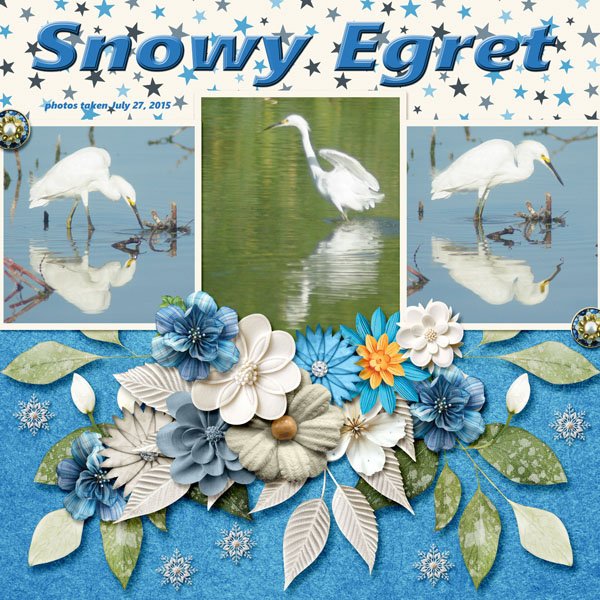
Katherine Woodin was first out of the blocks, as she often is. I think she’s the most prolific Scrapper we have! 😉 She has the letter S in her title, she’s used starry paper, snowflakes to play off the bird’s common name, silver and sapphire colours. That’s a pass!
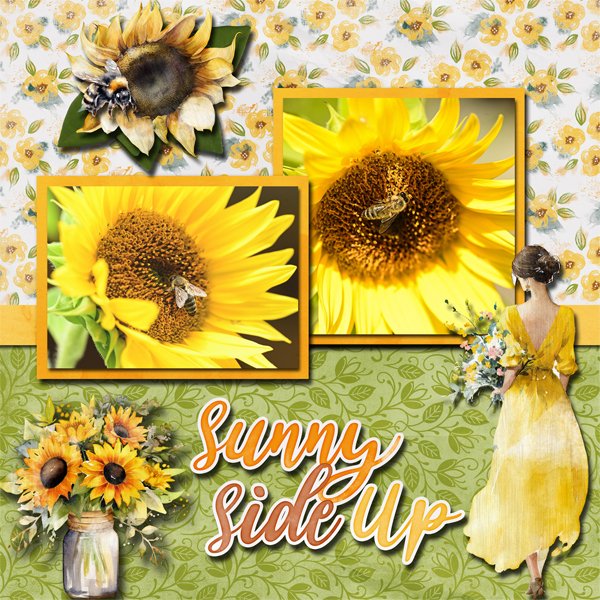
Windswept chose to stick to sunflowers and the letter S in her title, plus some saffron-coloured paper mats. That’s a pass!
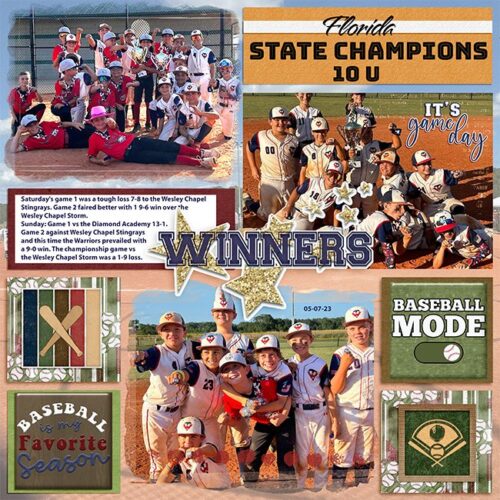
Here, msbrad has lots of places where the letter S appears, including her subtitle, and a bunch of stars.
Grace went with the month, September, and a straw-coloured background for the autumnal elements she used. The tag has sepia inky edges. Those sparkly swirls… that’s also a pass!
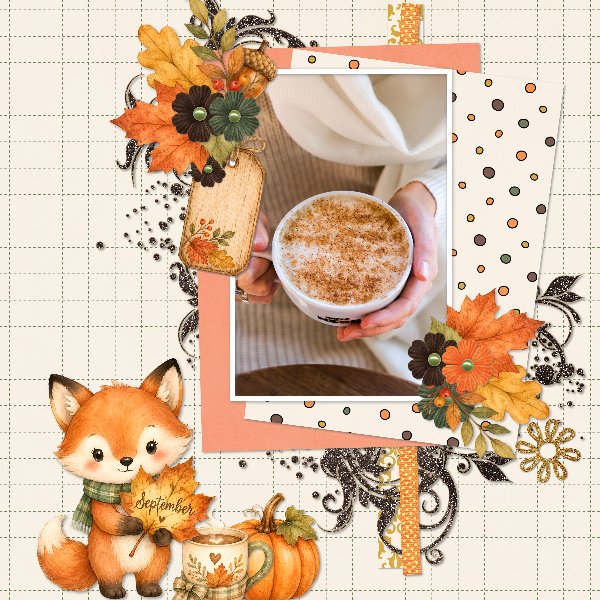
Aha, a back-to-school layout, but with a justpennys twist! She’s used a lot of school supplies elements and a classroom photo to incorporate the theme. Pass!
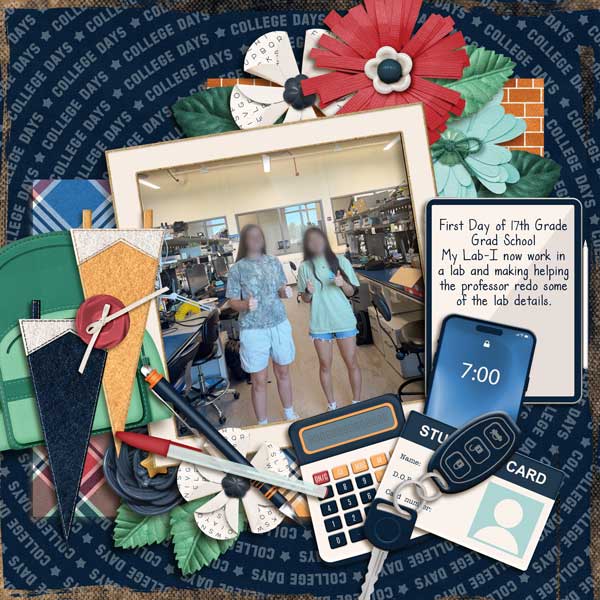
FormbyGirl chose an alliterative title with S for the initial consonants, a straw-coloured background, string, and her journaling is all about the title’s subject. Pass!
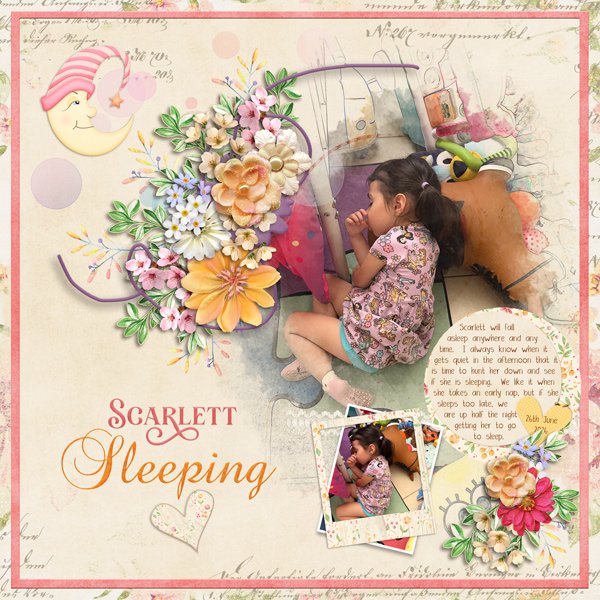
BriannasScrapper chose to focus on Sonic for her title, her journaling and her photo. Shall we call the shapes in the background swirls? Pass.
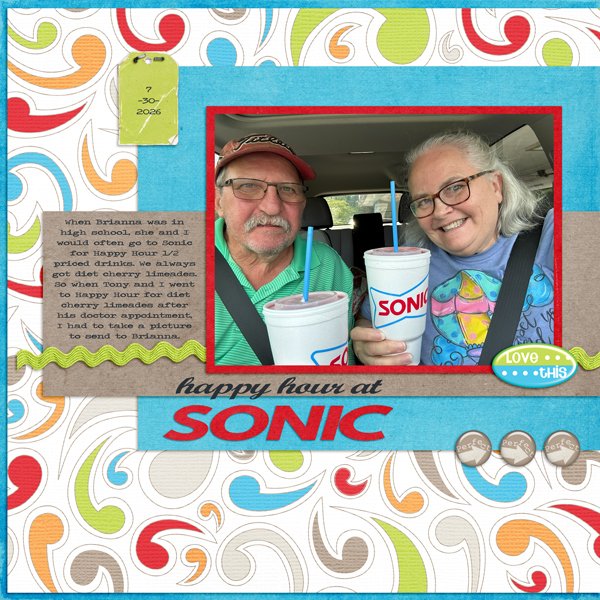
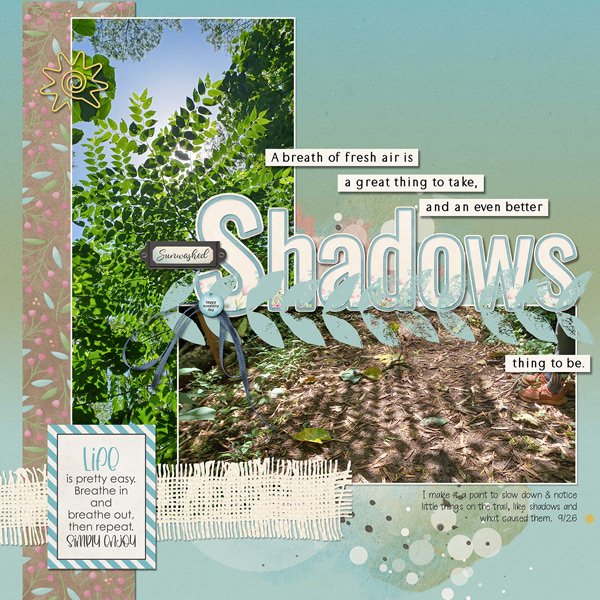
Shadows – the title, photos of them, how they’re created (sunwashed), a stylized sun paper clip, a stamp, some striped paper… glee‘s got the bases covered. Pass!  <whispers: That looks like a tree-of-heaven. which isn’t heavenly at all, it’s demonically invasive.>
I’m going to keep this Challenge on my radar, because I think it’s a fantastic concept. Do I have a layout for it in mind? No, not really, but I DO have thousands of photos of sunsets… What do you think? Something to try, or no?



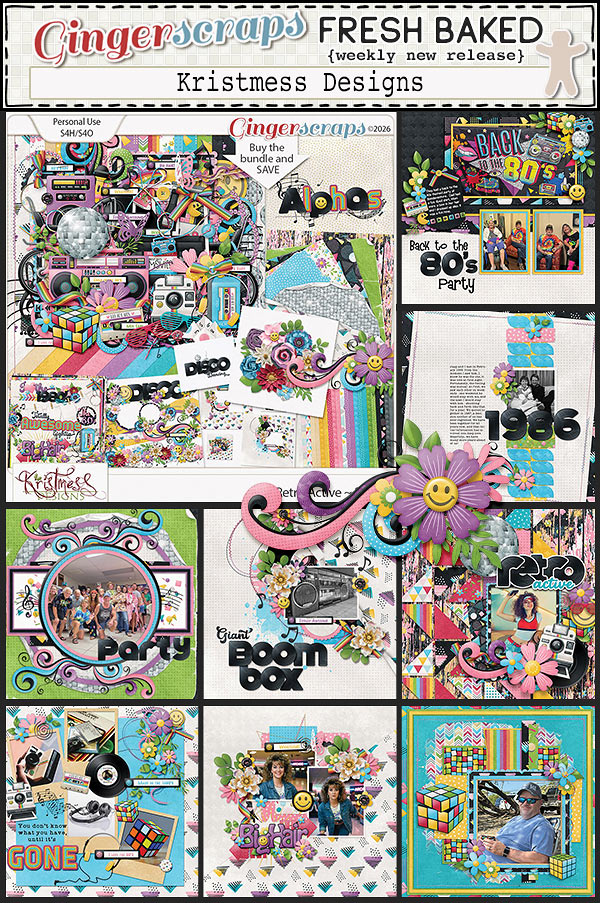
September 11, 2026: Fresh Baked Friday @ Gingerscraps

Happy Friday Scrappers!! Did you enjoy the Gingerscraps Birthday Party. There were so many sales and games going on.

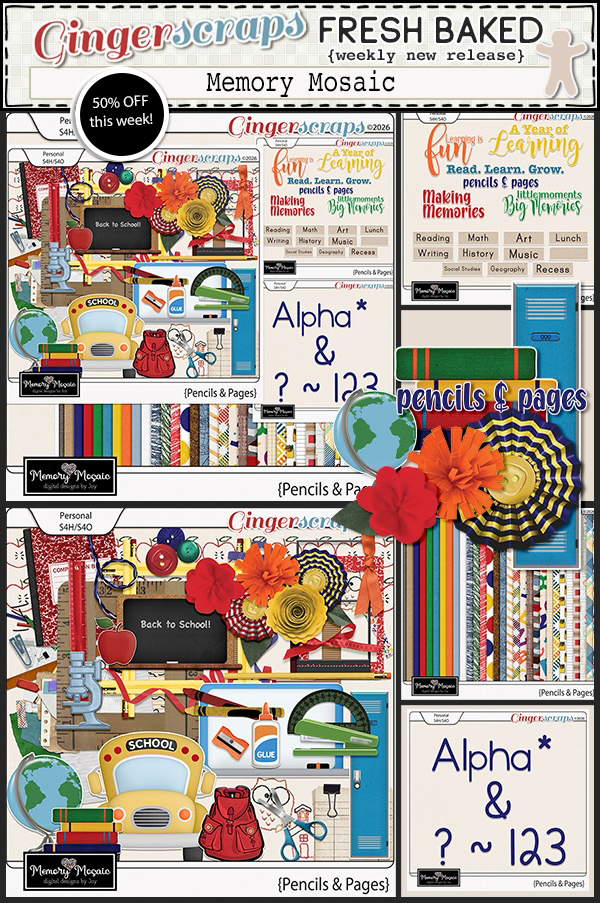
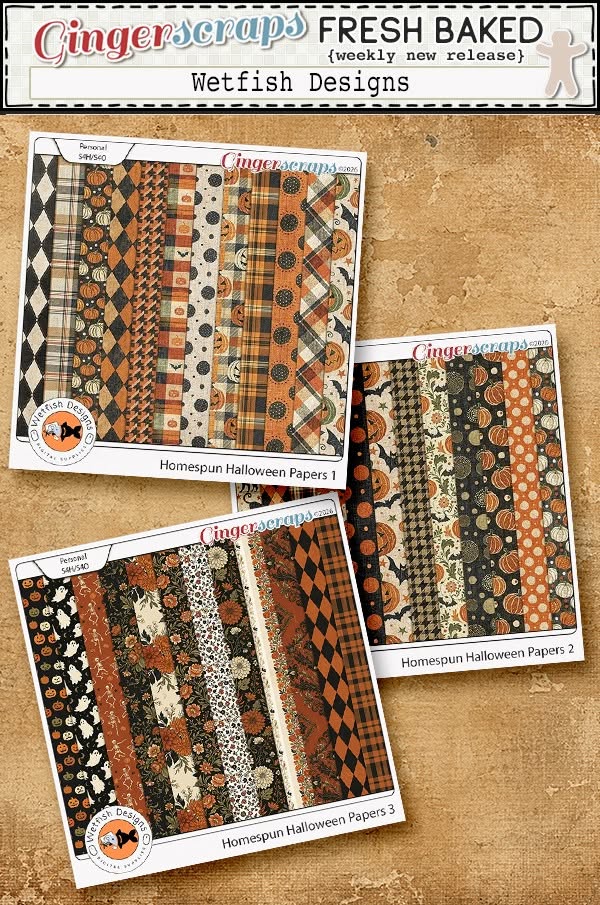
This week we are jumping both feet into fall it seems. I think these are becoming my favorite color combinations.

Don’t forget this great Free With Purchase kit you get with any $10 spent in the store!

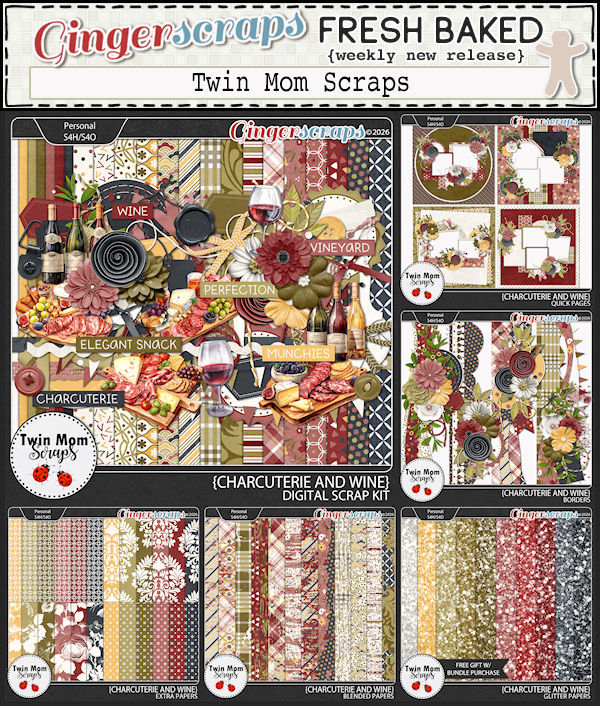
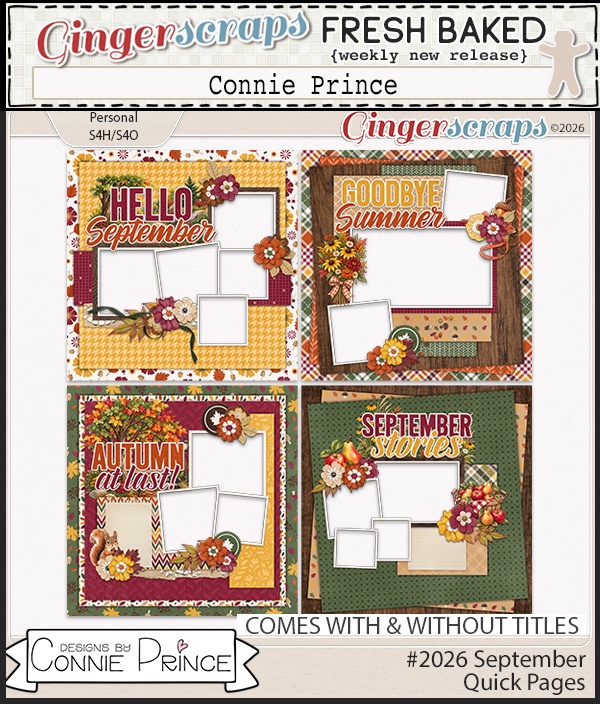
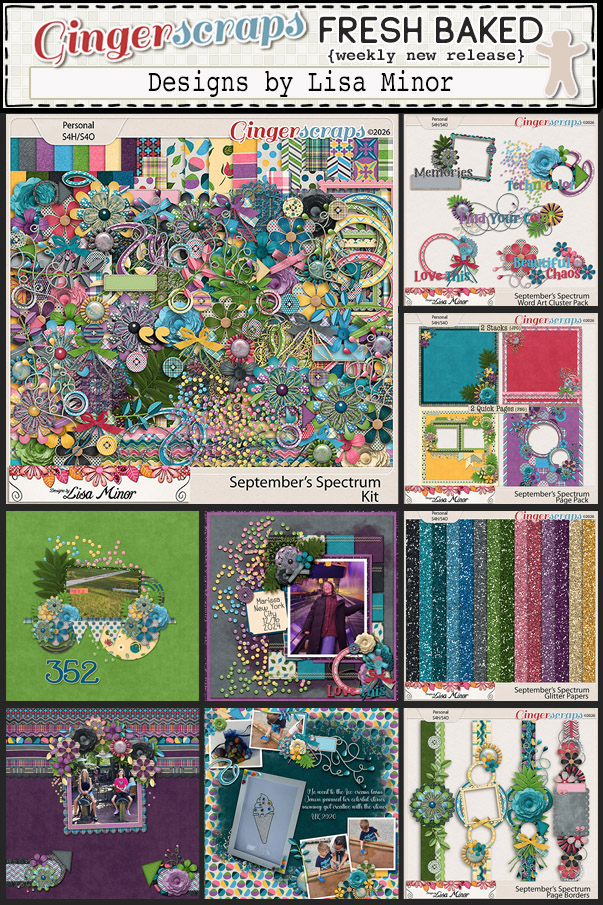
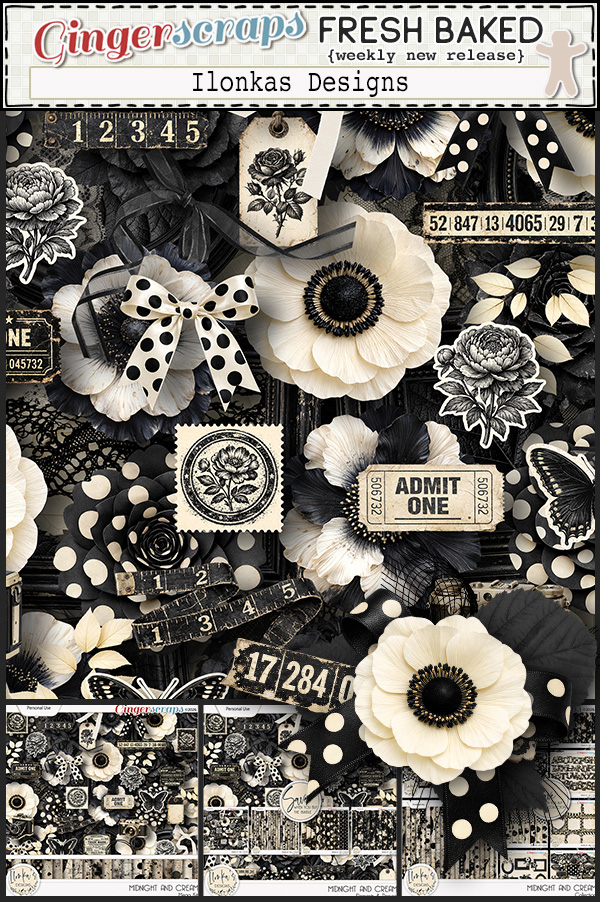
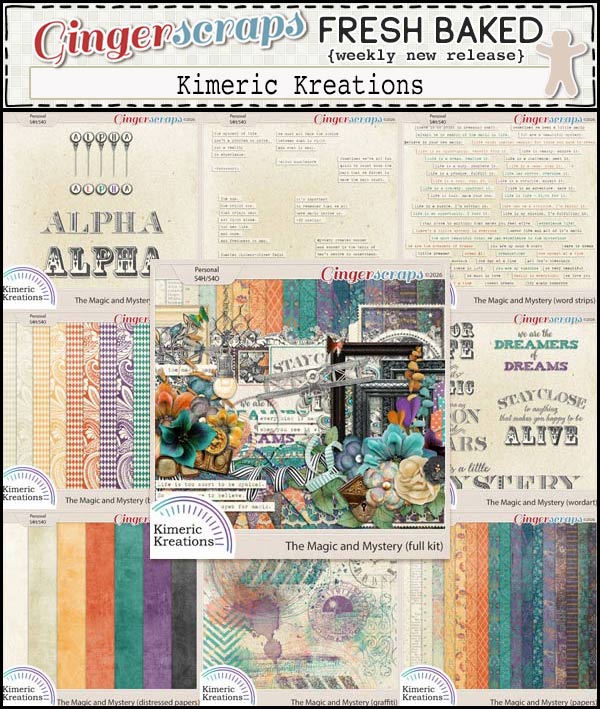
Let’s see what we have in the store today. I’m seeing quite a few kits with apples in them. It’s that time of year.

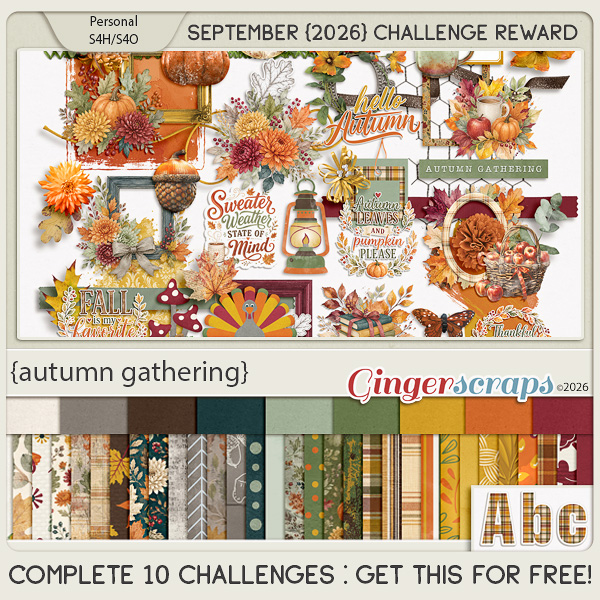
Take a look at the new challenge reward kit. If you complete any 10 challenges this month, you get this gorgeous collab (or a variety of other choices from previous challenge collabs) as a reward!

Tutorial Tuesday (Photoshop Elements)

Digital Shadowbox: Take One

Yay!! I’m back in business! Turns out fibreoptic systems can fail right at the connector if they’re not perfectly aligned, and heavy truck traffic can knock those connectors ever so slightly out of alignment. The joys of living in a construction zone. All fixed, carry on! <whispers: The service tech gave me his cell number so I can call him directly if it happens again. 😉 >

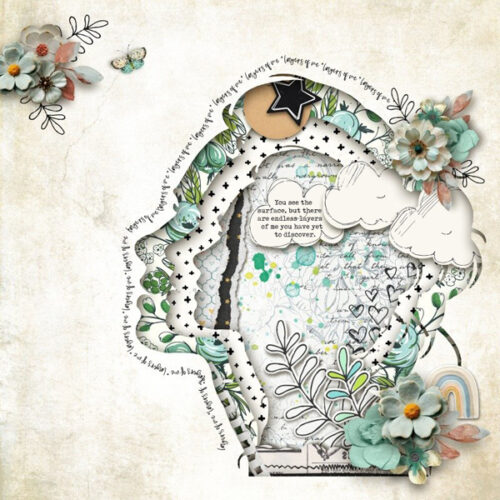
Okay, on to the tut! I tried to put the tutorial together offline so I could do a hit-and-run, but it messed up the formatting so badly, I’m starting from scratch… Awhile back Jill sent me request. Could I deconstruct a shadowbox-style layout she found online? She sent me two images and I’m going to deconstruct BOTH of them! The first one (the layout is from The LilyPad and the scrapper is Roxana) is this one.


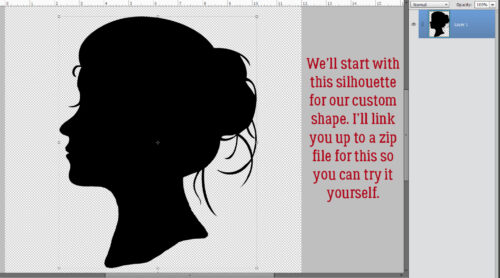
Of course, I’m 1000% going to scraplift this layout, and my scraplifts are always very true to the original. You’ll see! Here’s the silhouette I created to use as my custom shape. You can grab the zip file HERE. Warning: This is at least an intermediate technique and assumes some familiarity with the software.

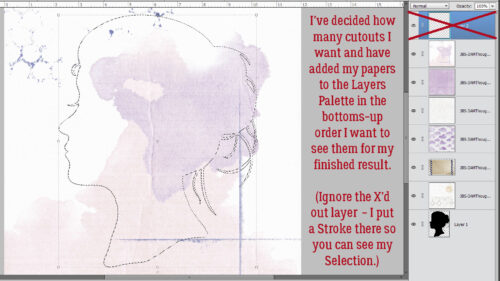
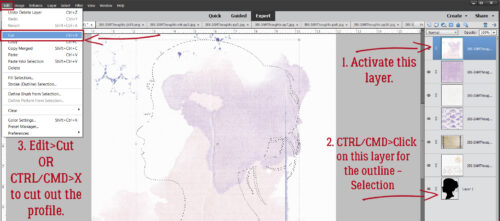
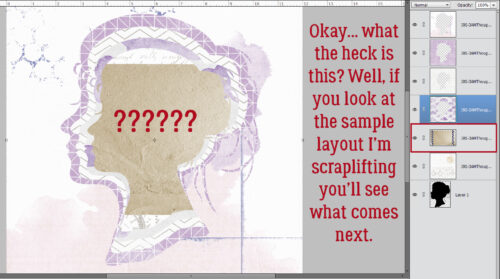
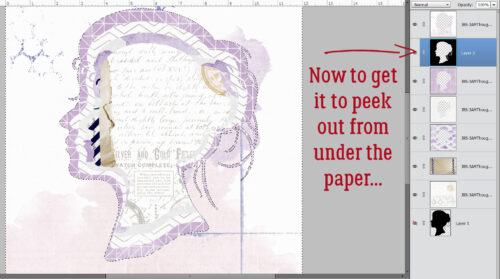
I’m using JB Studio’s 3 A.M. Thoughts kit throughout. First thing to do is decide how many cutout layers desired and choose papers for them. They go into the Layers Panel bottom-up. (Ignore the topmost layer in the screenshot – it’s where I put a Stroke so you could see where I’ve Selected the outline of the silhouette.) The silhouette layer is at the bottom but its placement isn’t a big concern.

Now that the papers are in the correct order, 1. activate the top-most paper layer. Then go to the layer with the silhouette on it. 2, CTRL/CMD>click on the layer’s THUMBNAIL to Select the outline. Make sure you haven’t accidentally made that layer the active one. It shouldn’t be filled with blue. Then click on Edit>Cut or use the keyboard shortcut CTRL/CMD>X to cut out your first shape.

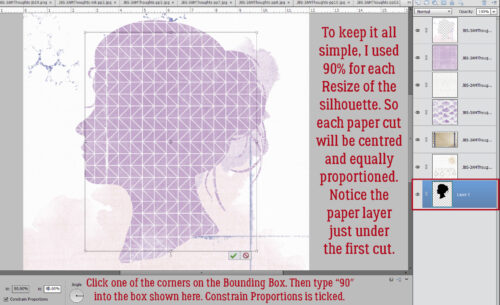
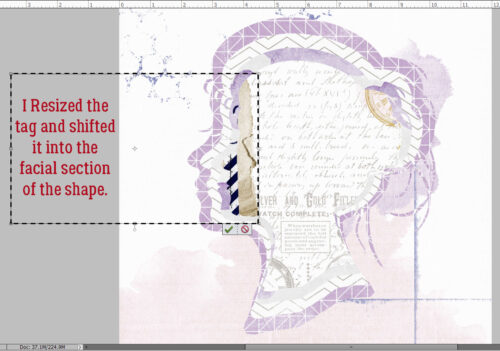
Look at that! To make this process as simple and easy to remember as possible, I decided to Resize the shape to 90% of whatever size I just used on the previous layer. The quickest way to Resize anything is to click on any of the four corners of the Bounding Box. That activates the Transform menu, which includes a sizing box. Type your desired number into the box and for this purpose, make sure the Constrain Proportions box is also ticked. That way your newly sized item maintains its shape exactly, just smaller (or larger, depending).

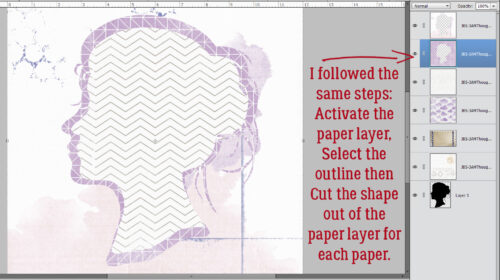
I just followed all the same steps of Activating the paper layer, Selecting the edges of the shape and Cutting out the bit in the middle.

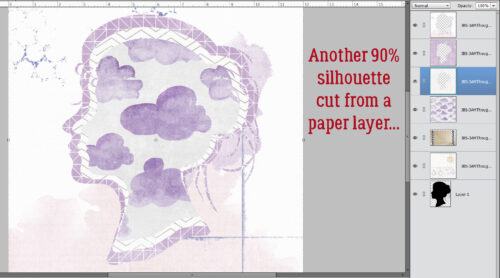
I worked my way down the stack of papers, shrinking the shape to 90% of the previous size and Cutting that out of the middle. Notice how everything remains in alignment.

I opted to use this grungy tag for the layer with the torn and curled edge. Bet you were wondering…

It needed some massaging to make it work.

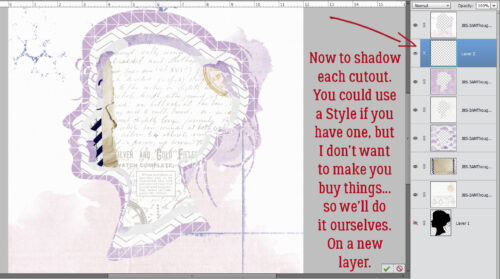
Now you’ll see why I reran the Custom Shadow tut. Each of these cutouts need to have shadows. 😉 If you have a set of shadow Styles that includes a cutout, you’re all set. Go ahead and hit each layer. But if you don’t, it’s all good. We can make our own! Pop a new blank layer UNDERNEATH your topmost paper layer. We’ll work our way down.

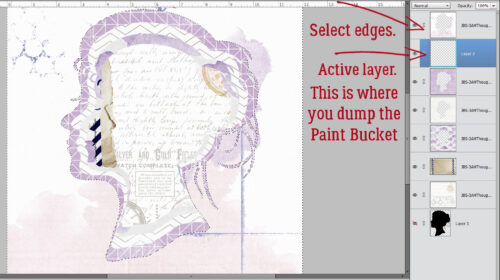
Now, with the blank layer active, Select the edges of the top paper layer by CTRL/CMD>clicking on the paper layer’s THUMBNAIL. Next, go to the Paint Bucket Tool and fill the blank layer with your shadow colour. I used black for simplicity.

Okay… there’s a black layer under the paper cutout. But it’s not doing anything.

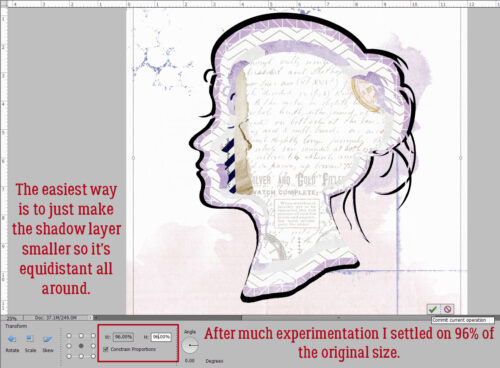
The very easiest way to turn this black layer into a shadow for a cutout is to just make the whole layer a little smaller so it peeks out from under the paper above it. I played around quite a bit before settling on shrinking it to 96% of the original size. Each shadow layer will be the same.

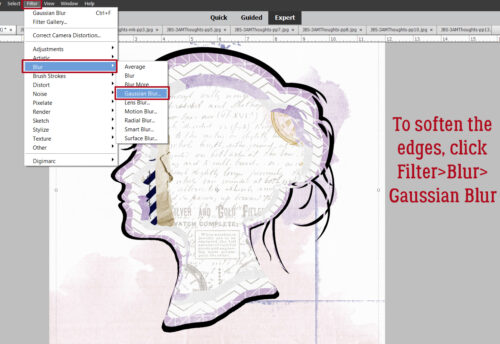
To take that stark black shape and make it look like a shadow, it needs softening. So click Filter>Blur>Gaussian Blur…

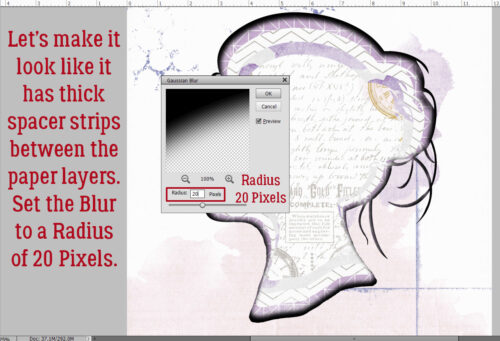
I like the look of a shadowbox with thick spacers between layers so I used that as my mental view. If you want your layers to look closer together, adjust accordingly. I went with a 20 pixel Radius.

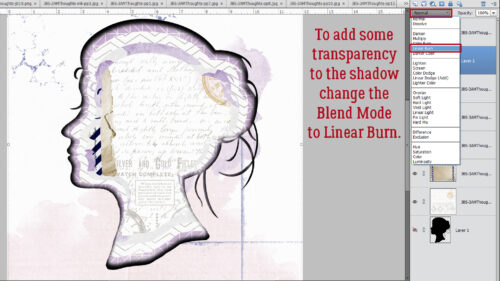
Realistic shadows don’t obliterate the visibility of what it’s cast on, so to give the shadow some transparency, change the Blend Mode to Linear Burn.

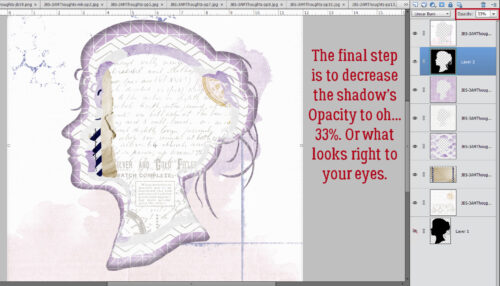
Last step… decrease the Opacity of the shadow to whatever looks right to you. I went to 33% because my spacers are THICK!

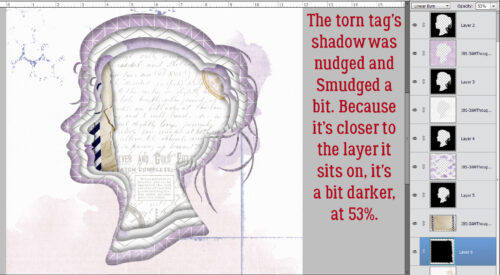
The torn tag needed a little different treatment because it’s much closer to the paper underneath it. I nudged it out and down a smidge, then used the Smudge Tool to customize it a bit more before Blurring it by only 4 pixels, changing the Blend Mode and decreasing the Opacity to 53%.

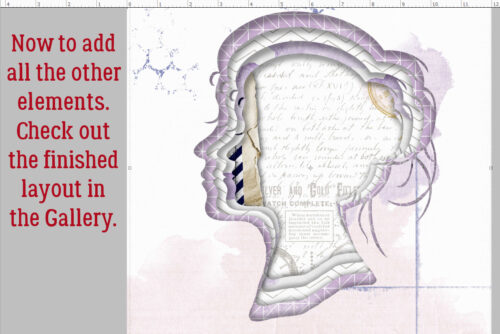
Et voilà! The basic shadowbox look is there. Now I’ll finish the layout and you can check it out in the Gallery!

I think the other example Jill sent me will focus more on paper tearing and curling. Sound good?


$2 Tuesday AND 50% off STORE-WIDE

$2 Tuesday AND 50% off STORE-WIDE @ GingerScraps!

Happy $2 Tuesday, scrappy friends!!
The birthday party at GingerScraps is still going strong, and we are NOT ready to stop celebrating!
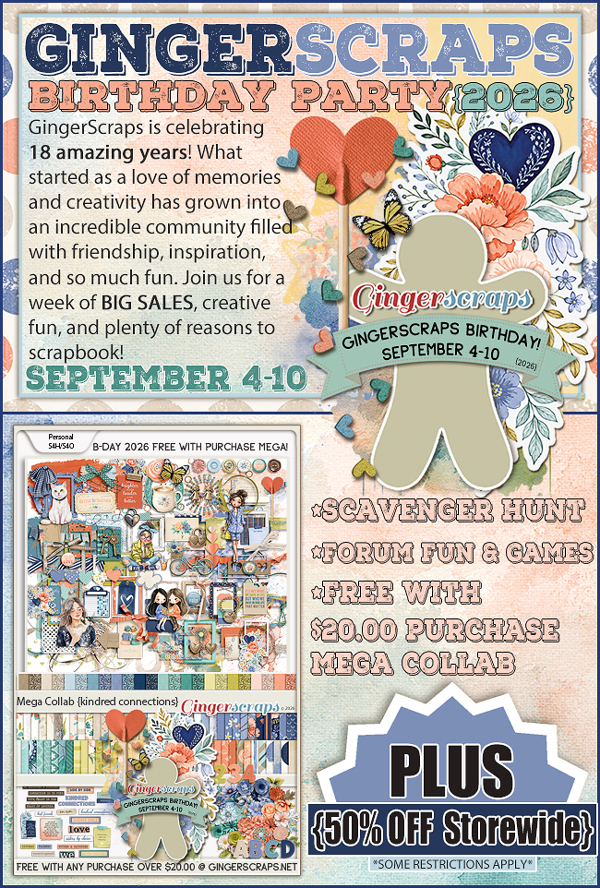
Our $2 Tuesday & Wednesday sale is here, PLUS you can save 50% off site-wide during our birthday celebration (some restrictions apply).
And there’s plenty more fun happening! Join us for games, the Scavenger Hunt, and don’t forget about our FREE with $20 purchase MEGA Collab! We also have a spot in our birthday forum with SALES and SPECIALS from our designers, make sure you don’t miss that! That’s a whole lot of birthday goodness packed into one celebration.
So come play, shop, hunt, and celebrate with us! After 18 years, we think we’ve earned a little birthday chaos.


September 4, 2026: HAPPY 18TH BIRTHDAY GINGERSCRAPS!

HAPPY 18TH BIRTHDAY GINGERSCRAPS!! 

Are you ready to party? You know Ginger when it comes to celebrations. And this one is big because Gingerscraps is “legal”. So we’re having a HUGE party!!

Have you participated in one of the Scavenger hunts? They are so much fun and I always find kits I “need” while I’m looking for that crazy Gingerbread Man (he’s a little sneaky).

And our designers have some fun games going on in the Forum as well!

Don’t forget this great Free With Purchase kit you get with any $10 spent in the store!

On top of all that fun, we have some great kits and other special sales and new releases!

Take a look at the new challenge reward kit. If you complete any 10 challenges this month, you get this gorgeous collab (or a variety of other choices from previous challenge collabs) as a reward!

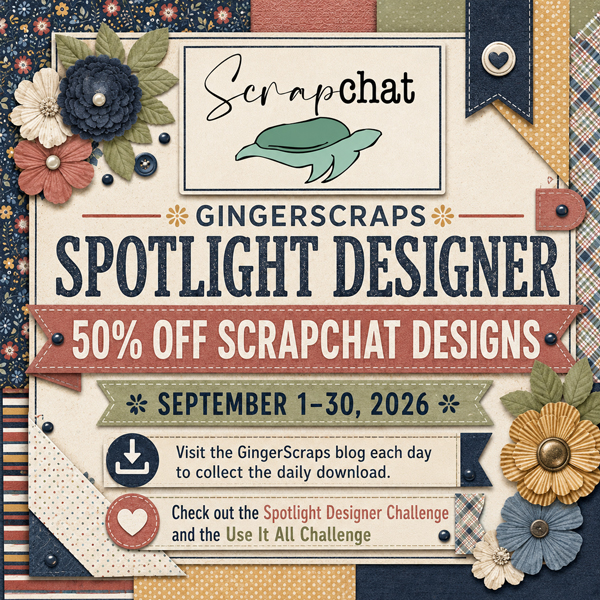
Designer Spotlight: September 2026

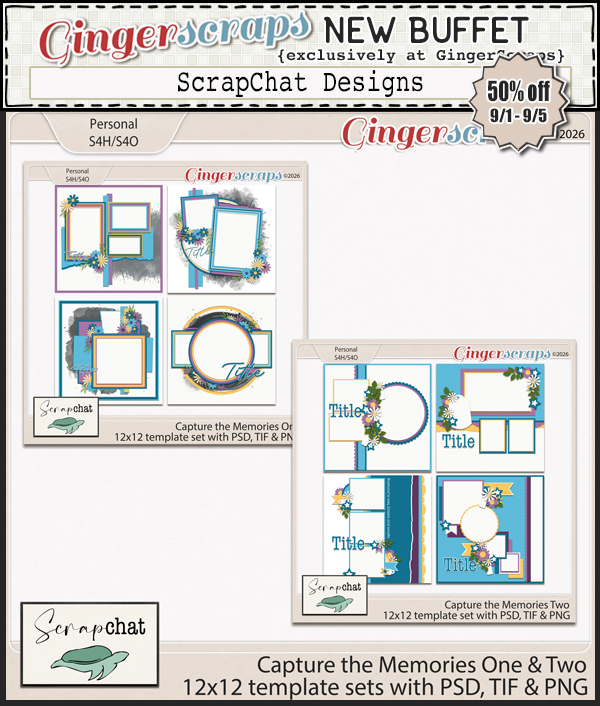
ScrapChat Designs

The first thing Jill said to me was, “I feel like it was just yesterday that we last chatted!” It’s been a year…. But she’s not wrong about how hard she works at being a Spotlight Designer – it’s a LOT of work. A good half of our conversation was business-related, and then she gave me a peek into what REALLY makes her tick… Here’s a transcript of that conversation.

O: Jill! Good to chat with you again. You must be a glutton for punishment! Out of the 45 Designers here at GingerScraps, I think we’ve met more times than anybody else. (Not that I’m complaining!) So let’s talk about GS for a second. What’s the best part of belonging to the GingerScraps family?

J: Oh, where do I start? I love the sense of family at Gingerscraps, both as a designer and as a scrapbooker. I’ve made so many friends along the way, and I love being part of a community where people genuinely share the same excitement for preserving memories and telling their stories. It’s a place where I get to create, scrapbook, laugh, and connect with people who understand why this hobby means so much to us. It’s my scrapbooking home.

O: You’ve just said all the things I think about GS. I’ve mentioned before that I didn’t really *choose* to become part of the GS community, it was assigned to me by the designer I was creating for at the time. But it didn’t take long for it to start feeling like home. But like everything else, it comes with challenges – and I don’t mean the fun kind in the Forum. What do you find to be the biggest challenge to being a digital designer?

J: One of the biggest challenges is creating products that appeal to a wide range of scrapbookers and making sure each kit, regardless of its name, can be used for many different topics. Take my recent collection, Aced It, which was named after my grandson Jace and granddaughter Grace. Jace is starting kindergarten while Grace is in sixth grade, but I feel like the papers and elements can be used for school, birthdays, and plenty of other memories too.

O: You’re so right! This collection will work for a lot of different purposes. Our grands are starting Grades 7, 5 and 3 this fall. Where does the time go? 🙁 Your colour palette here…
J: I tend to gravitate toward primary colors, bright and cheerful palettes, and retro color combinations. I’m not much of a girly girl, and I’ve never been a big fan of pinks and purples. The same holds true in my designs, although I certainly use them when the theme calls for them.

O: Gotcha. I’m kinda the opposite. Variety’s the spice of life, right? Do you feel like your style has evolved over the years?
J: When I started designing, everything was dark-colored and grungy. These days, my style is much cleaner, and I’ve learned to work with a wider variety of color palettes. Although I still rarely work with pinks and purples without complaining! LOL

O: <snorts> Okay, we get it! ScrapChat Designs isn’t a fan of girly stuff! 😀 What does a typical design day look like for you?

J: Wake up and have coffee. That’s about the only thing that is typical in my design life! I often work on the back porch so our 13-year-old Lab, Sunny, can be outside. I’ve also been known to work in airport parking lots while waiting for my boyfriend to land after work. Once I find a creative streak, I completely lose track of time and can sit for hours without getting up. I definitely don’t have a set 8-to-5 schedule, and I often work until 2 a.m.

O: Sounds like me when I’m “digging up bones” – working on my family tree. It’s easy to get into the zone! But I tend to take a chaotic approach to it and often end up going down a rabbit hole I could have ignored. How do you keep yourself organized and on track when you’re working on more than one collection?

J: I don’t, honestly! I tend to compartmentalize projects like Buffet and templates. I usually work from beginning to end on one collection before moving on to the next. There are rare exceptions when another deadline suddenly needs my attention, but for the most part, I’m a one-project-at-a-time designer.

O: I need some kind of discipline. Too bad it doesn’t come in a bottle. 😀 Let’s change the subject here. Are you a prankster? What’s the most memorable prank you’ve ever been part of?

J: One year I served my family including my youngest son “cupcakes” for dinner on April Fools’ Day. They were actually meatloaf with colored mashed potatoes on top. He nearly cried when he saw them because he HATED icing. I never expected a silly prank to upset him so much! Once the truth was revealed, we laughed and ate.

O: Ooh, I did something like that to my kids too! I’d bought a Mrs Smith’s Aussie Pie (chicken pot pie) at Costco and heated it up for supper. Daughter #2 asked what it was, so I told her it was Aussie Pie. “Well, what’s in it?” What do you think is in it? It’s Australian. What do they have a lot of in Australia? She mulled that over for a minute… or five. She pushed it around on her plate and side-eyed me as I calmly put a big forkful in my mouth. She suddenly said, “KANGAROO??” Then she burst into tears. Husband and I were trying so hard not to laugh. I wonder if she remembers? What’s a ptotato chip flavour you’d like to see at a convenience store near you?

J: OLIVE, hands down. Wouldn’t that be amazing? Salt with more salty crunch! YUM!

O: I’ve gotta tell you, my first mental taste wasn’t that… it was olive OIL. Ugh. But now that I’ve thought about it a second, yes… it would be delicious! I’m quite partial to Tayto cheese and onion after I ate my weight of them in Ireland. I was so excited when Lay’s created a very similar version for their World Cup promotion. The halitosis though. Do you have a favourite outfit, one that you’d be okay wearing every day for the rest of your life?

J: Jeans with no zippers, a kinda dressy blouse, no socks, and probably no shoes. Although, since shoes are oddly required sometimes, I’d go with a pair of slip-on flats. I recently realized I’ve turned into my mother in the way I dress, and I’ve decided that’s not a bad thing.

O: I’m with you on all of that except the dressy blouse. For me it would be a medium weight t-shirt with 3/4 length sleeves. I can’t stand full-length sleeves and push them up to my elbows. No socks unless there’s a very good (unavoidable) reason, and Sketchers walking shoes or flip-flops. Perfect! I recently made the mistake of going on a 5K walk with my (very fit police officer) neighbour wearing my flip-flops. I won’t do that again! Although the ice cream was lovely. What’s the most random fact you know?

J: Did you know Walt Disney had an apartment above the fire station at Disneyland? He and his family used it as a place to rest and get away from the crowds, and Walt liked to watch the park guests from the windows.

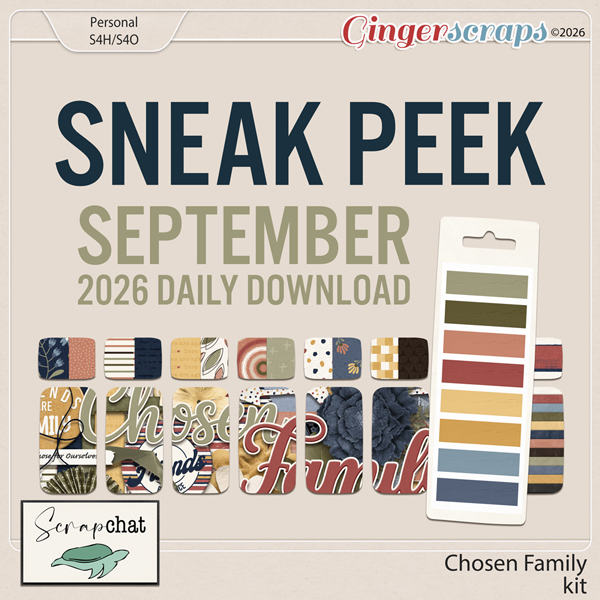
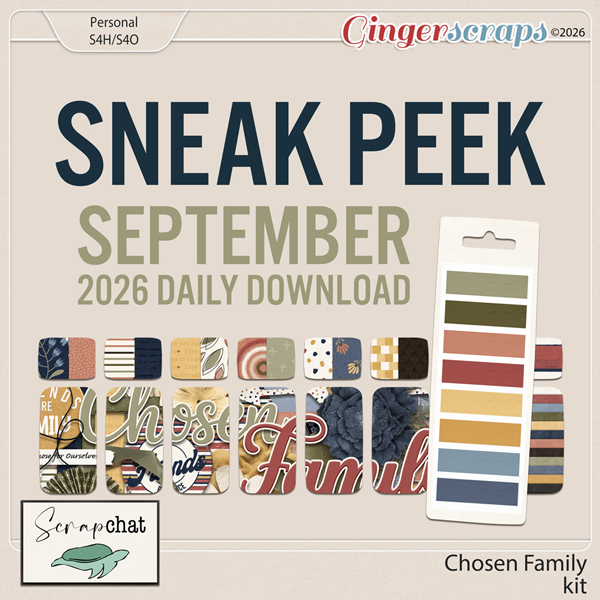
O: I definitely didn’t know that! I think that’s a good spot to pause and talk about your Spotlight. You’ve already seen this sneak peek for the Daily Download.

Make sure to check out Jill’s two Challenges, her usual Use It All and the Designer Spotlight one. And… drumroll please…

Discover something new for your pages this month! Use code SPOT-SCD-2026 to take 10% off orders of $10 or more at ScrapChat Designs through September 30.

We’re finally getting some rain in the Okanagan Valley. Hallelujah! It’s almost like the weather looked at the calendar and flipped a switch. We went from dry, sunny and 33°C (91°F) to drizzly and 13°C (55°F) in the blink of an eye. I won’t complain though. Wildfires aren’t a good thing. See you next week!


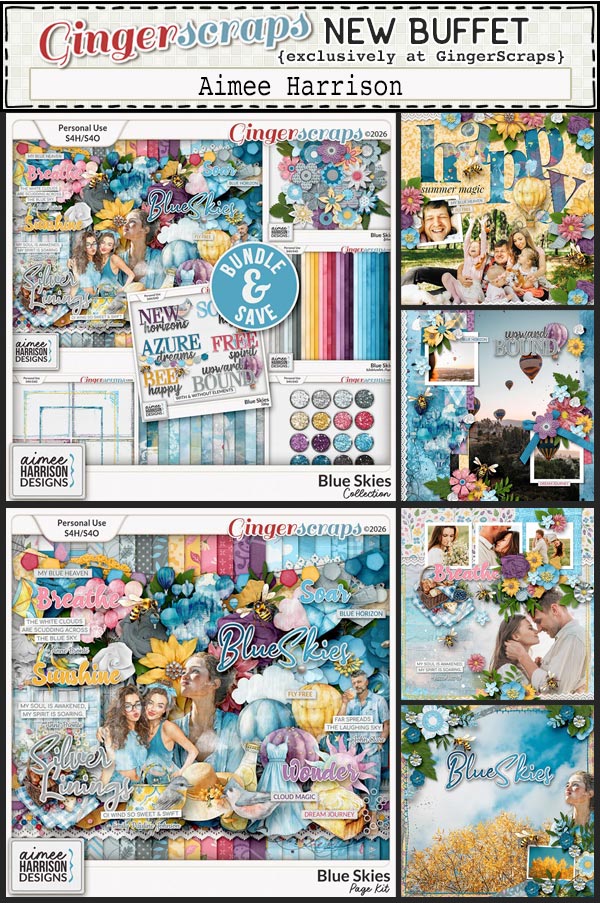
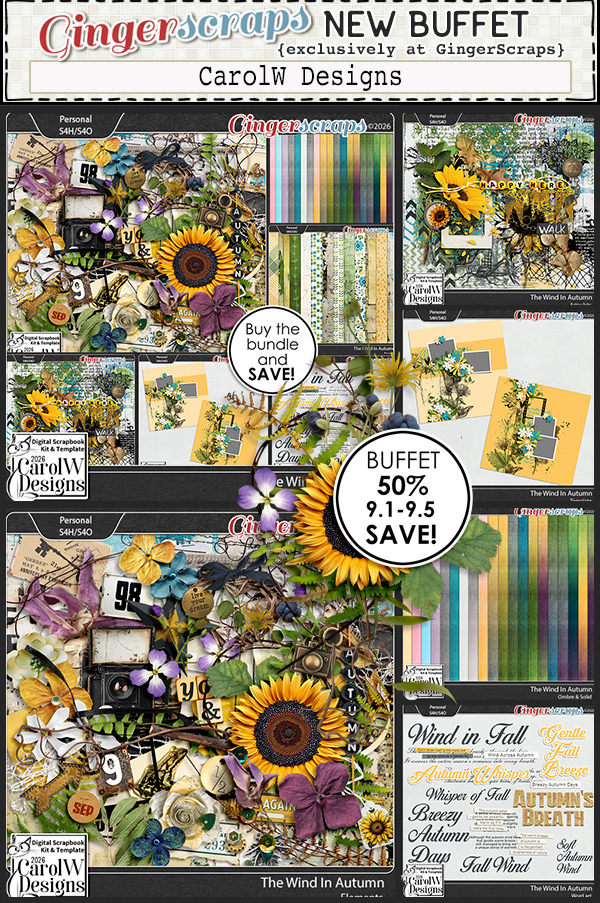
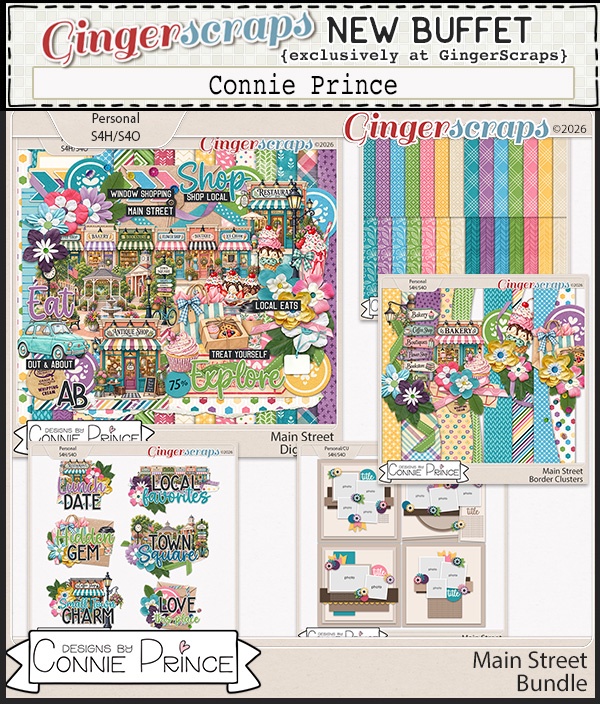
September 1 2026: New Buffet, New Free with Purchase, and SO MUCH MORE!

Hello September, hello meteorological fall (or spring for our friends in the southern hemisphere) and hello scrappy friends! A brand new month is here, and you know what that means at GingerScraps. Fresh inspiration, beautiful new goodies, and so many fun reasons to play with your photos and tell your stories.
This month is packed with everything you love. A brand new Free With Purchase collab, a gorgeous new Monthly Mix, and a colorful new Buffet filled with kits ready to spark your creativity. We also have a whole new batch of AMAZING challenges waiting for you in the forum, along with a brand new reward you can earn by completing just 10 challenges this month.
And that’s not all. Please help us give a big GingerScraps welcome to our two new Feature Designer ScrapChat Designs. She will be filling the blog with freebies EVERY day, giving you even more reasons to stop by, get inspired, and scrap along with us all month long.
September is here and Fall ( or Spring) is so close. We cannot wait to see what you create!
*A brand new Free With Purchase collab
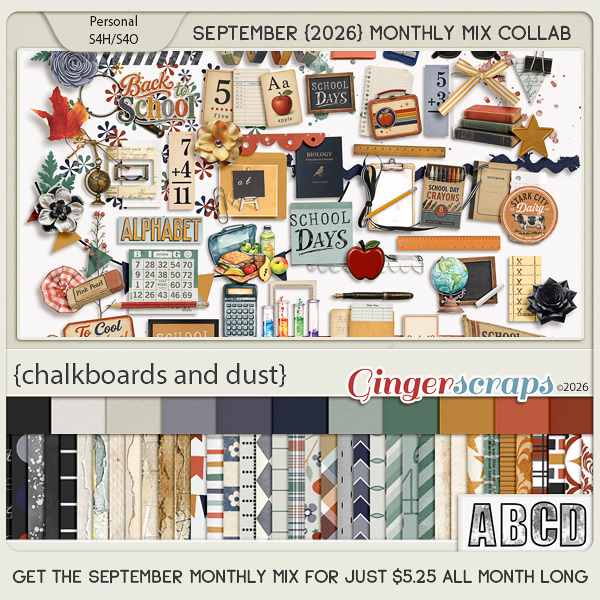
*A gorgeous new Monthly Mix
*A colorful new Buffet that has a great mix of kits
…and so much more!
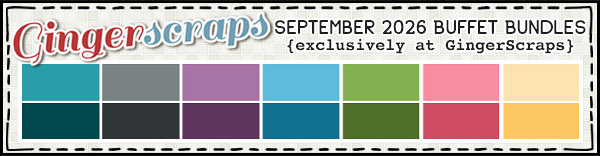
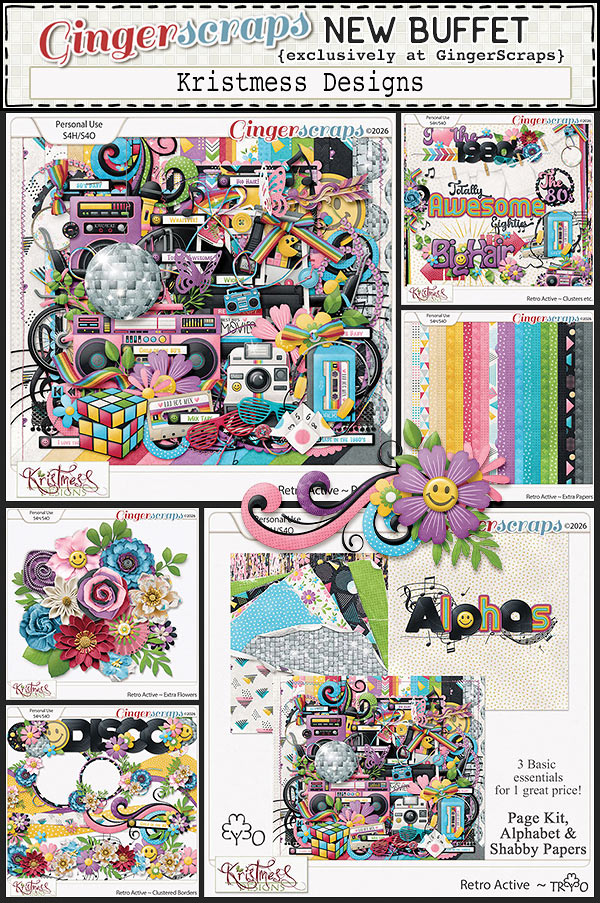
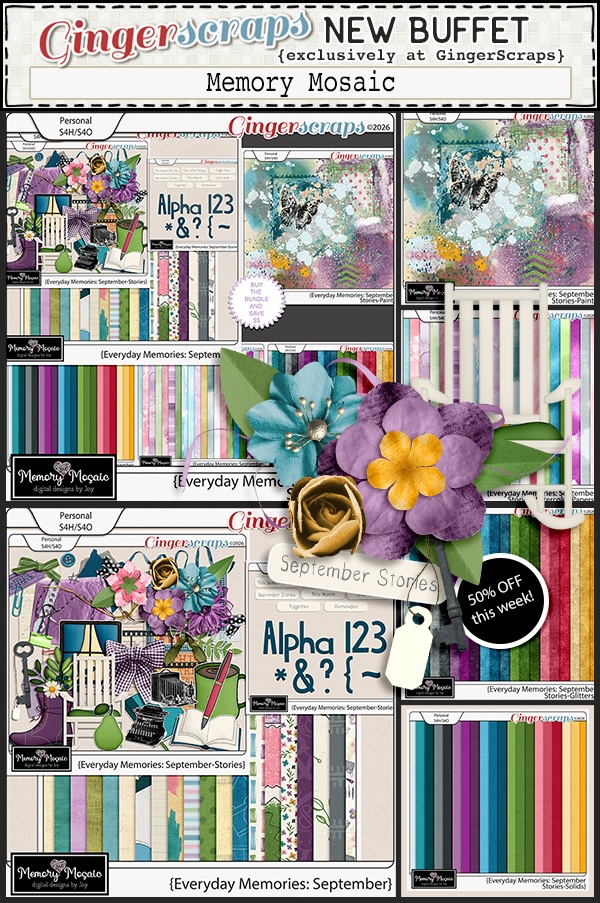
Next let’s look at the September Buffet. Don’t forget to check out the Buffet Bundles. One easy click to add bundles of Buffet goodies to your cart.
I think you are going to love the inspiration the designers found with these colors. The kits are phenominal.

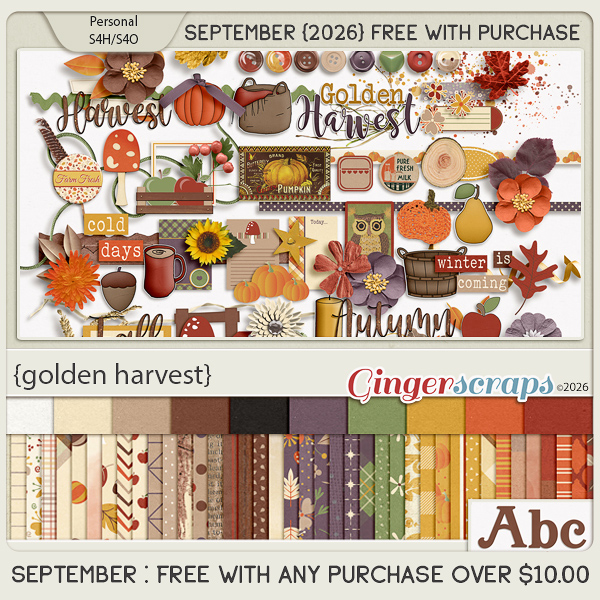
Golden Harvest celebrates the rich colors and cozy comforts of autumn. Filled with pumpkins, fall florals, sunflowers, mushrooms, acorns, apples, leaves, buttons, cozy coffee, and charming seasonal details, this collection captures everything we love about crisp fall days and the changing season. Rich shades of pumpkin, rust, mustard, olive, deep plum, brown, and warm cream create a beautiful vintage-inspired palette.

Perfect for pumpkin patch adventures, autumn gatherings, cozy days at home, nature walks, harvest memories, and all your favorite fall traditions, Golden Harvest brings warmth and timeless autumn charm to every scrapbook page. Available exclusively at GingerScraps!

This collab includes: 1 Alpha {Uppercase, Lowercase, Numbers & Punctuation}, 50 Papers, and 93 Elements.

This Free With Purchase was created by Lindsay Jane, Magical Scraps Galore, Memory Mosaic, and ScrapChat Designs.

Chalkboards and Dust brings the charm of school days past to your scrapbook pages. Filled with chalkboards, books, rulers, pencils, apples, school supplies, science accents, an old-fashioned school bus, alphabet pieces, and vintage-inspired florals, this collection is perfect for capturing all the excitement of heading back to school.

A rich palette of navy, teal, sage, rust, mustard, cream, and warm neutrals pairs beautifully with distressed textures, plaids, stripes, and classic schoolhouse patterns. Whether you’re documenting the first day of school, classroom memories, favorite teachers, school activities, or growing up through the years, Chalkboards and Dust makes it easy to preserve those special school day memories.

This kit includes: 1 Alpha {Uppercase, Lowercase, Numbers & Punctuation}, 48 Papers, and 96 Elements.

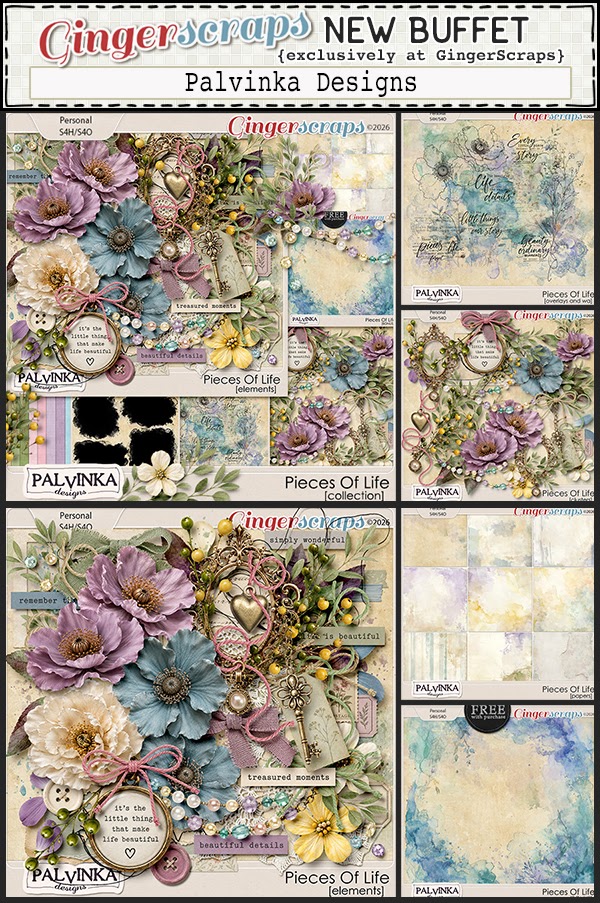
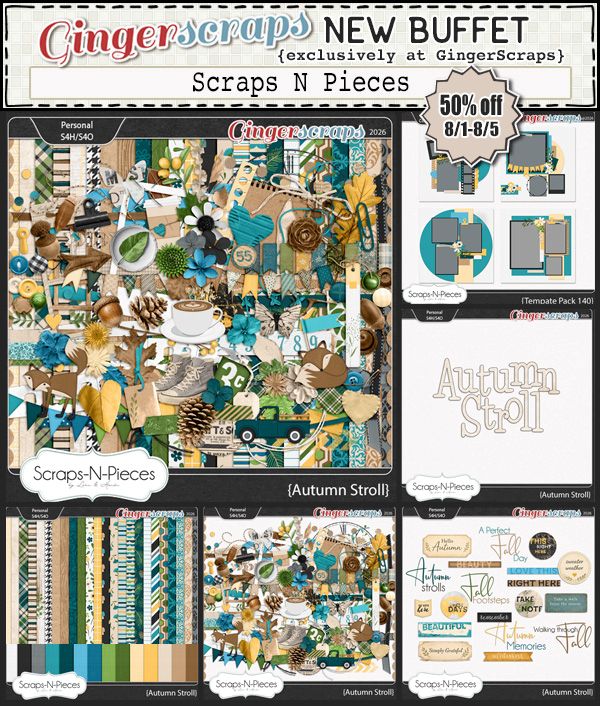
This Monthly Mix was created by Scraps N Pieces, Tami Miller Designs, The Brit Chick, amd Palvinka Designs.

September’s Daily Download is provided by ScrapChat Designs. Stop by the blog each day in June to collect pieces of this beautiful kit.

Take a look at the new challenge reward kit. If you complete any 10 challenges this month, you get this gorgeous collab (or a variety of other choices from previous challenge collabs) as a reward!

Autumn Gathering is a warm and cozy celebration of everything we love about fall. Rich autumn colors, pumpkins, mums, mushrooms, acorns, leaves, lanterns, cozy coffee, and rustic details come together in a beautifully nostalgic collection. Plaids, florals, vintage textures, and woodland touches add warmth and charm to every page.

Perfect for documenting pumpkin patch adventures, fall gatherings, cozy days at home, nature walks, seasonal traditions, and all those little moments that make autumn special. With its rich palette of rust, pumpkin, mustard, burgundy, deep teal, sage, and warm neutrals, Autumn Gathering brings the beauty and comfort of the season to your scrapbook pages.

This kit includes: 1 Alpha {Uppercase, Numbers & Punctuation}, 40 Papers, and 63 Elements.

This Challenge Reward was created by Adrienne Skelton, Key Lime Digi Design, and Wetfish Designs.

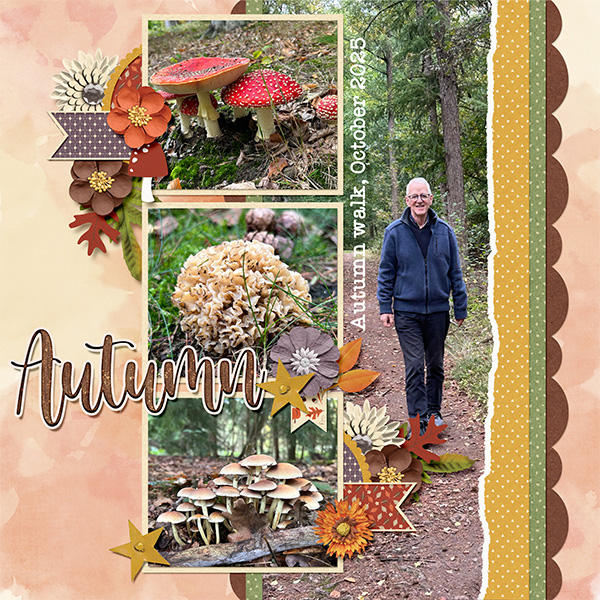
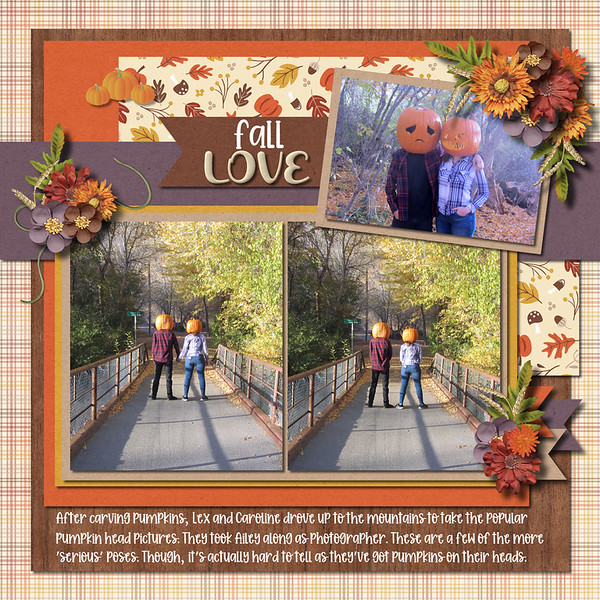
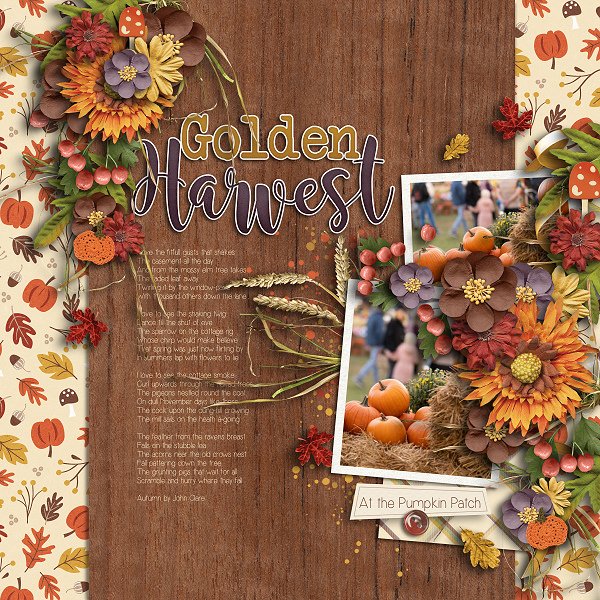
Let’s take a look at these gorgeous layouts from our store CT using the September Free with Purchase.