Fresh Baked: March 09, 2018

Tomorrow is Mario Day. Like Super Mario Bros Mario Day! That is awesome! Childhood has been recovered! Time to get some pics of the family playing some Nintendo! What’s your favorite Mario game? While you’re thinking of that, make sure you check out the amazing new items from the designer! And when you’re done, make sure you celebrate Napping Day on Monday!

Can you believe that next Saturday is St. Patrick’s Day? To celebrate, the designers are having a special fun chance to win FREE KITS! Check the forum for more information!

01
https://forums.gingerscraps.net/showthread.php?42045-WIN-YOUR-WISHLIST-2018-Are-you-feeling-lucky-)&p=490399

Remember when you spend $10 in the store, you get a great new collab! It’s time for Spring and all the Spring Things!

fwp_thumb3_thumb
https://store.gingerscraps.net/GingerBread-Ladies-Collab-Spring-Things.html

tinci
https://store.gingerscraps.net/Miracle-of-spring-1..html

aimee01
https://store.gingerscraps.net/Singular-1-Templates-Set-by-Aimee-Harrison.html

aimee02
https://store.gingerscraps.net/Duality-1-Templates-Set-by-Aimee-Harrison.html

blue01
https://store.gingerscraps.net/Lucky-Me-6-Grab-Bag.html

boomers
https://store.gingerscraps.net/Lucky-Charm-BGD.html

cathyk01
https://store.gingerscraps.net/Woodland-Spring-Bundle.html

connie01
https://store.gingerscraps.net/March-2018-Grab-Bag-Forever-Young-by-Connie-Prince.html

connie02
https://store.gingerscraps.net/March-2018-Template-Bundle-by-Connie-Prince.html

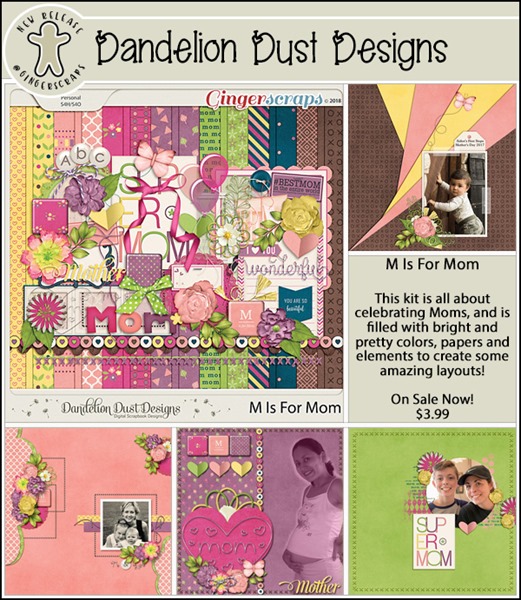
dandelion
https://store.gingerscraps.net/Sweet-Pea-Digital-Scrapbook-Kit-By-Dandelion-Dust-Designs.html

dear
https://store.gingerscraps.net/It-Is-Wonderful.html

heartstrings
https://store.gingerscraps.net/A-Little-Bit-Arty-11-Templates-HSA-a-little-bit-arty-11.html

heatherz
https://store.gingerscraps.net/Monkey-See-KIT-by-Heather-Z-Scraps.html

jocee
https://store.gingerscraps.net/Oh-Girl-Grab-Bag.html

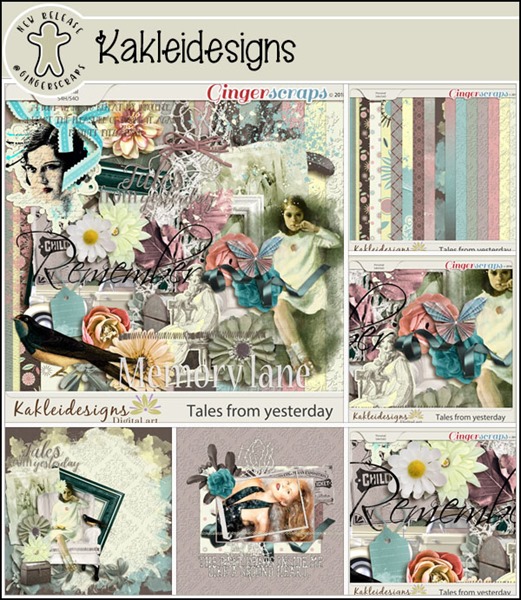
kakel
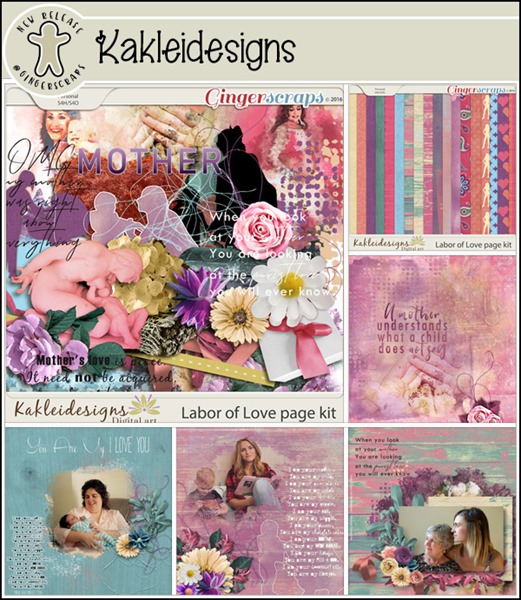
https://store.gingerscraps.net/Wonderful-World-Page-kit-by-Kakleidesigns.html

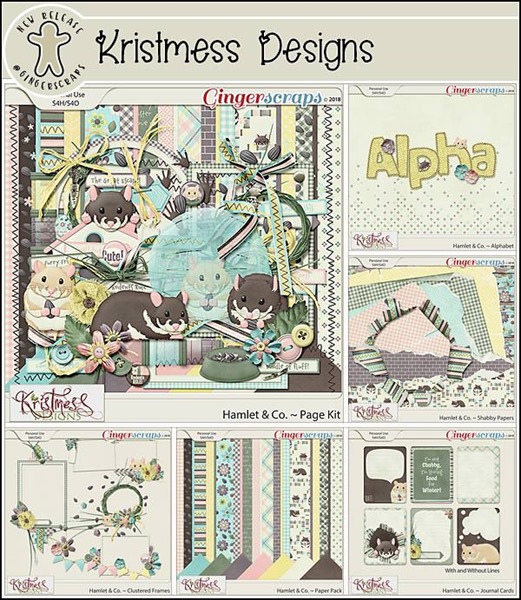
kristmess
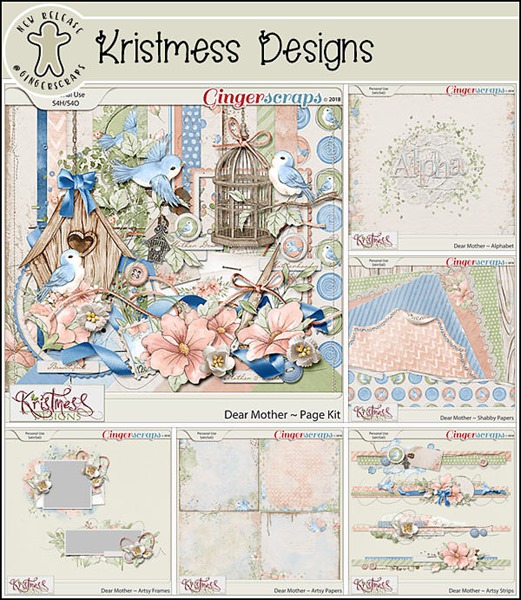
https://store.gingerscraps.net/Kristmess/

lauries01
https://https//store.gingerscraps.net/Sick-Day-GrabBag.html

lauries02
Bundle: https://store.gingerscraps.net/Let-It-Rain-Bundle.html

magical
Bundle: https://store.gingerscraps.net/Cake-and-Balloons-collection.html
Page kit: https://store.gingerscraps.net/Cake-and-Balloons-page-kit.html
Journaling Cards: https://store.gingerscraps.net/Cake-and-Balloons-journaling-cards.html
Graffiti Pack: https://store.gingerscraps.net/Cake-and-Balloons-graffiti-pack.html
Word Bits: https://store.gingerscraps.net/Cake-and-Balloons-word-bits.html
Glitter Pack: https://store.gingerscraps.net/Cake-and-Balloons-glitter-pack.html

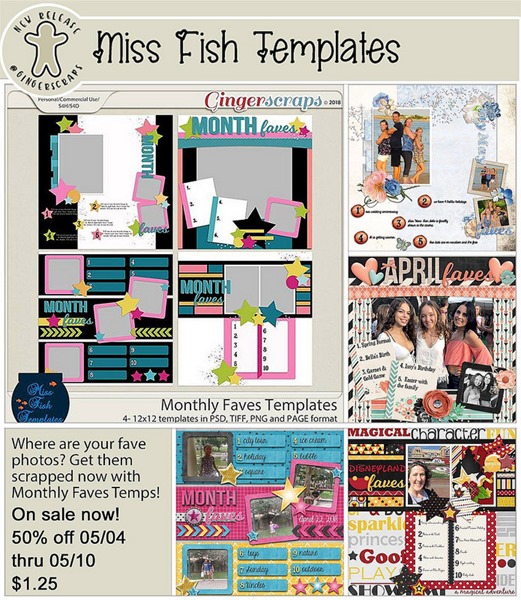
missfish
https://store.gingerscraps.net/Lotsa-Photos-6-Templates-by-Miss-Fish.html

neia01
https://store.gingerscraps.net/Neia-Scraps

neia02
https://store.gingerscraps.net/Neia-Scraps

cathyk02
https://bit.ly/2tyxU5v

002
https://store.gingerscraps.net/Blue-Heart-Scraps/

003
https://goo.gl/DQK8T

004
https://store.gingerscraps.net/Neia-Scraps

Remember, if you complete 10 challenges, just ten, you get a free kit as well!!

cr_thumb3_thumb
Who else is ready for spring? This makes the wait a little better!

Designer Spotlight: Luv Ewe Designs

Do you know Jennifer? No? Well, let me introduce you! Jennifer is the genius behind Luv Ewe Designs. She’s one half of this month’s Featured Designers. Jennifer graciously allowed me to “interview” her recently. Here’s a transcript.

JiA: How long have you been designing?

LED: Nearly 10 years.

JiA: What is your design process?

LED: I love looking at Pinterest for colors! Then I usually make my papers first. They come easy to me. I love to preview at the end and see how it all comes together. Sometimes I surprise myself. But better yet is when my CT (creative team) does an awesome job at showcasing the kit! They are a great group of girls!

JiA: What do you use to create your designs (software, hardware etc)?

LED: PS CC

JiA: Describe your design work space.

LED: Quite a small area, really. I really like my desk though. It belonged to my great-grandparents. My grandmother used to do her homework on it. There are inkstains on it from the dip pens they used to use. My grandmother asked me to never cover up the stains, they give it character.

JiA: What a fantastic heirloom that is! What motivates and inspires your designs?

LED: Weird things inspire me. Sometimes I just see a quote on Pinterest and BAM! There is an idea for a kit. Happened to me last night… now to start creating it!

JiA: What kit currently available in your GingerScraps store is your favourite? Why?

LED: That is a hard one. I think it might be the Grateful kit I did with Blue Heart Scraps. I love doing collabs with her! The colors are soft and cute, and it’s all girly! I like all-girly kits because I have all boys.

JiA: Do you craft outside of the digital world?

LED: Not as much as I used to. I love to decorate my home. Does that count?

JiA: Of course it counts! What is the last book you read?

LED: She Believes by Debbie Lindell. It is written by the pastor of my church. It’s very inspirational towards women. I don’t read much but I definitely loved this one!

JiA: How appropriate… it’s International Women’s Day! Tea, or coffee?

LED: Tea! Hubby is brewing some strawberry chocolate green tea right now. Yum!

JiA: Sounds… different. Do you have a guilty pleasure?

LED: Doctor Pepper and anything caramel.

JiA: I’m so glad I don’t have to answer that question. If time travel were possible, where would you go and why?

LED: I don’t want to go to the future. I will just wait and see what happens. Something may end up being depressing and then I’d just worry about it. Maybe go back to see Da Vinci paint the Mona Lisa.

JiA: What’s your favourite thing about GingerScraps?

LED: The gals are sweet and helpful there. I’ve been in other stores and there just was not much communication between everyone. I just felt like I was on my own.

JiA: If you could have any super power what would it be?

LED: Probably to be a fly on the wall and spy on people.

JiA: Invisibility would let you do that too! But you know what they say about eavesdroppers… they never hear anything good about themselves. Thank you for chatting with me, Jennifer.

Ladies, before we sign off here, Jennifer has a terrific special sale for us! Let’s show our appreciation by shopping with her.

Sneak Peeks March 8th 2017


Happy Thursday!!! Don’t forget the dreaded time change happens this weekend in the states. I always hate the spring forward! I don’t like my hour of sleep taken away!! Also if you are playing Scrapping Survivor don’t miss the deadline! Maybe some of the oodles of new releases might help you out with you page! Let’s take a look at some of what’s releasing tomorrow!

From Tinci


From Neia Scraps

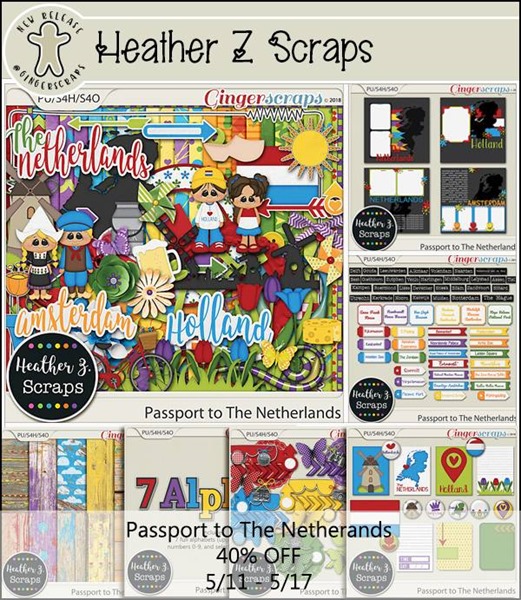
From Heather Z

From JoCee

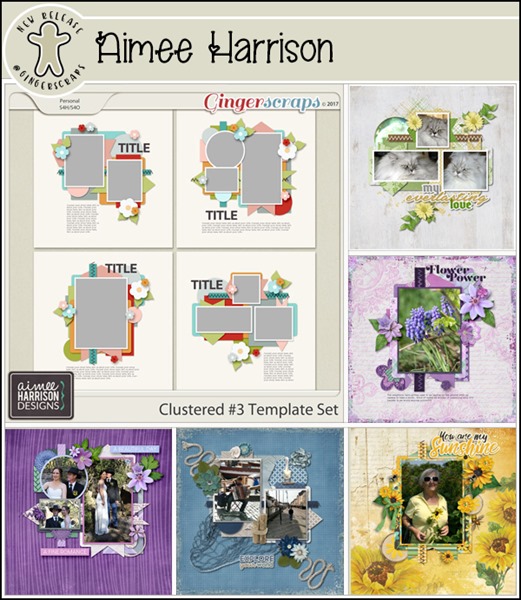
From Aimee Harrison

From Miss Fish

Have a wonderful weekend!

Tutorial Tuesday (Facebook Timeline Covers)

Here we are into March already! Time is flying, and as I get older, the faster it goes. (Retirement can’t get here soon enough though.) This week I thought we could talk about one of the new GingerScraps monthly challenges. This one, the Facebook Timeline Cover challenge, was suggested by one of our wonderful members and Ginger thought it was brilliant. In some ways it’s like the Signature challenge, not a full-sized layout, and with some specific limitations. I’m an inherently lazy person, so I decided I would make myself a little template to make it easier. And now I’m sharing it with you! (Of course, if you’re not on Facebook it’s essentially useless to you and you’ve probably already quit reading…) You can grab the template HERE and as you can see in the image below there are two layers. One is the photo spot and one is the background, which includes a stroke outline, if you like that sort of thing. I measured everything for you so you can just fill ‘er up!

Here’s a caveat for you. This template works really nicely on the desktop/laptop version of Facebook, but on your phone or tablet the photo will be centered on the background. Isn’t it great then that I’ve made the photo spot moveable? It’s on its own layer! You can see in the image below that the paper layer is on top of that stroked layer. I’m going to move it up my stack later.

I chose KristmessHappy Go Lucky kit – I LOVE it! I decided I wanted a frame around my photo and it looks great! It will hang off the template at the bottom and that’s okay. When you’ve got your Timeline Cover finished you can crop that bit off using the Crop tool. (CTRL/CMD>C) You might also notice I’ve thrown a scatter on there underneath the photo layer.

This month’s challenge was to create a Cover that reflects March to us. Some people might be already deep into spring, some might have a birthday (both my daughters are March babies), some might be into basketball and March Madness, and some might have special holidays to commemorate. For me, March is always about St Paddy’s Day. My very Irish grandfather lived for that day each year (it was the only day Grandma didn’t limit his pints) and he actually died on March 17 the year I turned 4. So my Timeline Cover is all about that. I added a few Irish elements then moved the stroked layer right on top of the paper layer so I could apply a glitter-gloss stroke to it. I used that dark green from Miss Mis DesignsMarch Buffet Sunshine and Rain style pack. I made the stroke a little wider first though.

Don’t forget to shadow your elements. The dimension and realism they provide will really elevate your cover.

After I put my finished cover up on my Facebook profile, I noticed there were a couple of tiny little tweaks needed to give it a perfect fit, so I adjusted your template to be just right for all of you.

Have some fun with this one! Make sure you keep a plain copy for next month and the month after that!


Fresh Baked: March 02, 2018

Do you know what today is? Today is Seuss Day! The author of The Cat in the Hat, Hop on Pop, etc! It was such a big part of, I think, most everyone’s childhood. Childhood is such a magical time! There are some great kits coming out that are perfect for scrapping those childhood memories! Can’t figure out the perfect way to do everything? Check out a template series or two! Something is sure to catch your eye!

Remember when you spend $10 in the store, you get a great new collab! It’s time for Spring and all the Spring Things!

fwp_thumb3
https://store.gingerscraps.net/GingerBread-Ladies-Collab-Spring-Things.html

scraps_thumb
Bundle – https://store.gingerscraps.net/Sail-Away-by-Scraps-N-Pieces.html
Templates – https://store.gingerscraps.net/Template-Pack-36-Inspired-by-Kristal-by-Scraps-N-Pieces.html

 
https://store.gingerscraps.net/Bless-This-Home-BGD.html

 
Collection: https://bit.ly/2FElyN3
Kit: https://store.gingerscraps.net/Woodland-Spring-Kit.html
Papers: https://store.gingerscraps.net/Woodland-Spring-Papers.html
Elements: https://store.gingerscraps.net/Woodland-Spring-Elements.html
Extra Papers: https://store.gingerscraps.net/Woodland-Spring-Extra-Papers.html
Alphas: https://store.gingerscraps.net/Woodland-Spring-Alphas.html

connie_thumb
Bundle: https://store.gingerscraps.net/My-Guy-Bundle-by-Connie-Prince.html
Kit: https://store.gingerscraps.net/My-Guy-Kit-by-Connie-Prince.html
Templates: https://store.gingerscraps.net/My-Guy-12×12-Templates-CU-Ok-by-Connie-Prince.html
Border Clusters: https://store.gingerscraps.net/My-Guy-Border-Clusters-by-Connie-Prince.html
Alpha Pack AddOn: https://store.gingerscraps.net/My-Guy-Alpha-Pack-AddOn-by-Connie-Prince.html
Word Art Pack: https://store.gingerscraps.net/My-Guy-Word-Art-Pack-by-Connie-Prince.html
Extra Papers: https://store.gingerscraps.net/My-Guy-Extra-Papers-by-Connie-Prince.html

dandelion_thumb
https://store.gingerscraps.net/Springtime-Digital-Scrapbook-Kit-By-Dandelion-Dust-Designs.html

 
https://store.gingerscraps.net/Bring-on-Spring-Templates-by-Dear-Friends-Designs.html

 
https://store.gingerscraps.net/Heart-and-Soul-HSA-Templates.html

 
Bundle – https://store.gingerscraps.net/Passport-to-Ireland-BUNDLE-by-Heather-Z-Scraps.html
Kit – https://store.gingerscraps.net/Passport-to-Ireland-KIT-by-Heather-Z-Scraps.html
Elements – https://store.gingerscraps.net/Passport-to-Ireland-ELEMENTS-by-Heather-Z-Scraps.html
Papers – https://store.gingerscraps.net/Passport-to-Ireland-PAPERS-by-Heather-Z-Scraps.html
Solids – https://store.gingerscraps.net/Passport-to-Ireland-SOLID-PAPERS-by-Heather-Z-Scraps.html
Alphabets – https://store.gingerscraps.net/Passport-to-Ireland-ALPHABETS-by-Heather-Z-Scraps.html
Accents – https://store.gingerscraps.net/Passport-to-Ireland-ACCENTS-by-Heather-Z-Scraps.html
Journal Cards & Flairs – https://store.gingerscraps.net/Passport-to-Ireland-JOURNAL-CARDS-and-FLAIRS-by-Heather-Z-Scraps.html
Word Bits – https://store.gingerscraps.net/Passport-to-Ireland-WORD-BITS-by-Heather-Z-Scraps.html
Templates – https://store.gingerscraps.net/Passport-to-Ireland-TEMPLATES-by-Heather-Z-Scraps.html

 
Bundle: https://store.gingerscraps.net/Oh-Boy-Bundle.html
Kit: https://store.gingerscraps.net/Oh-Boy-Kit.html
Elements: https://store.gingerscraps.net/Oh-Boy-Elements.html
Papers: https://store.gingerscraps.net/Oh-Boy-Papers.html
Alpha: https://store.gingerscraps.net/Oh-Boy-Alpha.html
Cards: https://store.gingerscraps.net/Oh-Boy-Cards.html
Glitters: https://store.gingerscraps.net/Oh-Boy-Glitters.html
Basic Papers: https://store.gingerscraps.net/Oh-Boy-Basic-Papers.html

kaklei_thumb
Bundle: https://store.gingerscraps.net/Here-comes-the-sun-bundle-by-Kakleidesigns.html
Kit: https://https//store.gingerscraps.net/Here-comes-the-sun-kit-by-Kakleidesigns.html
Solids: https://store.gingerscraps.net/Here-comes-the-sun-solids-by-Kakleidesigns.html
Collages: https://store.gingerscraps.net/Here-comes-the-sun-Collages-stamps-by-Kakleidesigns.html
Word Art: https://store.gingerscraps.net/Here-comes-the-sun-Word-art-by-Kakleidesigns.html
Cards: https://https//store.gingerscraps.net/Here-comes-the-sun-cards-by-Kakleidesigns.html

kristmess_thumb
https://store.gingerscraps.net/Kristmess/

 
Bundle: https://store.gingerscraps.net/Let-It-Rain-Bundle.html
Kit: https://store.gingerscraps.net/Let-It-Rain-PageKit.html
Flairs: https://store.gingerscraps.net/Let-It-Rain-Flairs.html
Grunge: https://store.gingerscraps.net/Let-It-Rain-Grunge.html
Ombre Papers: https://store.gingerscraps.net/Let-It-Rain-OmbrePapers.html
Titles: https://store.gingerscraps.net/Let-It-Rain-Titles.html
Journal Cards: https://store.gingerscraps.net/Let-It-Rain-JournalCards.html

 
Bundle: https://store.gingerscraps.net/Just-Married-Bundle.html
Kit: https://store.gingerscraps.net/Just-Married-PageKit.html
Flairs: https://store.gingerscraps.net/Just-Married-Flairs.html
Grunge: https://store.gingerscraps.net/Just-Married-Grunge.html
Ombre Papers: https://store.gingerscraps.net/Just-Married-OmbrePapers.html
Titles: https://store.gingerscraps.net/Just-Married-Titles.html
Journal Cards: https://store.gingerscraps.net/Just-Married-JournalCards.html

001_thumb
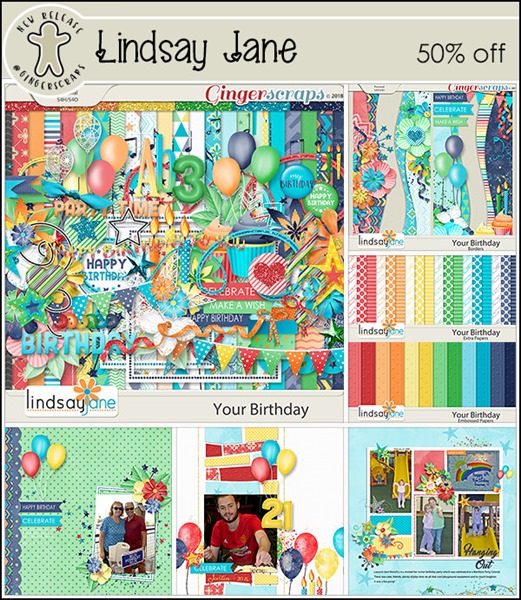
https://store.gingerscraps.net/Lindsay-Jane/

002_thumb
https://bit.ly/2tyxU5v

Remember, if you complete 10 challenges, just ten, you get a free kit as well!!

cr_thumb3
Who else is ready for spring? This makes the wait a little better!

It’s the Lucky Month at Gingerscraps!

March is all about the Irish appreciation and the color green! Though, I will say, the buffet colors? They’re all about the spring that’s also coming! Am I the only one just ready for something besides the browns that winter bring? It’s time to open those windows, smell some fresh air, and get some pretty pictures of all the new blooms!

It is the First of the month, and that means the revel of our new Buffet!!

Don’t forget to check out the Buffet Bundles, one easy click to add bundles of Buffet goodies to your cart, and an amazing value too!

[Read more…]

DD: Mar 01

It’s time for a new daily download!

Before I show it off, here’s last month’s DD:

febdd
https://store.gingerscraps.net/Neverland-Scraps/

So much love to be found in that kit, right?

This month’s is just as awesome, I promise!

dd
https://bit.ly/2GHpFaA

I told you it was awesome, right?!?!

Remember, the download is kept up for 5 days, and then it is taken down.

If you miss pieces, the kit will be available for purchase on the first day of the following month.

Tutorial Tuesday (Photoshop Elements)

The EYES Have It!

A number of notable thinkers through history have said the eyes are the windows to the soul, or some variation of that. That might be true, but when we’re talking about photographs, portraits in particular, the eyes are the focal point to which all attention is drawn. Am I right? I did some photo editing for Terri in South Africa over the weekend and one of the things I did was to bring the eyes of her subjects out of the shadows. She wondered if I could use her photos as the basis for a tutorial, but the adjustments I made to them were a little too complicated for this forum. But I thought a quick, easy little tutorial on brightening eyes might be in order. Let’s look at this really cute photo I found on Pixabay.

Yeah, she’s as cute as a bug’s ear. But think how much cuter she’ll be with brighter eyes! Zoom in on your photo so the eyes almost fill your workspace. We’re going to use the Dodge and Burn Tools again. The Dodge Tool looks like a lollipop, or that plastic wand the eye doctor uses at the beginning of an eye exam when he asks you to cover one eye. Dodging selectively lightens an area on a photo. We’ll start there. Select the Dodge Tool as shown, then make adjustments to the settings. It will automatically go to the software’s preset default, or if you’ve used it, to the last settings you used. Because I used this tool on Terri‘s photos, the brush size is huge. Not gonna work now! For this part your settings are: Dodge>Range=Highlights>Exposure=20>Brush=15 to 20 or whatever size will fit between the outside of the iris and the edge of the pupil. Brush your Dodge Tool over the iris of each eye, concentrating on the area right under the pupil. Don’t go overboard, you want the colour to remain, just lighten and brighten.

The effect will be subtle. But if you look back and forth between this image and the one above, you can definitely see it. Now switch to the Burn Tool, the one that looks like a hand with the fingers and thumb making a circle. Burning selectively darkens an area of a photo. Your settings for this step should be Burn>Range=Shadows>Exposure=20>Brush size 10-15. You want the brush to overlap your dodged area, but only a little. Then brush the Burn Tool over the outer edge of each iris, with a little extra attention to the area just below the upper eyelid.

See the change? The eyes are so much brighter, but not bash-you-over-the-head-brighter. They still look natural and real. You could stop here and have made a great improvement to the way people perceive your photo.

So let’s amp up the brightness factor by adding to the catch-lights already there. Again we’ll use the Dodge Tool. (It seems like a LOT of steps but it really is an intuitive technique after you’ve done it a few times.) The settings I used are Dodge>Range=Highlights>Exposure=60>Brush=5. Then just hit the catch-lights with that tiny brush to brighten them some. The brush needs to be very small; catch-lights that are too big and prominent make the person look like they’re under the influence… not their best look!

Wowsers! It looks so good!!
Again, you could stop here. Or you can switch back to the Burn Tool and using the same settings on Shadows, plump up those eyelashes a bit. I lined her upper eyelid then brushed over each lash to add some weight to it.

And when I was done, she looked like this. Now her eyes are much more noticeable and magnetic. It literally took me longer to do the screenshots than it did to brighten her eyes. I could have gone on to eliminate the freckles (why?? I LOVE freckles!) and even out her skin but I don’t think she needs it.

Will you try this one on one of your almost-perfect portraits?

Pinspiration | Big Titles

GS_blog_BePinspired_Header

Happy Saturday scrappers! I was perusing around Pinterest today looking for ideas. I stumbled upon a lovely layout (will show you below) with a big title. That got my scrappy gears moving in my brain. So, I thought I would share that inspiration with you.
So often we allow the photos or a great paper to be the focal point of our layout. We plop a title on at the very end of it all (if we do at all). Personally, I struggle with coming up with a great title. Really, as I scrap mostly my son, I feel like slapping “Isaiah” on every page. lol. I searched “scrapbook big title” on Pinterest & was inspired! Here are some great examples of making the title your focal point. Making a statement with a big title.

399614757ad42d854a1e6e689511aabe

The Pin | Original Source

I really like the idea of the large number that signifies something. It works at the title as well as a great backdrop. The choice of alpha allows for the large number to blend perfectly to the layout & not over power it. Who doesn’t have a number that is significant to them. A person’s age, an anniversary, or a reunion. The next time you are scrapping a memory that has a significant number marker, think about making that your focal point. Scrap it with a big title!

499e14bfe7044229cceafe3688c27a78

The Pin | Original Source

This really is the focal point of the layout. I really like how the paper is cut around the title. I feel like when it is time for me to go to the beach, I want to yell it to everyone. Just go around yelling, “BEACH!” lol. This large titled layout really brings all the pretty and fun beach photos together. Your eyes are drawn to the large title to start with. At the same time, it is bringing your eyes to the photos around it. This would make a great title page to a vacation book too!

[Read more…]

Fresh Baked: February 23, 2018

There aren’t any fun and wacky holidays comin up. Yesterday was National Margarita Day, so most likely, there was a little too much fun had, and everyone just needed a day off. Or something!

But, don’t take a day off. Sign up for Survivor! Join us on the Road Trip of a LIFETIME!

001_thumb
https://forums.gingerscraps.net/showthread.php?41674-Scrapping-Survivor-8-*Road-Trip*-SIGN-UP-HERE

Whether you take part in the game, make sure you at least check out the collab! It’s gorgeous! So many goodies: 10 Full Alphas, 127 Papers, 272 Elements, 28 Journal Cards, 2 Templates,  and 5 Layered Header Templates!
002
https://store.gingerscraps.net/GingerBread-Ladies-MEGA-Collab-Road-Trip.html

Remember when you spend $10 in the store, you get a great new collab! It’s time to get out and do some winter sports!
fwp
https://store.gingerscraps.net/GingerBread-Ladies-Collab-Winter-Wonderland-of-Sports.html

miss01
https://store.gingerscraps.net/Photo-Strips-3-Templates-by-Miss-Fish.html

miss02
https://store.gingerscraps.net/Circle-Time-Templates-by-Miss-Fish-Templates.html

neia
https://store.gingerscraps.net/Neia-Scraps/

ponytails
https://store.gingerscraps.net/Week-by-Week-March.html

tinci
https://store.gingerscraps.net/Love-Steps-Grab-Bag.html

aimee
Collection: https://store.gingerscraps.net/360-All-About-March-Collection-by-Aimee-Harrison.html
Kit: https://store.gingerscraps.net/360-All-About-March-Page-Kit-by-Aimee-Harrison.html
Alphas: https://store.gingerscraps.net/360-All-About-March-Alpha-Sets-by-Aimee-Harrison.html
Templates: https://store.gingerscraps.net/360-All-About-March-Templates-by-Aimee-Harrison.html
Borders: https://store.gingerscraps.net/360-All-About-March-Borders-by-Aimee-Harrison.html
Date Tabs: https://store.gingerscraps.net/360-All-About-March-Date-Tabs-by-Aimee-Harrison.html
Titles: https://store.gingerscraps.net/360-All-About-March-Word-Art-Titles-by-Aimee-Harrison.html
Quotes: https://store.gingerscraps.net/360-All-About-March-Quotes-by-Aimee-Harrison.html
Messy Edges: https://store.gingerscraps.net/360-All-About-March-Messy-Edges-by-Aimee-Harrison.html
Glitters: https://store.gingerscraps.net/360-All-About-March-Glitters-by-Aimee-Harrison.html

boomers
https://store.gingerscraps.net/Tooth-Fairy-BGD.html

connie01
Bundle Collection: https://store.gingerscraps.net/-2018-March-Bundle-Collection-by-Connie-Prince.html
Kit: https://store.gingerscraps.net/-2018-March-Kit-by-Connie-Prince.html
Mixed Media: https://store.gingerscraps.net/-2018-March-Mixed-Media-by-Connie-Prince.html
Snippets: https://store.gingerscraps.net/-2018-March-Snippets-by-Connie-Prince.html
Messy Papers: https://store.gingerscraps.net/-2018-March-Messy-Papers-by-Connie-Prince.html
Border Clusters: https://store.gingerscraps.net/-2018-March-Border-Clusters-by-Connie-Prince.html
Templates: https://store.gingerscraps.net/-2018-March-12×12-Template-Pack-CU-Ok-by-Connie-Prince.html
Extra Papers: https://store.gingerscraps.net/-2018-March-Extra-Papers-by-Connie-Prince.html
Alpha Pack AddOn: https://store.gingerscraps.net/-2018-March-Alpha-Pack-AddOn-by-Connie-Prince.html
Word Art Pack: https://store.gingerscraps.net/-2018-March-Word-Art-Pack-by-Connie-Prince.html
Quick Pages: https://store.gingerscraps.net/-2018-March-Quick-Pages-by-Connie-Prince.html

dandelion
https://store.gingerscraps.net/XOXO-Digital-Scrapbook-Kit-By-Dandelion-Dust-Designs.html

dear
https://store.gingerscraps.net/Dear-Friends-Designs/

heart
https://store.gingerscraps.net/i-heart-you-9-Templates-HSA.html

heather
Bundle – https://store.gingerscraps.net/Celebrate-2018-February-BUNDLE-by-Heather-Z-Scraps.html
Kit – https://store.gingerscraps.net/Celebrate-2018-February-KIT-by-Heather-Z-Scraps.html
Accents – https://store.gingerscraps.net/Celebrate-2018-February-ACCENTS-by-Heather-Z-Scraps.html
Extra Papers – https://store.gingerscraps.net/Celebrate-2018-February-EXTRA-PAPERS-by-Heather-Z-Scraps.html
Journal Cards – https://store.gingerscraps.net/Celebrate-2018-February-JOURNAL-CARDS-by-Heather-Z-Scraps.html
Word Bits & Dates – https://store.gingerscraps.net/Celebrate-2018-February-WORD-BITS-and-DATES-by-Heather-Z-Scraps.html

jocee
Bundle: https://store.gingerscraps.net/Pisces-Bundle.html
Kit: https://store.gingerscraps.net/Pisces-Kit.html
Alpha: https://store.gingerscraps.net/Pisces-Alpha.html
Cards: https://store.gingerscraps.net/Pisces-Cards.html
Glitters: https://store.gingerscraps.net/Pisces-Glitters.html
Papers: https://store.gingerscraps.net/Pisces-Basic_Papers.html

kaklei
https://store.gingerscraps.net/Bits-of-yesterday-kit-page-by-Kakleidesigns.html

krist
https://store.gingerscraps.net/Kristmess/

lauries
https://store.gingerscraps.net/Just-Married-GrabBag.html

lauries02
Bundle: https://store.gingerscraps.net/Boardwalk-Fun-Bundle.html
Kit: https://store.gingerscraps.net/Boardwalk-Fun-PageKit.html
Flairs: https://store.gingerscraps.net/Boardwalk-Fun-Flairs.html
Grunge: https://store.gingerscraps.net/Boardwalk-Fun-Grunge.html
Ombre Papers: https://store.gingerscraps.net/Boardwalk-Fun-OmbrePapers.html
Titles: https://store.gingerscraps.net/Boardwalk-Fun-Titles.html
Journal Cards: https://store.gingerscraps.net/Boardwalk-Fun-JournalCards.html

linds01
https://store.gingerscraps.net/Spring-in-the-Air-Collection-by-Lindsay-Jane.html

linds02
https://store.gingerscraps.net/Spring-in-the-Air-Collection-by-Lindsay-Jane.html

ad01
https://goo.gl/UBQg62

Remember, if you complete 10 challenges, just ten, you get a free kit as well!!
cr
Get some pics of your love, because this kit is perfect for it!