Tutorial Tuesday (Photoshop Elements)

Quick Trick: Curses… That Cursor!

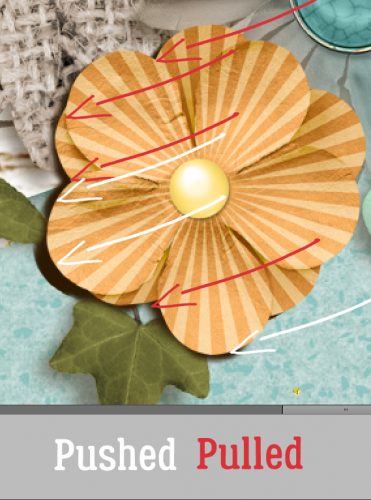
Today’s Quick Trick is a touch self-serving, but I can’t be the only one who has old eyes… My mom turned 90 on Sunday and I wanted to surprise her with my favourite black-and-white photo of her, taken in 1963. But it was COVERED in dust specks, and I couldn’t leave it like that! So I opened it up in PSE to fix it. Well. The Spot Healing Brush cursor has become completely invisible to my rapidly declining eyes when the background is any shade of gray and I soon had a headache from trying to see it. There’s a little trick that can help locate it – using the space bar to change the cursor momentarily to the Hand Tool – but it’s very momentary, and if you try to move it, POOF! I needed a better solution, so I did a web search. The results weren’t encouraging… there’s no way to change the colour of the cursor, which would have been perfect. So I tried some of the suggestions people offered. Changing the “pointer” settings in Windows didn’t do anything useful, but I did find something that worked, sort of. I’ll show you what I settled on.

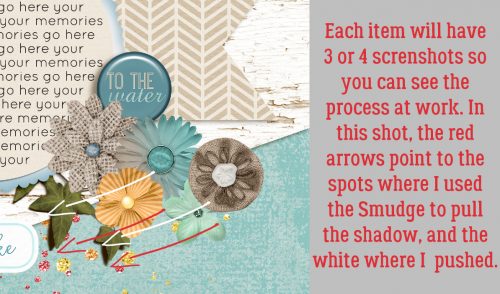
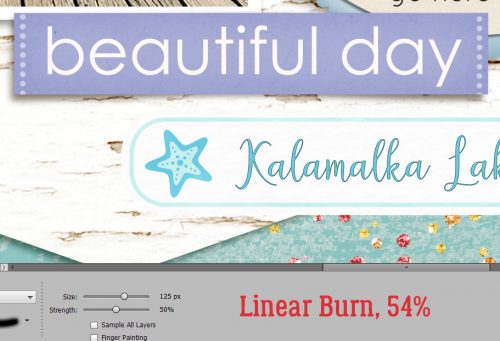
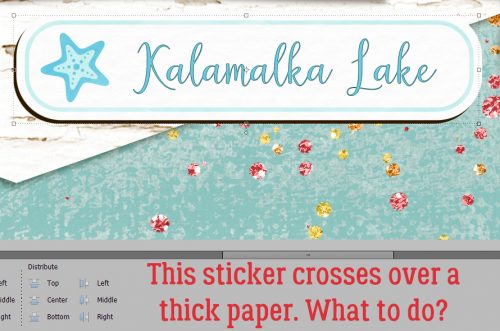
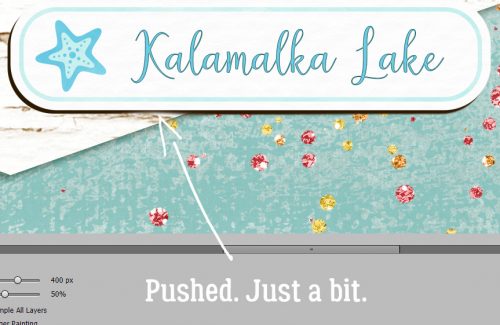
Oy, these screenshots don’t show well here. So I’ll narrate. I clicked Edit>Preferences>Display & Cursors… to access the cursor settings.

These were the settings I was working with for the Painting Cursor, which is what Elements classifies both the Spot Healing Brush and the Clone Stamp. These settings were Normal Brush Tip and Show Crosshair in Brush Tip. That setting appears as a circle with crosshairs inside it. It shows up well on white – it turns black and pops nicely – and black, because it’s white. But any shade of gray and it’s totally invisible to me.

I tested some other options and didn’t like the ones that use an eye-dropper icon. When I switched to Precise and left the Crosshair box ticked. the cursor changed from that faint circle with the crosshairs to just a plus sign, but it was infinitely more visible even against most shades of gray. The one drawback is that the SIZE of the Brush Tip isn’t obvious with this setting. The Shield will appear when you click the Brush over a spot, and you’ll have an idea of size that way. I can live with that.

I will be writing a Lasso-vs-Magic Wand Selection post for you, but I’ve discovered I’ll need more time to prepare it than I expected. Since my husband’s eye surgery I’ve been doing all of our son’s care and transfers in addition to all of my own usual tasks, so I haven’t had a ton of spare time. He has another follow-up with the ophthalmologist on Thursday and hopefully will be cleared to get back to normal. Watch this space!

January 16, 2026: Fresh Baked at Gingerscraps!

Happy Friday everyone. I hope you have all had a productive week. For our scrappers in the Southern and Eastern US, please stay safe and warm. It will be a good time to stay in and scrap.

Remember, spend $10 in the store and you’ll get this collab for free.

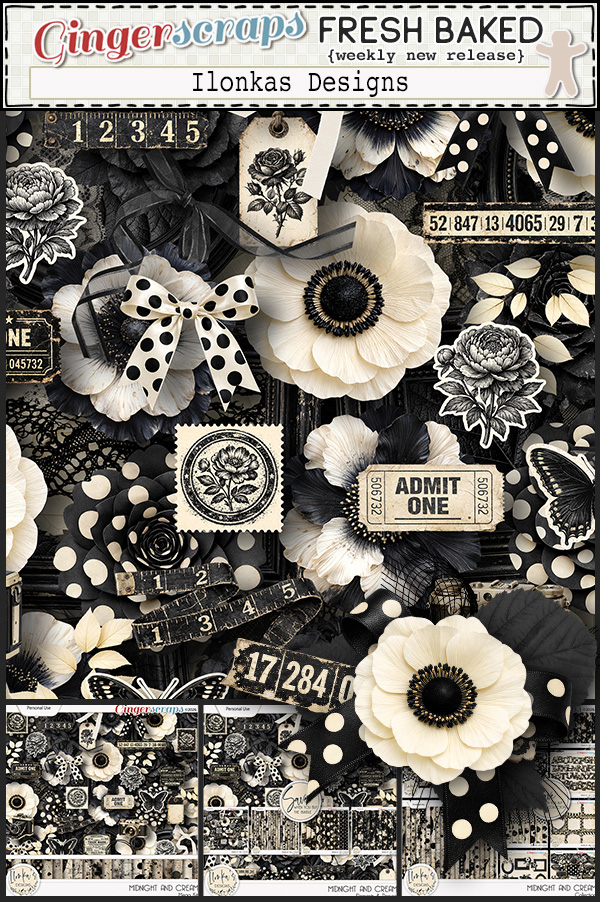
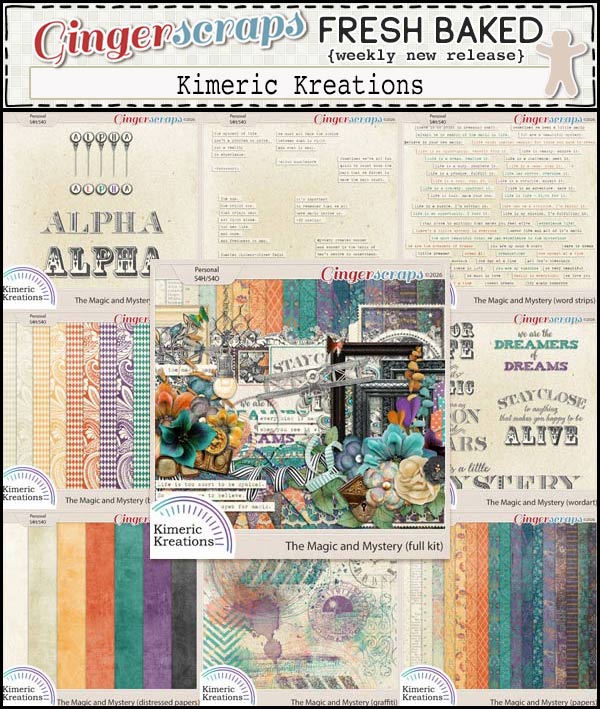
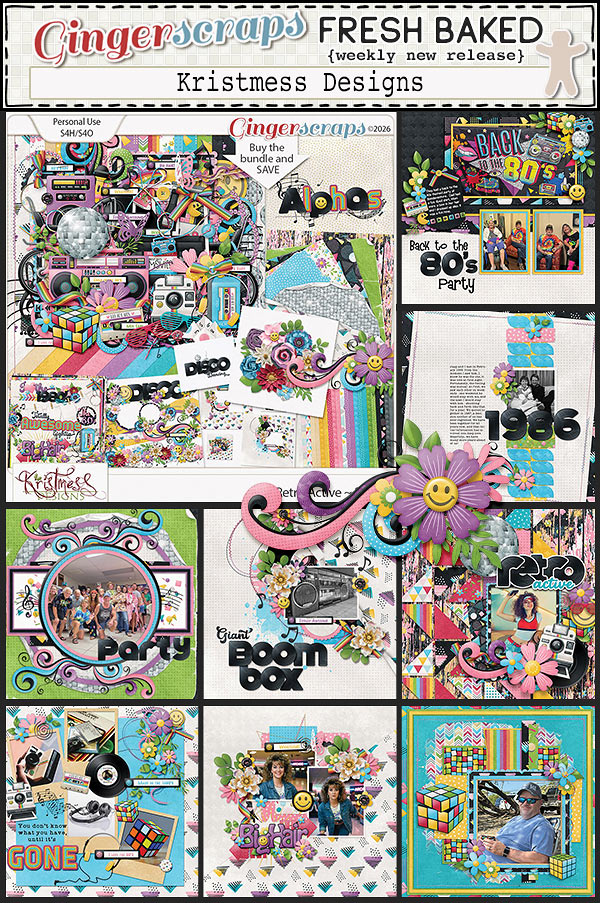
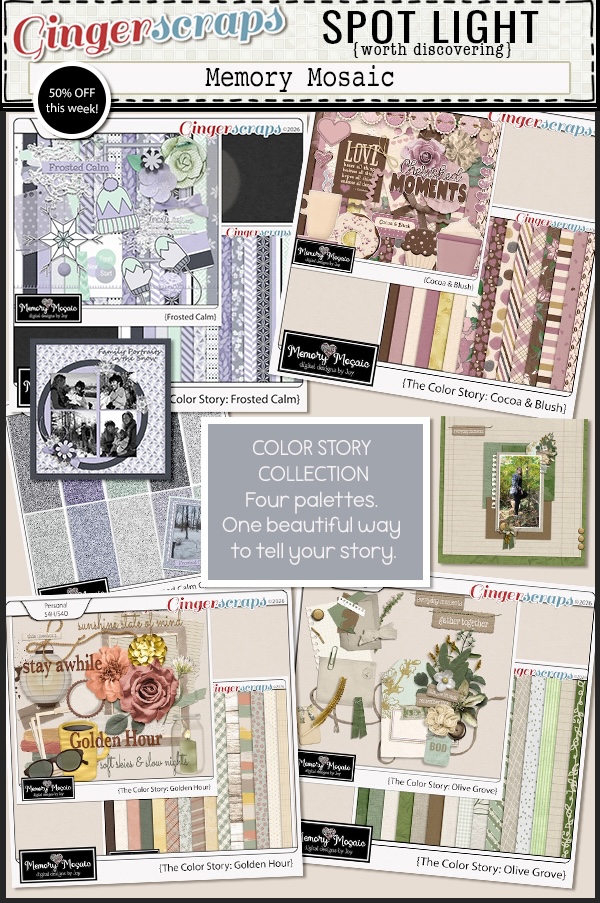
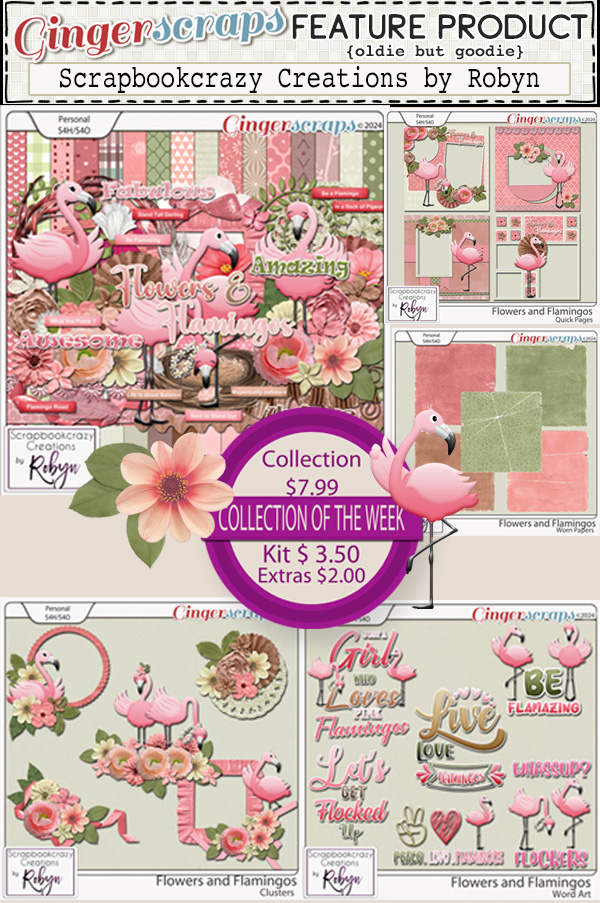
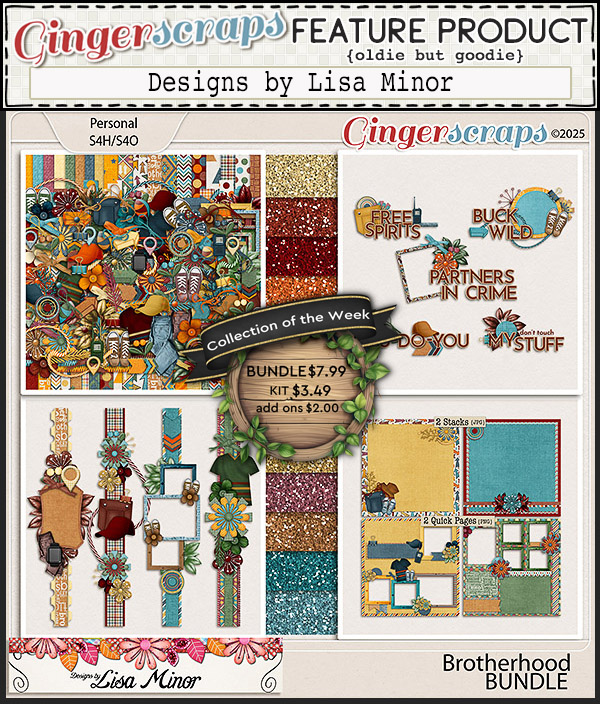
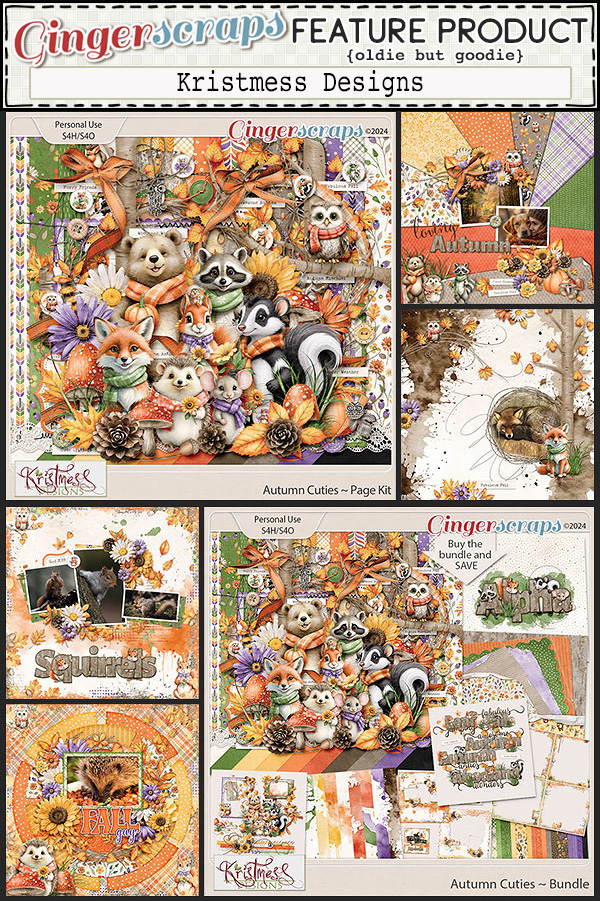
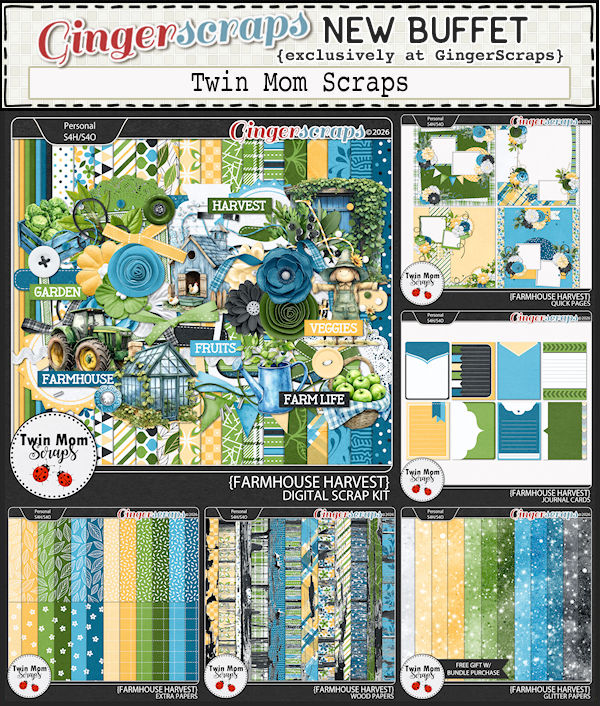
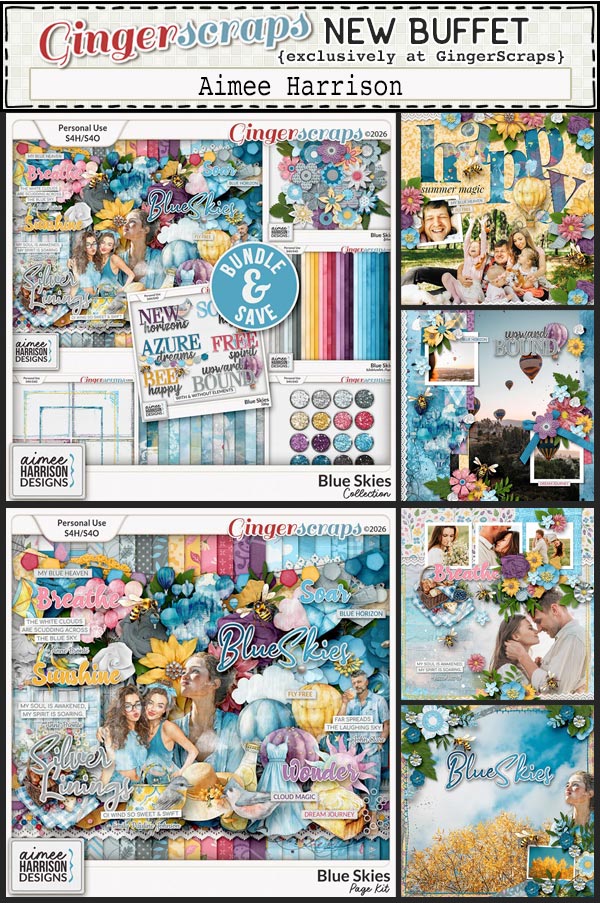
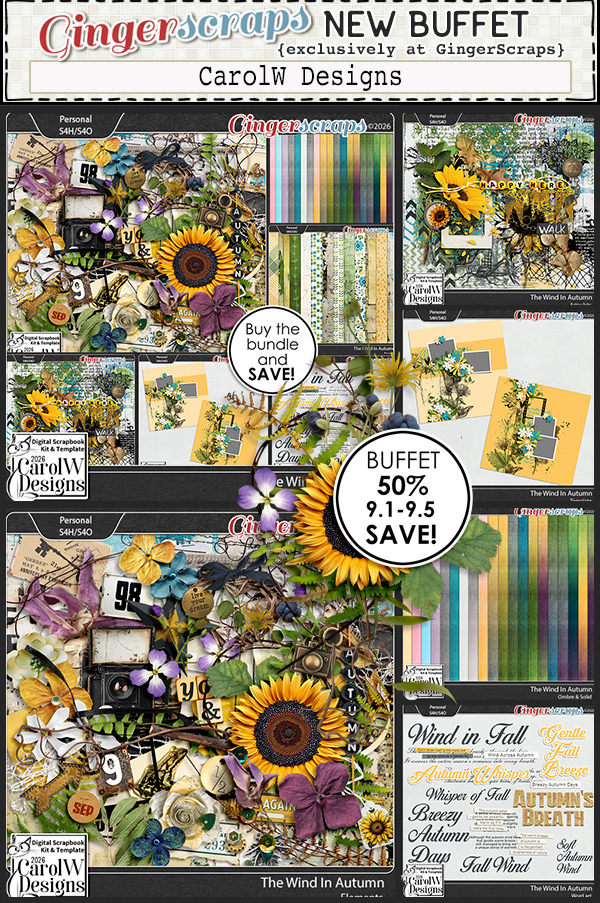
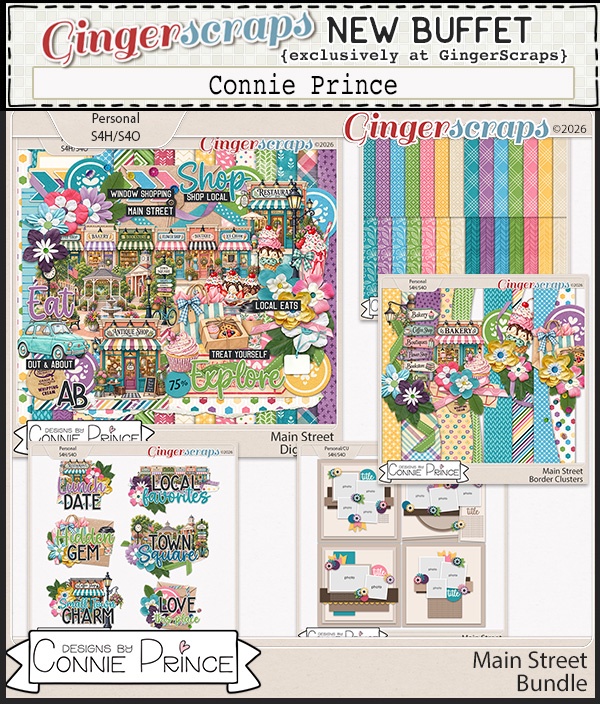
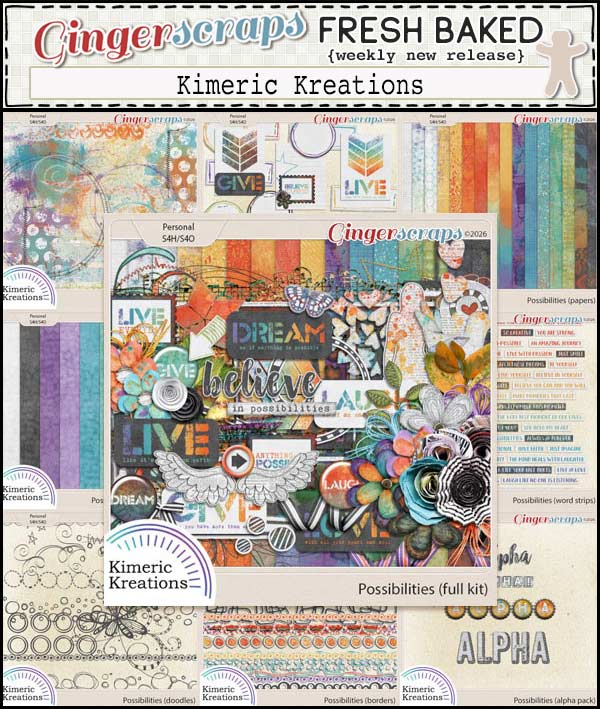
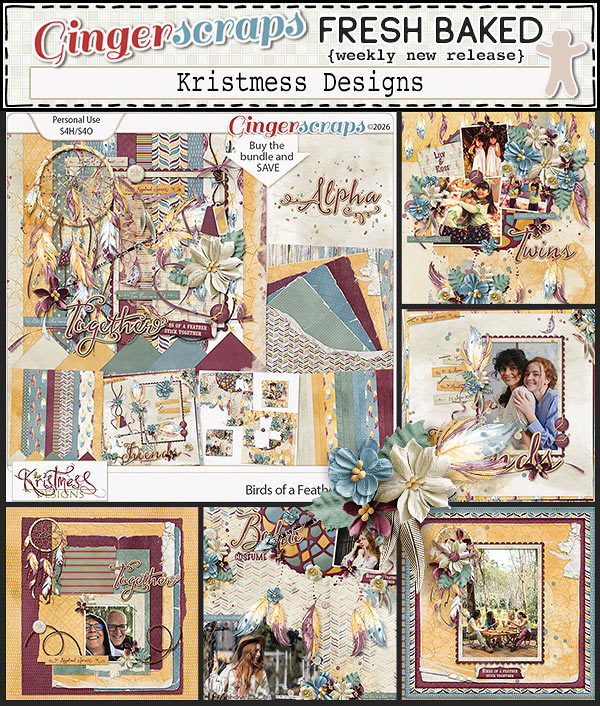
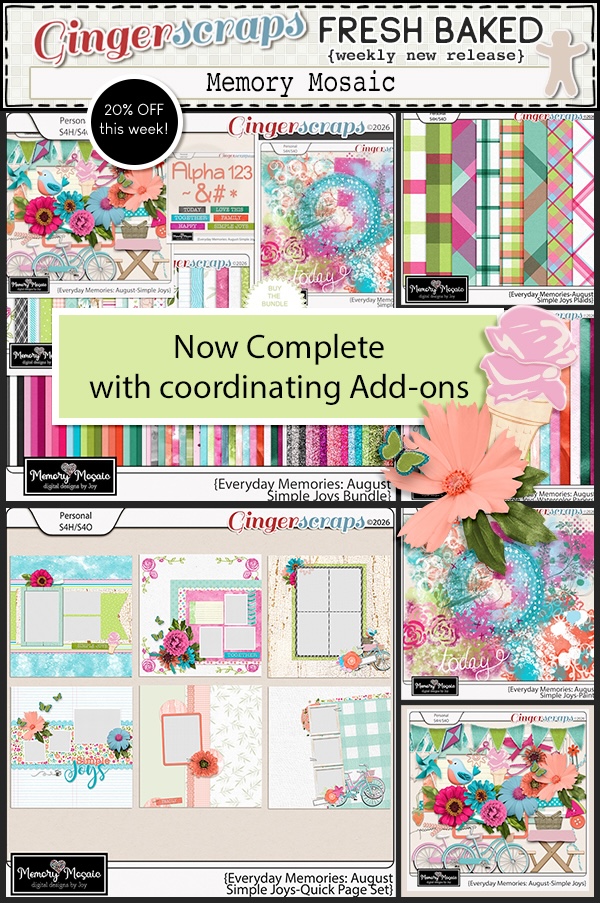
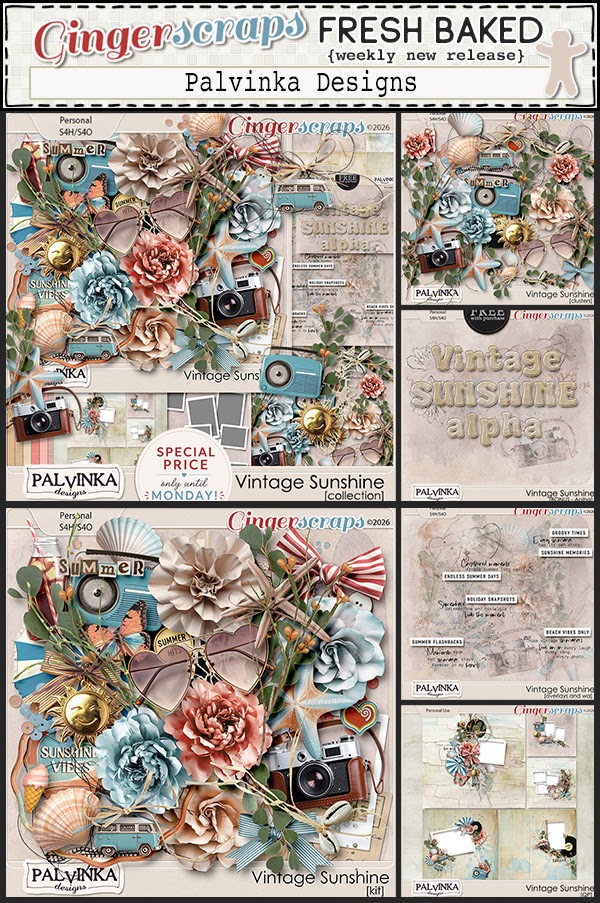
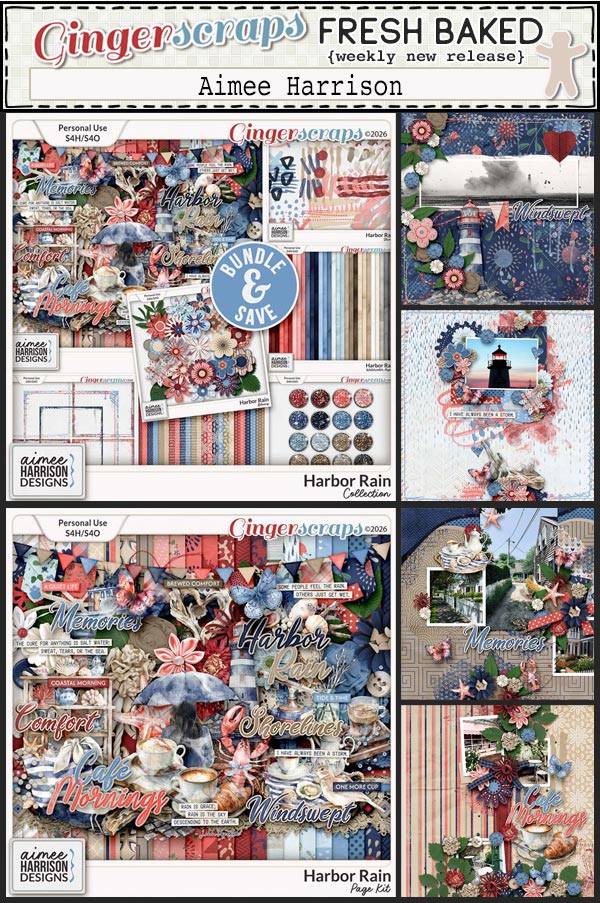
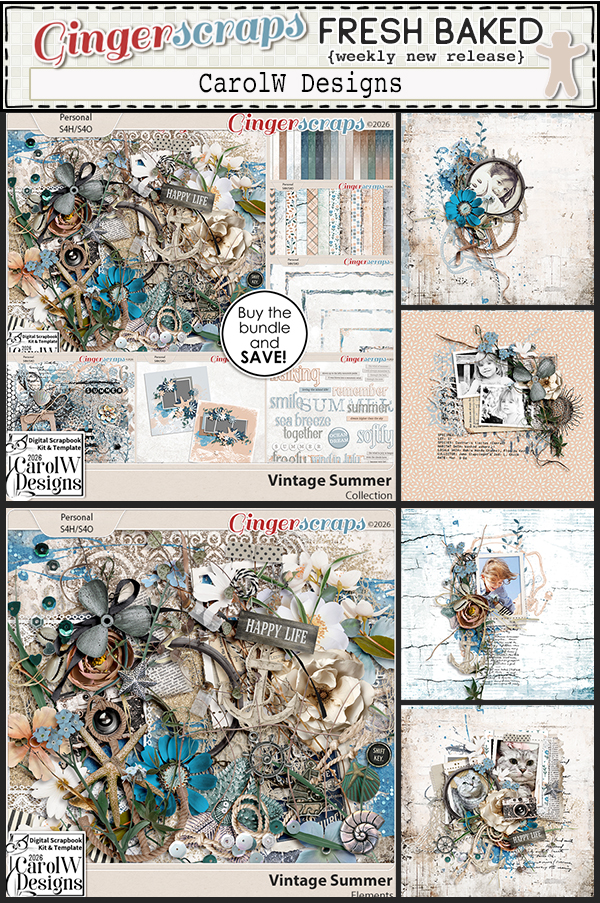
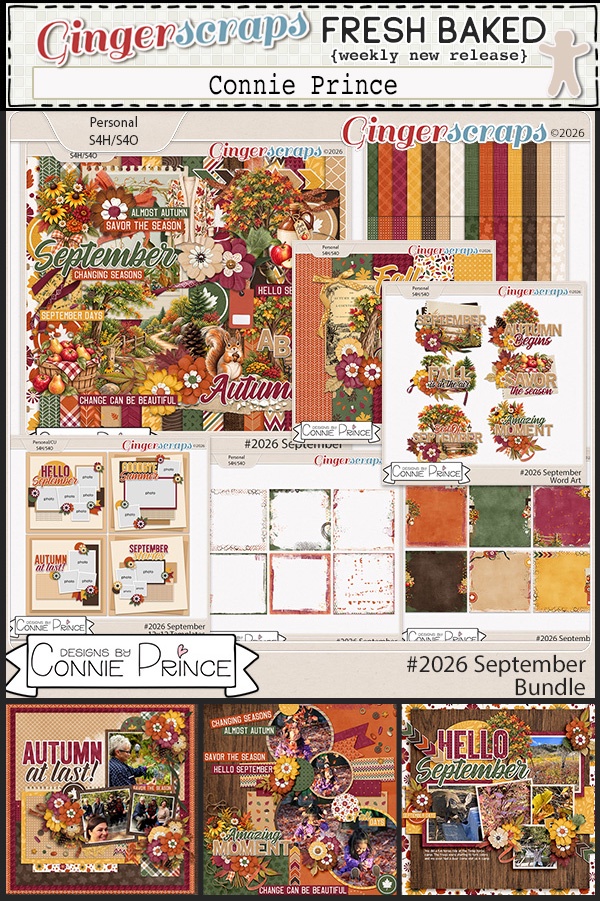
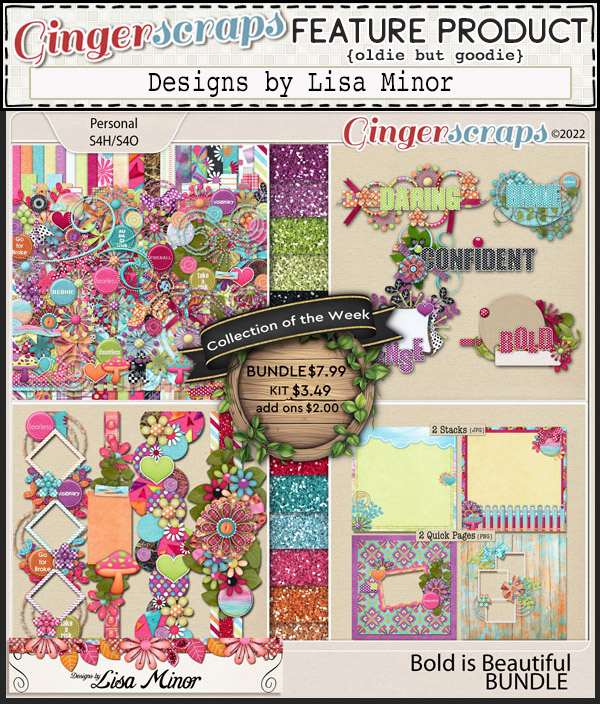
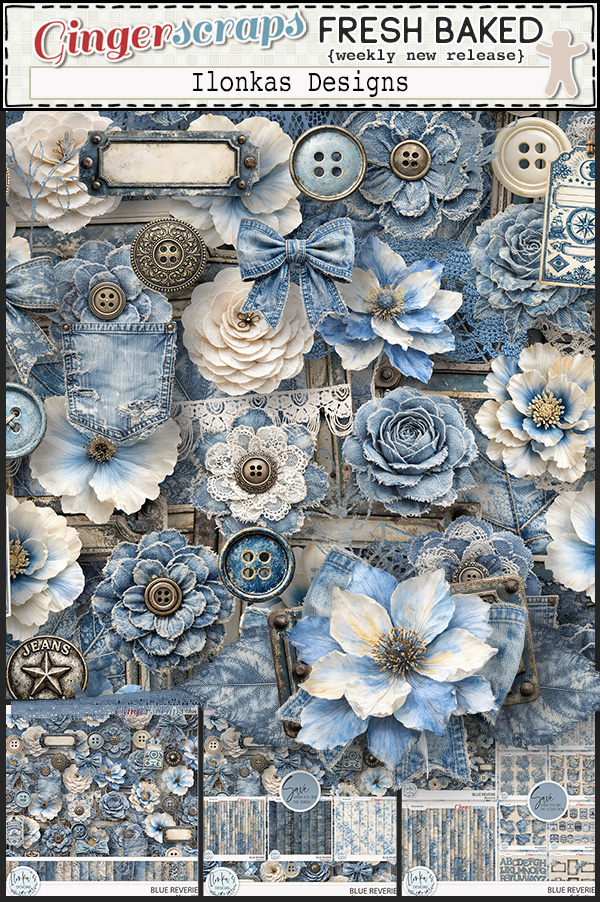
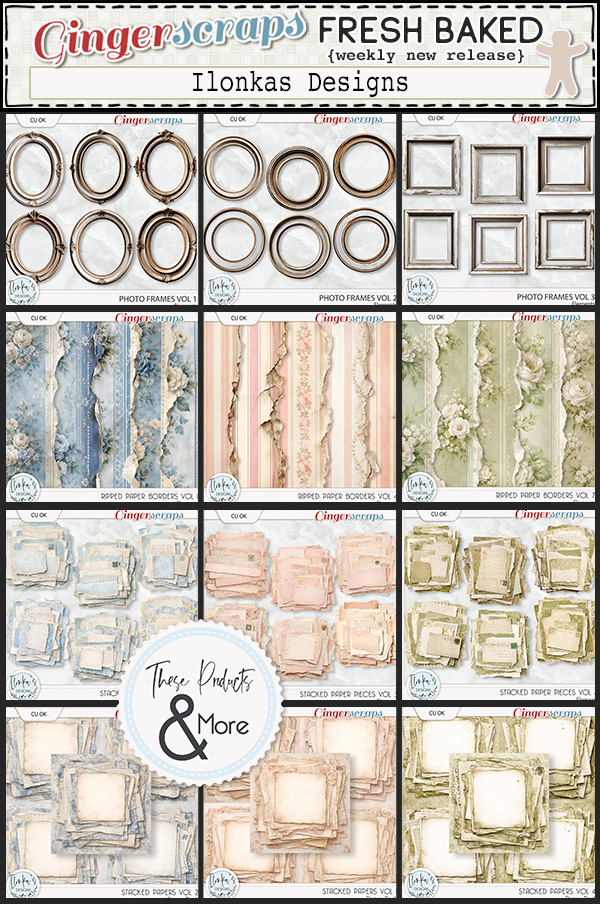
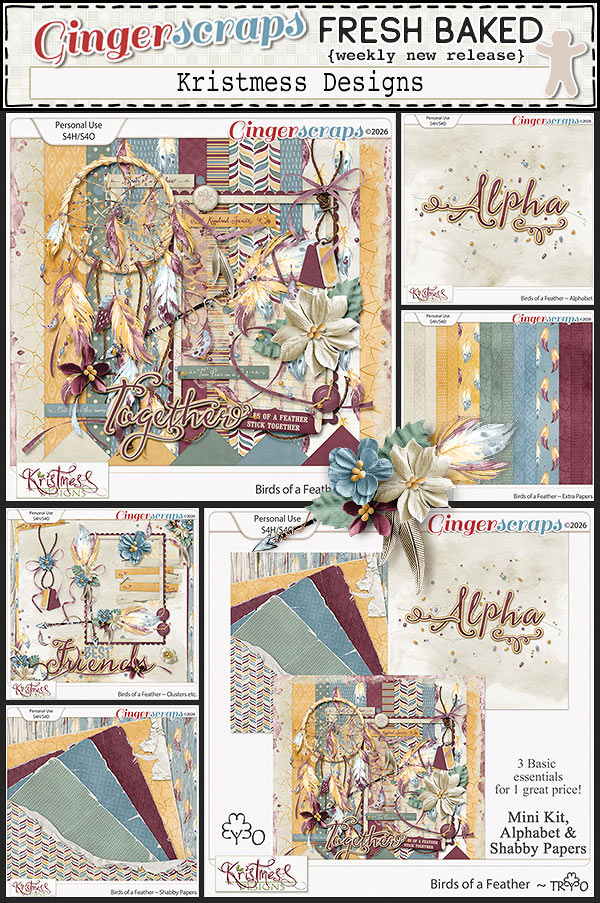
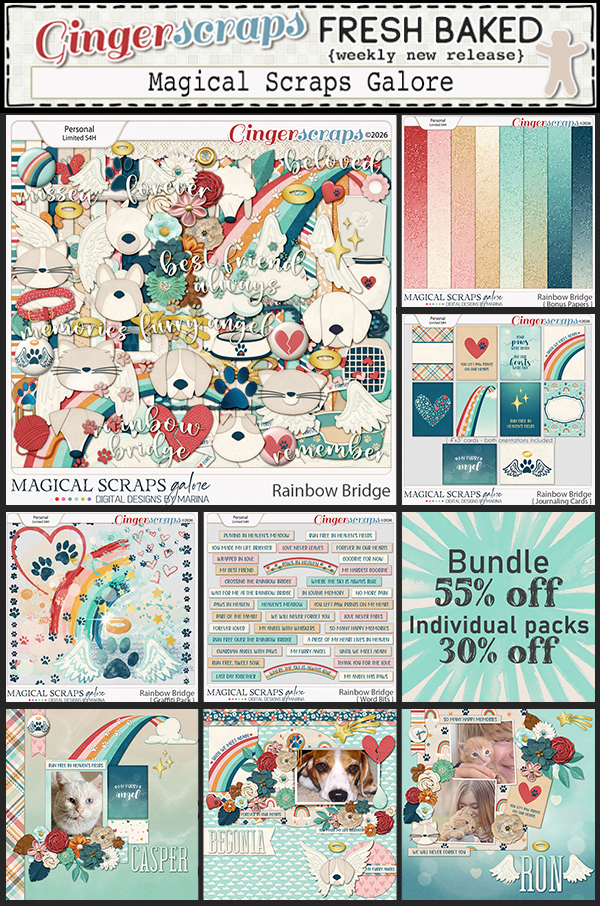
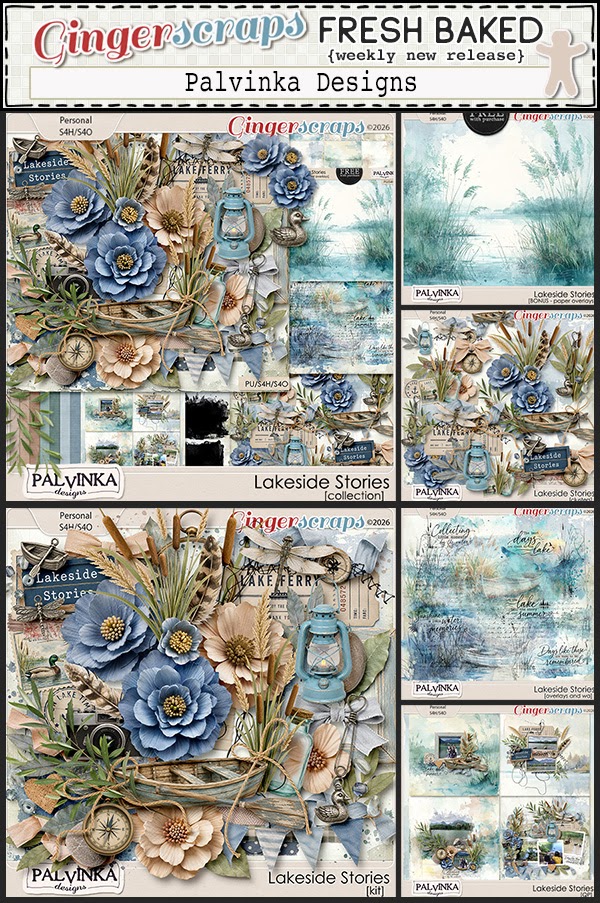
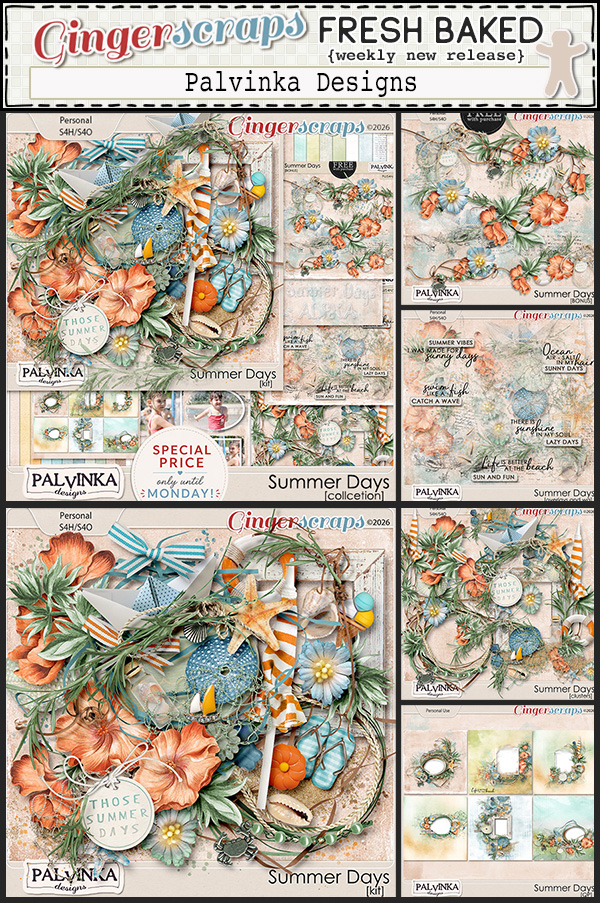
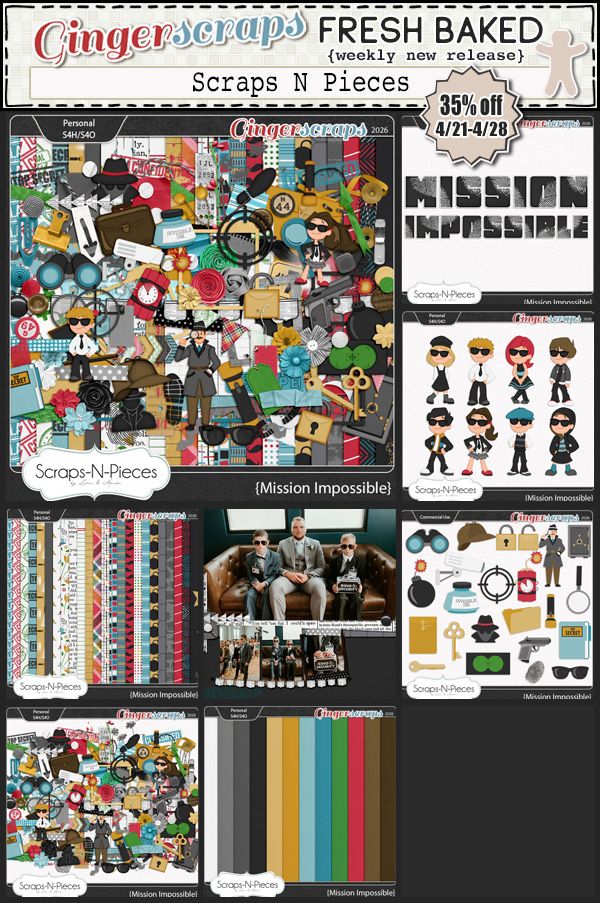
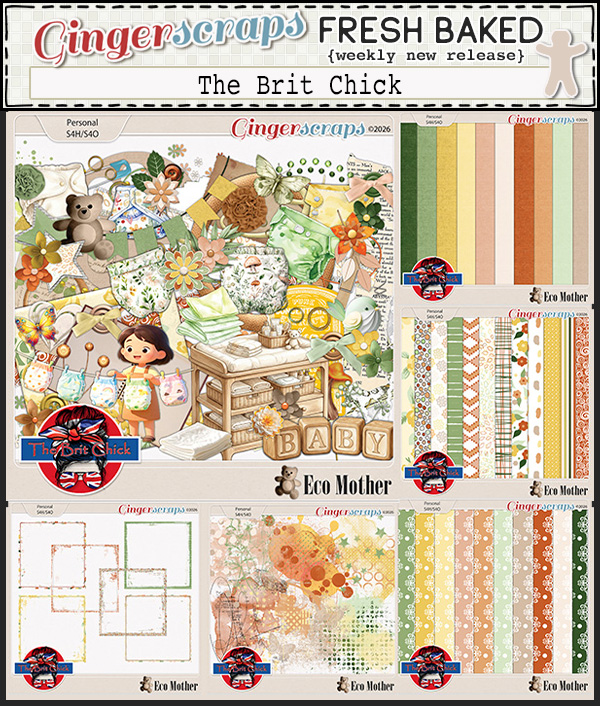
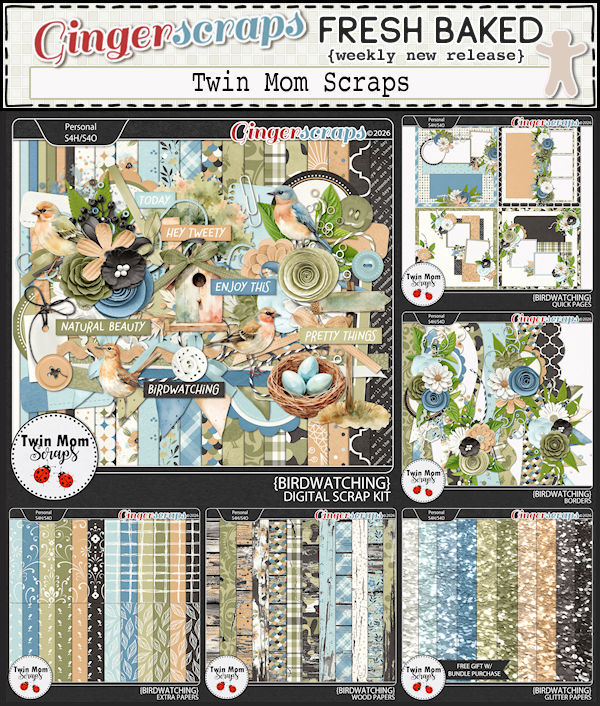
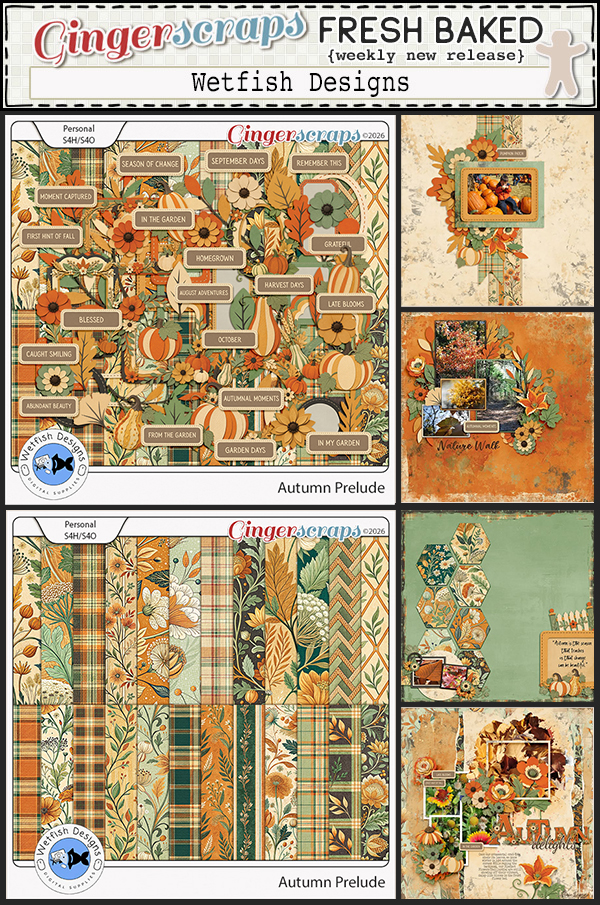
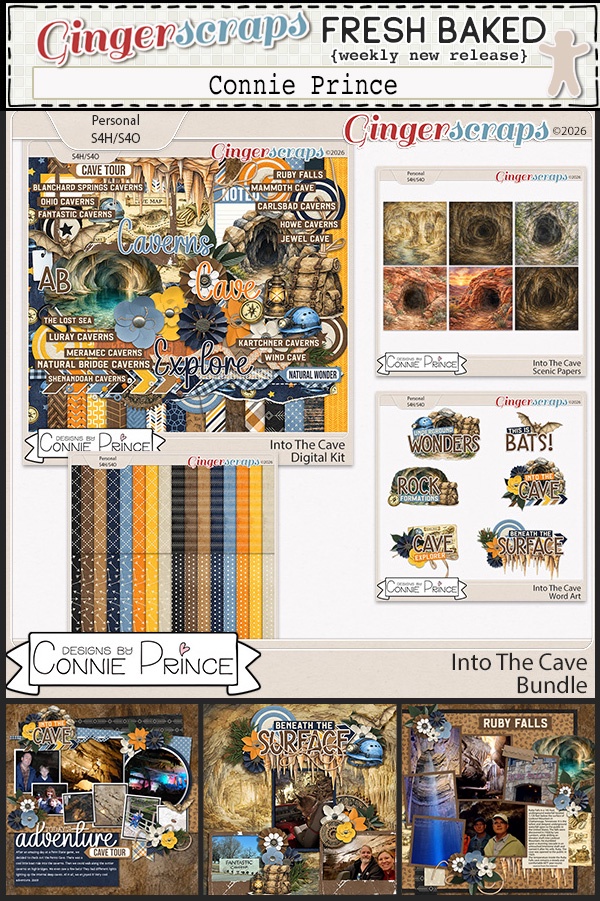
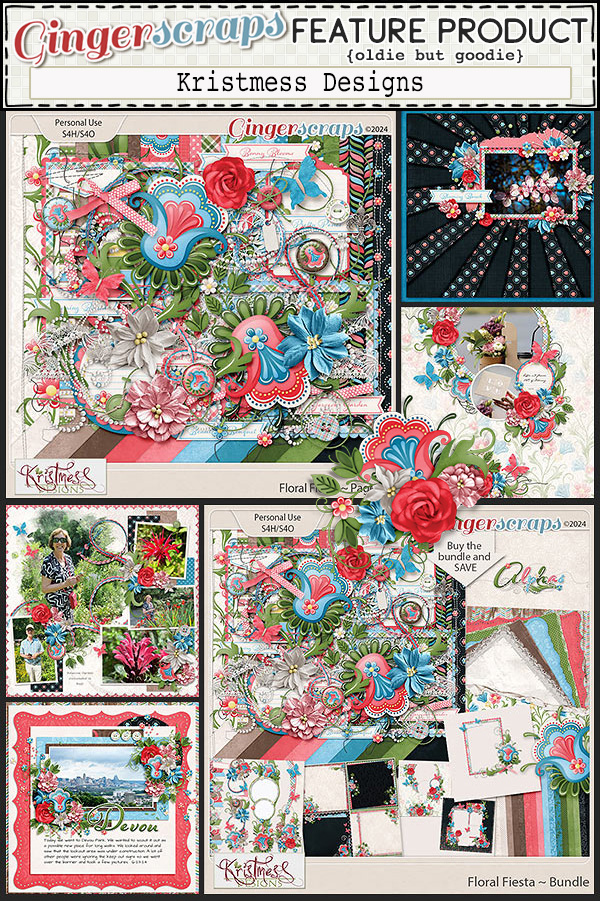
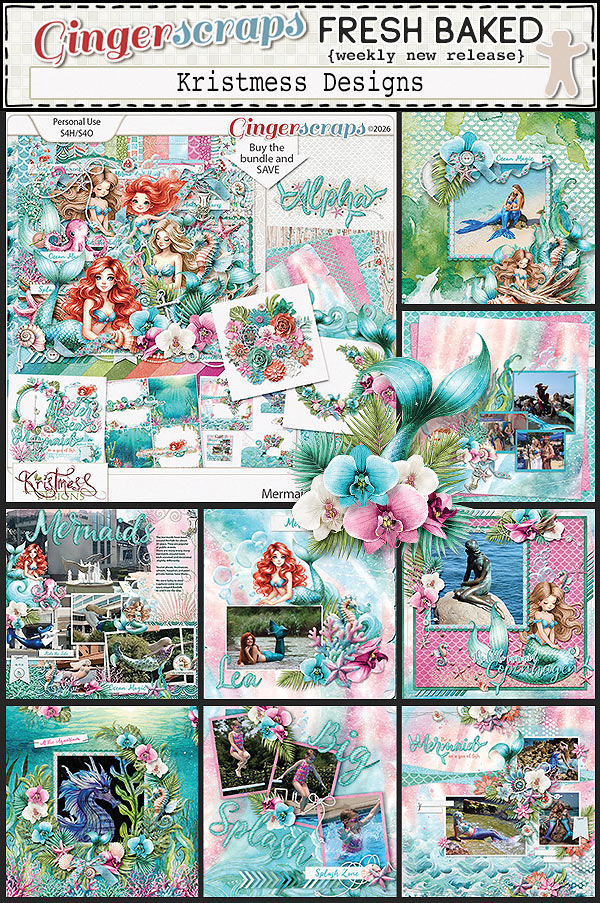
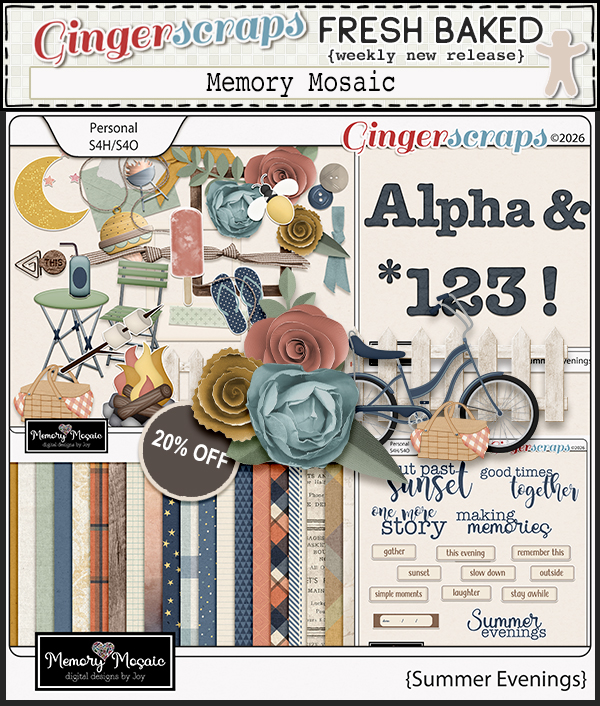
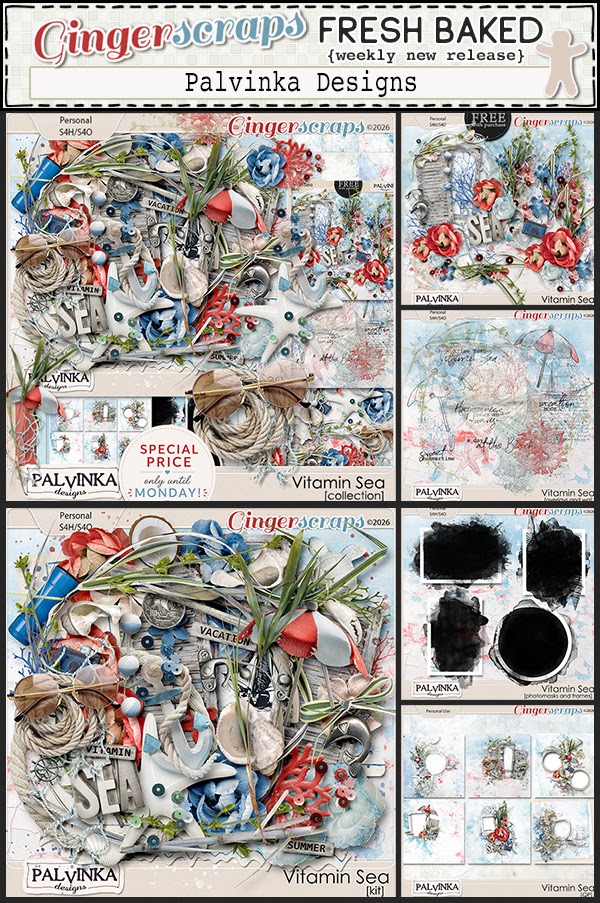
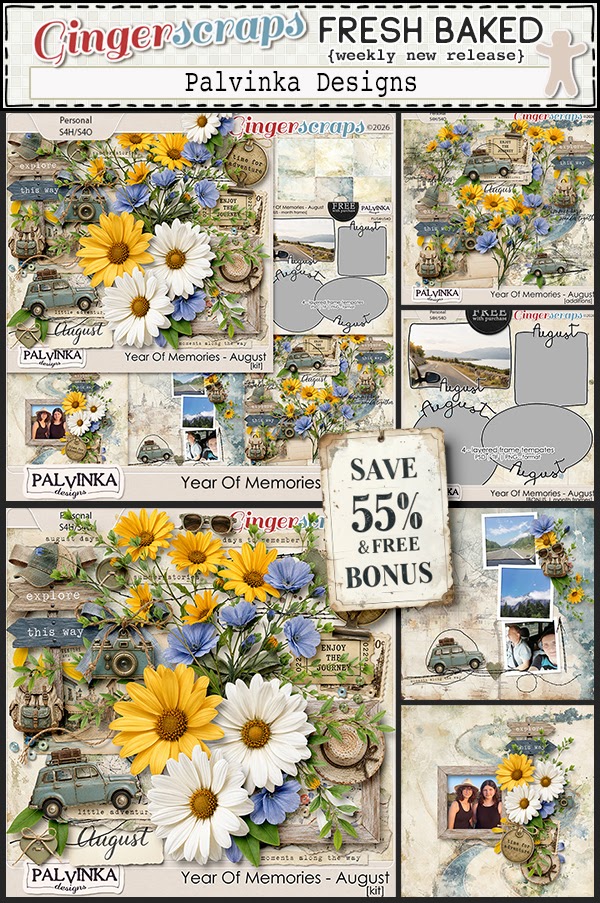
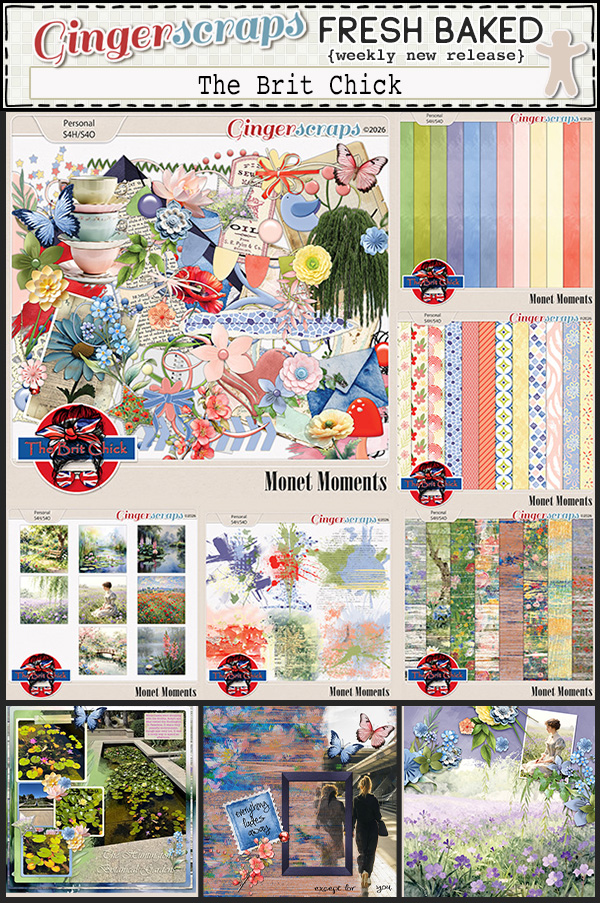
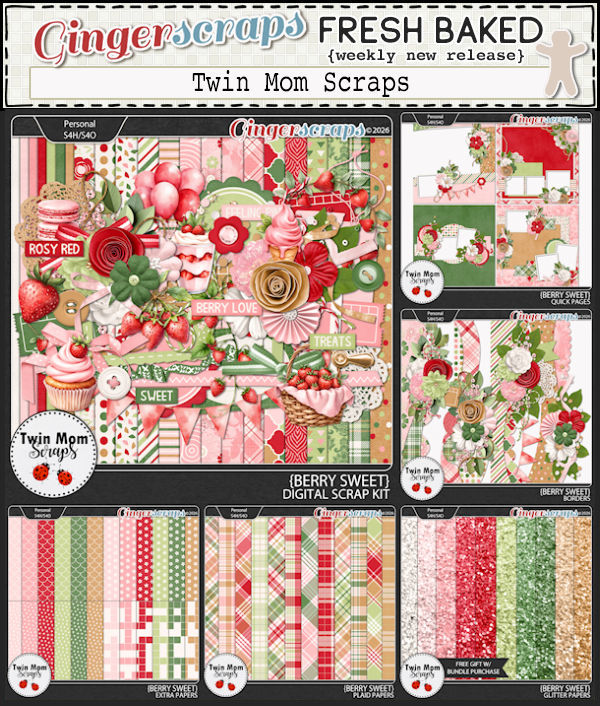
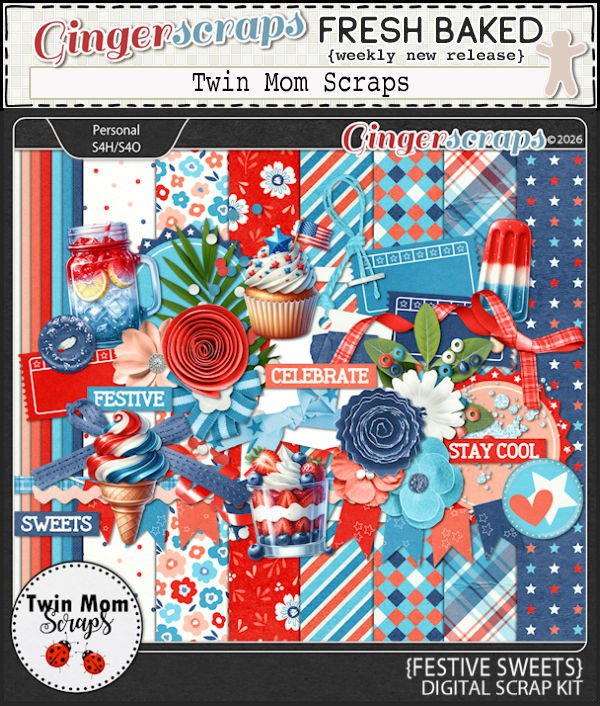
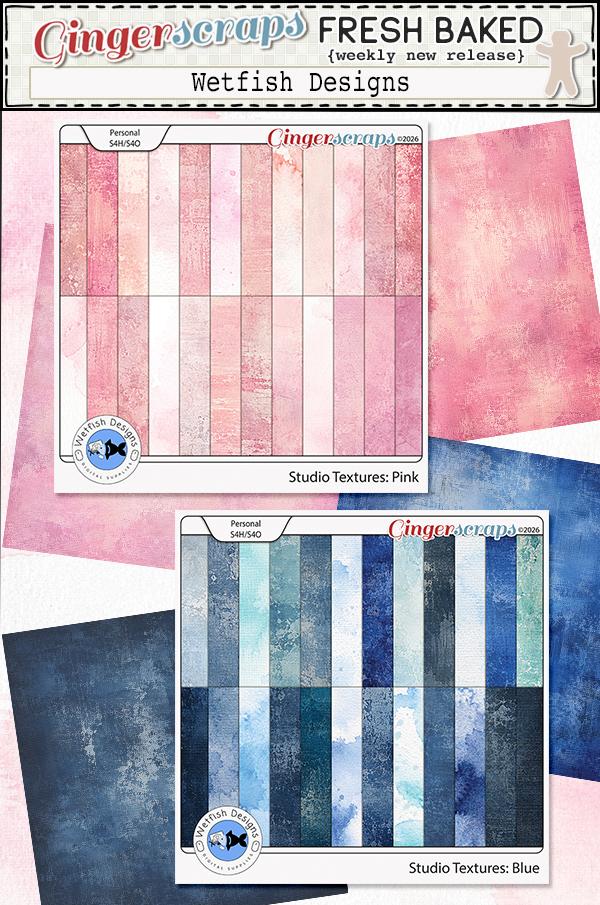
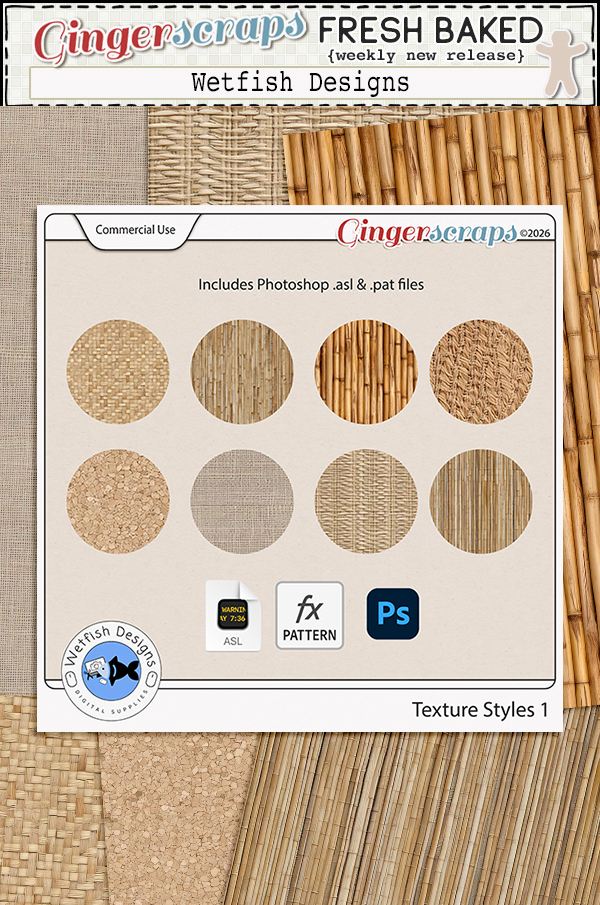
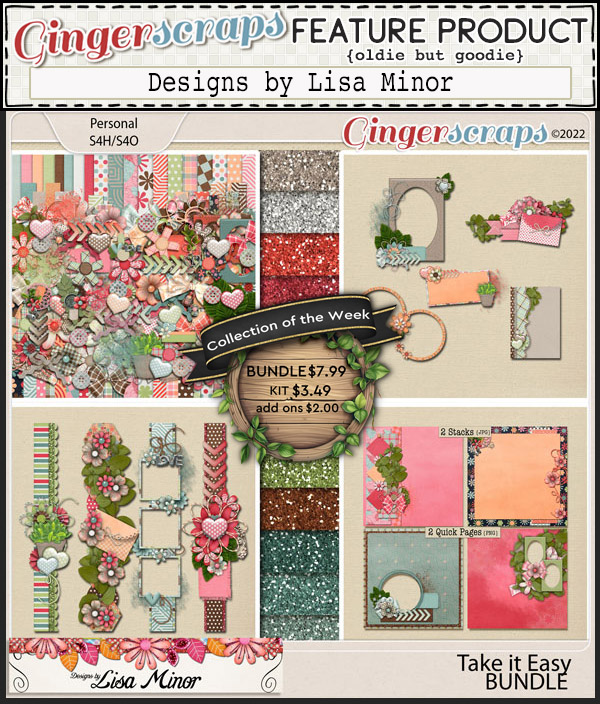
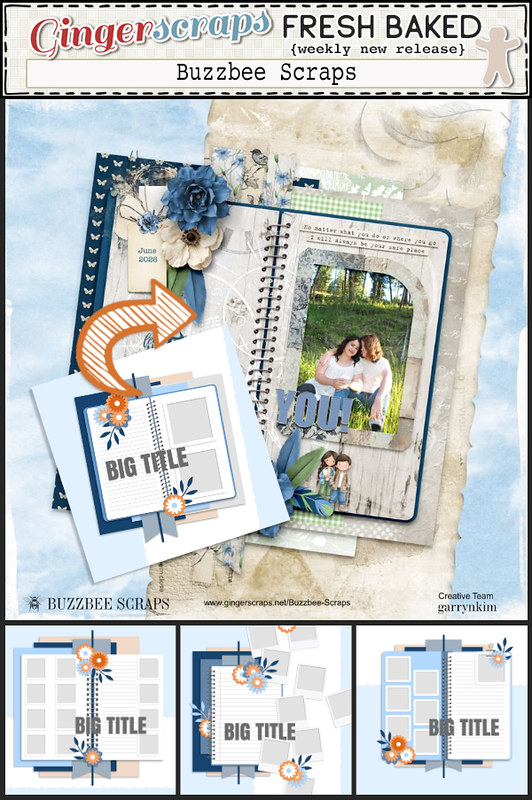
Let’s take a look at a sampling of this week’s Fresh Baked releases.

Have you picked up the January Monthly Mix Collab? I love the color combinations in this one.

Have you gotten a good start on your January challenges? Complete any 10 challenges  to earn the Challenge Reward collab (or a variety of other choices from previous challenge collabs) as a reward!
Tutorial Wednesday (Individual Style)

Challenge Spotlight: Mini Kit

Wow, you GingerScrappers have been busy this month! As of 1:20 pm PST, there have been 654 individual layouts uploaded to the 2026 Challenge Galleries. That’s phenomenal… and I think I should track the totals for the year to see just how prolific we are.

I’ve spoken before about what makes a Challenge ideal for an Individual Style Blog post, but I’ll go over it again. Of course, the participants for every Challenge are given identical criteria for each Challenge. Some Challenges can be met in a really wide variety of ways, while others are more narrowly defined. For example the Color Challenge provides participants with 2, 3 or 4 colors that must be used for their layouts. But there are a multitude of kits in the Shop that will fit the criteria. So narrow, but not. On the other hand, the Use It All Challenge provides a mini kit with maybe 10-12 items in it, all of which must be visible on the layouts. Narrow! These narrower Challenges are best suited for an Individual Style analysis. How does the Scrapper USE IT ALL? Can the viewer identify that Scrapper‘s style? What sets them apart? So with that in mind. this month the Challenge I selected is the Mini Kit, hosted by Lisa Rosa Designs. This is the kit: 5 papers, 3 flowers, some foliage, a film strip and 4 word art bits. It coordinates with Lisa‘s Between Then & Next collection, and participants are welcome to use it to enhance their layouts. Let’s look at how it’s been used.

Before I get rolling, I’m going to add some of my periodic reminders about the Challenge Spotlight posts, which may also apply to other posts too. Every layout I post here will be linked to the Gallery so that you can get a closer look, and maybe leave a comment. The link will be attached to the Scrapper’s user name. It will be in coloured, bold, underlined text. Any time you see some coloured, bold, underlined texts in any of my posts, you can safely assume they’re hyperlinks in disguise. Try it out! One other thing about this series of posts is that when I choose a Challenge to examine, I may not be able to post EVERY layout that has been completed for the month, due to the sheer volume of them! (That’s a good thing!!!) To be completely fair in that situation I’ll select all the odd- or even- numbered layouts, or I’ll use a Random.Org randomizer. That way, it’s not me personally choosing which layouts to post, and I’ll always explain how the layouts were arrived at. This month, I selected the odd-numbered layouts.

Layout #1 belongs to nimble4u. She has used all but the word art bits for her layout. She extended the filmstrip to accommodate the photos she wanted to include.

For her layout, photocrazy used all but the mustard patterned paper – which I feel was the right call – and split the filmstrip into two pieces. Using them as background elements rather than to frame smaller photos allows her sunset photo to stand out. Note how the colours in the sky are picked up by the papers, almost as an extension of her photo. Her choice of word art bits is spot-on. Well done!

Here, dhariana chose not to use the large ivory-backed floral paper and used clipping shapes for her paper accents. She chose a spare, white-space style for her version, and added some stitching as an anchor for her cluster. The simple word art title completes the layout.

SandraJ has used the entire mini kit here. The floral background paper draws the eye in, the single photo stretched the entire width of the film strip and the creative use of the word art bits keep the eye moving.

Nice ‘do, beccasue! She’s used the film strip as a clipping mask for the blue-gray paper, tucking a greatly reduced-size scrap of the striped paper in behind her floral cluster. She has also recoloured some of her flowers. The soft pink background and word art title suggest she really feels transformed.

We have our first adding-to-the-mini layout from justpennys. She’s used items from the mini, such as the flowers and foliage, she’s clipped papers to the tags, blended the mustard coloured mini kit paper with one from the collection and used some of the word art from both to form her title and subtitle. Then she’s added a plethora of elements and papers from the full collection. Nice!

The ivory floral background makes a reappearance with trinanne. It’s the only paper she used, other than a sliver of the pink for a journaling block. She kept the focus on the film strip of smiling faces.

Glori2 chose to document growth in a little person learning new skills. That narrow strip of striped paper divides the layout neatly across the middle, with paired film strips providing the proof. There’s not a shred of pink to be seen. 😉

Are you laughing our loud right now? I LOVE the humour in makeyesup‘s layout. It’s true – dogs have masters, cats have staff. 🙂 I like the narrow yellow paper borders overlying the striped paper in the background and the blue-gray paper in the foreground.

For her layout, kabrak1207 has used almost everything from the mini and added some bits from the Between Then & Next. It’s interesting that the way she’s arranged the papers in her stack makes that blue-gray paper look more green. The spray of elements along the edge of her photo adds the perfect touch to bring all the attention to the little girl’s eyes.

I hope I haven’t made any glaring typos! I never realized how much I use my left ring finger before. The splint is doing the job and I might be able to leave it off in a day or so. And I really should analyze how I injured it so I can prevent a recurrence. Anyway, how would you all like me to learn the difference between the Lasso Tool and the Magic Wand Tool and share it with you?

Tutorial Tuesday – Postponed

Hey GingerScrappers!

Things chez ObiJan have been a bit of a dumpster fire the last few days (I’ve sprained a finger again on top of it) so I’m running behind. I’ll have a Challenge Spotlight for you tomorrow. Thanks for your understanding!

$2 Tuesday Is Live + Last Chance 65% OFF Retirement Sale

$2 Tuesday Is Live + Last Chance 65% OFF Retirement Sale @ GingerScraps

It’s one of those weeks at GingerScraps where you might want to grab an extra cup of coffee and settle in, because the deals are flying fast. $2 Tuesday and Wednesday are officially here, bringing you a fresh batch of scrappy favorites for just two dollars each. It’s the perfect chance to boost your stash, try something new, or grab a few extras for upcoming projects.
But wait, there’s more. Today is the LAST DAY of our $1.50 Bake Sale, so if you’ve been eyeing any of those sweet deals, now is the time to snag them before they’re gone. And this is also your FINAL CALL for the Out With The Old sale, with retiring products marked down 65% OFF and disappearing for good when the sale ends. Once they’re gone, they’re gone forever, so be sure to grab your favorites while you still can.

Three big sales and the PERFECT time to shop and scrap!

January 16, 2026: Fresh Baked and RETIRING PRODUCTS

Happy Friday everyone. This week really went fast. Along with our regular Fresh Baked releases, we have our Out with the Old Retiring Products Sale.

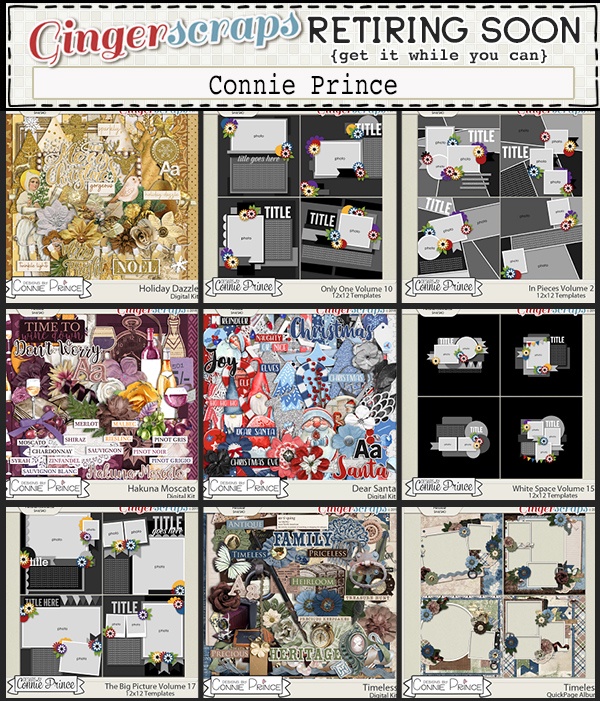
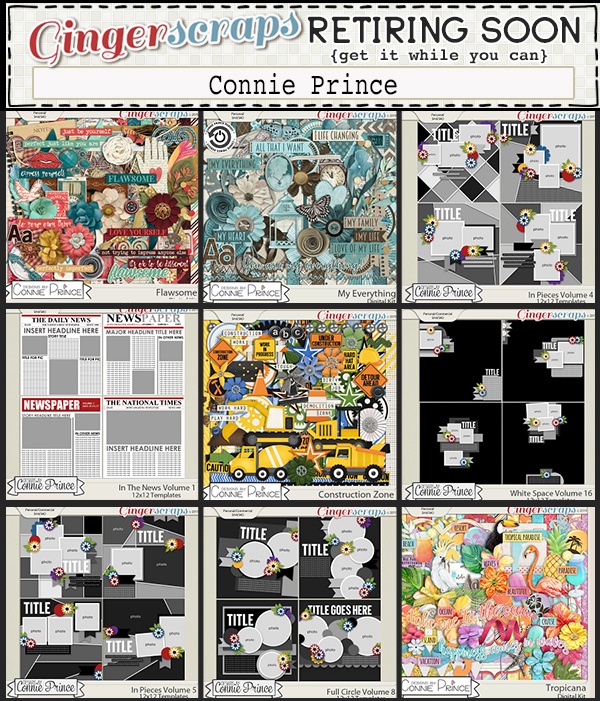
Take a look after the Fresh Baked items to see samples of items on sale.

Remember, spend $10 in the store and you’ll get this collab for free.

Let’s take a look at some of the Fresh Baked items for this week.

Have you gotten a good start on your January challenges? Complete any 10 challenges  to earn the Challenge Reward collab (or a variety of other choices from previous challenge collabs) as a reward!

Tutorial Tuesday (Potpourri)

Greatest Hits: Decluttering Isn’t Just for Homes

It’s January. It’s bone-chillingly cold in some parts of the world (although oddly enough, we’re having a very mild winter) and unseasonably warm in others. The holidays are over, and winter stretches out in front of us like a long and bumpy road. There’re no truly exciting events on the horizon, so what’s a girl to do? Well, the flyers are filled with supplies for organizing our stuff… But for Digi-Scrappers, we don’t need to buy anything. It’s all right in front of us! I think now is a good time to talk about organizing our stuff, and maybe actually making some effort to get ‘er done. This is how I do it, but I know y’all have your own way of doing things, The important part is to DO it!

It’s not as important where we start as that we actually DO start. For me, the place to begin will be with all the new kits I’ve amassed but haven’t unzipped. This is actually my New Year’s Resolution, to unzip and relocate my supplies as soon as I download them. I was keeping up just fine for awhile, don’t even ask me how it fell apart this time. I have a backlog, and I WILL attend to it. Eventually. I was using an unzip app but when I moved to my current laptop, I found the newest version to be.. unhelpful. So I went back to the labour-intensive single-folder method. It’s a tiny bit easier with Windows 11, but still laborious. I find it’s less work to create a new folder for those kits with multiple downloads, so they are all in one place when it’s time to ditch the stuff I’m never going to use. Then I don’t have to go back and search all the download folders to find the ones I’ve unzipped. I go through each of the subfolders, deleting all the duplicate previews and things I know I’m not going to use (like alpha sheets!). If the kit is templates, I delete the PNG files and the TIFF files, and I add to the name of the previews to include single or double and the number of photo spots the template includes. That lets me put a keyword like “single4” in the search bar and Windows will find all the previews with 4 photo spots. Once I’ve arranged my folders the way I like them, I move them en bloc to my digikit folder for the store or designer as appropriate. Then my download folder should be empty. Until I fill it up again!

The way I sort my digikits is primarily by store or by designer’s creative team, My GingerScraps folder is ENORMOUS!  With Tinci Designs‘ retirement, I’ll be moving all her folders to a peripheral drive and my main GS folder will be much thinner. 🙁 I rename each kit’s folder: DesignerNameKitName, unless it’s a Buffet kit, then it’s MonthYearBufDesignerNameKitName. That makes it easier when I’m doing a store challenge.

I try to organize my photos as I take them, so the job isn’t too daunting. I don’t care for the Organizer that comes with Photoshop Elements so I don’t use it. But it can be very useful for both organizing and retrieving your photos. The Help menu can give you some ideas about how to maximize your efficiency. The way I file my photos is in folders… what else? I create a new folder for the current year, and a subfolder for each month. (I used to religiously rename my photos for easier retrieval, but have gotten lazy lately. Sigh. Another task on the To Do List.) Photos go into the folder for the month and year they were taken so I have some frame of reference later. I have a folder for the photos my friend Sandy takes and graciously allows me to ‘steal’ and one for the photos I download from Pixabay. My Pixabay folder is broken down into subfolders by topic: Kids, Insects/Flowers, Animals, Portraits, Scenic and such. This method of filing makes it a lot faster to find what I’m looking for.

I also organize my layouts. I have folders for each month’s challenges, with subfolders for the challenges themselves. When the year is over, they all collectively are filed in a folder for the whole year. Then again, I have some folders that have copies of the finished layouts for my daughters’ weddings, my grandkids’ first years, all of my Ireland layouts and for the creative teams I’m on. It’s all about finding things later!

I (once again) haven’t taken the time to go through my 1400+ fonts and retag them for MainType. I lost a bunch of fonts when I set up this laptop, and have had to either track them down and download again, or just let them go. I really do need to get on with it! It’s a daunting task, but you know what they say. Focus on the first step. I know the time I spend on it now will decrease the time it takes me to find the one font I’m looking for later. The best part of MainType is that I decide what my tags are, based on MY workflow – how I search for things. And like everything else, if I work at it as I add new fonts, the amount of time I spend on it will go way down. My husband had eye surgery yesterday and we’re still working out how to navigate his limitations; I don’t know if I’ll have free time to actually start anything, never mind anything that requires focus and concentration. But just writing about it is giving me a rash, so let’s move on!

One caveat. If you’re going to delete duplicate files, make sure you only delete the ones you’re not going to want to search for later. I made the mistake of using a Windows utility and chose the wrong metric so it removed a LOT of my original templates and left me with the PSD files for the last layout I used them for. Retrieving the original template takes a lot of time but is necessary when I use the search feature to find previews for my desired number of photos. Oh, and maybe now’s a good time to BACK UP all your stuff.

I’m interested to hear how YOU organize your stuff. So please, share your secrets!


January 9: Fresh Baked Friday at Gingerscraps

Happy Friday everyone! I hope you have had an amazing week and have found many chances to grab photos to use for you next layout.

Remember, if you spend $10 in the store you get this great collab for free.

Let’s see what our designers have this week.

Have you gotten a good start on your January challenges? Complete any 10 challenges  to earn the Challenge Reward collab (or a variety of other choices from previous challenge collabs) as a reward!

Designer Spotlight (January 2026)

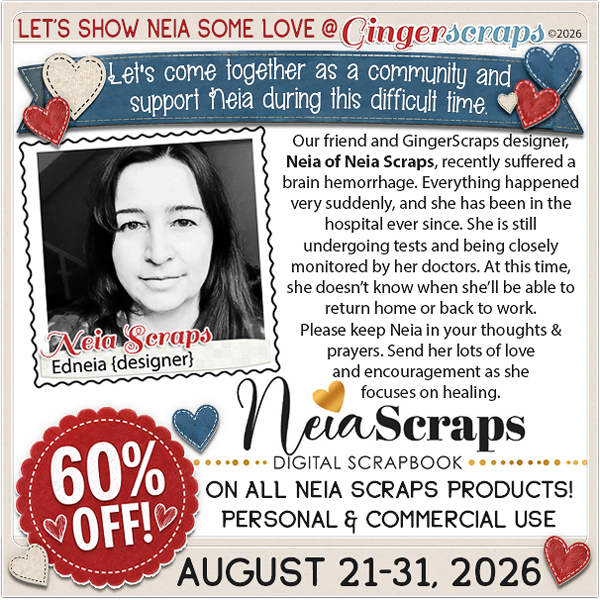
Neia Scraps

Welcome to the first Designer Spotlight of 2026! Up first this year is the Über-productive and highly-sought-after Edneia aka Neia Scraps. Now, Neia and I have had a number of chats, and this time we’ve come up with some great new schtick… she has a great sense of humour and we get along like a house on fire. Wanna know what I’ve learned about her lately? Read on!
J: I’m so happy you’re here again! We must be doing something right, you keep coming back for more. I told you last time we talked how much I love the small changes you’ve made to the spirit of your designs. Bet you didn’t know I bought about a dozen of your collections not long after that chat. 😉 Before we really get into it, let’s remind everybody how you got into digital design in the first place.

N: It started very naturally. I was drawn to the creative freedom — being able to tell stories visually without strict rules. Over time, it became my main creative language.

J: Ah, creative freedom! That’s something we all enjoy. What’s the main source of your inspiration when designing a new collection?

N: Usually a feeling first, not an object. I like starting with a mood and letting the elements grow from there.

J: That explains the subtle shift in your work. It’s definitely more sensitive and passionate. How would you describe your work?

N: Artistic, emotional, and organic.

J: Totally! I’ve noticed that your collections have expanded and become very inclusive. Do you prefer designing papers or elements?

N: Elements. They feel more organic to me — like little characters that can live in many different stories.

J: That’s a great way to describe them. I love elements that are truly versatile. Because, well… my credit lists are the stuff of legend. 😀 I often take one element from each of a dozen kits and bring them all together into one layout. It’s fun! What do you enjoy most about seeing others use your designs?

N: Seeing how personal their pages become. The designs are mine, but the stories are theirs — and that’s the best part.

J: It must be so satisfying! Now, since colour is a huge part of designing, if you could BE a colour, which one would you choose?

N: A soft neutral. Calm on the surface, but very flexible and expressive when combined with other colors.

J: I love it! Colour Ninja! So how do you unwind after a long design-superhero day?

N: A quiet moment with coffee or tea. I like letting my mind wander — that’s usually when new ideas show up.

J: I like a nice snuggle with one of my dogs. (Lately, not the one that keeps peeing on the hallway runner. She’s on the bad-dog list. :D) If you could have any animal, real or imaginary, as a pet, what would you have?

N: A dragon. I’d love to fly on its back. And if that sounds a little Fourth Wing–inspired… that’s definitely not a coincidence.

J: Nothing wrong with a little flight-of-fancy! Would you teleport if you could?

N: I’d go somewhere cold and calm. Snow, trees, a cozy place… the kind of place where ideas slow down and settle.

J: Canada fits that bill! Right now, where I live, we don’t actually have any snow – which is NOT usual, but it’s making a lot of people happy. What one thing always makes you smile?

N: When someone uses my designs in a way I never imagined. That’s always a nice surprise.

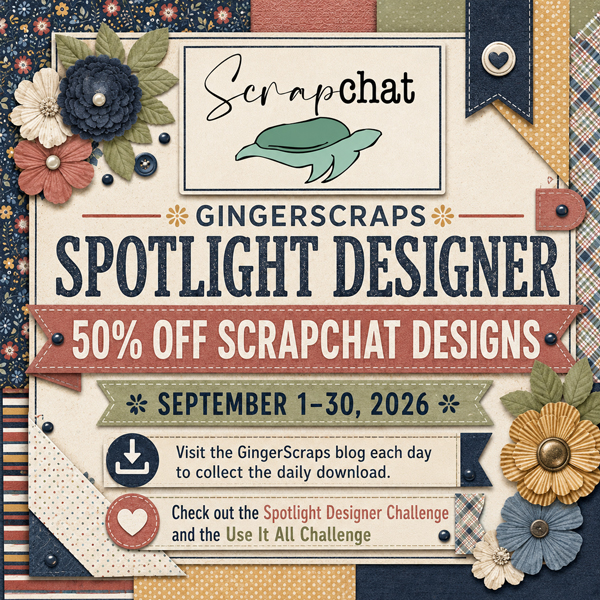
J: Aha! You’ve thrown down a gauntlet there. Hear that everybody? Your mission, should you choose to accept it, is to find a completely unique and unexpected way to use Neia Scraps designs for a layout. Even better? She’s hosting TWO Challenges this month!! Of course, she’d hosting the Designer Spotlight Challenge, as well as her usual My Memories Challenge. (They’re linked up for you, just click on them.) And if that’s not enough for you… This month, everything in her store is 45% off—or even more on bundles! And here’s a little bonus: spend $20 or more and get an extra 10% off at checkout. Use the coupon: NEIA-SL202610

Aaaaaand… the Daily Download, here on the Blog is yours, free, for the taking.

Well, what are you waiting for? GO!


January 2: Fresh Baked Friday at Gingerscraps

Happy New Year and Happy First Friday of 2026. It’s a brand new year of happenings at Gingerscraps. We have so many things planned for 2026 and we can’t wait to share them all with you.

• Make sure to check out the forum for new challenges every month.

• Don’t forget the book club with new books to read and discuss each month.

• If you are new (and even if you aren’t), make sure to check out the Welcome Wagon with gifts from our wonderful designers.

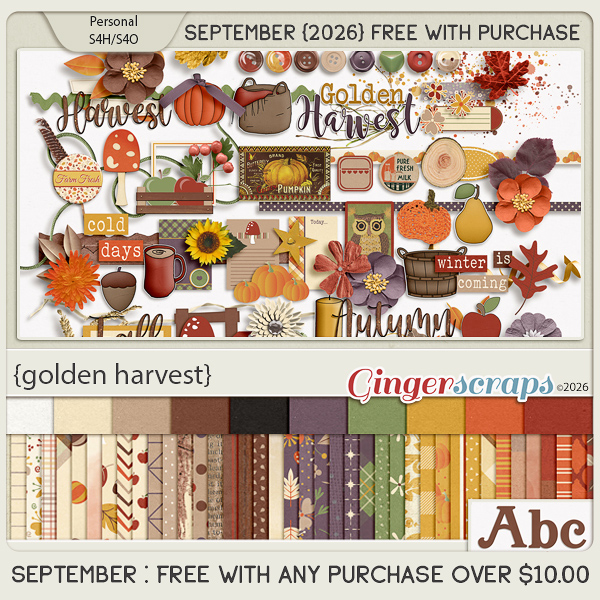
• Every month we have a new Free with Purchase kit that is our gift to you when you spend $10 or more in the store.

Have you looked at the challege forum to see the wide range of challenges we have? Out of 37 challenges available, you only need to complete 10 to earn the Challenge Reward collab (or a variety of other choices from previous challenge collabs) as a reward!