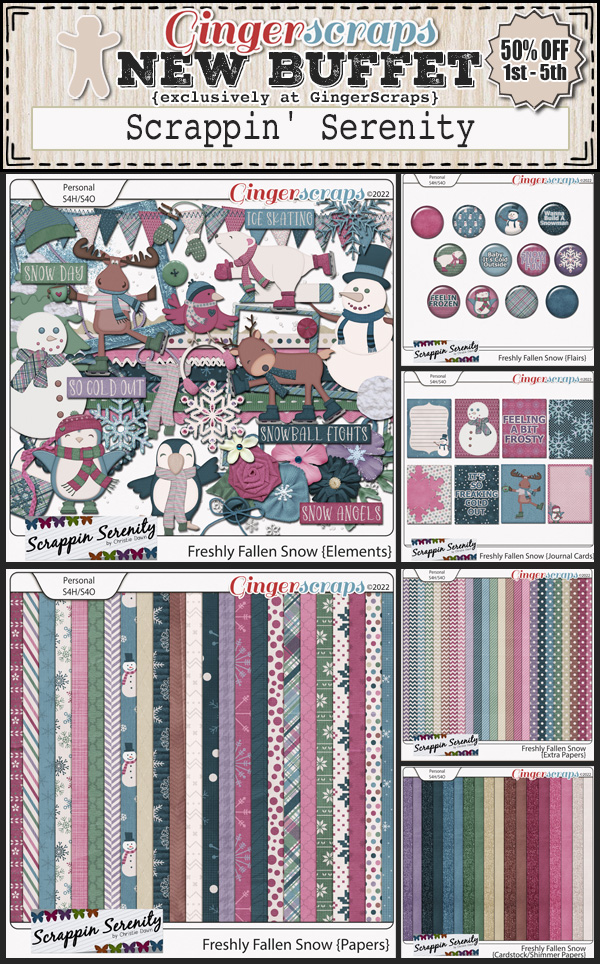
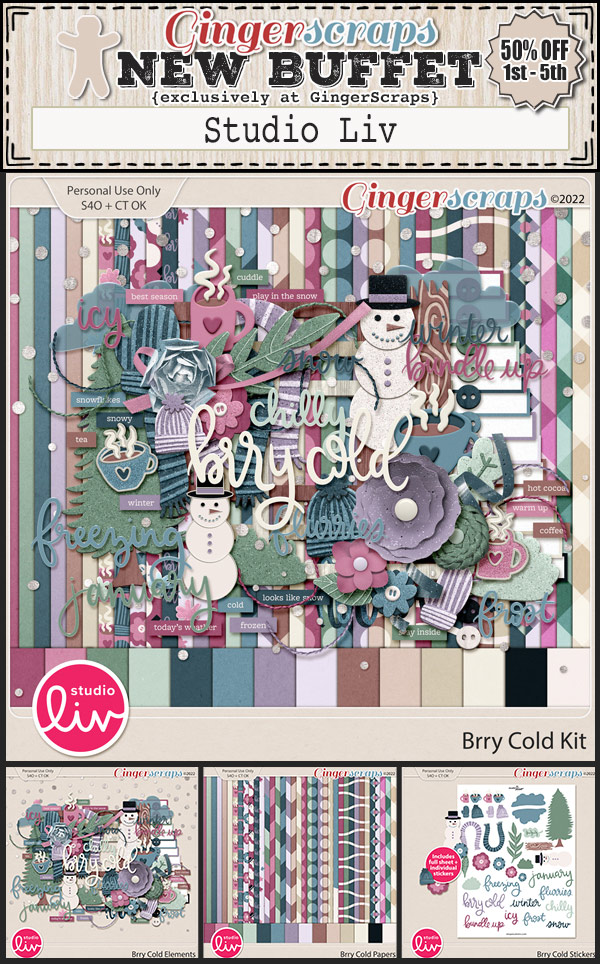
Designer Spotlight October 2021

Have You Met Christie (Scrappin’ Serenity)?

I’d like to introduce you all to Christie Dawn, whose wonderful designs are sold at GingerScraps under the Scrappin’ Serenity banner. We had a nice chat so I could know what to tell you about her. Here’s a transcript of our chat for your perusal.

J: Christie! So nice to see you! Let’s get comfy and get to know each other. First, tell me, how long have you been designing?

C: I started dabbling in 2009 and opened my first store in 2010! Wow…hard to believe it’s been 11 years!

J: Hey, that’s about the same time I started learning about digital scrapbooking. When I look at those first layouts, I cringe. I know why I wanted to start digiscrapping – saving money, not having to clean up, and being able to use kits over and over and over. What made you decide to design?

C: I was a stay at home mom, and I just needed an outlet.  I loved Scrapbooking, so I figured I might as well try it.

J: I didn’t actually start paper scrapping until 2005, long after my kiddos were grown up. When they were little I did things like counted cross-stitch and crochet. If digiscrapping would have been a thing then, I’d have been all over it! What do you use to create your designs?

C: I mostly design in Photoshop Elements 13, I should probably upgrade, but it still works, so why change!?

J: No kidding! If it ain’t broke… I do all of my digital stuff on a Dell laptop, sitting in a wing chair in my living room. Would you mind describing your design workplace?

C: Most of the time I work at home, downstairs, on my desktop.  But I do have a laptop I bring when we go camping and have worked from the RV many times.

J: My “other” creative space is a work-in-progress; I have so many boxes I haven’t even opened after our move… 17 months ago. Organizing it all is a big job! But back to you. Which of your current kits in the GS shop is your favourite? What makes it so?

C: Currently my Favorite Kit is – Gamer Girl.  We are big time gamers in my family!

J: My husband is a big gamer too. I’m not. Words with Friends is enough for me! Do you sing, or dance in the shower? I’ve been known to dance in mine a time or two…

C: Definitely Sing!  If I were to dance in the shower it would probably lead to a visit to the ER. lol.

J: I can relate – it didn’t end up in the ER but I discovered the shower base needed some no-skid strips that way. Here’s another odd-ball question: If time travel was possible, would you go back in time or ahead? Why?

C: I would go back in time and spend more time with my Granma.  Miss that lady so much!

J: I’d love to spend a few hours with my mom’s paternal grandmother. Maybe then I’d know more about her than just her name… Do you have a favourite colour? Are there any colours you really DON’T like?

C: Purple, Pink, Teal or Black are my favorite colors.  I tend to dislike oranges, yellows, and reds.

J: We’re kindred spirits! What would your dream car be?

C: A 1967 Mustang! We actually found one on FB market place and bought it about a year ago…but it still needs a lot of work!

J: How awesome is that?! Will you paint it purple? You don’t have to answer that. Last nosy question. If you could only eat one meal for the rest of your life, what would it be?

C: Love me some Sushi!!

J: You can have ALL of mine. Thanks for letting us peek into your world. Now I should spend some time outside before it gets too cold. Enjoy your month in the Spotlight!

Faithful readers, Christie is hosting the Designer Spotlight Challenge this month and is providing all of us with her Daily Download kit. And… she has this little gift for everybody. Check it out!!

Well. 2021 is 3/4 over already! I know most of us will be happy to have this year in the rear view mirror. See you again soon!


Fresh Baked: OCT 1, 2021, DSD, NEW Guests, NEW Free With Purchase, Monthly Mix, and More

Welcome to October! I thought we had a lot going on last month. This may set the record for biggest post we’ve done. When you have the Buffet, Fresh Baked and DSD all on one day, it’s bound to be a big deal.

First a peek at the fun going on in the forum and the store for DSD. There are a so many things happening. And these colors. I so love these for fall.

The designers have outdone themselves for DSD.

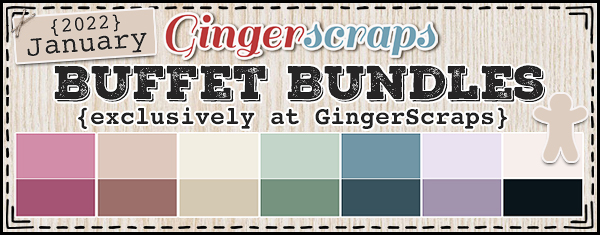
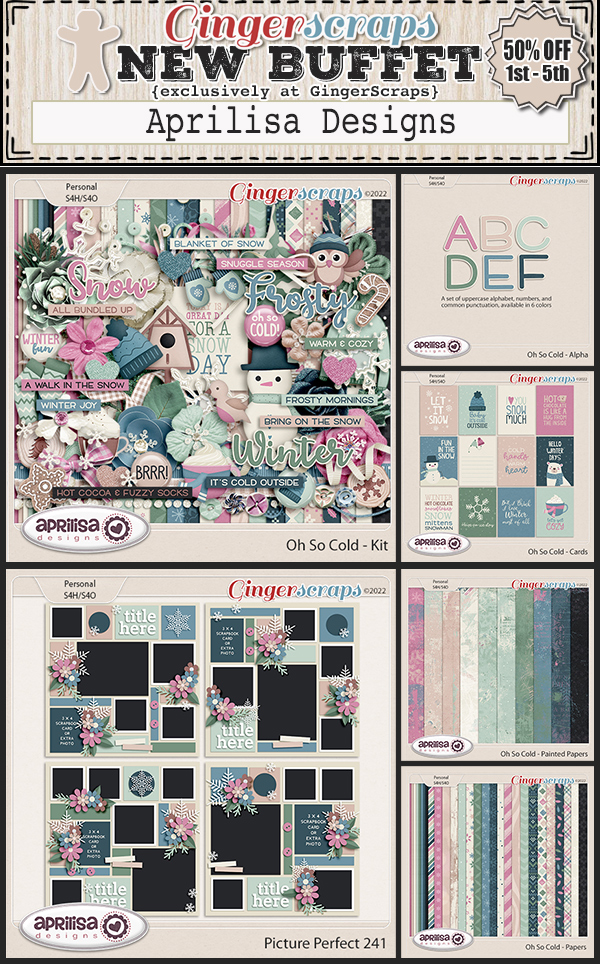
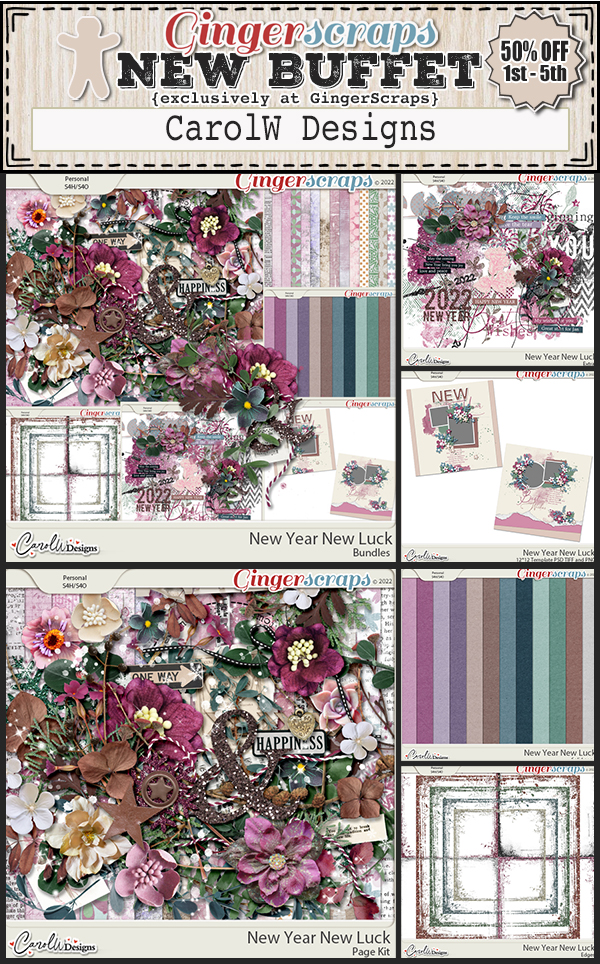
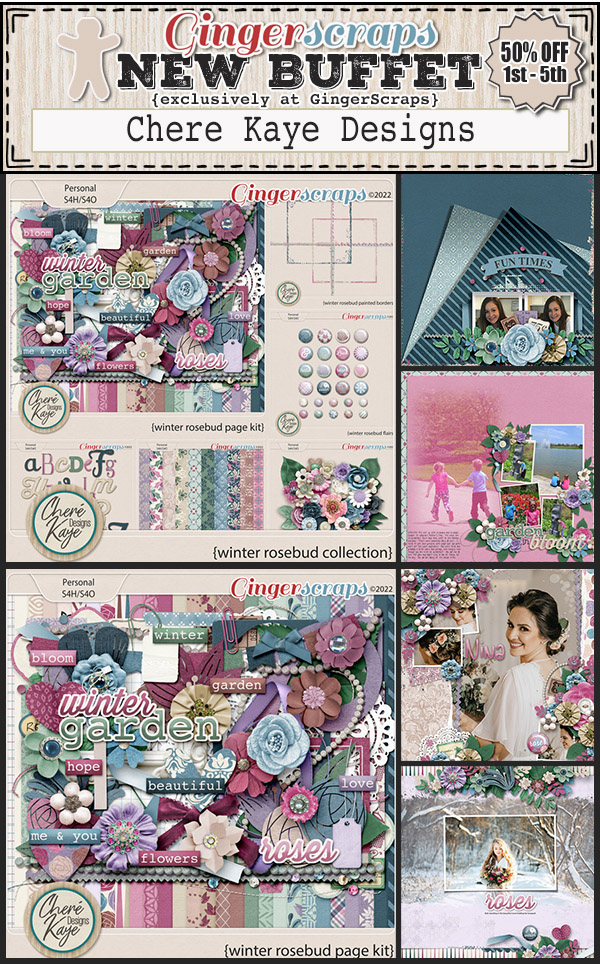
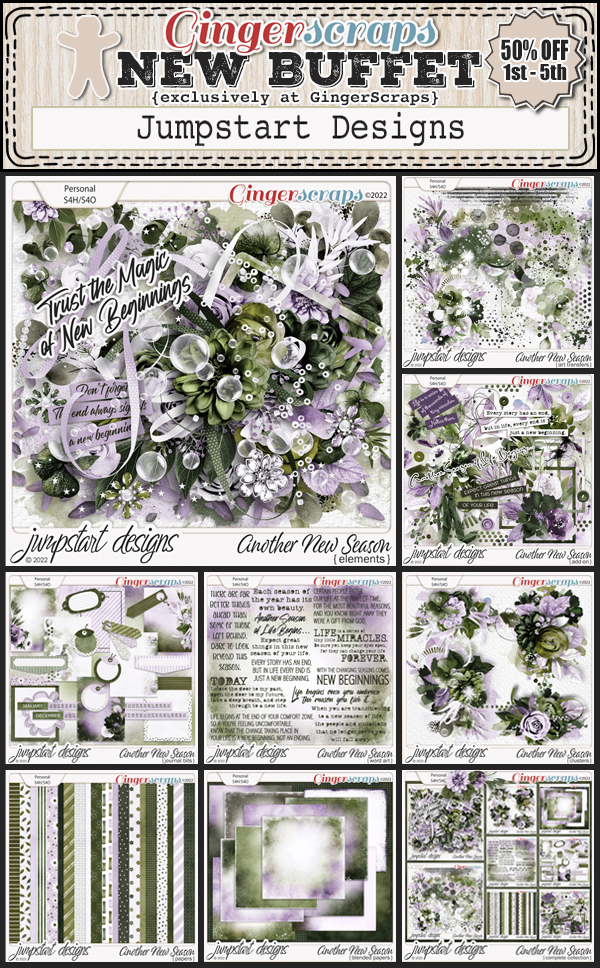
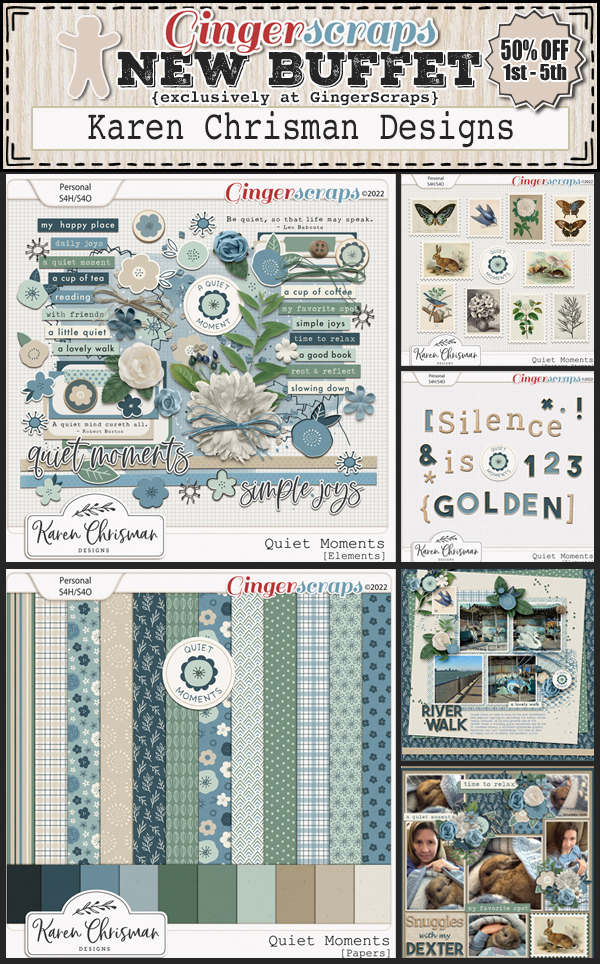
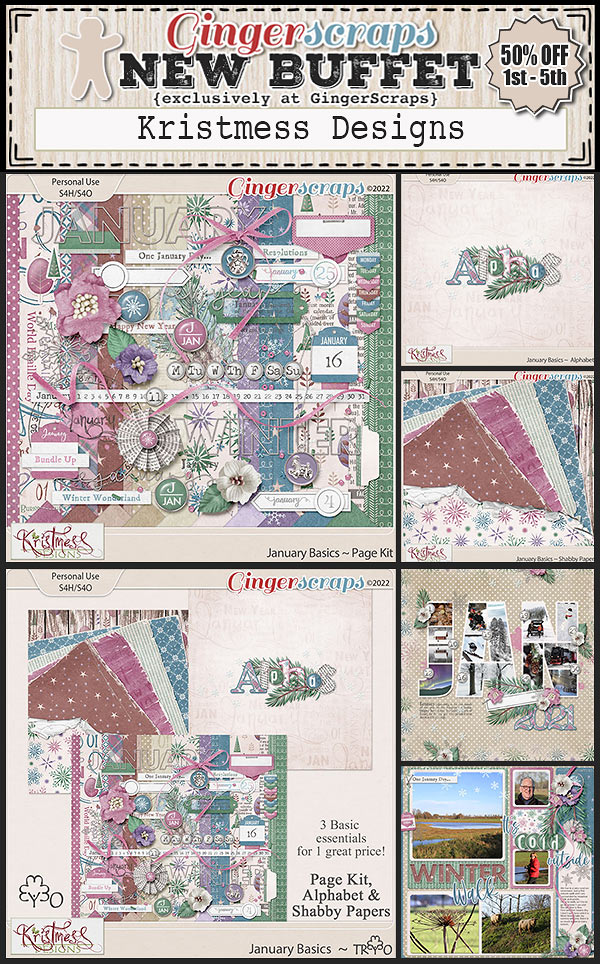
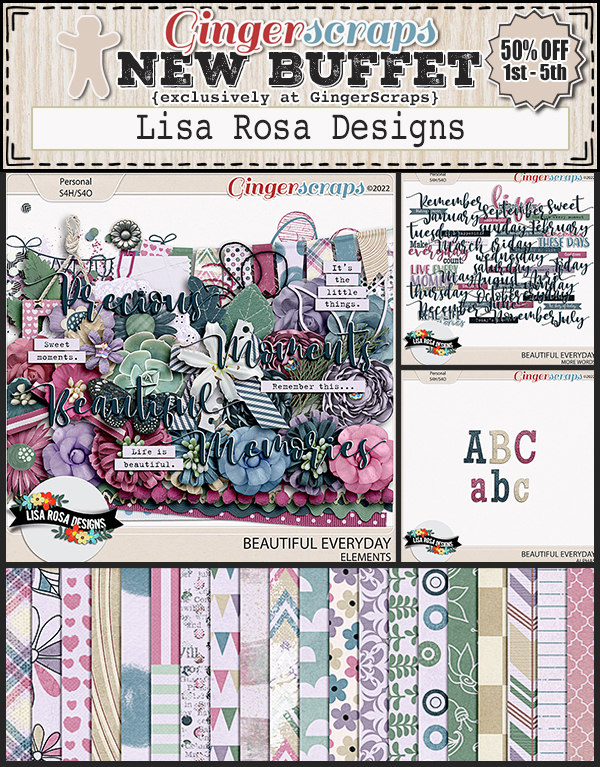
Don’t forget to check out the Buffet Bundles. One easy click to add bundles of Buffet goodies to your cart.

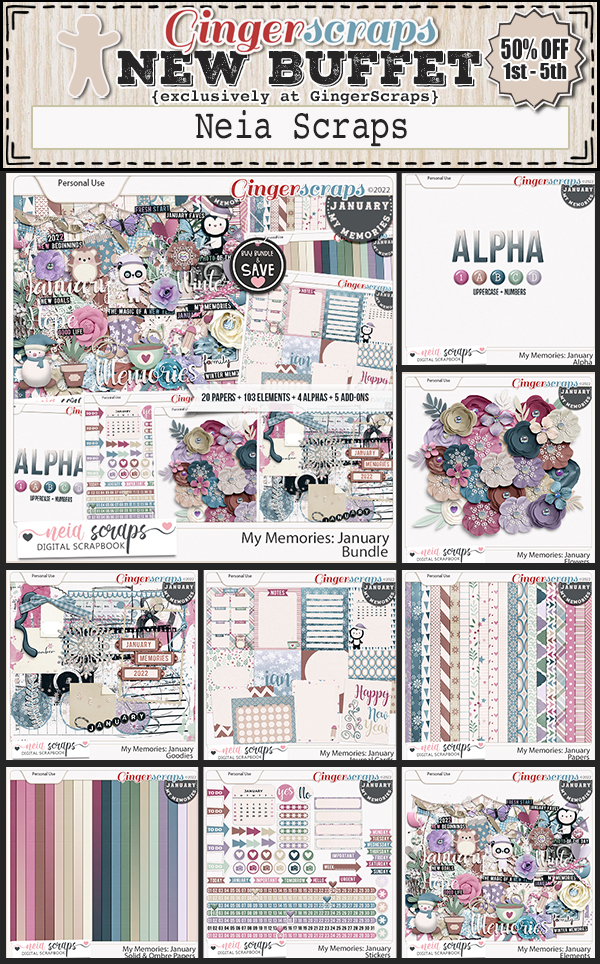
Look at these colors. With it being October, there are a lot of Halloween kits in this Buffet grouping.

We also have new Fresh Baked Items.

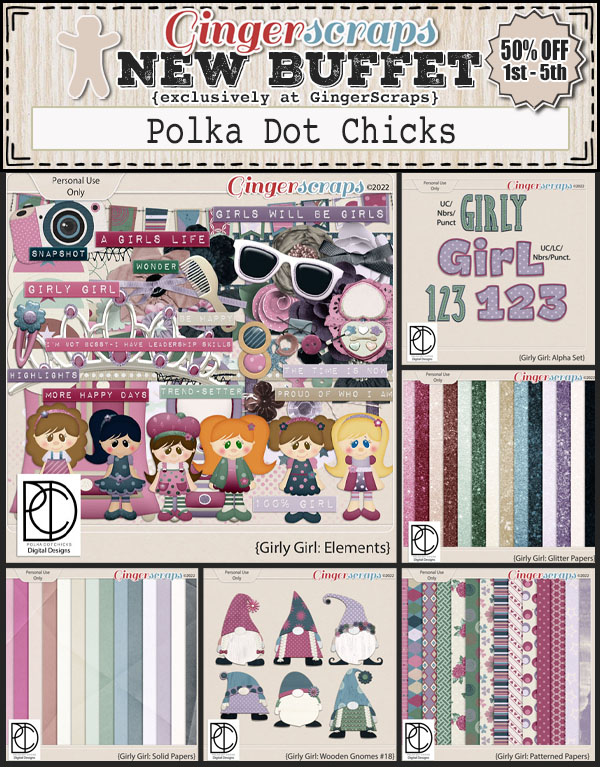
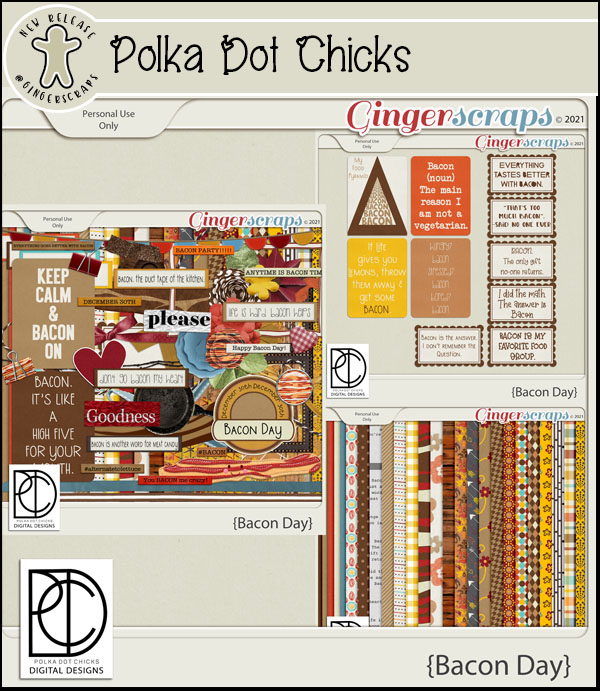
POLKA DOT CHICKS

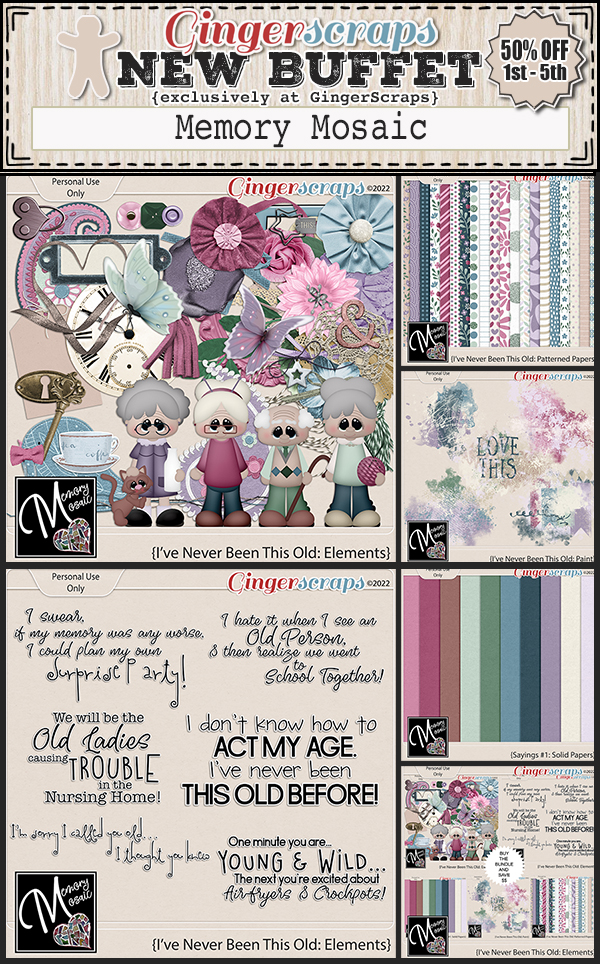
MEMORY MOSAIC

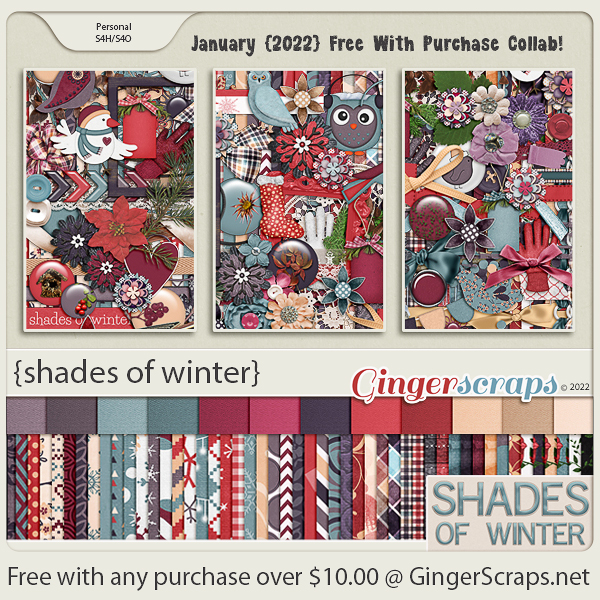
Remember any $10 spent in the store gets you this great collab. Are you ready for some {autumn dew}?

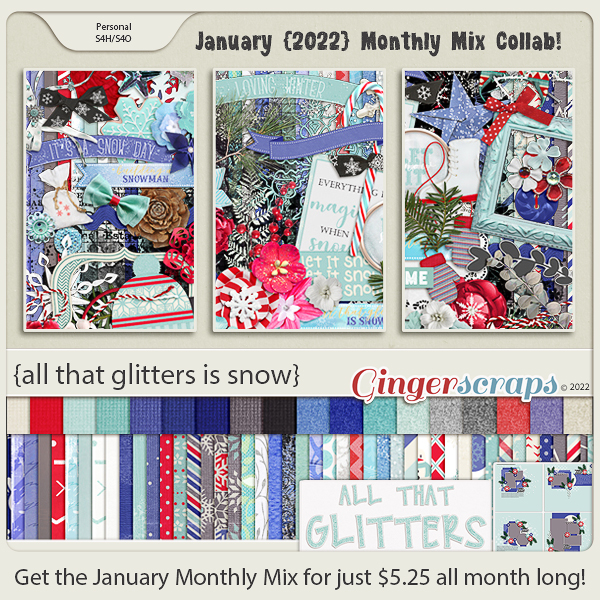
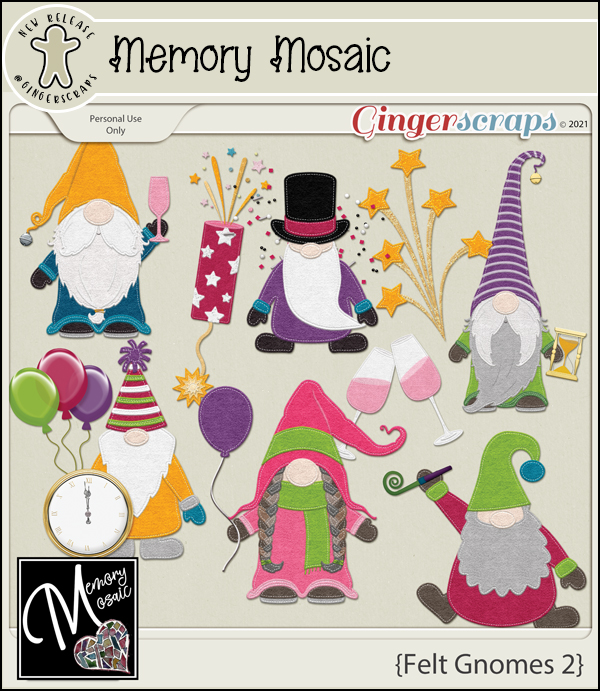
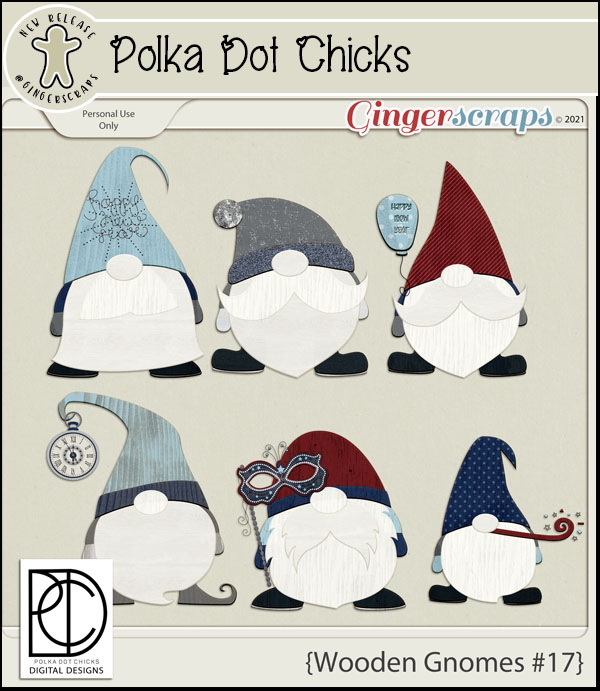
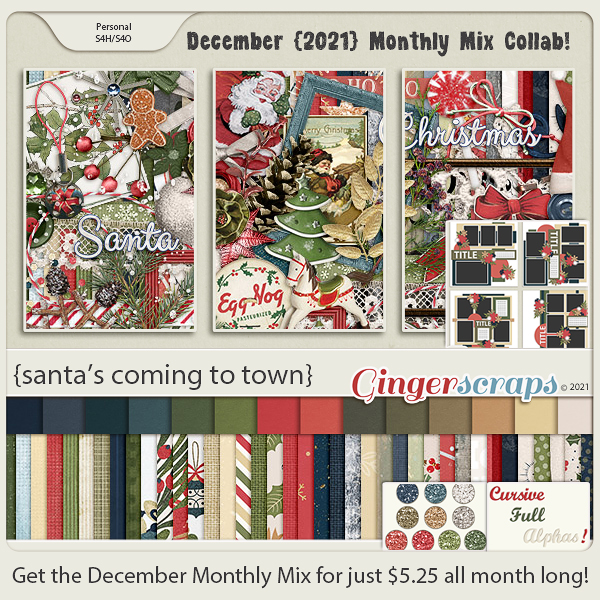
This new Monthly Mix kit is just so cute. I love the little gnomes.

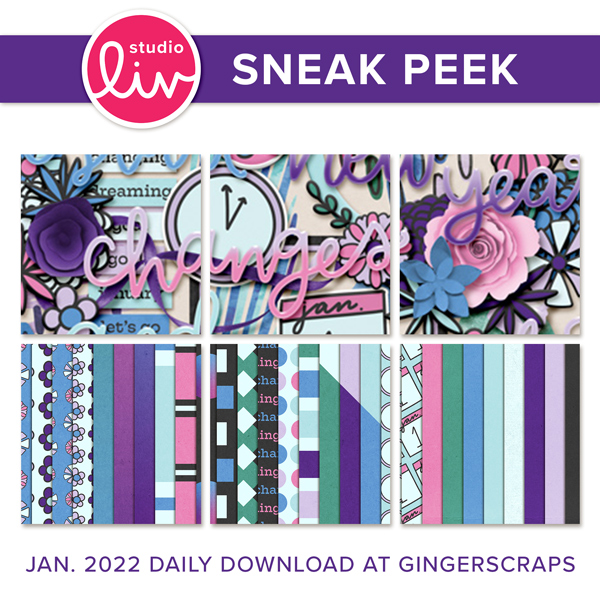
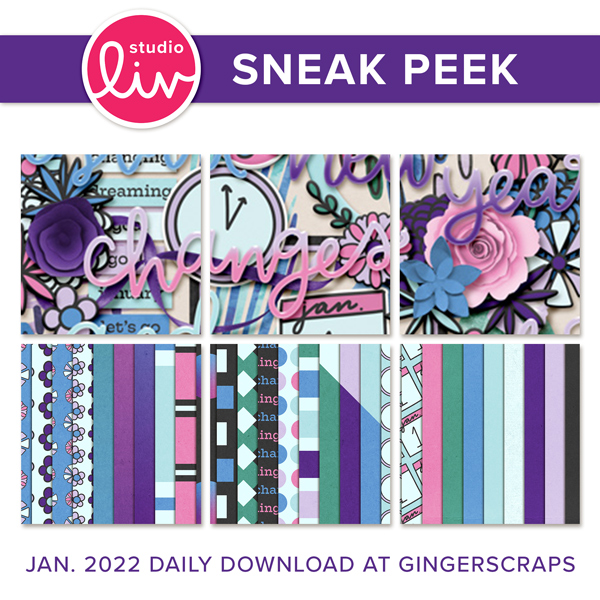
Now to the Octoberr Daily Download Sneak Peek. This month’s Daily Download is from Scrappin Serenity.

https://gingerscraps.net/gsblog/2021/10/dd-oct-1-3/

We have TWO Guest Designers for October!

Dunia Designs

Bio:

Hi girls! My name is Dunia. I’m originally from Brazil but living for the past 5 years in Michigan. I live with my DH my three kids and my dog Chewie. I’m addicted to coca-cola, chocolate, books and binge-watching series
I’m a designer for over 7 years and I love to create fun, colorful and useful stuff for you to keep your memories alive. And I’m so excited to be a guest at Ginger Scraps this month!

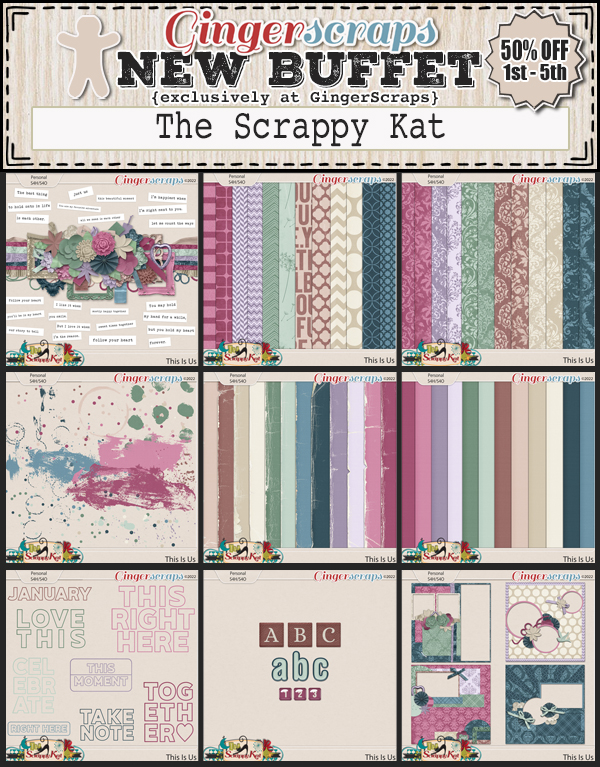
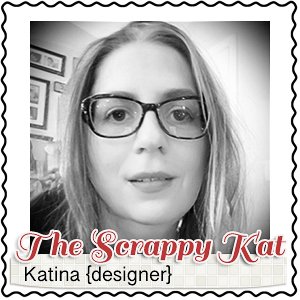
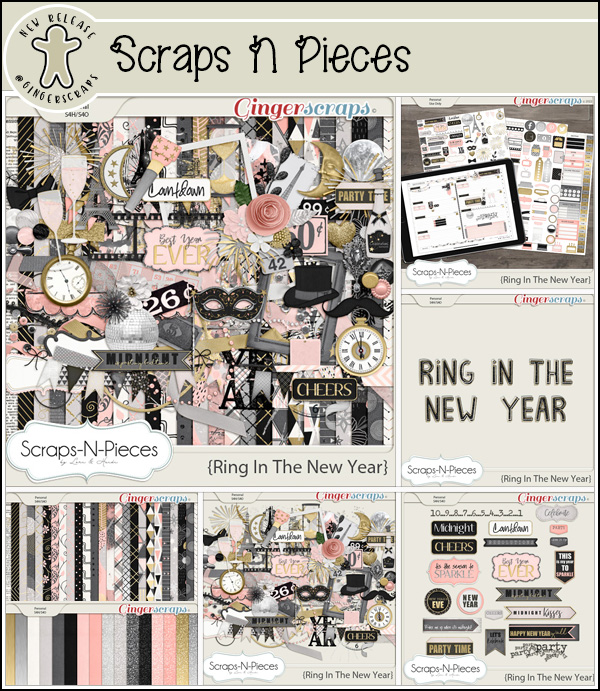
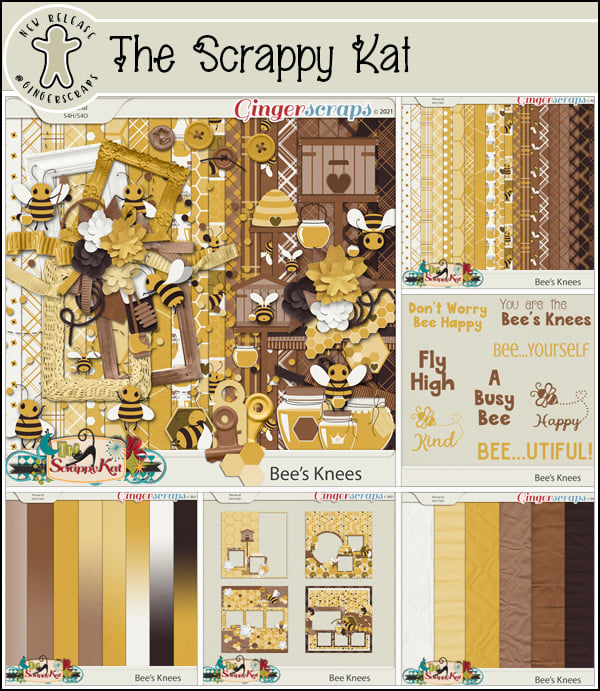
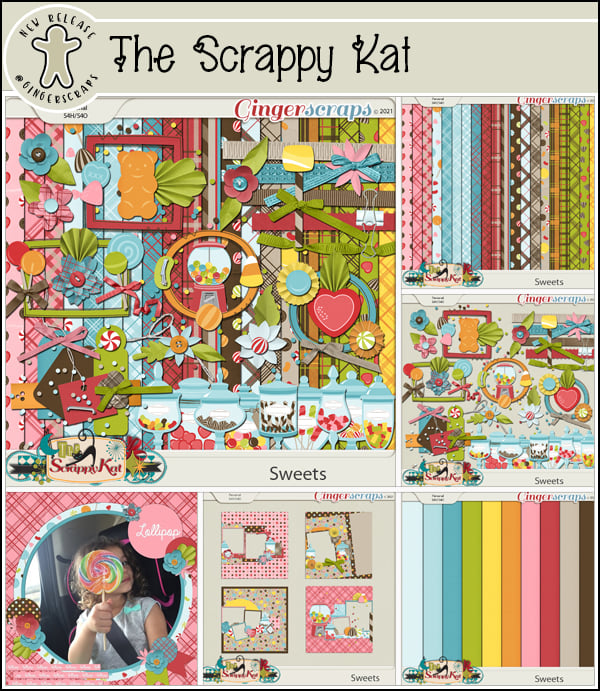
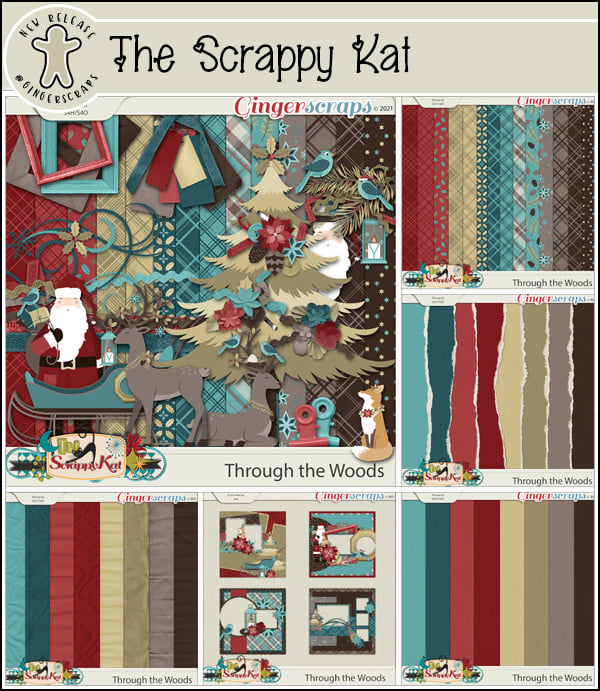
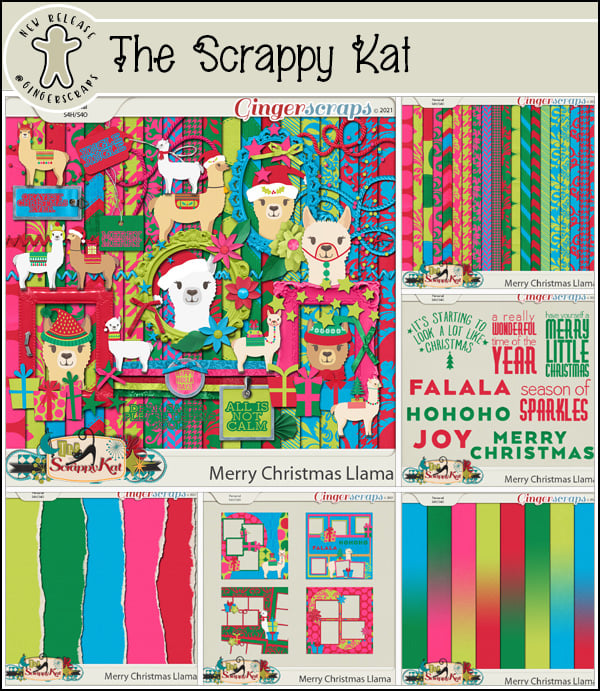
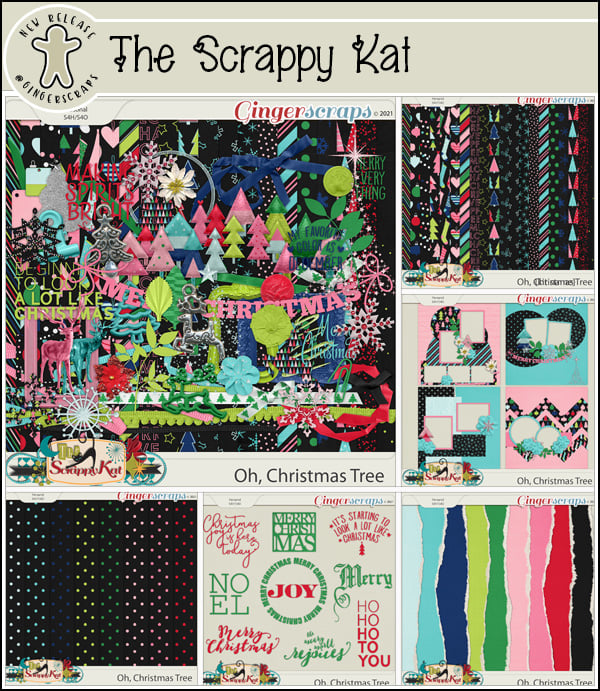
The Scrappy Kat

Bio:

Hello, my name is Katina Curten, but I’m also known as The Scrappy Kat. I have been a digital scrapbooking designer since May of 2009. You may remember me from my 2 previous stores, Stuff to Scrap and Scraps N Pieces. Once those stores closed, I took a 5 year hiatus to raise my son. Now that he is a teenager and I have more time on my hands, I am back to designing. Digital scrapbooking is one of my true loves and I’m so glad to be back at it and to being a part of the wonderful digiscrap community that I missed so much once again.

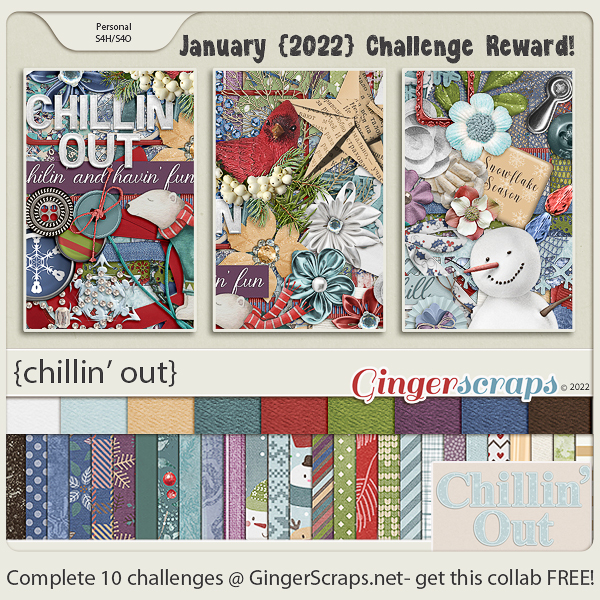
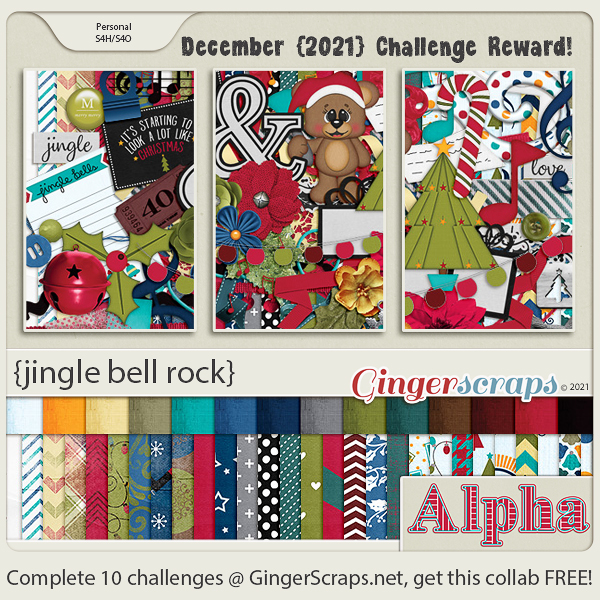
Take a look at the new challenge reward kit. If you complete any 10 challenges this month, you get this gorgeous collab as a reward!

Tutorial Tuesday (Tips and Tricks)

It’s Almost DIGITAL SCRAPBOOKING DAY!!

Hey all you GingerScrappers! Digital Scrapbooking Day is coming up fast!! It’s on Saturday, October 2 and it’s going to be a blast. But don’t let “Day” throw you off. It’s not just a day, it’s a week-long celebration of our hobby and it’s always epic. This year’s theme is just perfect. Ginger has given me the go-ahead to share this sneak peak with you. Drum roll please!

All the digital scrapbooking stores around the worldwide web have special events and sales. Here at GingerScraps, there are a bunch of grab bags specifically designed for DSD, special challenges, another scavenger hunt, and a free-with-$20-purchase MEGA collab. (I’ve seen the MEGA collab… you’re going to love it!!!! It has about 100 papers… and the palette is beautiful.) Other stores will have designer blog hops and special events on their sites too…

So start with a PLAN! Don’t just jump into the deep end. Check out the forums at your favourite stores to see what they have going on. Then make yourself a calendar of events. Set some reminders so you don’t miss the entry deadlines, speed scraps or chats. If you’ve ever missed out on something amazing by a matter of an hour, you’ll understand the need for some nudges.

Make sure you have hard drive space for your purchases and freebies. Or invest in some thumb drives or an EHD to transfer some of your older stuff to so you have lots of room for your downloads. That MEGA is going to need a bunch of room. Label this extra storage right away so you don’t forget what you’ve put on it. Forgetting to label them could mean you lose track of all the awesome kits you’ve moved and you don’t want that! I have a brand new 6TB EHD just waiting for me to fill it up.

Set a BUDGET! It’s way too easy to overspend when you’re surrounded by smokin’ hot deals, and PayPal makes it painless… until later. Figure out how much you have to spend, and stick with it. I usually save a bit of money so I can spend $20-25 per favourite digishop (I have 3 that I like a lot) without feeling guilty. (With the slightly stronger Canadian dollar this week, I might be able to make my money go a bit farther. As long as there isn’t some catastrophe here that causes our currency to tank. ‘Cause that’s never happened before….. 😉 )

Don’t feel obligated to participate in anything that isn’t going to make you happy. If you don’t have time to join in on the games in the Forum, don’t worry about it! If you aren’t into speed scraps, that’s great! Extra challenges might be fun, but if you have better things to do, you have better things to do. Freebies take up a lot of space, both on your computer and in your head; if you don’t think you’ll ever use what the designer is giving away, you don’t have to take it. This is especially true of blog hop freebies; the topic and palette may be really exciting, but there will be some designers’ contributions that don’t fit into your style of scrapping, so don’t download them. Believe me, you won’t miss them.

While you’re waiting for the festivities to begin, go through your photos and choose some for those challenges you just won’t be able to resist. Let your family know when you’re going to need some uninterrupted time and don’t stay up too late! Because there’s still Black Friday next month – we have to pace ourselves!

Sharing our stories is important, both for us now and for those who come after us. The last 18 months have had quite an impact on all of us in one way or another. Some of us have lost loved ones, some of us have been sick ourselves, some of us have worked harder than ever before to help others and some of us have channeled our energies in new directions. But we all have learned what matters and what doesn’t. Let’s celebrate ourselves!

Fresh Baked: September 24, 2021

Here we are at another Friday. And another end of the month. I don’t know why it amazes me that time seems to fly, but it does. Every month I am blown away by how fast it all goes.

Remember when you spend $10 in the store, you get this great kit for free.

There is a wide range of topics and colors in this week’s new releases.

Have you grabbed the Monthly Mix? Only on more week to pick it up at this reduced price.

And you have one more week to complete those challenges. You only need to complete 10 challenges to get this great reward.

Tutorial Tuesday (Individual Style)

Jumpstart Your Layouts!

So how many of you are Challenge fans? If you aren’t, you should be!! The GingerBread Ladies designers are incredibly generous with their talents both through their participation in the GingerBread Ladies‘ collaborations: Monthly Mix, Free-with-Purchase and Challenge rewards, and within the Challenges themselves. Did you know there are freebies included in several Challenges EVERY month? Brushes, templates, word art, mini kits, add-ons – so many gifts!! Sheri, whose design handle is Jumpstart Designs, provides a mini kit every month in the Jumpstart Your Layouts Challenge (although these minis are the same size as some designers’ full kits…) and they’re amazing. I posted my JSYL Challenge layout to the thread in the Forum and couldn’t help but notice how every scrapper’s layout – using the identical collection of supplies – looked SO different. So I thought we could talk a bit about how we all have such individual approaches to creativity.

This is the preview for the Jumpstart Your Layout Challenge. Like all of Sheri‘s kits, the colour palette is versatile, it’s a bit grungy, a bit pretty, a bit sophisticated and 100% awesome.

A-M chose to use only the cream and brown parts of the kit. Her layout is simple, but eye-catching. Having a black-and-white photo as the centerpiece was genius.

Breoni too chose mainly the neutrals, but added a couple of aqua pops… which are the perfect accompaniments for her photo. Her positioning of the metal tag and ribbon element frames her face and really leads the eye to her photo.

In keeping with the mostly cream background, next up is this beauty. What makes this layout by nimble4u truly stunning is the way she’s used her photo. She embellished with restraint and the sentimental feel of the photo is the star of the show.

Roxana has added a bit more of the aqua to her layout. The large word art is perfectly displayed against the aqua paper and the photo she chose adds a bit of whimsy. I think she’s used every single item in the kit as well, even though it’s not a requirement.

Kristal’s background is also mainly cream, but with some taupe details that adds to the seaside impact of her photos. Masking the boat photo with some aqua behind it makes it look like the water continues outside the photo. Genius!

Maskyra used the papers with such panache! The grungy, rubbed, torn and splattered background is a masterpiece! Her layout is a bit of a segué from mostly neutral/cream background into more colour detail.

This layout by beckturn moves us to an aqua background with a beautiful tear revealing the shades-of-brown striped paper behind it. I love the way she repeated her heritage photo with a tighter crop on the girls’ faces.

What immediately caught my eye about jcfdelaware‘s layout is the undulating anchor behind her photos. With aqua paint behind all the brown paper hexagons, it moves the eye across the page. and the large word art tucks into the lower left corner so neatly.

LisaCampbell‘s layout doesn’t really use a lot of aqua elements, but it “reads” as an aqua background, thanks to the curved paper cuts and aqua paint wrapping around her photos. (

Alasandra‘s layout just screams HAPPY to me! The aqua elements pop right off the paper.

I love how Pippin has turned her photo to sepia and makes it look like it grew out of the paper behind it. The dark brown border draws the eye, the bokeh leads it to the photo and the clusters keep it moving.

This layout is so perfect in every respect! It’s from the creative mind of kabrak1207 and is gently shifting us toward a darker brown palette. Her use of the scalloped borders is clever, and really frames the focal photo perfectly.

MomDoc_99 went monochromatic with the browns and it works very well. The scatters echo the circles on the background paper  and by framing the photos inside a circular paper mat and creating a similar frame for her title, her repeating shapes create a pleasing layout.

Here, DebraB has given us a grid-style layout on a deep brown background that makes the photos stand out. The border along the left draws attention to her journaling. I love how she used only part of the word art on a paper strip to customize her look.

And last… this layout by galavictor is completely different! She’s changed the Blend Mode on the striped paper and the floral aqua paper to accent the orange in her photo, created a bokeh effect with the scatters while also making brilliant use of masking to blend papers together and fade the photo into them. She applied some Layer Styles to the word art too. So much creativity!!

There you have it, fifteen unique layouts using a single kit. (You can see my own vision for this kit here. And yes, my granddaughter does eat non-stop.) What might YOU do with this FRE-E-E-E-E-E-E kit?


PS… What do you think about a Challenge spotlight post every once in awhile?

PDF Version: https://bit.ly/2ZeFvb3


Fresh Baked: September 17, 2021

Oh my goodness. It’s already mid-September and the season is definitely changing. It’s getting to be cooler here and I am loving it.

Remember when you spend $10 in the store, you get this great kit for free.

Let’s see a sampling of what is new in the store this week.

Have you picked up the September Monthly Mix? It’s great for those school pics.

Are you working on those challenges? Just 10 completed challenges gets you this great kit as a reward.

Tutorial Tuesday (Photoshop Elements)

Anchors Aweigh! (Reverse Masking)

Hey GingerScrappers! It’s raining in the Okanagan… something that hasn’t happened much around here for months. That makes today a perfect day to do some scrapping.

I want to talk a little bit about anchors though. Not the heavy iron pieces that keep ships from floating away. The kind that help bring cohesion and polish to our layouts by keeping our photos from floating away! Think for a minute about how template designers create their templates and what draws your eye to them. There are lots of factors that come into play when choosing a template, and consciously or unconsciously, anchors are usually involved. They can take many forms. Paper strips and stacks are likely the most common anchors. But paint splats, brushes, masks, scatters and ephemera can all play that supporting role. Even a grungy paper itself can provide an anchoring effect when there’s a faded area that sort of frames your photo. But what if you want something a little different? Let me show you how to create an anchor point using paper, brushes and a reverse mask. The suggestion for this topic came from Ellen [gmae], with a hat-tip to AnnieA for the example she provided in the Gallery.

In my demo, I’ll be using a semi-solid paper and a patterned paper from Aprilisa‘s (retired) Captured Romance kit. [I chose it because my layout will be showcasing a heritage wedding photo.] If you choose to use this technique, you can use whatever combo you like: solid/solid, solid/patterned, patterned/patterned or any other combination you like. I’m using a freeform method in my demo; if you choose to use a template, turn visibility to all layers but the background and your focal photo spot off so you can see what you’re doing while we work through it. My photo spot is sized to the wedding photo I’m going to use.

I stacked the semi-solid gray paper behind the photo spot and popped the patterned paper above it.

If you’re a faithful follower [thank you!!] you’ll already know I love layer masks. They’re considered a non-destructive way of removing parts of a layer; you’ll see that the colour pickers change to white and black when you add a layer mask. White reveals, black conceals. But whatever you’ve concealed is still there, lurking in the background, just in case you want it to reappear. That’s the definition of non-destructive in the Photoshop/Elements context. If you’re concealing some part of a photo or an object and you oops, all is not lost. Just click the X key to swap conceal for reveal and paint it back in! The uses for layer masks are infinite, limited only by your imagination. So to create a layer mask, click on the blue square icon with the circle in the centre, found across the top of the layers panel. You’ll see the mask appear to the right of the layer you’re masking, and it’ll have a blue box around it indicating that’s the part of the layer that is active.

Elements has a default selection of brushes already installed in the software when you download it. They’re pretty basic brushes but are useful for a lot of things. My assumption is that we’re not making a nice straight, crisp edge on our contrasting papers so for this demo I’m going to use a Wet Media Brush. The number at the bottom of the thumbnail is the default size of the brush. You can ignore that. [Yeah. I have a lot of brushes. Many of them were free.]

Resize the brush so it’s manageable but not too big. 200 pixels is a good place to start. The default brush settings are shown in the Brush Settings menu.

Before using the brush, the layer mask must be inverted. We want it to conceal everything then reveal only the parts we want to see. The mask thumbnail will be black and the paper/object being masked will be invisible. To get there, just click CTRL/CMD>I. Make sure the foreground colour in the Color Picker is white… otherwise nothing will happen!

My first version is a simple oblong heart shape. I just dragged the brush to draw out a heart! Check out the layer mask. See what happened?

Here I’ve just dragged my brush in a sort of swath, cutting off a corner of the gray paper.

Zig-zags can look pretty cool.

Or making several vertical passes frames the photo as well as anchors it.

But what if we go horizontally?

Following are a few examples of using a brush as a stamp to create an anchor. To do this, make the brush as large as you can. With this butterfly brush, I think it would look better under a smaller, squarer photo. See how the polka dots on the paper show up?

This star scatter [a challenge brush from CathyK a long time ago] would work better with a much smaller, more obvious pattern, don’t you think?

Ooh, I like the idea of this one. Not necessarily the execution though… I used three different brushes from a free set called Corners with Birds. I’d want to make sure the brushes don’t overlap because the contours are muddied.

Then there’s this filigree floral corner. I really like this one! But which version will I settle on? You’ll have to look for my layout in the Gallery to find out. I’m still on the fence!!

If you’ve seen something you’d love to emulate but aren’t sure how to get there, just shoot me a message and I’ll see what I can do to make it work for you!

PDF Version: https://bit.ly/39cdrH3

Fresh Baked: September 10, 2021

Happy Friday. Have you all recovered from the epic 13th birthday party? I hope you had some fun in the forum and grabbed some great deals in the store.

Remember when you spend $10 in the store, you get this great kit for free.

We’ve got some great kits new in the store this week. Let’s see a sampling of what the designers are adding.

JB STUDIO

AIMEE HARRISON

POLKA DOT CHICKS

MEMORY MOSAIC

Are you working on those challenges? Just 10 completed challenges gets you this great kit as a reward.

Tutorial Tuesday (Photoshop Elements)

How Did They Do That? (Outlining a Title with Paper Cuts)

Are the kids all back to school now? Are you able to just sit in silence for a while? I remember how that feels! This week’s tutorial is a short snapper, not too complicated, since I don’t want to distract you from your relaxation. Sherry (spenny) messaged me a couple of weeks back, asking for some help. She’d seen some really interesting titles in the Gallery where the scrapper had lined her title up so it overlapped a series of paper/photo strips. Then she cut some of the paper strips away, leaving a background paper border visible around the alpha she used. Sherry wanted some input on how it’s done. This is what I’ve come up with. Now remember, you don’t have to follow my instructions to the letter; do what looks good to your eyes. I’m offering guidance only!

This technique can be used at any angle. Vertical, horizontal, diagonal… all the same steps. If you want a crisp look, choose a sans-serif (no extensions on the terminal strokes) alpha with some substance and clean lines. I went with a bit more of a fun alpha from the GingerBread Ladies‘ collab Happiness Is. My papers are also from this collab. Here you can see I have 8 paper strips, one for each letter in my title. I’ve resized the alpha so each letter is the same height as the paper strip. If you want to, you could double up some of the letters to a single strip for a really unique look. To make the steps easier, I’ve sandwiched the letters between the paper strip layers.

I decided how far over I wanted to move my letters so that they sit on top of the paper then I dragged out a Guideline to snug them up against. Guidelines are really useful for precision. All you need to do is ensure the Rulers are active [View>Rulers] then with your cursor inside one of them, click-hold and drag the cursor to the place where you want the Guideline. The actual Guideline won’t be this obvious. I’ve enhanced it for better visibility.

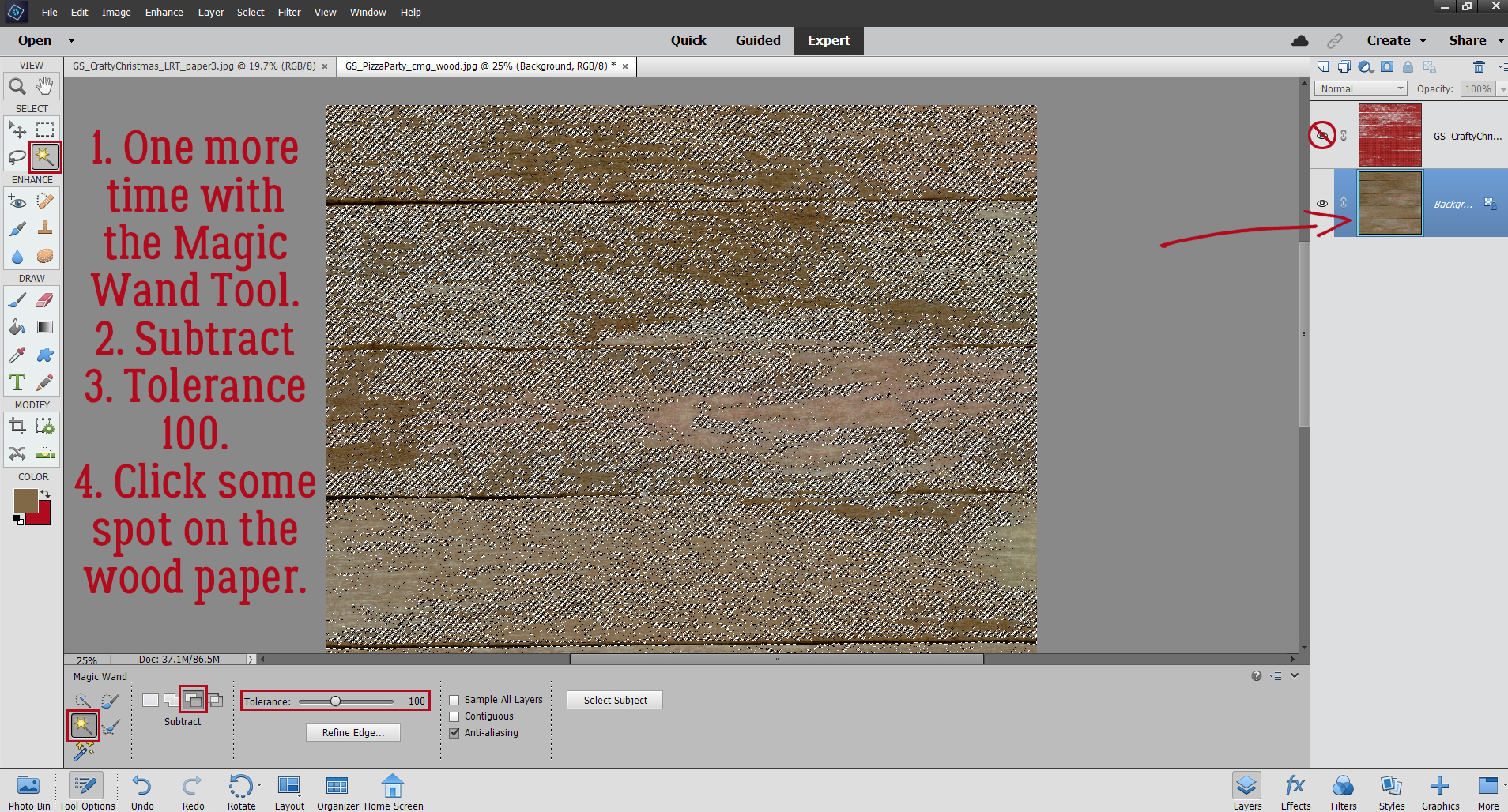
Next, I nudged the first letter over so it’s just touching my Guideline, and then I CTRL/CMD>clicked inside the LETTER‘s layer thumbnail in the Layers Panel to Select the edges of the letter. See the marching ants?

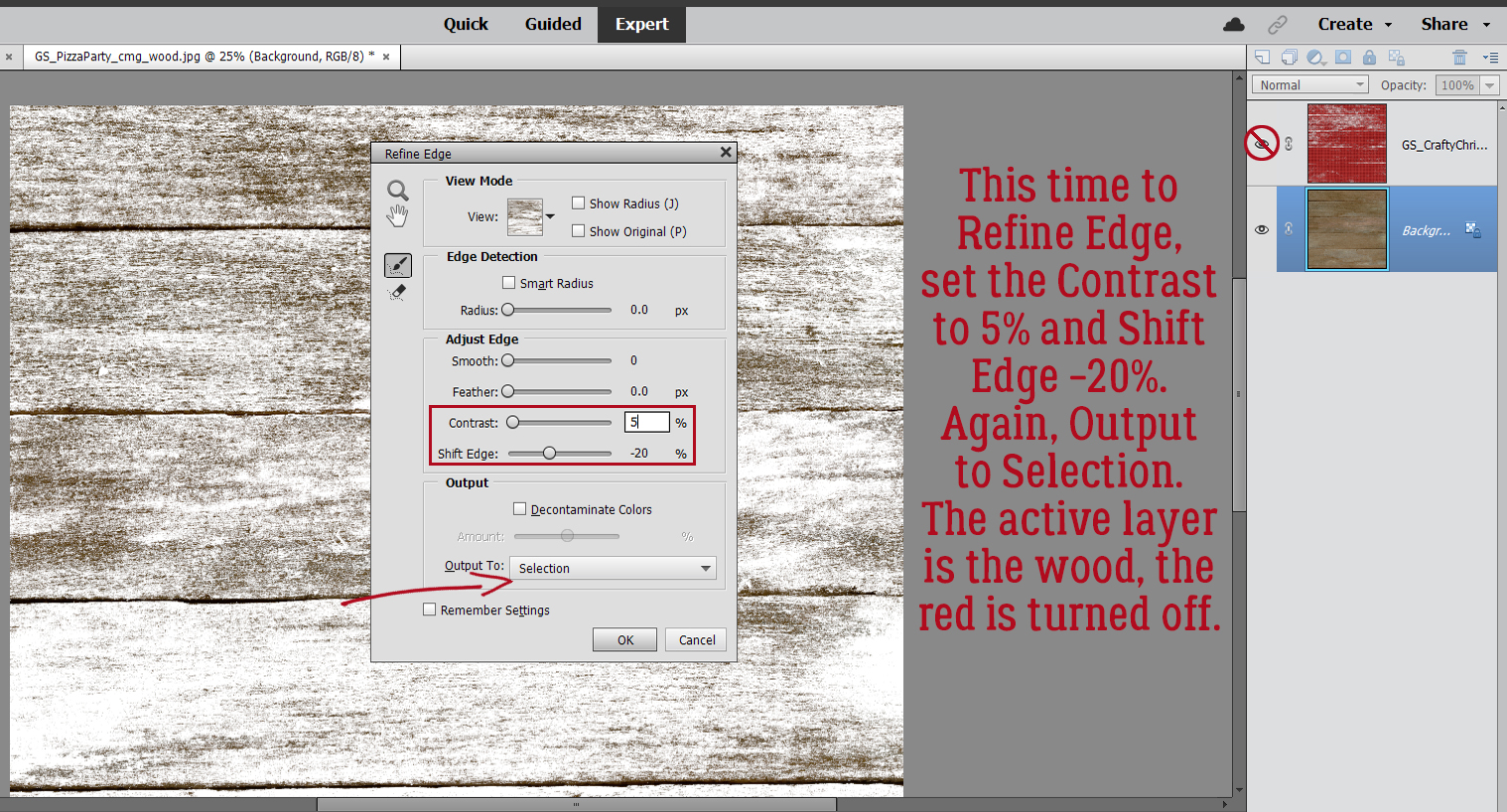
I need to make the area inside the marching ants a bit bigger. Otherwise there won’t be a border around the letter later, right? Select>Modify>Expand will make the Selection grow.

Here’s where personal preference comes into play. There’s no hard-and-fast rule for this step, and it may take some experimentation to find the right number of pixels to go with. I ended up at 15 pixels, but 20 or 25 might have worked well too.

Here you can see where the new line of marching ants, the new Selection, is.

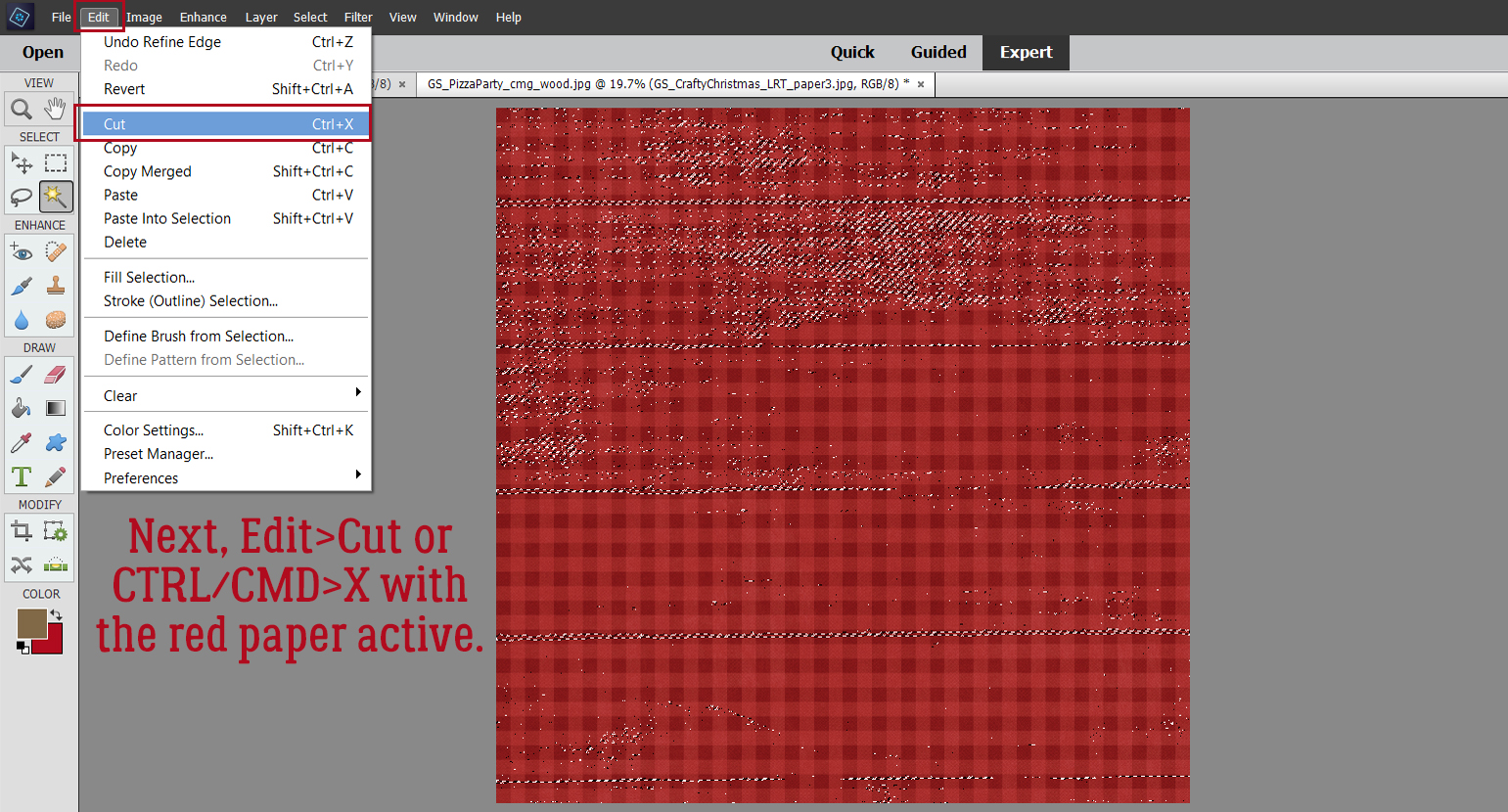
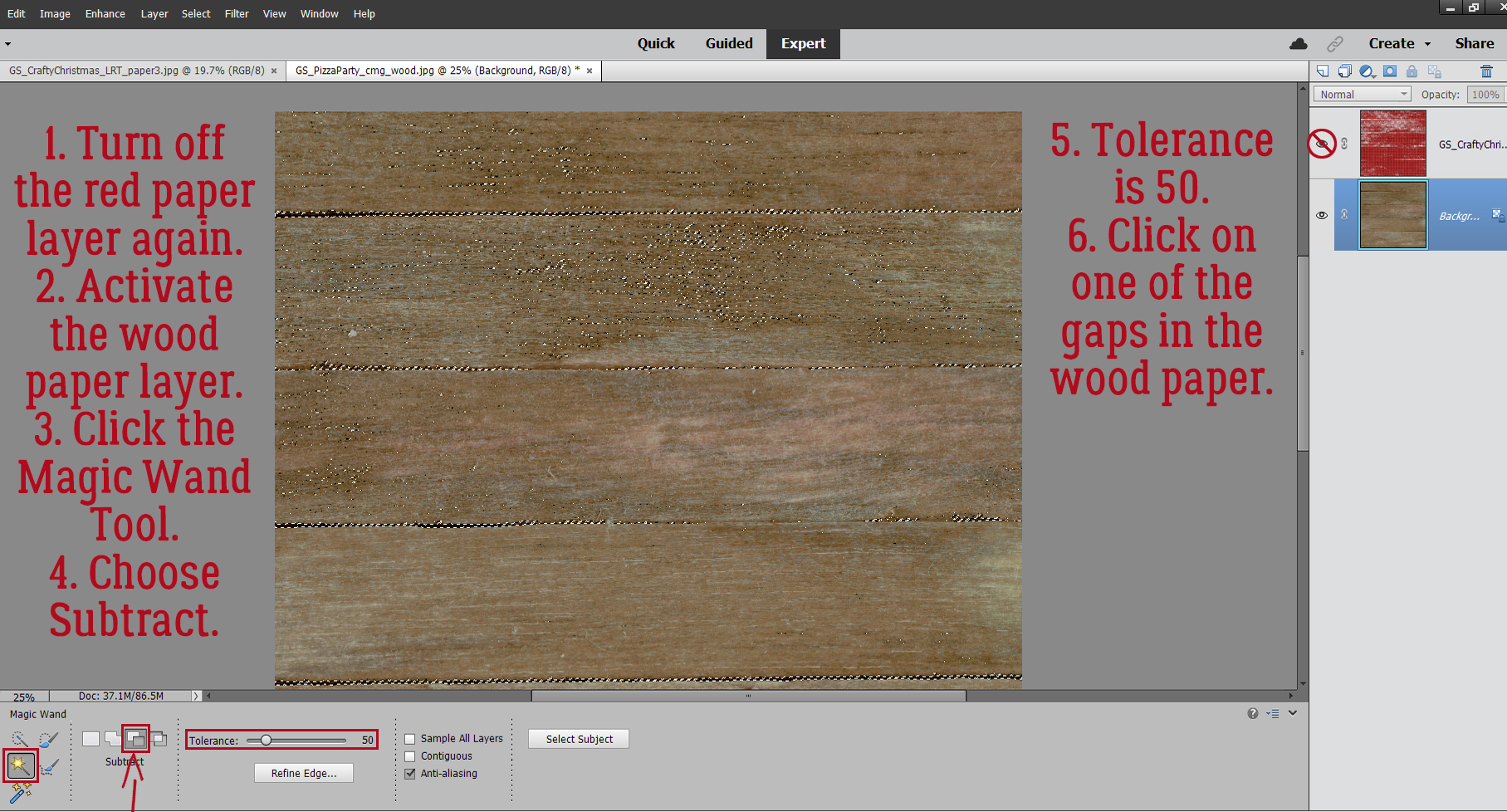
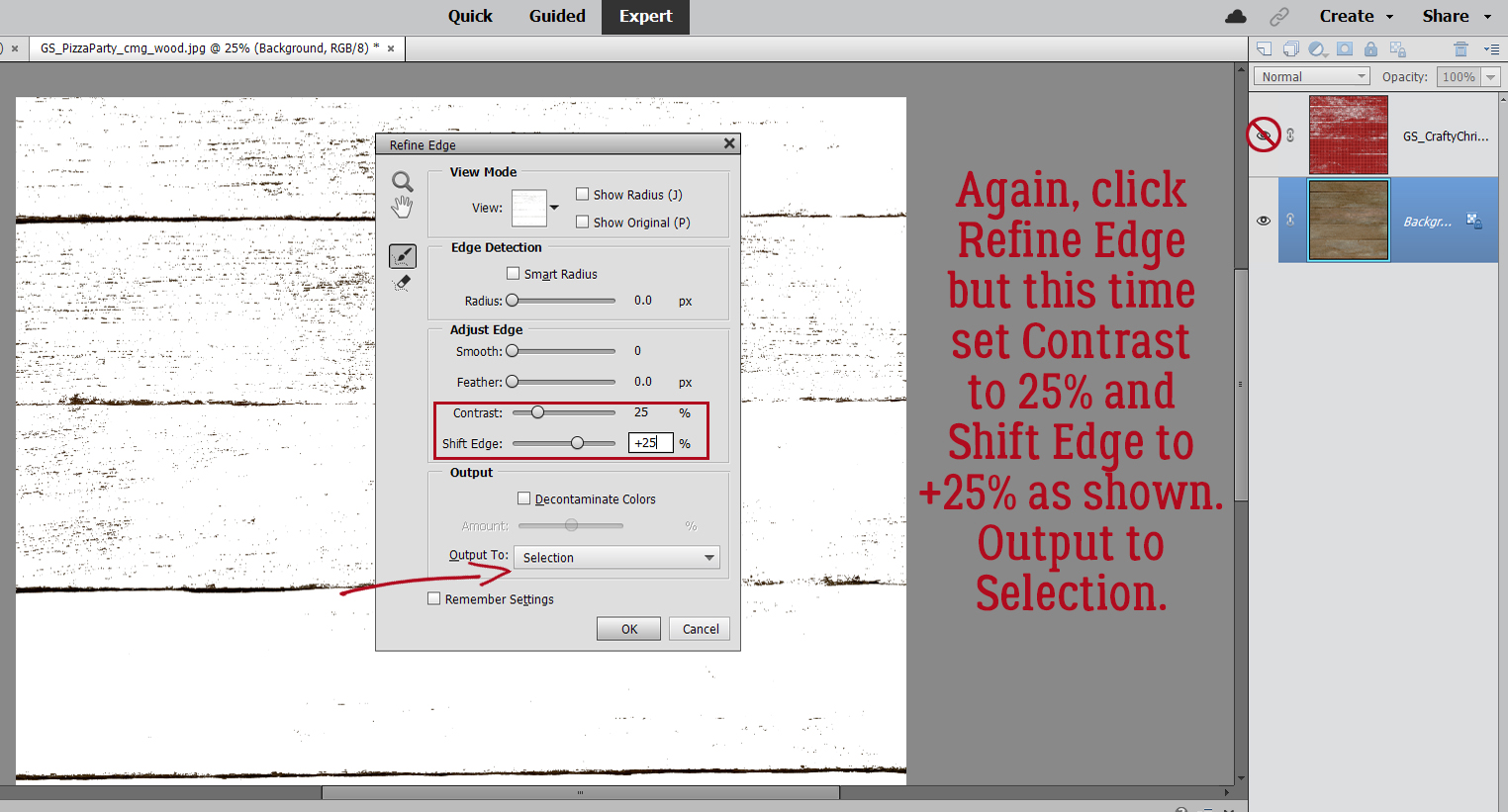
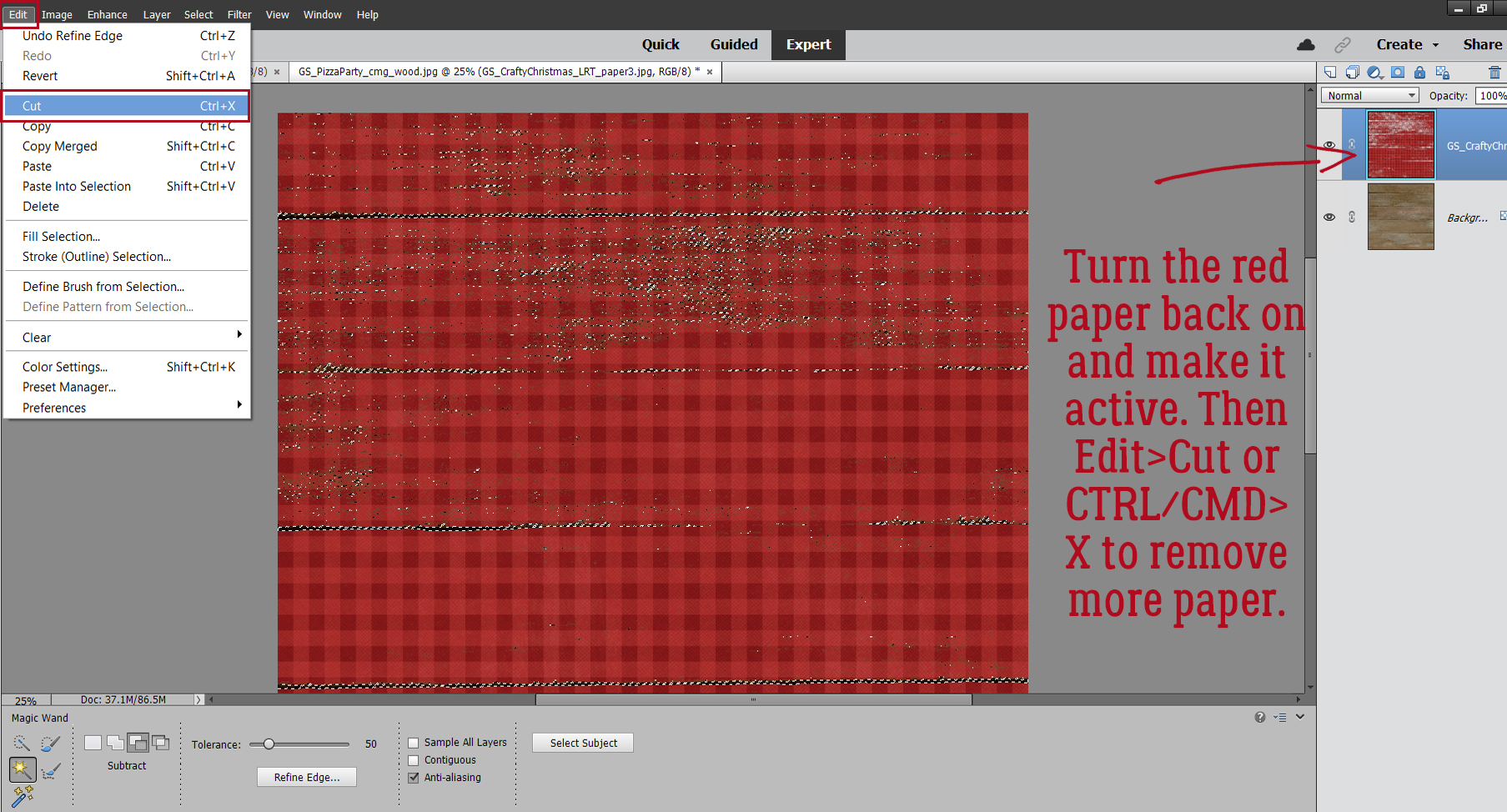
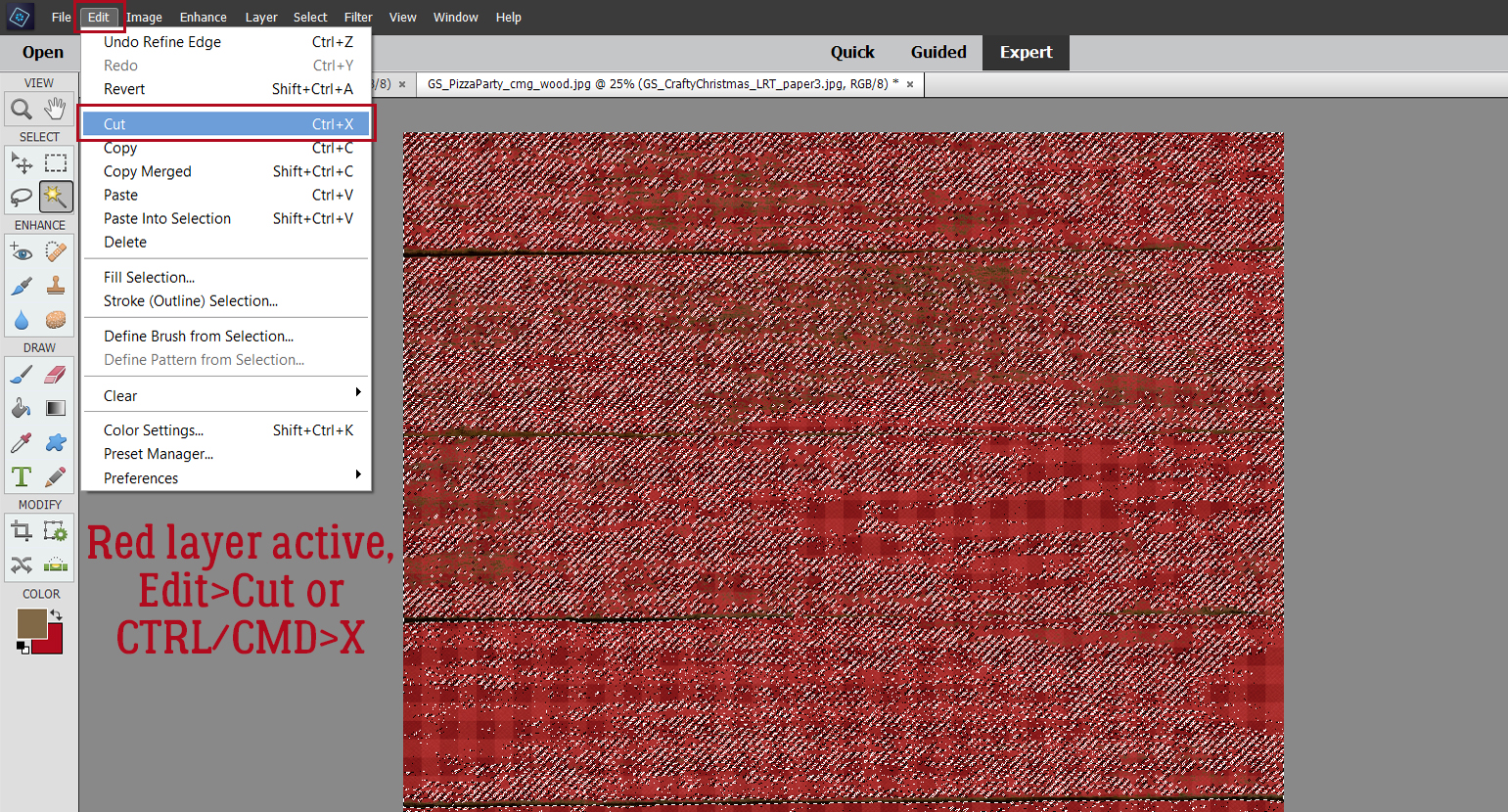
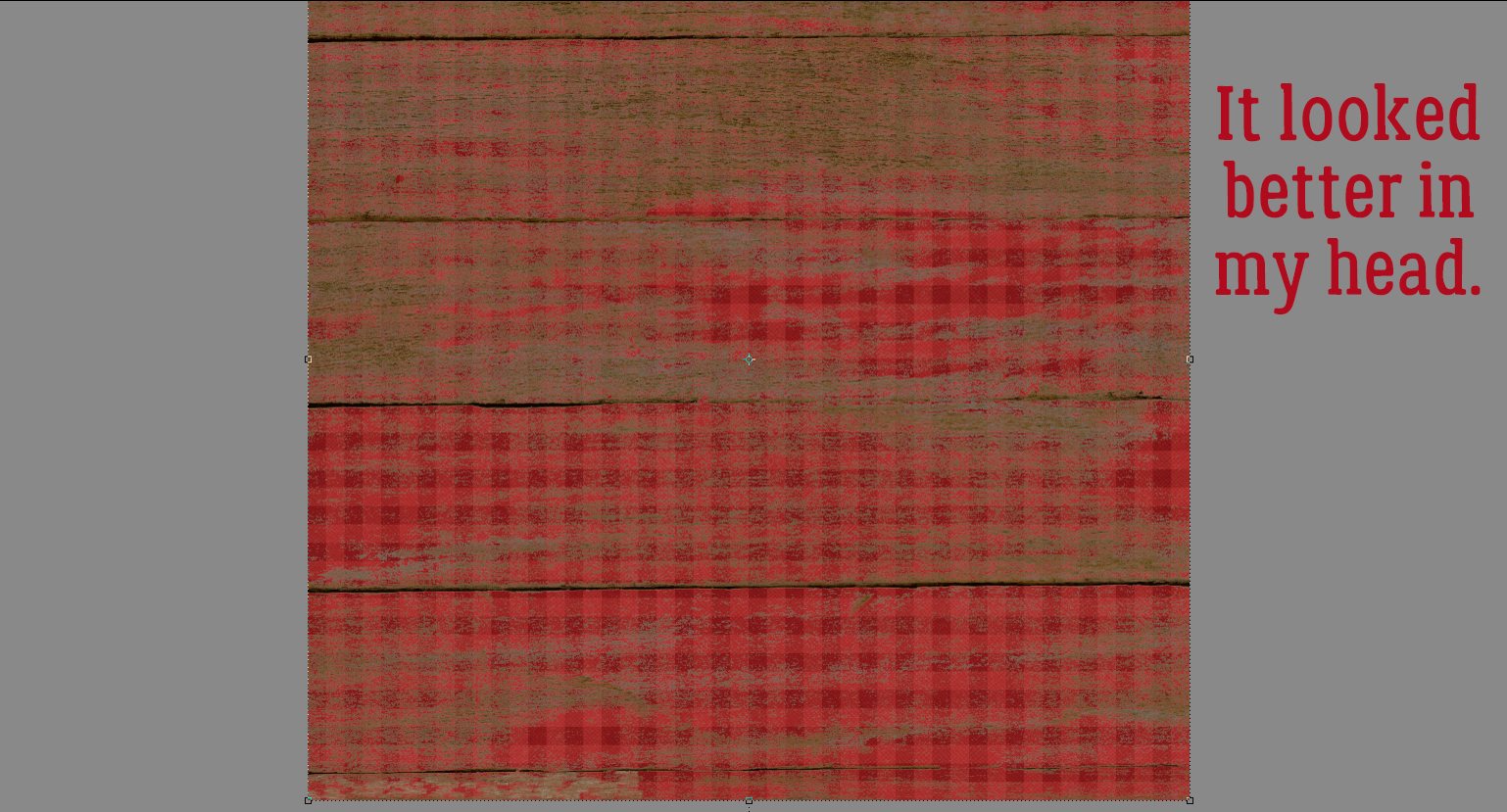
Now, with the turquoise paper layer active, I Cut some of the paper away. Edit>Cut or CTRL/CMD>X will work for that.

I followed the same process with each of the letters in the title. Where there are little bits of paper completely disconnected from the paper strip, I used the Eraser tool and got rid of them.

Where the paper bits are still attached, like inside the C, the S and the E, I left them there.

Then I shadowed up each layer and my title is done!

The layouts Sherry showed me as examples can be seen here, here and here.

If you try this tip, let me know so I can leave you some Gallery love!!

PDF Tutorial: https://bit.ly/3kYGNyg

Designer Spotlight: September 2121

It’s HeartMade Scrapbook!

Today I’d like to introduce you to one of our newest designers, HeartMade Scrapbook – who is also known as Ngoc! She very graciously agreed to let me pick her brain, and now I get to share what I’ve learned about her with all of you.

J: So tell me, how long have you been designing?

N: I’ve been designing since May last year (2020).

J: Ah, another CoVid convert! Welcome to GingerScraps!! What made you decide it was time to hang up your Creative Team hat and jump into designing?

N: In 2020, the CoVid-19 epidemic broke out, I have more time and I want to try a whole new field. And there’s really a lot to learn, but I’m very happy with the design.

J: I think all of us would be thrilled to have more time. What tools do you use in your design process?

N: I use Photoshop and Illustrator.

J: Well, you’re way ahead of me. I’m still plodding along with Elements. What’s your design motivation/inspiration ?

N: My main motivation and inspiration are my kids and the life around me. I want to be a memory keeper!

J: Most of us would say the same. It’s pretty much the whole purpose of our community. Now I’d like to know which of your kits currently in the GingerScraps shop is your favourite, and why.

N: Cool Summer: Because I like pastel colors and summer is my favorite season!

J: Abrupt subject change!! What would you do if you won the lottery today?

N: I will buy a farm in the countryside to grow vegetables and flowers.

J: That sounds like a LOT of work! Are you more likely to sing, or to dance, in the shower?

N: Yes, I will sing sometimes, even though I’m not very good at it.

J: Everybody is a star in the shower! Weird question… If time travel was possible, would you go forward in time or back, and why?

N: I would go to the future, I want to know when covid-19 will end.

J: You and all the rest of us! 🙂 It has really turned the world upside down, hasn’t it? Design-y question again. What colours do you love, or NOT love?

N: My most favorite colors are pastel & bright colors. My least favorite colors are dark and heavy colors.

J: I love jewel tones most. And I’m so happy there are designers who do too. Last question, another one about favourites. If you could only eat one meal for the rest of your life, what would it be?

N: It’s PHO Vietnam, widely known as Vietnamese noodle soup, is a highlight of Vietnamese cuisine. I can eat it everyday and never get bored – Vietnamese people love eating PHO for breakfast, lunch, and dinner. Despite looking simple outside, PHO has the fascinating complexity of textures and flavors. Normally, PHO Vietnam is made of rice soft noodles called “banh pho”, some slices of meat, traditional herbs and is served with consommé which is made by the simmering bone of the chicken, pork or beef.

J: I’m missing out, clearly! I’ve never had pho. But to do it justice, I think I’ll wait until my CoVid-damaged sense of taste goes back to normal (if it ever does…) since all of a sudden I’ve developed an extreme distaste for anything containing onions.

Now, before we go, Ngoc has a gift for us! She’s got a 50% off coupon for her store. Thank you so much for visiting with us, sharing your talent, and for the gift!


The coupon code is HMS-SPOTLIGHT and it’s valid until midnight September 30th.