Let’s Celebrate! Back to School

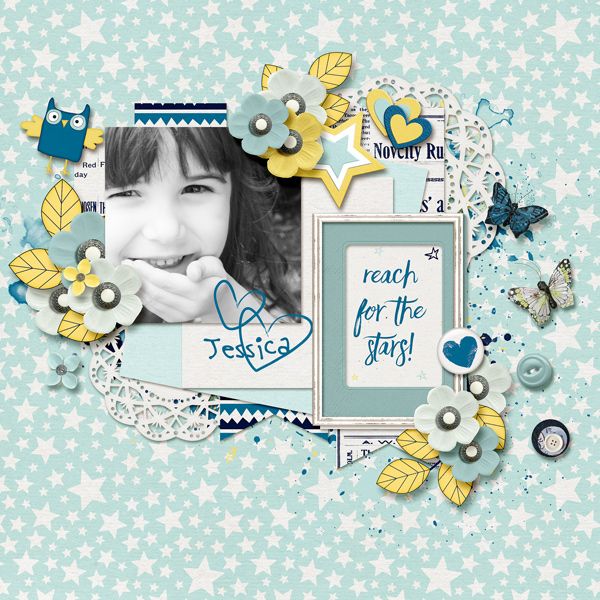
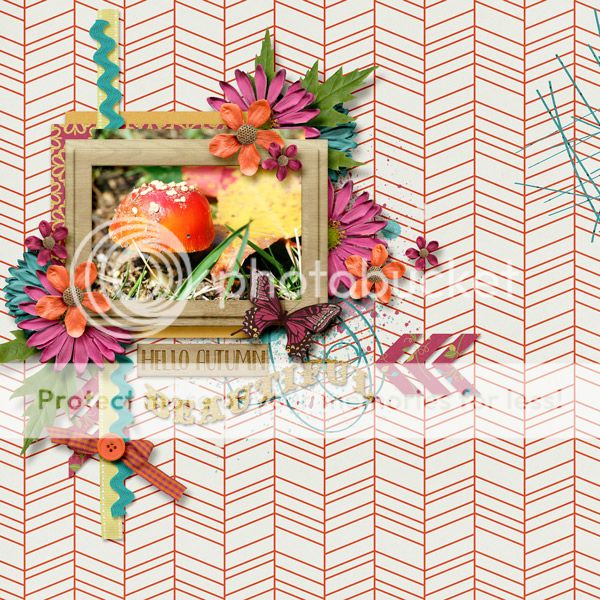
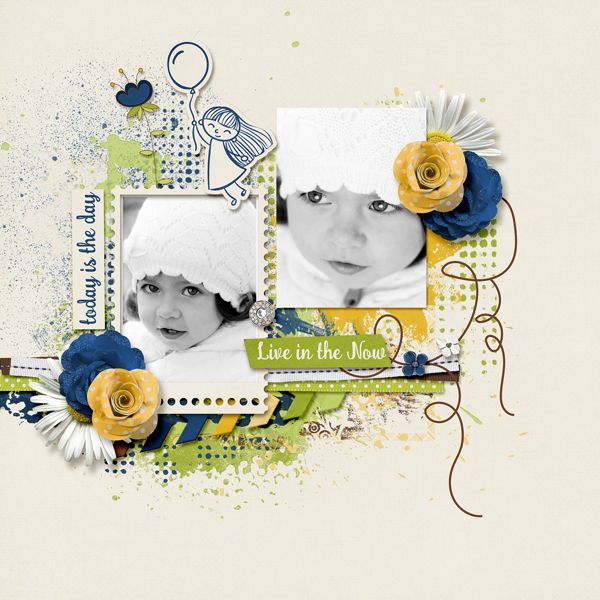
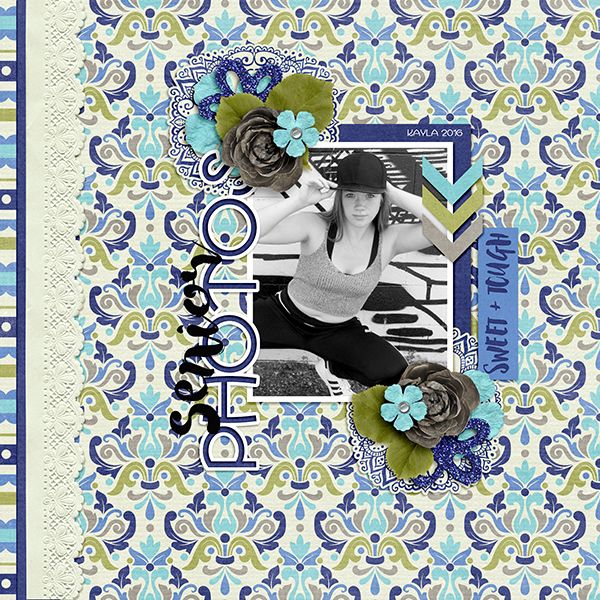
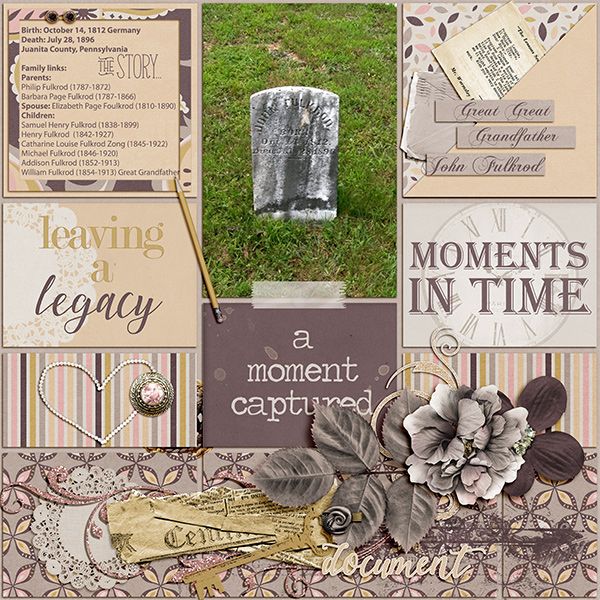
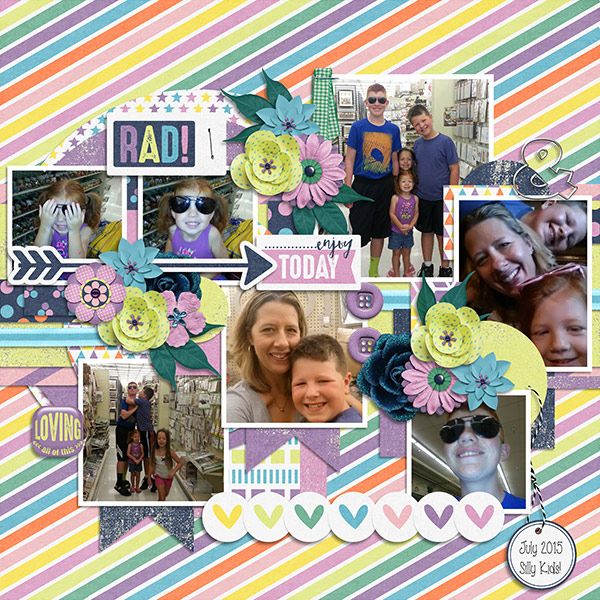
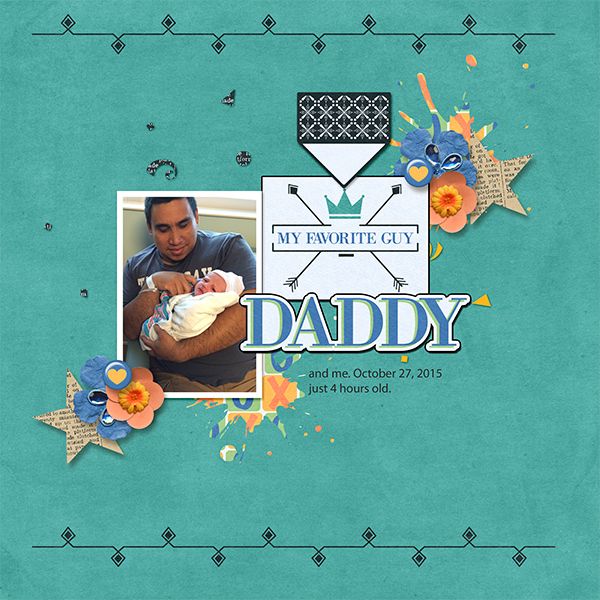
It is that time of year again here in the states. Well, actually my kiddo has been back in school for nearly a month. So, I would say that it is about time to get those photos scrapped! Right?! Today we are going to take a look at some great back-to-school digital scrapbooking supplies. There are pages and pages of great back-to-school digital scrappboking supplies here at GingerScraps. There is an entire section dedicated just to that. Today though, I am going to showcase just a few of them. Kind of like taking the hard work of searching out of your shopping. Doing the “hard work” for you. Truly though…I really love looking through the store. 🙂 Images are all linked!


Fresh Baked: September 02, 2016

It’s FRIDAY! So many goodies today, even after an amazing amount of goodies that were just released yesterday! The designers are definitely in the mood for designing. A new month and season seems to do that for them!

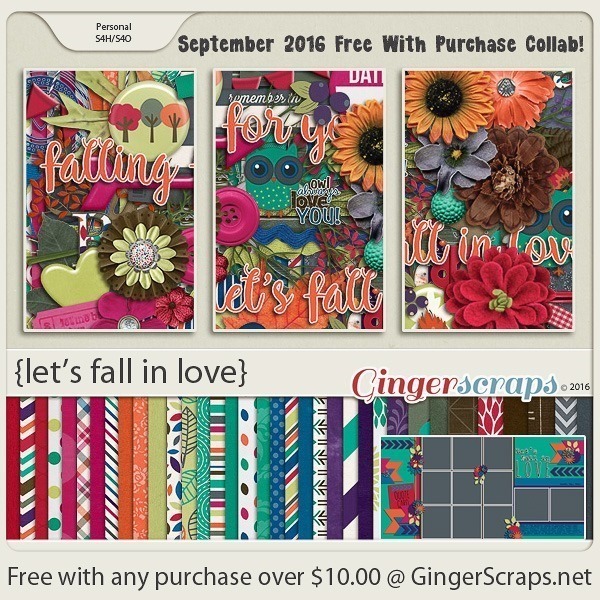
Remember when you spend $10 in the store, you get a great collab!

fwp3
https://store.gingerscraps.net/GingerBread-Ladies-Collab-Lets-Fall-In-Love.html [Read more…]

Sneak Peeks September 1, 2016

Holy Cow!!! It’s September! Where did the time go? Most kids are back in school and soon fall will be upon us! Even though the designers debuted wonderful buffet collections today, there’s more goodies debuting tomorrow! Lets see some of them!

From Amy Stoffel

From Magical Scraps Galore

From Neia Scraps

Come back tomorrow to see even more goodies to play with over this long weekend!

Fresh Baked: September 01, 2016

It’s SEPTEMBER! The month that fall starts. The start of all things pumpkin. I don’t know about you, but I’m ready for the colors of fall. I’m ready for the reds, the oranges, even the browns. This month’s buffet theme colors are the perfect mix of summer fading into fall!

It is the First of the month, and that means the revel of our new Buffet!! Don’t forget the new Buffet items will all be 50% off (from the 1-5th of the month)!

*NEW Buffet Bundles* Take a look at our all new Buffet Bundles! Each buffet for 2016 will have a sub category for our Buffet Bundles. One easy click to add bunches of Buffet goodies to your cart, and an amazing value too!

buffet

The designers all had their own take on what the colors and theme said to them! I love the variety!

The designers definitely each made the palette their own and came up with some gorgeous designs, each unique but working so well with the other designers’ creations

[Read more…]

DD: Sept 01

Oh my goodness, I can’t believe it’s already September! Time for a new Daily Download!

Of course, you know the drill. I can’t show you September’s until I show the full preview of August’s. This one was designed by Connie Prince and oh my goodness, it’s perfect for the sports fan of almost any sport!

dd-aug
https://store.gingerscraps.net/Play-Ball-Kit.html

And here’s this month’s, created by Seatrout Scraps and Mandy King!

dd-sept
https://bit.ly/2boRuaR

Remember, the download is kept up for 5 days, and then it is taken down. If you miss pieces, the kit will be available for purchase on the first day of the following month.

Designer Sneak Peeks – Buffet and Fresh Baked

Are you ready for the first of September. It’s time for school, football, and fall. Let’s see what we have coming out tomorrow in the Buffet.

And now for new Fresh Baked sneak peeks for Friday!

Time to go shopping!!

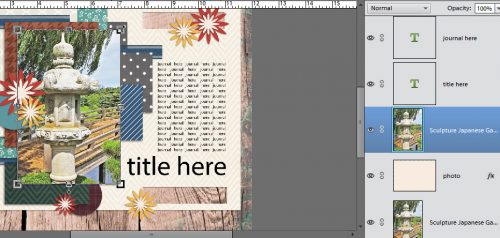
Tutorial Tuesday (Photoshop Elements)

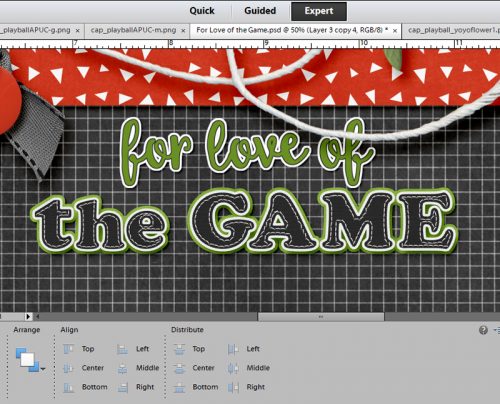
Turn a FONT into a STICKER!

Gingerscrapper Heather requested some help with creating eye-catching titles, so this little lesson will focus on turning a font into an outstanding sticker. Over the next few weeks we’ll go into more detail on how to really jazz up your layouts, so stay tuned!

The very first step is to figure out what to call your layout. You want to choose something that works with the topic, but you don’t want it to be “Joey’s 8th Birthday”… where’s the excitement in that? Instead you could go with “Today He’s 8!” For the layout I created to help with this lesson, I looked up some surfing terms, looking for a hook. I came up with “Rippin’ the Foam”.

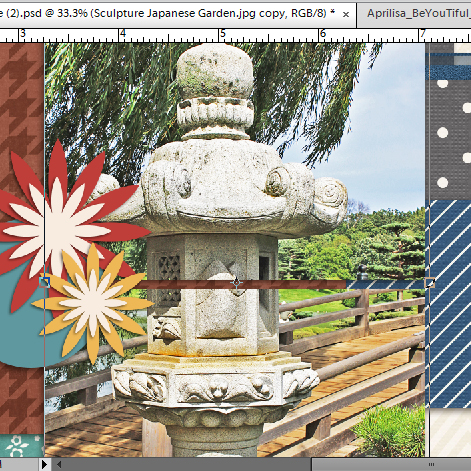
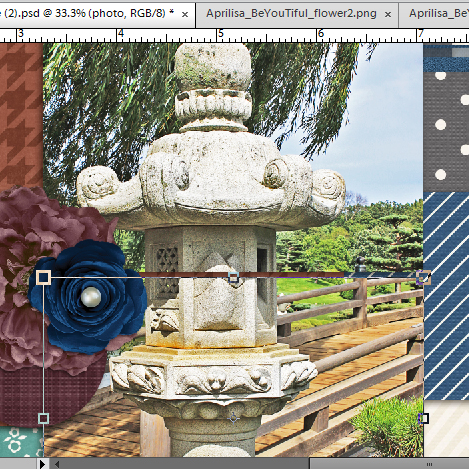
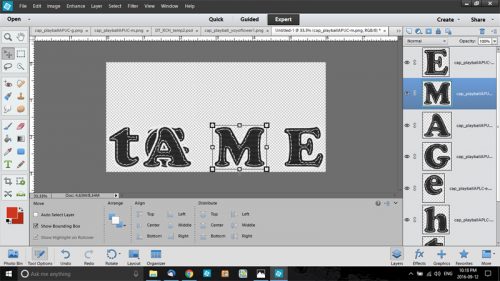
I like to build my titles on their own work space – there are fewer distractions and I can see clearly what I’m doing – so I always open a new file <CTRL/CMD+N>. (I use keyboard shortcuts, they really speed things up, but if you’re not comfortable with them, go ahead and do things as you usually do.) The size of the work space can be whatever you want, because you’ll be able to resize your title when you’re ready to use it.

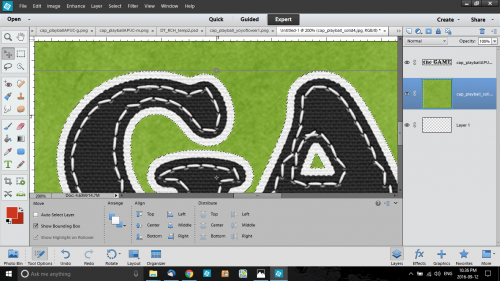
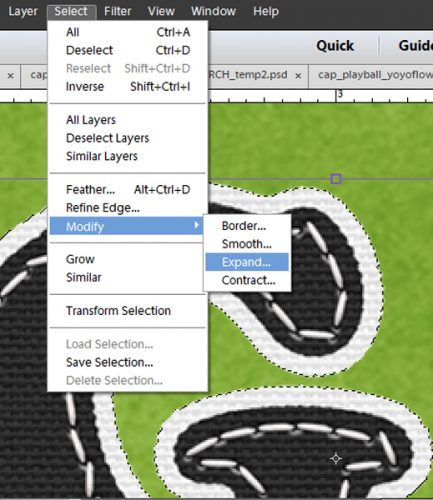
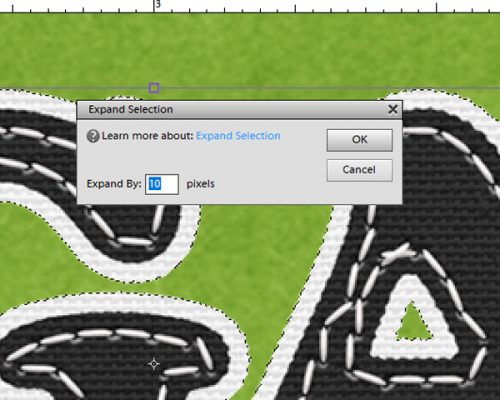
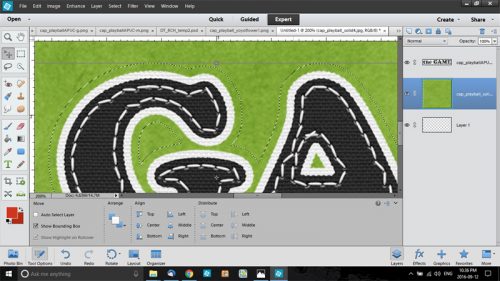
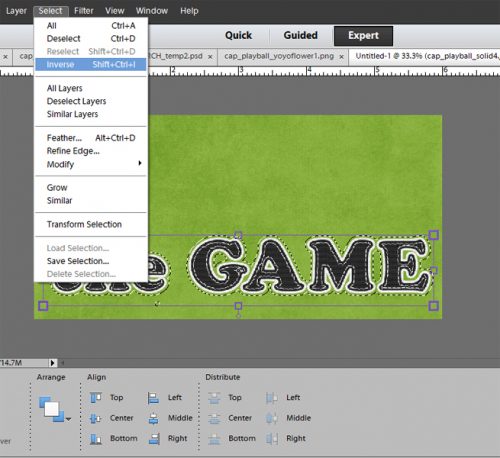
As you can see, I’ve already chosen the colour for my title. I decided to work with the two fonts selected by Jennifer of Leaving a Legacy Designs for the August challenge, since I hadn’t done it yet. Using Sacramento I typed out “Rippin'” but found it to be a little anemic for a title. To beef it up a bit, I simplified the text <right-click on the layer and select Simplify Layer from the drop-down menu> then I selected the text by <CTRL/CMD+click> on the thumbnail (the little image in the layers panel). Once I got those little ants marching around my text, I went to the SELECT menu and chose Modify > Expand and put the number 3 in the box.
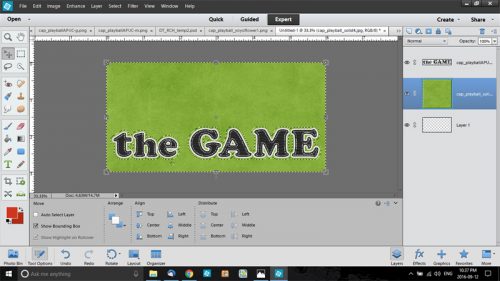
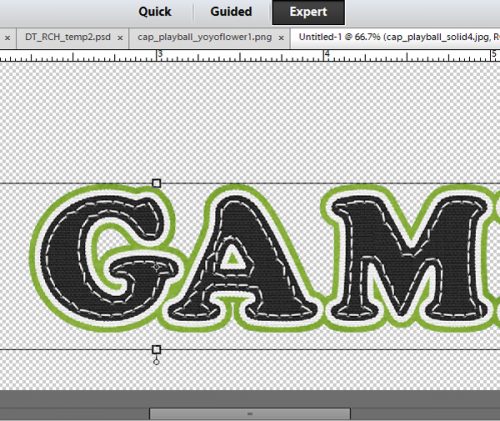
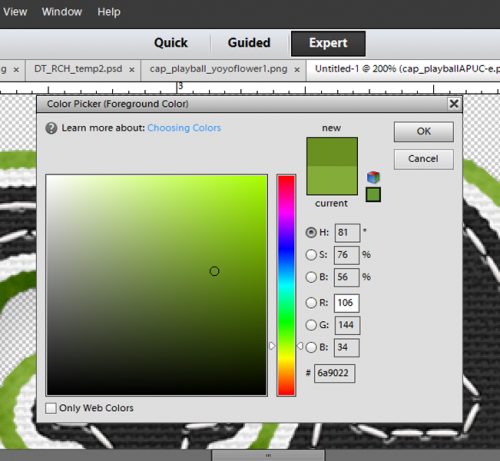
That pushed the line of ants out by 3 pixels, which was just enough. (Sometimes you have to play around to get it right, so don’t forget that CTRL/CMD+Z is your best friend.) Next I used the Fill tool (the paint bucket) to fill in the space created in the last step. You’ll notice that there’s a very thin line inside the filled space so just keep moving the paint bucket around and clicking until all the space is filled in. Now I had a nice, fat word but it was a little umm… meh. So my next step was to change the foreground colour in my colour picker to a medium-dark gray.
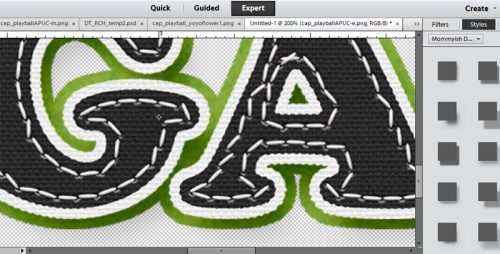
In the EDIT menu, I chose Stroke (Outline) Selection, set the value to 1 and chose Center.

2016-08-29 (9)

That puts a very thin gray line around the edge of the text. To continue on achieving the sticker look, I changed the colour of my foreground to white (ffffff) and I again selected the EDIT menu, only this time I put 6 as the value and selected Outside for the location.

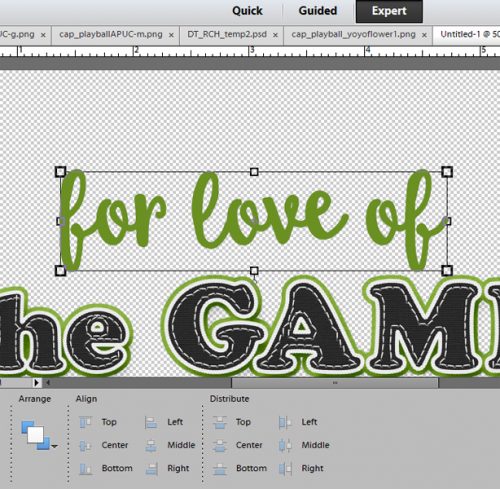
Now we’re cookin’! I changed the font to the other featured font for August, RNS Camelia and added the rest of my title in black. It needed a little nudging to get it where I wanted it – that’s part of the process. deciding what looks good. I chose not to include that part in the sticker because I wanted it to look like I’d written it on the layout.  At this point, I had two layers on my work space. With the Rippin’ layer selected, I added a drop shadow and tweaked it so it was close to the sticker, sort of sharp and fairly dark. <Double-click on the fx icon on the layer in the layers palette, then use the sliders to adjust the size – sharpness of the edge, distance -width of the shadow and opacity – darkness of the shadow until it looks good to your eye.>

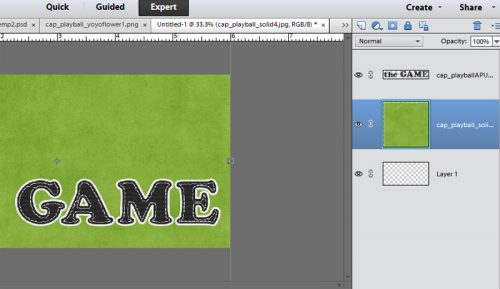
Once that was done, I merged the two layers together so I could move the title in one piece onto my layout. Now, knowing that I didn’t want my title to “float”, I selected the background paper layer of my layout to drop the title onto. It needed to be adjusted for size and placed where it looked best then ta-da! it was done! As you can see in the very first photo above, if I’d just used the font by itself, my title would have been lost against the patterned paper in the background. With a few simple steps, I made it so much better!

There you have one very basic method of adding interest to your titles. The tutorials to follow will build on this lesson and add a lot of cool techniques to your skill set. I hope you’ll continue to suggest topics for future lessons so you can grow your skills to match your imagination. 

Fresh Baked: August 26, 2016

The last Fresh Baked of August! We only have 4 months left in the year of 2016! That doesn’t mean the designers are slacking off and just letting the time pass them by! They’re working hard and getting so many new items created and released. So many goodies this week, and just WAIT until the 1st! You’re going to LOVE it!

Remember when you spend $10 in the store, you get a great collab!

fwp3222 https://store.gingerscraps.net/GingerBread-Ladies-Collab-Happy-Summer.html

[Read more…]

Designer Sneak Peeks – August 26, 2016

Well, here we are at the end of August and I’m seeing a few back to school items in our sneak peeks along with some other fun kits. What do you think?

Remember to head over to the store on Friday to pick up your favorites!!

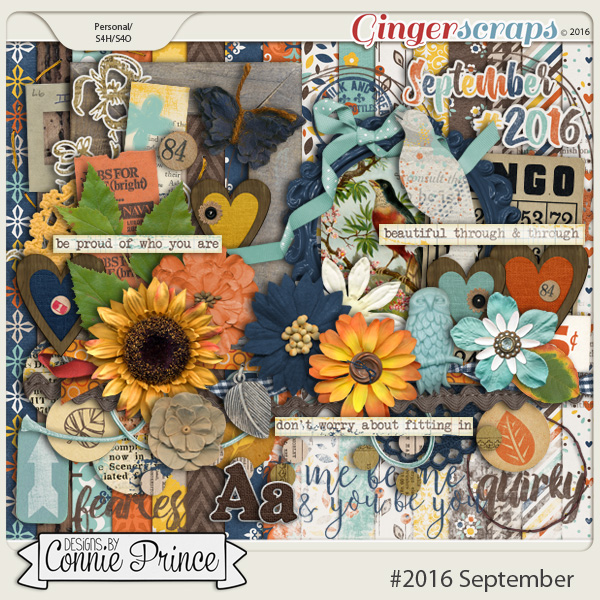
August Featured Designer – Designs by Connie Prince

Wow – August is flying by and I’m running way behind on this blog post. August’s featured designer is the amazing Connie Prince. I finally slowed each of us down long enough to get some questions to her. Let’s see what she had to share with us.

What made you decide to design?

When I started designing there weren’t that many digital scrapbook stores or designers. I wanted to be able to create things to use in my own scrapbooks and it just took off from there.

What do you use to create your designs (program, additional tools, etc.)?

I design in Photoshop & Illustrator.

Describe your design workplace

I have an office / craft studio where I do my design work.

What is your favorite thing about designing?

I enjoy the artistic freedom that it gives me. It’s a fun job!

What is your favorite kit currently in your GS store and why?

I love my #2016 August collection, the colors make me happy!

What do you do when you are feeling very sad or depressed?

I usually go to Zumba. It’s my happy place

Which is the best vacation you’ve ever had in your life?

Our family went on a cruise a few years ago to the western Caribbean. It came after a particularly trying time in our lives and we really reconnected on that trip.

Which is your most cherished childhood memory?

I love curling up beside my mom each evening to watch television or read a book. It was our special time.

Do you believe in ghosts?

No way!

Who is your celebrity crush?

Justin Timberlake

What do you order when you go to Starbucks?

I never go to Starbucks.

What is your favorite kind of cookie?

Chocolate chip

Are you an optimist or a pessimist?

Eternally optimistic!

Would you change your name if you could? If so, what would you change it to?

No.

What is your favorite pizza topping?

Pepperoni

If you could give the world one piece of advice, what would it be?

Don’t take it too seriously – have as much fun as you can for as long as you can!

What do you do to wake up in the morning?

Straight to make coffee!

What is a small luxury that you treat yourself to?

I love getting my nails and toes done!

What did you want to be when you were small?

A mom. That’s really all that I ever wanted to be!

Which would you rather do: wash dishes, mow the lawn, clean the bathroom, or vacuum the house?

Mow the lawn!

If you could hire someone to help you, would it be with cleaning, cooking, or yard work?

Cleaning

What would you do if you won the lottery?

Travel, travel, and travel some more!

What’s the most interesting thing you can see out of your office or kitchen window?

This little old man who power walks every single day for like 2 hours (even on the hottest and coldest days of the year), he’s phenomenal!

Share your favorite recipe with us.

Creamy Italian Chicken is the big favorite here lately: https://www.tasteofhome.com/recipes/creamy-italian-chicken

Thanks Connie!!

Make sure to check out her GS Store, her Blog, her Facebook page and her Facebook Group.

See you all soon with another interview!