Challenge Spotlight: Daily Download

PDF Version : https://bit.ly/3zE9jwD
GingerScraps is, without a doubt, the most generous digital scrapping store on the web. There are SO MANY freebies!!! The monthly Daily Download is just one of them. Each day for the entire month, pieces of a FREE kit are provided to readers on the GingerScraps Blog (right here!) so by the end of the month, you have a whole kit. (Don’t worry, If you missed a few days’ DLs, the kit will be available for purchase in the GS Store later.) But it gets even better… the following month, that same free kit is the basis for a GingerScraps Daily Download Challenge. For the month of July 2022, the kit in question is CarolW Designs‘s Way to Grow (linked to the bundle).
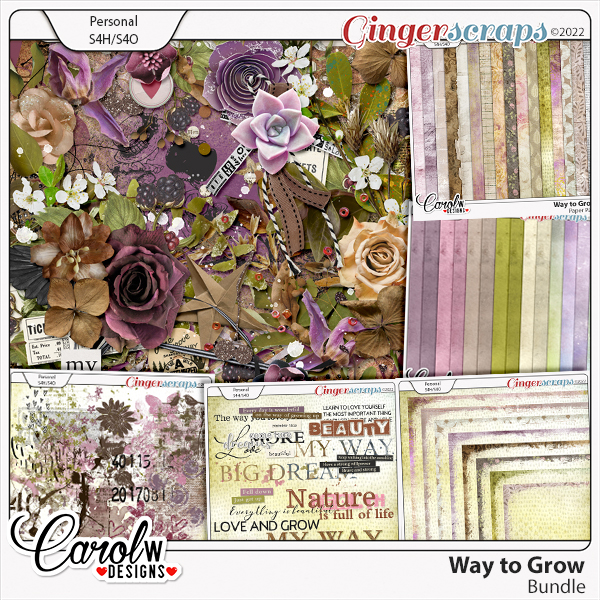
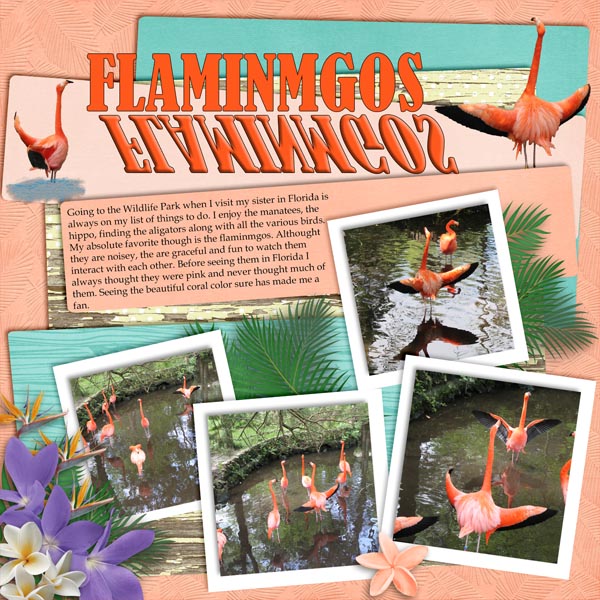
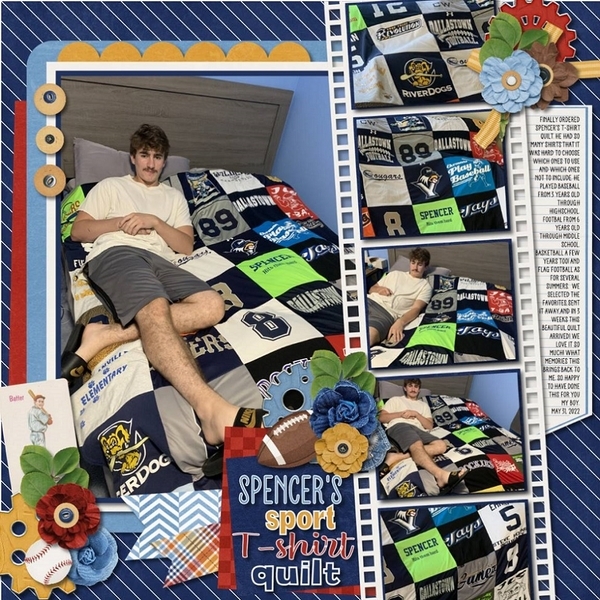
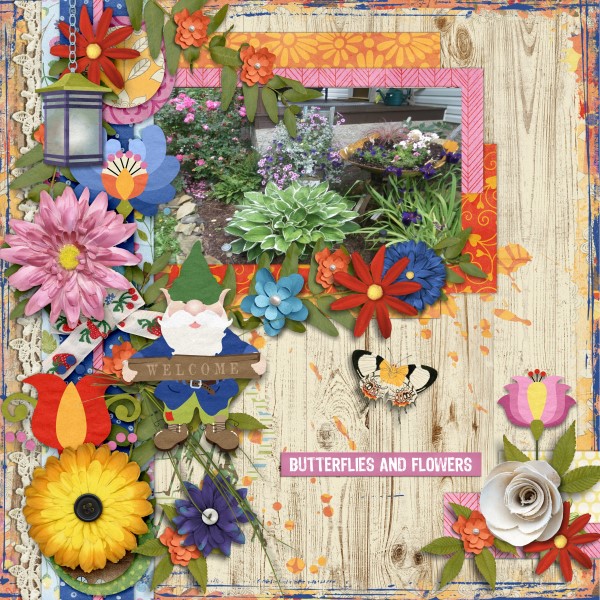
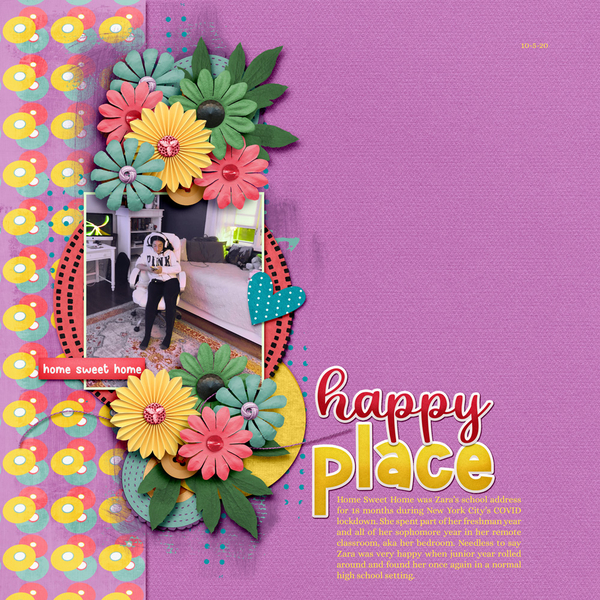
It looks to me like Carol‘s kit was a huge hit with our scrappers. There are 20 layouts in the Daily Download Gallery already and there are still 12 days in the month! Let’s check them out – in random order. (Each layout is linked to the Gallery via the scrapper’s user name so you can drop in a little praise for the ones you like best.)
Our first sample is from willow. I love all the white space here. She’s taken only a small handful of the elements in the kit and created a beautiful, calm layout.

I like how chigirl has melded some grunge via her choice of papers and paint splatters with the flowery prettiness of the elements into this loveliness.

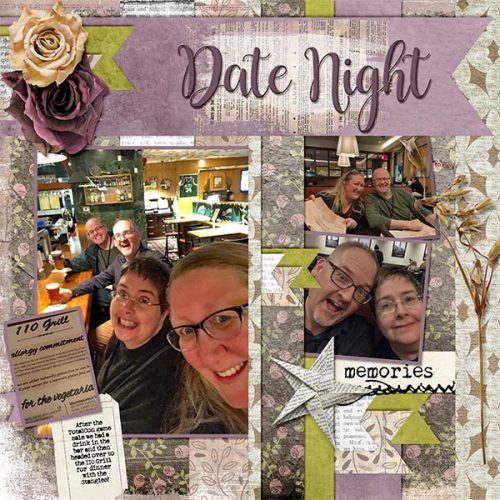
wendeeds has pulled colour from her photos and used coordinating elements and papers to create her fun Date Night layout.
I salute the dedication of people like makeyesup who create a new themed desktop for their computer every month!
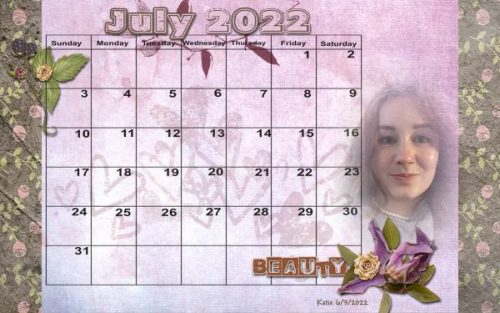
202207 Calendar
How sweet is this? PixyGirl has used the Artsy Bits from the bundle to create a secret garden with a delightful little person in it.

This layout by NHSoxGirl is another gorgeous white space layout with a sparing use of elements. When you don’t have photos that work well with a kit, but you’re dying to use it anyway, you can always convert a fave photo into black and white.

Lucky for hiddenartist, she had a perfect photo! Her clusters and shadowing are top-drawer.

This layout from Danissa makes good use of the Artsy Bits and one of the grungy Edges in the bundle combined with a lovely cluster.

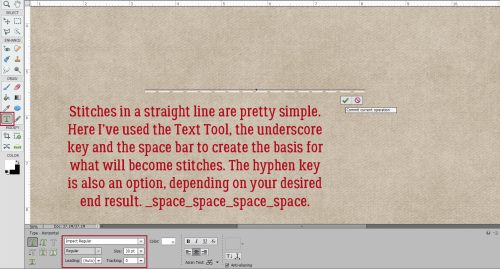
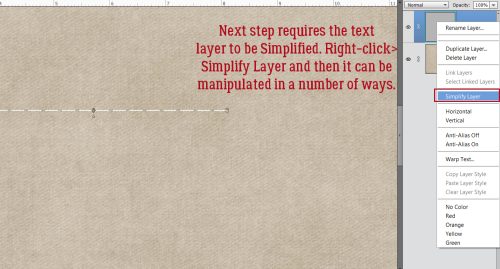
Sweetpea2020 lets the papers do the heavy lifting here. The stitching adds an earthy touch.

Look at how Alasandra has clustered these flowers so the kitty seems to be sniffing one. Beautiful!

The paper strips tie all of roxana‘s photos together and the clusters enhance them, leading the eye from photo to photo.

The vintage feel of this layout from kabrak1207 is quite pleasing. I’m such a sucker for old photos…

But then… bagheertje pops up with this brand-new photo of a brand-new human showcased by a lovely, grungy but extremely simple layout.

The kit’s palette seems tailor-made for this chipmunk’s portrait and bumblebeee has framed it exquisitely with papers.

For another delectable white space layout, look no farther! The photo dhariana chose pulls colour from the kit, her choice of background paper makes it pop, and her brush use enhances the overall image. Spectacular!

LidiaG has created another grungy-gorgeous-great-white-space layout here. The large cluster draws the viewer right to the eyes of that sweet child in the photo.

I’m at a loss for words when I look at this layout from Jill. She’s skillfully clustered the elements in a natural arrangement, and divided the photo over two frames in such a way that it’s the focus. There’s a lot going on, but in the BEST way!

Every picture tells a story, but sometimes it needs a little support from the wings. AJsRandom explains and balances her photo in a minimalist layout full of movement.

in her layout, wvsandy has created a beautiful frame for her prayer, and I’m pretty sure she’s used every element in the basic kit but the flair, bead spill and bottle cap.

Last but not least, alta2014 has pulled from various parts of the bundle to create a lovely, soft layout that enhances her photo. The messy stitching adds a nice casual touch.

Are you enjoying the monthly Individual Style/Challenge Spotlight posts? I find myself inspired every time I write one. Seeing how others interpret a challenge and use a defined set of tools so creatively really gets my mojo motor revving. Time to get some scrappin’ done!
PDF Version : https://bit.ly/3zE9jwD