Sneak Peeks September 6th, 2018

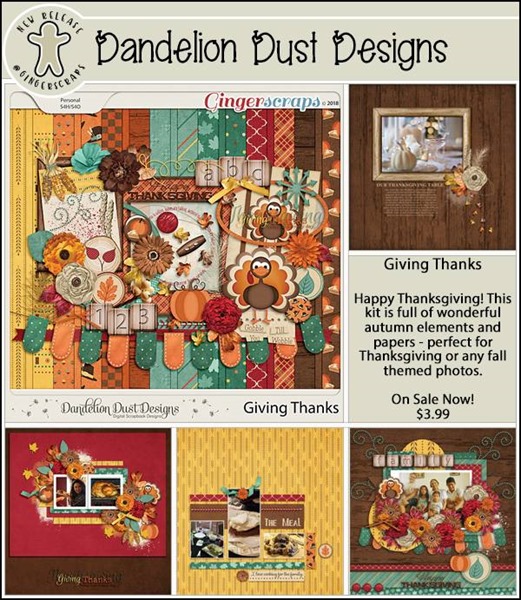
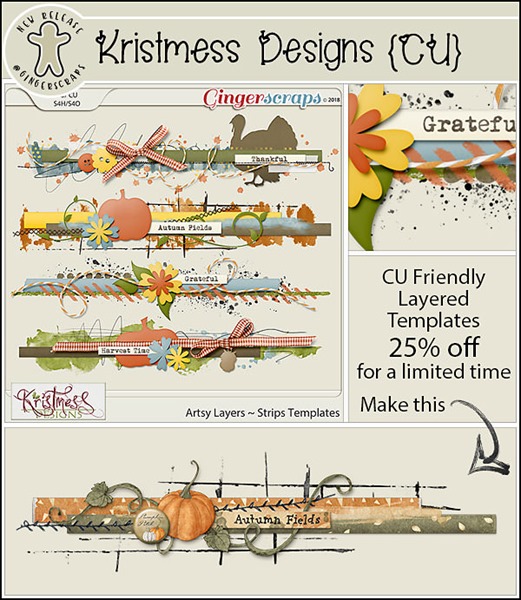
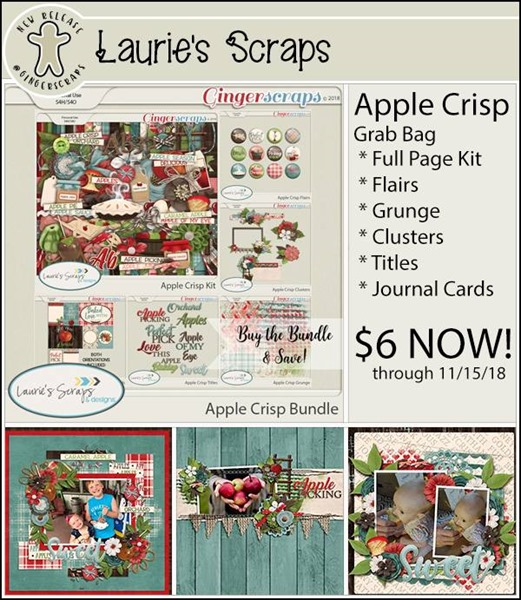
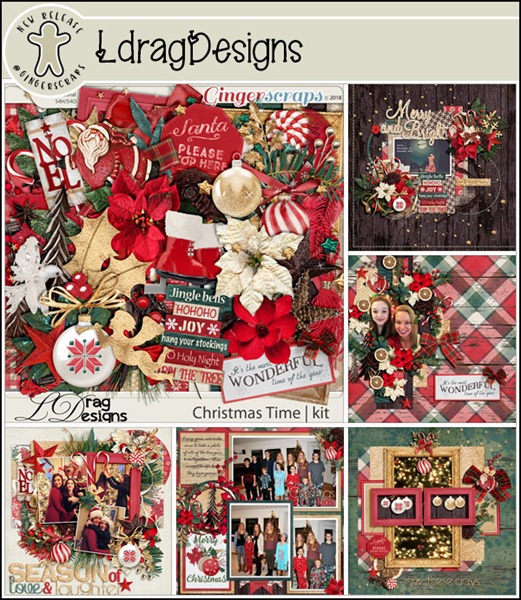
Happy Thursday! Get ready for Gingerscraps Birthday Celebration tomorrow! The festivities go on for a week! Our designers have loads of new goodies just for you! Let’s take a look!

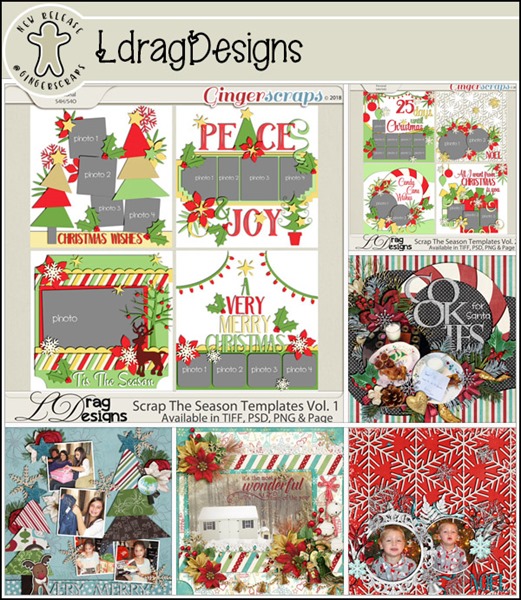
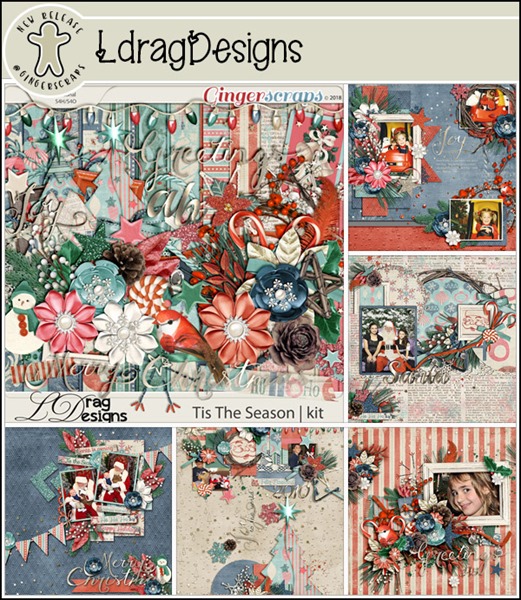
From LDrag Designs

From Moore Blessings Digital Designs

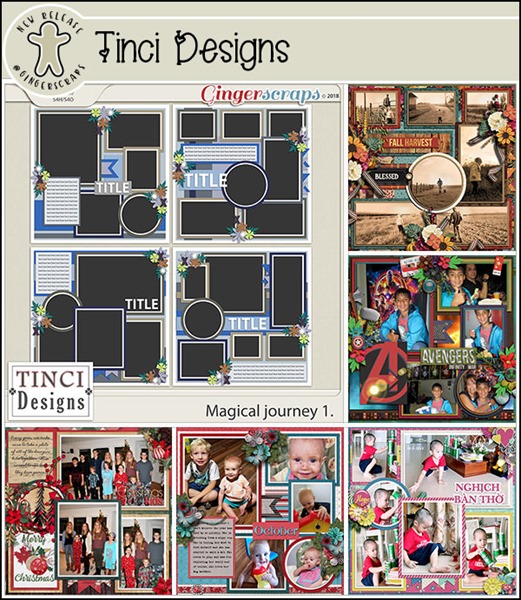
From Tinci

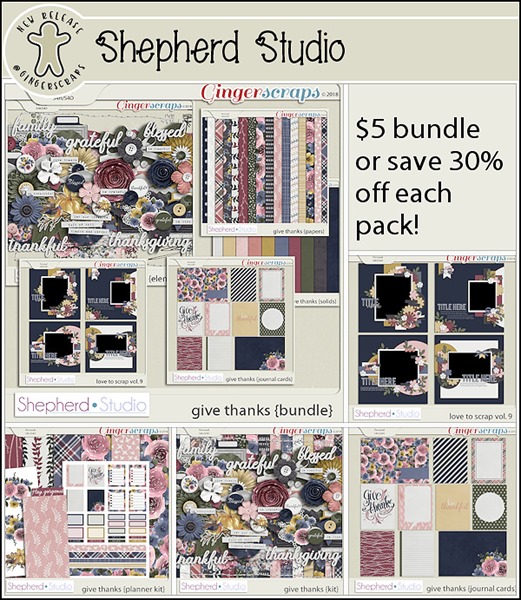
From Shepherd Studio

From Craft-tastrophic

From JoCee

From Neverland Scraps

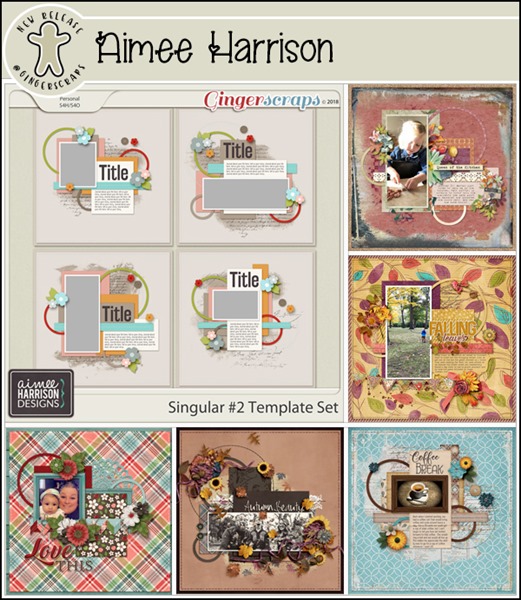
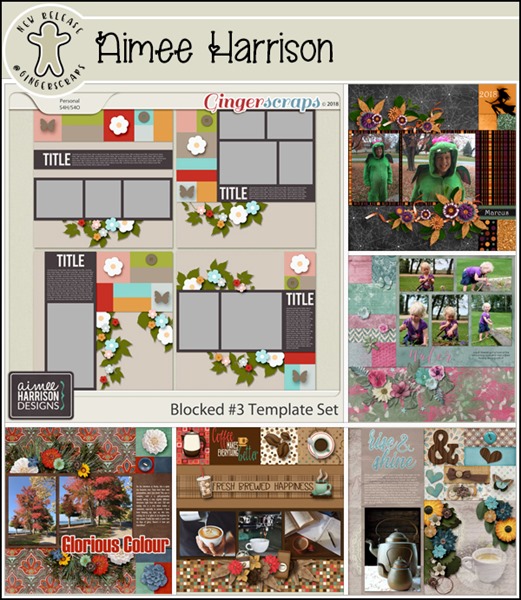
From Aimee Harrison

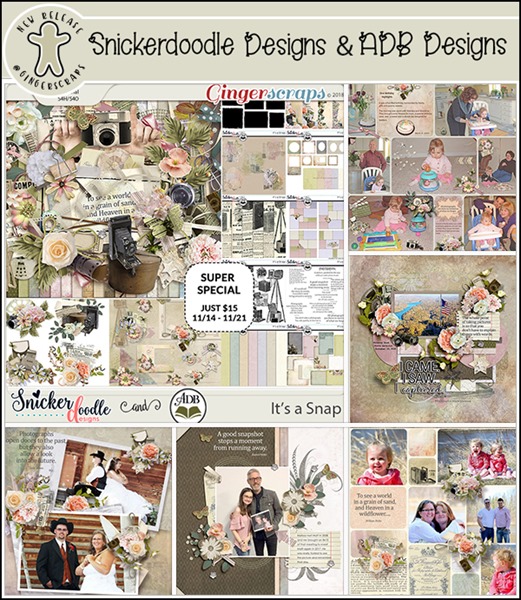
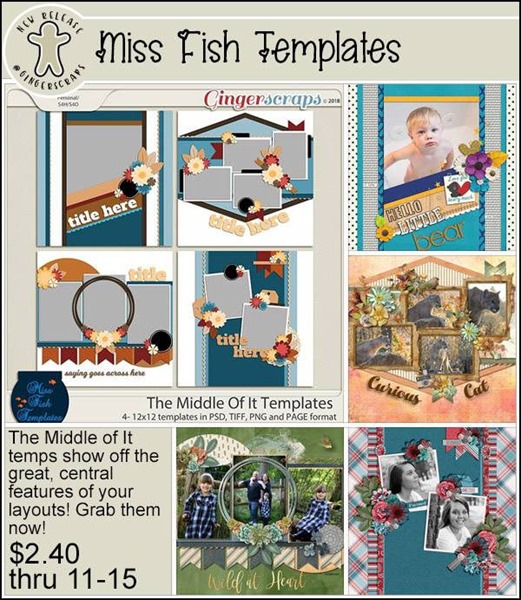
From Miss Fish and Shepherd Studio

From Ponytails

Check back tomorrow to see all the goodies releasing!

Tutorial Wednesday (Fonts!)

It’s Fall, Y’All!

First of all, let me apologize for missing my deadline. Time kinda got away from me between necessary home maintenance and my real job, so I’m playing catch-up now.

Here in the northern hemisphere, we’ve headed into fall (at least where I live, we’ve had frost advisories two nights in a row already), the kids are back in school and the Shop is packed with amazing autumnal kits. So I thought it might be a good time to look at some free fonts and dingbats from dafont.com that might be just what you’re looking for to make your fall layouts even more perfect. Let’s start with some back-to-school-themed fonts.

These would be so awesome for elementary school layouts, although I’ve heard lots of schools are no longer teaching cursive writing. What a loss that is!


For the slightly older kiddos, fractions!


Then there are some great fonts for the varsity crowd.


If you don’t have any dingbats in your stash, you’re missing out! Dingbats are scaleable images that can be used for a variety of purposes. Check these doodly ones out.


We can’t forget fall sports. Some of these balls are probably rolling around at your house these days.


For kids in the drama club…


… or the band…


We can’t leave out the young adults in our lives who are now in college/university.


I don’t know about you, but stars still mean a job well done to me.


If you don’t have anybody going back to school, you might have a use for some cool autumn-y dingbats like these.


Yeah… we have some nasty (and enormous!) mushrooms growing along the fence in our back yard. Can’t seem to eradicate them, and the dogs found them the other day. I’m glad they didn’t eat them.


There are so many ways these can be used. They can be turned into brushes, used as clipping masks, filled with colour, turned into a border or a scatter… the limit is your imagination. As I mentioned above, these are all FREE. DaFont has a lot more, too. This is just a little teaser!

Fresh Baked: September 01, 2018

It’s September and the year is almost over. A new season is about to begin and another crazy month of weird holidays is upon us. What are some of the weird holidays we can look forward to experiencing? This week is National Enthusiasm Week! Make sure you speak in lots of exclamation points!

It is the First of the month, and that means the reveal of our new Buffet!!

Don’t forget to check out the Buffet Bundles, one easy click to add bundles of Buffet goodies to your cart, and an amazing value too!

[Read more…]

DD: Sept 01

I’m so glad that I get to share this month’s Daily Download. It’s gorgeous.

Before I show you this month’s, I have to show you August’s kit:

dd-aug
https://store.gingerscraps.net/My-Favorite-Flavor.html

Anyone else craving something in a cone?

And here is September’s preview:

dd
https://bit.ly/2MEs25p

Remember, the download is kept up for 5 days, and then it is taken down. If you miss pieces, the kit will be available for purchase on the first day of the following month.

Fresh Baked: August 31, 2018

Matchmaker, Matchmaker, Make Me a Match. Find me a snack. Dress me in colors! Now tell me you didn’t sing (or read it, at least) to the tune! Some of the weird holidays today are “College Colors Day”, “National Trail Mix Day” and “National Matchmaker Day”. So, while you’re feeling happy in your favorite school’s colors, snacking on some trail mix (share some M&Ms for me, please!), find yourself the PERFECT match in the store today! And we will see you again soon!

Remember when you spend $10 in the store, you get a great new collab! Don’t worry! It’s stinger free!!

fwp_thumb_thumb_thumb_thumb_thumb
https://store.gingerscraps.net/GingerBread-Ladies-Collab-Bee-Happy.html

lauries
Bundle: https://store.gingerscraps.net/Incredi-Kit-Bundle.html
Kit: https://store.gingerscraps.net/Incredi-Kit-PageKit.html
Flairs: https://store.gingerscraps.net/Incredi-Kit-Flairs.html
Grunge: https://store.gingerscraps.net/Incredi-Kit-Grunge.html
Clusters: https://store.gingerscraps.net/Incredi-Kit-Clusters.html
Titles: https://store.gingerscraps.net/Incredi-Kit-Titles.html
Cards: https://store.gingerscraps.net/Incredi-Kit-Cards.html

ldrag01
https://store.gingerscraps.net/Fairy-Flutter-by-LDragDesigns.html

ldrag02
https://store.gingerscraps.net/Movie-Night-by-LDragDesigns.html

ldrag03
https://store.gingerscraps.net/Reach-For-The-Stars-by-LDrag-Designs.html

linds01
https://store.gingerscraps.net/nearly-autumn-collection-by-Lindsay-Jane.html

linds02
Collection: https://store.gingerscraps.net/nearly-autumn-collection-by-Lindsay-Jane.html
Kit: https://store.gingerscraps.net/nearly-autumn-by-Lindsay-Jane.html
Quick Pages: https://store.gingerscraps.net/nearly-autumn-quick-pages-by-Lindsay-Jane.html

miss
https://store.gingerscraps.net/Photo-Frenzy-Lifes-A-Beach-Templates-by-MissFish.html

aimee01
Collection: https://store.gingerscraps.net/360-Life-All-About-September-Collection-by-Aimee-Harrison.html
Kit: https://store.gingerscraps.net/360-Life-All-About-September-Page-Kit-by-Aimee-Harrison.html
Alphas: https://store.gingerscraps.net/360-Life-All-About-September-Alpha-Sets-by-Aimee-Harrison.html
Borders: https://store.gingerscraps.net/360-Life-All-About-September-Borders-by-Aimee-Harrison.html
Templates: https://store.gingerscraps.net/360-Life-All-About-September-Templates-by-Aimee-Harrison.html
Date Tabs: https://store.gingerscraps.net/360-Life-All-About-September-Date-Tabs-by-Aimee-Harrison.html
Titles: https://store.gingerscraps.net/360-Life-All-About-September-Titles-by-Aimee-Harrison.html
Quotes: https://store.gingerscraps.net/360-Life-All-About-September-Quotes-by-Aimee-Harrison.html
Messy Edges: https://store.gingerscraps.net/360-Life-All-About-September-Messy-Edges-by-Aimee-Harrison.html
Glitters: https://store.gingerscraps.net/360-Life-All-About-September-Glitters-by-Aimee-Harrison.html

aimee02
Collection: https://store.gingerscraps.net/Mermaid-Tales-Collection-by-Aimee-Harrison.html
Kit: https://store.gingerscraps.net/Mermaid-Tales-Page-Kit-by-Aimee-Harrison.html
Alphas: https://store.gingerscraps.net/Mermaid-Tales-Alpha-Sets-by-Aimee-Harrison.html
Frame Clusters: https://store.gingerscraps.net/Mermaid-Tales-Frame-Clusters-by-Aimee-Harrison.html
Extra Papers: https://store.gingerscraps.net/Mermaid-Tales-Extra-Papers-by-Aimee-Harrison.html
Stamps: https://store.gingerscraps.net/Mermaid-Tales-Stamps-by-Aimee-Harrison.html
Messy Edges: https://store.gingerscraps.net/Mermaid-Tales-Messy-Edges-by-Aimee-Harrison.html
Glitters: https://store.gingerscraps.net/Mermaid-Tales-Glitters-by-Aimee-Harrison.html

boomers
https://store.gingerscraps.net/The-Doctor-is-In-BGD.html

connie01
Bundle Collection: https://store.gingerscraps.net/-2018-September-Bundle-Collection-by-Connie-Prince.html
Kit: https://store.gingerscraps.net/-2018-September-Kit-by-Connie-Prince.html
Mixed Media: https://store.gingerscraps.net/-2018-September-Mixed-Media-by-Connie-Prince.html
Snippets: https://store.gingerscraps.net/-2018-September-Snippets-by-Connie-Prince.html
Messy Papers: https://store.gingerscraps.net/-2018-September-Messy-Papers-by-Connie-Prince.html
Border Clusters: https://store.gingerscraps.net/-2018-September-Border-Clusters-by-Connie-Prince.html
Templates: https://store.gingerscraps.net/-2018-September-12×12-Template-Pack-CU-Ok-by-Connie-Prince.html
Extra Papers: https://store.gingerscraps.net/-2018-September-Extra-Papers-by-Connie-Prince.html
Alpha Pack AddOn: https://store.gingerscraps.net/-2018-September-Alpha-Pack-AddOn-by-Connie-Prince.html
Word Art: https://store.gingerscraps.net/-2018-September-Word-Art-Pack-by-Connie-Prince.html
Quick Pages: https://store.gingerscraps.net/-2018-September-Quick-Pages-by-Connie-Prince.html

krist
https://store.gingerscraps.net/Kristmess/

Remember, if you complete 10 challenges, just ten, you get a free kit as well!!

cr_thumb_thumb_thumb_thumb_thumb
Is there anything better than a life that’s good?

Sneak Peeks August 30th, 2018

Tomorrow is the end of August! Wow! 4 more months left in the year! Since tomorrow is the last day of August and Saturday starts a new Buffet, I get to show you sneak peeks for both! Lets get started!

From LDrag Designs

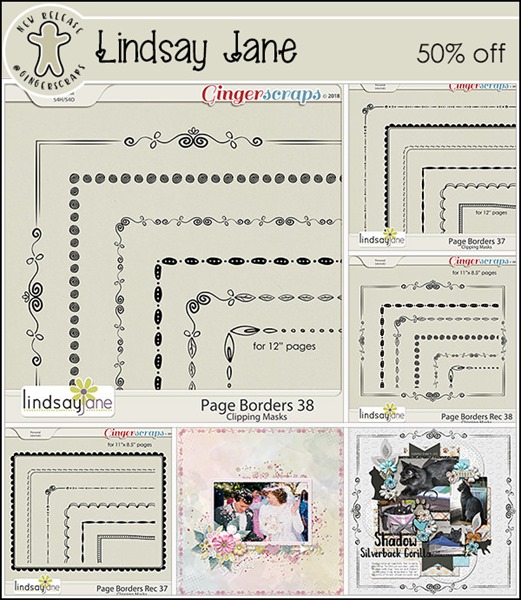
From Lindsay Jane

From Wimpychompers


From Miss Fish

From Aimee Harrison

And now here’s a peek of September’s Buffet!

Make sure you come back both Friday and Saturday to see all this week’s new products!

Tutorial Tuesday (Photoshop Elements)

Sketchy Simplified

Today’s tutorial doesn’t need a lot of explantation. It’s a little goodie I stumbled on when I was playing with this photo. I took it with my cell phone camera and was pleasantly shocked at how it came out, even when blown up in PSE. The sky is very flat, but that’s how the sky looked for much of my time in Ireland, so I’m not obsessing over it.

I’ve been playing with these Guided Edits just to see what they do, and the Orton Effect is amazing!

With this one, you can click the Edit button several times to create an additive change to your photo. But I only clicked it once.

The difference isn’t obvious, but it’ll be quite apparent once I change the settings.

See the change now? I barely moved the Blur slider to the right, I think the numeric amount was 4. But the whole image is softer and dreamier.

I played with all the sliders; the Noise one was the one I really wasn’t sure of. But in the end, I moved it to the right about 12 and the stone is starting to look sketchier.

By pushing the Brightness slider over about 1/3 of the way between the default and the max, I got this nice look.

As you can see, there are now 3 layers there when I clicked through to the Expert editor. Each layer can be further adjusted, Blend Modes changed to suit your mood and Opacity lowered. But I was happy with it so I just Merged them all.

But I tried a few more things on this image. I Duplicated the image layer so it would remain unchanged before I went on the add a Filter.

Filter>Stylize>Find Edges is the filter I used.

Don’t be alarmed! A simple tweak will make this work.

All I did was pull the Opacity of the top layer down to 32%.

And all that was left was to Merge the layers again. Then I saved the resulting image for use in a layout later. I plan to use it with a mask (or two) to blend it into the background a bit and that’ll add some life to the sky.

This should work with just about any photo with strong detail. Give it a whirl!

Fresh Baked: August 24, 2018

Good morning! How are you today? This week, we’ve got some weird but pretty awesome holidays coming up! Today is Vesuvius Day. The volcano that entombed a town in ash is honored/celebrated/feared? That’s okay, I guess. Tomorrow, the volcano can ask for forgiveness on Kiss and Make Up Day!
Remember when you spend $10 in the store, you get a great new collab! Don’t worry! It’s stinger free!!

fwp_thumb_thumb_thumb_thumb
https://store.gingerscraps.net/GingerBread-Ladies-Collab-Bee-Happy.html


https://store.gingerscraps.net/Bi-Templates-Set1.html

lauries
https://store.gingerscraps.net/Incredi-Kit-GrabBag.html

ldrag01
https://store.gingerscraps.net/LDragDesigns/

ldrag02
https://store.gingerscraps.net/LDragDesigns/

ldrag03
https://store.gingerscraps.net/LDragDesigns/


29: https://store.gingerscraps.net/Page-Borders-Rec-29-by-Lindsay-Jane.html
30: https://store.gingerscraps.net/Page-Borders-Rec-30-by-Lindsay-Jane.html
31: https://store.gingerscraps.net/Page-Borders-Rec-31-by-Lindsay-Jane.html


32: https://store.gingerscraps.net/Page-Borders-Rec-32-by-Lindsay-Jane.html
33: https://store.gingerscraps.net/Page-Borders-Rec-33-by-Lindsay-Jane.html
34: https://store.gingerscraps.net/Page-Borders-Rec-34-by-Lindsay-Jane.html

magical
Bundle: https://store.gingerscraps.net/Best-of-Scandinavia-collection.htmlPage
Kit: https://store.gingerscraps.net/Best-of-Scandinavia.html
Journaling Cards: https://store.gingerscraps.net/Best-of-Scandinavia-cards.html
Graffiti Pack: https://store.gingerscraps.net/Best-of-Scandinavia-graffiti.html
Bonus Papers: https://store.gingerscraps.net/Best-of-Scandinavia-bonus-papers.html
Bonus Elements: https://store.gingerscraps.net/Best-of-Scandinavia-bonus-elements.html

miss
https://store.gingerscraps.net/Great-Wide-Open-Templates-by-Miss-Fish.html

scraps
https://store.gingerscraps.net/Friday-Night-Lights-Bundle-by-Scraps-N-Pieces.html

aimee
Collection: https://store.gingerscraps.net/An-Air-of-Romance-Collection-by-Aimee-Harrison.html
Kit: https://store.gingerscraps.net/An-Air-of-Romance-Page-Kit-by-Aimee-Harrison.html
Alphas: https://store.gingerscraps.net/An-Air-of-Romance-Alpha-Sets-by-Aimee-Harrison.html
Blooms: https://store.gingerscraps.net/An-Air-of-Romance-Blooms-by-Aimee-Harrison.html
Frames: https://store.gingerscraps.net/An-Air-of-Romance-Frame-Clusters-by-Aimee-Harrison.html
Quotes: https://store.gingerscraps.net/An-Air-of-Romance-Quotes-by-Aimee-Harrison.html
Messy Edges: https://store.gingerscraps.net/An-Air-of-Romance-Messy-Edges-by-Aimee-Harrison.html
Glitters: https://store.gingerscraps.net/An-Air-of-Romance-Glitters-by-Aimee-Harrison.html

boomers
https://store.gingerscraps.net/Star-Student-BGD.html

cathy
https://store.gingerscraps.net/Under-the-Sea-Kit-by-CathyK-Designs.html

connie
Grab Bag: https://store.gingerscraps.net/August-2018-Grab-Bag-It-s-A-Mystery-by-Connie-Prince.html
Alpha Pack AddOn: https://store.gingerscraps.net/It-s-A-Mystery-Alpha-Pack-AddOn-by-Connie-Prince.html
Word Art Pack: https://store.gingerscraps.net/It-s-A-Mystery-Word-Art-Pack-by-Connie-Prince.html
Pocket Cards: https://store.gingerscraps.net/It-s-A-Mystery-Pocket-Cards-by-Connie-Prince.html

dandelion
https://store.gingerscraps.net/Great-Outdoors-Digital-Scrapbook-Kit-By-Dandelion-Dust-Designs.html


https://bit.ly/SchoolTimeBundGS

dear
https://store.gingerscraps.net/Saving-Memories.html

heather01
Bundle – https://store.gingerscraps.net/Celebrate-2018-August-BUNDLE-by-Heather-Z-Scraps.html
Kit – https://store.gingerscraps.net/Celebrate-2018-August-KIT-by-Heather-Z-Scraps.html
Accents – https://store.gingerscraps.net/Celebrate-2018-August-ACCENTS-by-Heather-Z-Scraps.html
Extra Papers – https://store.gingerscraps.net/Celebrate-2018-August-EXTRA-PAPERS-by-Heather-Z-Scraps.html
Journal Cards – https://store.gingerscraps.net/Celebrate-2018-August-JOURNAL-CARDS-by-Heather-Z-Scraps.html
Word Bits & Dates – https://store.gingerscraps.net/Celebrate-2018-August-WORD-BITS-and-DATES-by-Heather-Z-Scraps.html

heather02
https://store.gingerscraps.net/Toadally-Awesome-KIT-by-Heather-Z-Scraps.html


https://store.gingerscraps.net/Dance-With-Me-Kit.html

Remember, if you complete 10 challenges, just ten, you get a free kit as well!!

cr_thumb_thumb_thumb_thumb
Is there anything better than a life that’s good?

Sneak Peeks August 23, 2018

Happy Thursday! We’re almost at the end of August!!! Hopefully cooler temperatures are around the corner! Our designers outdid themselves once again with amazing new releases coming tomorrow!

From LDrag Designs

From Wimpychompers

From CathyK

From Heather Z

From JoCee

From Aimee Harrison

From Miss Fish

Come back tomorrow to see everything that has released!

Tutorial Tuesday (Photoshop Elements)

Expanding Your Repertoire

If you’re a Gallery regular, then you’ve probably seen this layout I created in May with Ooh La La ScrapsBuffet collection Mom and a template from Trixie ScrapsIf the Slipper Fits. I turned this layout into a Mother’s Day card for my mom and was so pleased with how it turned out. But I went beyond just printing it and calling it good… I went hybrid!

This is my own method, so if you’re doing something different and you’re happy with that, you don’t need to read on. Or if you’re not into making cards, I’ll see ya next week. But if you’re like me and started out as a paper scrapper, have a huge hoard of paper and embellishments you can’t bear to give away and like to make occasions more special with handmade cards (a win-win-win for me!) then let’s get to it. I start by Resizing my layout so that it’s slightly smaller than the card I’m planning to make. I have a stash of variously-sized cards and matching envelopes, and the 5 1/2″ square ones are perfect for this job.

See, I’ve resized to 5×5″ square and kept the resolution at 300 pixels per inch.

Next, while the PSD file for the now-shrunken layout is still open on the work space, I create a New File in the same size as the cardstock I plan to print my card parts on. If I was a thinking person, I could name this file something like “Card Parts”, but alas, I didn’t do that.

Once I’ve got that blank document with a transparent background ready, I start looking at the layout to see what parts I can print then glue to the original to make it more 3D. So any element that is sitting on top of the stack will work. Like this cluster of three little flowers…

So I selected three layers from the Layers Panel that have those elements on them. (They’re not the exact 3 I’m showing in the image, but they’re all the same so it doesn’t matter. Then I right-clicked and chose Duplicate Layers from the drop-down menu.

Then I copied them to the No-Name file in the Duplicate menu.

When I opened up that No-Name file, Elements had put the flowers in the exact same spots they occupy on the original. I moved them closer together so I could save some paper.

This butterfly is PERFECT as a 3D addition to my card, so over it goes.

Same exact steps as for the flower.

Voilà!

There’s still lots of white space there, which is a good thing, because I still have some things to add to this file.

Like some more of these flowers. I can just duplicate the two that are already on my No-Name card parts file.

The journal card and this dark brown mat will work too, so they’re coming over.

Last but not least, I flattened the original layout at its smaller size and added it to the card parts file. Once everything was on the page, I printed it out on my trusty Canon printer.

I used my guillotine paper cutter to separate out the larger pieces and then trimmed them right at their edges. Next I glued the mat and journal card to my layout copy right on top of their flat counterparts. Then I used my tiny sharp scissors to cut out the flowers and butterfly. To give some dimension to the flowers, I used the blunt end of a crochet hook to make a dimple in the middle where the centres are. That just curves the paper a bit. A dab of glue or a little piece of foam goes on the back at the centre of each flower then the flowers are applied to the same spots on the original. The blue flowers on the layout from Katie’s digital kit have pink pearl centres, but didn’t have any in my card-making stash, so I added some white pearls over top of them. You can see them if you look really closely at the image below… it’s a photo of the finished card. I creased the butterfly cut-out down the body and used a piece of foam to stick it on top of the layout. Again, if you look closely you can see the shadow it casts. And last, but not least, I add.d a 3D heart-shaped flair that just happened to match the pink from the kit pretty nicely.

And, without the arrows and circles… My mother loved her card.

I did a similar project with the layout I made with Katie’s June Buffet collection Dad for my Father’s Day card but didn’t get a photo of the finished project. You’ll just have to trust me…